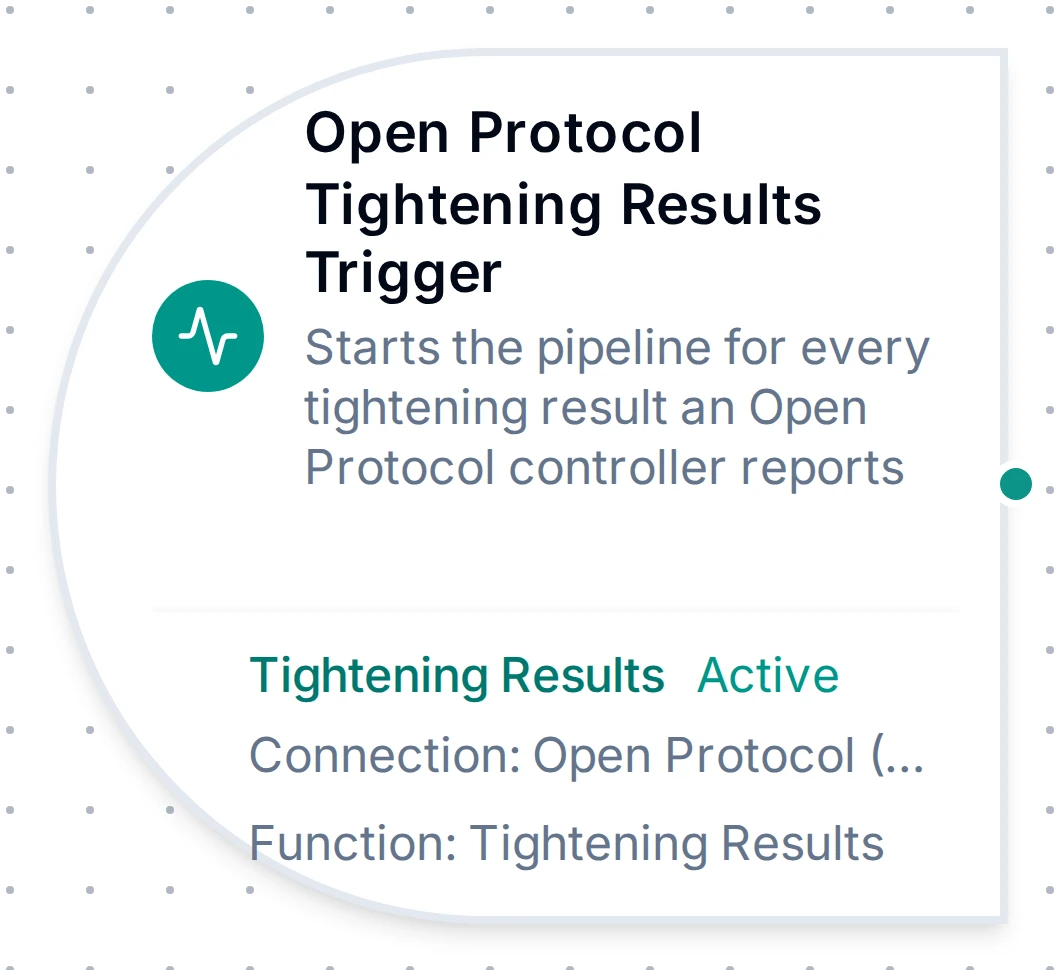
Open Protocol Results trigger node
Open Protocol Trigger Nodes
Start a pipeline with every tightening result, alarm, parameter set selection or job event a tightening controller reports.
- Status
- Beta
- Triggers
- Results · Alarms · Parameter Set Selected · Job Info
- Output
- One event per controller message
- Dedup
- None: every event starts a run
Overview
Four trigger nodes start a MaestroHub pipeline from what a tightening controller pushes over Open Protocol. Each uses a function of the matching type on an Open Protocol connection:
| Node | Function | Starts a run for |
|---|---|---|
Open Protocol Results Trigger (trigger.openprotocol.results) | Tightening Results | Every tightening result (MID 0061) |
Open Protocol Alarms Trigger (trigger.openprotocol.alarms) | Alarms | An alarm raised, the alarm status after subscribing, an alarm acknowledged on the controller |
Open Protocol Parameter Set Trigger (trigger.openprotocol.psetSelected) | Parameter Set Selected | The current parameter set after subscribing, then every change |
Open Protocol Job Info Trigger (trigger.openprotocol.jobInfo) | Job Info | Each job event: selected, batch step, completed |
Unlike the Read Tightening Result node, which reads one stored result inside an already-running pipeline, the triggers start a new execution for each message. A result is acknowledged to the controller only after MaestroHub has stored the event; see the connection guide.
Reconnection Handling
- When the link to the controller drops, each trigger fires once with
_metadata.qualitybadand the reason under_metadata.error. Itsresultis the last event delivered (an empty object if none had arrived yet). - The connection reconnects on its own and sends every subscription again; the next event is
goodagain. Nothing needs re-enabling. - The Parameter Set trigger fires right after each new subscription with the current parameter set, so it also marks every reconnect.
Configuration Options
| Field | Meaning |
|---|---|
| Connection | An Open Protocol connection |
| Function | A function of the trigger's type on it |
| Enabled | Off keeps the node but never subscribes |
The Tightening Results function has one setting, Include Non-Tightening Results (default on). See Tightening Results.
Output Data Structure
Output Format
A Results trigger event:
{
  "_metadata": {
    "type": "openprotocol_results",
    "protocol": "openprotocol",
    "connectionId": "bf29be94-fc0a-4dc4-8e5c-092f1b74eb4b",
    "functionId": "aef374c3-aa2b-454e-aabc-5657faac5950",
    "mid": "0061",
    "revision": "12",
    "controllerName": "Line3 Station 4",
    "sourceTimestamp": "2026-10-21T07:14:03Z",
    "serverTimestamp": "2026-10-21T07:14:03.412Z",
    "quality": "good",
    "timestamp": "2026-10-21T07:14:03.412123456Z"
  },
  "result": {
    "tighteningId": 4711,
    "status": "NOK",
    "resultType": "tightening",
    "psetId": 4,
    "jobId": 1,
    "vin": "WAUZZZ8V5KA012345",
    "torque": { "value": 12.48, "min": 11, "max": 13, "target": 12, "status": "ok", "unit": "Nm" },
    "angle": { "value": 182, "min": 90, "max": 180, "target": 150, "status": "high" },
    "batch": { "size": 10, "counter": 4, "status": "running" },
    "controller": { "name": "Line3 Station 4", "cellId": 1, "channelId": 1 },
    "timestamp": "2026-10-21T07:14:03Z"
  }
}
Which keys are present depends on the revision the controller sends (_metadata.revision); a field the controller leaves blank is absent, never 0.
Results trigger result Fields
| Field | Description |
|---|---|
tighteningId | The controller's ID of this tightening |
status | OK or NOK |
resultType | tightening, loosening, batchIncrement, … (revision 3 and later) |
timestamp | When the tightening happened, UTC |
psetId, psetName, psetLastChange | The parameter set used, its name (revision 3 and later) and when it last changed |
jobId, jobSequenceNumber | The job and its sequence number |
vin, identifierResultPart2, identifierResultPart3, identifierResultPart4 | The VIN and further identifiers |
selectedIdentifierNumber, jointId | Identifier number and joint ID (revision 12) |
controller | name, cellId and channelId of the controller |
toolSerialNumber | The tool that tightened |
strategy, strategyOptions | The tightening strategy and its option bits |
torque | value, min, max, target, status (low, ok, high) and, from revision 3, unit |
angle | value, min, max, target in degrees, and status |
batch | size, counter and status (ok, nok, notUsed, running) |
errorStatus, errorStatus2 | Tightening error bits, each a boolean |
rundownAngle, selfTap, prevailTorque, prevailTorqueCompensate, currentMonitoring, currentMonitoringAmp, overallAngle | Each monitored value with its limits and status |
postViewTorque | Post-view torque settings and limits |
peakTorque, residualBreakawayTorque, clickTorque, clickAngle | Further measured values (later revisions) |
compensatedAngle, finalAngleDecimal, startFinalAngle, startRundownAngle, rundownAngleComplete | Angle details (revision 7 and later) |
angleNumeratorScaleFactor, angleDenominatorScaleFactor | Angle scale factors (revision 10 and later) |
customerTighteningErrorCode | The customer error code (revision 5 and later) |
syncTighteningId | The synchronised tightening ID |
Alarms trigger result Fields
| Field | Description |
|---|---|
event | raised, status (sent after subscribing) or acknowledged (on the controller) |
errorCode | The controller's alarm code, e.g. E851 |
controllerReadyStatus, toolReadyStatus | ok or nok |
time | When the alarm happened, UTC |
toolHealth | ok, nok or notApplicable (revision 3) |
alarmText | The alarm text (revision 3; revision 2 on controllers before spec 2.9) |
alarmStatus | active or inactive (status events) |
Parameter Set trigger result Fields
| Field | Description |
|---|---|
psetId, psetName, psetLastChange | The selected parameter set, its name and when it last changed |
rotationDirection | CW or CCW |
batchSize | The parameter set's batch size |
torque, angle | The parameter set's limits and targets |
firstTarget, startFinalAngle | Further targets (revision 2 and later) |
selectedIdentifierNumber, jointId | Identifier number and joint ID (revision 3) |
Job Info trigger result Fields
| Field | Description |
|---|---|
jobId | The job |
status | ok, nok or notCompleted |
batchMode | okOnly or okAndNok: which tightenings count |
batch | size and counter |
timestamp | When the event happened, UTC |
currentStep, totalSteps, stepType | Job step progress (later revisions) |
tighteningStatus | The job's last tightening status: ok, nok, aborted, … |
jobSequenceNumber | The job sequence number |
vin, identifierResultPart2, identifierResultPart3, identifierResultPart4, jointId | Identifiers (revision 6) |
_metadata Fields
| Field | Type | Description |
|---|---|---|
type | string | openprotocol_results, openprotocol_alarms, openprotocol_pset_selected or openprotocol_job_info. |
protocol | string | Always "openprotocol". |
connectionId | string | The connection profile ID. |
functionId | string | The trigger function's ID. |
mid | string | The Open Protocol message, e.g. 0061. |
revision | string | The message revision the controller sent. |
controllerName | string | The controller's name, when it reports one. |
sourceTimestamp | string | RFC 3339, UTC; the controller's time of the event. |
serverTimestamp | string | RFC 3339, UTC; when MaestroHub received the message. |
quality | string | good, or bad on the once-per-outage failure event. |
quality_reason | string | Only on a failure event: comm_error. |
error | string | Only on a failure event: why the link was lost. |
timestamp | string | RFC 3339 (nanoseconds); when the trigger event was created, UTC. |
Referencing in Downstream Nodes
$trigger.result.status:OKorNOK$trigger.result.torque.valueand$trigger.result.torque.status: the final torque and whether it was in range$trigger.result.vin: the part the tightening belongs to$trigger.result.tighteningId: the controller's ID, to read the result again later$trigger.result.errorCode: an alarm's code (Alarms trigger)$trigger._metadata.revision,$trigger._metadata.controllerName: which revision and controller sent it$trigger._metadata.quality:badon the failure event
Best Practices
- Store every result with its
vinandtighteningId: the ID lets a quality review read the same result again with the Read Tightening Result node. - Branch on
statusand ontorque.status/angle.statusrather than comparing numbers to limits yourself; the controller already judged the result against its own limits. - Keep the Keep-Alive Interval below 15 seconds: a silent link is closed by the controller and every trigger fires
badonce.