Open Protocol Nodes
Read tightening results and tool data, and control tightening controllers (Atlas Copco, Desoutter, Stanley, Cleco) from a pipeline.
- Status
- Beta
- Reads
- Tightening result · Tool data
- Commands
- 7, each sent at most once
Use tightening controllers that speak Open Protocol in pipelines. Each function authored on an Open Protocol connection is available as a matching node in the Pipeline Designer.
For connection setup, controller preparation and how results are acknowledged, see the Open Protocol connection guide.
For the event-driven triggers (every tightening result, alarms, parameter set changes and job progress), see the Open Protocol Triggers.
Configuration Quick Reference
| Field | What you choose | Details |
|---|---|---|
| Parameters | Connection, Function, Function Parameters, Timeout Override | Select the Open Protocol connection, pick a function, bind parameters with expression support, and optionally override the timeout. |
| Settings | Description, Timeout (seconds), Retry on Timeout, Retry on Fail, On Error | Node description, maximum execution time, retry behaviour and error strategy. All execution settings default to pipeline-level values. |
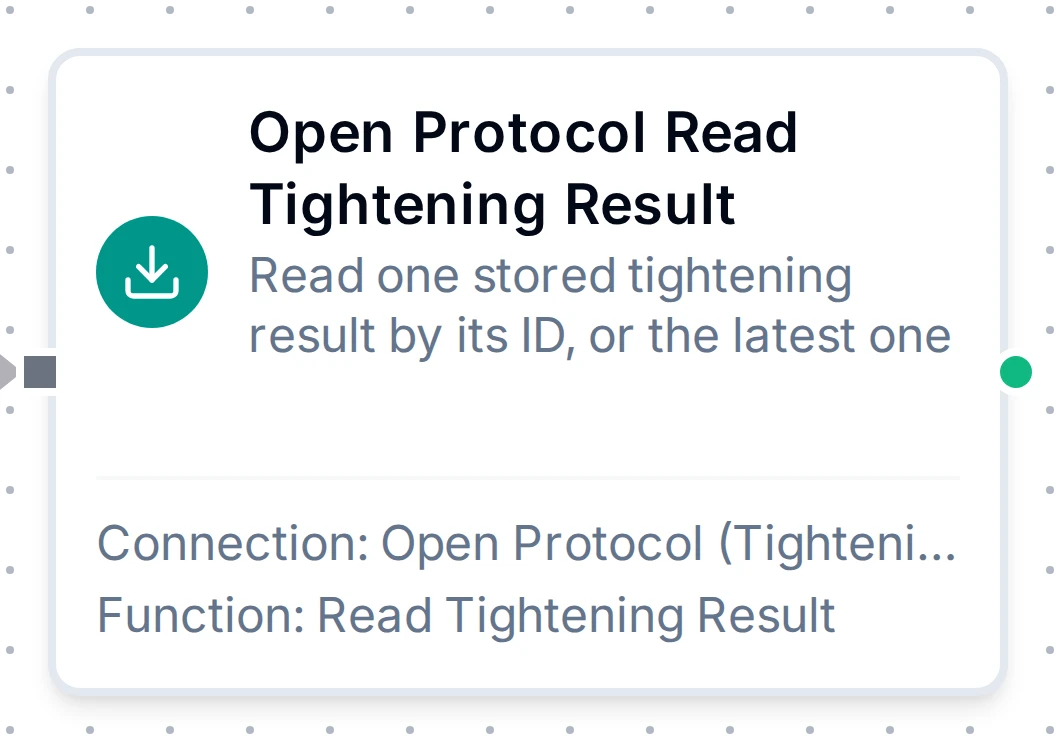
Read Tightening Result node
Open Protocol Read Tightening Result Node
Supported Function Types:
| Node | Function | Purpose | Common Use Cases |
|---|---|---|---|
Open Protocol Read Tightening Result (connected.openprotocol.readResult) | openprotocol.readResult | One stored result by tightening ID, or the latest one | Quality reviews, fetching results missed during an outage |
Node Configuration
| Parameter | Type | Required | Description |
|---|---|---|---|
| Connection | Selection | Yes | Open Protocol connection profile to use |
| Function | Selection | Yes | An openprotocol.readResult function from the selected connection |
| Function Parameters | Dynamic | Varies | The tightening ID (0 = latest) can be a ((parameter)). See Read Tightening Result. |
| Timeout Override | Number (seconds) | No | Override the default function timeout |
Input
The node receives the output of the previous node as input.
Output Structure
{
  "result": {
    "tighteningId": 4711,
    "status": "NOK",
    "resultType": "tightening",
    "psetId": 4,
    "jobId": 1,
    "vin": "WAUZZZ8V5KA012345",
    "torque": { "value": 12.48, "min": 11, "max": 13, "target": 12, "status": "ok", "unit": "Nm" },
    "angle": { "value": 182, "min": 90, "max": 180, "target": 150, "status": "high" },
    "batch": { "size": 10, "counter": 4, "status": "running" },
    "timestamp": "2026-10-21T07:14:03Z"
  }
}
Which keys are present depends on the result revision the controller answers in; a field the controller leaves blank is absent, never 0.
| Key | Meaning |
|---|---|
result.tighteningId | The controller's ID of this tightening |
result.status | OK or NOK |
result.resultType | tightening, loosening, batchIncrement, batchDecrement, … (revision 3 and later) |
result.psetId | The parameter set used |
result.jobId | The job the tightening belongs to |
result.vin | The VIN or part identifier |
result.identifierResultPart2, result.identifierResultPart3, result.identifierResultPart4 | Further identifiers (revision 4 and later) |
result.timestamp | When the tightening happened, UTC (converted from the controller's zone) |
result.torque | value, min, max, target, status (low, ok, high) and, from revision 3, unit |
result.angle | value, min, max, target in degrees, and status |
result.batch | size, counter and status (ok, nok, notUsed, running) |
result.strategy | The tightening strategy, e.g. torqueControlAngleMonitoring |
result.strategyOptions | The strategy option bits, each a boolean |
result.errorStatus, result.errorStatus2 | The tightening error bits, each a boolean |
result.rundownAngle, result.selfTap, result.prevailTorque, result.prevailTorqueCompensate, result.currentMonitoring, result.currentMonitoringAmp, result.overallAngle | Each monitored value with its limits and status, as for torque and angle |
result.postViewTorque | Post-view torque settings and limits |
result.peakTorque, result.residualBreakawayTorque, result.clickTorque, result.clickAngle | Further measured values (later revisions) |
result.startFinalAngle, result.startRundownAngle, result.rundownAngleComplete | Angle measurement points (later revisions) |
result.angleNumeratorScaleFactor, result.angleDenominatorScaleFactor | Angle scale factors (revision 10 and later) |
result.customerTighteningErrorCode | The customer error code (revision 5 and later) |
result.jobSequenceNumber, result.syncTighteningId | Job sequence number and synchronised tightening ID |
result.toolSerialNumber | The tool that tightened |
result.selectedIdentifierNumber, result.jointId | Identifier number and joint ID (revision 12) |
result.stationId, result.stationName | The station that stored the result, on controllers with several stations |
Read the torque with $node["Read Result"].result.torque.value.
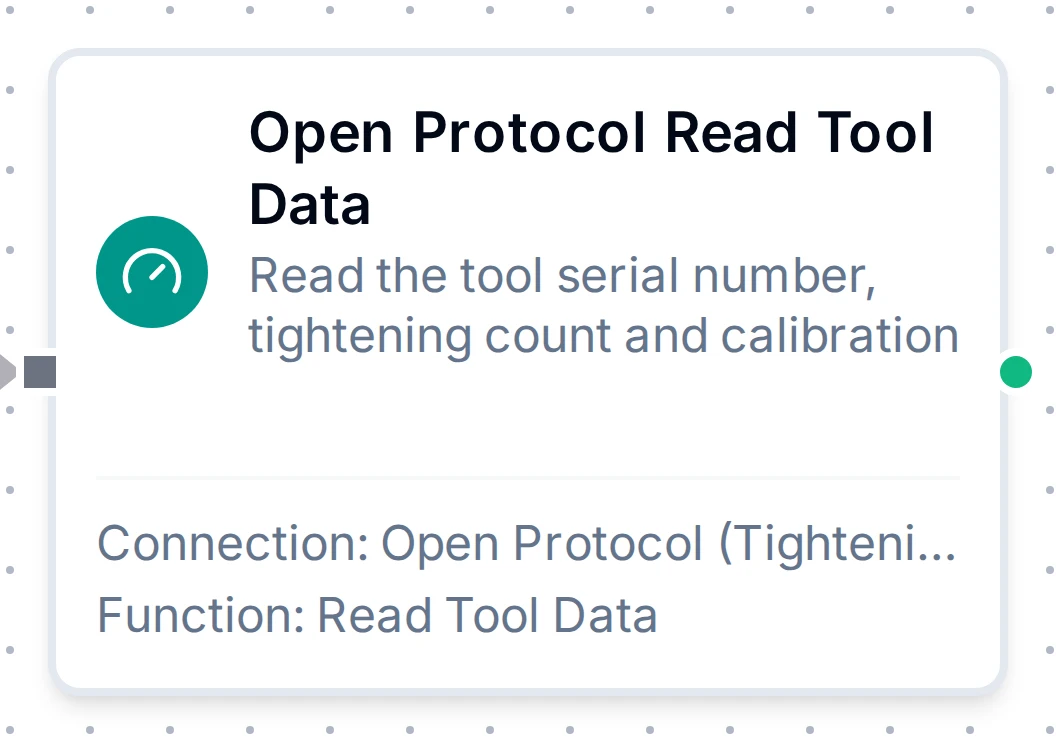
Read Tool Data node
Open Protocol Read Tool Data Node
Supported Function Types:
| Node | Function | Purpose | Common Use Cases |
|---|---|---|---|
Open Protocol Read Tool Data (connected.openprotocol.readTool) | openprotocol.readTool | The tool's serial number, tightening count and calibration | Service intervals, calibration tracking |
Node Configuration
| Parameter | Type | Required | Description |
|---|---|---|---|
| Connection | Selection | Yes | Open Protocol connection profile to use |
| Function | Selection | Yes | An openprotocol.readTool function from the selected connection |
| Timeout Override | Number (seconds) | No | Override the default function timeout |
Input
The node receives the output of the previous node as input.
Output Structure
{
  "result": {
    "toolSerialNumber": "B1234567",
    "tighteningCount": 1500,
    "lastCalibrationDate": "2026-09-01T06:00:00Z",
    "controllerSerialNumber": "9876543210"
  }
}
| Key | Meaning |
|---|---|
result.toolSerialNumber | The tool's serial number |
result.tighteningCount | Tightenings the tool has done |
result.lastCalibrationDate | The last calibration, UTC |
result.controllerSerialNumber | The controller's serial number |
result.calibrationValue | The calibration value (revision 2 and later) |
result.lastServiceDate, result.tighteningsSinceService | Service data |
result.toolType, result.motorSize, result.openEndData | Tool type, motor size and open-end settings |
result.controllerSoftwareVersion | The controller software version |
result.toolMaxTorque, result.gearRatio, result.toolFullSpeed | Tool ratings |
result.primaryTool, result.toolModel | Primary tool type and model (later revisions) |
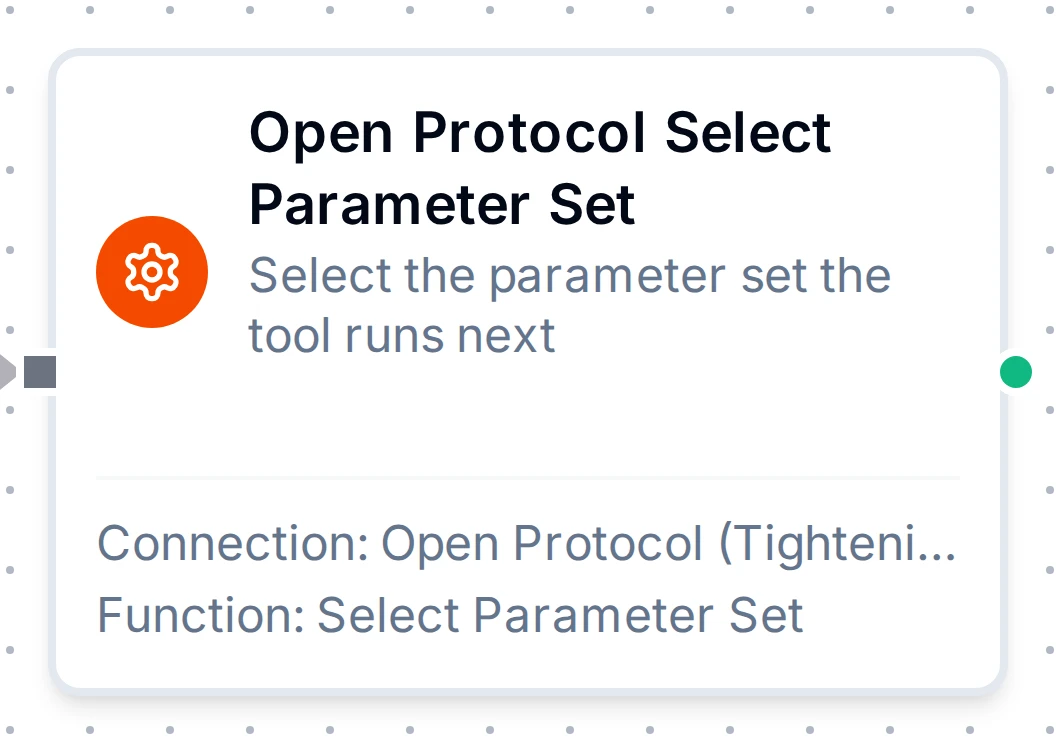
Select Parameter Set node, one of the seven command nodes
Open Protocol Command Nodes
Supported Function Types:
| Node | Function | Purpose |
|---|---|---|
Open Protocol Select Parameter Set (connected.openprotocol.selectPset) | openprotocol.selectPset | Select the parameter set the tool runs next |
Open Protocol Select Job (connected.openprotocol.selectJob) | openprotocol.selectJob | Select the job the station runs next |
Open Protocol Set Batch Size (connected.openprotocol.setBatchSize) | openprotocol.setBatchSize | Set a parameter set's batch size |
Open Protocol Reset Batch Counter (connected.openprotocol.resetBatchCounter) | openprotocol.resetBatchCounter | Restart a running batch |
Open Protocol Disable Tool (connected.openprotocol.disableTool) | openprotocol.disableTool | Lock the tool |
Open Protocol Enable Tool (connected.openprotocol.enableTool) | openprotocol.enableTool | Release the tool |
Open Protocol Send VIN (connected.openprotocol.sendVin) | openprotocol.sendVin | Send a VIN or part identifier |
Node Configuration
| Parameter | Type | Required | Description |
|---|---|---|---|
| Connection | Selection | Yes | Open Protocol connection profile to use |
| Function | Selection | Yes | A command function from the selected connection |
| Function Parameters | Dynamic | Varies | IDs, batch size and VIN can be ((parameters)). See Commands. |
| Timeout Override | Number (seconds) | No | Override the default function timeout |
Input
The node receives the output of the previous node as input.
Every parameter is checked before anything is sent. If the command fails after it may have reached the controller (no answer, a dropped connection), the node fails with outcome unknown and is not retried, even with Retry on Fail or a ForEach retry configured. Check the controller before running it again. A command the controller refused fails as refused, with the controller's reason, and is not retried either.
A command is also refused in a run started by a late (replayed) value, unless the node allows late input.
Output Structure
{
  "result": {
    "accepted": true,
    "mid": "0018",
    "revision": 1
  }
}
| Key | Meaning |
|---|---|
result.accepted | The controller accepted the command (MID 0005); always true on a success |
result.mid | The Open Protocol message sent, e.g. 0018 for Select Parameter Set |
result.revision | The message revision sent (2 for job IDs or batch sizes above 99) |
Errors
| Error | Meaning | Retried by the node settings? |
|---|---|---|
controller refused MID 0018: error 02, parameter set ID not present | The controller did not act: it names its reason | No |
outcome unknown | A command may have reached the controller and no answer came back | Never |
tightening ID requested not found | The controller no longer holds that result | No |
not connected | The connection is down; nothing was sent | Read nodes, as configured; command nodes are not retried |