Open Protocol (Tightening) Integration Guide
Receive every tightening result with torque, angle and OK/NOK, follow alarms and job progress, and control the tool from pipelines.
- Status
- Beta
- Default port
- TCP 4545
- Authentication
- None (the protocol has none)
- Triggers
- Tightening Results · Alarms · Parameter Set Selected · Job Info
- Operations
- Read Result · Read Tool · 7 controller commands
Open Protocol is the integration protocol of industrial tightening controllers. Atlas Copco publishes the specification, and controllers from Atlas Copco (Power Focus 4000 and 6000, MT Focus 6000), Desoutter (CVI3, CONNECT), Stanley, Cleco and others implement it. MaestroHub connects as the integrator: it opens a TCP connection to the controller (port 4545 by default), receives the results the controller pushes, and sends commands. This guide covers connection setup, the function types, how results are acknowledged, and how the matching nodes and triggers slot into the Pipeline Designer.
This connector is in beta. It is built from the Atlas Copco Open Protocol Specification (release 2.20.1) and tested against two independent Open Protocol implementations, but it has not yet been verified on every controller model and firmware. If a controller sends something it cannot decode, the connector logs the whole message and says so; please report it to support with the controller model and firmware version.
Overview
The Open Protocol connector provides:
- Tightening Results trigger: one pipeline event per tightening, with torque, angle, their limits and statuses, OK/NOK, parameter set, job, batch, VIN and the controller's timestamp
- Alarms trigger: an event when the controller raises an alarm, reports its alarm status, or has an alarm acknowledged on its screen
- Parameter Set Selected trigger: the current parameter set, then every change
- Job Info trigger: job status and batch progress
- Read Tightening Result: one stored result by its tightening ID, or the latest one
- Read Tool Data: tool serial number, tightening count and calibration
- Commands: Select Parameter Set, Select Job, Set Batch Size, Reset Batch Counter, Disable Tool, Enable Tool, Send VIN
What happens on connect
MaestroHub opens the TCP connection and starts communication (MID 0001). It asks for the highest revision it knows; when the controller answers "revision not supported" it steps down one revision at a time until the controller accepts. It does the same for every subscription. The controller's name, supplier, protocol version, software version and each agreed revision are written to the log, and every event carries its revision and the controller name in its metadata.
The controller forgets its subscriptions whenever the connection closes. MaestroHub therefore sends every subscription that a pipeline uses again on every new connection, without a manual step.
While the connection is idle, MaestroHub sends a keep-alive (MID 9999) every Keep-Alive Interval. The controller closes a connection that has been silent for 15 seconds.
How results are acknowledged
The controller expects every result to be acknowledged (MID 0062). MaestroHub acknowledges a result only after it has stored it for the pipelines that use it. If MaestroHub stops between receiving and storing, the controller still holds the result. A result that cannot be stored is logged and counted and still acknowledged, so one bad event cannot stop the controller from sending the next ones.
Results produced while disconnected
The controller does not promise to keep results produced while the connection was down. When the connection comes back, MaestroHub reads the controller's latest result before it subscribes again. If that result is newer than the last one it stored, it logs a warning: results may have been missed. Use Read Tightening Result to fetch them by ID when traceability needs them.
Connection Configuration
Creating an Open Protocol Connection
Navigate to Connections → New Connection → Open Protocol (Tightening) and configure the form. The form has four tabs: Connection, Functions, Scaling, and Health; the last three unlock after the connection is saved.
1. Profile Information
| Field | Default | Description |
|---|---|---|
| Profile Name | - | A descriptive name for this connection profile (required). Must be unique across all connections. |
| Description | - | Optional description for this connection |
| Labels | - | Key-value pairs to categorize and organize the connection |
2. Controller
| Field | Default | Meaning |
|---|---|---|
| Address | (required) | The controller's host name or IP address |
| Port | 4545 | The Open Protocol port. 4545 on Atlas Copco controllers. On a Desoutter CVI3 each tightening unit has its own port |
| Controller Time Zone | UTC | The IANA zone the controller's clock runs in, for example Europe/Istanbul. Open Protocol timestamps carry no zone; they are converted from this zone to UTC |
| Connection Timeout | 10s | Time allowed to open the connection and complete the communication start |
| Keep-Alive Interval | 10s | A keep-alive is sent after this long without any other message. Must stay below 15 seconds; MT Focus 6000 recommends 7 seconds |
| Response Timeout | 10s | Maximum wait for the controller's answer to a request. An unanswered request closes the connection, which then reconnects |
Open Protocol has no authentication or encryption. Keep controllers on an isolated cell network.
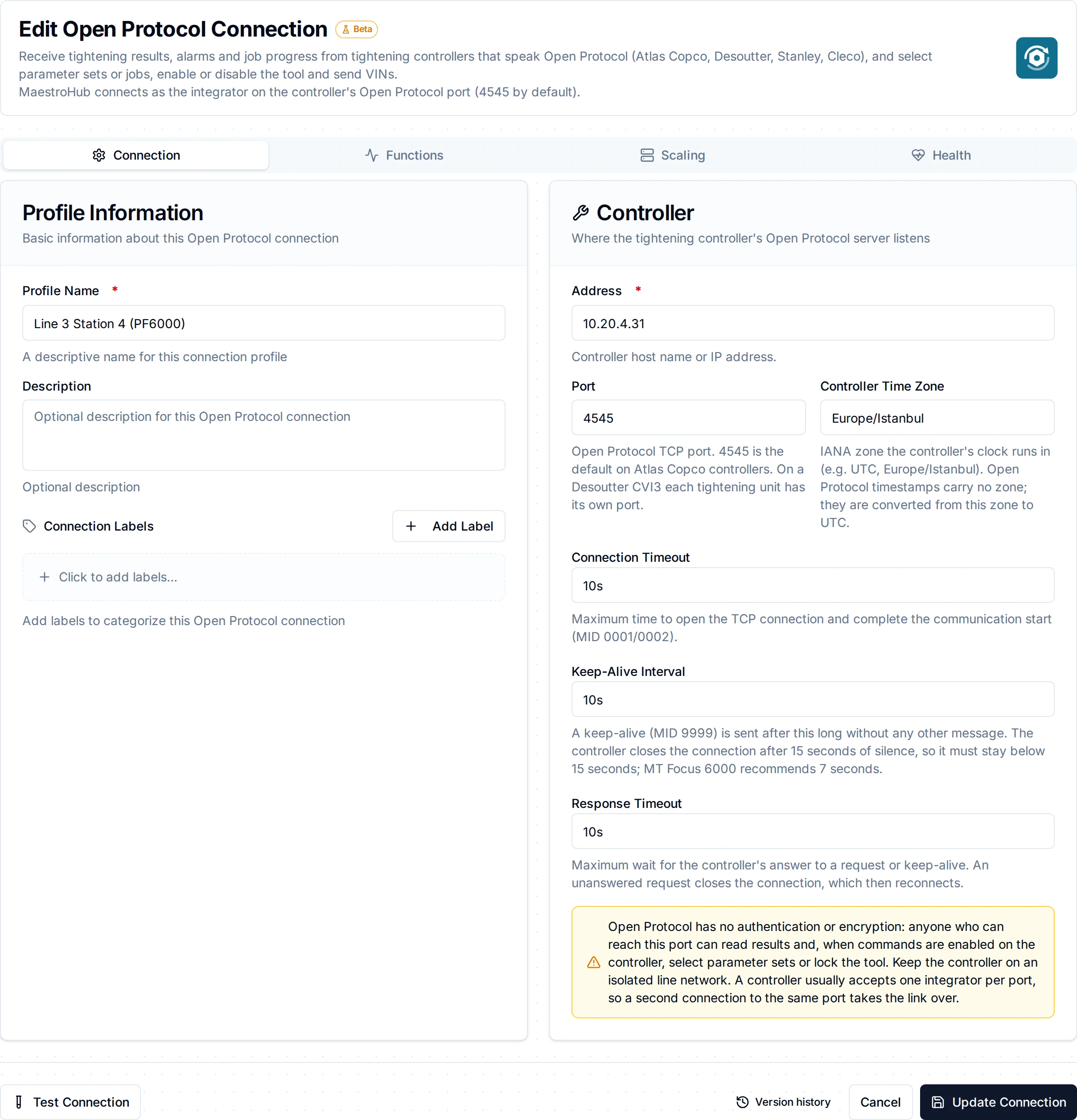
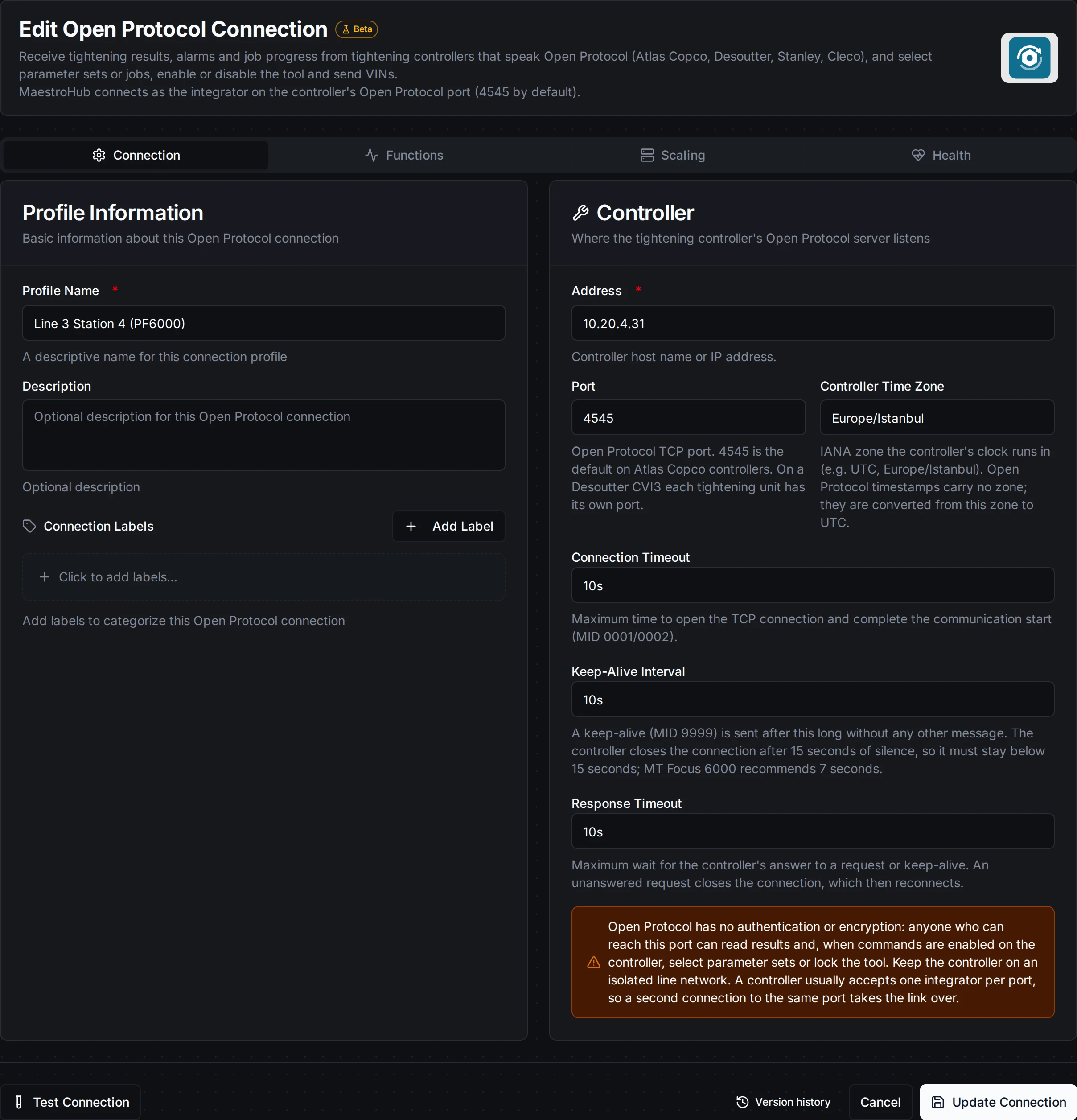
The Connection tab: the controller's address, port and time zone, and the link timers
Controller setup
- Power Focus 6000: Select Parameter Set needs a Source Tightening task on the virtual station, and its parameter set ID is the identifier number. Select Job needs a Source Batch task.
- Desoutter CVI3: each tightening unit has its own Open Protocol port. Set the parameter set selection source to Open protocol before selecting parameter sets from a pipeline.
- One integrator per port: many controllers accept one Open Protocol client per port. A second client is refused with "client already connected"; MaestroHub keeps reconnecting until the port is free.
- Tool lock on disconnect: a controller can be set to lock the tool when the Open Protocol connection drops. Only an Enable Tool releases it. MaestroHub never sends one on its own; see Release the tool after a reconnect.
Testing the Connection
Click Test Connection to try the settings before saving. Once the connection runs, its health probe sends a keep-alive and waits for the controller's answer; an unanswered probe drops the session and the connection reconnects.
Function Builder
Creating Open Protocol Functions
After the connection is saved:
- Open the connection and navigate to the Functions tab
- Click New Function to open the function type selection dialog
- Choose a trigger, a read or a command
- Fill the Basic tab and the Configuration tab
- Use the Test button to run the function against the controller before saving
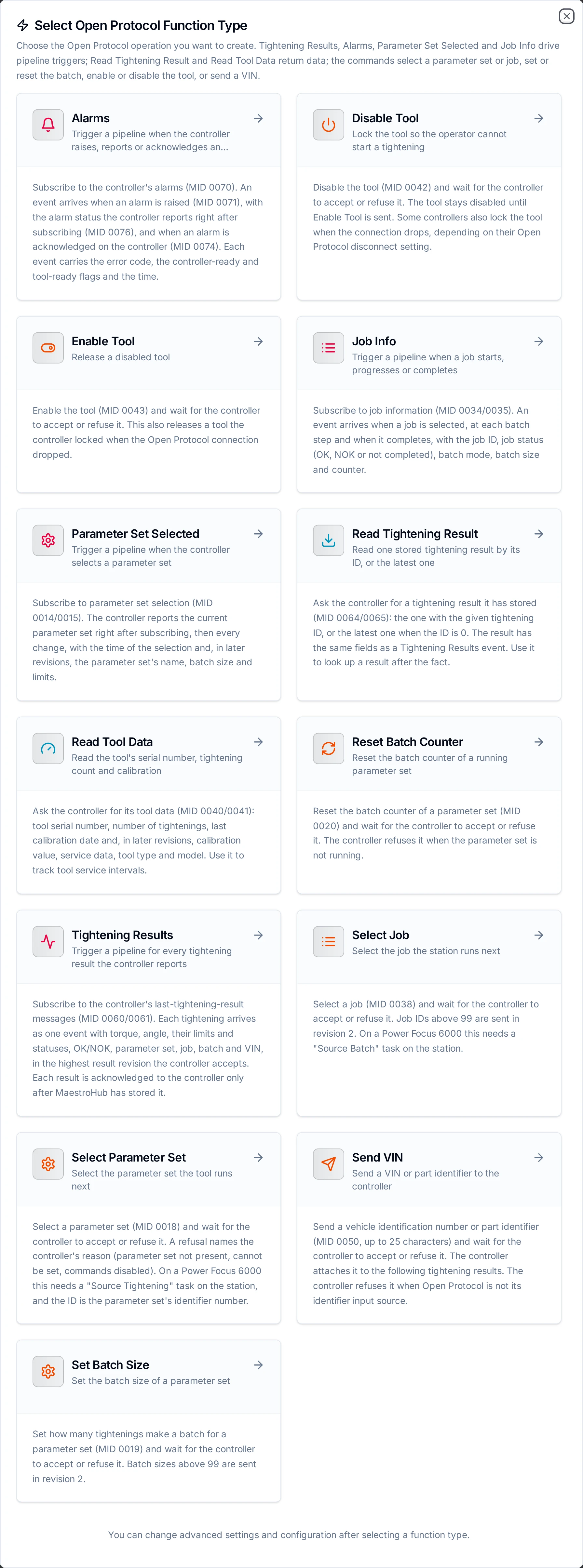
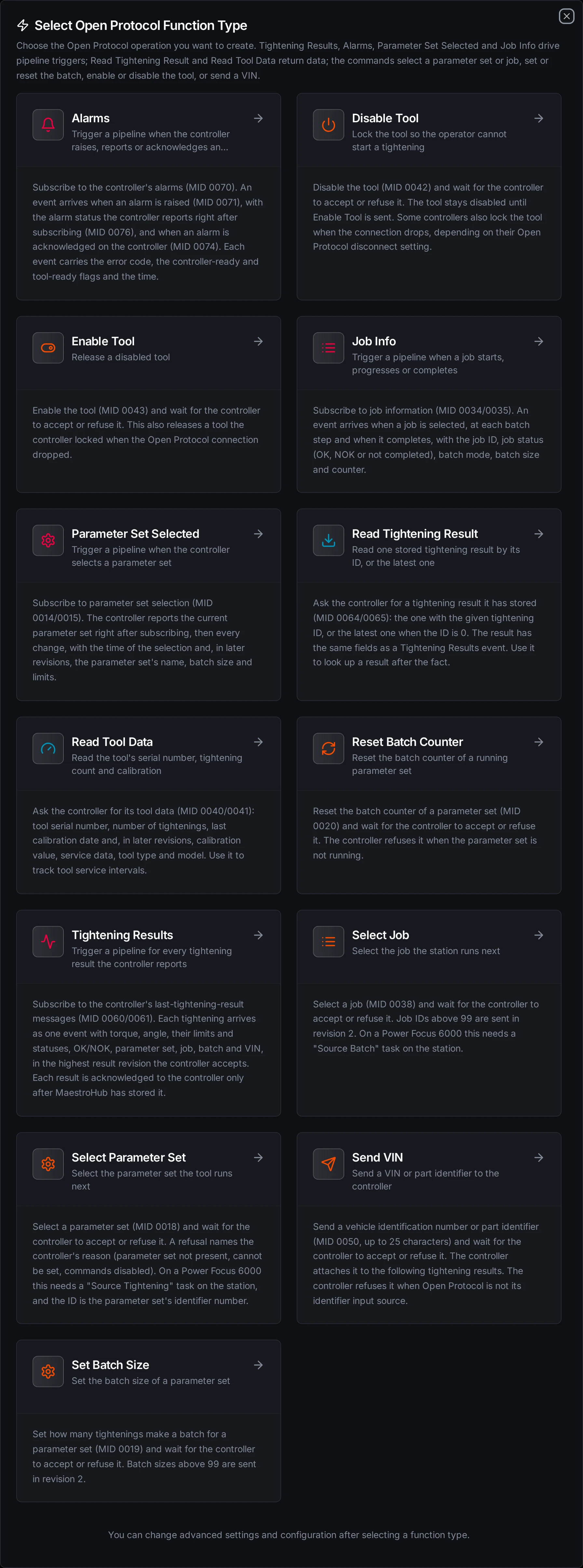
Four triggers, two reads and seven commands
Tightening Results (openprotocol.results)
Purpose: Starts a pipeline for every tightening result. This function type is a pipeline trigger: see the Open Protocol Triggers.
| Parameter | Meaning |
|---|---|
| Include Non-Tightening Results | Default on. Off emits only results whose result type is a tightening, dropping loosening, batch increment and similar results (result revision 3 and later; earlier revisions carry no result type) |
{
  "tighteningId": 4711,
  "status": "NOK",
  "resultType": "tightening",
  "psetId": 4,
  "jobId": 1,
  "vin": "WAUZZZ8V5KA012345",
  "torque": { "value": 12.48, "min": 11, "max": 13, "target": 12, "status": "ok", "unit": "Nm" },
  "angle": { "value": 182, "min": 90, "max": 180, "target": 150, "status": "high" },
  "batch": { "size": 10, "counter": 4, "status": "running" },
  "controller": { "name": "Line3 Station 4", "cellId": 1, "channelId": 1 },
  "timestamp": "2026-10-21T07:14:03Z"
}
statusisOKorNOK. Statuses of a measurement (torque.status,angle.status, …) arelow,okorhigh.- Torque values are numbers in the controller's unit;
torque.unit(for exampleNm) arrives from result revision 3 on and is absent before. - Later revisions add more fields: strategy, error status bits, rundown angle, self-tap, prevail torque, current monitoring, identifiers 2-4, joint ID and others.
- A field the controller does not fill, or that its revision does not carry, is absent. It is never 0. Several controllers leave fields blank.
Alarms (openprotocol.alarms)
Purpose: Starts a pipeline for each alarm event. event says which: raised (MID 0071), status (the alarm status the controller reports after subscribing, MID 0076), or acknowledged (an alarm acknowledged on the controller, MID 0074). Events carry errorCode, controllerReadyStatus and toolReadyStatus (ok or nok), the time, and in later revisions toolHealth and alarmText.
Parameter Set Selected (openprotocol.psetSelected)
Purpose: Starts a pipeline with the current parameter set right after subscribing, then at every change: psetId, psetLastChange, and in later revisions the name, rotation direction, batch size and limits.
Job Info (openprotocol.jobInfo)
Purpose: Starts a pipeline at each job event: jobId, status (ok, nok, notCompleted), batchMode, batch.size and batch.counter, the time, and in later revisions the current step, VIN and identifiers.
Read Tightening Result (openprotocol.readResult)
Purpose: Returns one stored result, with the same fields as a Tightening Results event. Tightening ID 0 reads the latest result; it can be a ((parameter)). An ID the controller no longer holds is refused with "tightening ID requested not found".
Read Tool Data (openprotocol.readTool)
Purpose: Returns toolSerialNumber, tighteningCount, lastCalibrationDate, controllerSerialNumber, and in later revisions calibration value, service data, tool type and motor size.
Commands
| Function | MID | Parameters |
|---|---|---|
Select Parameter Set (openprotocol.selectPset) | 0018 | Parameter Set ID, 1-999 |
Select Job (openprotocol.selectJob) | 0038 | Job ID, 0-9999. IDs above 99 are sent in revision 2 |
Set Batch Size (openprotocol.setBatchSize) | 0019 | Parameter Set ID, Batch Size 0-9999. Sizes above 99 are sent in revision 2 |
Reset Batch Counter (openprotocol.resetBatchCounter) | 0020 | Parameter Set ID |
Disable Tool (openprotocol.disableTool) | 0042 | None |
Enable Tool (openprotocol.enableTool) | 0043 | None |
Send VIN (openprotocol.sendVin) | 0050 | VIN, up to 25 printable ASCII characters, sent as given |
Every parameter can be a ((parameter)) and is checked before anything is sent. A command succeeds when the controller accepts it (MID 0005); a refusal (MID 0004) names the controller's reason.
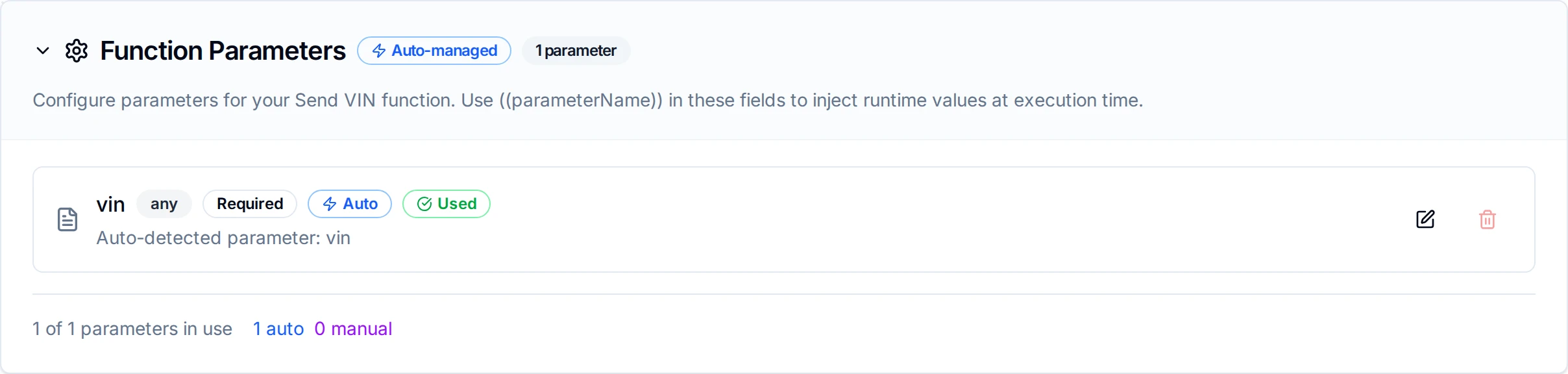
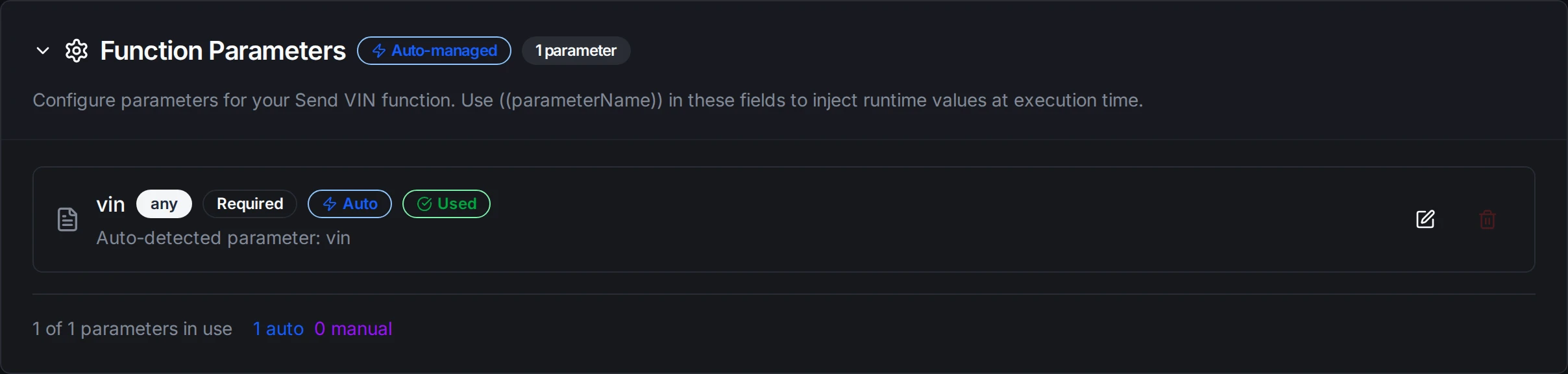
A Send VIN function whose VIN is the ((vin)) parameter, filled by the pipeline
Disabling the tool stops the operator; selecting a parameter set changes the next tightening. MaestroHub adds these rules:
- Checked before sending. A missing or out-of-range ID, or a VIN that is too long or not printable ASCII, is refused with nothing sent.
- Sent at most once. If the controller does not answer, or the connection drops, the outcome is unknown: the controller may have acted. MaestroHub reports
outcome unknownand never sends it again on its own: not the connector, not a pipeline's Retry on Fail, not a ForEach retry. A command the controller refused is not retried either. Commands are never buffered for later delivery.
Pipeline Integration
- Open Protocol Read Tightening Result (
connected.openprotocol.readResult) - Open Protocol Read Tool Data (
connected.openprotocol.readTool) - Open Protocol command nodes:
connected.openprotocol.selectPset,selectJob,setBatchSize,resetBatchCounter,disableTool,enableTool,sendVin - Open Protocol triggers:
trigger.openprotocol.results,trigger.openprotocol.alarms,trigger.openprotocol.psetSelected,trigger.openprotocol.jobInfo
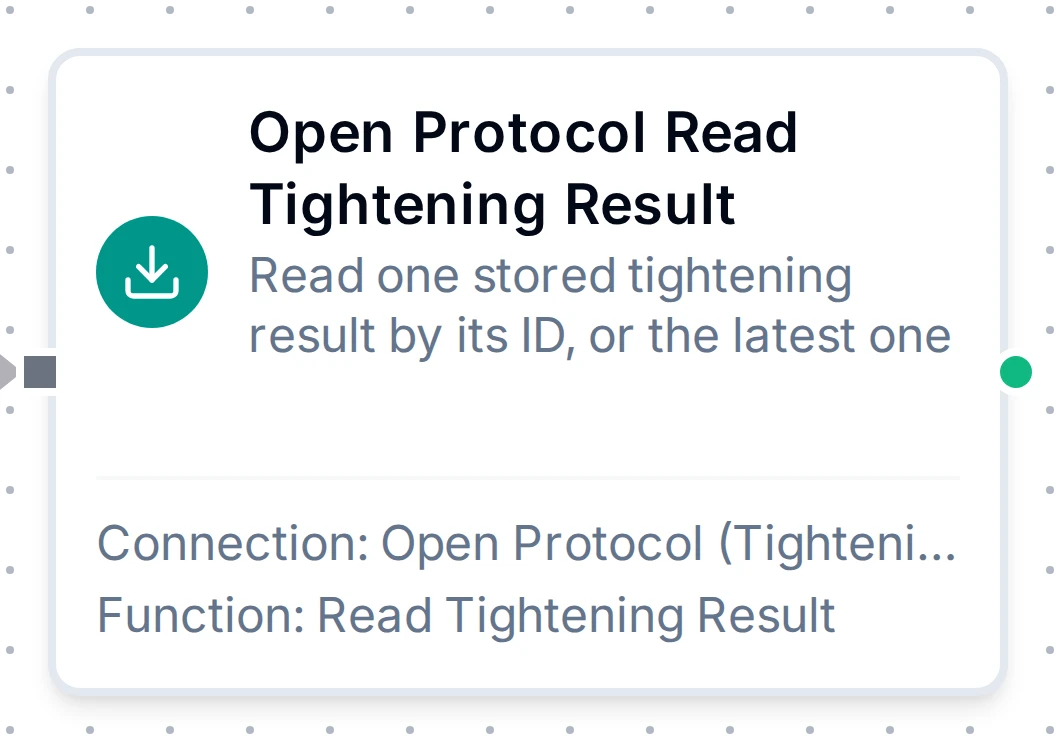
The Read Tightening Result node with its connection and function
For node-level details, see the Open Protocol Nodes and Open Protocol Triggers pages.
Common Use Cases
Tightening Traceability
A Tightening Results trigger stores every result with its VIN, torque, angle and OK/NOK in the historian or the Unified Namespace, so a part's tightenings can be looked up by VIN.
NOK Alerts
Branch on status with a Condition node: a NOK result raises an alert to the line lead, with torque.status and angle.status saying which limit was missed.
Order-Driven Parameter Sets
When a part arrives, send its VIN with Send VIN and select the variant's parameter set with Select Parameter Set; disable the tool until both are accepted, then enable it.
Release the tool after a reconnect
If the controller locks the tool when the connection drops, a pipeline can release it: a Parameter Set Selected trigger fires right after every new subscription, that is after every reconnect, so an Enable Tool node behind it releases the tool once the connection is back. Only do this where releasing the tool automatically is safe.
Troubleshooting
Error Reference
| What you see | Meaning | Retried? |
|---|---|---|
controller refused MID 0018: error 02, parameter set ID not present | The parameter set does not exist on the controller | No |
controller refused MID 0018: error 03, parameter set can not be set | The controller does not allow selecting it now (on PF6000: no Source Tightening task) | No |
controller refused MID 0050: error 08, VIN input source not granted | Open Protocol is not the controller's identifier source | No |
error 92, open protocol commands disabled | Open Protocol commands are turned off on the controller | No |
another integrator holds this controller's Open Protocol connection | A second client on the same port (error 96 or 35) | Reconnects until the port is free |
outcome unknown / no response from the controller | The command may have reached the controller and no verdict came back | Never: check the controller first |
results may have been missed while the connection was down (log) | The controller's latest result is newer than the last stored one after a reconnect | Read them with Read Tightening Result |
message could not be decoded; acknowledged and skipped (log) | The controller sent a layout this connector does not decode | Report the logged message with the controller model |
not connected | The connection is down | Yes, after reconnect |
Connection Issues
| Symptom | Possible Cause | Solution |
|---|---|---|
| Connect times out | Wrong address or port, a firewall, or Open Protocol turned off | Check the controller's Open Protocol settings and open TCP 4545 (or the configured port) |
| The connection drops every 15 seconds | Keep-alive interval at or above the controller's timeout | Keep the interval below 15 seconds |
| Healthy but no results | The tool is not tightening, or another client took the subscription | Check the log for the agreed revision and subscription; one integrator per port |
| Timestamps are hours off | Controller Time Zone does not match the controller's clock | Set the zone the controller's clock runs in |