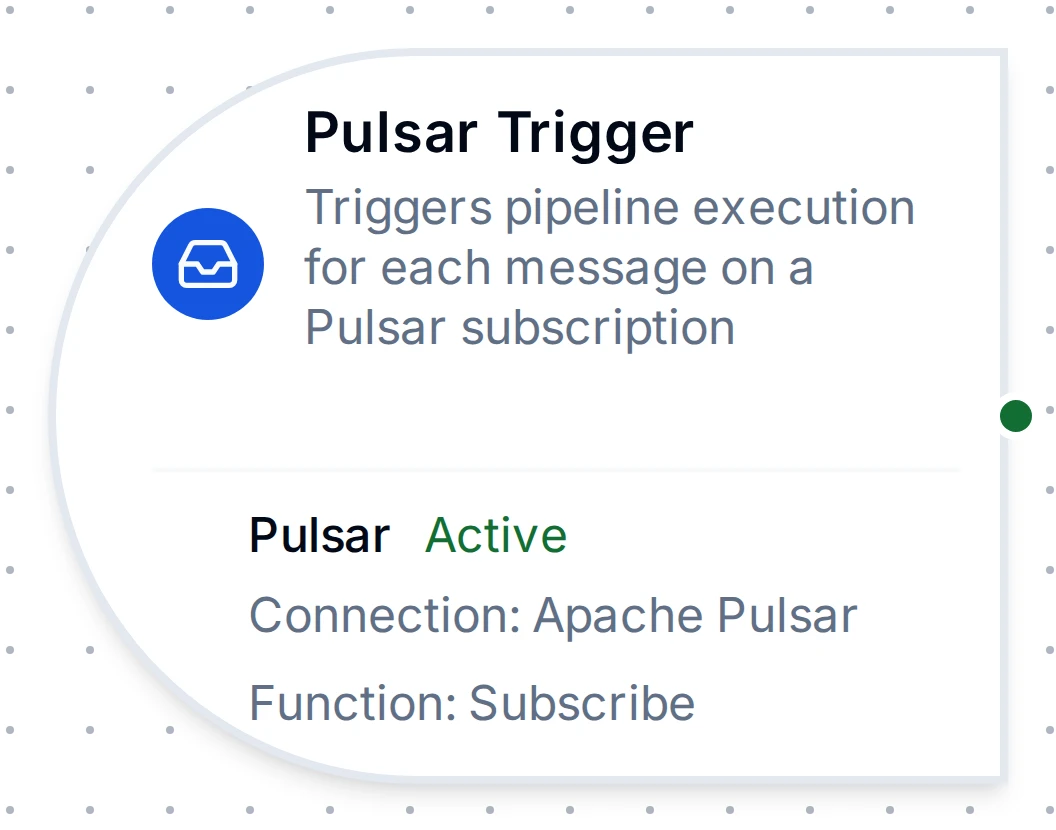
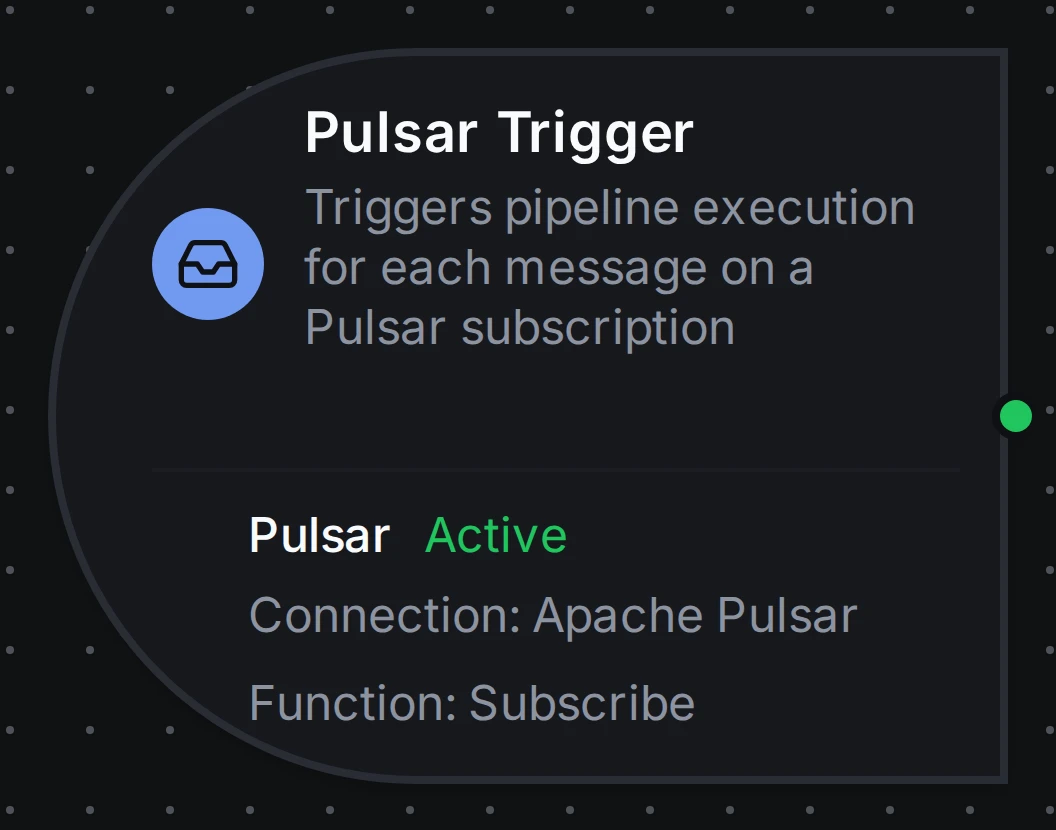
Apache Pulsar trigger node
Apache Pulsar Trigger Node
Start a pipeline for each message consumed from a Pulsar subscription, acknowledged once MaestroHub has stored it.
- Starts on
- Each message on a subscription
- Function
- Pulsar Subscribe
- Output
- Payload plus topic, message ID, key, properties
Overview
The Apache Pulsar Trigger Node starts a pipeline for every message a Pulsar subscription receives. The subscription (topic, name, type, initial position) is a Subscribe function on a Pulsar connection; the trigger runs it while the pipeline is enabled. To send messages from inside a pipeline, use the Pulsar Publish node.
Core Functionality
What It Does
1. Event-Driven Pipeline Execution Every message on the subscription starts a pipeline run, with no polling.
2. At-Least-Once Acknowledgement A message is acknowledged once MaestroHub has stored it for the pipeline. One it could not store is negatively acknowledged and sent again by the broker a minute later; one still waiting when the trigger stops stays unacknowledged and goes to the next consumer. A pipeline can see a message twice: use On Change mode or an ID in the payload when that matters.
3. A Subscription That Keeps Its Place Disabling the trigger stops consuming but keeps the subscription on the broker, so enabling it again resumes where it stopped.
4. Subscription Types for Scaling
With failover (the default), a second MaestroHub instance stands by on the same subscription; shared and key_shared spread the messages over every instance.
Configuration Options
Basic Information
| Field | Type | Description |
|---|---|---|
| Node Label | String (Required) | Display name for the node on the pipeline canvas |
| Description | String (Optional) | Explains what this trigger initiates |
Parameters
| Parameter | Type | Default | Required | Constraints | Description |
|---|---|---|---|---|---|
| Connection ID | string | "" | Yes | -- | Pulsar connection profile to use. |
| Function ID | string | "" | Yes | -- | Subscribe function within the connection. Only Subscribe functions are listed. |
| Trigger Mode | select | "always" | No | always / onChange | always: Trigger on every message. onChange: Only trigger when the payload differs from the last one seen on the topic. |
| Enabled | boolean | true | No | -- | Enable/disable the trigger. When disabled, nothing is consumed; the subscription keeps its position. |
| Dedup Max Keys | number | 1000 | If onChange | 1-10,000 | Maximum number of distinct topics tracked for change detection. Least recently used is evicted when exceeded. |
The selected function must be a Pulsar Subscribe function. Publish functions cannot be used with the Pulsar Trigger.
Settings
Description
A free-text area for documenting the node's purpose and behavior. Notes entered here are saved with the pipeline and visible to all team members.
Execution Settings
| Setting | Options | Default | Description |
|---|---|---|---|
| Timeout (seconds) | number | Pipeline default | Maximum execution time for this node (1-3600). Leave empty for pipeline default. |
| Retry on Timeout | Pipeline Default / Enabled / Disabled | Pipeline Default | Whether to retry the node if it times out. |
| Retry on Fail | Pipeline Default / Enabled / Disabled | Pipeline Default | Whether to retry on failure. |
| On Error | Pipeline Default / Stop Pipeline / Continue Execution | Pipeline Default | Behavior when node fails after all retries. |
Output Data Structure
When a Pulsar message triggers a pipeline execution, the following data is available to downstream nodes via the $trigger variable.
Output Format
{
  "_metadata": {
    "type": "pulsar_trigger",
    "protocol": "pulsar",
    "topic": "persistent://public/default/plant-telemetry",
    "messageId": "1042:7:-1",
    "subscription": "maestrohub-pulsar-3f2a9c1e-8b7d6e5f",
    "redeliveryCount": "0",
    "key": "line-3",
    "producerName": "standalone-0-12",
    "publishTime": "2026-10-25T14:47:19.123Z",
    "eventTime": "2026-10-25T14:47:18.990Z",
    "property_station": "s4",
    "connectionId": "bf29be94-fc0a-4dc4-8e5c-092f1b74eb4b",
    "functionId": "aef374c3-aa2b-454e-aabc-5657faac5950",
    "timestamp": "2026-10-25T14:47:19.140Z"
  },
  "result": {
    "temperature": 21.5,
    "line": "line-3"
  }
}
Accessing Message Data
| Field | Expression | Description |
|---|---|---|
| Message Payload | $trigger.result | The message body. Valid JSON is delivered parsed, so $trigger.result.<field> reads a field directly; anything else is delivered as a string |
| Topic | $trigger._metadata.topic | The full topic name the message was consumed from |
| Message ID | $trigger._metadata.messageId | The broker's ID for the message (ledger:entry:partition, with :batch for a batched message) |
| Subscription | $trigger._metadata.subscription | The subscription name the message arrived on |
| Redelivery Count | $trigger._metadata.redeliveryCount | How many times the broker sent this message before; counted on shared and key_shared subscriptions, always "0" on exclusive and failover |
| Key | $trigger._metadata.key | The message key; present only when the producer set one |
| Producer Name | $trigger._metadata.producerName | The producer that published the message |
| Publish Time | $trigger._metadata.publishTime | When the broker stored the message (RFC 3339, UTC) |
| Event Time | $trigger._metadata.eventTime | When the producer says the event happened; present only when it set one (a MaestroHub publish always does) |
| Properties | $trigger._metadata.property_<name> | One per message property, e.g. $trigger._metadata.property_station |
| Protocol | $trigger._metadata.protocol | Always pulsar |
| Connection ID | $trigger._metadata.connectionId | The connection profile the trigger runs on |
| Function ID | $trigger._metadata.functionId | The subscribe function that received the message |
| Trigger Type | $trigger._metadata.type | Always pulsar_trigger |
| Timestamp | $trigger._metadata.timestamp | When MaestroHub received the message (RFC 3339, UTC) |
Every _metadata value is a string ("0", not 0), so compare them as strings. The message itself keeps its JSON types:
$trigger.result.temperature: a field of a JSON message$trigger.result: the whole message
Validation Rules
Connection ID
- Must be provided and reference a Pulsar connection profile
Function ID
- Must be provided and reference a Pulsar Subscribe function of that connection
Usage Examples
Ordered processing per station
Configuration:
- Function: Subscribe to
persistent://acme/plant/line-events, subscriptionline-events-mh, typekey_shared - Trigger Mode: always
Producers key each message by station: the broker spreads the stations over every MaestroHub instance on the subscription and keeps each station's messages in order.
Change-only status updates
Configuration:
- Function: Subscribe to
equipment-status, typefailover - Trigger Mode: onChange
The pipeline runs only when a status differs from the last one seen on the topic.