![Apache Pulsar]() Apache Pulsar Integration Guide
Apache Pulsar Integration Guide
Publish messages to Pulsar topics and start pipelines from messages consumed through a subscription.
- Default port
- 6650 (pulsar://) · 6651 (pulsar+ssl://)
- Authentication
- None · Token (JWT) · TLS client certificate
- Operations
- Publish · Subscribe
- Triggers
- Subscribe, for every message
Connect to Apache Pulsar to publish messages and to start pipelines from a subscription. This guide covers connection setup, the two functions, and how the trigger acknowledges what it receives.
Overview
Apache Pulsar is a distributed messaging and streaming platform with multi-tenant topics (persistent://tenant/namespace/topic), durable storage and four subscription types. The Pulsar connector provides:
- Publishing to any topic, with a message key and properties, returning the message ID the broker assigned
- A subscription trigger that starts a pipeline for every message, acknowledging each one only once MaestroHub has stored it
- All four subscription types: exclusive, failover, shared and key-shared
- Token (JWT) and TLS client-certificate authentication, and TLS with a private CA
- Store-and-forward for publishes, so messages survive an outage of the broker or the network
- Template parameters in the topic, key, payload and properties of a publish
Connection Configuration
Creating a Pulsar Connection
Navigate to Connections → New Connection → Apache Pulsar and configure the following:
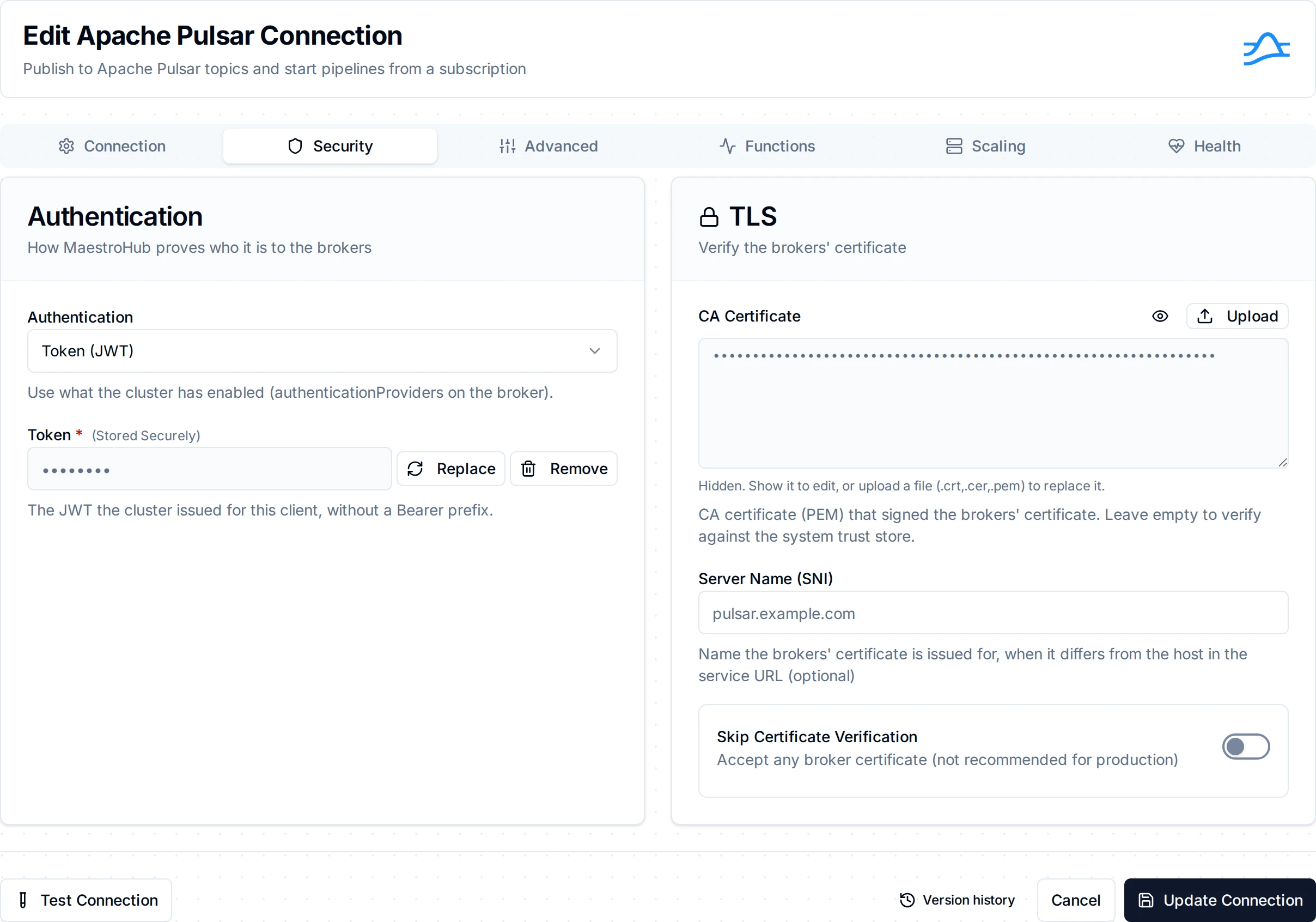
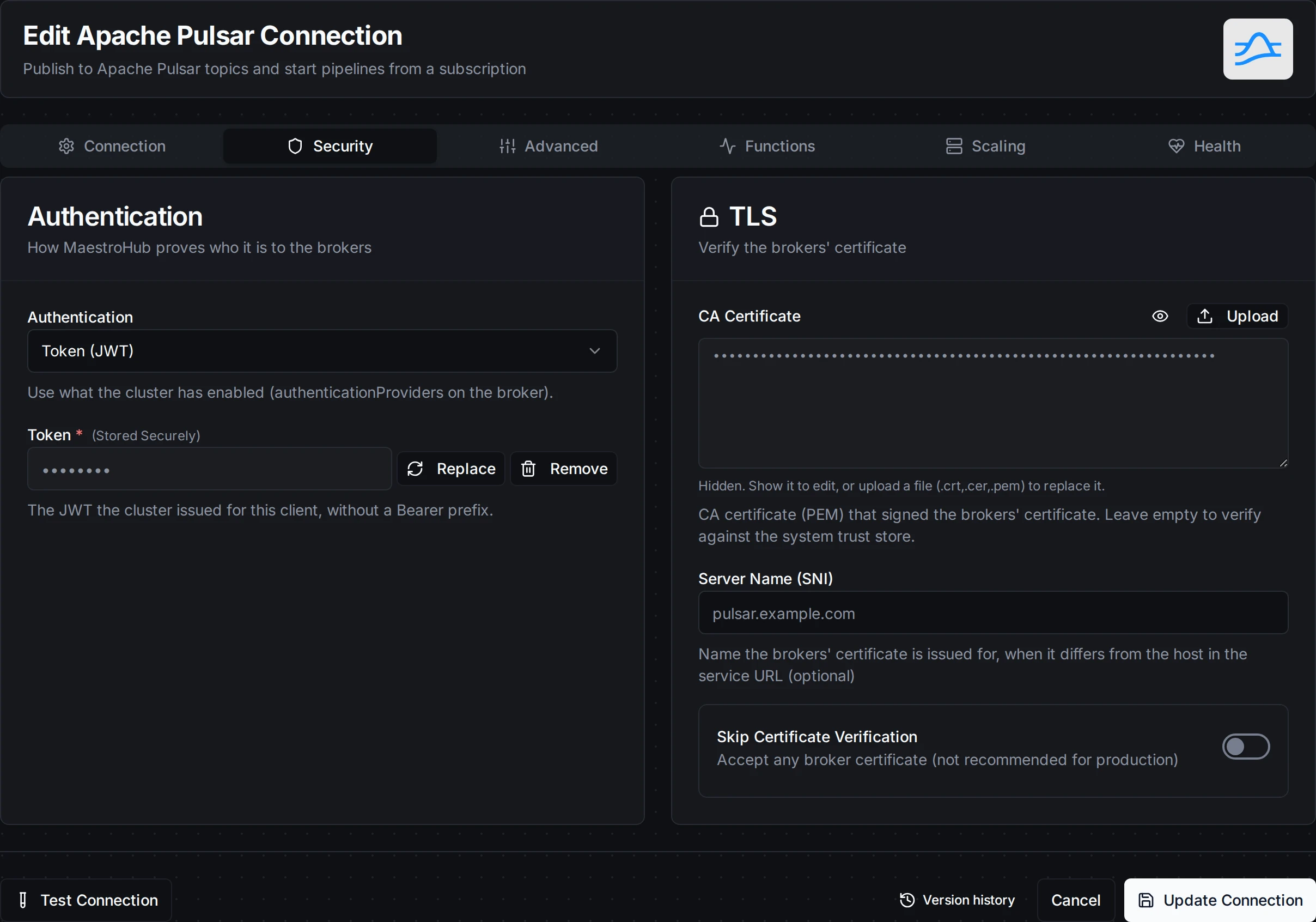
The Pulsar connection form: the service URL on the Connection tab, authentication and TLS on Security
1. Profile Information
| Field | Default | Description |
|---|---|---|
| Profile Name | - | A descriptive name for this connection profile (required, max 100 characters) |
| Description | - | Optional description for this connection |
| Labels | - | Key-value pairs to organize connections (max 10) |
2. Pulsar Cluster
| Field | Default | Description |
|---|---|---|
| Service URL | pulsar://localhost:6650 | The broker's service URL: pulsar://host:6650, or pulsar+ssl://host:6651 for TLS. Several brokers may be listed, comma-separated (pulsar://h1:6650,h2:6650). Required |
The scheme decides encryption, as it does for every Pulsar client: pulsar+ssl:// connects over TLS, pulsar:// does not. A short topic name such as line-events is the topic persistent://public/default/line-events.
3. Authentication
| Field | Default | Description |
|---|---|---|
| Authentication | none | none: the brokers do not authenticate clients. token: a JWT issued by the cluster. tls: a client certificate, over pulsar+ssl:// only |
| Token | - | The JWT for token authentication, without a Bearer prefix (a pasted prefix is removed). Stored as a secret |
| Client Certificate | - | Client certificate (PEM) for TLS authentication; the broker maps its subject to a role. Stored as a secret |
| Client Private Key | - | The certificate's private key (PEM). Stored as a secret |
TLS authentication is offered only with a pulsar+ssl:// service URL: the certificate travels in the TLS handshake. On a pulsar:// URL the form shows it disabled, with that reason.
4. TLS
(Shown with a pulsar+ssl:// service URL)
| Field | Default | Description |
|---|---|---|
| CA Certificate | - | CA certificate (PEM) that signed the brokers' certificate. Leave empty to verify against the system trust store |
| Server Name (SNI) | - | The name the brokers' certificate is issued for, when it differs from the host in the service URL |
| Skip Certificate Verification | false | Accept any broker certificate. Not for production: the form warns next to the switch |
A TLS setting on a pulsar:// connection is refused when the connection is saved, rather than ignored.
5. Advanced
| Field | Default | Description |
|---|---|---|
| Connection Timeout | 10s | How long to wait for the TCP and TLS connection to a broker, from 1s to 5m |
| Operation Timeout | 30s | How long a broker request (a topic lookup, creating a producer or a subscription) may take, from 1s to 5m |
| Send Timeout | 30s | How long a published message may wait for the broker's receipt, including a reconnect to a restarted broker, from 1s to 10m. Keep it below the publish node's timeout |
Test Connection opens a client and asks a broker about a probe topic (public/default/maestrohub-connection-probe). Any answer from an authenticated broker passes, including "not authorized to look this topic up", so a role limited to its own tenant still tests green. Nothing is created on a broker whose automatic topic creation is the default, non-partitioned kind.
A refused token or an untrusted certificate fails at once with the broker's reason, and the connection is not retried until you change it.
Function Builder
Creating Pulsar Functions
- Open the connection and go to its Functions tab → New Function
- Select Publish or Subscribe
- Configure the function
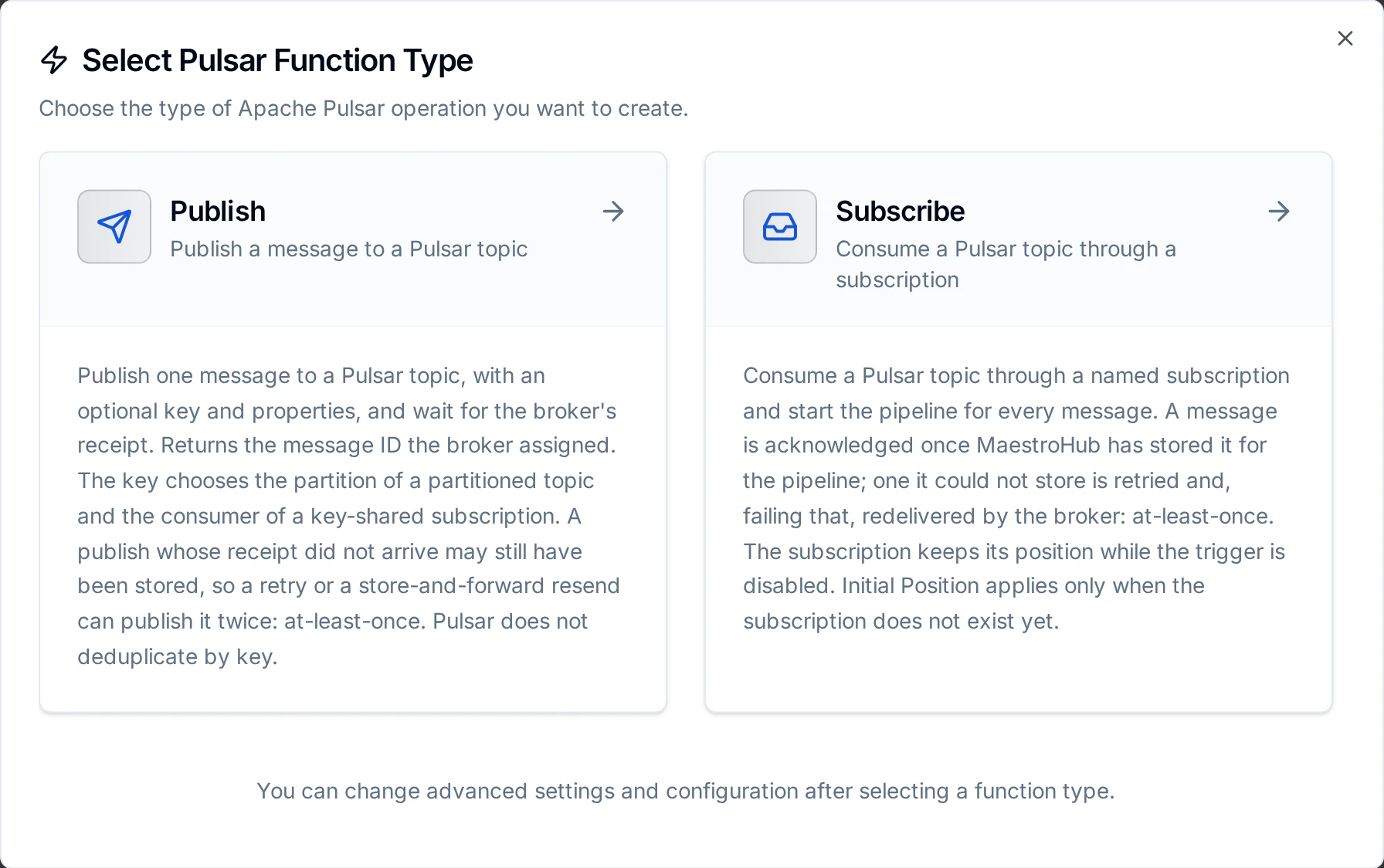
Two Pulsar function types: Publish sends a message, Subscribe starts a pipeline for every message
Publish Function
Purpose: publish one message to a topic and wait for the broker's receipt.
| Field | Type | Required | Default | Description |
|---|---|---|---|---|
| Topic | String | Yes | - | A short name (line-events, in public/default) or a full name (persistent://tenant/namespace/topic). Supports template parameters |
| Message Key | String | No | - | Routes the message to a partition of a partitioned topic and, in a key-shared subscription, to one consumer. Supports template parameters |
| Payload | String | Yes | - | The message body. Supports template parameters |
| Properties | JSON object | No | - | Message properties, each value sent as text (e.g. {"source": "line-3"}). Supports template parameters |
| Timeout | Duration | No | 1m | Bound on this one publish |
A topic name the broker would refuse (a space, an unknown domain such as kafka://, the wrong number of segments) is refused when the function is saved, and again before anything is sent when a templated topic resolves to one.
The node returns the message ID the broker assigned, as ledger:entry:partition (with :batch for a batched message).
A publish whose receipt did not arrive (a send timeout, a dropped connection) may still have been stored, so it is reported as a transient failure, and a retry or a store-and-forward resend can publish it twice. Pulsar does not deduplicate by key. Give consumers a way to recognise a repeat, such as an ID in the payload. A message the broker refused (not authorized, an invalid or terminated topic, a message larger than the broker accepts) is a permanent failure and is not retried.
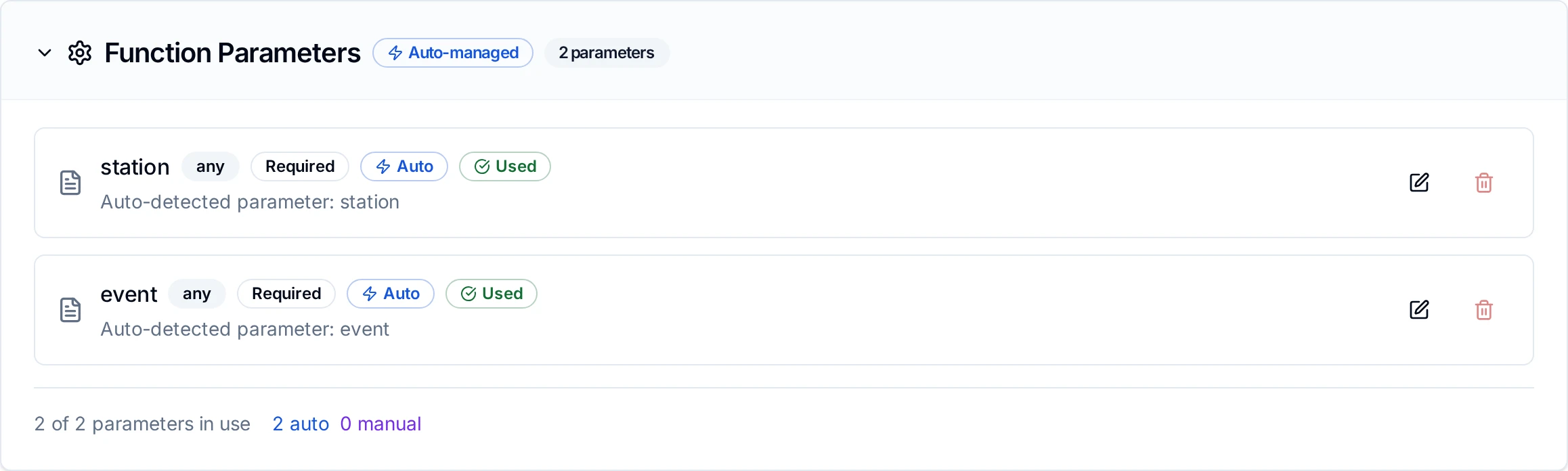
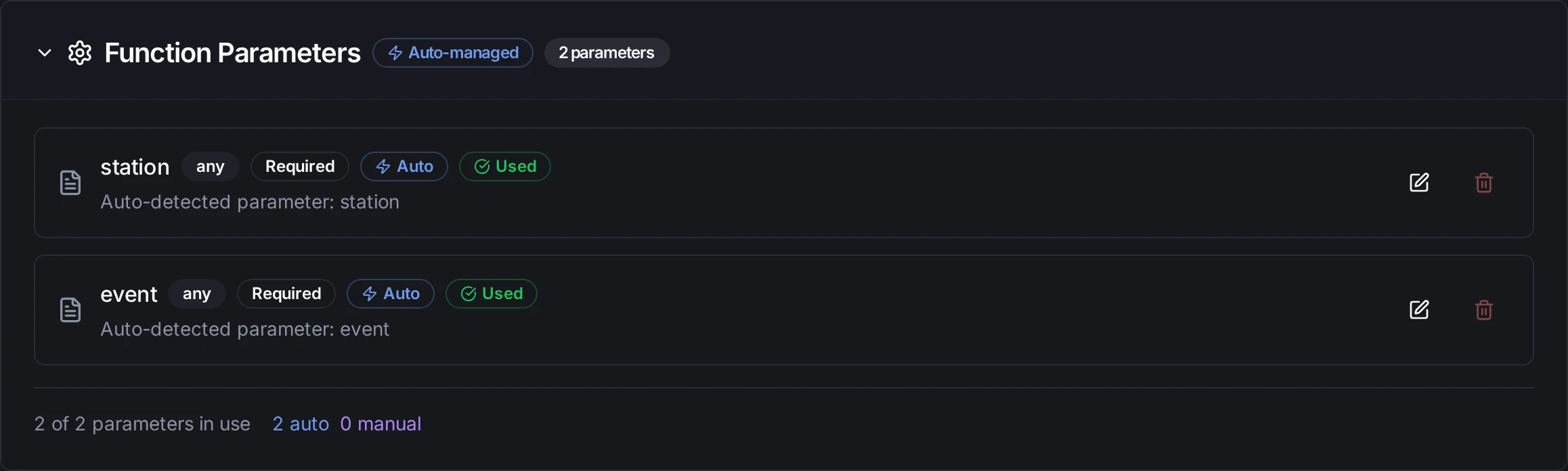
Parameters detected from ((placeholders)) in the topic, key, payload and properties
Subscribe Function
Purpose: the subscription a pipeline's Pulsar Trigger runs. It has no node of its own.
| Field | Type | Required | Default | Description |
|---|---|---|---|---|
| Topic | String | Yes | - | A short name or a full name. Not templated: a subscription is opened once, with its topic as written |
| Subscription Name | String | No | Derived | The name the broker keeps the subscription's position under. Leave empty to use a name derived from the function (maestrohub-pulsar-…), which stays the same across restarts |
| Subscription Type | Choice | No | failover | failover: one active consumer, others stand by, order kept. exclusive: one consumer only. shared: messages spread over every consumer, no order. key_shared: spread by key, order kept per key |
| Initial Position | Choice | No | latest | Where a new subscription starts: latest (new messages only) or earliest (the oldest message the topic still holds). An existing subscription keeps its position |
- Acknowledged once stored. A message is acknowledged after MaestroHub has stored it for the pipeline. One it could not store is negatively acknowledged, and the broker sends it again a minute later; a subscription stopped while a message waits leaves it unacknowledged, and the broker sends it to the next consumer. A pipeline can therefore see a message twice (at-least-once).
- Resuming. Disabling a trigger stops consuming; it never deletes the subscription. Enabling it again resumes where it stopped, so messages published meanwhile are delivered, whatever the Initial Position.
- Scaling out. With
failover(the default), a second MaestroHub instance on the same subscription stands by and takes over if the first stops.exclusiverefuses a second consumer withConsumerBusy.sharedandkey_sharedspread the messages.
Pipeline Integration
Use a Publish function as the Pulsar Publish node inside a pipeline, and a Subscribe function behind a Pulsar Trigger to start one.
Common patterns:
- Collect → Publish: read from OPC UA, Modbus or MQTT and publish to a Pulsar topic
- Subscribe → Process → Publish: consume one topic, transform, publish to another
- Subscribe → Store: write each message to a database or the Unified Namespace
Common Use Cases
Line events into a Pulsar-based platform
Publish configuration:
- Topic:
persistent://acme/plant/line-events - Message Key:
((station)), so each station's events stay in order - Payload:
{"station": "((station))", "state": "((state))", "at": "((timestamp))"} - Properties:
{"source": "maestrohub"}
Turn on store-and-forward on the connection to keep publishing through a WAN outage.
Load-shared processing
Two MaestroHub instances run the same pipeline behind a Pulsar Trigger whose subscription is key_shared: the broker spreads the keys over both, and each key's messages stay in order on one of them.
Troubleshooting
| Error | Cause | Fix |
|---|---|---|
the broker refused the connection: … | The broker did not authenticate the client: a wrong or expired token, or a client certificate it does not map to a role | Issue a new token, or check the broker's authenticationProviders and the certificate |
x509: certificate signed by unknown authority | The brokers' certificate is from a CA this connection does not trust | Paste that CA under CA Certificate |
x509: certificate is valid for …, not … | The certificate does not carry the host in the service URL | Connect by a name the certificate carries, or set Server Name (SNI) |
connection error with connection refused | No broker listens at the service URL | Check the host and port (6650 plain, 6651 TLS) |
AuthorizationError | The role may not produce to, or consume from, the topic | Grant produce or consume on the namespace or topic |
TopicNotFound | The topic does not exist and the broker does not create topics automatically | Create the topic, or enable allowAutoTopicCreation |
ConsumerBusy | An exclusive subscription already has a consumer | Use failover, or another subscription name |
message send timeout | No receipt within the Send Timeout | Check the broker's health; the message may have been stored |