Neo4j Nodes
Read and write a Neo4j graph from a pipeline with Cypher, each run in its own read or write transaction.
- Operations
- Read Query · Write Query
- Record cap
- Up to 100,000 records, sent as the fetch size
- Transactions
- Read transaction · write transaction that commits
- Store and forward
- Writes are never buffered
Neo4j is a graph database: machines, lines, materials and orders as nodes, and the relationships between them. MaestroHub provides two nodes for it: a Cypher read and a Cypher write, against the server the connection profile names.
Records cross the boundary as plain JSON objects keyed by column name, and a downstream node reads result.records[0].name directly.
For the connection, the function types and their fields, see the Neo4j connection guide.
Configuration Quick Reference
| Field | What you choose | Details |
|---|---|---|
| Parameters | Connection, Function, Function Parameters, Timeout Override | Select the connection profile (which fixes the server), the function, values for any ((parameter)) the function uses, and optionally a timeout override. |
| Settings | Description, Timeout (seconds), Retry on Timeout, Retry on Fail, On Error | Node description, maximum execution time, retry behavior on timeout or failure, and error handling strategy. All execution settings default to pipeline-level values. |
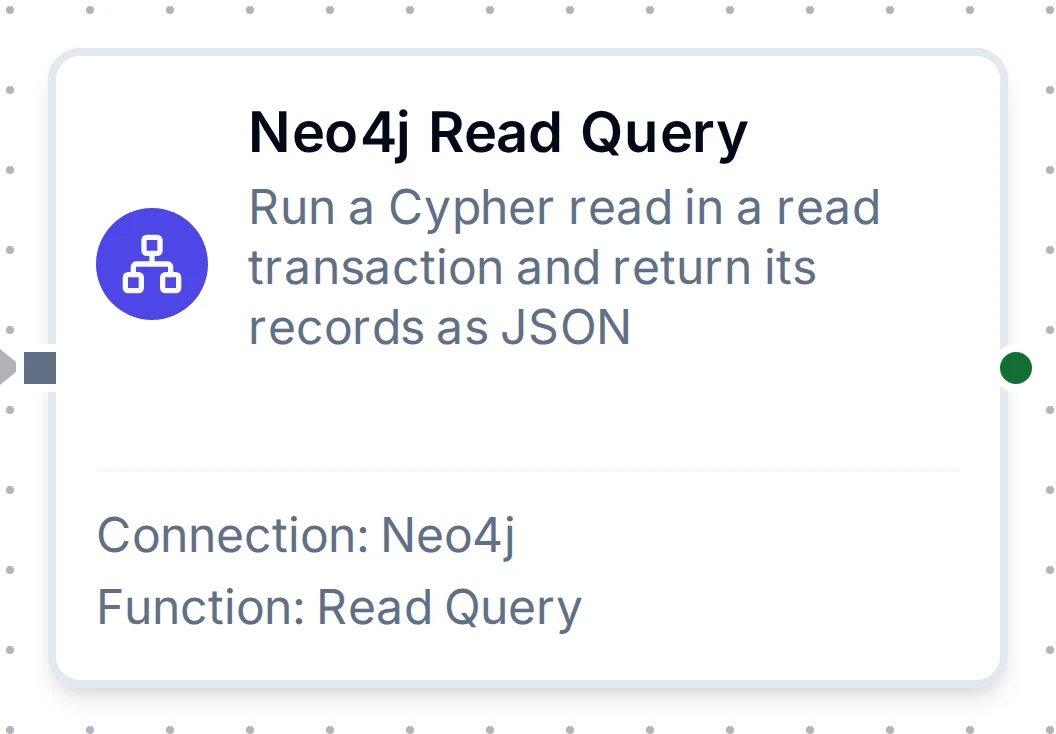
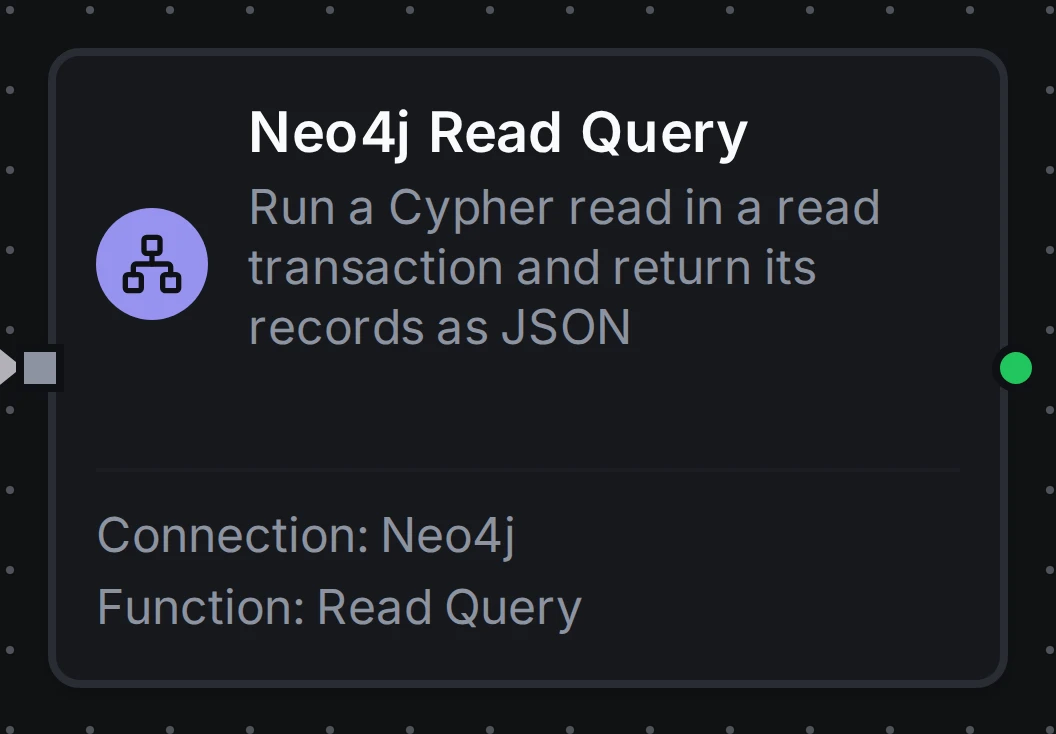
Neo4j Read Query Node
Neo4j Read Query Node
Run a Cypher read in a read transaction and return its records.
The server refuses a query that writes, so a read node can never change the graph. Max Records is sent as the fetch size: a larger result is cut off at the server and result.truncated is true. A query that matches nothing is not an error: the node succeeds with an empty result.records.
Supported Function Types:
| Function Name | Purpose | Common Use Cases |
|---|---|---|
| Read Query | Read what a Cypher query returns | Looking up a machine's line and site, tracing what a machine feeds, listing open orders on a line |
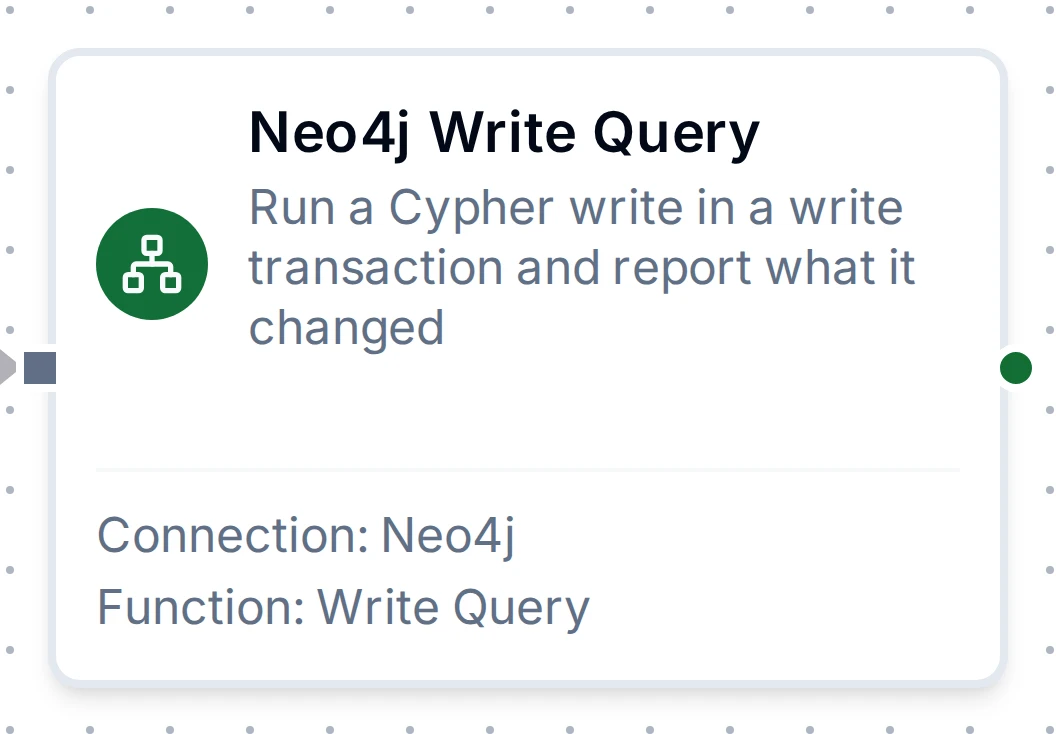
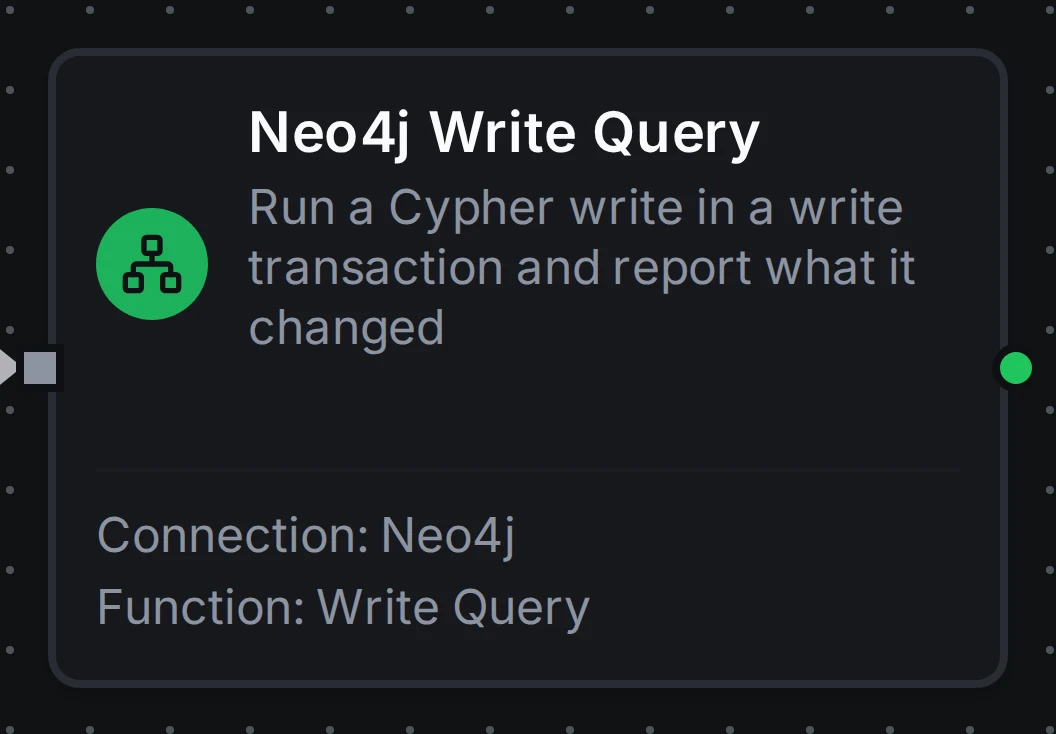
Neo4j Write Query Node
Neo4j Write Query Node
Run a Cypher write in a write transaction that commits when it succeeds.
result.counters reports what changed. A write is never buffered and replayed by store-and-forward; when Retry on Fail repeats a write whose outcome was unknown, the query runs again, so use MERGE for writes that may repeat.
Supported Function Types:
| Function Name | Purpose | Common Use Cases |
|---|---|---|
| Write Query | Create, update or delete nodes and relationships | Keeping machine state current, linking a lot to the machine that made it, recording events in the graph |
Output
Each record is a JSON object keyed by the query's column names. A node is {"elementId", "labels", "properties"}, a relationship adds its type, startElementId and endElementId, a path is {"nodes", "relationships"} in order, dates and times are ISO 8601 text (a DateTime in UTC), and a point is {"srid", "x", "y"}. The connection guide's values table lists every type.
{
  "keys": ["name", "m"],
  "records": [
    {
      "name": "press-7",
      "m": {
        "elementId": "4:7f8c2a1e-5b3d-4c9a-8e21-0d6f3b9a1c42:12",
        "labels": ["Machine"],
        "properties": {"name": "press-7", "line": 3, "commissioned": "2019-05-01"}
      }
    }
  ],
  "recordCount": 1,
  "truncated": false
}
Read Query
| Key | Description |
|---|---|
result.records | The records, as JSON objects keyed by column name |
result.keys | The column names in the order the query returned them |
result.recordCount | How many records came back |
result.truncated | true when the query produced more records than Max Records and the rest were not read |
Write Query
| Key | Description |
|---|---|
result.records | The records the query's RETURN produced; empty for a write with no RETURN |
result.keys | The column names in the order the query returned them |
result.recordCount | How many records came back |
result.truncated | true when the RETURN produced more records than Max Records; the write itself still ran to the end and committed |
result.counters | What the committed write changed: nodesCreated, nodesDeleted, relationshipsCreated, relationshipsDeleted, propertiesSet, labelsAdded, labelsRemoved, indexesAdded, indexesRemoved, constraintsAdded, constraintsRemoved, systemUpdates, and containsUpdates (false when nothing changed) |