Neo4j Integration Guide
Read and write a Neo4j graph from your pipelines: Cypher reads in a read transaction, Cypher writes in a write transaction, with nodes, relationships and paths returned as plain JSON.
- Protocol
- Bolt (neo4j://, bolt://, +s for TLS)
- Default port
- 7687
- Authentication
- User name and password · bearer token · none
- Operations
- Read Query · Write Query
Connect to Neo4j to keep a graph of your plant up to date and to read it back. This guide covers connection setup, the two function types, and pipeline integration.
Overview
Neo4j stores data as nodes (a machine, a material lot, an order) and relationships between them (FEEDS, PRODUCED_ON, CONTAINS), each with properties. It is queried with Cypher. A pipeline can write what it sees on the shop floor into the graph, and read the graph to put a reading in context: which line a machine is on, what it feeds, which orders it touched.
The connector provides:
- Read Query: any Cypher read, run in a read transaction, so the server refuses a query that writes
- Write Query: any Cypher write, run in a write transaction that commits when it succeeds, reporting what changed
- Parameters bound by name (
$name), never spliced into the query text - Results as plain JSON: nodes, relationships, paths, dates, times and points converted the same way every time
- A record cap sent to the server as the fetch size, so a large result is never streamed whole
- Routing with
neo4j://for a cluster or Aura, a direct connection withbolt://for one server, and TLS with+s - Basic (user name and password), bearer token or no authentication
It is tested against Neo4j 5 Community; the driver also speaks to Neo4j 4.4, Enterprise and Neo4j Aura.
Connection Configuration
Creating a Neo4j Connection
Navigate to Connections → New Connection → Neo4j and configure the following.
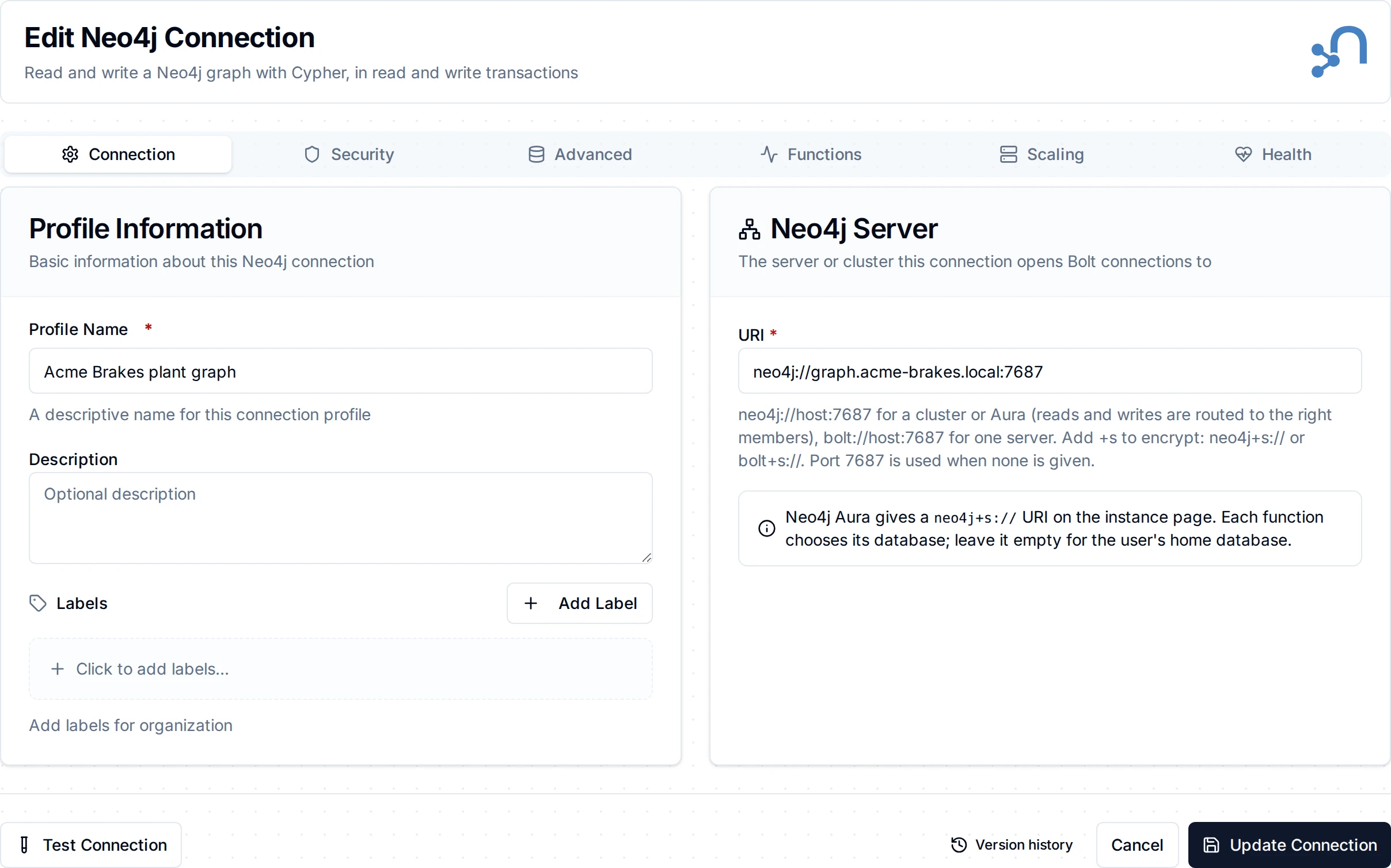
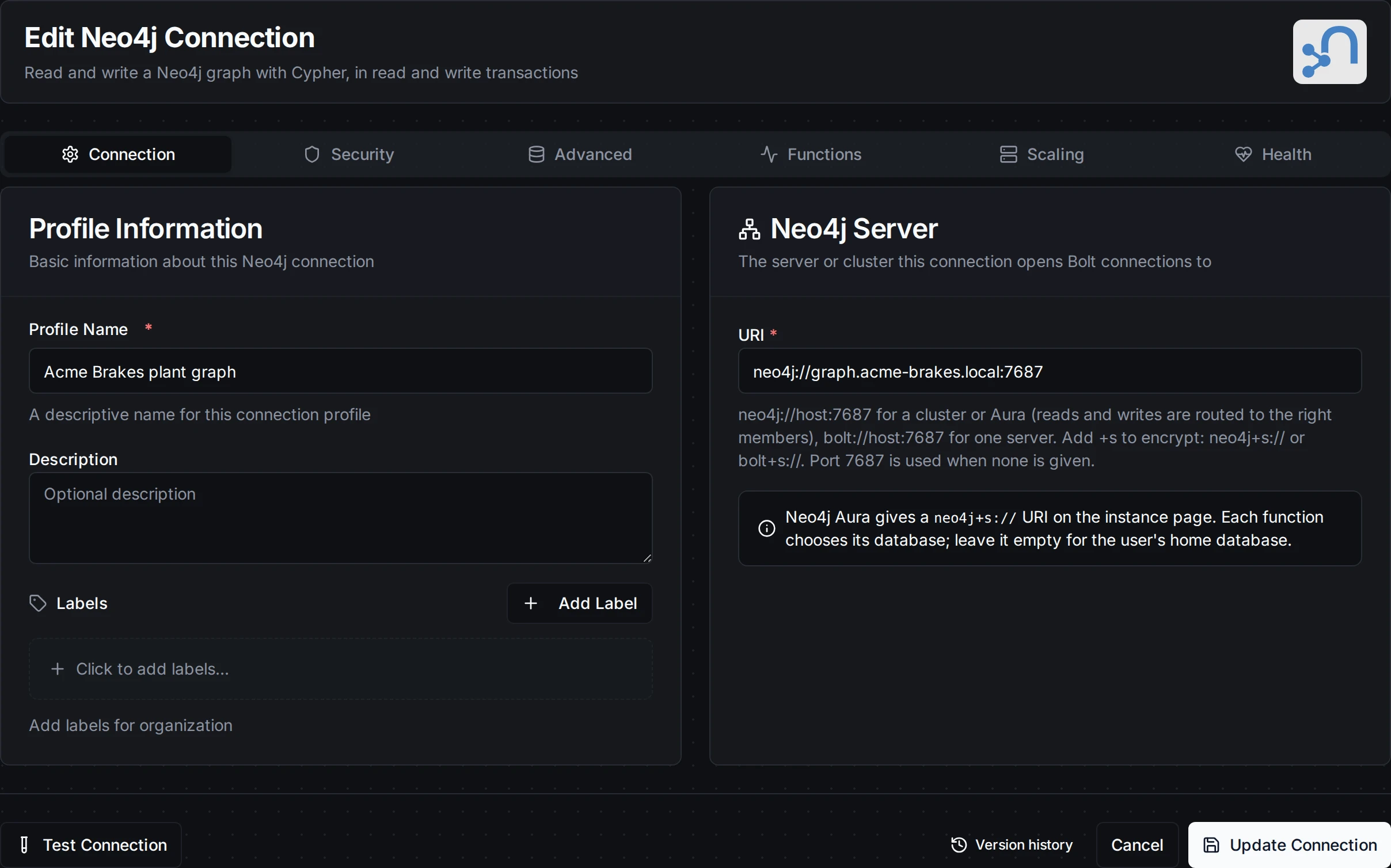
The Connection tab: the profile and the server's URI
1. Profile Information
| Field | Default | Description |
|---|---|---|
| Profile Name | - | A descriptive name for this connection profile (required, max 100 characters) |
| Description | - | Optional description for this connection |
2. Neo4j Server (Connection tab)
| Field | Default | Description |
|---|---|---|
| URI | - | The server's Bolt address (required). neo4j://host:7687 for a cluster or Aura, bolt://host:7687 for one server. Add +s to encrypt: neo4j+s:// or bolt+s://. Port 7687 is used when none is given |
The scheme decides two things:
| Scheme | Routing | Encryption |
|---|---|---|
neo4j:// | The driver reads the cluster's routing table and sends reads and writes to the right members | None |
neo4j+s:// | As neo4j:// | TLS |
bolt:// | One server, no routing | None |
bolt+s:// | One server, no routing | TLS |
neo4j:// also works against a single server, so it is a safe default. A URI may carry a routing context after ? (neo4j://host:7687?region=eu), which the server's routing policies read; bolt:// takes none. The URI carries no credentials and no path: credentials go under Security, and each function chooses its database.
3. Authentication and TLS (Security tab)
| Field | Default | Description |
|---|---|---|
| Authentication | Basic | Basic sends a user name and password. Bearer token sends a token from your identity provider, for a server set up for SSO. None is for a server with dbms.security.auth_enabled=false |
| User Name | - | The database user, for Basic (required) |
| Password | - | The user's password, for Basic (stored encrypted) |
| Bearer Token | - | The token, for Bearer (required, stored encrypted). Replace it here before it expires |
| Skip Certificate Verification | Off | Accept any server certificate, for a self-signed one. Encrypted URIs only. Not for production |
| CA Certificate | - | The CA (PEM) that signed the server's certificate, for an encrypted URI. Leave empty to use the system's trusted CAs; Aura's certificates are publicly trusted |
| Client Certificate | - | Client certificate (PEM) for mutual TLS, when the server sets dbms.ssl.policy.bolt.client_auth=REQUIRE (stored encrypted) |
| Client Private Key | - | The client certificate's private key (PEM, stored encrypted). Set both or neither |
The TLS settings apply only to an encrypted URI. With a plain URI the TLS card says so; a client certificate saved earlier is kept, not used, and the connection logs a warning naming it when it connects.
4. Advanced (Advanced tab)
| Field | Default | Description |
|---|---|---|
| Connect Timeout | 10s | Bound on opening a connection, including the authentication check, and on each health check (1 second to 5 minutes). Each operation is bounded by its own Timeout |
- Security: the password, bearer token, client certificate and key are stored encrypted and masked when you edit the connection.
- Concurrency: at most 32 operations run at once per connection, each in its own transaction on a pooled Bolt connection.
- Health check: the connection runs
RETURN 1on a pooled connection, so a stopped server or a dropped link shows up rather than being assumed away.
Local development with Docker
docker run -d --name neo4j-dev -p 7474:7474 -p 7687:7687 \
  -e NEO4J_AUTH=neo4j/change-me-please neo4j:5-community
Then connect with URI bolt://localhost:7687, Basic, user neo4j and the password you set. The browser at http://localhost:7474 shows the graph your pipelines write.
Function Builder
After saving the connection, open its Functions tab → New Function and choose an operation.
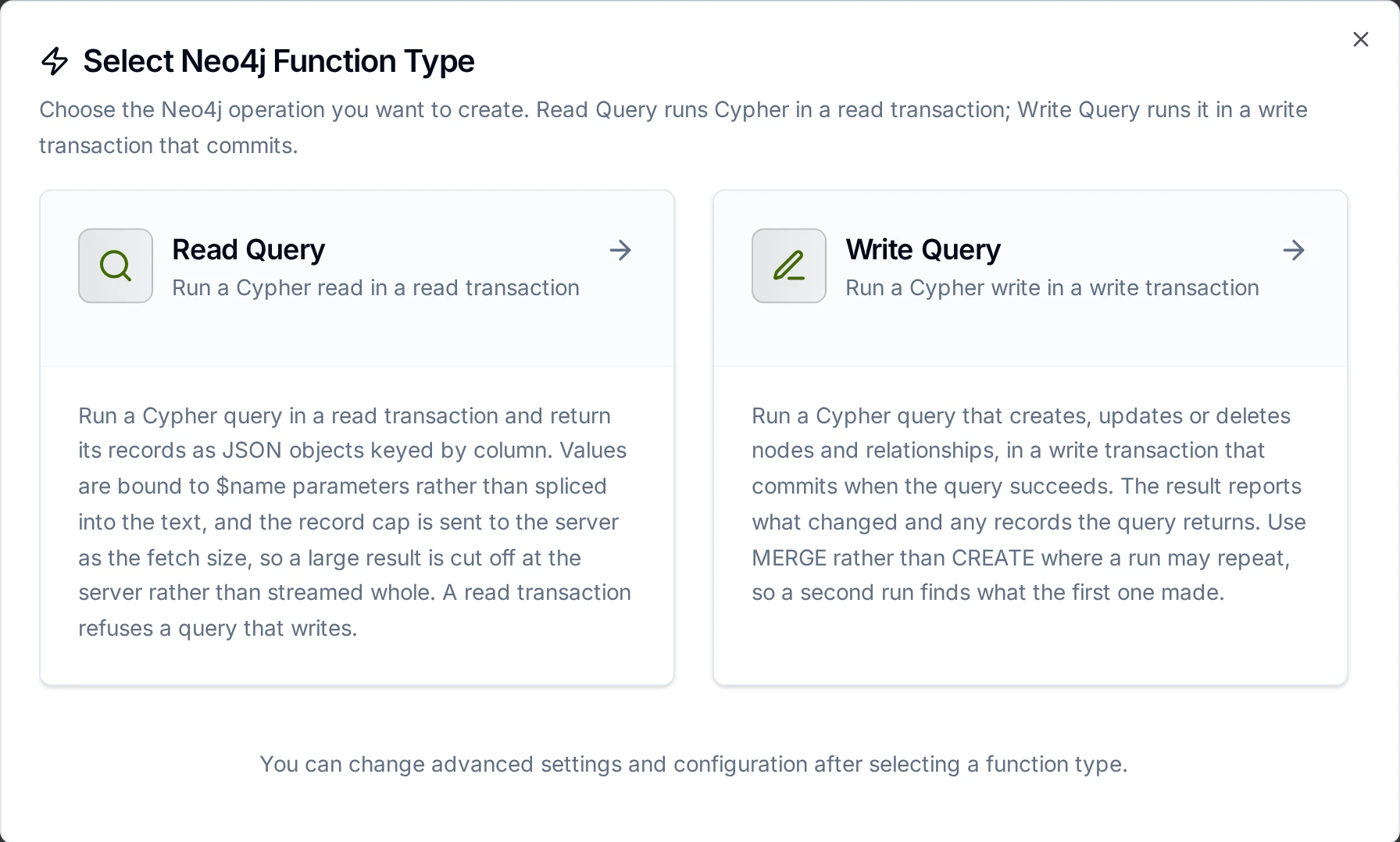
Read Query and Write Query
Parameters
Both operations take Cypher with $name markers and a Parameters JSON object that fills them:
MERGE (m:Machine {name: $name})
SET m.state = $state, m.updated = datetime()
{"name": "((machine))", "state": "((state))"}
- A whole number (
42) is sent as a Cypher Integer, any other number (42.0,0.5) as a Float. Neo4j keeps the two apart, so write the number the way the property should be stored. - Strings, booleans,
null, arrays and objects are sent as they are. - JSON has no dates or points. Send text and convert it in the query:
datetime($at),date($day),point({latitude: $lat, longitude: $lon}). - Bind values as parameters rather than splicing them into the query text. A
((parameter))inside the Cypher itself works, but a value with a quote in it then breaks the query, and the server cannot reuse its plan.
Read Query
Runs a Cypher read in a read transaction and returns its records. A read transaction refuses a query that writes (Neo.ClientError.Statement.AccessMode), so a read function can never change the graph.
| Field | Required | Default | Description |
|---|---|---|---|
| Cypher Query | Yes | - | The Cypher to run, e.g. MATCH (m:Machine {line: $line}) RETURN m.name AS name. Supports ((parameters)) |
| Parameters | No | - | JSON object of the query's parameters. Supports ((parameters)) |
| Database | No | home database | The database to query. Leave empty for the user's home database (neo4j by default) |
| Max Records | No | 1000 | Most records to return (1 to 100,000) |
| Timeout | No | 5m | Bound on this operation, also sent to the server as the transaction timeout |
Max Records is sent to the server as the fetch size: the server streams at most one record more than the cap, and the read stops there. A larger result is cut off at the server, not read whole and trimmed, and truncated says so. Add LIMIT and ORDER BY to the query to choose which records come back.
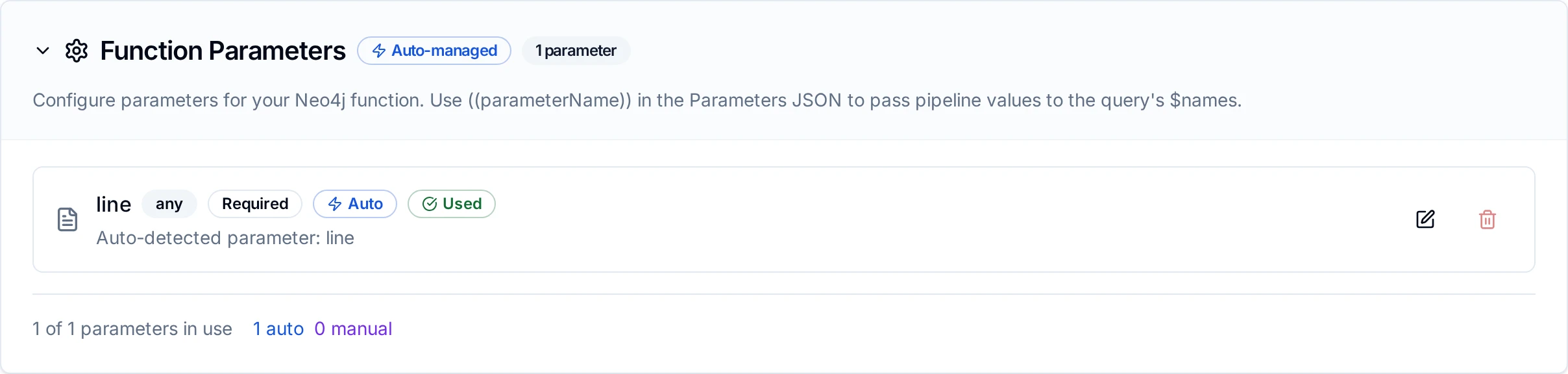
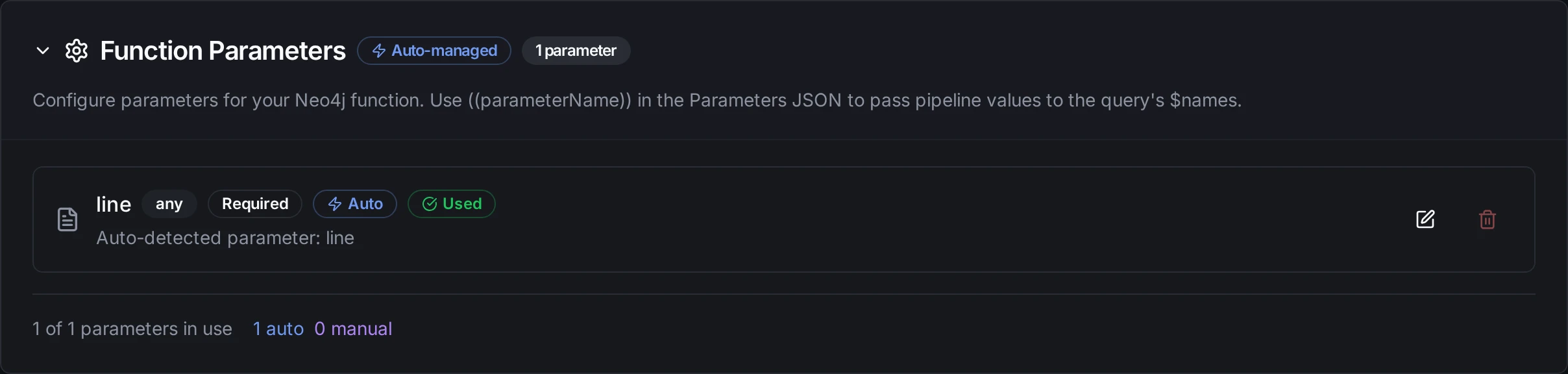
A Read Query whose Parameters carry the ((line)) parameter
Write Query
Runs a Cypher write in a write transaction. The transaction commits when the query succeeds; a query that fails changes nothing.
| Field | Required | Default | Description |
|---|---|---|---|
| Cypher Query | Yes | - | The Cypher to run, e.g. MERGE (m:Machine {name: $name}) SET m.state = $state. Supports ((parameters)) |
| Parameters | No | - | JSON object of the query's parameters. Supports ((parameters)) |
| Database | No | home database | The database to write to |
| Max Records | No | 1000 | Most records to return when the query has a RETURN. The write itself always runs to the end |
| Timeout | No | 5m | Bound on this operation, also sent to the server as the transaction timeout |
The result reports what the write changed: nodes and relationships created and deleted, properties set, labels added and removed, indexes and constraints.
A write is never buffered and replayed by store-and-forward, and the connector never retries one on its own. But when a write's outcome is unknown (a timeout, a dropped connection) and the node's Retry on Fail sends it again, the query runs again: a CREATE then makes a second node. A MERGE finds what the first run made instead, so write MERGE where a run may repeat.
Values in results
Each record is a JSON object keyed by the query's column names (RETURN m.name AS name gives name). Every value is converted the same way:
| Cypher type | JSON |
|---|---|
| Null, Boolean, String | As they are |
| Integer | A number, exact (no rounding past 2^53) |
| Float | A number; NaN, Infinity and -Infinity as that text |
| ByteArray | Base64 text |
| List, Map | Arrays and objects, each element converted |
| Node | {"elementId", "labels", "properties"}, labels sorted |
| Relationship | {"elementId", "type", "startElementId", "endElementId", "properties"} |
| Path | {"nodes": [...], "relationships": [...]} in path order |
| Date | "2026-10-25" |
| LocalTime | "14:30:00.5" |
| Time | "14:30:00+02:00" |
| LocalDateTime | "2026-10-25T14:30:00" |
| DateTime | RFC 3339 in UTC, like every timestamp MaestroHub delivers: "2026-10-25T13:30:00Z" for datetime('2026-10-25T14:30:00+01:00'). The offset or zone name is not kept |
| Duration | ISO 8601: "P1M2DT10800S" (months, days, seconds) |
| Point | {"srid", "x", "y"}, and "z" for a 3D point. For WGS 84 (srid 4326) x is the longitude and y the latitude |
Pipeline Integration
Each operation is its own node in the Pipeline Designer, under Database: Neo4j Read Query and Neo4j Write Query. The Neo4j nodes page lists what each one returns.
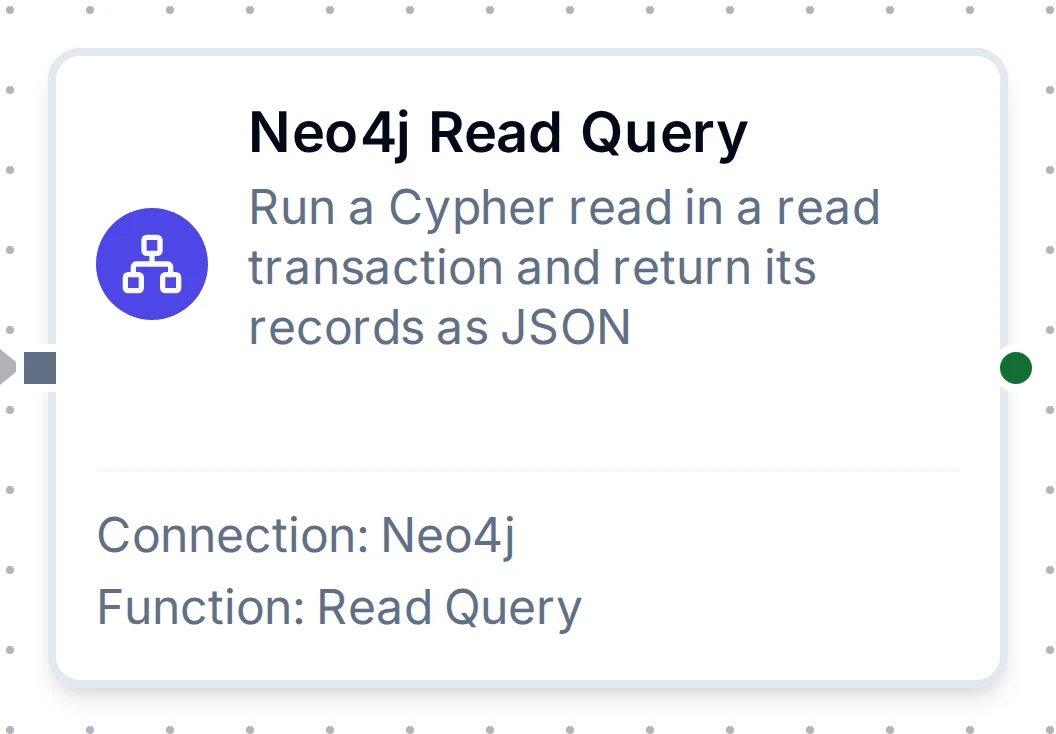
The Read Query node with its connection and function
Common Use Cases
Keep machine nodes current
A trigger on each machine's state feeds a Write Query:
MERGE (m:Machine {name: $name})
SET m.state = $state, m.updated = datetime()
The same run twice leaves one node with the latest state.
Put a reading in context
Before storing a reading, a Read Query looks up where the machine sits:
MATCH (m:Machine {name: $name})-[:PART_OF]->(l:Line)-[:PART_OF]->(s:Site)
RETURN l.name AS line, s.name AS site
A downstream node reads result.records[0].line.
Trace what a machine feeds
MATCH p = (:Machine {name: $name})-[:FEEDS*1..3]->(:Machine)
RETURN p
Each record's p carries the path's nodes and relationships in order.
Troubleshooting
| What you see | Cause and fix |
|---|---|
Neo.ClientError.Security.Unauthorized | Wrong user name or password, or wrong token. The connection fails at once instead of retrying. Check the credentials |
Neo.ClientError.Statement.AccessMode | A Read Query tried to write. Use a Write Query |
Neo.ClientError.Statement.SyntaxError | The Cypher does not parse. The message points at the position |
Neo.ClientError.Statement.ParameterMissing | The query uses a $name the Parameters JSON does not set |
Neo.ClientError.Database.DatabaseNotFound | The Database field names a database that does not exist. Community has only neo4j (and system) |
Neo.ClientError.Schema.ConstraintValidationFailed | The write broke a uniqueness or existence constraint; nothing was committed. Use MERGE on the constrained key |
Neo.ClientError.Statement.TypeError "a subset of Cypher types for storage" | A property cannot store that value, such as a list mixing strings and numbers |
Neo.TransientError.* (deadlock, lock timeout) | Two writes touched the same nodes at once. The run is reported as temporary; Retry on Fail can repeat it |
| "certificate signed by unknown authority" | The server's certificate is not signed by a trusted CA. Paste its CA under CA Certificate, or for a test server turn on Skip Certificate Verification |
| "remote end closed the connection, check that TLS is enabled" | A +s URI against a server without TLS on Bolt. Use neo4j:// or bolt://, or enable TLS on the server |
| Connection fails with a plain URI against Aura | Aura requires TLS. Use the neo4j+s:// URI from the instance page |
truncated is true | The query produced more records than Max Records. Raise it, or add LIMIT and ORDER BY |