Azure Stream Analytics Nodes
MaestroHub drives Azure Stream Analytics jobs through Azure Resource Manager. Use these nodes to read how a job is doing, start, stop and scale it, check that its inputs and outputs can connect, and read its Azure Monitor metrics.
Configuration Quick Reference
| Field | What you choose | Details |
|---|---|---|
| Parameters | Connection, Function, Function Parameters, Timeout Override | Select the connection profile, function, configure function parameters with expression support, and optionally override the timeout. |
| Settings | Description, Timeout (seconds), Retry on Timeout, Retry on Fail, On Error | Node description, maximum execution time, retry behavior on timeout or failure, and error handling strategy. All execution settings default to pipeline-level values. |
Node Types
| Node | Purpose | Common Use Cases |
|---|---|---|
| Stream Analytics Get Job | Read a job's state, SKU, streaming units and timings | Branching on whether a job is running, change audits of the query |
| Stream Analytics List Jobs | List the jobs in the resource group | Sweeping for failed jobs, inventory |
| Stream Analytics Start Job | Start a stopped job | Restarting after maintenance, starting once an input exists |
| Stream Analytics Stop Job | Stop a running job | Before changing a job, stopping dev jobs out of hours |
| Stream Analytics Scale Job | Change a running job's streaming units | Following the load |
| Stream Analytics Test Input or Output | Check an input or output can connect | Before a start, alerting on expired credentials |
| Stream Analytics Get Job Metrics | Read Azure Monitor metrics | Watermark-delay alerts, dashboards, scaling decisions |
Stream Analytics has no ingestion API. To feed a job from a pipeline, write to its Event Hub or IoT Hub input with those connectors' nodes; these nodes run and watch the job.
A Start, Stop or Scale node with Wait for Completion on holds the pipeline for one to three minutes. A node with no Timeout of its own is cut off after 30 seconds, so set Timeout in the node's Settings at least as long as the function's. Azure finishes the change even when the node times out.
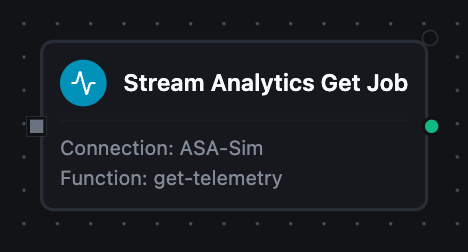
Stream Analytics Get Job Node
Stream Analytics Get Job Node
Reads one job by name, optionally with its inputs, outputs, functions and query.
Configuration: Job Name (required, templatable), Include Definition.
Output
| Key | What it is |
|---|---|
result.job | The job: name, id, location, jobId, jobState, provisioningState, jobType, sku, streamingUnits, createdDate, lastOutputEventTime, outputStartMode, outputStartTime, compatibilityLevel, eventsOutOfOrderPolicy, outputErrorPolicy, tags; with Include Definition also inputs, outputs, functions and query |
A Condition reads the state as $node["Stream Analytics Get Job"].result.job.jobState.
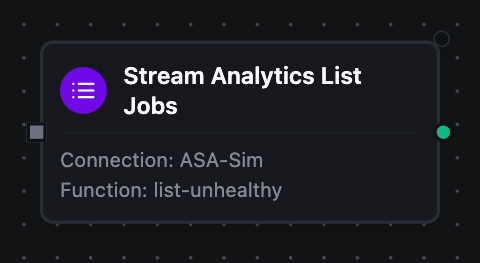
Stream Analytics List Jobs Node
Stream Analytics List Jobs Node
Lists the jobs in the connection's resource group.
Configuration: State Filter (ALL, RUNNING, STOPPED, UNHEALTHY), Name Filter (templatable), Max Items.
Output
| Key | What it is |
|---|---|
result.jobs | One job per entry, with the same fields as Get Job without the definition. Always a list |
result.count | How many jobs were returned |
result.truncated | true when more jobs matched than Max Items allowed |
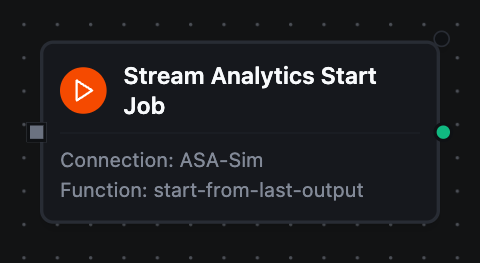
Stream Analytics Start Job Node
Stream Analytics Start Job Node
Starts a stopped job, from the job start, a custom time, or where its last output stopped.
Configuration: Job Name (required, templatable), Output Start Mode, Output Start Time (CustomTime only, templatable), Wait for Completion.
Output
| Key | What it is |
|---|---|
result.jobName | The job |
result.outputStartMode | The mode the job was started with |
result.outputStartTime | The CustomTime start in UTC; "" in the other modes |
result.waited | Whether the node waited for Azure to finish |
result.jobState | The job's state after the wait; "" when the node did not wait |
A start whose inputs cannot all connect fails the node with Azure's reason when it waits, and leaves the job Failed.
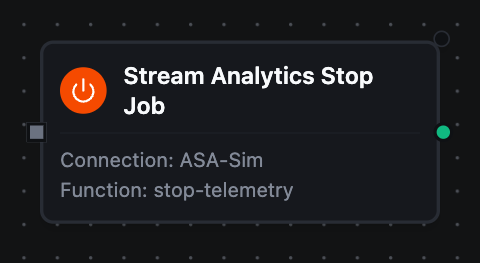
Stream Analytics Stop Job Node
Stream Analytics Stop Job Node
Stops a running job.
Configuration: Job Name (required, templatable), Wait for Completion.
Output
| Key | What it is |
|---|---|
result.jobName | The job |
result.waited | Whether the node waited |
result.jobState | Stopped after a wait; "" otherwise |
Stream Analytics Scale Job Node
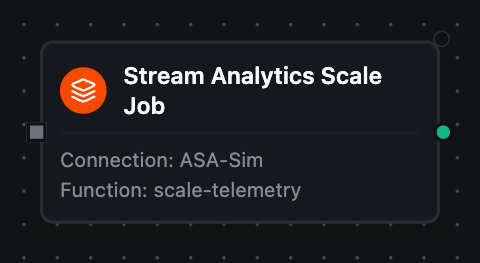
Stream Analytics Scale Job Node
Changes a running job's streaming units. A StandardV2 job accepts 3, 7, 10 and then multiples of 10 up to 660.
Configuration: Job Name (required, templatable), Streaming Units (required, templatable), Wait for Completion.
Output
| Key | What it is |
|---|---|
result.jobName | The job |
result.streamingUnits | The count asked for |
result.waited | Whether the node waited |
result.jobState | The job's state after the wait; "" otherwise |
Stream Analytics Test Input or Output Node
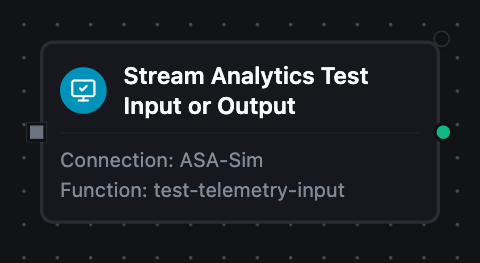
Stream Analytics Test Input or Output Node
Asks Azure to connect one of a job's inputs or outputs. The node succeeds whether or not the test passes.
Configuration: Job Name (required, templatable), Kind (input or output), Input or Output Name (required, templatable).
Output
| Key | What it is |
|---|---|
result.jobName | The job |
result.kind | input or output |
result.name | The input or output tested |
result.status | TestSucceeded or TestFailed |
result.succeeded | true when the test passed |
result.error | code and message from Azure; both empty when the test passed |
Branch on $node["Stream Analytics Test Input or Output"].result.succeeded, and put result.error.message in the alert.
Stream Analytics Get Job Metrics Node
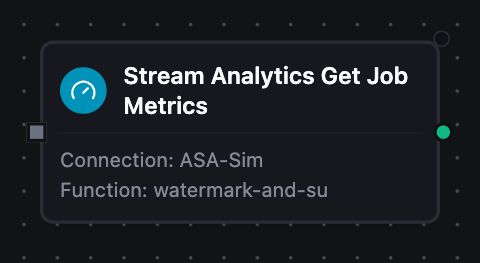
Stream Analytics Get Job Metrics Node
Reads the job's Azure Monitor metrics over a lookback window.
Configuration: Job Name (required, templatable), Metrics, Lookback, Interval, Aggregation.
Output
| Key | What it is |
|---|---|
result.jobName | The job |
result.timespan | The window read, start/end in UTC |
result.interval | The width of each point |
result.metrics | One entry per metric: name, unit, aggregation, latest ({timestamp, value} or null) and points (each {timestamp, value}, value null where nothing was recorded) |
Pipeline Patterns
Sweep for unhealthy jobs
A Schedule trigger runs List Jobs with UNHEALTHY; a Condition on $node["Stream Analytics List Jobs"].result.count greater than zero sends the names in result.jobs to Teams.
Test, then start
Test Input or Output for each input, a Condition on result.succeeded, then Start Job with LastOutputEventTime and Wait for Completion — with the node's Timeout raised to cover the wait.
Scale on utilization
Get Job Metrics reads ResourceUtilization with Auto aggregation (Maximum); a Condition on result.metrics[0].latest.value above 80 runs Scale Job with the next allowed value.
Related
- Azure Stream Analytics connection guide — connection setup, permissions and function configuration