AWS Glue Nodes
MaestroHub provides native AWS Glue integration for serverless ETL and metadata discovery. Use these nodes to start Glue jobs and crawlers from a pipeline, follow how they went, and read the Data Catalog that Athena, Redshift Spectrum and EMR already query.
Configuration Quick Reference
| Field | What you choose | Details |
|---|---|---|
| Parameters | Connection, Function, Function Parameters, Timeout Override | Select the connection profile, function, configure function parameters with expression support, and optionally override the timeout. |
| Settings | Description, Timeout (seconds), Retry on Timeout, Retry on Fail, On Error | Node description, maximum execution time, retry behavior on timeout or failure, and error handling strategy. All execution settings default to pipeline-level values. |
Node Types
The Glue connector provides nine node types across jobs, crawlers and the Data Catalog:
| Node | Purpose | Common Use Cases |
|---|---|---|
| Start Job Run | Start an ETL job run and return its run ID | Nightly rollups, per-day backfills, catch-up loads on bigger workers |
| Get Job Run | Read a run's state, timings and error message | Waiting for a job, branching on the outcome, alerting on failure |
| List Jobs | List the job definitions in the region | Discovery before wiring a run, ETL inventory |
| Start Crawler | Start a crawler so new data enters the catalog | Refreshing the catalog after landing files, picking up a new partition |
| Get Crawler | Read a crawler's state and last crawl | Waiting for READY, surfacing a failed crawl |
| List Crawlers | List the crawlers in the region | Discovery, finding crawlers whose last run failed |
| List Databases | List the Data Catalog's databases | Discovery, iterating over databases |
| List Tables | List a database's tables, optionally filtered | Catalog-driven iteration, confirming a crawler's output |
| Get Table | Read one table's full schema | Schema-driven mapping, detecting a schema change |
Start Job Run and Start Crawler return as soon as AWS accepts the request. Glue jobs routinely run for tens of minutes, so a node that blocked until completion would hold the whole pipeline open. Pair each Start node with its Get node in a later step.
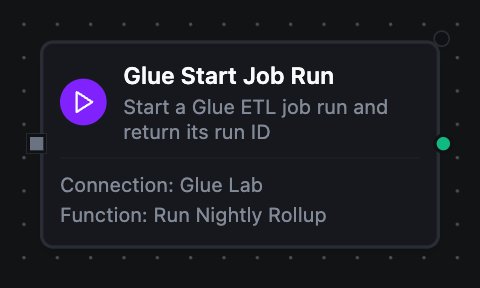
AWS Glue Start Job Run Node
AWS Glue Start Job Run Node
Starts a run of an existing Glue job with optional per-run arguments and worker overrides, and returns the run ID immediately.
Configuration: Job Name (required, templatable), Job Arguments (JSON object of string values, templatable), Worker Type and Number of Workers (set together or not at all).
Output
| Key | What it is |
|---|---|
result.runId | The run ID Glue assigned — pass it to Get Job Run to follow the run |
A later node reads it as $node["Start Job Run"].result.runId.
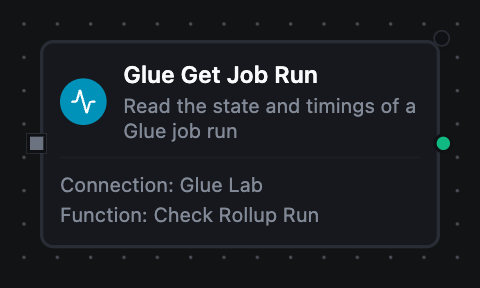
AWS Glue Get Job Run Node
AWS Glue Get Job Run Node
Reads one job run by job name and run ID. This is the polling half of Start Job Run — loop over it until the state is terminal.
Configuration: Job Name and Run ID (both required, both templatable).
Output
| Key | What it is |
|---|---|
result.runId | The run this is about |
result.state | RUNNING, SUCCEEDED, FAILED, TIMEOUT, STOPPED or another Glue run state |
result.startedOn | When the run started, RFC3339 |
result.completedOn | When it finished, RFC3339 — empty while it is still running |
result.executionTime | Seconds of billed execution |
result.attempt | Which retry attempt this run is, 0 for the first |
result.errorMessage | Why it failed — empty on a run that has not failed |
result.workerType | The worker size the run used |
result.numberOfWorkers | How many workers the run used |
result.glueVersion | The Glue version the run used |
result.completedOn being empty is how a loop tells a running state from a terminal one without parsing result.state.
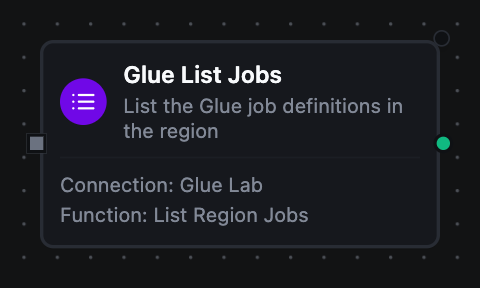
AWS Glue List Jobs Node
AWS Glue List Jobs Node
Lists the Glue job definitions in the configured region.
Configuration: Max Items (1–1000, default 100).
Output
| Key | What it is |
|---|---|
result.jobs | One object per job — name, description, role, glueVersion, workerType, numberOfWorkers, commandName, scriptLocation and createdOn |
result.count | How many were listed |
result.nextToken | Where the listing stopped — present only when _metadata.truncated is true |
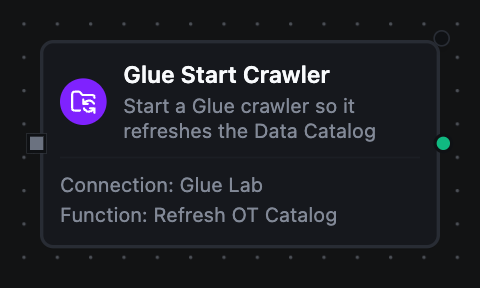
AWS Glue Start Crawler Node
AWS Glue Start Crawler Node
Starts an existing crawler so it re-reads its targets and folds any new tables or partitions into the Data Catalog.
Configuration: Crawler Name (required, templatable).
Output
| Key | What it is |
|---|---|
result.started | Glue accepted the start — Get Crawler is what reports how the crawl went |
Glue refuses to start a crawler that is already running. The node fails, but the failure is classified transient, so the pipeline's retry policy applies. Two pipelines refreshing the same catalog hit this routinely.
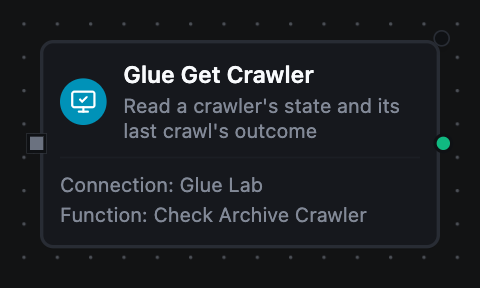
AWS Glue Get Crawler Node
AWS Glue Get Crawler Node
Reads one crawler by name, with the outcome of its last crawl.
Configuration: Crawler Name (required, templatable).
Output
| Key | What it is |
|---|---|
result.state | READY, RUNNING or STOPPING |
result.databaseName | The catalog database the crawler writes into |
result.description | The crawler's description |
result.role | The IAM role the crawler runs as |
result.crawlElapsedTime | Milliseconds the running crawl has taken so far, 0 when it is not running |
result.lastCrawlStatus | SUCCEEDED, CANCELLED or FAILED — empty on a crawler that has never run |
result.lastCrawlStartedOn | When the last crawl started, RFC3339 — empty on a crawler that has never run |
result.lastCrawlErrorMessage | Why the last crawl failed — empty when it did not |
AWS Glue List Crawlers Node
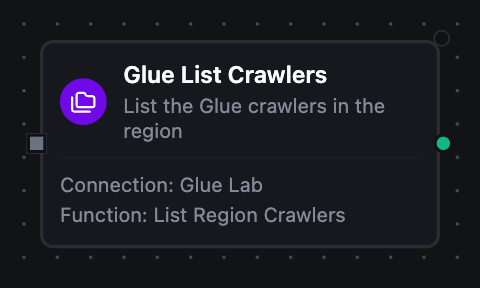
AWS Glue List Crawlers Node
Lists the crawlers in the configured region.
Configuration: Max Items (1–1000, default 100).
Output
| Key | What it is |
|---|---|
result.crawlers | One object per crawler — name, state, databaseName, description, lastCrawlStatus and lastCrawlStartedOn |
result.count | How many were listed |
result.nextToken | Where the listing stopped — present only when _metadata.truncated is true |
AWS Glue List Databases Node
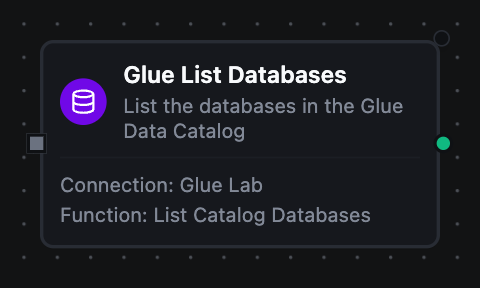
AWS Glue List Databases Node
Lists the databases in the Glue Data Catalog — the starting point for discovering what is queryable across the AWS analytics stack.
Configuration: Max Items (1–1000, default 100).
Output
| Key | What it is |
|---|---|
result.databases | One object per database — name, description, locationUri and catalogId |
result.count | How many were listed |
result.nextToken | Where the listing stopped — present only when _metadata.truncated is true |
AWS Glue List Tables Node
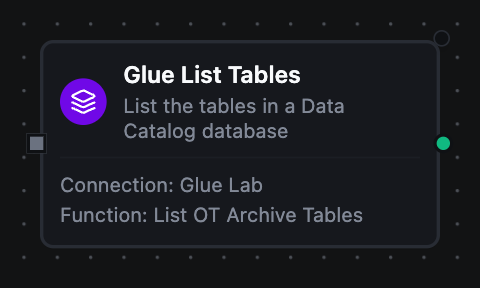
AWS Glue List Tables Node
Lists the tables in one catalog database, optionally filtered by a Glue name pattern.
Configuration: Database (required, templatable), Name Filter (e.g. readings_*, templatable), Max Items (1–1000, default 100).
Output
| Key | What it is |
|---|---|
result.tables | One object per table — name, tableType, location, columnCount, partitionKeyCount and updateTime. A listing carries counts rather than the columns themselves; Get Table returns the schema |
result.count | How many were listed |
result.nextToken | Where the listing stopped — present only when _metadata.truncated is true |
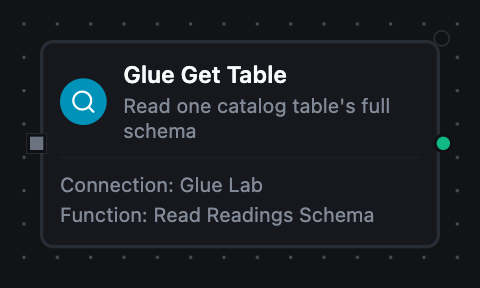
AWS Glue Get Table Node
AWS Glue Get Table Node
Reads a single table from the Data Catalog with its full schema.
Configuration: Database and Table (both required, both templatable).
Output
| Key | What it is |
|---|---|
result.tableType | EXTERNAL_TABLE, VIRTUAL_VIEW or another Hive table type |
result.location | Where the data sits |
result.inputFormat | The Hive input format |
result.outputFormat | The Hive output format |
result.columns | One object per column — name, type and comment |
result.partitionKeys | One object per partition key — name, type and comment. Empty on an unpartitioned table |
result.createTime | When the table was created, RFC3339 |
result.updateTime | When it was last updated, RFC3339 |
result.columns and result.partitionKeys are always lists, empty rather than absent — a ForEach over an unpartitioned table does nothing instead of reporting source is nil.
Node Metadata
Every Glue node's _metadata carries the connector's own facts about the call:
| Key | What it is |
|---|---|
_metadata.method | The operation that ran, e.g. glue.start_job_run |
_metadata.connectionId | The connection profile that ran it |
_metadata.protocol | Always glue |
_metadata.jobName | The job this call addressed (job operations) |
_metadata.crawlerName | The crawler this call addressed (crawler operations) |
_metadata.databaseName | The catalog database this call addressed (table operations) |
_metadata.tableName | The table this call addressed (Get Table) |
_metadata.truncated | Whether the item budget stopped the listing (listing operations) |
Pipeline Patterns
Start, wait, read
The shape that comes up most often:
- Start Job Run emits
result.runId - A Delay node waits
- Get Job Run reads the state with
$node["Start Job Run"].result.runId - A Condition branches on
result.state— loop back whileRUNNING, continue onSUCCEEDED, alert onFAILED
Land, crawl, query
A pipeline writes new partitions to S3, Start Crawler makes them queryable, Get Crawler confirms result.lastCrawlStatus is SUCCEEDED, and an Athena query runs against the fresh tables.
Catalog-driven iteration
List Tables feeds a ForEach, and Get Table reads each table's result.columns so a mapping follows the catalog rather than a hard-coded column list.
Related
- AWS Glue connection guide — connection setup, function configuration, IAM permissions
- Amazon Athena nodes — query the same Data Catalog with SQL