Azure Cosmos DB Nodes
Azure Cosmos DB is Microsoft's globally distributed NoSQL database. MaestroHub provides seven nodes for its NoSQL API: point and bulk reads, SQL queries, whole-item writes, partial patches, deletes, and transactional batches — all against the database the connection profile names.
Items cross the boundary as plain JSON in both directions, and a downstream node reads result.item.celsius directly. Every result reports the Request Units the call consumed as result.requestCharge.
For the connection, the function types and their fields, see the Azure Cosmos DB connection guide. To run a pipeline when an item changes rather than reading one on demand, see the Azure Cosmos DB trigger.
Configuration Quick Reference
| Field | What you choose | Details |
|---|---|---|
| Parameters | Connection, Function, Function Parameters, Timeout Override | Select the connection profile (which fixes the account and database), the function, values for any ((parameter)) the function uses, and optionally a timeout override. |
| Settings | Description, Timeout (seconds), Retry on Timeout, Retry on Fail, On Error | Node description, maximum execution time, retry behavior on timeout or failure, and error handling strategy. All execution settings default to pipeline-level values. |
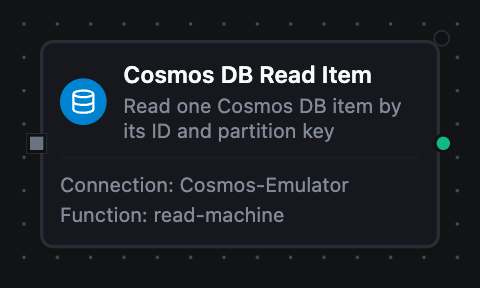
Azure Cosmos DB Read Item Node
Azure Cosmos DB Read Item Node
Read one item by its ID and partition key — the cheapest read Cosmos DB offers.
An item that does not exist is not an error. The node succeeds with result.found false and a null result.item, so a pipeline branches on the lookup instead of routing it through failure handling.
Supported Function Types:
| Function Name | Purpose | Common Use Cases |
|---|---|---|
| Read Item | Read a single item by ID and partition key | Enrichment lookups, machine state reads, existence checks before a write |
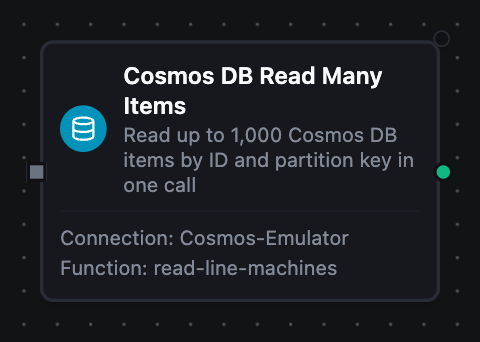
Azure Cosmos DB Read Many Items Node
Azure Cosmos DB Read Many Items Node
Read up to 1,000 items by ID and partition key in one call.
Cosmos DB groups the items by partition and reads each group in one request, which costs far less than a Read Item per entry in a loop. The items that do not exist come back in result.missing.
Supported Function Types:
| Function Name | Purpose | Common Use Cases |
|---|---|---|
| Read Many Items | Read a known set of items at once | Looking up every device an upstream node named, batch enrichment |
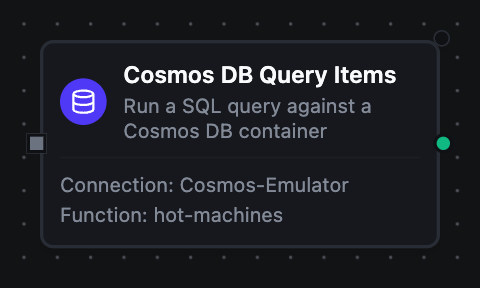
Azure Cosmos DB Query Items Node
Azure Cosmos DB Query Items Node
Run a Cosmos DB SQL query with named parameters.
The limit is sent to Cosmos DB as the page size, so it bounds what is read and billed. Scope the query to one partition with Partition Key whenever you can: it is cheaper, and ORDER BY, TOP, DISTINCT, GROUP BY and aggregates need it.
Supported Function Types:
| Function Name | Purpose | Common Use Cases |
|---|---|---|
| Query Items | Read the items a SQL query selects | Readings above a threshold, a device's latest readings, paging through a container |
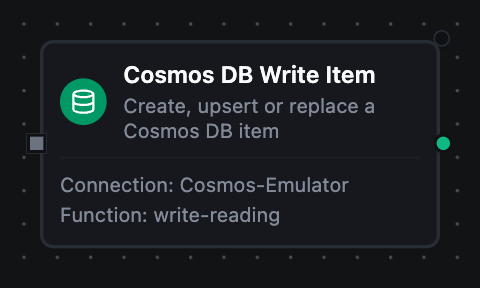
Azure Cosmos DB Write Item Node
Azure Cosmos DB Write Item Node
Create, upsert or replace a whole item.
The partition key is read from the item's own field. result.created says whether the write made a new item or replaced one, and result.etag is the item's new ETag — pass it as If-Match to make the next write conditional on nobody changing the item in between.
Supported Function Types:
| Function Name | Purpose | Common Use Cases |
|---|---|---|
| Write Item | Store an item, with create, upsert or replace semantics | Persisting readings, upserting machine records, create-only order intake |
Azure Cosmos DB Patch Item Node
Azure Cosmos DB Patch Item Node
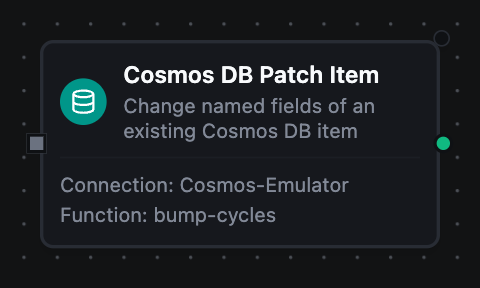
Change parts of an existing item: set, add, replace or remove fields, or increment a counter on the server.
Up to ten operations apply atomically, optionally only when a condition on the stored item holds. result.item is the item after the patch, which is how an increment's new value is read.
Supported Function Types:
| Function Name | Purpose | Common Use Cases |
|---|---|---|
| Patch Item | Partial, atomic updates to a known item | Status flips, cycle counters, appending to an alarm list |
Azure Cosmos DB Delete Item Node
Azure Cosmos DB Delete Item Node
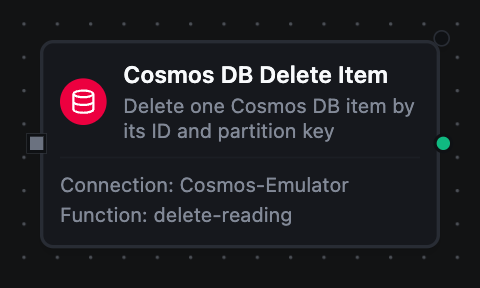
Delete one item by its ID and partition key.
Deleting an item that is not there succeeds with result.deleted false, so the node is safe to replay.
Supported Function Types:
| Function Name | Purpose | Common Use Cases |
|---|---|---|
| Delete Item | Remove an item | Retention cleanup, erasure requests, compensating actions |
Azure Cosmos DB Transactional Batch Node
Azure Cosmos DB Transactional Batch Node
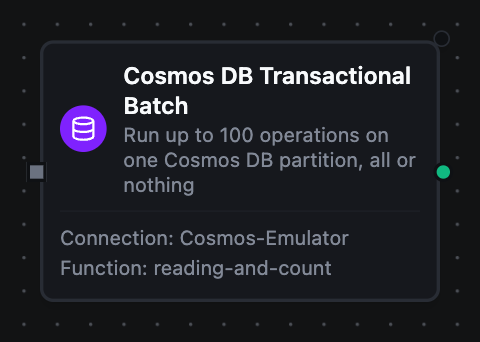
Run up to 100 creates, upserts, replaces, patches, reads and deletes on one partition as a single transaction.
Either every operation applies or none does. When one fails, the node fails with the operation that caused it and nothing is written; when the batch commits, result.results has one entry per operation, in order.
Supported Function Types:
| Function Name | Purpose | Common Use Cases |
|---|---|---|
| Transactional Batch | Several writes to one partition, all or nothing | Writing a reading and updating its device summary together |
Paging through a query
When more results may follow, result.truncated is true and result.continuationToken carries the position. Feed it into the next run's Continuation Token, with the same query and partition key:
run 1: limit 100                         → result.continuationToken "…", result.truncated true
run 2: continuationToken from run 1      → result.continuationToken "…", result.truncated true
run 3: continuationToken from run 2      → result.truncated false, no token
Output
Every result carries result.requestCharge: the Request Units the call consumed. Wherever a result names a partition key, result.partitionKey is written the way the Partition Key field accepts it — a plain string, or a JSON array for a number, boolean, null or hierarchical key — so it passes straight into another node.
Items are plain JSON. The resource-link properties Cosmos DB adds (_rid, _self, _attachments, _lsn) are removed; _etag and _ts stay.
Read Item
| Key | Description |
|---|---|
result.container | The container the read addressed |
result.id | The id the read was made against |
result.partitionKey | The partition key the read was made against |
result.found | Whether the item exists. A miss is a normal result, so branch on this |
result.item | The item, or null when found is false |
result.requestCharge | Request Units consumed |
Read Many Items
| Key | Description |
|---|---|
result.container | The container the read addressed |
result.items | The items that exist, in no particular order |
result.count | How many items came back |
result.missing | The requested items that do not exist, each as {id, partitionKey} — empty when every one was found |
result.requestCharge | Request Units consumed |
Query Items
| Key | Description |
|---|---|
result.container | The container the query ran against |
result.items | The results — whole items, or whatever the SELECT projects |
result.count | How many results came back |
result.truncated | Whether more may follow — true exactly when result.continuationToken is present |
result.continuationToken | Feed it back as the next run's Continuation Token to resume. Absent on the last page |
result.requestCharge | Request Units consumed, across every page the node read |
Write Item
| Key | Description |
|---|---|
result.container | The container written to |
result.id | The item's id |
result.partitionKey | The partition the item was written to, read from its own field |
result.etag | The item's new ETag |
result.created | true when the write made a new item, false when it replaced one |
result.requestCharge | Request Units consumed |
Patch Item
| Key | Description |
|---|---|
result.container | The container the item is in |
result.id | The item's id |
result.partitionKey | The item's partition key |
result.etag | The item's new ETag |
result.item | The item as it is after the patch |
result.requestCharge | Request Units consumed |
Delete Item
| Key | Description |
|---|---|
result.container | The container the item was in |
result.id | The item's id |
result.partitionKey | The item's partition key |
result.deleted | false when the item was already gone — still a success |
result.requestCharge | Request Units consumed |
Transactional Batch
| Key | Description |
|---|---|
result.container | The container the batch ran against |
result.partitionKey | The partition every operation ran against |
result.count | How many operations ran — all of them, since a batch that fails applies none and fails the node |
result.results | One entry per operation, in the order sent: op, id, statusCode, and etag and item where the service returned them |
result.requestCharge | Request Units consumed |