Firestore Nodes
Google Cloud Firestore is Google's serverless NoSQL document database. MaestroHub provides five nodes covering the single-document operations and the collection query, so a pipeline can look a record up, read a filtered collection, write results back, or clean up — all against the database its connection profile names.
Documents cross the boundary as plain JSON in both directions. You write {"status": "running"}, not Firestore's {"status": {"stringValue": "running"}}, and a downstream node reads result.document.celsius directly.
For the connection, the function types and their fields, see the Firestore connection guide. To run a pipeline when a document changes rather than reading one on demand, see the Firestore trigger.
Configuration Quick Reference
| Field | What you choose | Details |
|---|---|---|
| Parameters | Connection, Function, Function Parameters, Timeout Override | Select the connection profile (which fixes the project and database), the function, values for any ((parameter)) the function uses, and optionally a timeout override. |
| Settings | Description, Timeout (seconds), Retry on Timeout, Retry on Fail, On Error | Node description, maximum execution time, retry behavior on timeout or failure, and error handling strategy. All execution settings default to pipeline-level values. |
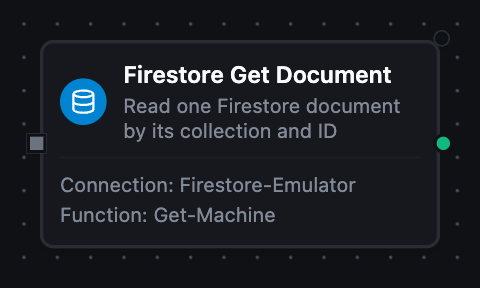
Firestore Get Document Node
Firestore Get Document Node
Read one document by its collection and ID.
A document that is not there is not an error. The node succeeds with result.found false and a null result.document, so a pipeline branches on the lookup instead of routing it through failure handling.
Supported Function Types:
| Function Name | Purpose | Common Use Cases |
|---|---|---|
| Get Document | Read a single document, optionally projecting a subset of fields | Enrichment lookups, machine record reads, existence checks before a write |
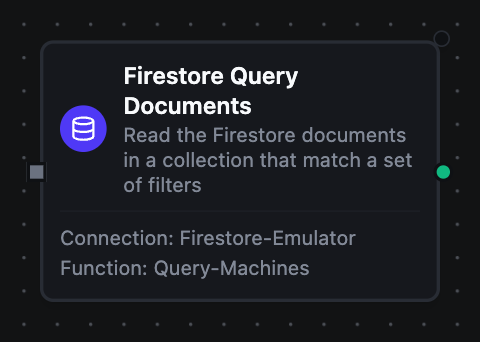
Firestore Query Documents Node
Firestore Query Documents Node
Read the documents in a collection that match a set of field filters, ordered and capped by a limit.
The limit is sent to Firestore rather than applied afterwards, so it bounds what is read and billed. Turn on Collection Group to search every collection sharing an ID, wherever it sits in the tree — every machine's readings rather than one machine's.
Supported Function Types:
| Function Name | Purpose | Common Use Cases |
|---|---|---|
| Query Documents | Read a filtered, ordered page of a collection or collection group | Active-machine lists, readings above a threshold, paging through a collection |
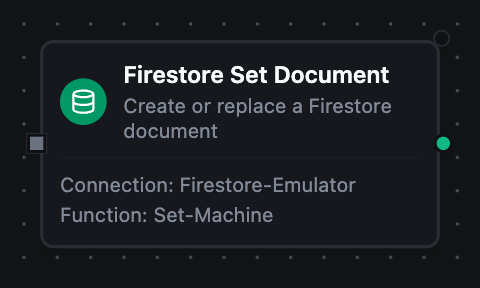
Firestore Set Document Node
Firestore Set Document Node
Create or replace a document.
Without Merge the stored document is replaced outright, dropping fields you did not send. With Merge the fields you send are written and the rest are left alone. Leave Document ID empty and Firestore generates one — it comes back as result.documentId, which is the only place the caller can learn it.
Supported Function Types:
| Function Name | Purpose | Common Use Cases |
|---|---|---|
| Set Document | Write a document at a chosen or generated ID | Persisting readings, upserting machine records, appending events |
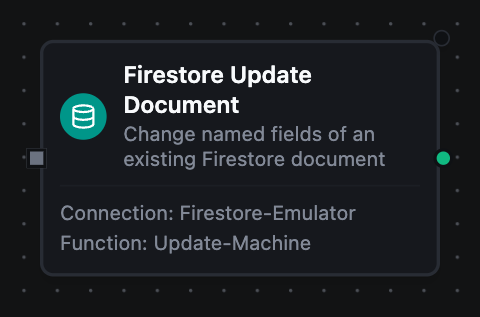
Firestore Update Document Node
Firestore Update Document Node
Change named fields of an existing document, leaving the rest untouched.
A dotted key addresses a nested field: {"counts.errors": 0} sets counts.errors rather than creating a key with a dot in its name. Unlike Set with Merge, this requires the document to exist and fails with a not-found error naming Set with Merge as the operation that would have worked — which is what makes it safe for read-modify-write flows.
Supported Function Types:
| Function Name | Purpose | Common Use Cases |
|---|---|---|
| Update Document | Change named fields of a known document | Status flips, nested field updates, last-seen stamps |
Firestore Delete Document Node
Firestore Delete Document Node
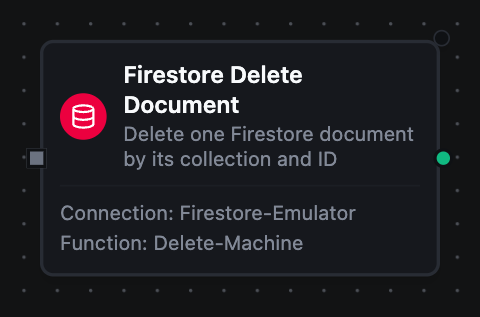
Delete one document by its collection and ID.
Deleting a document that is not there succeeds and changes nothing, so this is safe to replay. Subcollections under the document are not deleted — they stay in the database and remain reachable by their own path.
Supported Function Types:
| Function Name | Purpose | Common Use Cases |
|---|---|---|
| Delete Document | Remove a document by path | Retention cleanup, erasure requests, compensating actions |
Paging through a query
A page that fills to its Limit comes back with result.truncated true and a result.cursor. Feed that cursor into the next run's Start After to continue:
run 1: limit 100                   → result.cursor "machines/press-1", result.truncated true
run 2: startAfter = that cursor    → result.cursor "machines/press-2", result.truncated true
run 3: startAfter = that cursor    → result.truncated false, no cursor
result.truncated is the end-of-data signal, and a short page carries no cursor at all. Offering one there would invite a round trip that can only come back empty.
Output
Get Document
| Key | Description |
|---|---|
result.path | Path of the document, inside the database — e.g. machines/press-1 |
result.documentId | The ID the read was made against |
result.found | Whether a document exists at that path. A miss is a normal result, so branch on this |
result.document | The document's fields as plain JSON, or null when found is false |
Query Documents
| Key | Description |
|---|---|
result.collection | The collection the documents came from |
result.documents | The matching documents, each carrying its own _id and _path alongside its fields |
result.count | How many documents came back |
result.truncated | Whether more may follow — true exactly when result.cursor is present |
result.cursor | Path of the last document returned; feed it back as the next run's Start After |
Two documents in different parents can share an ID, which is why every entry carries _path as well as _id.
Set, Update and Delete
| Key | Description |
|---|---|
result.path | Path of the document written or deleted, inside the database |
result.documentId | The ID the write landed on — the generated one, when Set was given no ID |
result.updateTime | When Firestore committed the write, when the service sent a commit time |
result.updateTime is absent when the service answered without one — a delete does that on the emulator. Absence is a fact a pipeline can branch on; the alternative, a zero timestamp formatted as year 1, reads as a real date and cannot be told apart from one.
Value conversion
Five Firestore types have no JSON equivalent and are converted on the way out:
| Firestore type | Delivered as |
|---|---|
| timestamp | RFC3339 UTC string |
| document reference | its path, e.g. machines/press-1 |
| geopoint | {"latitude": …, "longitude": …} |
| bytes | base64 string |
| integer | a JSON integer, at full int64 range |
An integer stays an integer in both directions: Firestore distinguishes 42 from 42.0, a query filtering an integer field will not match a stored double, and a 19-digit identifier round-trips exactly rather than being rounded through a float.