Amazon Kinesis Nodes
Amazon Kinesis Data Streams is a serverless, high-throughput streaming service — an AWS-native alternative to Kafka. MaestroHub provides nodes to write records (single or batched), read records on demand, and discover streams within your pipelines. To start a pipeline from records arriving on a stream, use the Kinesis Trigger instead.
Configuration Quick Reference
| Field | What you choose | Details |
|---|---|---|
| Parameters | Connection, Function, Function Parameters, Timeout Override | Select the connection profile, function, configure function parameters with expression support, and optionally override timeout. |
| Settings | Description, Timeout (seconds), Retry on Timeout, Retry on Fail, On Error | Node description, maximum execution time, retry behavior on timeout or failure, and error handling strategy. All execution settings default to pipeline-level values. |
Node Types
The Kinesis connector provides four in-pipeline node types (plus the separate Kinesis Trigger):
| Node | Purpose | Common Use Cases |
|---|---|---|
| Put Record | Write one record with a partition-key strategy | Forwarding telemetry, per-device ordered events |
| Put Records (Batch) | Write up to 500 records in one call | Flushing buffered windows, bulk ingestion |
| Get Records | Read a batch of records on demand | Debugging, controlled ad-hoc reads |
| List Streams | Discover streams for the credentials | Discovery, region inventory audits |
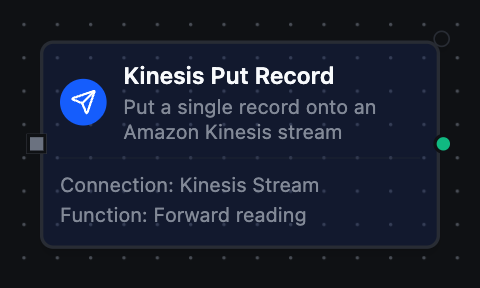
Kinesis Put Record Node
Kinesis Put Record Node
Write one record to a Kinesis Data Stream via PutRecord. The partition key decides which shard the record lands on; records with the same key are ordered within a shard. Returns the assigned shard ID and sequence number.
Supported Function Types:
| Function Name | Purpose | Common Use Cases |
|---|---|---|
| Put Record | Write a single record with a partition-key strategy | Telemetry forwarding, per-device ordered events, MQTT→Kinesis bridging |
See the Put Record function reference for configuration fields and response format.
Set a stable Partition Key (e.g. device ID) when records must stay ordered; leave it empty to spread load randomly across shards.
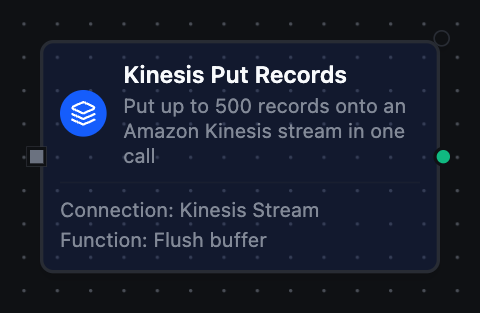
Kinesis Put Records Node
Kinesis Put Records (Batch) Node
Write up to 500 records in one PutRecords call. The batch can partially fail, so the result reports failedRecordCount, successCount, and per-record errors.
Supported Function Types:
| Function Name | Purpose | Common Use Cases |
|---|---|---|
| Put Records (Batch) | Write a batch of records in one call | Flushing buffered windows, bulk analytics ingestion |
See the Put Records function reference for configuration fields and response format.
Branch on failedRecordCount — when non-zero, re-submit only the entries whose result carries an errorCode rather than the whole batch.
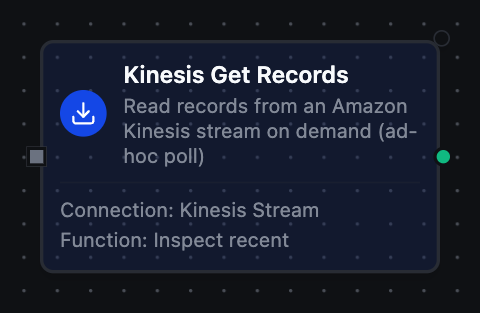
Kinesis Get Records Node
Kinesis Get Records Node
Read a batch of records on demand via GetShardIterator + GetRecords. Choose the start position — LATEST, TRIM_HORIZON, or AT_TIMESTAMP — and optionally scope to a single shard.
Supported Function Types:
| Function Name | Purpose | Common Use Cases |
|---|---|---|
| Get Records | Read a bounded batch of records on demand | Debugging, controlled reads from a retention window |
See the Get Records function reference for configuration fields and response format.
For always-on, record-by-record processing, use the Kinesis Trigger instead of polling with Get Records.
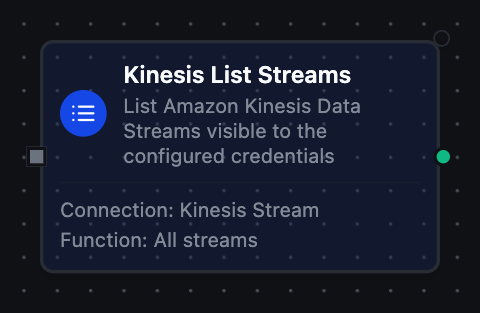
Kinesis List Streams Node
Kinesis List Streams Node
List the Kinesis Data Streams visible to the configured credentials. Returns an array of stream names with a truncated flag when the item budget is reached.
Supported Function Types:
| Function Name | Purpose | Common Use Cases |
|---|---|---|
| List Streams | Discover streams for the credentials | Discovery, region inventory audits |
See the List Streams function reference for configuration fields and response format.
Output
Every Kinesis node delivers its data under result, and execution facts (success, functionId, durationMs, timestamp) under _metadata:
| Node | Expression | Description |
|---|---|---|
| Put Record | $node["Name"].result.shardId, $node["Name"].result.sequenceNumber | The shard the record landed on and the sequence number Kinesis assigned |
$node["Name"].result.partitionKey | The partition key used — the given one, or the random one chosen | |
| Put Records (Batch) | $node["Name"].result.records | One object per record, in order: sequenceNumber and shardId when it landed, errorCode and errorMessage when it did not |
$node["Name"].result.failedRecordCount, $node["Name"].result.successCount | How many records Kinesis refused, and how many landed — branch on the first | |
| Get Records | $node["Name"].result.records | One object per record: shardId, data (as text), partitionKey, sequenceNumber; approximateArrivalTimestamp (RFC 3339 UTC) when Kinesis reports it |
$node["Name"].result.count | How many records were read | |
| List Streams | $node["Name"].result.streams, $node["Name"].result.count | The stream names and how many |
$node["Name"]._metadata.truncated | true when the item budget stopped the listing and more streams exist — a fact about the call, so it rides with the execution facts | |
$node["Name"]._metadata.method, $node["Name"]._metadata.connectionId, $node["Name"]._metadata.protocol, $node["Name"]._metadata.streamName | The call's other facts: the operation, the connection it ran over, kinesis, and — on the record functions — the stream they ran against |