Allen-Bradley ControlLogix Server Nodes
Set the values HMIs and PLCs read from MaestroHub's emulated ControlLogix, and read what they wrote.
- Needs
- An Allen-Bradley ControlLogix Server connection
- Operations
- Set Server Tag · Read Server Tag
- Data types
- BOOL · SINT · INT · DINT · LINT · REAL · LREAL
- Values
- In memory, unset until set
Each Set Server Tag and Read Server Tag function authored on an Allen-Bradley ControlLogix Server connection is available as a node in the Pipeline Designer. The nodes work on the connection's own tags: nothing is sent to a device, and a client reads the new value on its next request.
For connection setup, the tags, outside writes and the clients that work, see the ControlLogix Server connection guide.
For the event-driven trigger, see the Receive Tag Writes Trigger. It starts a pipeline for each outside write to a writable tag (trigger.logixserver).
Configuration Quick Reference
| Field | What you choose | Details |
|---|---|---|
| Parameters | Connection, Function, Function Parameters, Timeout Override | Select the ControlLogix Server connection, pick a function, bind parameters with expression support, and optionally override the timeout. |
| Settings | Description, Timeout (seconds), Retry on Timeout, Retry on Fail, On Error | Node description, maximum execution time, retry behaviour and error strategy. All execution settings default to pipeline-level values. |
Allen-Bradley ControlLogix Server Set Server Tag Node
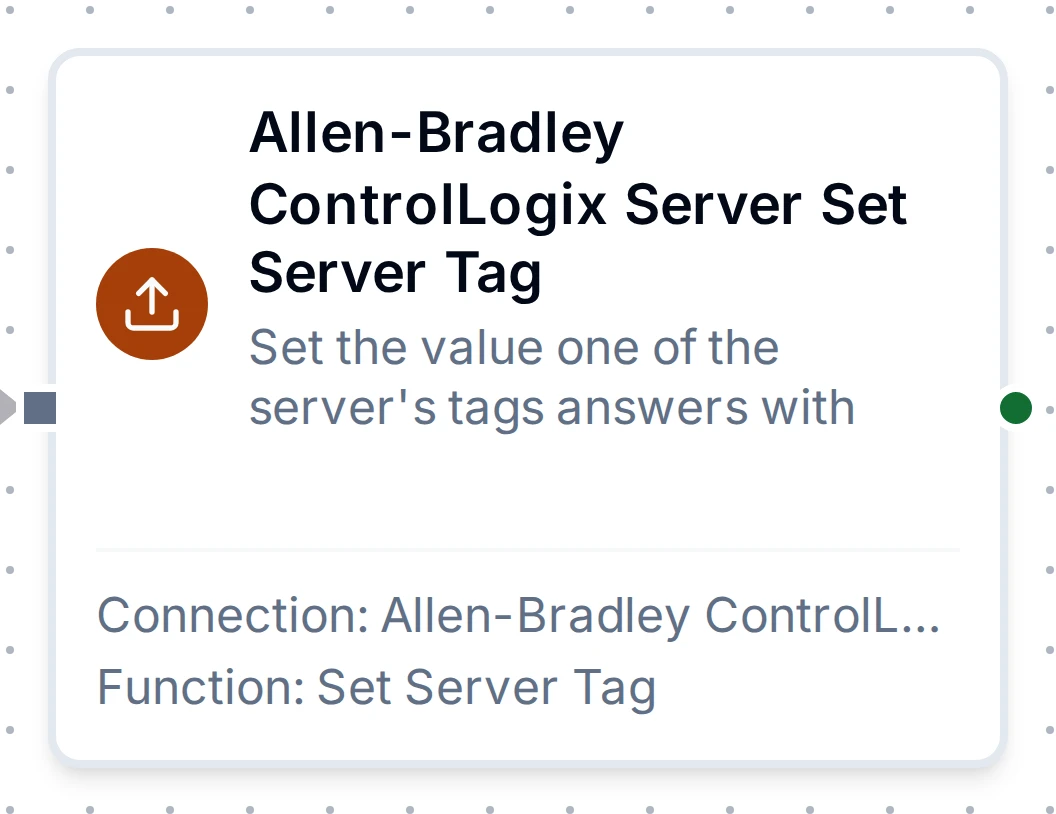
Set Server Tag node
Supported Function Types:
| Node | Function | Purpose | Common Use Cases |
|---|---|---|---|
Allen-Bradley ControlLogix Server Set Server Tag (connected.logixserver.setTag) | logixserver.setTag | Set the value a tag answers with | Publish line values to an HMI, reset a command tag after handling it |
Node Configuration
| Parameter | Type | Required | Description |
|---|---|---|---|
| Tag | string | Yes | A tag declared on the connection, not case-sensitive. Templatable. |
| Index | integer | No | The first array element to set; default 0. Templatable. |
| Value | number, boolean or list | Yes | Converted to the tag's data type. A list sets elements from Index on: [1, 2, 3] or 1, 2, 3. Templatable. |
A value that does not fit the data type (an INT of 40000, a fraction for a DINT, text for a BOOL), an unknown tag, or elements past the array are refused, and the tag keeps its value.
Output Structure
{
  "result": {
    "tag": "LineSpeed",
    "dataType": "REAL",
    "index": 0,
    "count": 1,
    "value": 12.5
  }
}
| Key | Meaning |
|---|---|
result.tag | The tag, as declared on the connection |
result.dataType | The tag's data type |
result.index | The first element set |
result.count | How many elements were set |
result.value | The value as stored, converted to the data type: one value, or a list for several elements |
Allen-Bradley ControlLogix Server Read Server Tag Node
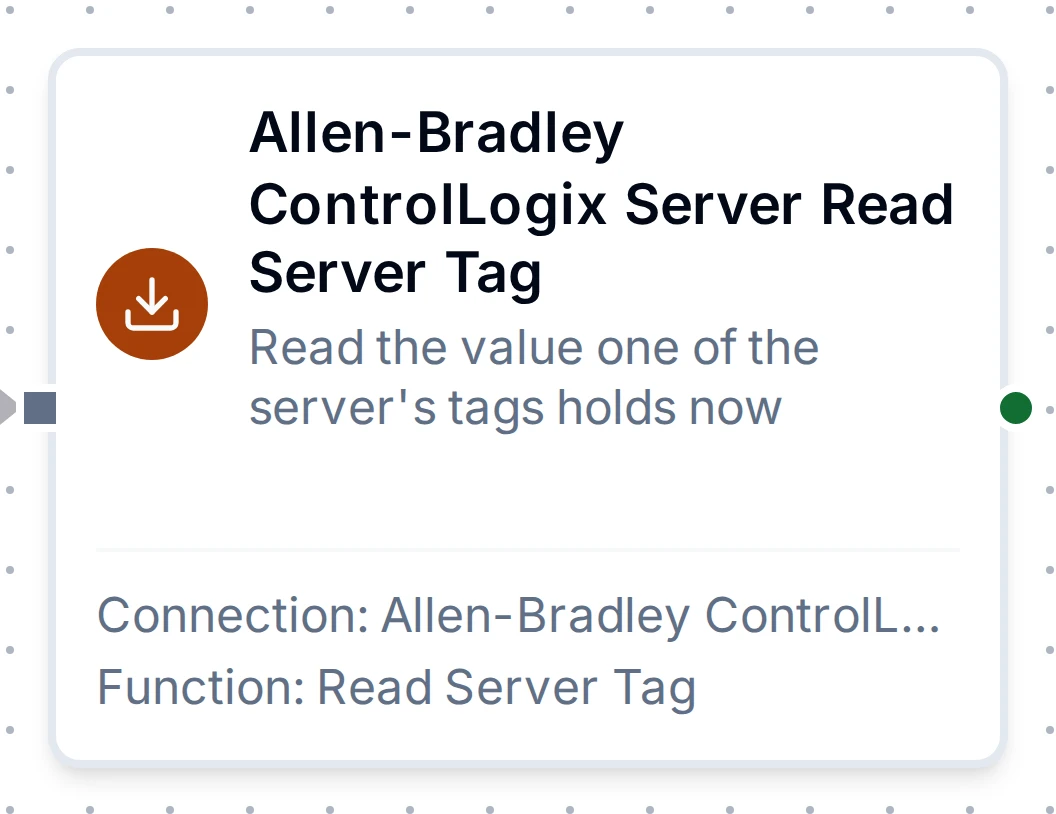
Read Server Tag node
Supported Function Types:
| Node | Function | Purpose | Common Use Cases |
|---|---|---|---|
Allen-Bradley ControlLogix Server Read Server Tag (connected.logixserver.getTag) | logixserver.getTag | Read what a tag holds now | Read a setpoint an operator entered, on a schedule |
Node Configuration
| Parameter | Type | Required | Description |
|---|---|---|---|
| Tag | string | Yes | A tag declared on the connection. Templatable. |
| Index | integer | No | The first array element to read; default 0. Templatable. |
| Count | integer | No | How many elements; default 1. |
A tag nobody has set since MaestroHub started has no value, and the node fails saying so: never a 0.
Output Structure
{
  "result": {
    "tag": "Setpoint",
    "dataType": "REAL",
    "index": 0,
    "count": 1,
    "value": 72.5,
    "writtenBy": "outside",
    "writtenAt": "2026-11-20T09:14:07.120Z",
    "writtenFrom": "10.20.3.4:51544"
  }
}
| Key | Meaning |
|---|---|
result.tag | The tag, as declared on the connection |
result.dataType | The tag's data type |
result.index | The first element read |
result.count | How many elements were read |
result.value | The value: one value, or a list for several elements |
result.writtenBy | Who last changed the tag: pipeline, or outside for an HMI or PLC |
result.writtenAt | When the tag last changed |
result.writtenFrom | The address of the outside device that last wrote the tag; present only when an outside device wrote it last |
Delivery and Retries
- Both nodes work on memory: they never fail for a network reason, and a refusal (an unknown tag, a bad value) does not change on a retry.
- Set Server Tag is a realtime write: a run started by a late (replayed) input does not set an old value as the current one. It is never buffered by Store & Forward.