EtherNet/IP I/O Nodes
Read the input image an EtherNet/IP adapter sends every interval, and set named fields of the output image MaestroHub sends back, from a pipeline.
- Operations
- Read Inputs · Write Outputs
- Read source
- The latest input image the connection received
- Writes
- Named fields of the output image; never buffered
Use EtherNet/IP adapters (I/O blocks, drives, Yaskawa MPiec motion controllers) in pipelines. Each function authored on an EtherNet/IP I/O connection is available as a matching node in the Pipeline Designer: EtherNet/IP I/O Read Inputs and EtherNet/IP I/O Write Outputs.
For connection setup (the connection kinds, the assemblies, the intervals), the field list that names the values inside an image, and Run and Idle, see the EtherNet/IP I/O connection guide.
For the event-driven trigger, see the EtherNet/IP I/O Trigger node. It starts a pipeline when the input image changes, or every sampling interval (the Watch Inputs function, trigger.enipio); its result is read as $trigger.result.inputs, $trigger.result.raw and $trigger.result.changed.
Configuration Quick Reference
| Field | What you choose | Details |
|---|---|---|
| Parameters | Connection, Function, Function Parameters, Timeout Override | Select the EtherNet/IP I/O connection, pick a function, bind parameters with expression support, and optionally override the timeout. |
| Settings | Description, Timeout (seconds), Retry on Timeout, Retry on Fail, On Error | Node description, maximum execution time, retry behaviour and error strategy. All execution settings default to pipeline-level values. |
Every node shares the same Parameters: Connection (the EtherNet/IP I/O connection profile), Function (a function of the node's type on that connection), Function Parameters (auto-populated from the function schema, with expression syntax {{ expression }} for dynamic values) and an optional Timeout Override in seconds. Each node receives the output of the previous node as input, which function parameter expressions can reference as $input.
The call's own facts ride along under _metadata next to the four every connected node carries. Every EtherNet/IP I/O node delivers _metadata.method (the operation that ran, e.g. enipio.read.inputs), _metadata.connectionId (the connection it ran over) and _metadata.protocol (enipio).
Neither node sends a request to the device. The connection exchanges the images on its own, every interval: Read Inputs returns the input image it keeps, and Write Outputs changes the output image the next cycle carries.
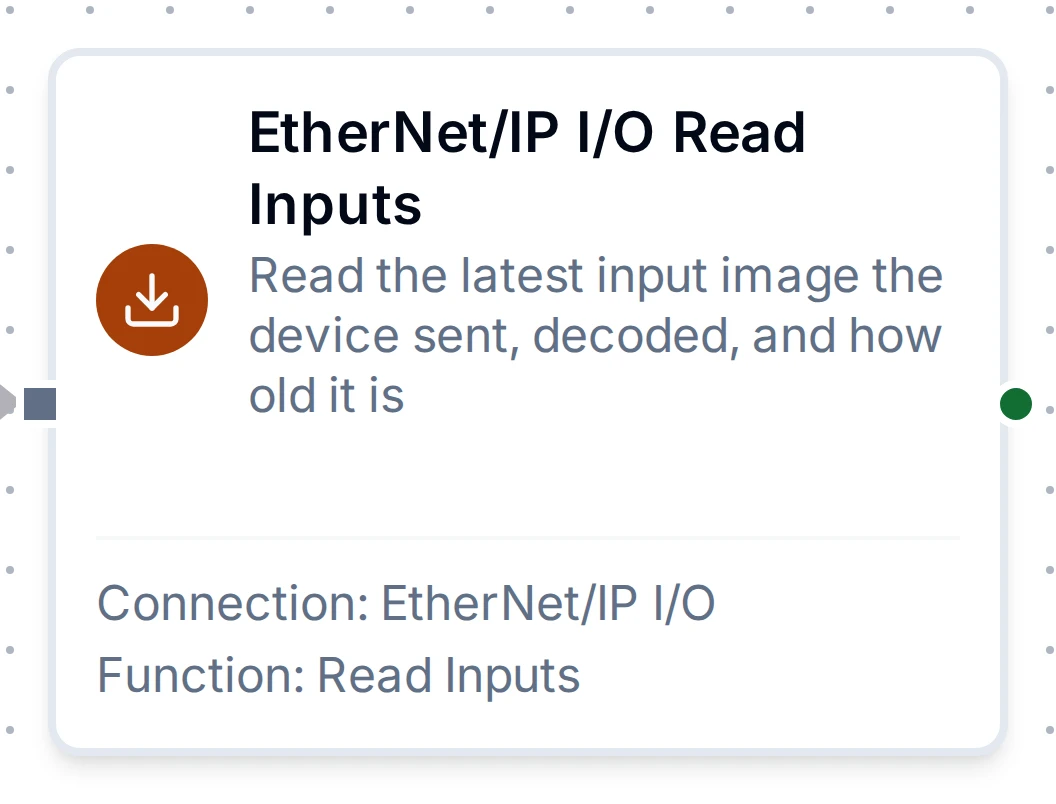
Read Inputs node
EtherNet/IP I/O Read Inputs Node
Supported Function Types:
| Node | Function | Purpose | Common Use Cases |
|---|---|---|---|
EtherNet/IP I/O Read Inputs (connected.enipio.read.inputs) | enipio.read.inputs | Read the latest input image the device sent, decoded, and how old it is | An axis position before a move, a drive's status on a schedule |
The node returns the input image the connection keeps, decoded by the function's field list when it has one, with the class 1 sequence count of the datagram that last carried it and how long ago that was. Every datagram refreshes the image, changed or not, so ageMs stays under the input interval on a working connection. The node succeeds only while the connection is open, that is while the inputs keep arriving within the connection's timeout. See Read Inputs for the parameters and The field list for the types.
Output Structure
With a field list (the example is an 8-byte input image, to keep it short):
{
  "result": {
    "inputs": { "axis1Position": 1043.25, "axis1Ready": true, "faultCode": 0 },
    "raw": "0068824401000000",
    "sequence": 4711,
    "receivedAt": "2026-11-15T09:41:07.312Z",
    "ageMs": 40
  }
}
Without a field list, the result has no inputs:
{
  "result": {
    "raw": "0068824401000000",
    "sequence": 4711,
    "receivedAt": "2026-11-15T09:41:07.312Z",
    "ageMs": 40
  }
}
| Key | Meaning |
|---|---|
result.inputs | Every field of the list, by name: true/false for a BIT, a number for the numeric types, text for a STRING. Present only when the function has a field list |
result.raw | The whole input image as hex, two upper-case digits a byte |
result.sequence | The class 1 sequence count of the datagram that last carried the image |
result.receivedAt | When a datagram last carried the image, in UTC (RFC 3339) |
result.ageMs | How long ago a datagram last carried the image, in milliseconds; under the input interval on a working connection |
Read a field with $node["Read Axis"].result.inputs.axis1Position, and the raw bytes with $node["Read Axis"].result.raw.
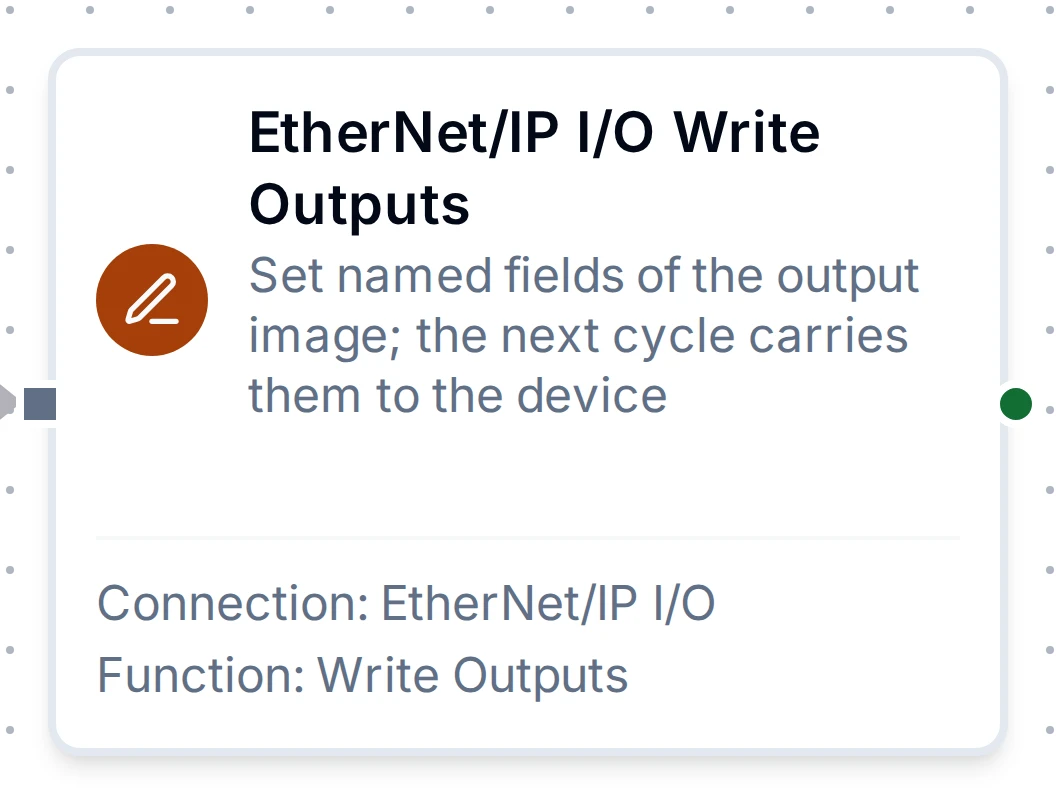
Write Outputs node
EtherNet/IP I/O Write Outputs Node
Supported Function Types:
| Node | Function | Purpose | Common Use Cases |
|---|---|---|---|
EtherNet/IP I/O Write Outputs (connected.enipio.write.outputs) | enipio.write.outputs | Set named fields of the output image; the next cycle carries them to the device | A speed setpoint and the start bit, a fault-reset bit |
The node changes the fields its values name in the output image; the rest keep their last value, and the image starts as zeros. Every value is checked first: if one does not fit its field, nothing changes. From the first write on, the outputs say Run, which lets the device act on them; before it they say Idle. Success means the next cycle carries the image: UDP gives no receipt. Only an exclusive owner connection writes; input only and listen only connections send a heartbeat. See Write Outputs for the parameters and the write rules.
A write is never buffered for later delivery, and it is refused in a run started by a late (replayed) input unless the node allows late input. A write that failed may be run again by Retry on Fail: setting the same fields twice leaves the device in the same state. A value that does not fit its field, or a name the field list does not have, fails the node and changes nothing.
Output Structure
With the fields speedSetpoint (REAL at byte 0) and start (BIT 0 of byte 4), values {"speedSetpoint": 1500, "start": true}, and an output image in which start was already set (8 bytes, to keep it short):
{
  "result": {
    "written": ["speedSetpoint", "start"],
    "changed": ["speedSetpoint"],
    "outputs": "0080BB4401000000"
  }
}
| Key | Meaning |
|---|---|
result.written | The fields the write named, in the order of the field list |
result.changed | The fields whose bytes changed. A value the field already had is not listed, so writing the same values again gives an empty list |
result.outputs | The whole output image after the write, as hex, two upper-case digits a byte |
Check whether a write changed anything with $node["Set Speed"].result.changed.
Always validate values in a Condition node before writing outputs. From the first write on the outputs say Run, and a setpoint or a start bit can move a motor or an axis immediately.
Errors
| Error | Meaning | Retried by the node settings? |
|---|---|---|
not connected to the EtherNet/IP adapter at … | The connection is not open: its inputs stopped, or it was never opened | Yes |
the device has not sent an input image on this connection yet | A read before the device's first input image | Yes |
only an exclusive owner connection sends outputs: … | A write on an input only or listen only connection | No |
field "…": bytes … are outside the image of … bytes | A field of the list lies past the end of the connection's image | No: the result is permanent |
no such field "…" in the image, field "…": … is outside … | A value names a field the list does not have, or does not fit its type. Nothing changed | No |
values is required: …, values is empty: …, fields is required: … | The write has no values, or no field list | No |
The full list of messages, with what to change for each, is in the guide's Troubleshooting.
Settings Tab
All EtherNet/IP I/O node types share the same Settings tab:
| Setting | Type | Default | Description |
|---|---|---|---|
| Description | Text | - | Optional description displayed on the node |
| Timeout (seconds) | Number | Pipeline default | Maximum time the node may run before timing out |
| Retry on Timeout | Toggle | Pipeline default | Automatically retry the node if it times out |
| Retry on Fail | Toggle | Pipeline default | Automatically retry the node if it fails |
| On Error | Selection | Pipeline default | Error strategy: Pipeline Default (the pipeline's Error Handling setting), Stop Pipeline or Continue Execution |
When left at their defaults, these settings inherit from the pipeline-level execution configuration. The retry settings do not retry a request refused for its field list or a value (see Errors).
Use the Test button in the function form (on the connection page) to run every EtherNet/IP I/O function against the live connection before wiring it into a pipeline. It is the fastest way to catch a field past the end of the image, a wrong offset or byte order, or a write on a connection that sends no outputs. Testing a Write Outputs function changes the outputs the device receives.