Version: 3.2

ABB Robot Web Services Nodes

Read and write RAPID variables and I/O signals, and read the controller state and event log of ABB robots from a pipeline.

Reads
Variables · Signals · State · Event log
Writes
One variable or signal, checked before sending
Limits
A refused or unanswered write is never retried automatically

Use ABB robot controllers (IRC5 with RobotWare 6, OmniCore with RobotWare 7) in pipelines. Each function authored on an ABB Robot Web Services connection is available as a matching node in the Pipeline Designer.

For connection setup, RobotWare versions, names and limits, see the ABB Robot Web Services connection guide.

For the event-driven trigger, see the ABB Robot Web Services Trigger node. It starts a pipeline for each change of a watched item (the Monitor Changes function, trigger.abbrws); its result is read as $trigger.result.value, $trigger.result.kind and so on.

Configuration Quick Reference​

FieldWhat you chooseDetails
ParametersConnection, Function, Function Parameters, Timeout OverrideSelect the ABB connection, pick a function, bind parameters with expression support, and optionally override the timeout.
SettingsDescription, Timeout (seconds), Retry on Timeout, Retry on Fail, On ErrorNode description, maximum execution time, retry behaviour and error strategy. All execution settings default to pipeline-level values.

Every node's _metadata carries _metadata.method (the function type, e.g. abbrws.readVariables), _metadata.protocol (abbrws) and _metadata.connectionId, beside the engine's own success, functionId, durationMs and timestamp.


ABB Robot Web Services Read RAPID Variables nodeABB Robot Web Services Read RAPID Variables node

Read RAPID Variables node

ABB Robot Web Services Read RAPID Variables Node​

NodeFunctionPurposeCommon Use Cases
ABB Robot Web Services Read RAPID Variables (connected.abbrws.readVariables)abbrws.readVariablesThe values of up to 50 RAPID symbolsPart counters, recipe numbers, positions for a record

Input​

The node receives the output of the previous node as input. The symbols can be a ((parameter)) filled from it.

Output Structure​

{
"result": {
"values": { "T_ROB1/MainModule/nPartCount": 42 },
"texts": { "T_ROB1/MainModule/nPartCount": "42" },
"quality": "good",
"serverTimestamp": "2026-11-20T10:14:03.221Z"
}
}
KeyMeaning
result.valuesOne entry per symbol, keyed as written: a number, boolean or string, or a nested list for a record or array; the RAPID text when it cannot be read as one
result.textsThe same values as the controller wrote them, in RAPID syntax
result.qualitygood: the controller returned every symbol
result.serverTimestampWhen MaestroHub received the values, UTC

Read a value with $node["Read Counter"].result.values["T_ROB1/MainModule/nPartCount"].


ABB Robot Web Services Read I/O Signals Node​

NodeFunctionPurposeCommon Use Cases
ABB Robot Web Services Read I/O Signals (connected.abbrws.readSignals)abbrws.readSignalsThe values of up to 50 signalsA part-present input before counting; an analog value for a trend

Output Structure​

{
"result": {
"values": { "Local/DRV_1/DRV1K1": 1 },
"signals": { "Local/DRV_1/DRV1K1": { "type": "DO", "state": "not simulated" } },
"quality": "good",
"serverTimestamp": "2026-11-20T10:14:03.221Z"
}
}
KeyMeaning
result.valuesOne entry per signal, keyed as written: its logical value as a number (0 or 1 for a digital signal)
result.signalsPer signal: type (DI, DO, AI, AO, GI or GO) and state (simulated or not simulated)
result.qualitygood: the controller returned every signal
result.serverTimestampWhen MaestroHub received the values, UTC

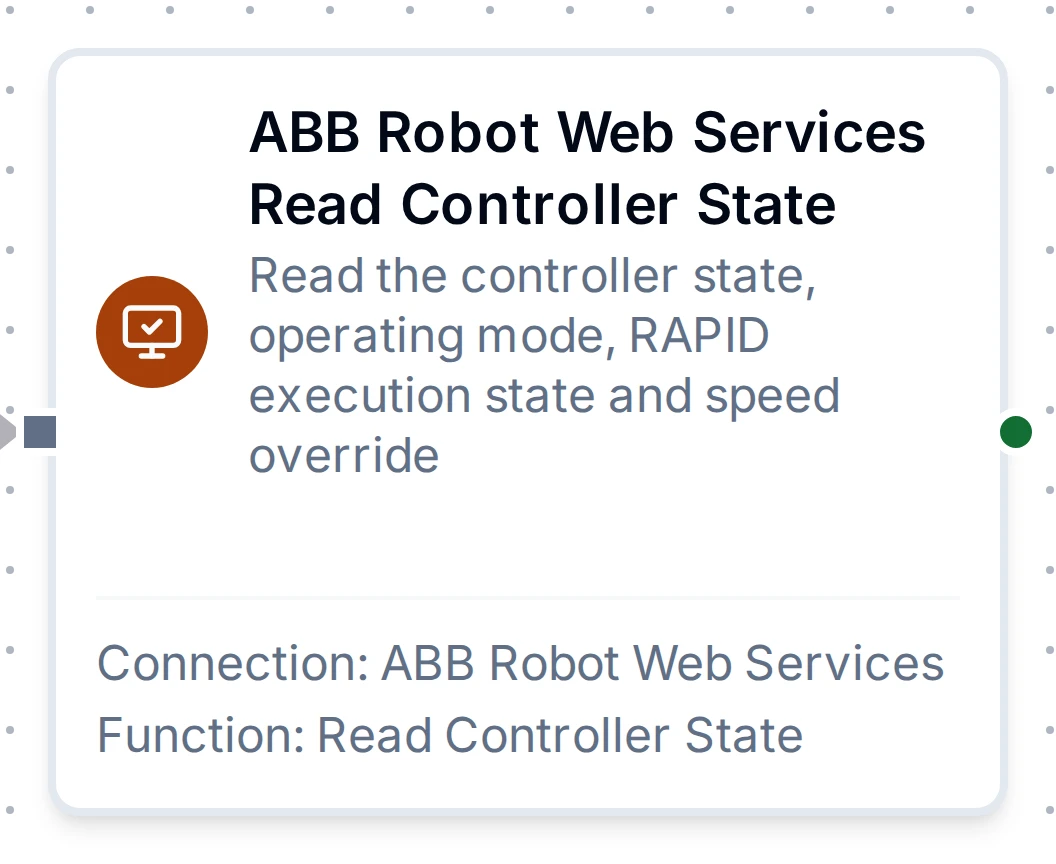
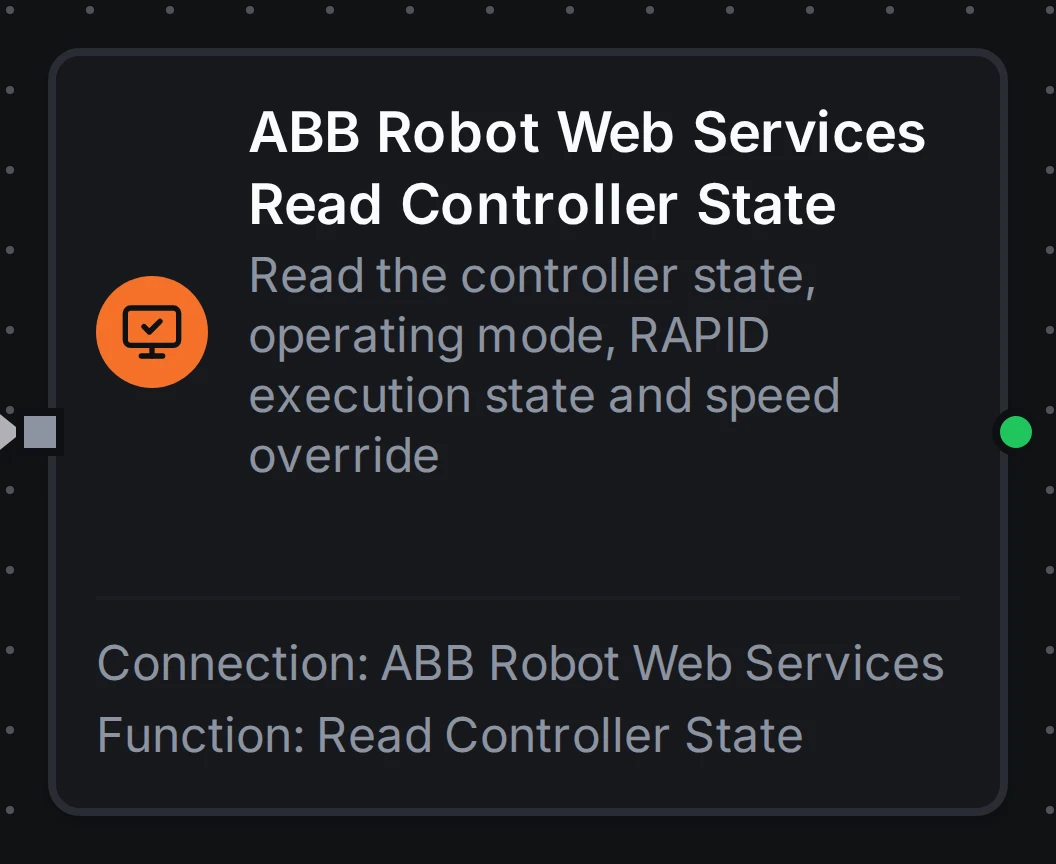
ABB Robot Web Services Read Controller State nodeABB Robot Web Services Read Controller State node

Read Controller State node

ABB Robot Web Services Read Controller State Node​

NodeFunctionPurposeCommon Use Cases
ABB Robot Web Services Read Controller State (connected.abbrws.readState)abbrws.readStateController state, operating mode, RAPID execution, speed overrideChecking the robot before a write; OEE stop reasons

Output Structure​

{
"result": {
"controllerState": "motoron",
"operationMode": "AUTO",
"rapidExecution": "running",
"executionCycle": "forever",
"speedRatio": 100,
"robotWareVersion": "7.13.0",
"serverTimestamp": "2026-11-20T10:14:03.221Z"
}
}
KeyMeaning
result.controllerStateinit, motoroff, motoron, guardstop, emergencystop, emergencystopreset or sysfail
result.operationModeAUTO, MANR (manual, reduced speed), MANF (manual, full speed), INIT, AUTO_CH, MANF_CH or UNDEF
result.rapidExecutionrunning or stopped
result.executionCycleforever, asis, once or oncedone
result.speedRatioThe speed override in percent; null on a controller that does not serve it
result.robotWareVersionThe controller's RobotWare version
result.serverTimestampWhen MaestroHub received the state, UTC

ABB Robot Web Services Read Event Log Node​

NodeFunctionPurposeCommon Use Cases
ABB Robot Web Services Read Event Log (connected.abbrws.readEventLog)abbrws.readEventLogThe newest messages of an event log domainThe errors behind a stop, for a downtime record

Output Structure​

{
"result": {
"messages": [
{
"sequence": 1042, "type": "error", "code": 50204,
"title": "Motion supervision",
"description": "Motion supervision triggered for axis 1 on mechanical unit ROB_1.",
"consequences": "", "causes": "", "actions": "",
"arguments": ["ROB_1", "1"],
"controllerTime": "2026-11-20 T 10:12:55"
}
],
"domain": 0,
"serverTimestamp": "2026-11-20T10:14:03.221Z"
}
}
KeyMeaning
result.messagesNewest first. Per message: sequence, type (info, warning or error), code, title, description, consequences, causes, actions, arguments, and controllerTime as the controller writes it (its local time, no zone)
result.domainThe domain read
result.serverTimestampWhen MaestroHub received the messages, UTC

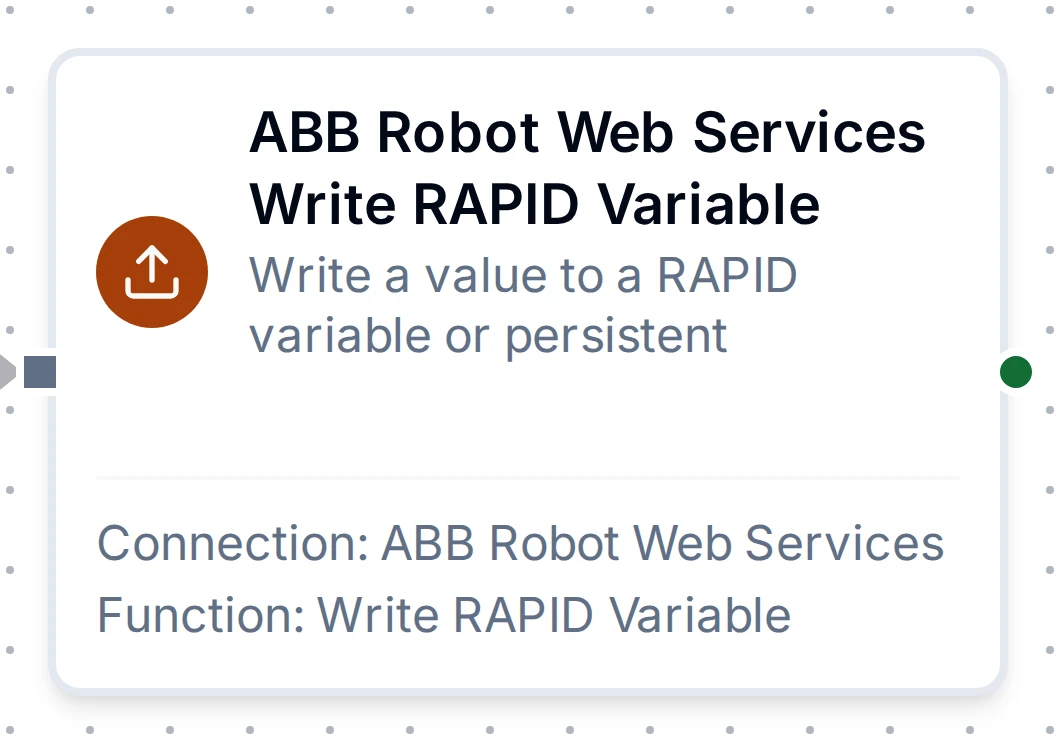
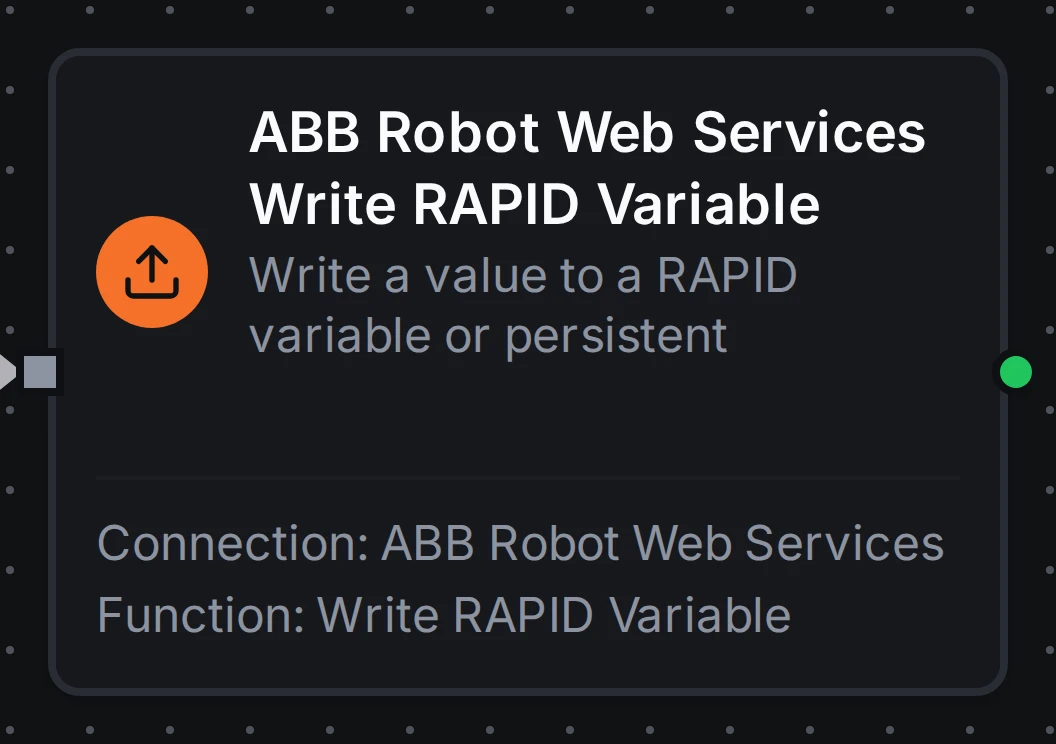
ABB Robot Web Services Write RAPID Variable nodeABB Robot Web Services Write RAPID Variable node

Write RAPID Variable node

ABB Robot Web Services Write RAPID Variable Node​

NodeFunctionPurposeCommon Use Cases
ABB Robot Web Services Write RAPID Variable (connected.abbrws.writeVariable)abbrws.writeVariableWrite one variable or persistentA recipe number when an order starts; a product code
A write changes what the program does

The value is checked before it is sent: a wrong symbol, a bare word that is not RAPID, a control character or (RobotWare 6) a character outside ISO-8859-1 is refused with nothing sent. A write the controller refuses fails as refused and is not retried. A write that got no answer after it left is reported as outcome unknown and is not sent again by the connector; the node's Retry on Fail and Retry on Timeout, and a ForEach item retry, may send it again, which is safe for a value but not for a variable the program treats as a request and clears: for such a variable, turn both retry settings off and do not let a ForEach retry its items. The node never writes in a run started by a late (replayed) value unless it allows late input, and a write is never buffered for later delivery.
Output Structure​

{
"result": {
"symbol": "T_ROB1/MainModule/nRecipe",
"text": "42"
}
}
KeyMeaning
result.symbolThe symbol written, as given
result.textThe value sent, in RAPID syntax

ABB Robot Web Services Set I/O Signal Node​

NodeFunctionPurposeCommon Use Cases
ABB Robot Web Services Set I/O Signal (connected.abbrws.writeSignal)abbrws.writeSignalSet one output signalA ready output to a conveyor; a group output with a recipe

The same rules as for a variable write hold: checked before sending, a refusal is final, an unanswered write is outcome unknown.

Output Structure​

{
"result": {
"signal": "Local/DRV_1/DO1",
"value": 1
}
}
KeyMeaning
result.signalThe signal set, as given
result.valueThe value sent, as a number

Errors​

ErrorMeaningRetried by the node settings?
SYS_CTRL_E_INVALIDARG …The controller has no such symbol or signal, or refuses the valueNo: the result is permanent
refused this user the requestUAS grants, write access held elsewhere, remote access not grantedNo
outcome unknownA write may have reached the controller; no answer came backNever by the connector
out of Robot Web Services sessionsThe controller has no free sessionYes, later
the link to the controller was lost / not connectedThe connection is downYes, after reconnect

Settings Tab​

All ABB Robot Web Services node types share the same Settings tab:

SettingTypeDefaultDescription
DescriptionText-Optional description displayed on the node
Timeout (seconds)NumberPipeline defaultMaximum time the node may run before timing out
Retry on TimeoutTogglePipeline defaultAutomatically retry the node if it times out
Retry on FailTogglePipeline defaultAutomatically retry the node if it fails
On ErrorSelectionPipeline defaultError strategy: Pipeline Default, Stop Pipeline or Continue Execution

The retry settings do not retry a request the controller refused (see Errors).