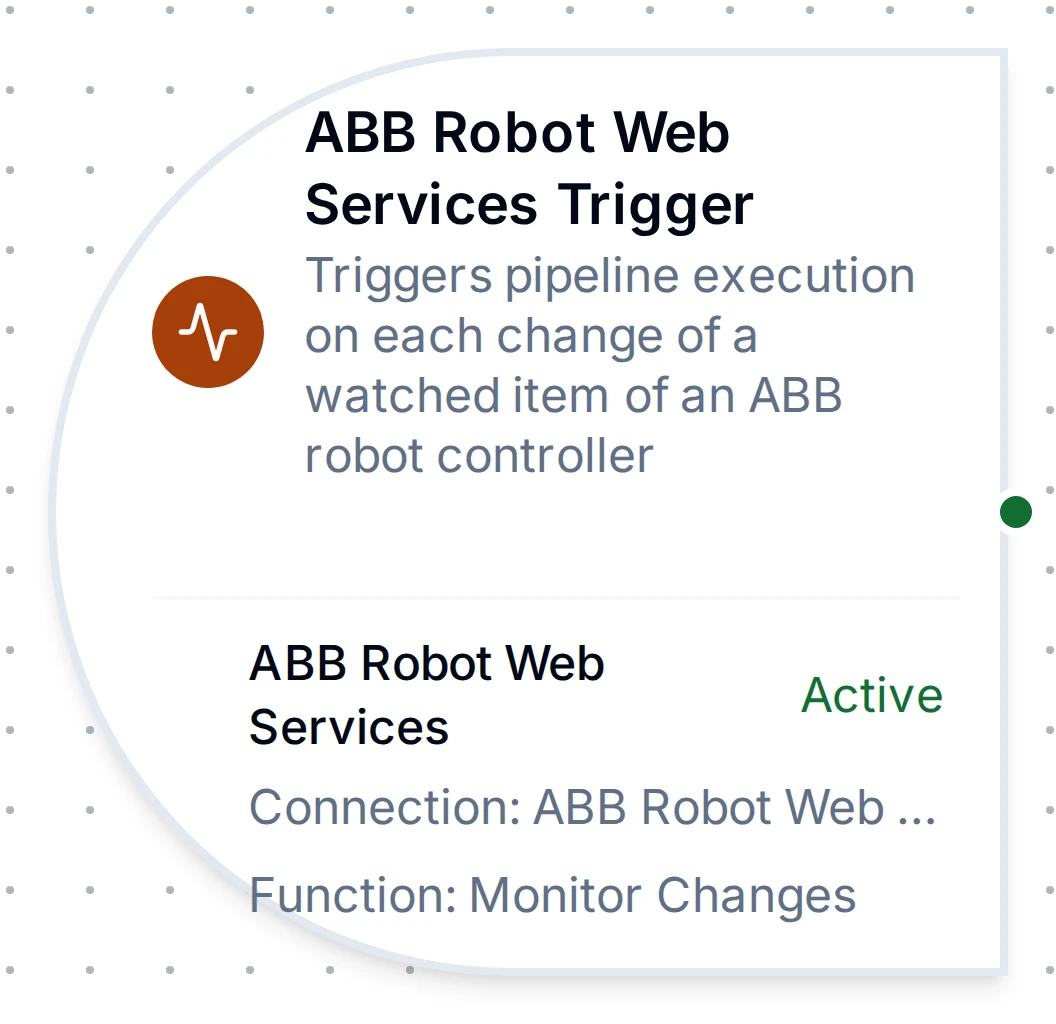
ABB Robot Web Services trigger node
ABB Robot Web Services Trigger Node
Start a pipeline for every change of a watched persistent, signal, state or event log message of an ABB robot controller, pushed over its WebSocket.
- Starts on
- Each change, pushed by the controller
- Function
- Monitor Changes
- Output
- One event per change of one item
- Dedup
- None: every change starts a run
Overview
The ABB Robot Web Services Trigger Node starts a MaestroHub pipeline whenever an item a Monitor Changes function watches changes: a RAPID persistent, an I/O signal, the controller state, the operating mode, RAPID execution, or a new event log message. The controller pushes each change over the Robot Web Services WebSocket; nothing is polled. Unlike the Read nodes, which read inside an already-running pipeline, the trigger starts a new execution per change.
Events of one item run in order, one at a time; events of different items run in parallel.
When the subscription starts, and again after every reconnect, each watched item sends its current value once, with initial true, so a pipeline knows the state without waiting for a change. A current value never arrives after a change newer than it. When several functions watch the event log in different languages, each receives the message text in its own language. The event log sends no current value: only new messages start runs.
Reconnection Handling
- When the controller's WebSocket or session is lost, every watched item fires once with
_metadata.qualitybad,_metadata.quality_reasoncomm_errorand the reason under_metadata.error. Itsresultis the item's last event (an empty object if none had arrived), withresult.qualitybadandresult.serverTimestampthe moment the link was lost. - The trigger does not reconnect by itself: the connection reconnects, with a new session, and the subscription is made again. Each item then sends its current value,
goodagain. - An item the controller no longer has after a program change (a removed persistent) fires once
badwith the controller's refusal; the function keeps watching the rest. Edit the function. - An item whose subscription the controller refuses (a controller limit, such as its 200 persistents per robot shared with other clients), or that does not fit in the subscription groups the controller allows, fires once
badwith the reason; the connection stays up, the other items deliver, and the subscription is asked for again on a backoff. Once the controller takes it, the item sends its current value,goodagain. See Sessions and limits.
Configuration Options
| Field | Meaning |
|---|---|
| Connection | An ABB Robot Web Services connection |
| Function | A Monitor Changes function on it |
| Enabled | Off keeps the node but never subscribes |
The function sets the persistents, signals and states to watch, the event log, its language and the priority. See Monitor Changes.
Output Data Structure
Output Format
{
  "_metadata": {
    "type": "abbrws_trigger",
    "protocol": "abbrws",
    "connectionId": "bf29be94-fc0a-4dc4-8e5c-092f1b74eb4b",
    "functionId": "aef374c3-aa2b-454e-aabc-5657faac5950",
    "kind": "variable",
    "name": "T_ROB1/MainModule/nPartCount",
    "initial": "false",
    "serverTimestamp": "2026-11-20T10:14:03.221Z",
    "quality": "good",
    "timestamp": "2026-11-20T10:14:03.221123456Z"
  },
  "result": {
    "kind": "variable",
    "name": "T_ROB1/MainModule/nPartCount",
    "value": 42,
    "text": "42",
    "initial": false,
    "quality": "good",
    "serverTimestamp": "2026-11-20T10:14:03.221Z"
  }
}
result Fields
| Field | Type | Description |
|---|---|---|
kind | string | variable, signal, controllerState, operationMode, rapidExecution or eventLog. |
name | string | The symbol or signal as written in the function, or the kind itself for the states and the event log. |
value | any | The new value: a RAPID value as JSON (number, boolean, string or nested list), a signal's number, a state's word (motoron, AUTO, running), or for the event log the message (sequence, type, code, title, description, consequences, causes, actions, arguments, controllerTime). |
text | string | The value as the controller wrote it; the sequence number for an event log message. |
signalState | string | Only for a signal: simulated or not simulated. |
initial | boolean | true for the current value sent when the subscription starts, false for a change. |
quality | string | good for an event the controller sent. |
serverTimestamp | string | When MaestroHub received the event, UTC. |
_metadata Fields
| Field | Type | Description |
|---|---|---|
type | string | Always "abbrws_trigger". |
protocol | string | Always "abbrws". |
connectionId | string | The connection profile ID. |
functionId | string | The Monitor Changes function ID. |
kind | string | As result.kind. |
name | string | As result.name. |
initial | string | "true" or "false", as result.initial. |
serverTimestamp | string | RFC 3339, UTC; when MaestroHub received the event. |
quality | string | good, or bad on the once-per-outage failure event. |
quality_reason | string | Only on a failure event: comm_error. |
error | string | Only on a failure event: why the link was lost. |
timestamp | string | RFC 3339 (nanoseconds); when the trigger event was created, UTC. |
Referencing in Downstream Nodes
$trigger.result.kindand$trigger.result.name: what changed$trigger.result.value: the new value$trigger.result.value.title: an event log message's title$trigger.result.initial:truefor the current value at start$trigger._metadata.quality:badon the failure event$trigger._metadata.connectionId,$trigger._metadata.functionId: the connection and function used
Best Practices
- Watch persistents and signals at
mediumpriority unless a pipeline must react within milliseconds;highis limited to 64 items per controller. - Branch on
kindfirst when one function watches several things. - Skip
initialevents in a counting pipeline:$trigger.result.initialistruefor the value at start, not a new part.