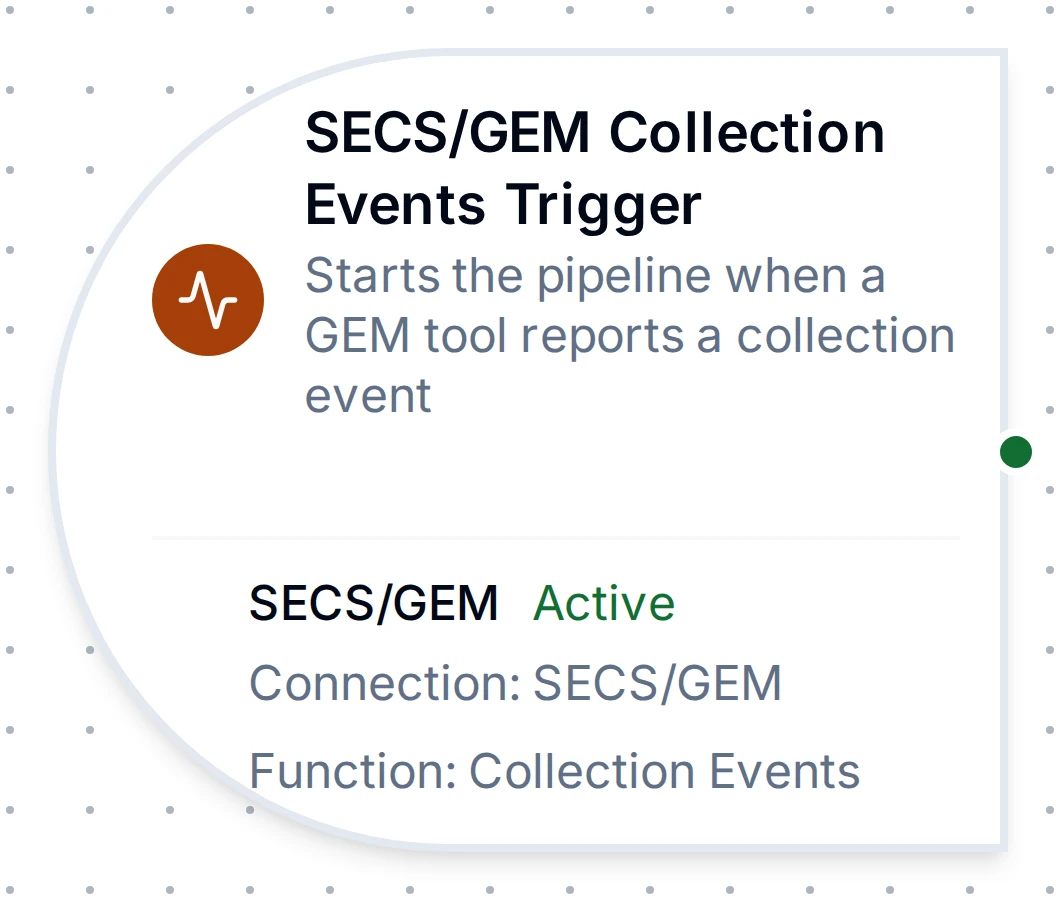
SECS/GEM Collection Events trigger node
SECS/GEM Trigger Nodes
Start a pipeline with every collection event or alarm a GEM tool reports.
- Status
- Beta
- Triggers
- Collection Events · Alarms
- Output
- One event per tool message
- Dedup
- None: every event starts a run
Overview
Two trigger nodes start a MaestroHub pipeline from what a GEM tool reports. Each uses a function of the matching type on a SECS/GEM connection:
| Node | Function | Starts a run for |
|---|---|---|
SECS/GEM Collection Events Trigger (trigger.secsgem.events) | Collection Events | Every collection event (S6F11) the function's CEIDs include |
SECS/GEM Alarms Trigger (trigger.secsgem.alarms) | Alarms | Every alarm set or cleared (S5F1) the function's ALIDs include |
The tool is answered (S6F12, S5F2) as soon as its message arrives, before the pipeline runs. For each listed collection event, MaestroHub defines a report of its own with the variables the function asks for, links it and enables the event, and checks it again after every connect; see the connection guide. Removing the last trigger that lists an event, while the connection is up, disables that event on the tool; a connect never disables or deletes anything.
Reconnection Handling
- When the link to the tool drops, each trigger fires once with
_metadata.qualitybadand the reason under_metadata.error. Itsresultis the last event delivered (an empty object if none had arrived yet). - The connection reconnects on its own and checks the reports and alarm enables, setting up again what the tool lost.
- MaestroHub turns on the alarms its triggers need and never turns alarms off, because a tool's alarm settings are shared with the MES; a removed trigger simply stops receiving them.
- A trigger that lists variables fires with
qualityuncertainand aqualityDetailsaying why when the event does not carry the report MaestroHub defined for it (the tool lost or changed the definition just before MaestroHub checked it), or when MaestroHub could not set that report up (the reason from the setup). Itsvalueshold nothing it cannot vouch for. A trigger that lists no variables takes every event as the tool sent it. - A tool without spooling does not resend events reported while the link was down. Spooling (S2F43) is the way to lose nothing over an outage; this connector does not set it up yet.
- When pipelines fall behind by more than 256 events, the newest are dropped (the tool was still answered) and counted in the connection's error count.
Configuration Options
| Field | Meaning |
|---|---|
| Connection | A SECS/GEM connection |
| Function | A function of the trigger's type on it |
| Enabled | Off keeps the node but never subscribes |
Collection Events Output
{
  "result": {
    "ceid": 3001,
    "dataId": 1,
    "values": { "1001": 231.5, "1002": "LOT-0425", "1003": "2026111710140322" },
    "reports": [
      { "rptid": 9000, "items": [
        { "vid": 1001, "format": "F4", "value": 231.5 },
        { "vid": 1002, "format": "A", "value": "LOT-0425" },
        { "vid": 1003, "format": "A", "value": "2026111710140322" }
      ] }
    ],
    "quality": "good",
    "sourceTimestamp": "2026-11-17T10:14:03.22Z",
    "serverTimestamp": "2026-11-17T10:14:03.241Z"
  },
  "_metadata": {
    "protocol": "secsgem",
    "ceid": "3001",
    "dataId": "1",
    "quality": "good",
    "sourceTimestamp": "2026-11-17T10:14:03.22Z",
    "serverTimestamp": "2026-11-17T10:14:03.241Z"
  }
}
| Key | Meaning |
|---|---|
$trigger.result.ceid | The collection event |
$trigger.result.dataId | The tool's DATAID for this report |
$trigger.result.values | Each reported VID → its value: numbers, text, booleans, arrays for multi-value items; null for a value the tool sent empty |
$trigger.result.reports | The reports exactly as sent, each item with its SECS-II format |
$trigger.result.quality | good when the event carries the report MaestroHub defined with the variables this trigger lists (or the trigger lists none); uncertain when it does not, or the report could not be set up |
$trigger.result.qualityDetail | Present when uncertain: which report was expected and what arrived, or why the report could not be set up |
$trigger.result.sourceTimestamp | The time in the function's clock variable, UTC; absent when no clock variable is set |
$trigger.result.serverTimestamp | When MaestroHub received the event |
_metadata.ceid, _metadata.dataId, _metadata.quality, _metadata.sourceTimestamp and _metadata.serverTimestamp carry the same facts as strings.
Alarms Output
{
  "result": {
    "alid": 120,
    "alarmSet": true,
    "category": 2,
    "categoryName": "equipment safety",
    "text": "Chamber door open",
    "quality": "good",
    "serverTimestamp": "2026-11-17T10:14:03.241Z"
  },
  "_metadata": {
    "protocol": "secsgem",
    "alid": "120",
    "alarmSet": "true",
    "quality": "good",
    "serverTimestamp": "2026-11-17T10:14:03.241Z"
  }
}
| Key | Meaning |
|---|---|
$trigger.result.alid | The alarm |
$trigger.result.alarmSet | true when the alarm was set, false when cleared |
$trigger.result.category | The E5 alarm category (ALCD bits 1 to 7) |
$trigger.result.categoryName | The category's name: personal safety, equipment safety, parameter control warning or error, irrecoverable error, equipment status warning, attention flags, data integrity |
$trigger.result.text | The alarm text the tool sent |
$trigger.result.quality | good on every alarm the tool sent |
$trigger.result.serverTimestamp | When MaestroHub received the alarm |
_metadata.alid, _metadata.alarmSet, _metadata.quality and _metadata.serverTimestamp carry the same facts as strings.