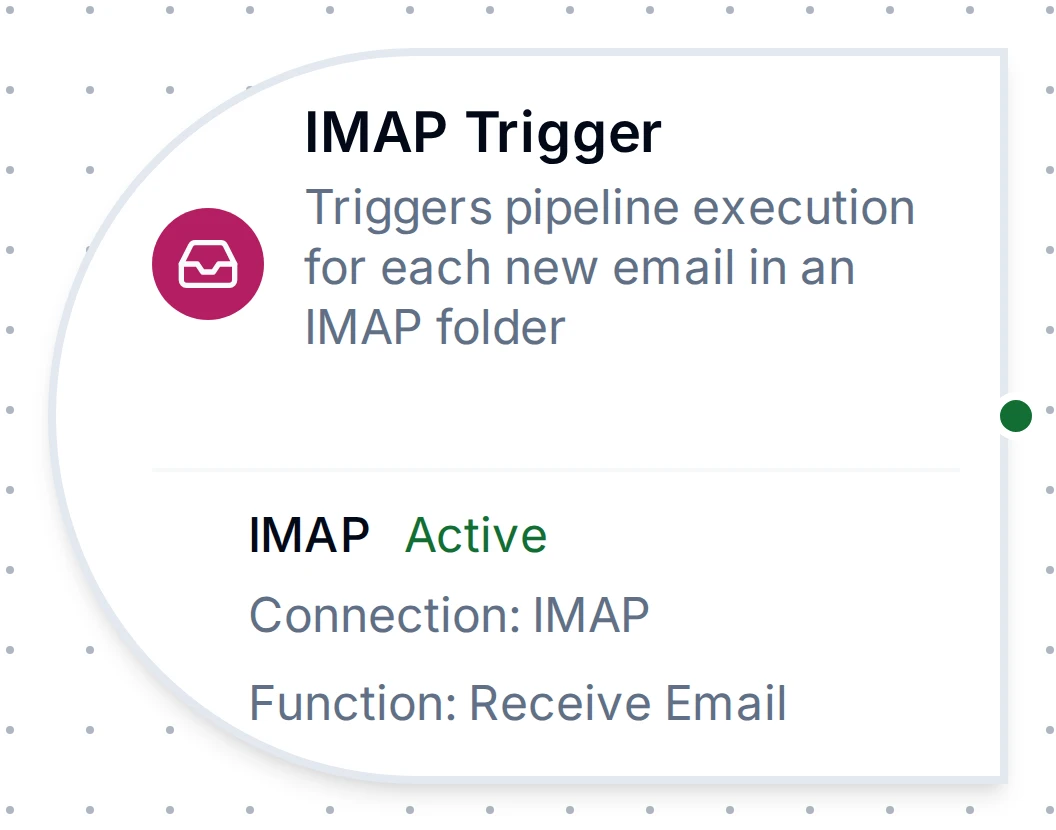
IMAP trigger node
IMAP Trigger Node
Start a pipeline for each new email in a mailbox folder, marked read or moved only once MaestroHub has stored it.
- Starts on
- Each new email in a folder
- Function
- IMAP Receive Email
- Output
- The decoded email plus folder, UID and Message-ID
Overview
The IMAP Trigger Node starts a pipeline for every message waiting in a folder. The folder and what happens after storing are a Receive Email function on an IMAP connection; the trigger runs it while the pipeline is enabled. To search, fetch, move or flag messages inside a pipeline, use the IMAP nodes.
Core Functionality
What It Does
1. Told at once, or polled With IMAP IDLE the server reports new mail as it arrives. A server without IDLE is polled; with IDLE the folder is still checked every poll interval.
2. At-least-once
A message is marked read (or moved to the processed folder) only after MaestroHub stored it for the pipeline. One it could not store is offered again after a pause. A restart between storing and marking delivers the message again: when that matters, drop the copy on the message's messageId ($trigger._metadata.messageId), for example with a unique key where the pipeline stores it. On Change mode compares the whole email with the last one, so it is no way to drop a copy of an email a newer one came after.
3. The mailbox is the queue
Nothing is kept on the MaestroHub side: what was not marked read or moved is still pending on the server, and is delivered after a restart or an outage. At most ten messages are handed over at a time; the rest wait on the server while a pipeline is held back. A message that cannot be read, one too large for MaestroHub's message bus, or one the pipeline keeps refusing while it stores others, is left unread and set aside so the messages after it go on; while MaestroHub stores nothing at all (an outage), nothing is set aside and every message waits (details). A message a person deletes after it was delivered is simply done. A refusal that may pass (a locked folder, a busy server) is retried in place, with a backoff, and MaestroHub does not deliver the message again. The trigger stops and shows as Refused, naming what to fix, when the server refuses to mark or move stored messages because the account lacks a right (NOPERM), the processed folder is missing (TRYCREATE), the quota is full (OVERQUOTA), it cannot do it (CANNOT), it rejects the command (BAD), it stops offering MOVE, or it refuses the same message twice in a row for another reason. The messages stored by then are set aside, not delivered again until the connection is stopped and started or the function is edited; after the fix, do either, and those messages are delivered again then. Move mode needs a server with IMAP MOVE; without it the trigger is refused when it starts.
4. One instance The connection runs on one instance: two readers of one folder would each deliver every message.
Configuration Options
Parameters
| Parameter | Type | Default | Required | Constraints | Description |
|---|---|---|---|---|---|
| Connection ID | string | "" | Yes | -- | IMAP connection profile to use. |
| Function ID | string | "" | Yes | -- | Receive Email function within the connection. Only Receive Email functions are listed. |
| Trigger Mode | select | "always" | No | always / onChange | always: Trigger on every email. onChange: Only trigger when the email differs from the last one seen in the folder. |
| Enabled | boolean | true | No | -- | Enable/disable the trigger. When disabled, nothing is read. |
Output Data Structure
{
  "_metadata": {
    "type": "imap_trigger",
    "protocol": "imap",
    "mailbox": "INBOX",
    "uid": "4211",
    "uidValidity": "1763380000",
    "messageId": "<8f1c2a@supplier.example>",
    "from": "qa@supplier.example",
    "subject": "CoA lot 24-117",
    "size": "48211",
    "messageTimestamp": "2026-11-18T07:42:10Z",
    "receivedTimestamp": "2026-11-18T07:42:12Z",
    "connectionId": "bf29be94-fc0a-4dc4-8e5c-092f1b74eb4b",
    "functionId": "aef374c3-aa2b-454e-aabc-5657faac5950",
    "timestamp": "2026-11-18T07:42:13.140Z"
  },
  "result": {
    "subject": "CoA lot 24-117",
    "from": "QA Supplier <qa@supplier.example>",
    "fromAddress": "qa@supplier.example",
    "to": ["coa@plant.example"],
    "date": "2026-11-18T07:42:10Z",
    "messageId": "<8f1c2a@supplier.example>",
    "text": "Lot 24-117 released, certificate attached.",
    "size": 48211,
    "attachments": [
      { "filename": "coa-24-117.pdf", "contentType": "application/pdf", "size": 40960, "part": "2", "content": "JVBERi0xLjcK" }
    ]
  }
}
Accessing Email Data
| Field | Expression | Description |
|---|---|---|
| Subject | $trigger.result.subject | The Subject header, decoded |
| Sender | $trigger.result.from, $trigger.result.fromAddress | The first sender with its name, and its address alone |
| Recipients | $trigger.result.to, $trigger.result.cc, $trigger.result.replyTo | Address lists; cc and replyTo only when present |
| Date | $trigger.result.date | The Date header (UTC RFC 3339), when present |
| Message-ID | $trigger.result.messageId, $trigger.result.inReplyTo | The Message-ID and In-Reply-To headers, when present |
| Bodies | $trigger.result.text, $trigger.result.html | Plain text and HTML, decoded to UTF-8, each up to 1 MB; textTruncated / htmlTruncated are true when cut |
| Size | $trigger.result.size | The whole message's size in bytes |
| Attachments | $trigger.result.attachments | filename, contentType, size, part, and content (base64) within the cap, else contentOmitted with the reason |
| Folder | $trigger._metadata.mailbox | The watched folder |
| UID and UIDVALIDITY | $trigger._metadata.uid, $trigger._metadata.uidValidity | Pass both to the Move and Flag nodes |
| Message-ID | $trigger._metadata.messageId | Also in metadata, for lineage and de-duplication |
| Sender, Subject, Size | $trigger._metadata.from, $trigger._metadata.subject, $trigger._metadata.size | As strings |
| Times | $trigger._metadata.messageTimestamp, $trigger._metadata.receivedTimestamp | When the sender wrote it (Date header) and when the server took it |
| Protocol | $trigger._metadata.protocol | Always imap |
| Timestamp | $trigger._metadata.timestamp | When MaestroHub received the event |
Every _metadata value is a string ("4211", not 4211); result keeps its JSON types.
Usage Examples
Lot certificates into the UNS
Configuration:
- Function: Receive Email on
INBOX/CoA, After Storingmove, processed folderINBOX/CoA/Done - Pipeline: publish
$trigger.result.subjectto a UNS topic per lot
Alarm mails from an older system
Configuration:
- Function: Receive Email on
INBOXof a dedicated mailbox, After StoringmarkSeen - Trigger Mode: always