IMAP Nodes
Search a mailbox folder, fetch a message with its attachments, and move or flag messages from a pipeline.
- Operations
- Search · Fetch · Move · Flag
- Output
- Message summaries, a decoded message, the UIDs changed
IMAP is how a program reads a mailbox. MaestroHub provides four nodes for an IMAP connection; to start a pipeline when email arrives, use the IMAP Trigger. Each node runs a function of the IMAP connection.
Configuration Quick Reference
| Field | What you choose | Details |
|---|---|---|
| Parameters | Connection, Function, Function Parameters, Timeout Override | Select the connection profile, function, configure function parameters with expression support, and optionally override timeout. |
| Settings | Description, Timeout (seconds), Retry on Timeout, Retry on Fail, On Error | Node description, maximum execution time, retry behavior on timeout or failure, and error handling strategy. All execution settings default to pipeline-level values. |
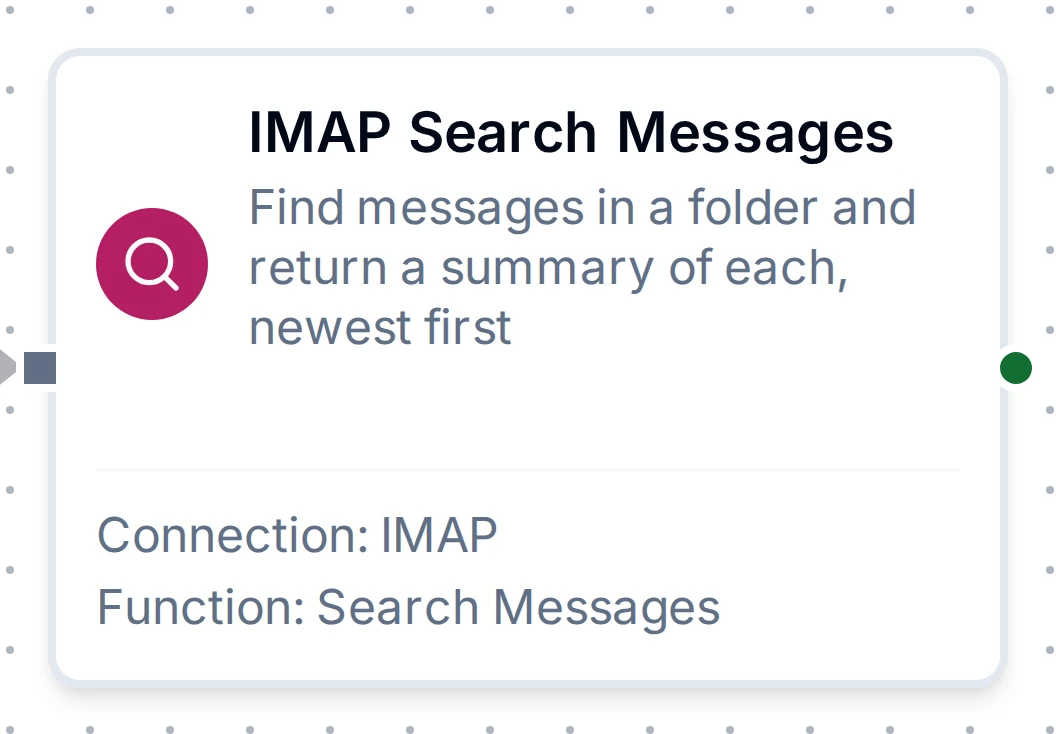
IMAP Search Messages Node
IMAP Search Messages Node
Find messages in a folder and return a summary of each, newest first. Nothing is marked read.
| Expression | Description |
|---|---|
$node["Name"].result.folder | The folder searched |
$node["Name"].result.uidValidity | The folder's UIDVALIDITY; pass it with a UID to the Move and Flag nodes |
$node["Name"].result.total | How many messages matched, before Max Results |
$node["Name"].result.truncated | true when more matched than were returned |
$node["Name"].result.unreadable | UIDs of matching messages MaestroHub cannot read (the server describes them in a form the IMAP library cannot parse, even raw); present only when there are some |
$node["Name"].result.messages | The newest matches first: uid, messageId, subject, from, date, size, seen, flags, attachmentCount |
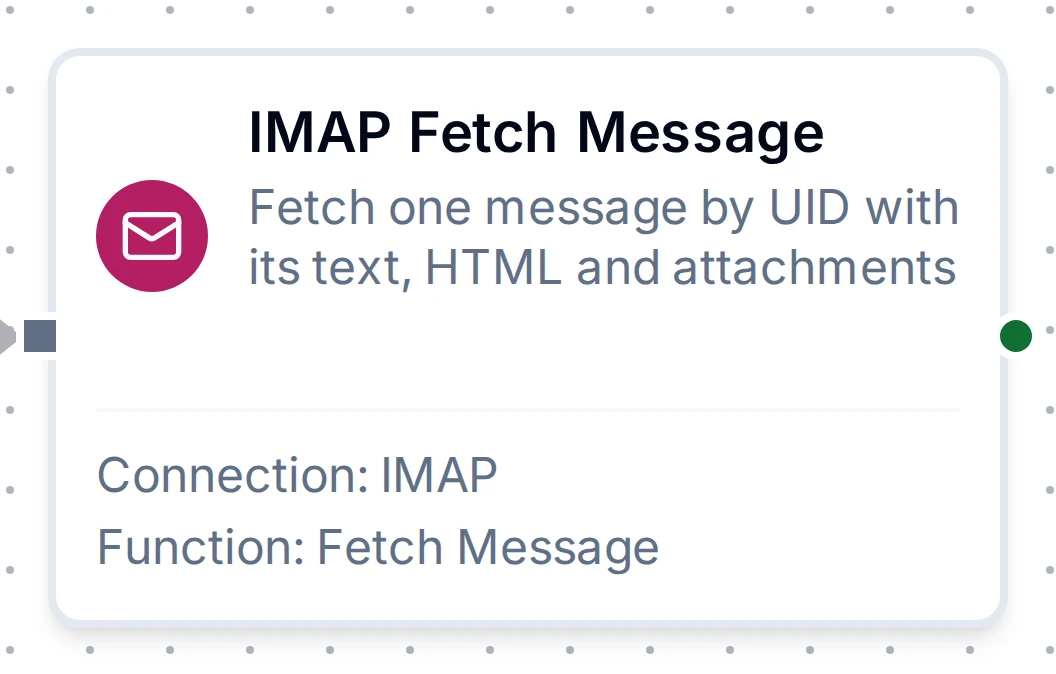
IMAP Fetch Message Node
IMAP Fetch Message Node
Fetch one message by UID with its text, HTML and attachments. The message is not marked read. A message the IMAP library cannot parse is read raw instead; one that cannot be read either way fails for good, and is not retried.
| Expression | Description |
|---|---|
$node["Name"].result.folder, $node["Name"].result.uid, $node["Name"].result.uidValidity | Where the message is |
$node["Name"].result.flags | The message's flags, e.g. \Seen |
$node["Name"].result.subject | The Subject header, decoded |
$node["Name"].result.from, $node["Name"].result.fromAddress | The first sender with its name, and its address alone |
$node["Name"].result.to, $node["Name"].result.cc, $node["Name"].result.replyTo | Address lists; cc and replyTo only when the message has them |
$node["Name"].result.date | The Date header, UTC RFC 3339, when present |
$node["Name"].result.messageId, $node["Name"].result.inReplyTo | The Message-ID and In-Reply-To headers, when present |
$node["Name"].result.text, $node["Name"].result.html | The plain-text and HTML bodies decoded to UTF-8, when present |
$node["Name"].result.textTruncated, $node["Name"].result.htmlTruncated | true when a body was longer than 1 MB and is cut |
$node["Name"].result.size | The whole message's size in bytes |
$node["Name"].result.attachments | Each attachment: filename, contentType, size, part, and content (base64) within the cap, else contentOmitted with the reason |
IMAP Move Messages Node
IMAP Move Messages Node
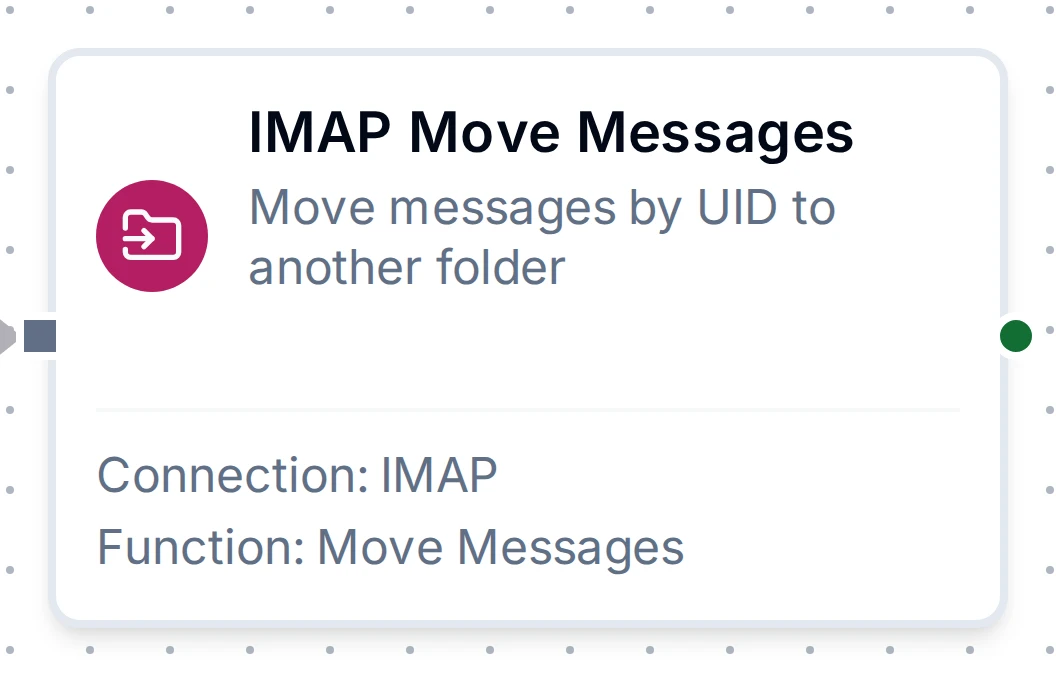
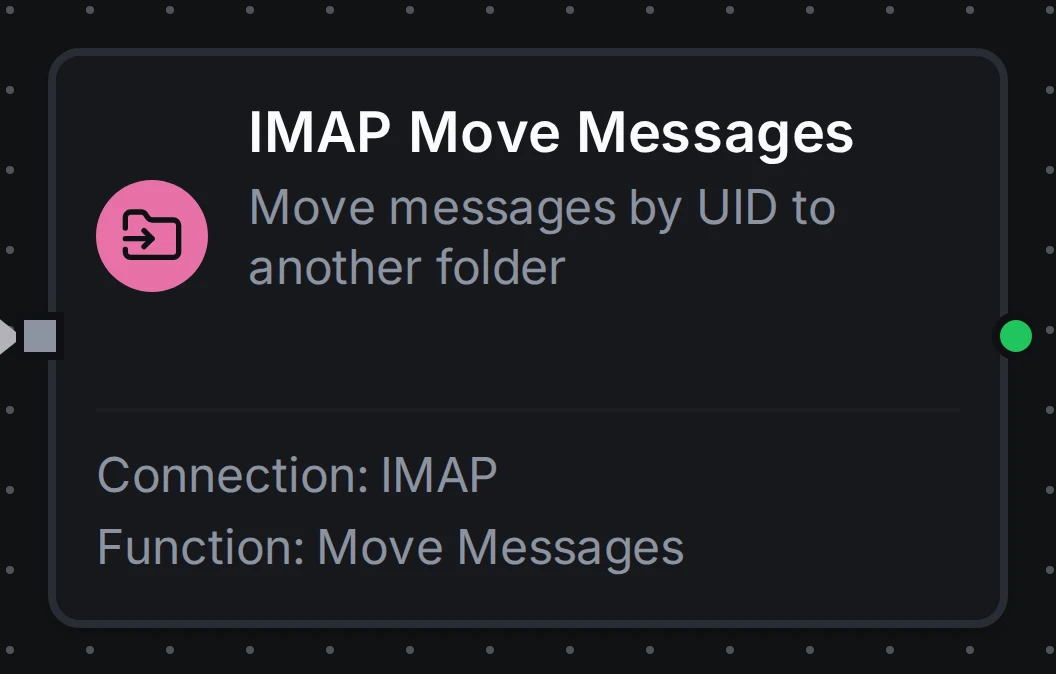
Move messages by UID to another folder with IMAP MOVE; repeating a move is harmless, since a UID already moved is reported in notFound. It needs a server with MOVE (RFC 6851): on a server without it the node is refused with that reason, and nothing is copied or deleted.
| Expression | Description |
|---|---|
$node["Name"].result.folder, $node["Name"].result.destination | From where, to where |
$node["Name"].result.moved | The UIDs moved |
$node["Name"].result.notFound | The UIDs that were not in the folder; nothing was done for them |
$node["Name"].result.destinationUids | The moved messages' UIDs in the destination, when the server reports them |
IMAP Flag Messages Node
IMAP Flag Messages Node
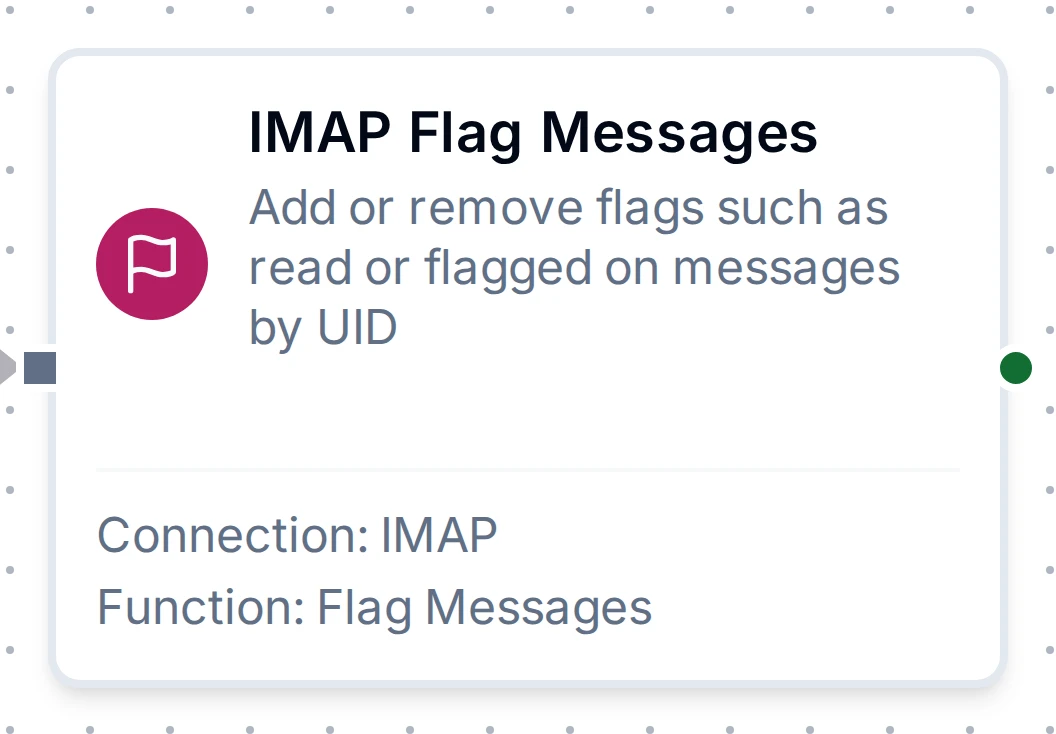
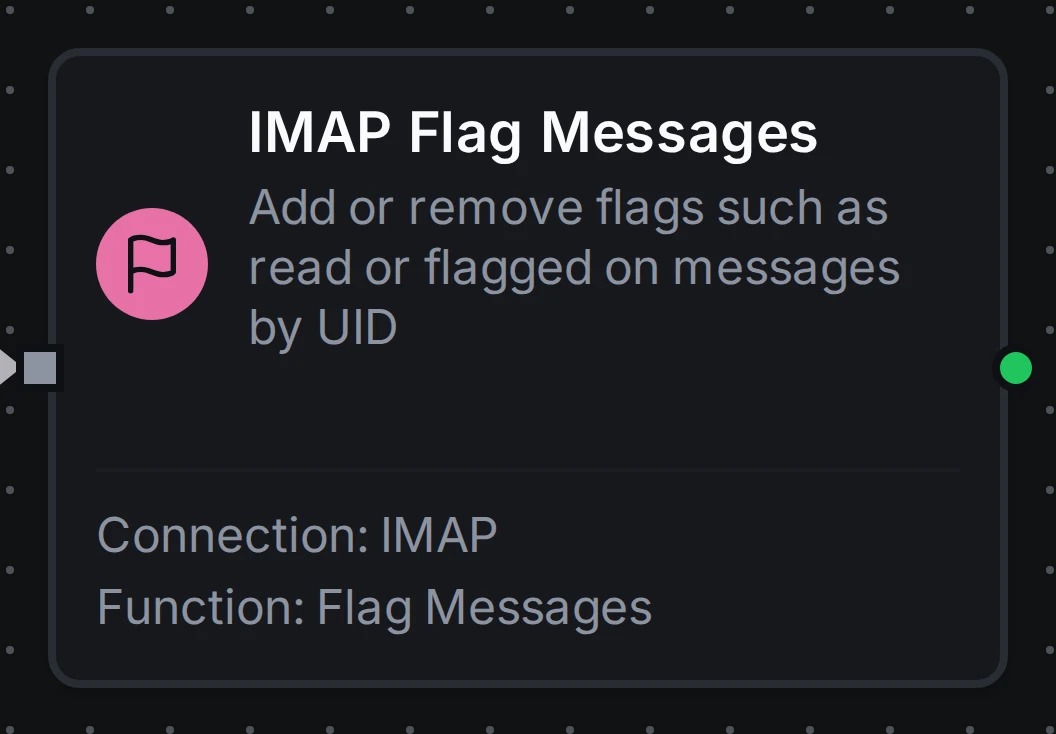
Add or remove flags such as \Seen or \Flagged on messages by UID.
| Expression | Description |
|---|---|
$node["Name"].result.folder | The folder the messages are in |
$node["Name"].result.action | add or remove |
$node["Name"].result.flags | The flags added or removed |
$node["Name"].result.updated | The UIDs changed |
$node["Name"].result.notFound | The UIDs that were not in the folder |
Output Metadata
| Expression | Description |
|---|---|
$node["Name"]._metadata.method, $node["Name"]._metadata.connectionId, $node["Name"]._metadata.protocol | The call's own facts, on every node: the operation, the connection it ran over, imap |
To start a pipeline when email arrives, use the IMAP Trigger Node.