Azure Queue Storage Nodes
Send, receive, delete and peek messages on Azure Storage queues from your pipelines. To start a pipeline per message, use the Azure Queue Storage Trigger.
- Needs
- An Azure Queue Storage connection
- Operations
- Send Message · Receive Messages · Delete Message · Peek Messages
- Delivery
- At least once
- Limits
- 64 KiB per message · 32 messages per receive
These nodes work inside a running pipeline. The Azure Queue Storage Trigger starts a pipeline for each arriving message instead. How to set up the connection and each function is in the Azure Queue Storage guide.
Configuration Quick Reference
| Field | What you choose | Details |
|---|---|---|
| Parameters | Connection, Function, Function Parameters | Select the connection profile and function, and fill the function's ((parameters)) with expressions or constants. |
| Settings | Description, Timeout (seconds), Retry on Timeout, Retry on Fail, On Error | Node description, maximum execution time, retry behavior and error handling. All execution settings default to pipeline-level values. |
Azure Queue Storage Send Message Node
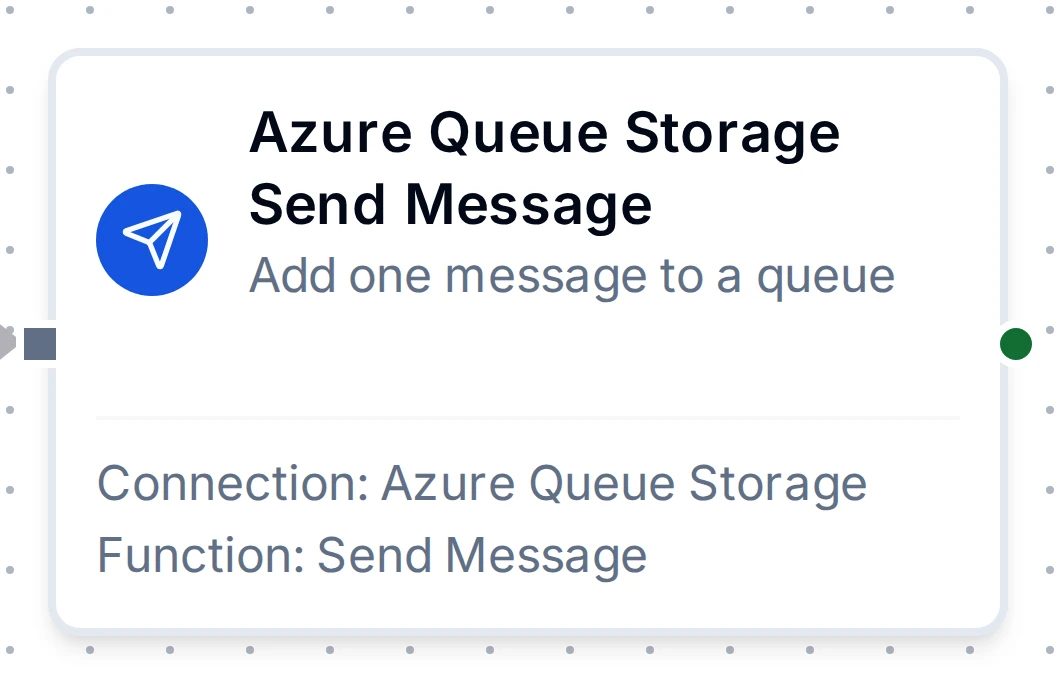
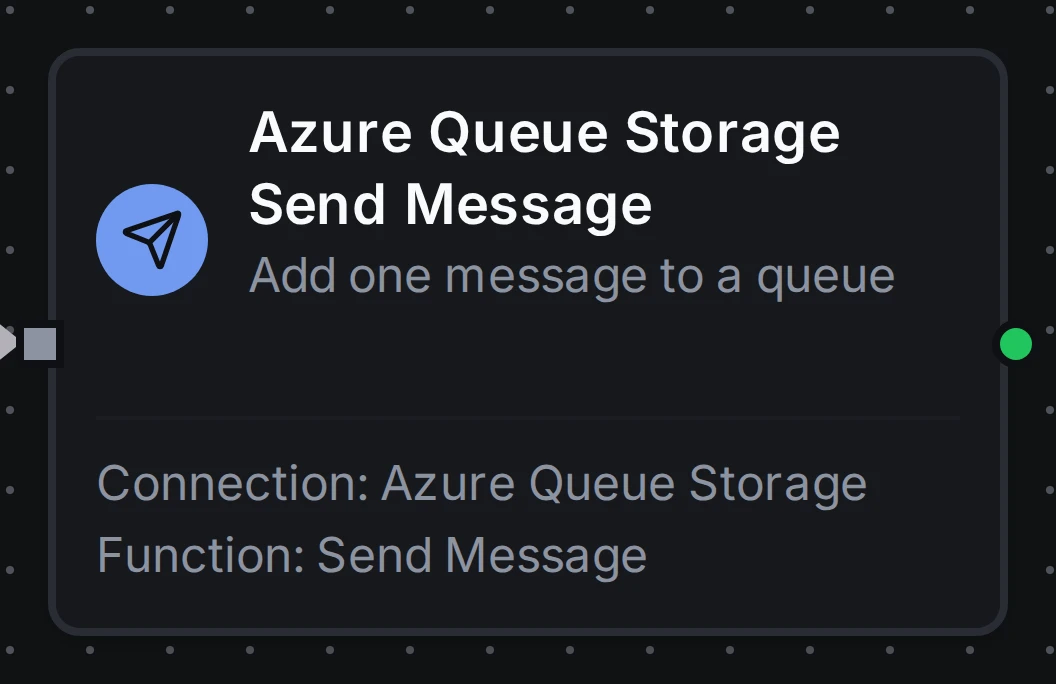
Azure Queue Storage Send Message Node
Adds one message to a queue, encoded as the connection's Message Encoding says. A message is delivered at least once: a send retried after a lost answer can add a second copy, because a queue message carries no ID of its own.
Azure Queue Storage Receive Messages Node
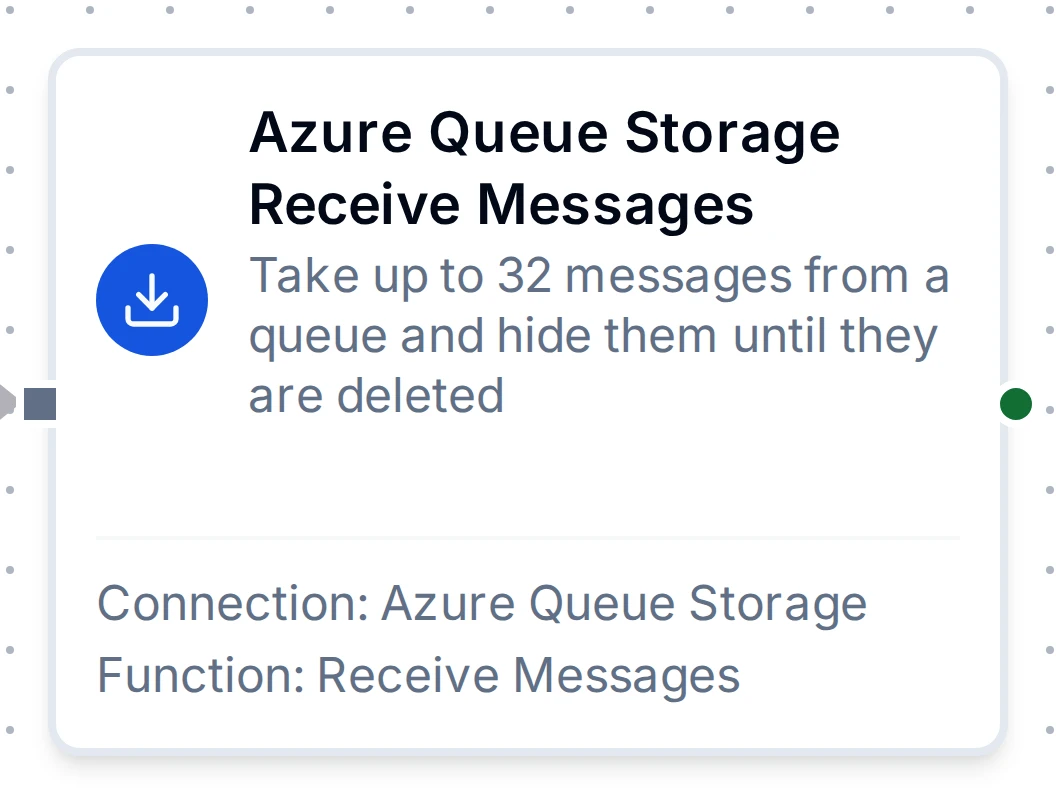
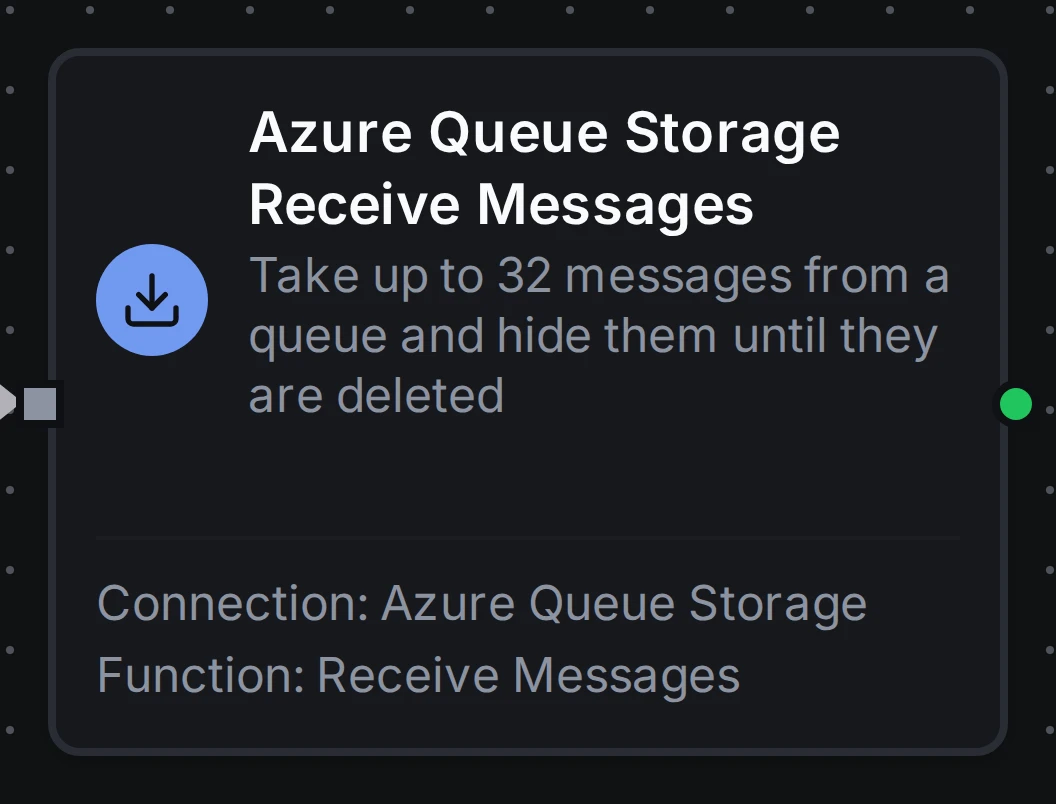
Azure Queue Storage Receive Messages Node
Takes up to 32 messages, each hidden from other receivers for the visibility timeout, and does not delete them. Wire $node["Receive"].result.messages[0].messageId and .popReceipt (or the loop item inside a For Each over result.messages) into a Delete Message node after the work that handles the message. A message not deleted in time becomes visible again, so a run that fails loses nothing.
Azure Queue Storage Delete Message Node
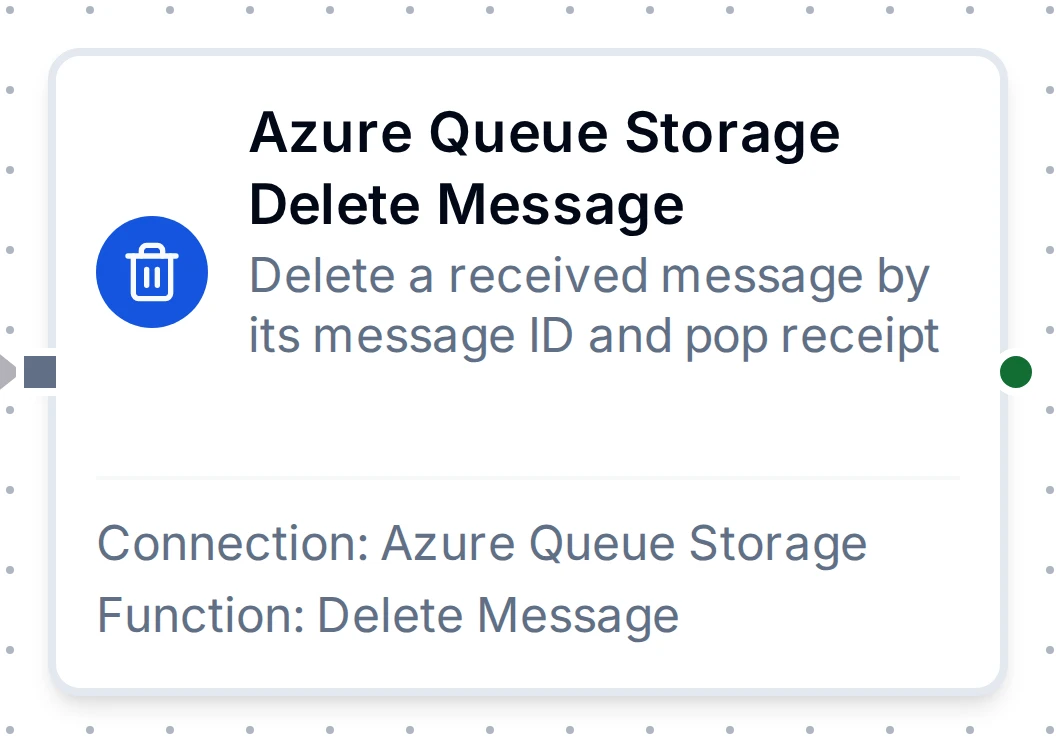
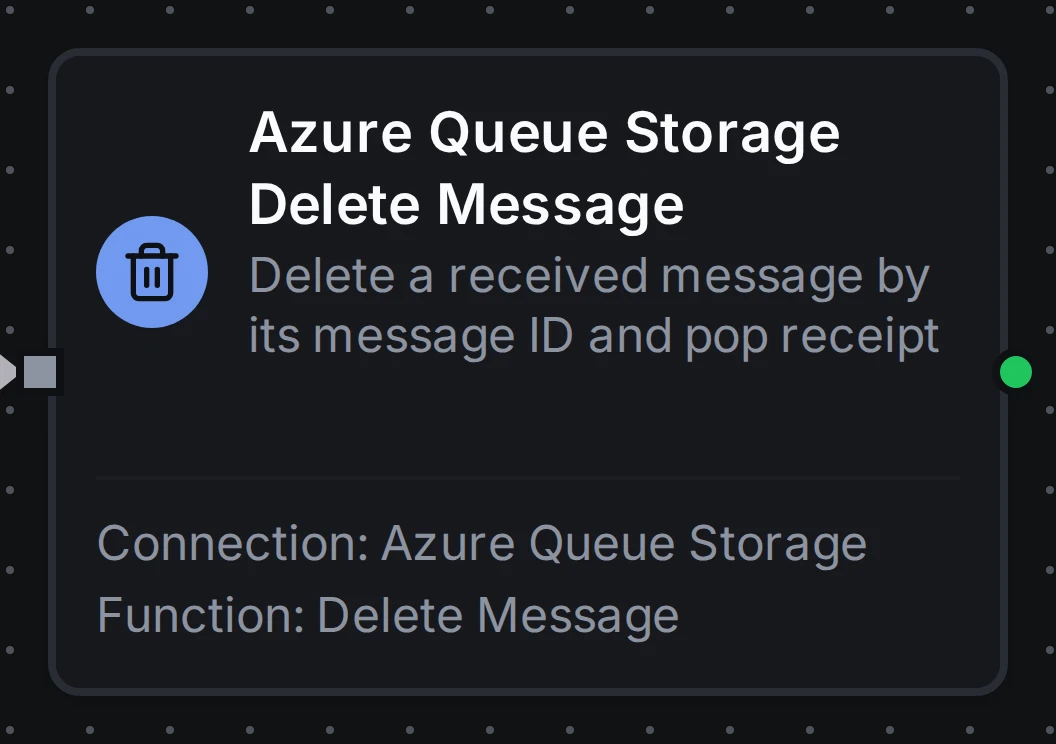
Azure Queue Storage Delete Message Node
Deletes a received message by its message ID and pop receipt. Deleting a message that is already gone succeeds with alreadyGone true; a message taken again by another receiver since is refused.
Azure Queue Storage Peek Messages Node
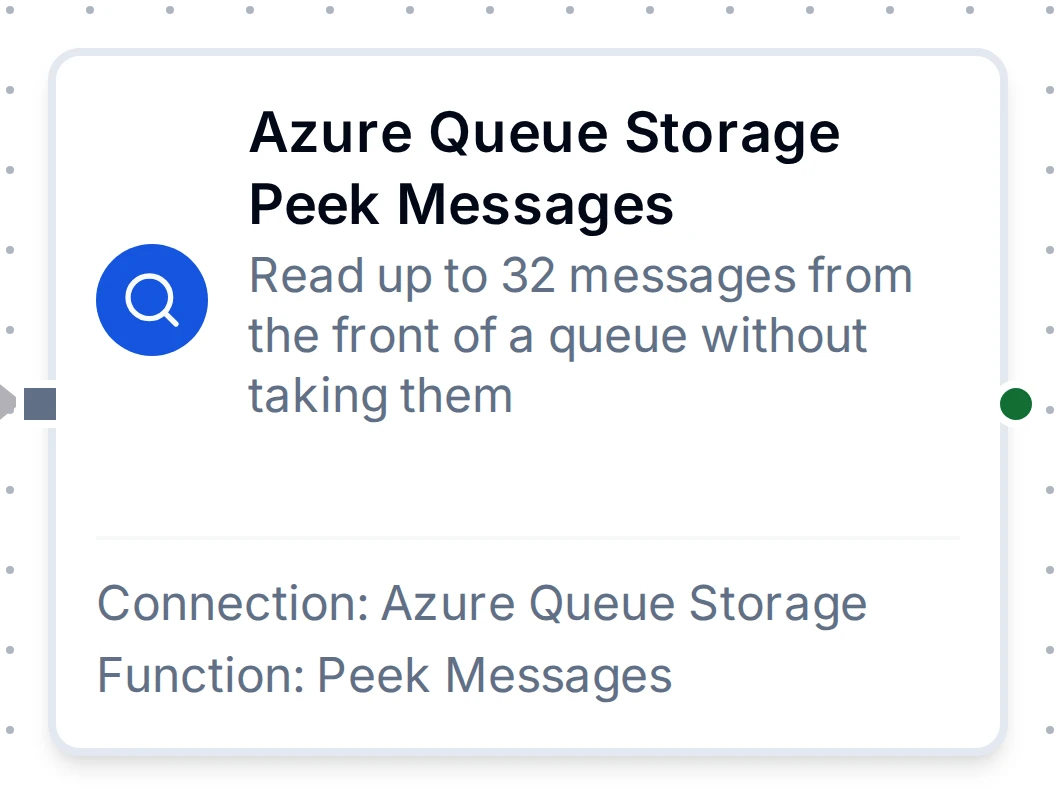
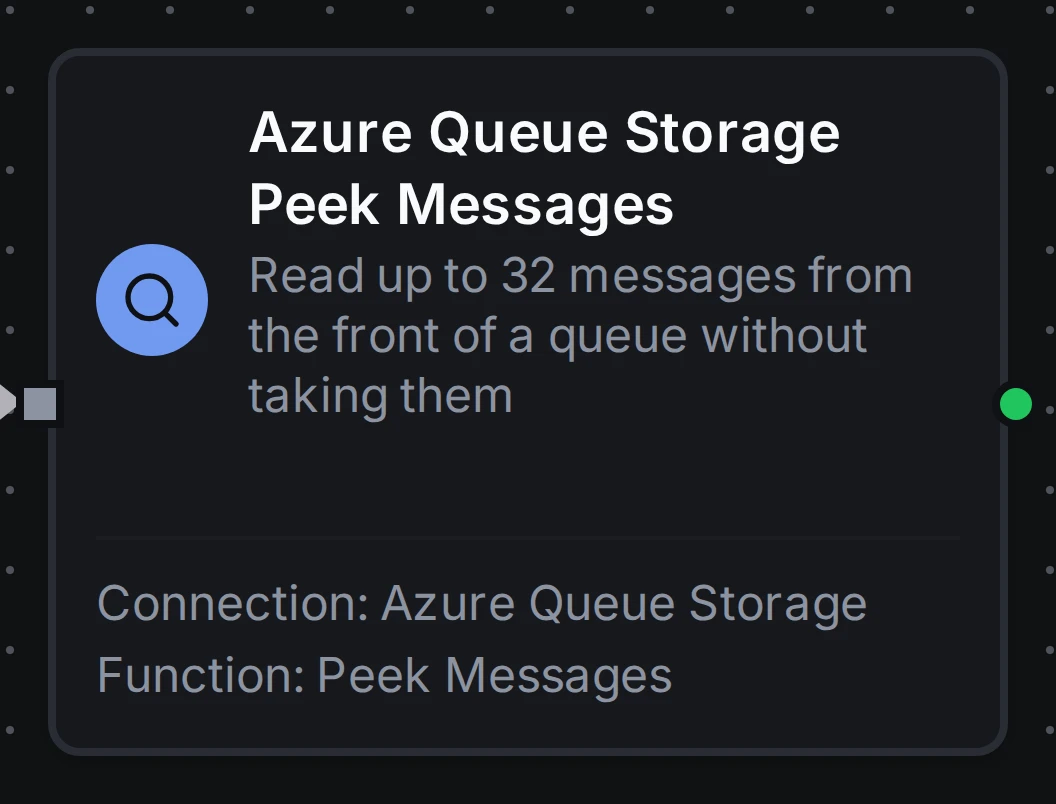
Azure Queue Storage Peek Messages Node
Returns up to 32 messages from the front of a queue without hiding them or counting a dequeue.
Output
Every Azure Queue Storage node delivers its data under result, and execution facts (success, functionId, durationMs, timestamp) under _metadata:
| Node | Access | What it holds |
|---|---|---|
| Send Message | $node["Name"].result.messageId | The ID the service gave the message |
$node["Name"].result.queue | The queue sent to | |
$node["Name"].result.messageSize | Bytes of message text stored, after encoding | |
$node["Name"].result.insertionTime | When the service added the message | |
$node["Name"].result.expirationTime | When the message expires and leaves the queue | |
$node["Name"].result.nextVisibleTime | When the message becomes visible to receivers | |
| Receive Messages | $node["Name"].result.messages | One object per message: messageId, popReceipt, body, bodyEncoding, dequeueCount, insertionTime, expirationTime and nextVisibleTime. body is the message text, decoded from base64 on a base64 connection; bodyEncoding is base64 when the decoded content is not text and body holds it still encoded. A message a base64 connection cannot decode (its producer writes plain text) carries bodyEncoding stored, body as stored, and decodeError naming the Message Encoding setting |
$node["Name"].result.count | How many messages were taken; 0 on an empty queue is success | |
$node["Name"].result.queue | The queue read | |
| Delete Message | $node["Name"].result.messageId | The message deleted |
$node["Name"].result.queue | The queue | |
$node["Name"].result.alreadyGone | true when the message had already been deleted or had expired | |
| Peek Messages | $node["Name"].result.messages | One object per message, as Receive Messages returns them (decodeError included) but without a popReceipt or nextVisibleTime |
$node["Name"].result.count | How many messages were read | |
$node["Name"].result.queue | The queue read | |
| Every node | $node["Name"]._metadata.method, $node["Name"]._metadata.connectionId, $node["Name"]._metadata.protocol | The call's facts: the operation, the connection it ran over, and azurequeue |