Azure Queue Storage Integration Guide
Send messages to Azure Storage queues, receive and delete them under a visibility timeout, peek without taking them, and start a pipeline for each arriving message.
- Status
- Beta
- Protocol
- HTTPS (Queue service REST API)
- Authentication
- Connection string (key or SAS) · Account key · Microsoft Entra ID
- Triggers
- Consume: one run per message
Connect to Azure Queue Storage to exchange work with Azure Functions, Logic Apps, Event Grid and jobs that poll a storage account. This guide covers connection setup, each function type, how delivery works, and pipeline integration.
What stands behind the connector today:
- It is built on Microsoft's own Go SDK for the Queue service (
azqueuev1.0.1). - Every operation, the delivery rules below (visibility, redelivery, the poison queue, the lease that keeps a held message hidden) and the refusals it reports were tested against Azurite, Microsoft's Azure Storage emulator.
What is not proven yet:
- It has not been run against a real Azure Storage account, nor with the Microsoft Entra ID methods against a real tenant.
Overview
Azure Queue Storage is the simple message queue inside every Azure Storage account. A message is text of up to 64 KiB. A receiver takes a message for a visibility timeout, during which no other receiver sees it, and deletes it once it is handled; a message not deleted in time becomes visible again. The connector provides:
- Send Message to add one message, with a visibility delay and a time to live
- Receive Messages to take up to 32 messages under a visibility timeout, returning each one's
messageIdandpopReceipt - Delete Message to delete a received message once the work that handles it is done
- Peek Messages to read up to 32 messages without taking them
- Consume, a pipeline trigger that starts a run for each arriving message and deletes it once MaestroHub has stored it for the run
- A poison queue (
<queue>-poison) for messages that keep failing - Base64 or plain text message encoding
- Connection string (account key or SAS), account key, or Microsoft Entra ID authentication
Delivery: at least once
Azure Queue Storage gives every message at least once. A message whose visibility timeout ran out before it was deleted is given again, with its dequeueCount one higher, and a send that is retried after a lost answer can add a second copy: a queue message is only its text, with no ID a sender can set, so the service cannot tell a repeat from a new message. Pipelines that read a queue should tolerate a repeat, for example by writing to a place keyed by the message's own content.
Connection Configuration
Creating an Azure Queue Storage Connection
Navigate to Connections → New Connection → Azure Queue Storage and configure the following. One connection serves every queue of the storage account: queues are chosen on each function.
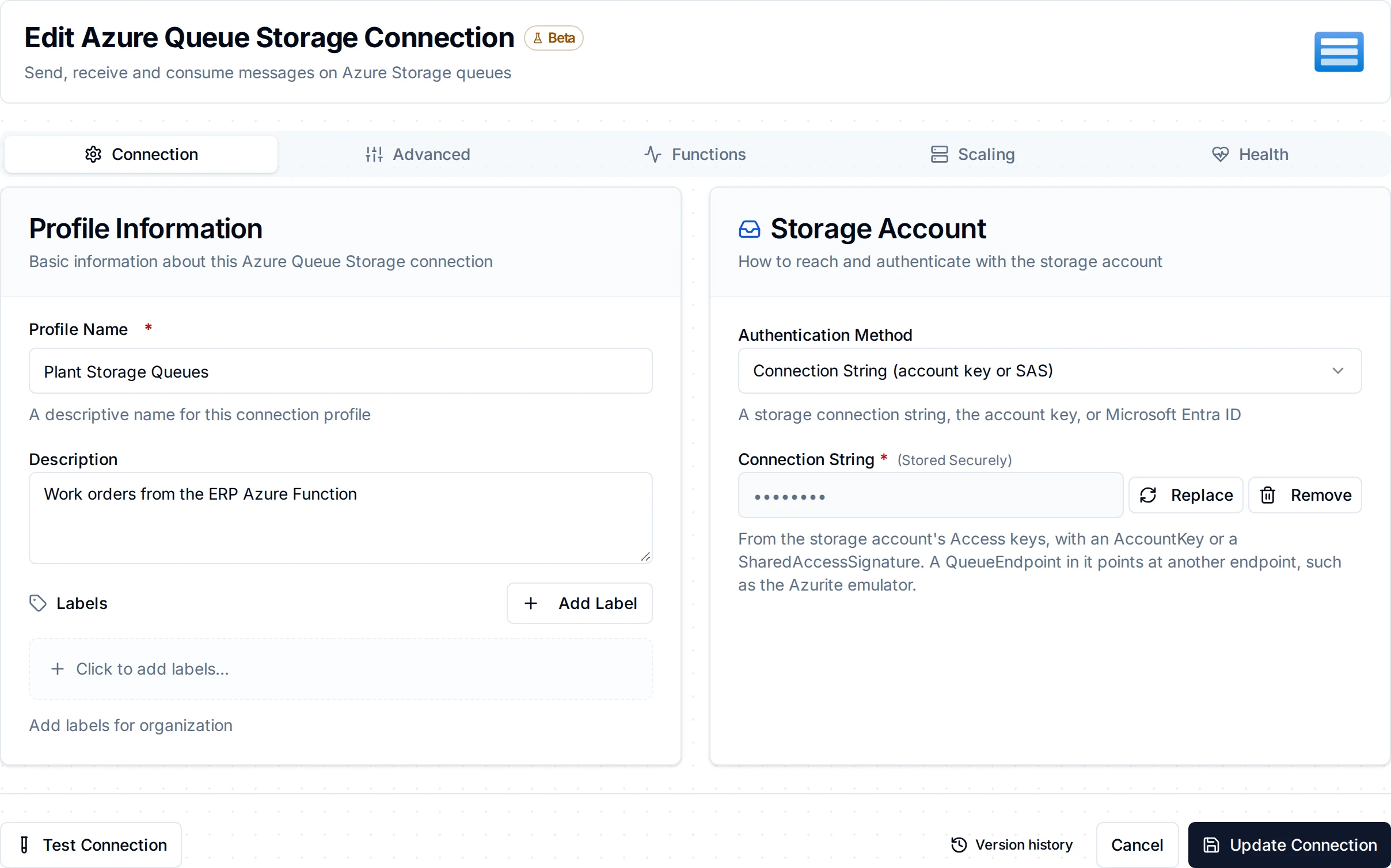
Azure Queue Storage: authentication and the storage account
1. Profile Information
| Field | Default | Description |
|---|---|---|
| Profile Name | - | A descriptive name for this connection profile (required, max 100 characters) |
| Description | - | Optional description for this connection |
2. Storage Account
| Field | Default | Description |
|---|---|---|
| Authentication Method | connection_string | connection_string, shared_key (account name and key), or a Microsoft Entra ID method: service_principal, managed_identity, default_credential |
| Connection String | - | From the storage account's Access keys in the Azure portal, with an AccountKey or a SharedAccessSignature (secret); required for connection_string. A QueueEndpoint in it points the connection at another endpoint, such as Azurite. Masked on edit; leave it as it is to keep the stored value |
| Storage Account Name | - | 3 to 24 lowercase letters and digits; required for shared_key and the Entra ID methods |
| Account Key | - | One of the account's access keys (secret); required for shared_key |
| Tenant ID, Client ID, Client Secret | - | The Entra ID application for service_principal; for managed_identity, an optional client ID picks a user-assigned identity |
The connection checks itself by listing one queue, so a SAS needs the list permission, and an Entra ID identity needs a role that can list queues granted at the storage account's scope, such as Storage Queue Data Contributor (which also sends, receives and deletes). A role granted on a single queue cannot list the account's queues, and the connection is refused.
3. Advanced
| Field | Default | Description |
|---|---|---|
| Message Encoding | base64 | How message text is stored. base64 is what Azure Functions, Event Grid and Storage Explorer write and read. text stores the message as it is and can carry only characters XML allows. It must match how the queue's producer writes: see Message Encoding must match the producer |
| Connect Timeout | 30s | How long connecting may take, including the check that lists one queue (5s to 300s) |
Message Encoding must match the producer
Azure Queue Storage stores text and does not record how it was encoded, so the setting must say what the queue's producer does:
- Azure Functions, Event Grid, Storage Explorer write base64 by default: keep
base64. - Applications using the Azure Storage SDKs (.NET, Python, JavaScript, Java, Go) write the text as it is unless they turn base64 on: use
text.
On a base64 connection, a message that is not valid base64 is reported, never passed off as text: Receive Messages and Peek Messages return it in its place with bodyEncoding: "stored", the text as stored, and a decodeError that names this setting, and the trigger moves it to the poison queue. A plain-text message that happens to be valid base64 (1234, test) cannot be told apart and would be decoded into other bytes, which is why the setting must match rather than be guessed.
Testing the Connection
Test Connection lists one queue with the credentials you entered. A refused key, SAS or identity is reported at once with the service's reason.
Function Builder
Creating Azure Queue Storage Functions
Open the connection's Functions tab and choose New Function.
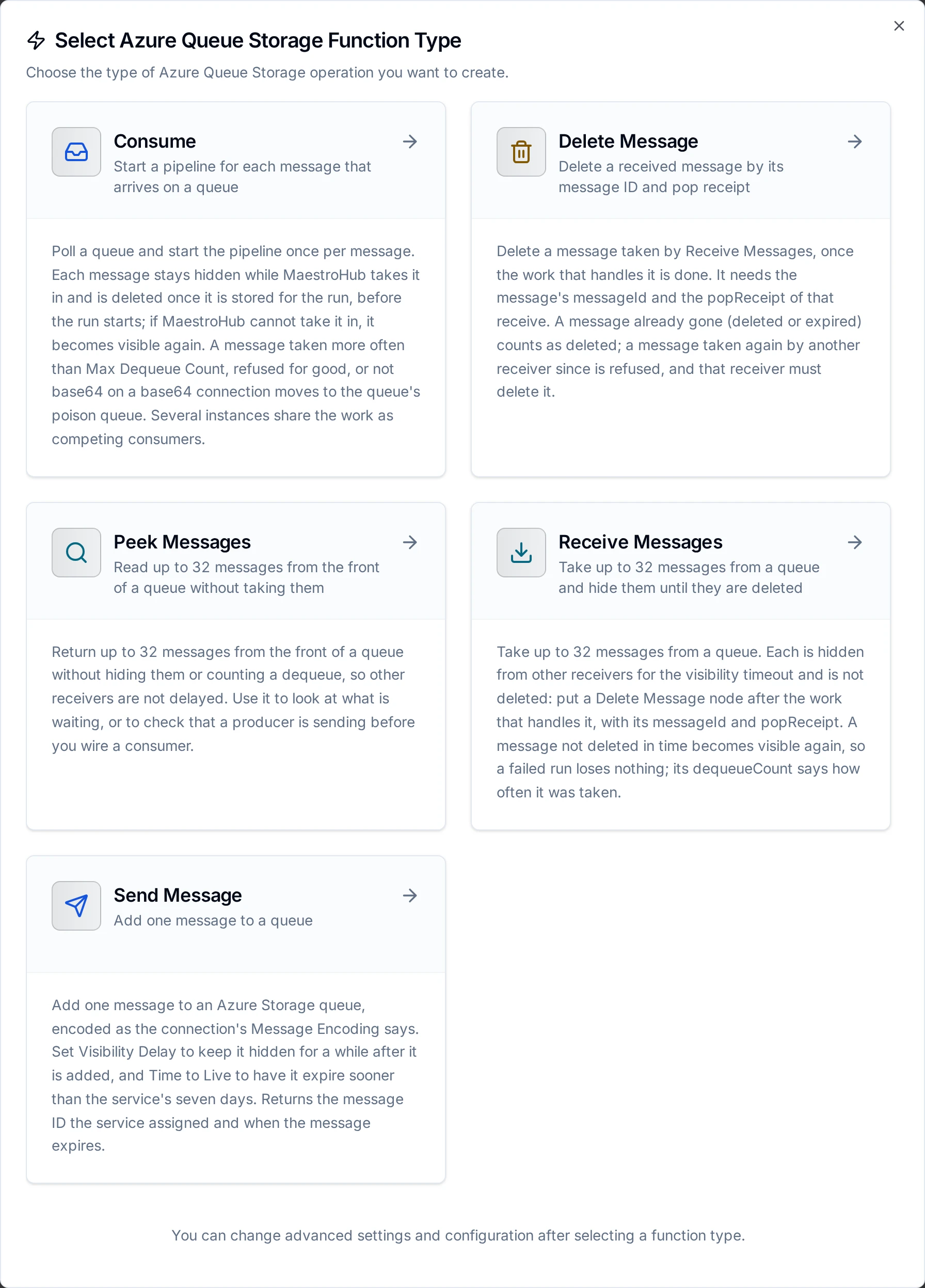
Choose the operation
A queue name is 3 to 63 lowercase letters, digits and single hyphens, starting and ending with a letter or digit.
Send Message (azurequeue.send)
Adds one message to a queue.
| Parameter | Default | Description |
|---|---|---|
| Queue | - | The queue (required; accepts ((parameters))) |
| Message | - | The message text (required; accepts ((parameters))). At most 64 KiB as stored, so at most 48 KiB with base64 encoding: base64 adds a third |
| Visibility Delay | empty | How long the message stays hidden after it is added, in whole seconds, up to 7 days; shorter than the time to live |
| Time to Live | empty (7 days) | How long the message stays on the queue before it expires, up to a year |
| Timeout | 30s | Bound on this operation |
A message over the limit, an empty message, a bad queue name, or (with text encoding) a character XML does not allow is refused before anything is sent.
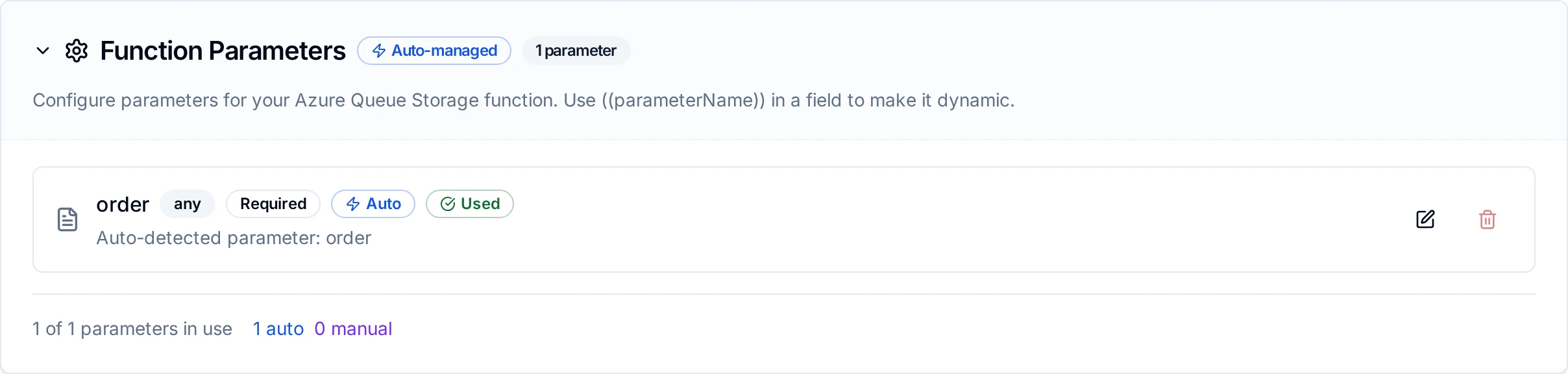
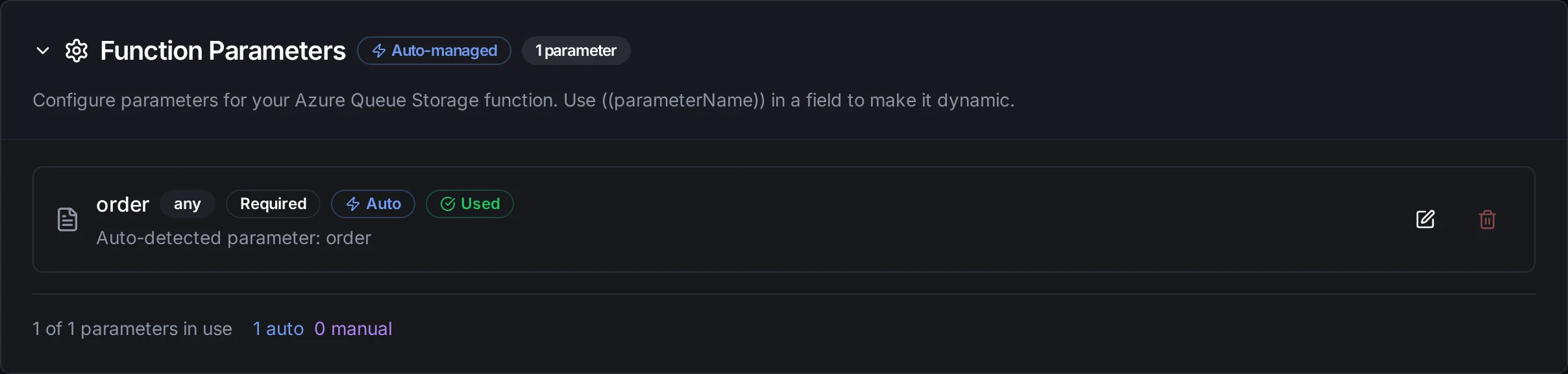
A message filled from a ((parameter))
Receive Messages (azurequeue.receive)
Takes up to 32 messages, each hidden for the visibility timeout, and does not delete them. Put a Delete Message node after the work that handles a message, with its messageId and popReceipt. A message not deleted in time becomes visible again, so a run that fails loses nothing.
| Parameter | Default | Description |
|---|---|---|
| Queue | - | The queue (required) |
| Max Messages | 1 | 1 to 32; the service may return fewer |
| Visibility Timeout | 30s | How long the taken messages stay hidden (1s to 7 days) |
| Timeout | 30s | Bound on this operation |
Delete Message (azurequeue.delete)
Deletes a message taken by Receive Messages.
| Parameter | Default | Description |
|---|---|---|
| Queue | - | The queue the message was received from (required) |
| Message ID | - | The messageId from Receive Messages (required) |
| Pop Receipt | - | The popReceipt from the same receive (required) |
| Timeout | 30s | Bound on this operation |
A message already gone (deleted, or expired) counts as deleted, with alreadyGone true, so deleting twice is safe. A message taken again by another receiver since is refused: its pop receipt changed, and that receiver must delete it.
Peek Messages (azurequeue.peek)
Returns up to 32 messages from the front of the queue without hiding them or counting a dequeue. Use it to look at what is waiting, or into a poison queue.
Consume (azurequeue.consume)
Backs the Azure Queue Storage trigger. It polls the queue and starts a run per message.
| Parameter | Default | Description |
|---|---|---|
| Queue | - | The queue (required) |
| Max Messages per Poll | 16 | 1 to 32 |
| Visibility Timeout | 30s | How long a taken message stays hidden (5s to 12h). While MaestroHub holds one, it renews this every third of it |
| Poll Interval | 1s | How long to wait after a poll found the queue empty (100ms to 5m). Queue Storage has no long poll, and every poll is a billed transaction |
| Max Dequeue Count | 5 | A message taken more often than this moves to <queue>-poison instead of starting the pipeline, as Azure Functions does. 0 turns this limit off; a message refused for good, or not base64 on a base64 connection, still moves. A consumed queue's name is therefore 56 characters at most, so that its poison queue's name fits |
How a message is settled:
| What happens | Message |
|---|---|
| MaestroHub stored it for the run | Deleted, before the run starts |
| MaestroHub is holding (its pipelines are backed up) | Kept hidden: the visibility timeout is renewed |
| MaestroHub could not take it now | Becomes visible again when its visibility timeout ends, with a higher dequeue count |
| MaestroHub stopped while holding it | Made visible again at once |
| Taken more often than Max Dequeue Count, refused for good, or not base64 on a base64 connection | Copied unchanged to <queue>-poison (created only when missing), then deleted. The copy has the service's default time to live, 7 days |
A run that fails after the message was stored does not return it to the queue. Use Retry on Fail on nodes that can fail, as for every trigger.
Using Parameters
Any field marked with the (( )) marker accepts a ((parameter)), filled from the node's arguments when the function runs. A templated queue name is checked when the function runs.
Pipeline Integration
Every function is a node in the pipeline designer's Broker group, and Consume is the Azure Queue Storage Trigger. See Azure Queue Storage Nodes for what each node returns.
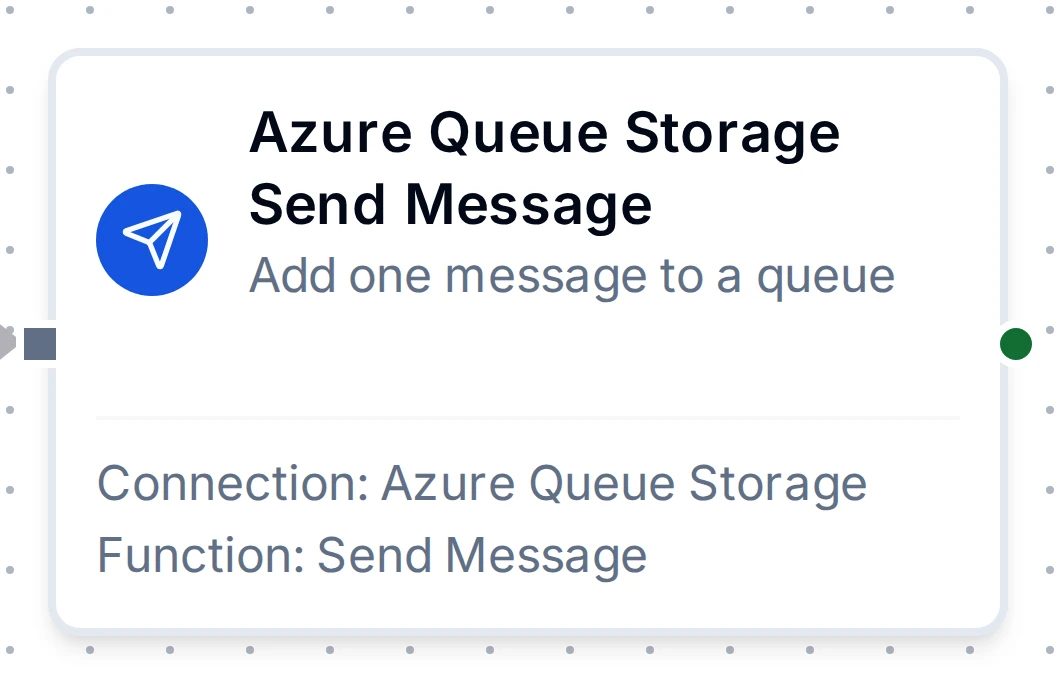
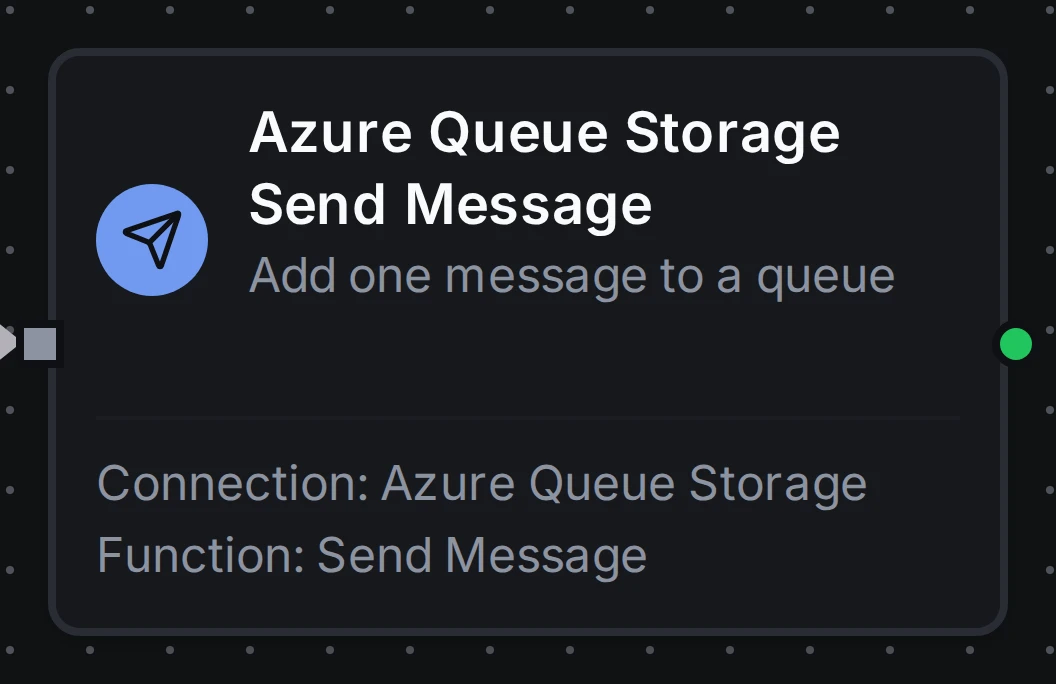
Azure Queue Storage Send Message node
Common Use Cases
Hand work to an Azure Function
A pipeline that finishes a work order sends it with Send Message; an Azure Function with a queue trigger reads it. Keep Message Encoding at base64, which is what the Functions queue trigger expects by default.
Take jobs from the cloud into the plant
An Azure Function or Logic App puts jobs on a queue; the Azure Queue Storage Trigger starts a pipeline for each one, which writes to a machine or the UNS.
React to new blobs
Event Grid can deliver Blob Storage events to a storage queue. The trigger then starts a pipeline per new file, with the event's JSON as the result.
Troubleshooting
Error Reference
| Error | Meaning | What to do |
|---|---|---|
QueueNotFound | The queue does not exist in this account | Check the name; create the queue in the Azure portal |
AuthenticationFailed, AuthorizationFailure | The key, SAS or identity was refused | Check the key or SAS (and its expiry); for a SAS, the permissions it grants |
AuthorizationPermissionMismatch | The identity has no role for this operation | Grant Storage Queue Data Contributor (or Reader for peek) |
RequestBodyTooLarge, or "over the 64 KiB" | The message is too long as stored | Shorten it; with base64 encoding the payload limit is 48 KiB |
| "received again since this pop receipt was issued" | The message's visibility timeout ended and another receiver took it | Use a longer visibility timeout on Receive Messages, or delete sooner |
ServerBusy | The account is throttling | MaestroHub waits as long as Azure asks and tries again |
Connection Issues
- The connection never connects with a SAS: the connect check lists queues, so the SAS needs the list (
l) permission and the service (s) resource type. - Messages land in the poison queue at once, or Receive shows
decodeError: the producer writes plain text and the connection's Message Encoding isbase64. Set it totext. - Messages arrive as unreadable bytes: a base64 producer on a
textconnection, or plain text that happens to be valid base64 on abase64one. Set Message Encoding to what the producer writes. - A message keeps coming back: each return raises its dequeue count, and above Max Dequeue Count it moves to the poison queue. Peek
<queue>-poisonto see what was moved.