Azure Queue Storage trigger node
Azure Queue Storage Trigger Node
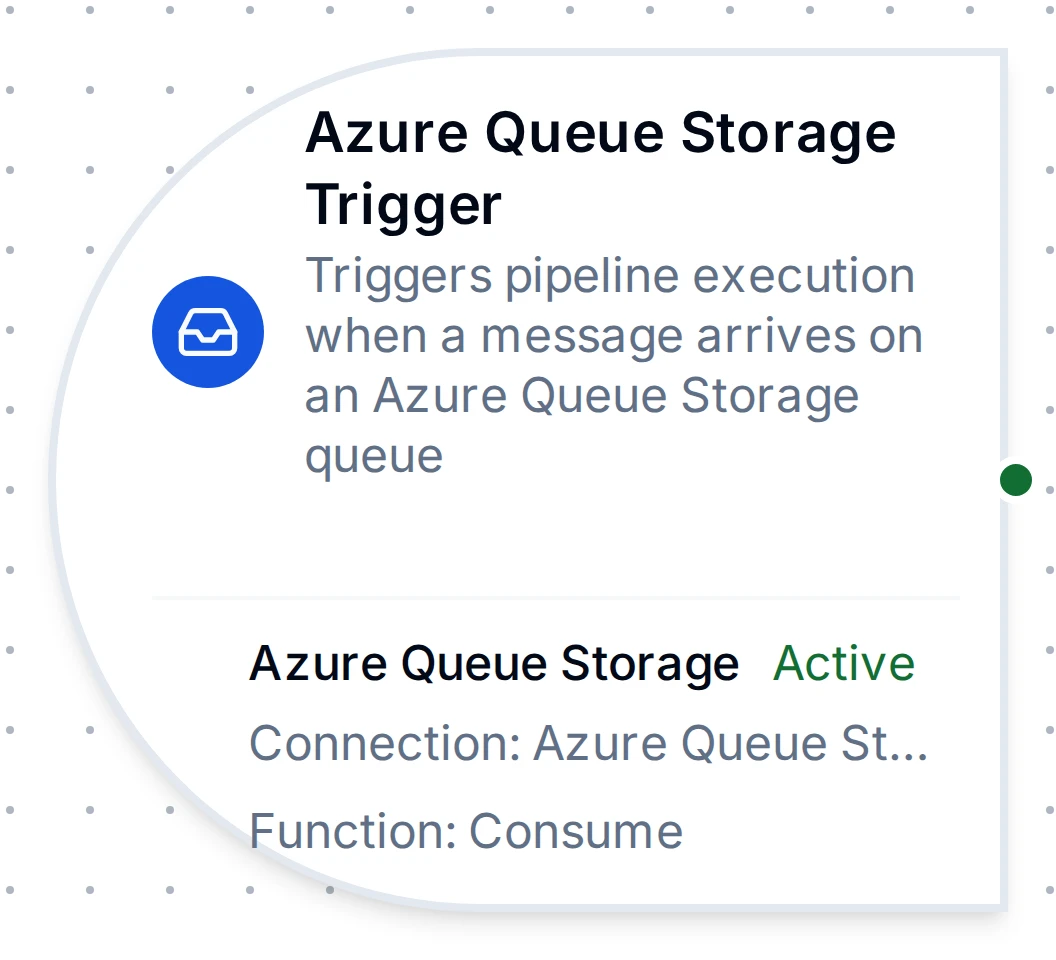
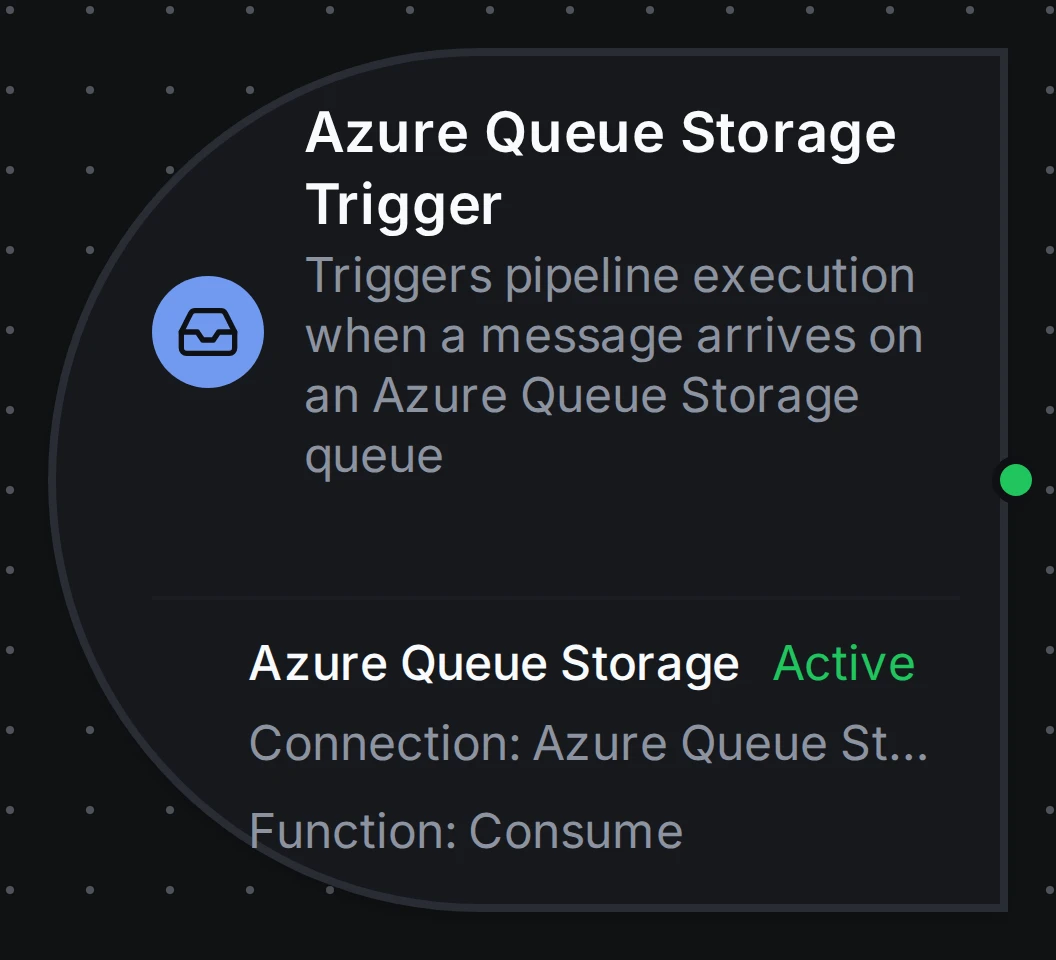
Start one pipeline run for each message that arrives on an Azure Storage queue.
- Starts on
- Each message on a queue
- Function
- Azure Queue Storage Consume
- Delivery
- At least once; deleted once stored, before the run starts
- Scaling
- Competing consumers across instances
Overview
The Azure Queue Storage Trigger Node starts a MaestroHub pipeline for each message that arrives on a queue. Unlike the Azure Queue Storage nodes, which send and receive within an already-running pipeline, the trigger starts new runs as messages arrive.
Core Functionality
What It Does
1. One run per message
Each message on the queue starts one pipeline run, with the message text under $trigger.result and its facts under $trigger._metadata. On a connection whose Message Encoding is base64, the text is decoded first; decoded content that is not UTF-8 text is delivered still base64-encoded, and _metadata.bodyEncoding says which. The setting must match the queue's producer: see Message Encoding must match the producer.
2. Hidden while taken in, deleted once MaestroHub has it The trigger polls the queue (Queue Storage has no push and no long poll). A taken message is hidden for the Consume function's visibility timeout and deleted as soon as it is stored for the pipeline, so it leaves the queue before the run starts. While MaestroHub holds a message because its pipelines are backed up, the trigger keeps renewing the visibility timeout, so the message is not given to anyone else. If MaestroHub cannot take it in, the message becomes visible again when its visibility timeout ends.
The run's own outcome does not settle the message. A run that fails afterwards leaves no copy on the queue. Handle failed runs in the pipeline instead:
- Retry on Fail on the node that can fail transiently. See Run status and On Error.
- A Pipeline Event trigger watching
failedto alert someone or record the failure. - Retry in Execution History, which runs the pipeline again with the same input.
3. At least once
Azure Queue Storage gives a message at least once: one whose visibility timeout ended before it was deleted is given again with a higher dequeueCount. Pipelines should tolerate a repeat.
4. Poison messages
A message taken more often than the Consume function's Max Dequeue Count (5 by default; 0 turns the limit off), one MaestroHub refuses for good, or one that is not base64 on a base64 connection is copied unchanged to <queue>-poison (created only when missing) and deleted from the queue, as Azure Functions does for messages that keep failing; undecodable ones move at once. The copy has the service's default time to live, 7 days. Peek the poison queue to see what was moved; the log names why each message moved.
5. Competing consumers, no order Several MaestroHub instances can run the same trigger: each message goes to one of them. Queue Storage keeps no order between messages, so runs from one queue run side by side.
Configuration Options
Basic Information
| Field | Type | Description |
|---|---|---|
| Node Label | String (Required) | Display name for the node on the pipeline canvas |
| Description | String (Optional) | Explains what this trigger initiates |
Parameters
| Parameter | Type | Default | Required | Constraints | Description |
|---|---|---|---|---|---|
| Connection ID | string | "" | Yes | -- | Azure Queue Storage connection profile to use. |
| Function ID | string | "" | Yes | -- | Consume function within the connection. Only Consume functions are listed. |
| Enabled | boolean | true | No | -- | Enable/disable the trigger. When disabled, no messages are consumed. |
The selected function must be an Azure Queue Storage Consume function. Send, Receive, Delete and Peek functions cannot drive a trigger.
Settings
Execution Settings
| Setting | Options | Default | Description |
|---|---|---|---|
| Timeout (seconds) | number | Pipeline default | Maximum execution time for this node (1-3600). Leave empty for pipeline default. |
| Retry on Timeout | Pipeline Default / Enabled / Disabled | Pipeline Default | Whether to retry the node if it times out. |
| Retry on Fail | Pipeline Default / Enabled / Disabled | Pipeline Default | Whether to retry on failure. |
| On Error | Pipeline Default / Stop Pipeline / Continue Execution | Pipeline Default | Behavior when node fails after all retries. |
Trigger Output
| Access | What it holds |
|---|---|
$trigger.result | The message: its JSON when the text is JSON, else the text |
$trigger._metadata.queue | The queue the message came from |
$trigger._metadata.queueUrl | The queue's URL (without any SAS) |
$trigger._metadata.messageId | The ID the service gave the message; the same on every redelivery |
$trigger._metadata.dequeueCount | How often the message has been taken, as text: "1" on the first delivery |
$trigger._metadata.insertionTime | When the message was added to the queue |
$trigger._metadata.expirationTime | When the message would have expired |
$trigger._metadata.bodyEncoding | What $trigger.result holds, as in a Receive result: text, or base64 for decoded content that is not UTF-8 text |
$trigger._metadata.protocol | azurequeue |