DNP3 Nodes
Read the latest points, poll, operate outputs, freeze counters and synchronise time on DNP3 outstations from a pipeline.
- Read source
- The connection's live process image
- Defaults
- Select-before-operate
- Limits
- A control, freeze or restart is never retried automatically
Use RTUs, protection relays and gateways that speak DNP3 in pipelines. Each function authored on a DNP3 connection is available as a matching node in the Pipeline Designer.
For connection setup (TCP, TLS and serial lines), the startup sequence and the point payload, see the DNP3 connection guide.
For the event-driven trigger, see the DNP3 Trigger node. It starts a pipeline whenever the outstation reports a point (the Monitor Points function, trigger.dnp3); its result is one point, read as $trigger.result.value, $trigger.result.quality and so on.
Configuration Quick Reference
| Field | What you choose | Details |
|---|---|---|
| Parameters | Connection, Function, Function Parameters, Timeout Override | Select the DNP3 connection, pick a function, bind parameters with expression support, and optionally override the timeout. |
| Settings | Description, Timeout (seconds), Retry on Timeout, Retry on Fail, On Error | Node description, maximum execution time, retry behaviour and error strategy. All execution settings default to pipeline-level values. |
Every node shares the same Parameters: Connection (the DNP3 connection profile), Function (a function of the node's type on that connection), Function Parameters (auto-populated from the function schema, with expression syntax {{ expression }} for dynamic values) and an optional Timeout Override in seconds. Each node receives the output of the previous node as input, which function parameter expressions can reference as $input.
The call's own facts ride along under _metadata next to the four every connected node carries. Every DNP3 node delivers _metadata.method (the operation that ran, e.g. dnp3.read), _metadata.connectionId (the connection it ran over) and _metadata.protocol (dnp3).
The point entry
Reads and polls return points in one shape, whatever the point type:
{
  "outstationAddress": 10,
  "pointType": "analogInput",
  "index": 10,
  "object": "g30v5",
  "value": 231.5,
  "quality": "good",
  "flags": { "online": true, "restart": false, "commLost": false, "remoteForced": false, "localForced": false, "chatterFilter": false, "overRange": false, "referenceError": false, "rollover": false, "discontinuity": false, "timeUnsynchronized": false },
  "cause": "static",
  "detail": {},
  "sourceTimestamp": null,
  "serverTimestamp": "2026-11-14T09:30:00.412Z"
}
| Key | Meaning |
|---|---|
outstationAddress | The outstation's link address |
pointType, index | Which point: its type and its index within the type |
object | The DNP3 object the value arrived in, as group and variation |
value | The value, written by type: true/false for binary points, 0-3 for double-bit inputs (with detail.state), a number for analog points and counters, hex for octet strings (with detail.length and, when printable, detail.text) |
quality | bad when the point is not online or carries the restart flag, uncertain for any other flag, otherwise good |
flags | The individual DNP3 flags; null for octet strings, which carry none |
cause | event, unsolicited or static (a current value) |
detail | What only some types carry; empty otherwise |
sourceTimestamp | The device's own time for the value, in UTC; null when it sent none or its clock was never set |
serverTimestamp | When MaestroHub received the point, in UTC |
The connection guide describes each field in full.
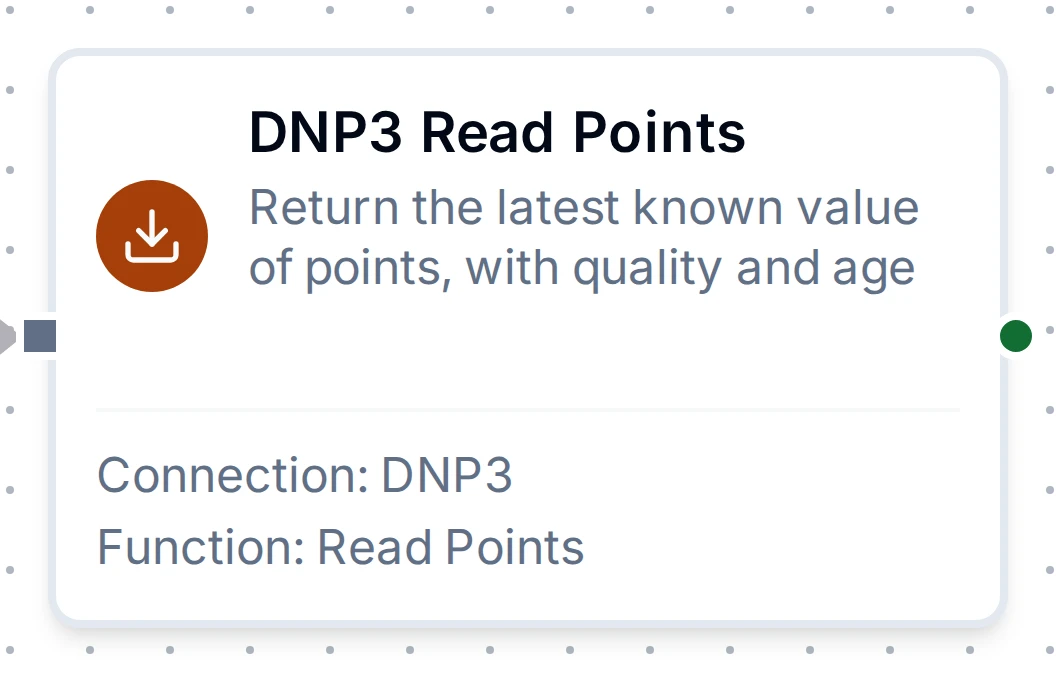
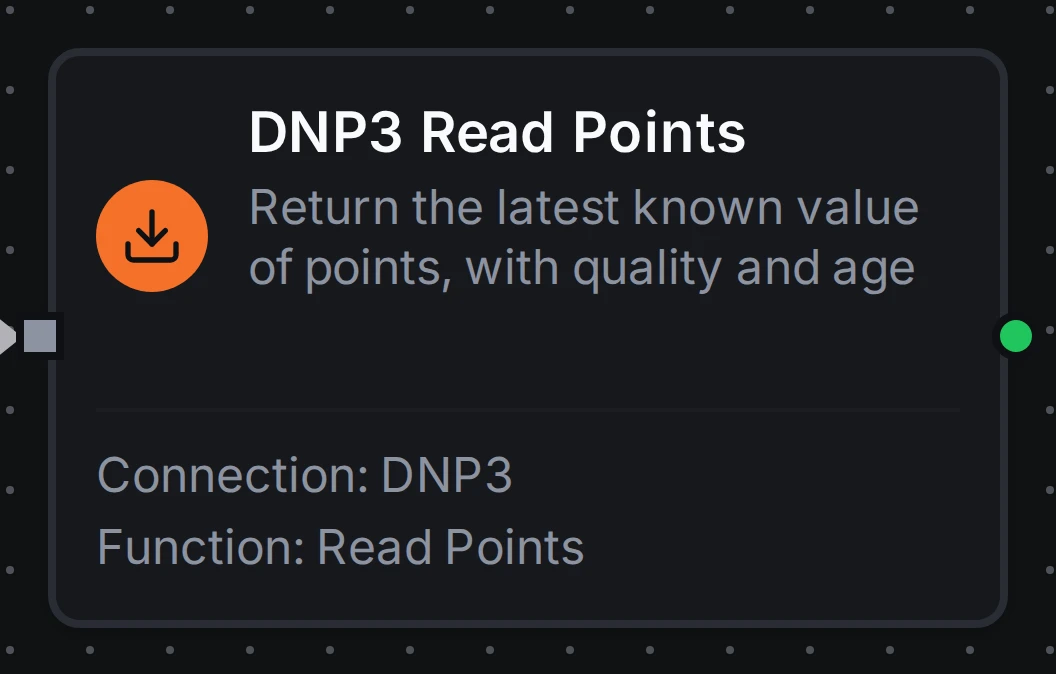
Read Points node
DNP3 Read Points Node
Supported Function Types:
| Node | Function | Purpose | Common Use Cases |
|---|---|---|---|
DNP3 Read Points (connected.dnp3.read) | dnp3.read | The latest value of each listed point, from the connection's live process image | Feeder measurements on a schedule, breaker positions before a switching order |
This node does not ask the device: it returns what the connection has received from polls and unsolicited responses, with each point's quality and age. A point the outstation has not reported since the connection came up is returned as "no value yet", never as 0. See Read Points for the parameters.
Output Structure
{
  "result": {
    "points": [
      {
        "outstationAddress": 10,
        "pointType": "analogInput",
        "index": 10,
        "object": "g30v5",
        "value": 231.5,
        "quality": "good",
        "flags": { "online": true, "restart": false, "commLost": false, "remoteForced": false, "localForced": false, "chatterFilter": false, "overRange": false, "referenceError": false, "rollover": false, "discontinuity": false, "timeUnsynchronized": false },
        "cause": "static",
        "detail": {},
        "sourceTimestamp": null,
        "serverTimestamp": "2026-11-14T09:30:00.412Z",
        "status": "ok",
        "ageMs": 850
      },
      { "pointType": "analogInput", "index": 11, "status": "noValueYet" }
    ],
    "count": 2,
    "missing": 1
  }
}
| Key | Meaning |
|---|---|
result.points | One entry per index asked for, in the order asked. A known point is the point entry with status: "ok" and ageMs; an unreported one is {pointType, index, status: "noValueYet"} |
result.count | How many points were asked for |
result.missing | How many of them have no value yet |
Read a value with $node["Read Feeder"].result.points[0].value. Check $node["Read Feeder"].result.missing before relying on every point being present.
DNP3 Read Points Directly Node
Supported Function Types:
| Node | Function | Purpose | Common Use Cases |
|---|---|---|---|
DNP3 Read Points Directly (connected.dnp3.readDirect) | dnp3.readDirect | Ask the outstation now for the current value of points of one type | Points the device leaves out of its integrity poll, frozen counters after a freeze |
The node sends a read request and returns what the outstation answers. The same points also update the process image and fire any Monitor Points trigger. See Read Points Directly for the parameters.
Output Structure
{
  "result": {
    "pointType": "frozenCounter",
    "points": [
      {
        "outstationAddress": 10,
        "pointType": "frozenCounter",
        "index": 0,
        "object": "g21v1",
        "value": 184220,
        "quality": "good",
        "flags": { "online": true, "restart": false, "commLost": false, "remoteForced": false, "localForced": false, "chatterFilter": false, "overRange": false, "referenceError": false, "rollover": false, "discontinuity": false, "timeUnsynchronized": false },
        "cause": "static",
        "detail": {},
        "sourceTimestamp": null,
        "serverTimestamp": "2026-11-14T00:00:01.120Z"
      }
    ],
    "count": 1
  }
}
| Key | Meaning |
|---|---|
result.pointType | The point type asked for |
result.points | Every point the outstation sent in answer, each as the point entry |
result.count | How many points the outstation returned |
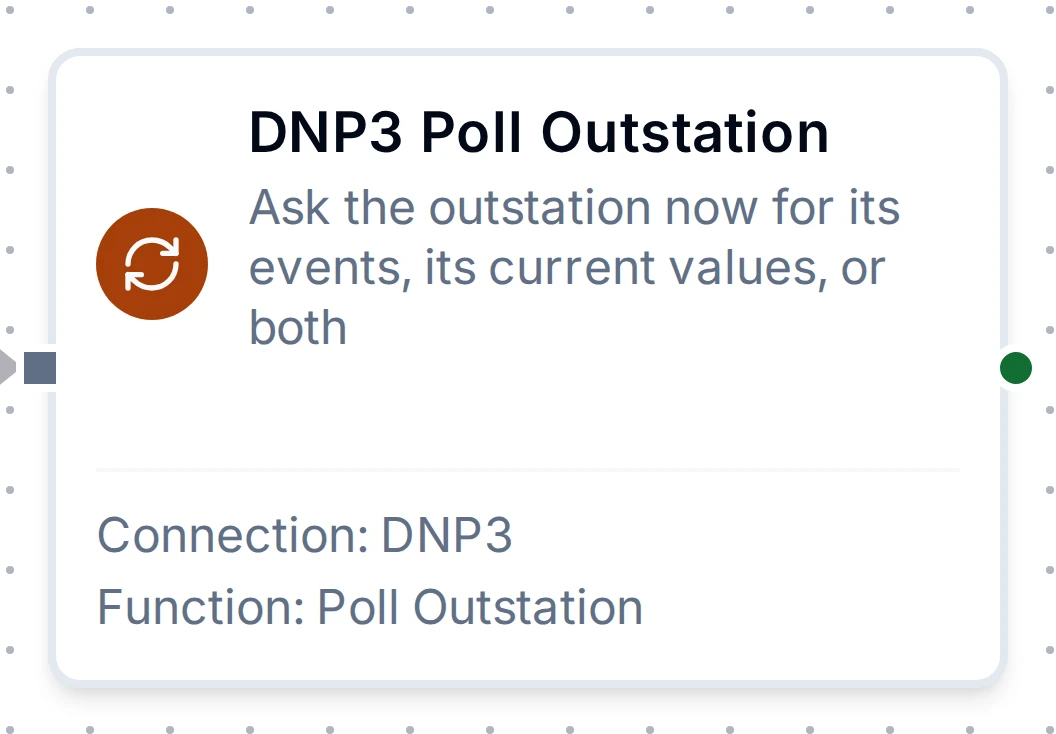
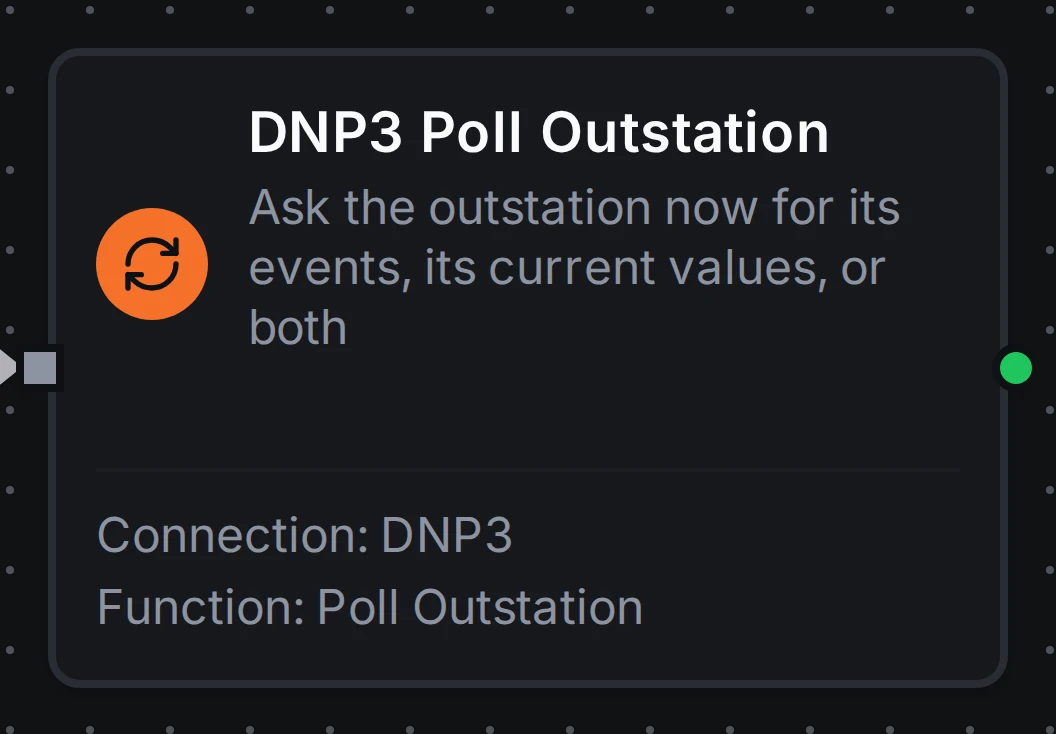
Poll Outstation node
DNP3 Poll Outstation Node
Supported Function Types:
| Node | Function | Purpose | Common Use Cases |
|---|---|---|---|
DNP3 Poll Outstation (connected.dnp3.poll) | dnp3.poll | Run an integrity poll, an event poll or a poll of current values now | Resynchronise after maintenance, collect waiting events before a report |
The node runs the poll and waits for the whole answer, confirming the events it receives. The same points also update the process image and fire any Monitor Points trigger. See Poll Outstation for the parameters.
Output Structure
{
  "result": {
    "kind": "integrity",
    "indications": ["needTime"],
    "points": [
      {
        "outstationAddress": 10,
        "pointType": "binaryInput",
        "index": 12,
        "object": "g2v2",
        "value": true,
        "quality": "good",
        "flags": { "online": true, "restart": false, "commLost": false, "remoteForced": false, "localForced": false, "chatterFilter": false, "overRange": false, "referenceError": false, "rollover": false, "discontinuity": false, "timeUnsynchronized": false },
        "cause": "event",
        "detail": {},
        "sourceTimestamp": "2026-11-14T09:30:00.25Z",
        "serverTimestamp": "2026-11-14T09:30:00.412Z"
      }
    ],
    "count": 1
  }
}
| Key | Meaning |
|---|---|
result.kind | integrity, events or static |
result.indications | The outstation's internal indications in the last fragment of the answer, by name (for example needTime, deviceTrouble, eventBufferOverflow); empty when none is set |
result.points | Every point the outstation sent in answer, events before current values, each as the point entry |
result.count | How many points arrived |
DNP3 Read Device Attributes Node
Supported Function Types:
| Node | Function | Purpose | Common Use Cases |
|---|---|---|---|
DNP3 Read Device Attributes (connected.dnp3.readAttributes) | dnp3.readAttributes | Read what the device says about itself | Asset registers, checking point counts before configuring polls |
See Read Device Attributes for the parameters. A device without attributes refuses the request, and the node fails with the refusal.
Output Structure
{
  "result": {
    "attributes": [
      { "variation": 252, "name": "manufacturerName", "type": "string", "value": "Example Works" },
      { "variation": 242, "name": "softwareVersion", "type": "string", "value": "2.1.0" }
    ],
    "count": 2
  }
}
| Key | Meaning |
|---|---|
result.attributes | One entry per attribute returned: its number (variation), its standard name when it has one, its type (string, unsigned, signed, float or list; or octetString, bitString, time, unicodeString with the value in hex) and its value. For the list of attributes the value is an array of {variation, name, writable} |
result.count | How many attributes were returned |
Operate Output node
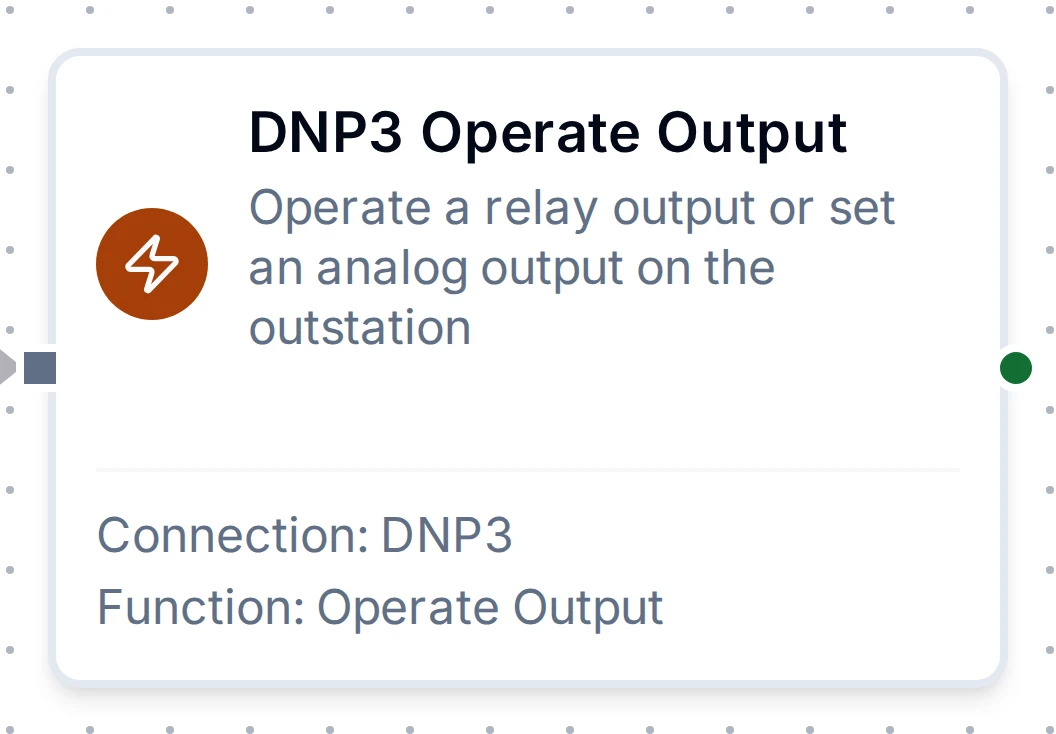
DNP3 Operate Output Node
Supported Function Types:
| Node | Function | Purpose | Common Use Cases |
|---|---|---|---|
DNP3 Operate Output (connected.dnp3.operate) | dnp3.operate | Operate a relay output or set an analog output | Supervised switching, pump starts, power-limit set-points |
In the default mode the node selects the output, operates it once the outstation has repeated the selection, and succeeds when the outstation repeats the operate with status success. See Operate Output for the parameters and modes.
If it fails after it may have reached the outstation (no answer to the operate, a timeout), the node fails with an unknown outcome and is not retried, even with Retry on Fail or a ForEach retry configured: sending a pulse or a trip again would act again. Check the device before running it again. A control the outstation refused fails with the outstation refused … and its reason, and is not retried either.
A control is also refused in a run started by a late (replayed) value, unless the node allows late input.
Output Structure
{
  "result": {
    "outputType": "relay",
    "index": 3,
    "value": "trip",
    "mode": "selectBeforeOperate",
    "confirmed": true
  }
}
| Key | Meaning |
|---|---|
result.outputType | The output type sent |
result.index | The output operated |
result.value | The value as given |
result.mode | The mode used |
result.confirmed | The outstation repeated the operate with status success. false only in the directOperateNoAck mode, where the outstation sends no answer and nothing confirms the control |
Always validate values in a Condition node before operating equipment. A control can open a breaker or start a pump immediately.
DNP3 Freeze Counters Node
Supported Function Types:
| Node | Function | Purpose | Common Use Cases |
|---|---|---|---|
DNP3 Freeze Counters (connected.dnp3.freeze) | dnp3.freeze | Copy the running counters into the frozen counters at one instant | Energy and flow totals at midnight, batch totals |
See Freeze Counters for the parameters. Follow it with a Read Points Directly of point type frozenCounter to collect the values. Like a control, a freeze whose outcome is unknown is never sent again automatically.
Output Structure
{
  "result": { "clear": false, "indexes": "0-7" }
}
| Key | Meaning |
|---|---|
result.clear | Whether the running counters were also set to zero |
result.indexes | The indexes as given; empty for every counter |
DNP3 Assign Class Node
Supported Function Types:
| Node | Function | Purpose | Common Use Cases |
|---|---|---|---|
DNP3 Assign Class (connected.dnp3.assignClass) | dnp3.assignClass | Put the events of points into event class 1, 2 or 3, or into none | Making breaker statuses report as events, silencing noisy analogs |
See Assign Class for the parameters.
Output Structure
{
  "result": { "pointType": "binaryInput", "indexes": "0-15", "eventClass": 1 }
}
| Key | Meaning |
|---|---|
result.pointType | The point type assigned |
result.indexes | The indexes as given; empty for every point of the type |
result.eventClass | The class assigned; 0 = no events |
DNP3 Restart Outstation Node
Supported Function Types:
| Node | Function | Purpose | Common Use Cases |
|---|---|---|---|
DNP3 Restart Outstation (connected.dnp3.restart) | dnp3.restart | Ask the outstation to restart, cold or warm | Restart after a configuration download |
See Restart Outstation for the parameters. The connection drops while the device restarts and reconnects by itself. A restart whose outcome is unknown is never sent again automatically.
Output Structure
{
  "result": { "kind": "cold", "delayMs": 5000, "delayRaw": 5, "delayUnit": "s" }
}
| Key | Meaning |
|---|---|
result.kind | cold or warm |
result.delayMs | How long the outstation says it will be away, in milliseconds |
result.delayRaw | The delay as the outstation sent it |
result.delayUnit | The unit of delayRaw: s for a coarse delay, ms for a fine one |
DNP3 Synchronise Time Node
Supported Function Types:
| Node | Function | Purpose | Common Use Cases |
|---|---|---|---|
DNP3 Synchronise Time (connected.dnp3.timeSync) | dnp3.timeSync | Set the outstation's clock to MaestroHub's current time | Nightly resynchronisation of an RTU without GPS |
See Synchronise Time for the two procedures.
Output Structure
{
  "result": { "procedure": "lan", "sent": "2026-11-14T02:00:00.123Z", "deviceTimeZone": "Europe/Istanbul" }
}
| Key | Meaning |
|---|---|
result.procedure | lan or nonLan |
result.sent | The instant written, in UTC |
result.deviceTimeZone | The zone it was written in on the wire |
Errors
| Error | Meaning | Retried by the node settings? |
|---|---|---|
the outstation refused … | The outstation rejected the request (function not supported, object unknown, parameter error) or refused a control with its reason | No: the result is permanent |
| An unknown outcome on Operate Output, Freeze Counters or Restart Outstation | The request failed after it may have reached the outstation | Never, whatever the retry settings: check the device |
no response from the outstation | A read or a poll was sent and not answered in time | Yes |
the outstation uses Secure Authentication, which is not supported | The device demands DNP3 Secure Authentication | No |
not connected | The connection is down | Yes |
Settings Tab
All DNP3 node types share the same Settings tab:
| Setting | Type | Default | Description |
|---|---|---|---|
| Description | Text | - | Optional description displayed on the node |
| Timeout (seconds) | Number | Pipeline default | Maximum time the node may run before timing out |
| Retry on Timeout | Toggle | Pipeline default | Automatically retry the node if it times out |
| Retry on Fail | Toggle | Pipeline default | Automatically retry the node if it fails |
| On Error | Selection | Pipeline default | Error strategy: Pipeline Default (the pipeline's Error Handling setting), Stop Pipeline or Continue Execution |
When left at their defaults, these settings inherit from the pipeline-level execution configuration. The retry settings never re-send an Operate Output, Freeze Counters or Restart Outstation whose outcome is unknown, and do not retry a request the outstation refused (see Errors).
Use the Test button in the function form (on the connection page) to run every DNP3 function against the live outstation before wiring it into a pipeline. It is the fastest way to catch a wrong link address, an index the outstation does not have, or an output type the device refuses.