Bristol ControlWave Nodes
Read and write the signals of Bristol ControlWave RTUs by name, from a pipeline.
- Operations
- Read Signal · Read Block · Write Signal
- Types
- BIT · REAL · STRING
- Writes
- Sent once by the connector; never buffered
Use Bristol RTUs in pipelines. Each function authored on a Bristol ControlWave connection is available as a matching node in the Pipeline Designer: Bristol ControlWave Read Signal, Bristol ControlWave Read Block and Bristol ControlWave Write Signal.
For connection setup (the probe signal and the waits), signal names, data types and quality, see the Bristol ControlWave connection guide.
An RTU does not send data on its own to this connector, so there is no trigger node: to poll one, drive the reads from a Schedule trigger.
Configuration Quick Reference
| Field | What you choose | Details |
|---|---|---|
| Parameters | Connection, Function, Function Parameters, Timeout Override | Select the Bristol ControlWave connection, pick a function, bind parameters with expression support, and optionally override the timeout. |
| Settings | Description, Timeout (seconds), Retry on Timeout, Retry on Fail, On Error | Node description, maximum execution time, retry behaviour and error strategy. All execution settings default to pipeline-level values. |
Every node shares the same Parameters: Connection (the Bristol ControlWave connection profile), Function (a function of the node's type on that connection), Function Parameters (auto-populated from the function schema, with expression syntax {{ expression }} for dynamic values) and an optional Timeout Override in seconds. Each node receives the output of the previous node as input, which function parameter expressions can reference as $input.
The call's own facts ride along under _metadata next to the four every connected node carries. Every Bristol ControlWave node delivers _metadata.method (the operation that ran, e.g. bristolcontrolwave.read.signal), _metadata.connectionId (the connection it ran over) and _metadata.protocol (bristolcontrolwave).
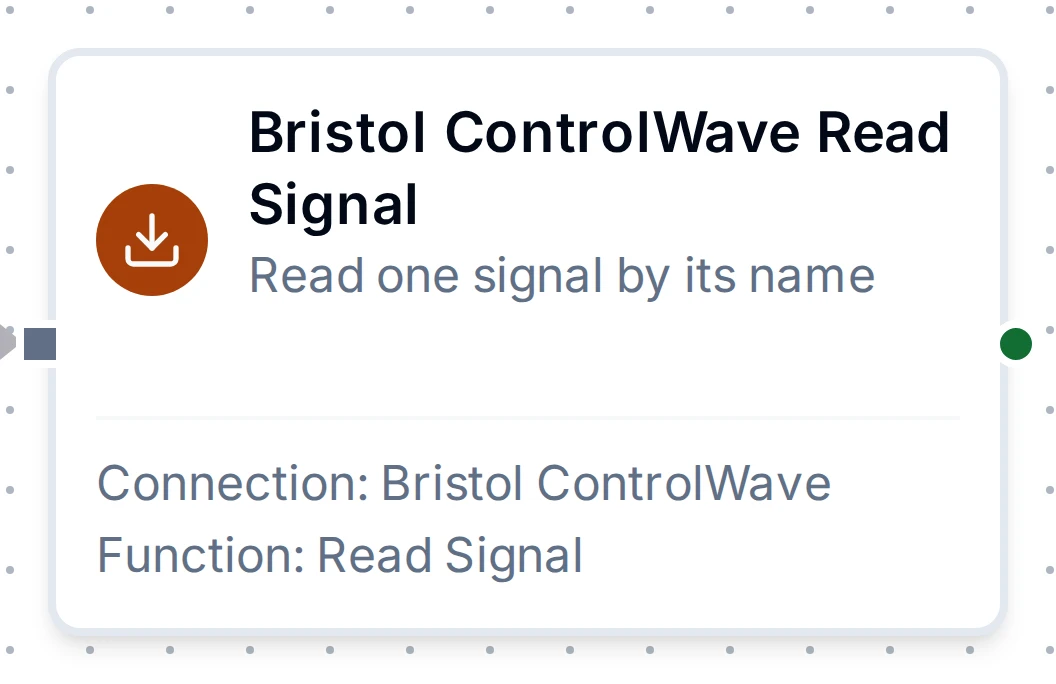
Read Signal node
Bristol ControlWave Read Signal Node
Supported Function Types:
| Node | Function | Purpose | Common Use Cases |
|---|---|---|---|
Bristol ControlWave Read Signal (connected.bristolcontrolwave.read.signal) | bristolcontrolwave.read.signal | Read one signal by its name | A tank level on a schedule, a pump's run status, a station's mode text |
The node reads the signal the function names. See Read Signal for the parameters and Signal names for the ControlWave name rules.
Output Structure
{
  "result": {
    "signal": "@GV.TANK1_LEVEL",
    "dataType": "REAL",
    "value": 12.5,
    "quality": "good"
  }
}
| Key | Meaning |
|---|---|
result.signal | The signal name as sent to the RTU: a leading % comes back as @ |
result.dataType | The signal's type as the RTU reported it: BIT, REAL or STRING |
result.value | The value: true or false for BIT, a number for REAL, text for STRING |
result.quality | good, or bad when the RTU marks the value as one it does not vouch for. The value is kept either way |
Read a value with $node["Tank Level"].result.value, and check $node["Tank Level"].result.quality before using it in a calculation.
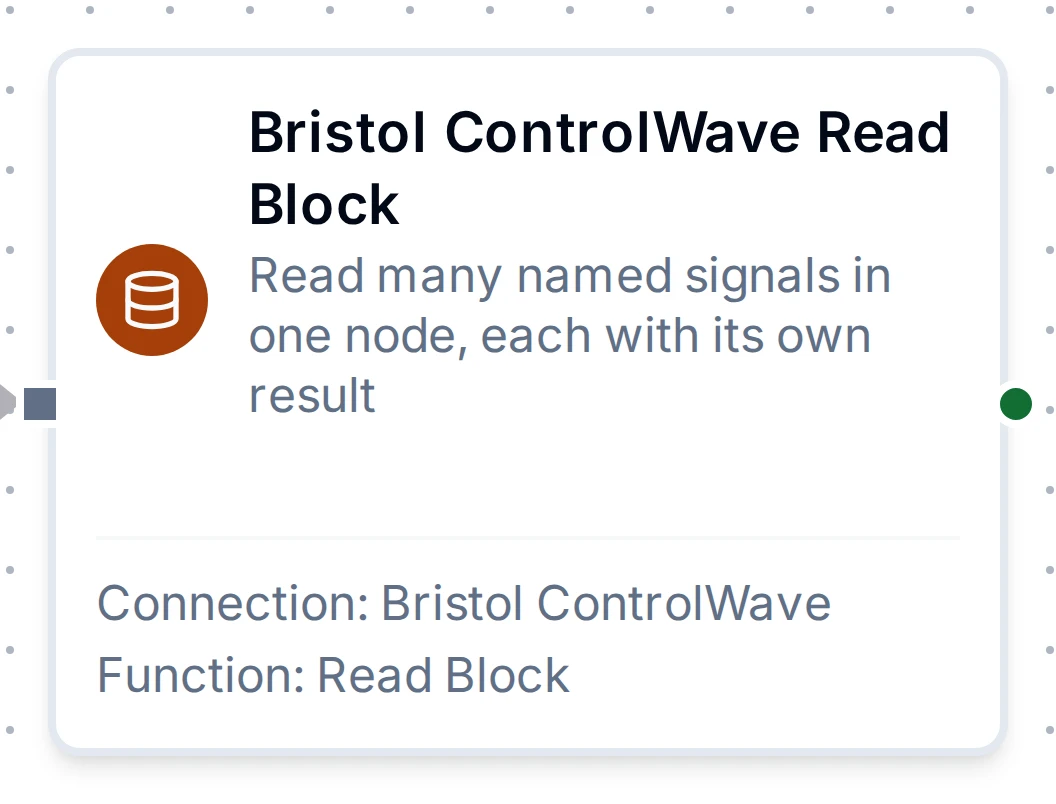
Read Block node
Bristol ControlWave Read Block Node
Supported Function Types:
| Node | Function | Purpose | Common Use Cases |
|---|---|---|---|
Bristol ControlWave Read Block (connected.bristolcontrolwave.read.block) | bristolcontrolwave.read.block | Read many named signals in one node, each with its own result | A well's pressures, flow and valve states in one node |
The node reads every signal of the function, one after the other, and returns each value by its name with its quality. A signal the RTU refuses is reported by name without failing the others; the node fails only when the RTU does not answer at all. See Read Block for the parameters.
Output Structure
When every signal was read:
{
  "result": {
    "count": 3,
    "values": { "TubingPressure": 1250.5, "Flow": 82.25, "ValveOpen": true },
    "qualities": { "TubingPressure": "good", "Flow": "good", "ValveOpen": "good" },
    "quality": "good",
    "totalDataPoints": 3
  }
}
When a signal was not read, it is missing from values and qualities, its reason is in errors under its name, and quality is bad:
{
  "result": {
    "count": 2,
    "values": { "TubingPressure": 1250.5, "ValveOpen": true },
    "qualities": { "TubingPressure": "good", "ValveOpen": "good" },
    "errors": {
      "Flow": "bsap: the RTU refused the read: signal error 2 (status 0x80); the signal may not exist"
    },
    "quality": "bad",
    "totalDataPoints": 3
  }
}
| Key | Meaning |
|---|---|
result.values | Every signal that was read, by its name |
result.qualities | The quality of every signal that was read, by its name: good, or bad when the RTU does not vouch for the value |
result.errors | The reason for each signal that was not read, by its name. Present only when a signal was not read |
result.count | How many signals were read |
result.totalDataPoints | How many signals were asked for |
result.quality | good when every signal was read with good quality; bad when one was not read or the RTU marked one bad |
Read a signal with $node["Well 12"].result.values.TubingPressure. Check $node["Well 12"].result.errors before relying on every signal being present.
Write Signal node
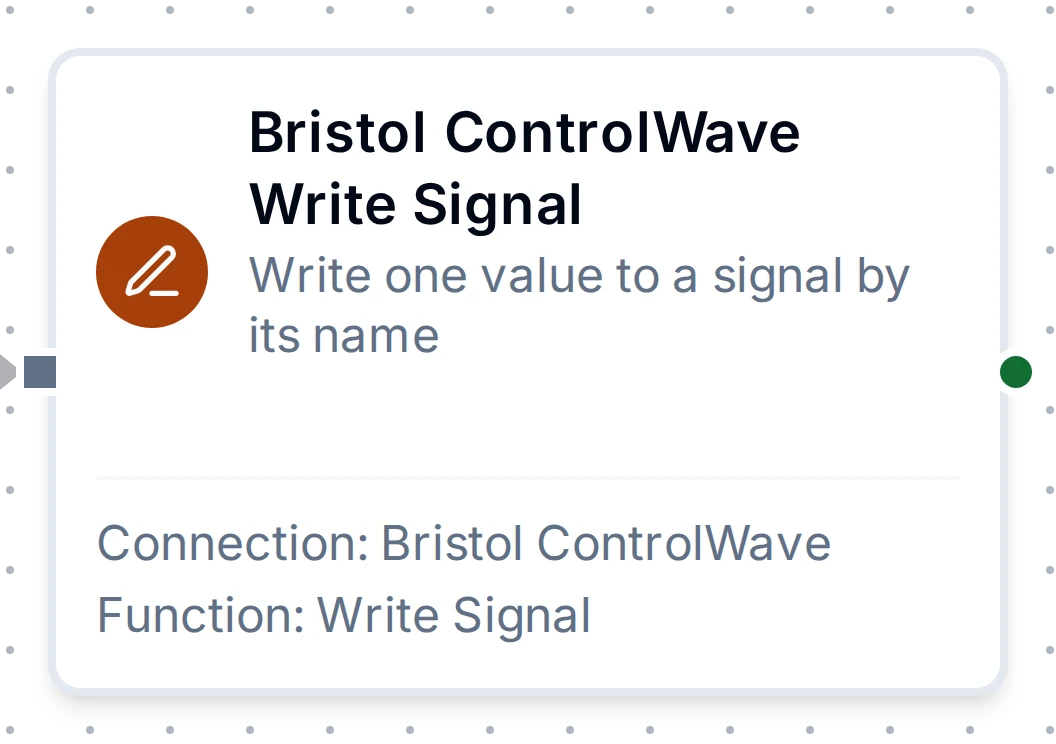
Bristol ControlWave Write Signal Node
Supported Function Types:
| Node | Function | Purpose | Common Use Cases |
|---|---|---|---|
Bristol ControlWave Write Signal (connected.bristolcontrolwave.write.signal) | bristolcontrolwave.write.signal | Write one value to a signal by its name | Pressure and flow setpoints, a valve command, a mode text |
The node writes the function's value to its signal, once. See Write Signal for the parameters and the write rules.
A write is never buffered for later delivery, and it is refused in a run started by a late (replayed) input unless the node allows late input. The connector sends a write once and never repeats it itself: when the RTU's answer is lost, the node fails with an unknown outcome, and the write may have been carried out. The node's Retry on Fail, Retry on Timeout and ForEach item retry may send it again, because a value write is safe to repeat. Turn those off for a bit the RTU program treats as a request (one it acts on and then clears, such as a start request). A value that does not fit its type fails the node before anything is sent to the RTU.
Output Structure
{
  "result": {
    "signal": "@GV.PRESS_SP",
    "dataType": "REAL",
    "value": "350.5"
  }
}
| Key | Meaning |
|---|---|
result.signal | The signal name as sent to the RTU |
result.dataType | The type the value was written as: BIT, REAL or STRING |
result.value | The value as given, after parameter substitution |
Always validate values in a Condition node before writing to an RTU. A setpoint or a command can move a valve or start a pump immediately.
Errors
| Error | Meaning | Retried by the node settings? |
|---|---|---|
no answer from the RTU at … after n attempts … | No answer to any attempt of a read: the RTU is off or out of reach | Yes |
no answer from the RTU at … to a write, which is sent once … | A write got no answer; it may have been carried out | Yes. A write sent again leaves the signal as one write of the same value does |
the RTU refused …: signal error n … | The RTU refused the request, for example a signal it does not have, or a read-only one | No: the result is permanent |
the RTU refused … with status 0x20 … | The RTU's program changed; the remembered signal addresses were forgotten. A write was not carried out | Yes: the retry asks by name and succeeds |
signal … is BIT, not REAL … | The signal has another type than the function asks for | No |
| A refusal before anything is sent (a name the ControlWave rules do not accept, a value that does not fit its type) | MaestroHub refused the request; nothing reached the RTU | No |
not connected to the RTU | The connection is down | Yes |
The full list of messages, with what to change for each, is in the guide's Troubleshooting.
Settings Tab
All Bristol ControlWave node types share the same Settings tab:
| Setting | Type | Default | Description |
|---|---|---|---|
| Description | Text | - | Optional description displayed on the node |
| Timeout (seconds) | Number | Pipeline default | Maximum time the node may run before timing out |
| Retry on Timeout | Toggle | Pipeline default | Automatically retry the node if it times out |
| Retry on Fail | Toggle | Pipeline default | Automatically retry the node if it fails |
| On Error | Selection | Pipeline default | Error strategy: Pipeline Default (the pipeline's Error Handling setting), Stop Pipeline or Continue Execution |
When left at their defaults, these settings inherit from the pipeline-level execution configuration. The retry settings do not retry a request the RTU refused (see Errors).
Use the Test button in the function form (on the connection page) to run every Bristol ControlWave function against the live RTU before wiring it into a pipeline. It is the fastest way to catch a signal name the RTU does not have, or the wrong data type.