Bristol ControlWave Integration Guide
Read and write the signals of Bristol ControlWave RTUs by name, over BSAP on IP, the way OpenBSI talks to them.
- Status
- Beta
- RTUs
- ControlWave Micro, Express, GFC, LP, EFM
- Transport
- BSAP over IP, UDP 1234
- Operations
- Read Signal · Read Block · Write Signal
- Triggers
- None: poll with a Schedule trigger
Bristol ControlWave RTUs and flow computers (Bristol Babcock, now Emerson) run oil and gas wells, pipelines, compressor stations and water networks. Their programs keep their data in signals: logical (on or off), analog (a number) and string signals, each with a name such as @GV.TANK1_LEVEL. MaestroHub reads and writes these signals by name over BSAP on IP: one request in one UDP datagram to the RTU's port 1234, as Emerson's OpenBSI does. Bristol Network 3000 has its own connector, Bristol Network 3000, on the same protocol code. This guide covers the connection, signal names and types, the three function types, and how the matching nodes fit into the Pipeline Designer.
What stands behind the connector today:
- A recording of a real ControlWave RTU being polled by a real master over BSAP on IP: the example capture of CISA's open-source BSAP parser (icsnpp-bsap), 5,200 frames. MaestroHub's requests are built byte for byte as the recorded master built them (a read by name, a write by address, the acknowledgement of an answer), and every answer the RTU sent decodes. CISA's parser agrees on the function codes.
- A test RTU inside MaestroHub's own tests, which answers as the recorded RTU does, for every operation, every refusal and every way an answer can be lost.
What is not proven yet:
- It has not read or written a real RTU. The recording shows what a real RTU answers to its master, not to MaestroHub. A check against a real RTU is tracked as a separate task.
- No public specification of BSAP over IP exists. Parts that the recording does not show (a read by address, a write by name, a string value, the refusals) follow a reading of a commercial driver and have not been seen on a real RTU.
- The codes an RTU gives when it refuses a signal are reported as numbers; their meaning is not published.
Overview
The Bristol ControlWave connector provides:
- Logical, analog and string signals: read and written by name, as
BIT,REAL(a 32-bit float) andSTRING - The RTU's quality flag: a value the RTU does not vouch for is kept and marked
bad, never dropped and never passed off asgood - Short requests after the first read: the RTU answers the first read of a name with the signal's address, and later reads ask by that address
- Block reads: many named signals in one node, each with its own result
- Writes sent once: the connector never repeats a write itself; the node's Retry on Fail, Retry on Timeout and ForEach item retry may send it again, because a value write is safe to repeat. Turn those off for a bit the RTU program treats as a request (one it acts on and then clears, such as a start request)
- ControlWave signal names, checked by the ControlWave rules before anything is sent
Terms used in this guide
| Term | Meaning |
|---|---|
| RTU | A remote terminal unit or flow computer of the ControlWave family: ControlWave Micro, Express, GFC, LP or EFM |
| BSAP | The Bristol Standard Asynchronous Protocol. On a serial line it has its own framing and checksum; on IP each request is one UDP datagram, without a checksum of its own, to port 1234 |
| OpenBSI | Emerson's own software for BSAP networks; it talks to RTUs over IP the way this connector does |
| Signal | A named value in the RTU's program: logical, analog or string. ControlWave names look like @GV.TANK1_LEVEL (@GV for global variables) |
| Global address | The BSAP address of an RTU in a network of RTUs. An RTU reached directly by its IP address takes 0 |
Not supported
| What | Why |
|---|---|
| Serial BSAP (a serial port on the MaestroHub host) | Not in this version. Reach the RTU over IP. |
| Many signals in one request | Real masters ask for several names in one request; how an RTU answers when one of them is refused is not known, so each signal is its own request. A block read still reads many signals in one node. |
| Signal lists, alarms, archives, historical data, file transfer | Not in this version. |
| Reading by numeric address (MSD) without a name | Not in this version; a signal's address is learned from its name. |
| A trigger | An RTU does not send data on its own to this connector. Poll it with a Schedule trigger. |
What happens on connect
UDP has no connection. MaestroHub opens a UDP socket of its own and reads the Probe Signal. Any answer counts, also a refusal: it proves an RTU speaks BSAP at this address. Left empty, the probe asks for a name no program has (MHPROBE.PING), and the RTU's refusal is its answer. Set it to one of the RTU's signals if an RTU stays silent to a name it does not know.
Every request carries a message number. MaestroHub takes an answer only from the RTU's address and port, and only one that names the request waiting for it; a late answer to an earlier request is dropped. Every answer the RTU sends is acknowledged, as OpenBSI does, so the RTU does not send it again. One request is on its way at a time.
When no answer comes within the Response Timeout, a read is sent again, unchanged, up to Read Attempts times in all. A write is sent once.
Connection Configuration
Creating a Bristol ControlWave Connection
Navigate to Connections → New Connection → Bristol ControlWave and fill in the form. It has four tabs: Connection, Functions, Scaling and Health. The Functions, Scaling and Health tabs unlock after the connection is saved.
1. Profile Information
| Field | Default | Description |
|---|---|---|
| Profile Name | - | A descriptive name for this connection profile (required). Must be unique across all connections. |
| Description | - | Optional description for this connection |
| Labels | - | Key-value pairs to categorize and organize the connection |
Example Labels
site: wellsite-12: Well site or stationrtu-model: ControlWave Micro: RTU modelenvironment: production: Deployment environment
2. BSAP over IP
| Field | Default | Meaning |
|---|---|---|
| Address | (required) | RTU host name or IP address, e.g. 192.168.1.40 |
| Port | 1234 | UDP port of the RTU's BSAP over IP, 1 to 65535. 1234 is the port OpenBSI and the RTUs use |
| Response Timeout | 2s | How long one request waits for the RTU's answer (100ms to 30s). A read is then sent again; a write is not |
| Read Attempts | 3 | How many times a read is sent, unchanged, before the RTU is reported silent (1 to 10). A write is always sent once |
| Connection Timeout | 10s | Maximum time to reach the RTU and read the probe signal when the connection starts (1s to 5m). Keep it above Read Attempts × Response Timeout, so that an RTU that does not answer is reported as such |
| Probe Signal | empty | A signal read on connect and on every health check. Empty asks for MHPROBE.PING, a name no program has, and counts the RTU's refusal as its answer |
| Global Address | 0 | BSAP global address put in every request, 0 to 65535. 0 for the RTU at the address above |
| Source Port | 0 | Local UDP port the requests are sent from; 0 lets the system choose. Set 1234 for an RTU that answers only to port 1234. One port serves one connection on the MaestroHub host |
Each function has its own Timeout that bounds the whole operation. Within it, each request waits at most the Response Timeout for its answer.
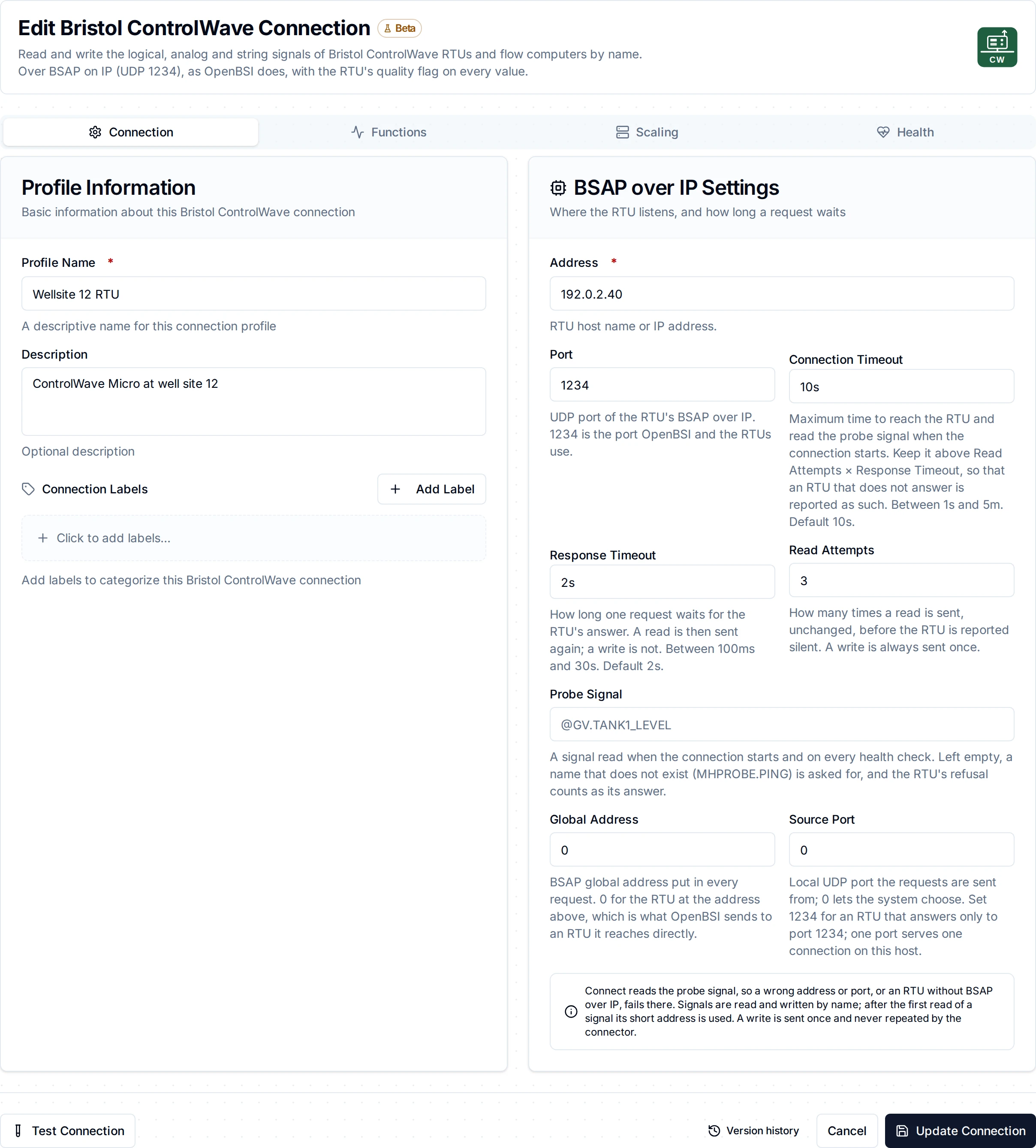
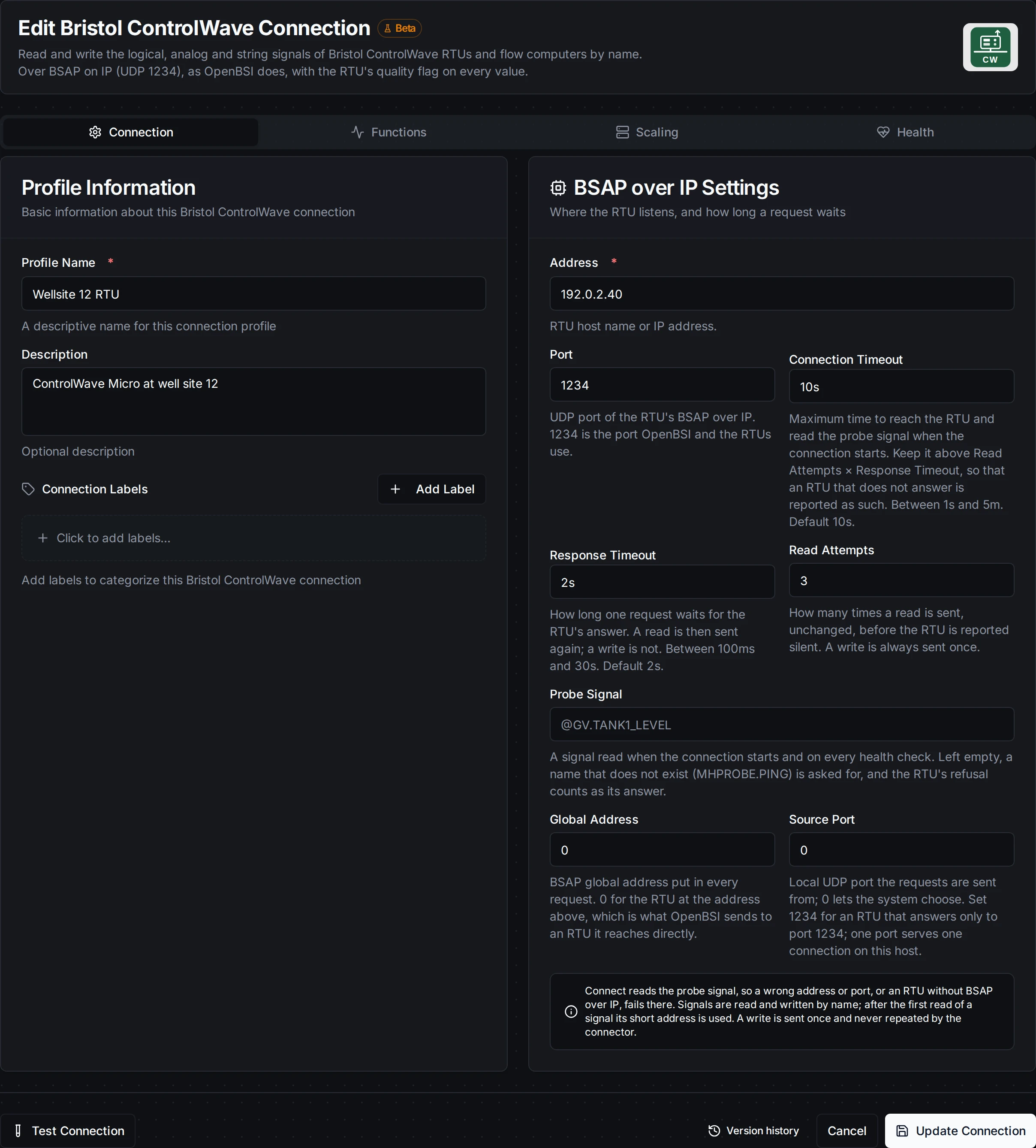
The Connection tab: the RTU's address, the waits and the probe signal
Testing the Connection
Click Test Connection at the bottom of the form to try the current settings before saving. It connects as described in What happens on connect. Once the connection runs, its health probe reads the probe signal again and reports the round trip. When the RTU does not answer, the session is closed and opened again; a new session starts with no remembered signal addresses.
Function Builder
Creating Bristol ControlWave Functions
After the connection is saved:
- Open the connection and navigate to the Functions tab
- Click New Function to open the function type selection dialog
- Choose Read Signal, Read Block or Write Signal
- Fill the Basic tab (name, description, labels) and the Configuration tab (operation-specific parameters)
- Use the Test button to run the function against the live RTU before saving. Testing a Write Signal function writes to the RTU
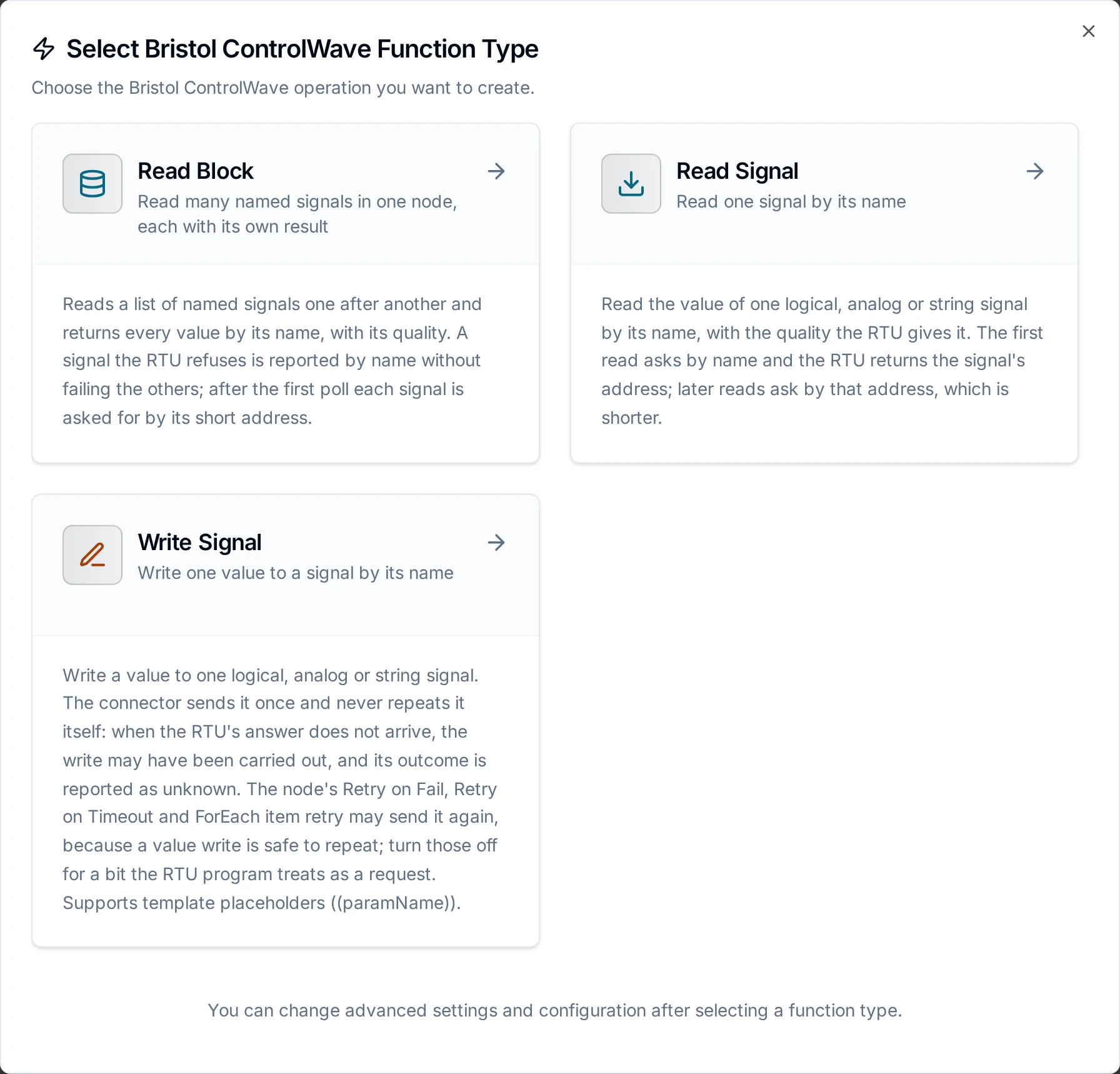
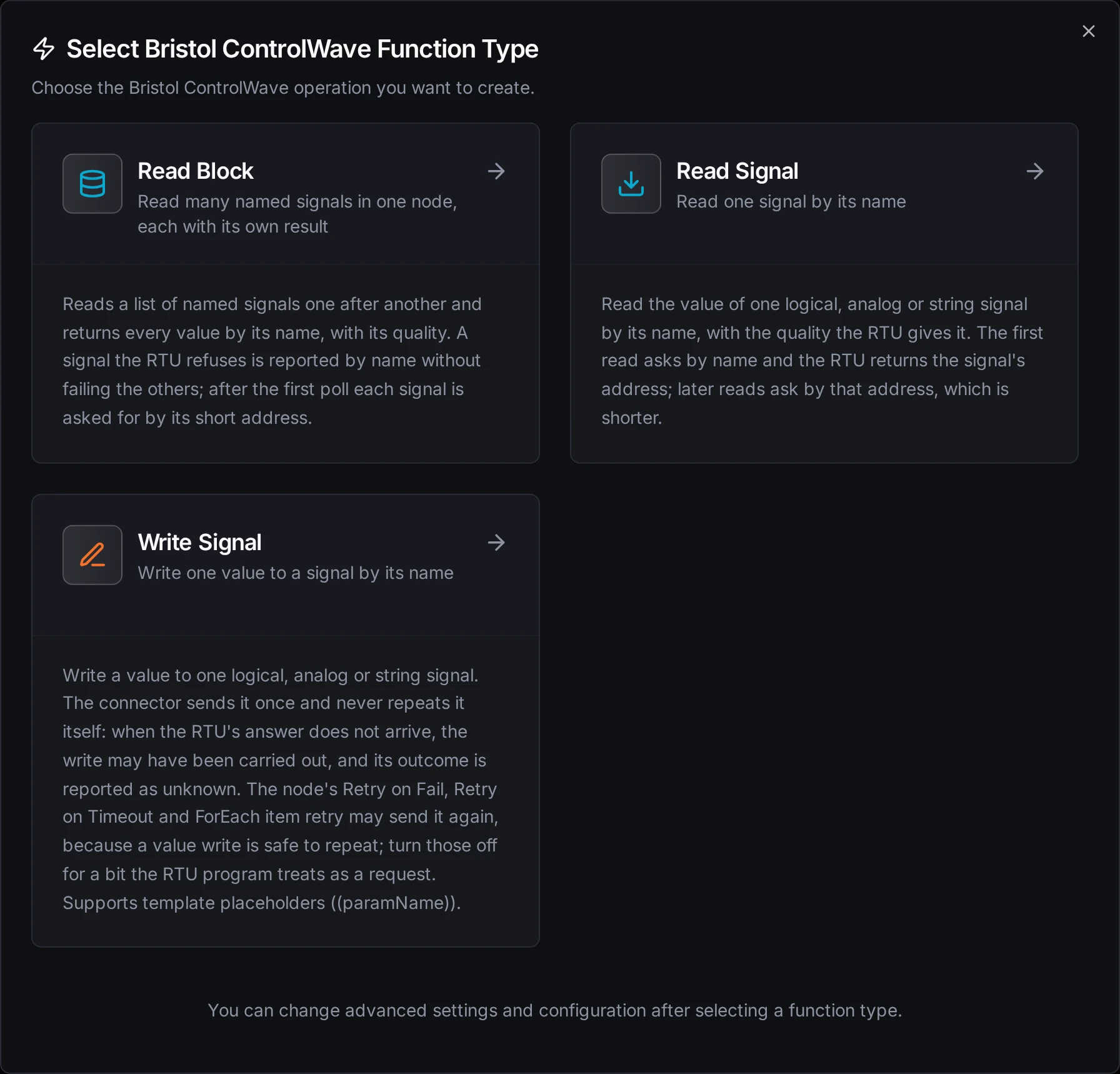
Two reads and one write
Signal names
Every function names a signal as the RTU's program names it. A name is 1 to 96 printable ASCII characters without spaces, and the ControlWave rules apply:
| Family | Rules | Examples |
|---|---|---|
| ControlWave | A first part of 1 to 30 characters, starting with a letter, % or @, then letters, digits and _; then at least one .; after it letters, digits, . and _. A leading % is sent as @ | @GV.TANK1_LEVEL, %GV.PUMP1_RUN, Prog1.Loop.Out_2 |
A name that breaks the ControlWave rules is refused when the function is saved, and before anything is sent. A name the RTU does not have is refused by the RTU.
Data types
| Data Type | Signal | A read returns | A write takes |
|---|---|---|---|
BIT | Logical | true or false | true or false, 1 or 0, on or off |
REAL | Analog | A number (a 32-bit float) | A finite number within the 32-bit float range |
STRING | String | Text | Up to 127 ASCII characters |
A read can leave Data Type empty: the signal is read as the RTU reports it, and the result names the type. A read with a data type refuses a signal of another type. A write always has a data type; once the connection has read the signal, a write of another type is refused before anything is sent.
Quality
Each value the RTU returns carries a flag that says whether the RTU vouches for it. A value it does not vouch for is still returned, with quality bad, so a historian can keep it and leave it out of calculations. A value it vouches for has quality good.
Read Signal (bristolcontrolwave.read.signal)
Purpose: Reads the value of one signal by its name.
| Parameter | Default | Meaning |
|---|---|---|
| Signal | (required) | A signal name, e.g. @GV.TANK1_LEVEL |
| Data Type | empty | BIT, REAL or STRING; empty for the signal's own |
| Timeout | 30s | Bound on this operation (1s to 1h) |
The first read of a name asks by name, and the RTU returns the signal's address with its value. Later reads in the same session ask by that address, which is shorter. When the RTU says it no longer knows the address (its program was loaded again), MaestroHub forgets every remembered address and asks by name again, in the same read.
Read Block (bristolcontrolwave.read.block)
Purpose: Reads many named signals in one node, and returns every value by its name. Use it to read a well's pressures, flow and valve states in one node.
| Parameter | Default | Meaning |
|---|---|---|
| Data Points | (required) | A list of up to 500 signals. Each has a name, the key of its value in the result, a signal such as @GV.TANK1_LEVEL, and an optional dataType. Each name is used once. A point without a name is named by its signal |
| Timeout | 5m | Bound on this operation (1s to 1h) |
The signals are read one after the other, each by its address after the first poll. A signal the RTU refuses is reported by name in the result's errors, and the others are still read. When the RTU stops answering, the signals not yet read are reported with that answer without another wait; the node fails only when no signal was answered at all.
Write Signal (bristolcontrolwave.write.signal)
Purpose: Writes one value to a signal by its name.
| Parameter | Default | Meaning |
|---|---|---|
| Signal | (required) | A signal name, e.g. @GV.PRESS_SP |
| Data Type | (required) | BIT, REAL or STRING: the signal's type |
| Value | (required) | The value, as the table above says. Supports ((paramName)) templates |
| Timeout | 30s | Bound on this operation (1s to 1h) |
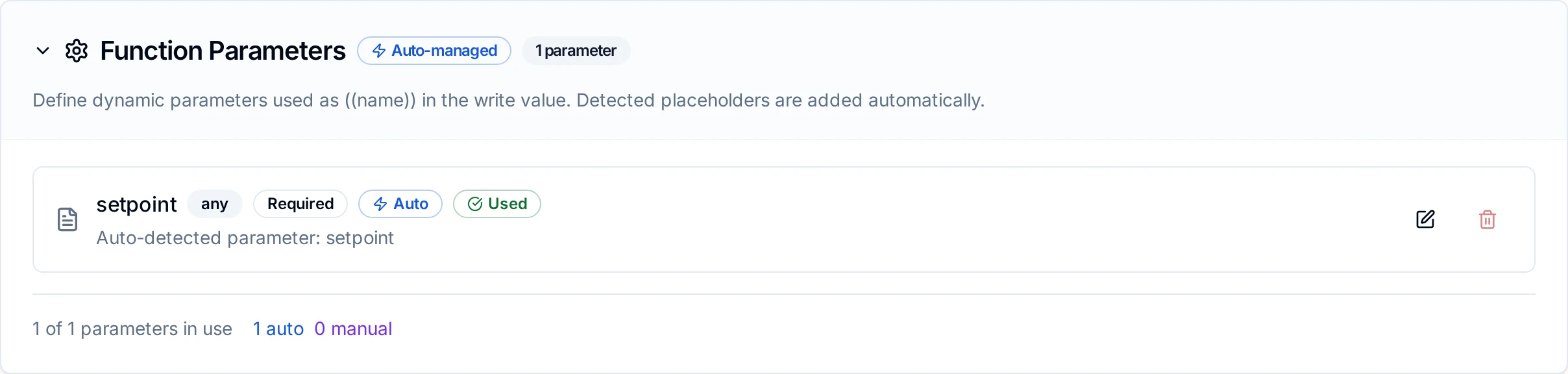
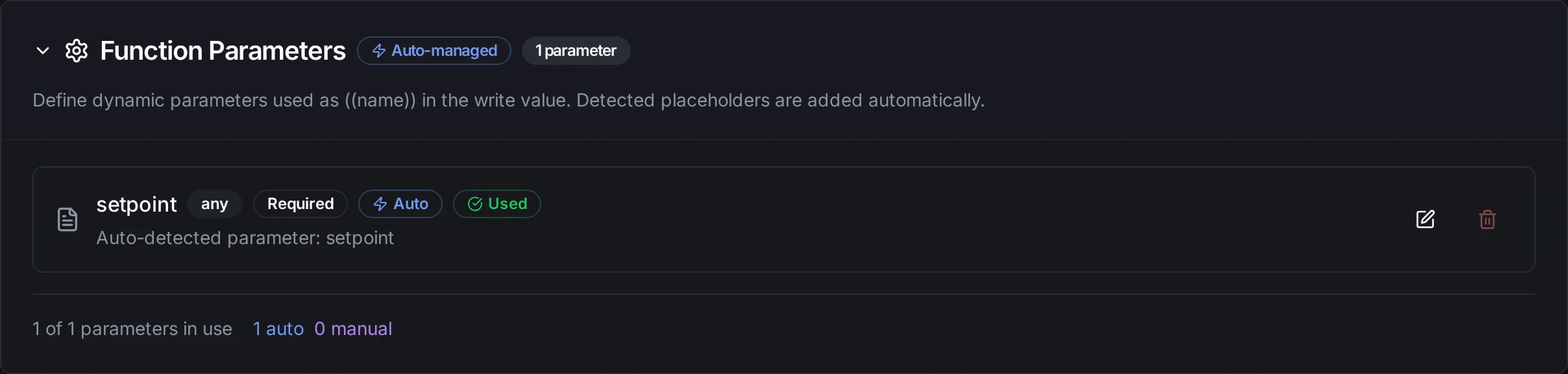
A Write Signal function whose value is the ((setpoint)) parameter, filled by the pipeline
The write rules:
- A write is sent once. The connector never repeats a write itself. If the RTU's answer does not arrive within the Response Timeout, or cannot be read, the write may have been carried out, and its outcome is reported as unknown. The node's Retry on Fail, Retry on Timeout and ForEach item retry may send it again, because a value write is safe to repeat. Turn those off for a bit the RTU program treats as a request (one it acts on and then clears, such as a start request).
- Nothing is sent when a value does not fit its type:
maybeas aBIT,NaNor1e39as aREAL, text with a character outside ASCII as aSTRING. - A signal the RTU holds read-only, or does not have, refuses the write. The refusal is final for that request; it is not retried.
A write is never buffered for later delivery: a setpoint that arrives an hour late is a new decision, not the old one. A pipeline run started by a late (replayed) input does not execute the write unless the node allows late input. The connector never repeats a write itself; the node's Retry on Fail, Retry on Timeout and ForEach item retry may send it again, because a value write is safe to repeat. Turn those off for a bit the RTU program treats as a request (one it acts on and then clears, such as a start request). A write the RTU refused is not retried.
Using Parameters
The Value field supports ((parameterName)) placeholders; they appear in the Function Parameters block, where you set each one's type, whether it is required, and a default. For example, Value ((setpoint)) writes the node's setpoint parameter to the signal the function names. A filled-in value is checked when the function runs, and nothing is sent when it does not fit.
Pipeline Integration
Use the functions you configure here as nodes inside the Pipeline Designer. Each function type has its own node:
- Bristol ControlWave Read Signal (
connected.bristolcontrolwave.read.signal): executes abristolcontrolwave.read.signalfunction - Bristol ControlWave Read Block (
connected.bristolcontrolwave.read.block): executes abristolcontrolwave.read.blockfunction - Bristol ControlWave Write Signal (
connected.bristolcontrolwave.write.signal): executes abristolcontrolwave.write.signalfunction
An RTU does not send data on its own to this connector: to poll one, drive the reads from a Schedule trigger.
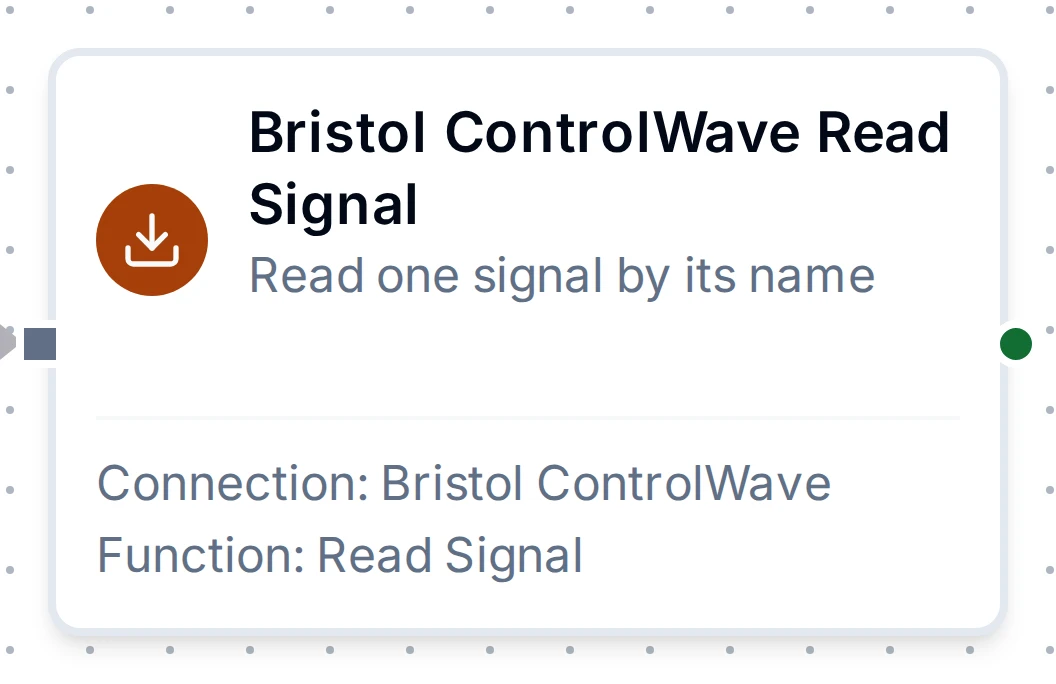
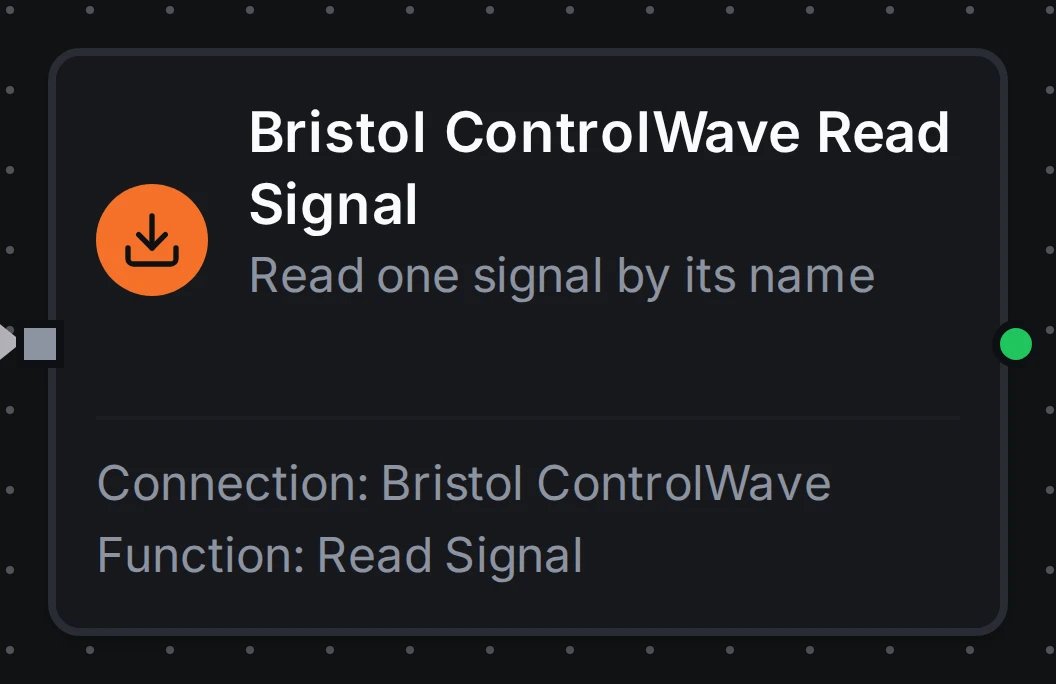
The Read Signal node with its connection and function
For node-level details (output structure, execution settings), see the Bristol ControlWave Nodes page.
For orchestration strategies that mix RTUs with other data sources, see the Nodes page.
Common Use Cases
Well and pipeline values to a historian or the UNS
A Read Block of a well site's tubing and casing pressures, flow rate and valve states on a Schedule trigger, routed to a historian or the Unified Namespace. Each value carries the RTU's quality, so a value the RTU does not vouch for is stored marked bad.
Setpoints from a control room
A parameterized Write Signal function (Value: ((setpoint)), Data Type REAL) fed from an operator form or a scheduling system, with a Condition node checking the range first.
Troubleshooting
Error Reference
The texts below leave out the bsap: that most messages start with.
| What you see | Meaning | Retried? |
|---|---|---|
no answer from the RTU at … after n attempts … | No answer to any attempt of a read: the RTU is off or out of reach, BSAP over IP is not enabled on that port, or it answers to another source port | Yes |
no answer from the RTU at … to a write, which is sent once: the RTU may have carried it out | A write got no answer. It may have been carried out | Not by the connector; by the node's Retry on Fail, Retry on Timeout or ForEach item retry |
the RTU refused the read: signal error n …; the signal may not exist | The RTU does not have the signal, or refused it | No |
the RTU refused the write: signal error n …; the signal may not exist, or be read-only | The RTU refused the write | No |
the RTU refused … with status 0x20: it no longer knows the signal's address … | The RTU's program changed. MaestroHub forgot the remembered addresses; a read asks by name again at once. A write was not carried out and is not sent again in the same run; the retry asks by name and succeeds | Yes |
signal … is BIT, not REAL; set the data type to BIT … | The signal has another type than the function asks for | No |
… is not a ControlWave signal name … | The name breaks the ControlWave rules. Nothing was sent | No |
value for … as REAL: … is not a number a REAL signal holds … | The value does not fit its type. Nothing was sent | No |
the RTU's response cannot be read: … | An answer this connector cannot decode. After a write, the write may have been carried out | Yes; a write not by the connector, as above |
source port n cannot be used on this host … | Another connection or program holds the Source Port | No |
not connected to the RTU | The connection is not up | Yes, after reconnect |
"Retried?" says whether the node's Retry on Fail setting sends the request again. A refusal by the RTU, and a request MaestroHub refuses before sending, give the same answer every time, so they are not retried. The one exception is status 0x20: the next attempt asks by name, so it is retried.
Connection Issues
| Symptom | Possible Cause | Solution |
|---|---|---|
Test Connection fails with no answer from the RTU | The wrong Address or Port, BSAP over IP not enabled on the RTU, a firewall in the way of UDP 1234, or an RTU that answers only to port 1234 | Check that the RTU answers UDP 1234 from the MaestroHub host; then set Source Port to 1234 |
| Connect fails although OpenBSI reaches the RTU | The RTU says nothing to a name it does not have | Set Probe Signal to one of the RTU's signals |
Every read of a signal fails with signal error | The name is not the RTU's | Check the name in ControlWave Designer; global variables start with @GV. |
| A test write reports no answer | The answer was lost; the write may have been carried out | Read the signal before writing again |