Siemens SINUMERIK 808D Integration Guide
Read the PLC memory of SINUMERIK 808D machine tools, write setpoints to it, and send commands the PLC program acts on.
- Status
- Beta
- Protocol
- S7 (ISO-on-TCP), port 102
- Operations
- Read Points · Write Point · Send Command
- Triggers
- None: poll with a Schedule trigger
A SINUMERIK 808D CNC has an integrated PLC built on the S7-200. On its Ethernet port, that PLC accepts S7 clients by a TSAP pair. MaestroHub reads and writes the PLC memory by address. This covers the data blocks that hold the NC/PLC interface signals and user data, the flags (M), inputs (I), outputs (Q), system flags (SM), and the IEC counters (C) and timers (T). This guide covers the connection, the addresses, the three function types and their pipeline nodes.
The NC itself (axis positions, NC variables, alarms of the NCK) is not reached this way. MaestroHub sees what the PLC program sees.
What stands behind the connector today:
- The connect sequence, the address grammar, the area bounds and the value encodings follow a reference driver for the 808D, read byte by byte.
- The area codes of the S7-200 family (system flags
0x05, IEC counters0x1E, IEC timers0x1F) and the way a counter or timer is addressed agree with two public sources: Wireshark's S7comm dissector and libnodave. - MaestroHub's S7 stack is the one its Siemens S7 and LOGO! connectors use. Its tests run in three places: against an in-process test PLC that checks every request byte by byte; against an independent S7 server (snap7) for data blocks, flags, inputs and outputs; and against Wireshark's own reading of the requests.
What is not proven yet:
- It has not been run against a real 808D. The checks still owed are listed in issue #8824.
- The meaning of an IEC timer's value and of the status byte of a counter or timer beyond "set or not". MaestroHub reports both as the PLC sends them.
- Counters and timers are read, not written: how the 808D takes a written counter or timer is not confirmed.
Overview
The SINUMERIK 808D connector provides:
- Addresses as the PLC uses them:
DB3800/2.1,M10.0,I0.3,Q1,SM0.5,C5,T12/STATUS - Typed values: BIT, SINT, BYTE, INT, WORD, DINT, DWORD and REAL, big-endian as S7 sends them
- Many points in the fewest requests: neighbouring points of one area share a request
- Setpoint writes, and commands that are sent at most once
- Bits written as bits: the other bits of the byte, which the PLC program may be changing, are never rewritten
Connection Configuration
Creating a SINUMERIK 808D Connection
Navigate to Connections → New Connection → Siemens SINUMERIK 808D.
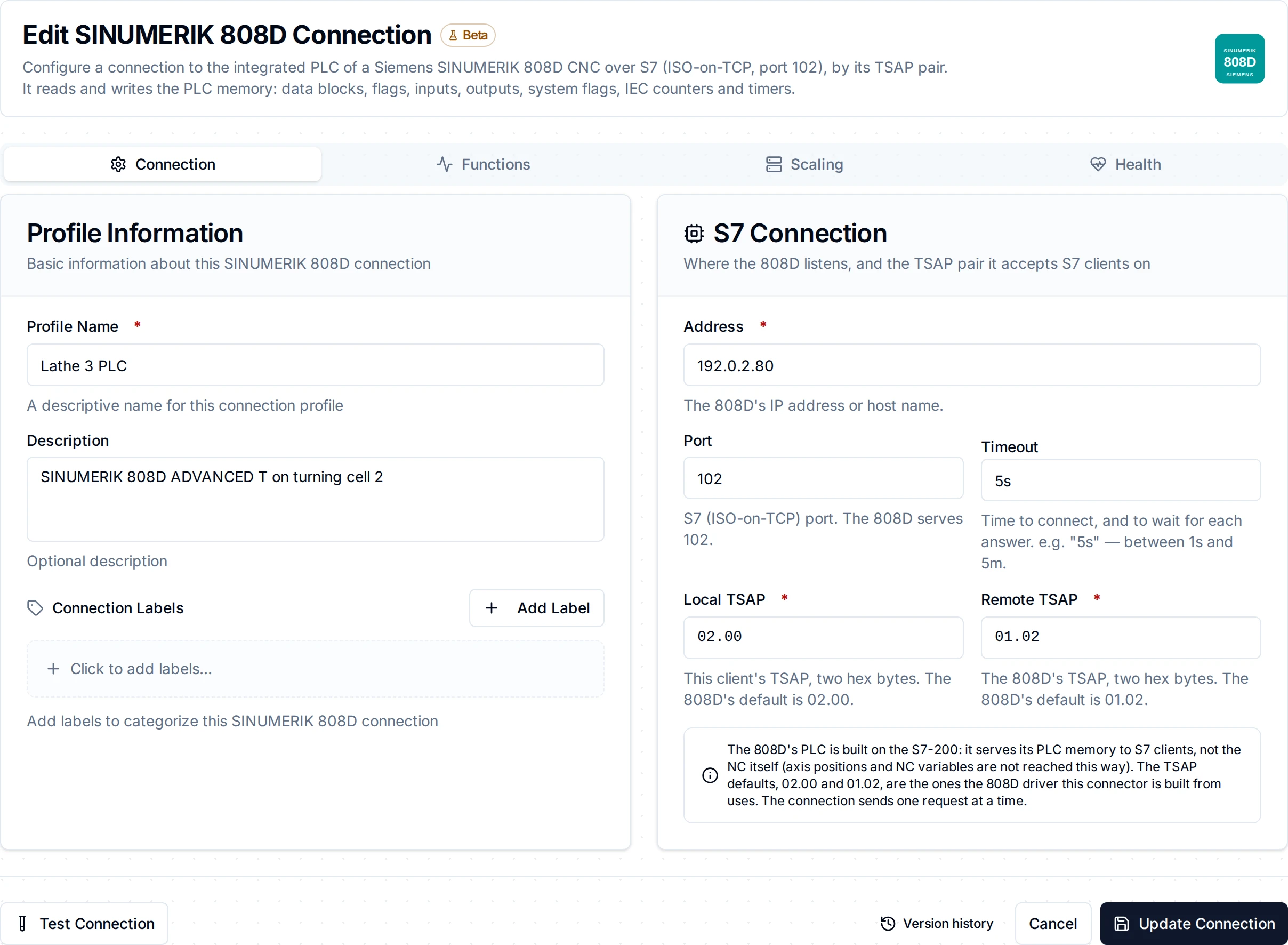
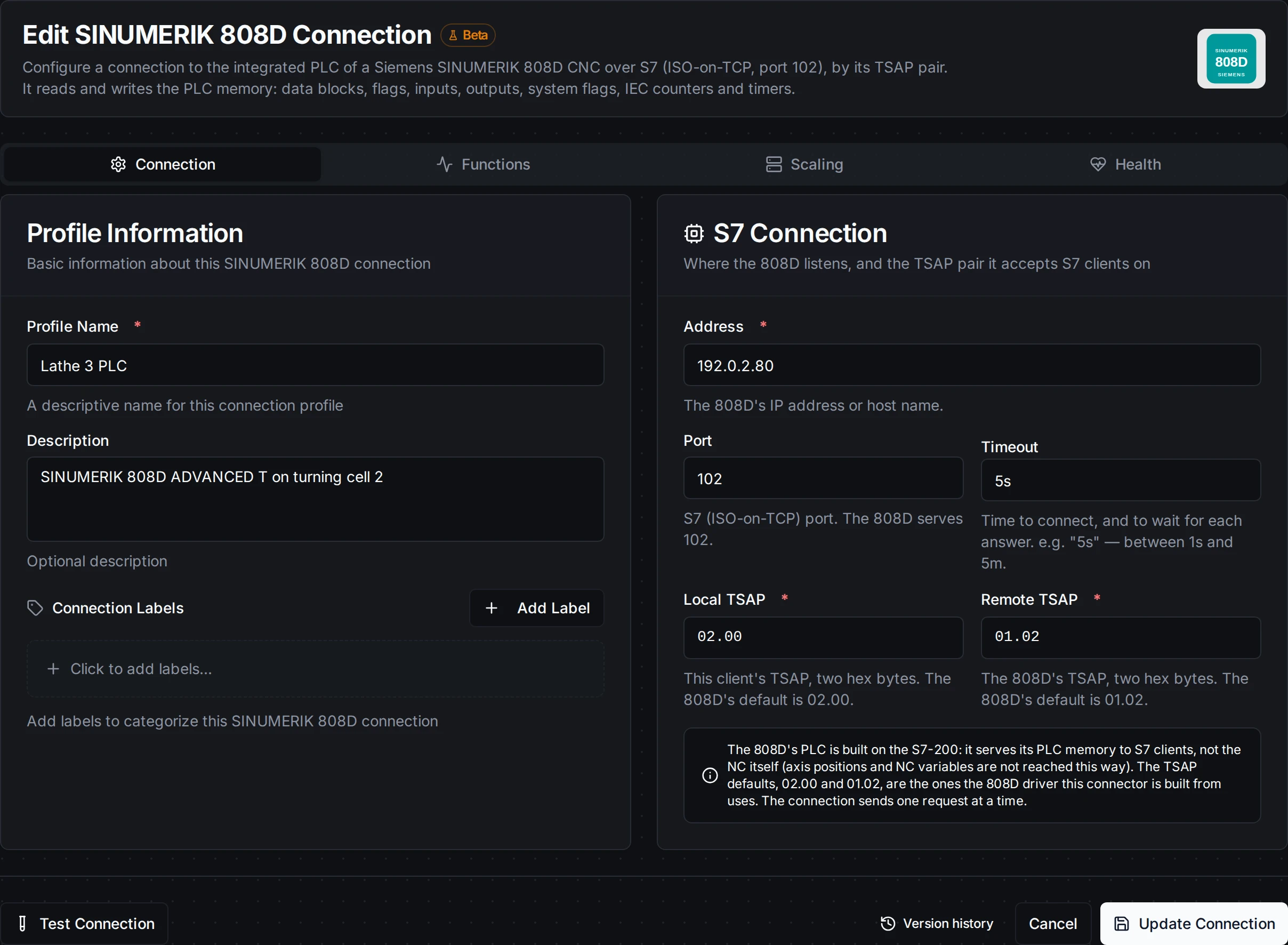
The SINUMERIK 808D connection form
| Field | Default | Description |
|---|---|---|
| Address | - | The 808D's IP address or host name (required) |
| Port | 102 | S7 (ISO-on-TCP) port. The 808D serves 102. |
| Local TSAP | 02.00 | MaestroHub's TSAP, two hex bytes |
| Remote TSAP | 01.02 | The 808D's TSAP, two hex bytes |
| Timeout | 5s | Maximum time to connect, and to wait for each answer |
The TSAP defaults are the ones the reference 808D driver uses. A TSAP is two hex bytes separated by a dot.
Testing the Connection
Test Connection opens the S7 connection with the TSAPs, negotiates the PDU and reads the system flag byte SMB0. A refused read still counts as an answer, because it proves an S7 PLC replied.
Addresses
An address is at most 48 characters, without spaces; letters may be lower case. A bit is byte.bit. A byte address needs a data type, and the value must end inside its area.
| Address | What it is | Range | Types | Written |
|---|---|---|---|---|
DB<n>/<byte>[.<bit>] | Data block | DB1-65535, bytes 0-10239 | BIT, or any type | Yes |
M<byte>[.<bit>] | Flags | bytes 0-255 | BIT, or any type | Yes |
I<byte>[.<bit>] | Inputs | bytes 0-15 | BIT, or any type | No |
Q<byte>[.<bit>] | Outputs | bytes 0-15 | BIT, or any type | Yes |
SM<byte>[.<bit>] | System flags | bytes 0-549 | BIT, or any type | Bytes and words from SMB30 (SMB0-SMB29 and the bits are the CPU's status) |
C<n> / C<n>/STATUS | IEC counter | C0-255 | WORD / BIT | No |
T<n> / T<n>/STATUS | IEC timer | T0-255 | DWORD / BIT | No |
The types: SINT (−128-127), BYTE (0-255), INT (−32768-32767), WORD (0-65535), DINT and DWORD (32-bit signed and unsigned), REAL (32-bit floating point; a NaN or infinity is refused, both read and written).
The PLC Programming Tool writes a data block address as one V number. In V38000002.1, the first four digits are the data block, the next four the byte, and .1 the bit: DB3800/2.1 here.
Function Builder
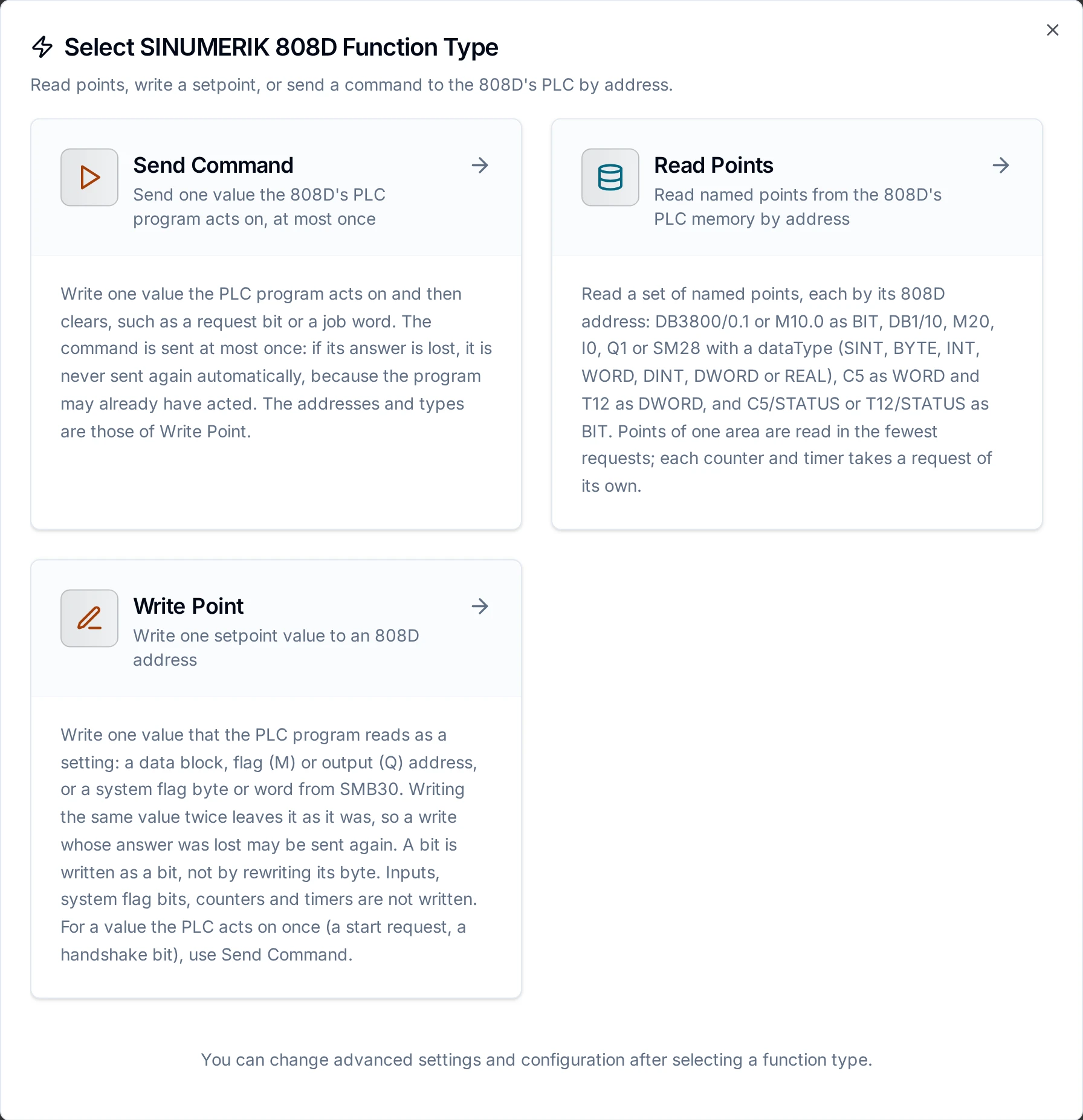
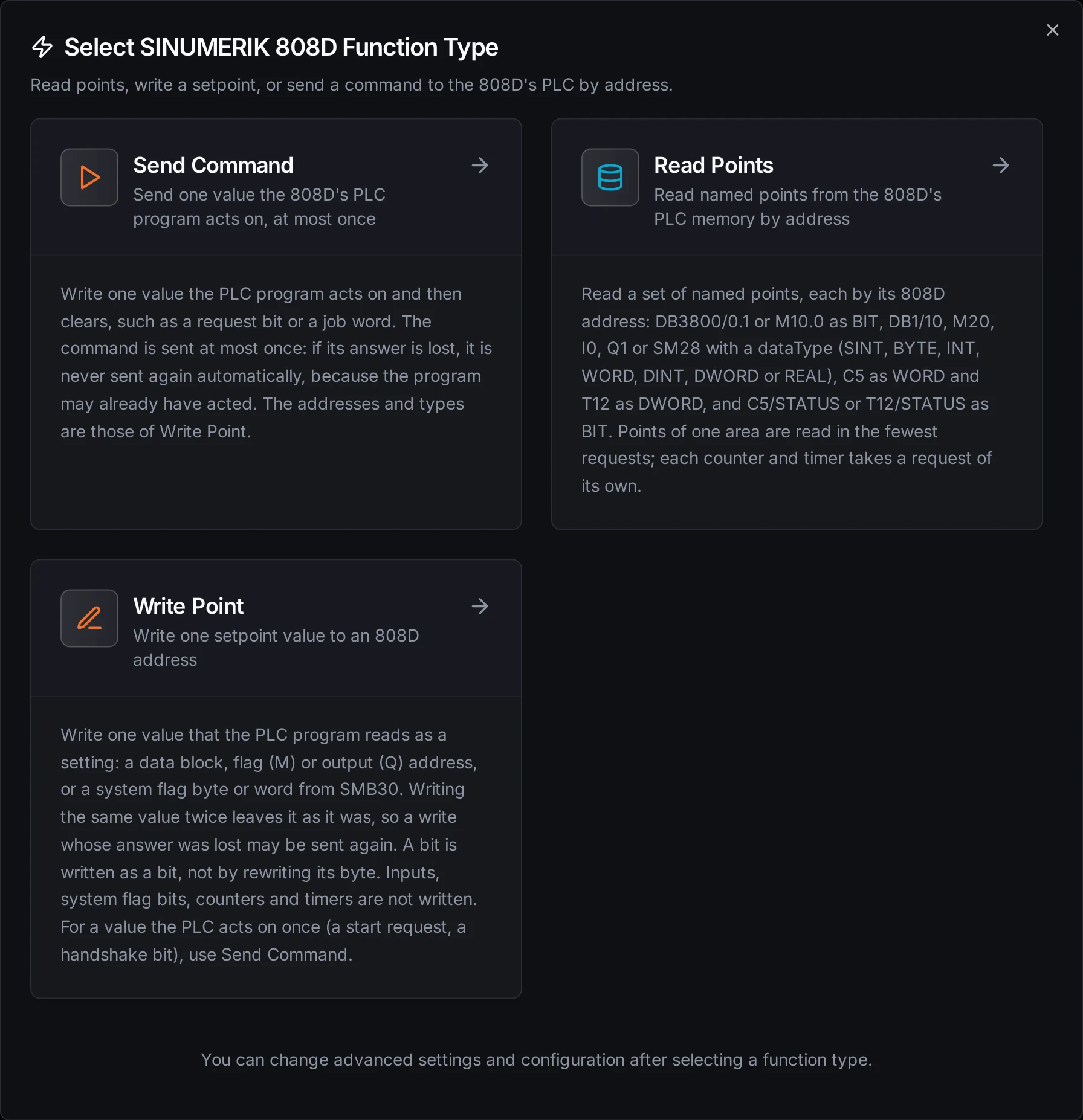
The three function types
Read Points (sinumerik808d.read)
Read a set of named points, each by its 808D address, in the fewest requests.
| Field | Required | Description |
|---|---|---|
| Points | Yes | One to 100 {name, address, dataType}. The name is the key in the result. A bit, a counter, a timer and a /STATUS need no data type. More points go in several functions. |
Example: spindleRunning = DB3800/2.1, partCount = DB1000/20 as DINT returns { "spindleRunning": true, "partCount": 1520 } under values.
A point name may not repeat, and an address the 808D does not have (such as M256, or DB1/10239 as INT) is refused when the function is saved.
Write Point (sinumerik808d.write)
Write one setpoint: a value the PLC program reads as a setting.
| Field | Required | Description |
|---|---|---|
| Address | Yes | A data block, flag or output address, or a system flag byte or word from SMB30: DB1000/40, M12.3, Q1, SM34. Supports ((paramName)). |
| Data Type | For a byte address | The type the address holds, in upper case (INT, not int) when the function is created through the API. With a ((paramName)) address, choose the type it will hold, or Set by the address for a bit bound at run time; a byte address bound without a type is refused when the function runs. |
| Value | Yes | true/false (also on/off, 1/0) for a bit; a number the type holds otherwise. It is checked against the data type when the function is saved; with a ((paramName)) address and no data type (Set by the address), when the function runs. Supports ((paramName)), checked when the function runs. |
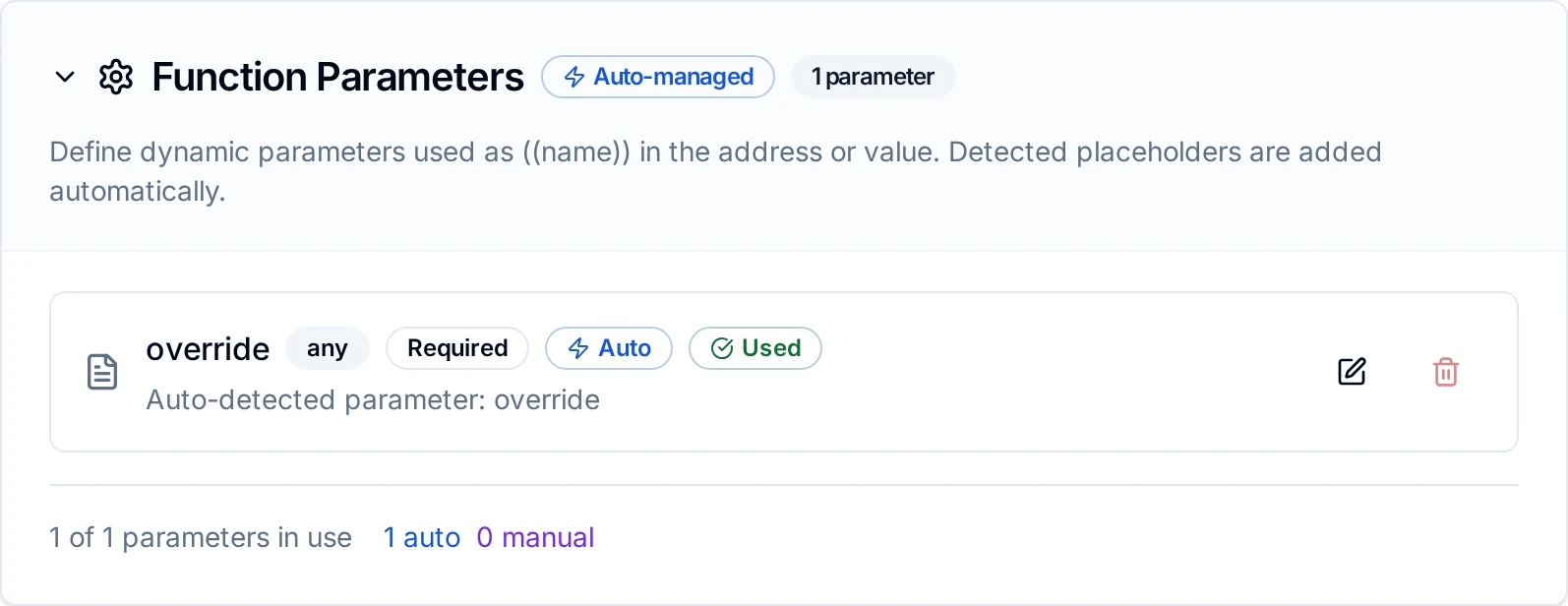
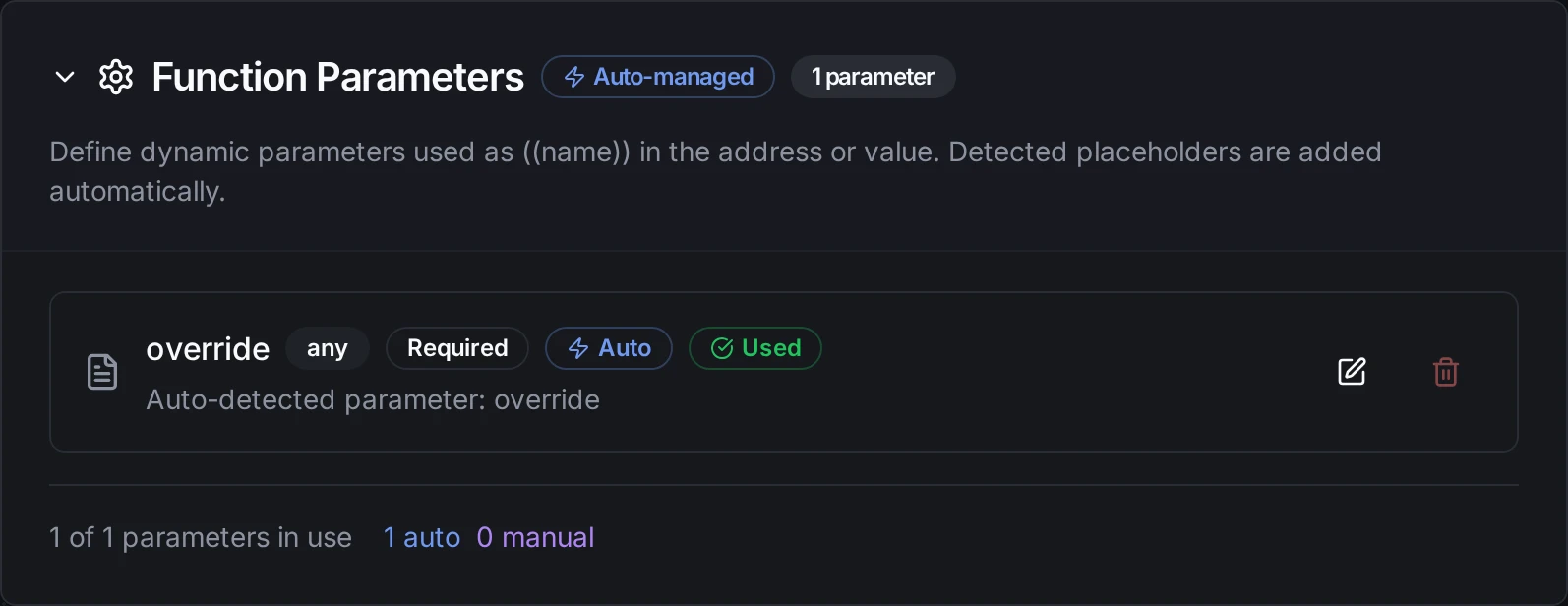
A value written from a ((parameter))
Writing the same value again leaves the address as it was. So a write whose answer was lost may be sent again, under Retry on Fail.
Send Command (sinumerik808d.command)
Send one value the PLC program acts on and then clears, such as a request bit (M20.0 set to true) or a job number. Its fields are those of Write Point.
If the 808D does not answer a command in time, MaestroHub never sends it again on its own: the program may already have acted on it. The node fails with the outcome unknown, so a person or the pipeline can check the machine and decide. Use Write Point for setpoints, which are safe to repeat.
Testing Functions
Test Function on the function form runs the read, write or command against the live 808D. A test of a write or a command changes the machine's PLC memory, and the dialog says so.
Pipeline Integration
Each operation has its own node: Siemens SINUMERIK 808D Read Points, Write Point and Send Command. See Siemens SINUMERIK 808D Nodes for their parameters and results. To poll the 808D, start the pipeline with a Schedule trigger.
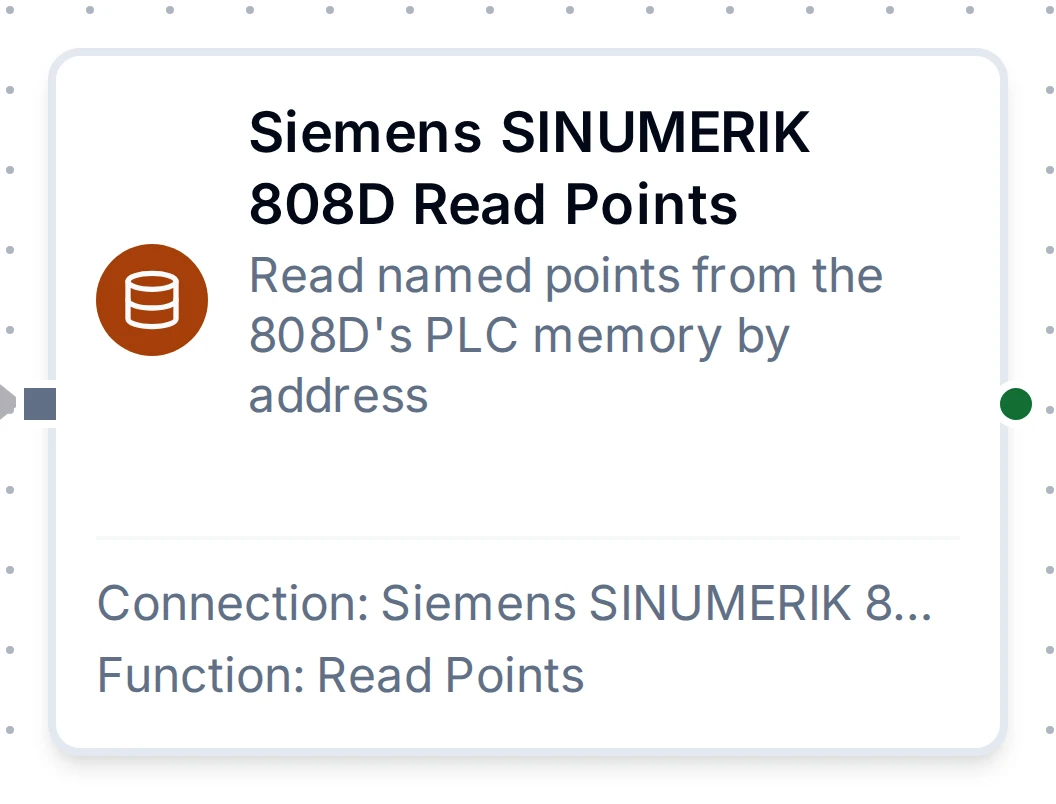
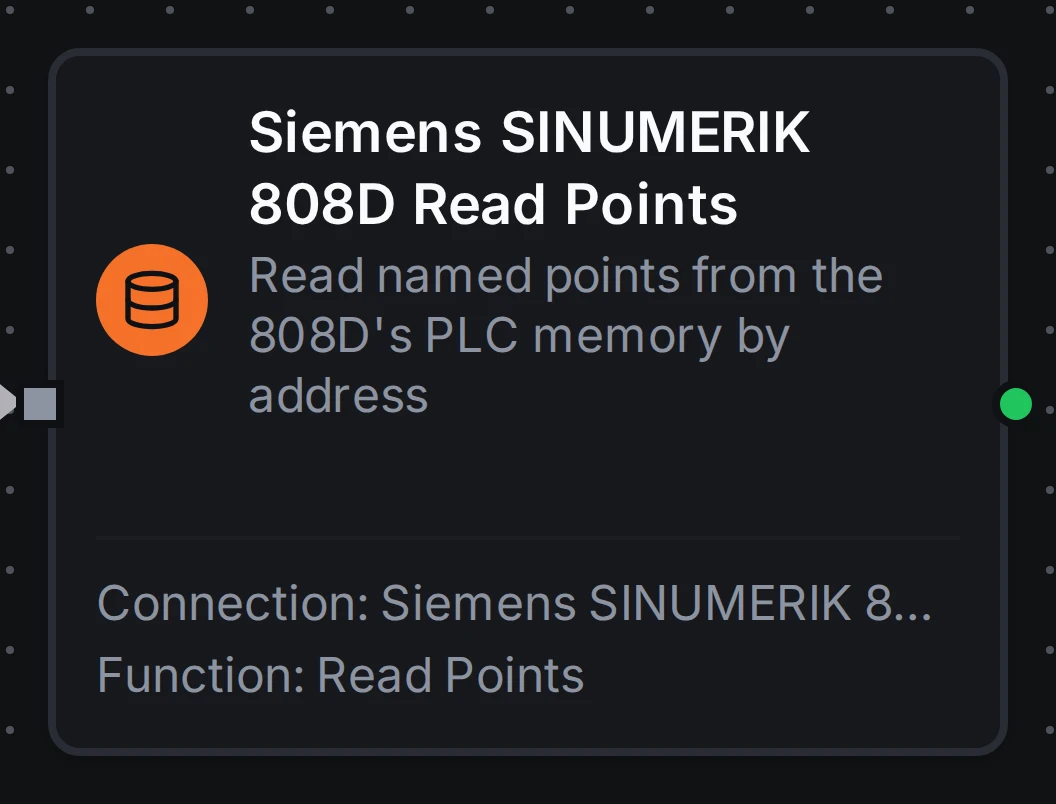
The Read Points node with its connection and function
Common Use Cases
- Machine state to the UNS: read the interface signals of the mode group and channel every few seconds, and publish them to the machine's UNS topic.
- Part counting: read a part counter the PLC program keeps in a data block, or an IEC counter, and write the count to the historian.
- Order hand-over: write a job number with Send Command and let the PLC program pick it up.
Troubleshooting
| Symptom | Possible cause | Solution |
|---|---|---|
| Test Connection fails at once | Another TSAP pair, port or address | Check the address and the TSAPs the 808D accepts |
the object does not exist (return code 0x0A) | The data block does not exist in this PLC program | Check the DB number in the PLC Programming Tool |
the address is out of range (return code 0x05) | The address lies past the end of what the PLC has | Check the byte and the data type's width |
access to the object is not allowed (return code 0x03) | The PLC protects this memory | Write an address the PLC program reads as a setting |
address "…" is a byte address: give its dataType (SINT, BYTE, INT, WORD, DINT, DWORD or REAL), or address a bit as byte.bit | A byte address without a data type (the form says … is a byte address: choose its data type) | Choose the type, or address a bit as byte.bit |
inputs are read-only (or read-only for SM) | A write to I, an SM bit or SMB0-SMB29, a counter or a timer | Write a flag, output or data block address the program reads |