HEIDENHAIN iTNC 530 Integration Guide
Read the run state, programs and overrides of HEIDENHAIN iTNC 530 controls.
- Status
- Beta
- Controls
- HEIDENHAIN iTNC 530
- Transport
- LSV2 on TCP, port 19000 by default
- Operations
- Read Tag · Read Status
- Triggers
- None: poll with a Schedule trigger
HEIDENHAIN iTNC 530 milling controls answer the LSV2 protocol on their Ethernet port. MaestroHub reads the control's run state: its execution mode, the program state and whether a program is running, the selected main program, the current program and the block number, and the feed, spindle and rapid overrides. The connector is read only: it has no write, and it never changes anything on the control. This guide covers the connection, the tags, the two function types, and how the matching nodes fit into the Pipeline Designer.
What stands behind the connector today:
- HEIDENHAIN's own LSV2 specification is not public. The telegrams MaestroHub sends and the way it reads the answers were taken from a reference driver for this control, and only the parts confirmed there are implemented.
- Each of them agrees with pyLSV2, an independent open-source LSV2 client (MIT licence) that has been used on real iTNC 530 controls: the port, the telegram layout, the logins, the four kinds of run information and how each answer is laid out.
- MaestroHub's tests run against an in-process test control that checks every telegram, against the HTTP API with that control behind it, and against pyLSV2 itself: pyLSV2 talks to the same test control, and its own encoders and decoders must agree with MaestroHub's byte for byte.
What is not proven yet:
- It has not been run against a real iTNC 530. No LSV2 simulator exists to check MaestroHub against; pyLSV2's own tests need a real control.
- Which refusal codes a real control sends, for example for a wrong DNC password. MaestroHub reports the type and the code the control answered with.
Overview
The HEIDENHAIN iTNC 530 connector provides:
- Execution mode: manual, MDI, passing the reference marks, single step, automatic, or undefined
- Program state: started, stopped, finished, cancelled, interrupted, error, error cleared, idle, or undefined
- Running:
trueonly while a program is started - Programs: the selected main program, the current program (a called subprogram, for example) and the block number
- Overrides: feed, spindle and rapid, in percent
- One status read: all eleven values in four requests
Terms used in this guide
| Term | Meaning |
|---|---|
| LSV2 | HEIDENHAIN's request and response protocol for its TNC controls, over TCP. Each telegram is a 4-byte length, a 4-letter command such as R_RI, and its data. |
| Access group | What a login grants. MaestroHub logs in to INSPECT, which reads the version, and to DNC, which reads the run information. |
| Run information | What the control reports about its run: the mode, the program state, the programs and the overrides. Each is one R_RI request. |
| Refusal | An answer T_ER or T_BD: the control refused the request. It carries an error type and an error code. |
Not supported
| What | Why |
|---|---|
| Any write | The protocol subset this connector speaks has no write telegram. |
| Axis positions, the current tool, NC error messages, uptime counters | Not in the confirmed subset of this version. |
| PLC memory, machine parameters, files and tables | Not in this version. |
| TNC 640, TNC 620 and other TNC controls | The connector checks that the control is an iTNC 530. Each control family gets its own connector. |
| A trigger | The control does not send data on its own. Poll it with a Schedule trigger. |
What happens on connect
MaestroHub opens the TCP connection to the control's port and logs in:
- The
INSPECTlogin. - A version request: the control answers with its name, and MaestroHub checks it is an iTNC 530 (spaces and letter case do not matter, so
iTNC530andiTNC 530are both accepted). A TNC 640 or any other control is refused, as is a version answer this connector cannot read. The connection then shows as failed at once instead of connecting again and again; it keeps reconnecting at a slower pace and comes back by itself once the address or the control is fixed. - The
DNClogin, with the DNC Password when one is set.
A connection that opened is therefore a control that let MaestroHub in; an open TCP port alone proves nothing. Closing the connection ends the logins; MaestroHub sends no logout.
An LSV2 answer carries no request number: it is matched to its request only by being the one in flight. So the connection sends one request at a time. A refusal, an answer of the wrong kind, bytes after the end of an answer, a request that gets no answer within the Response Timeout, and a lost connection close the connection, and it is opened again with the logins: a late answer could otherwise be read as the answer to the next request. Before each request the connection also checks that nothing is waiting on it. Bytes no request asked for close the connection before the request is sent: the request reports the connection as unavailable, and nothing reaches the control. A control that closes or resets the idle connection is noticed when it happens, not at the next request.
Use one MaestroHub connection per control.
Connection Configuration
Creating a HEIDENHAIN iTNC 530 Connection
Navigate to Connections → New Connection → HEIDENHAIN iTNC 530 and fill in the form. It has four tabs: Connection, Functions, Scaling and Health. The Functions, Scaling and Health tabs unlock after the connection is saved.
1. Profile Information
| Field | Default | Description |
|---|---|---|
| Profile Name | - | A descriptive name for this connection profile (required). Must be unique across all connections. |
| Description | - | Optional description for this connection |
| Labels | - | Key-value pairs to categorize and organize the connection |
2. Control
| Field | Default | Meaning |
|---|---|---|
| Address | (required) | Host name or IP address of the control's Ethernet port, e.g. 192.168.1.30. One host: the port goes in Port, not after the address |
| Port | 19000 | The control's LSV2 TCP port, 1 to 65535. 19000 is the HEIDENHAIN default |
| DNC Password | (empty) | The password of the control's DNC access, if one is set. At most 128 characters of Latin-1 text, no control characters. LSV2 sends each character as one byte, so letters such as é and ß count as one |
| Connection Timeout | 5s | Maximum time to open the connection and log in (1s to 5m) |
| Response Timeout | 5s | How long one request waits for the control's answer (500ms to 30s). The health check gives its version request the Response Timeout and a quarter of a second; it never waits behind a read for it |
Each function has its own Timeout (default 30m) that bounds the whole operation. Within it, each request waits at most the Response Timeout for its answer.
LSV2 sends everything in clear text, the DNC password included. Keep the control on a machine network that only the hosts that need it can reach.
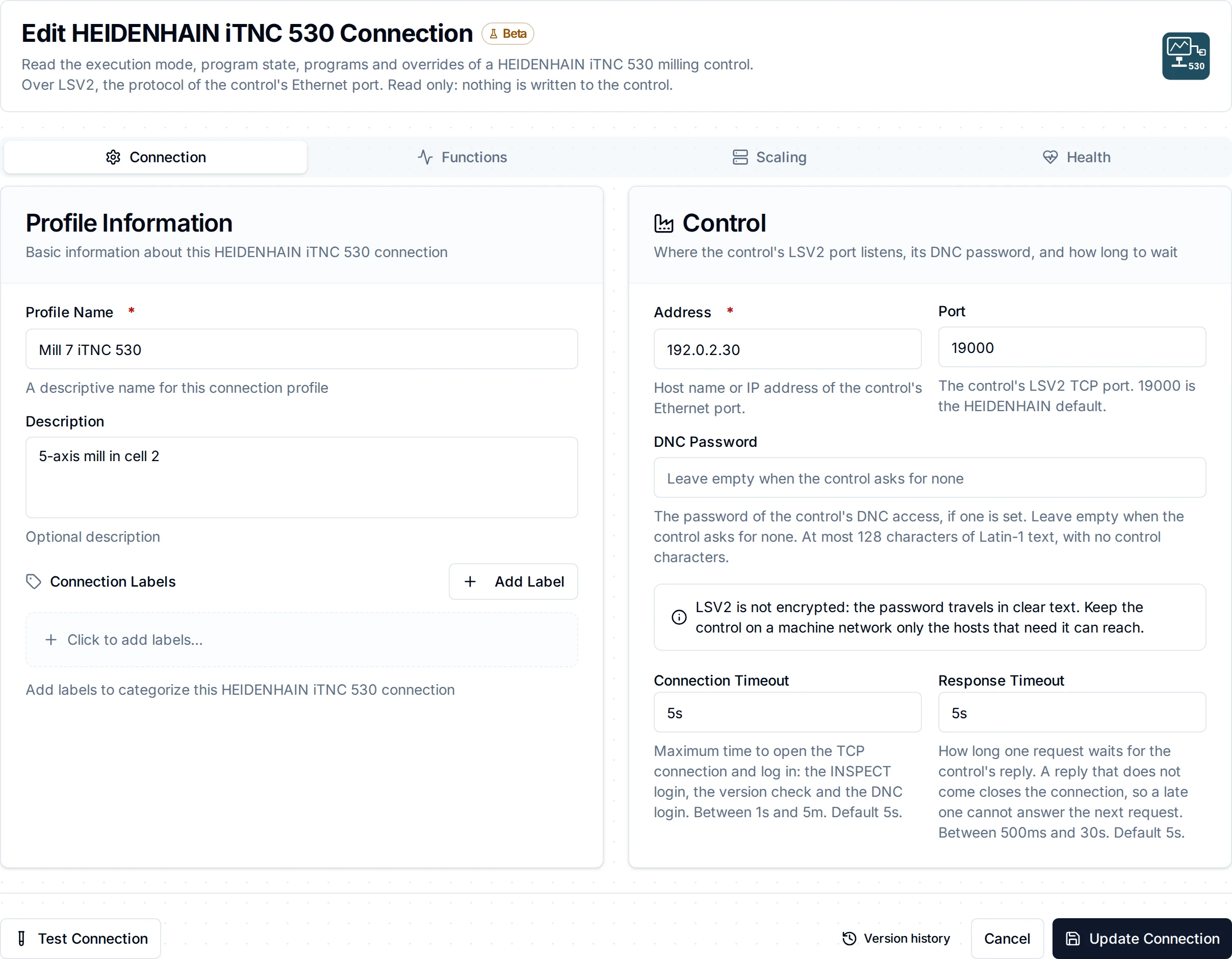
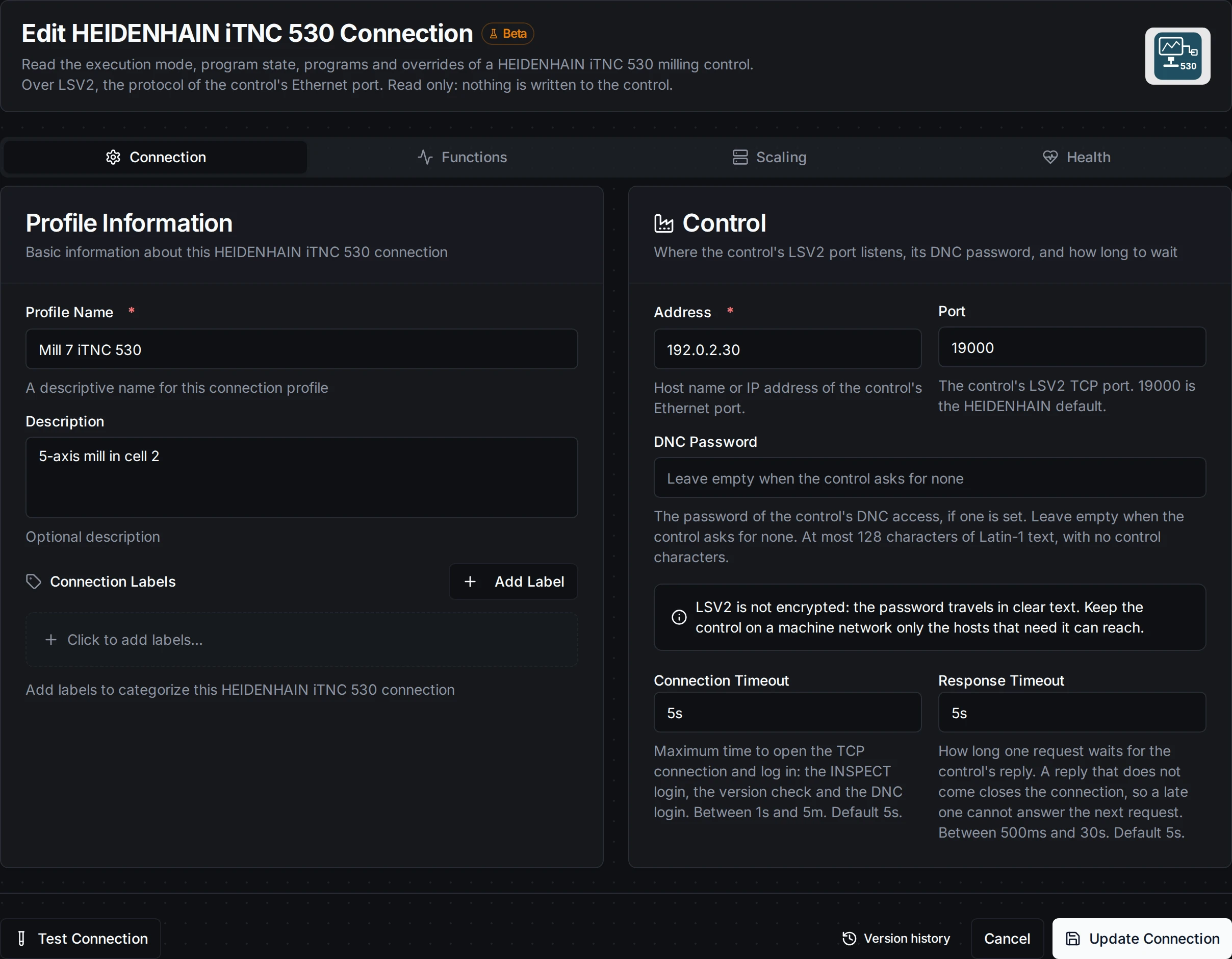
The Connection tab: the control's address and port, the DNC password and the timeouts
Testing the Connection
Click Test Connection at the bottom of the form to try the current settings before saving. It connects as described in What happens on connect. Once the connection runs, its health probe reads the version again and reports the round trip; that changes nothing on the control. When the control does not answer, the connection is closed and opened again.
Function Builder
Creating HEIDENHAIN iTNC 530 Functions
After the connection is saved:
- Open the connection and navigate to the Functions tab
- Click New Function to open the function type selection dialog
- Choose Read Tag or Read Status
- Fill the Basic tab (name, description, labels) and the Configuration tab (operation-specific parameters)
- Use the Test button to run the function against the control before saving
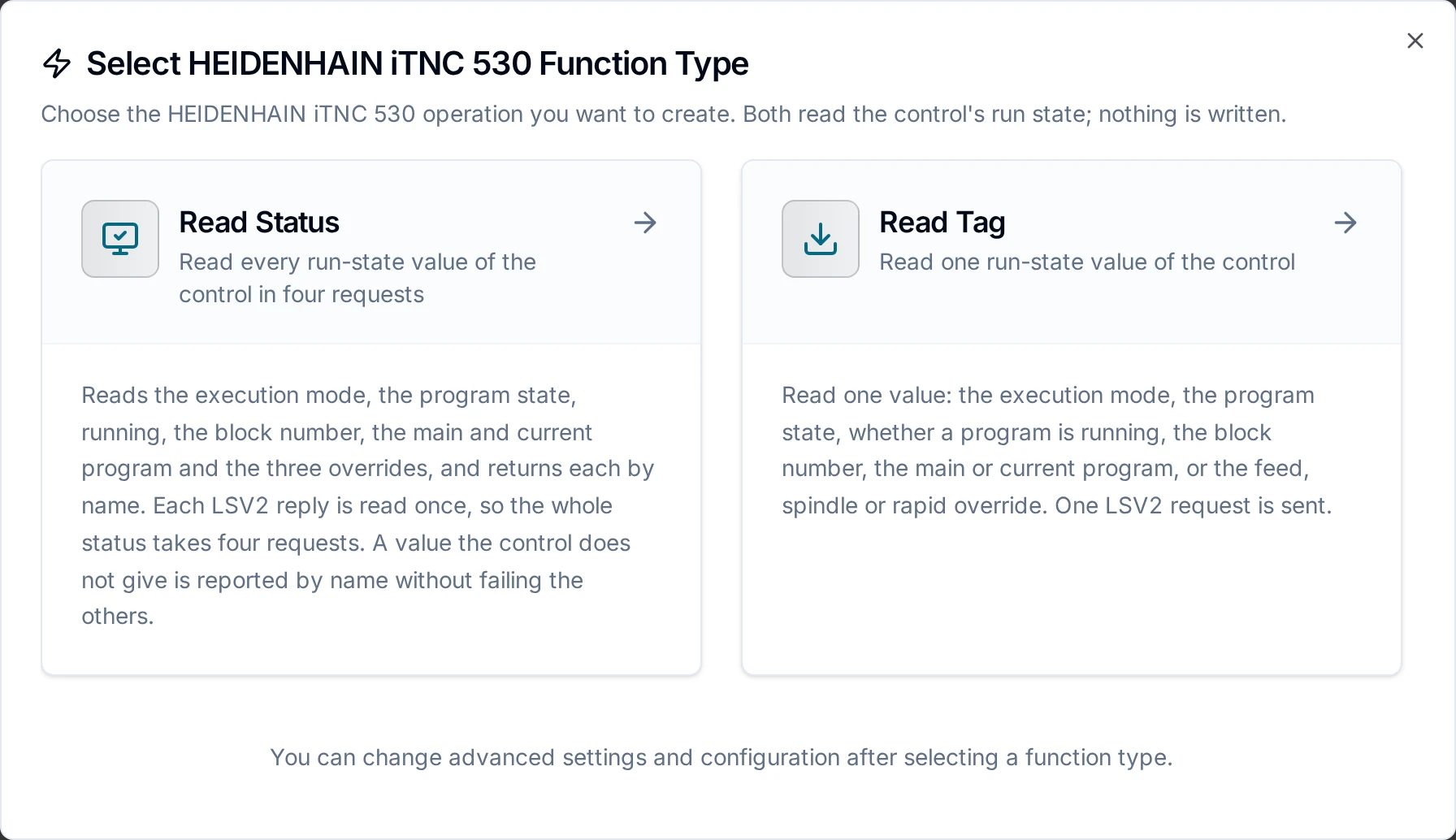
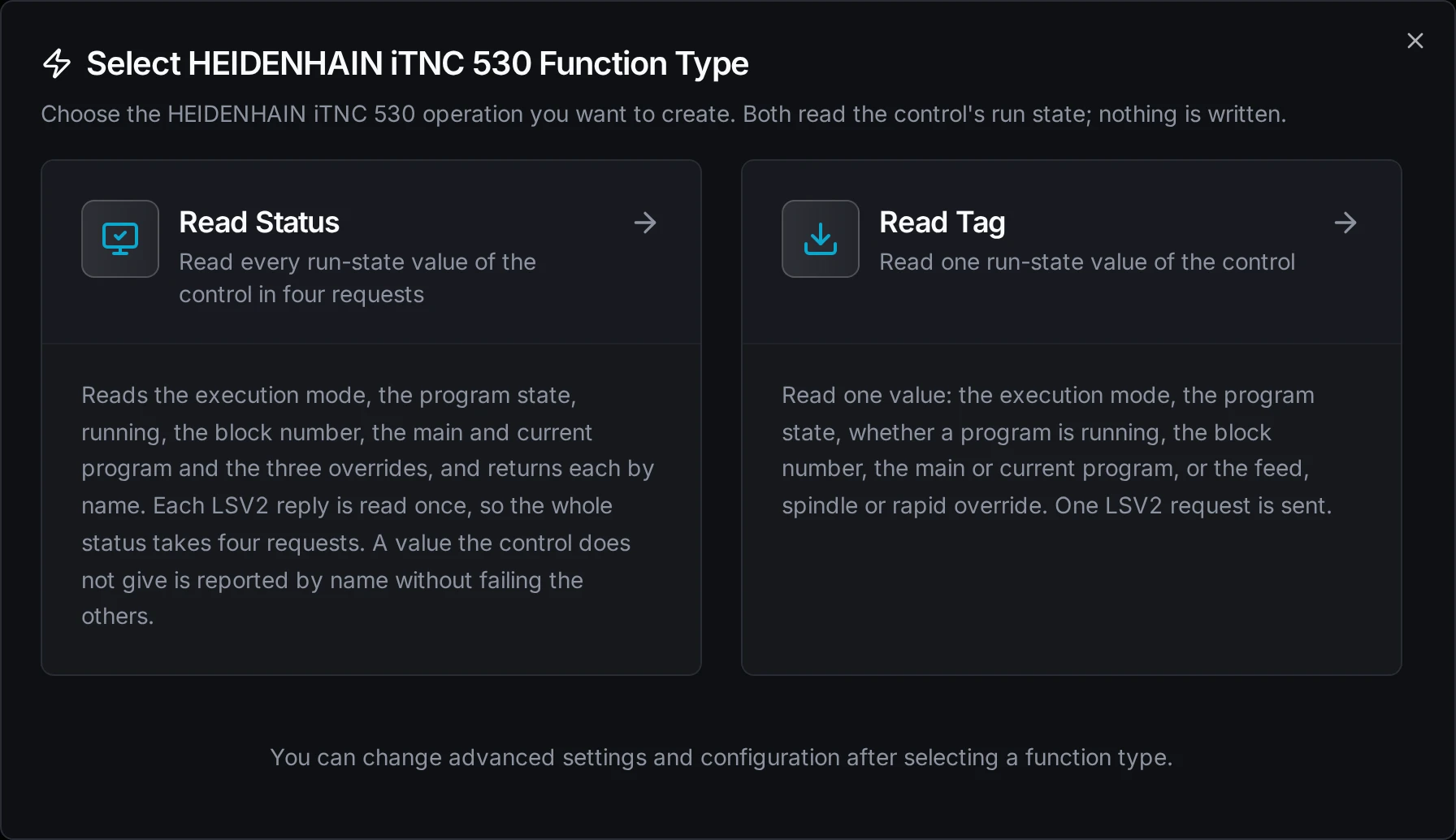
Two reads
Tags
Tag names are exact: running, not Running. The reference driver for this control names them differently; the right-hand column gives its name.
| Tag | Value | Run information | Reference driver's name |
|---|---|---|---|
executionMode | 0 to 5 | Execution mode | ExecutionMode |
executionModeName | MANUAL, MDI, PASS_REFERENCES, SINGLE_STEP, AUTOMATIC, UNDEFINED | Execution mode | (none) |
programStatus | 0 to 8 | Program state | ProgramStatus |
programStatusName | STARTED, STOPPED, FINISHED, CANCELLED, INTERRUPTED, ERROR, ERROR_CLEARED, IDLE, UNDEFINED | Program state | (none) |
running | true when the program state is 0 (started), false for 1 to 7; no value at 8 (undefined) | Program state | Running |
programBlock | The block number, 0 to 4294967295 | Programs | Program/Block |
mainProgram | The selected main program's path | Programs | Program/Main |
currentProgram | The program running now, for example a called subprogram | Programs | Program/Current |
feedOverride | The feed override in percent, e.g. 100 or 85.5 | Overrides | Override/Feed |
spindleOverride | The spindle override in percent | Overrides | Override/Spindle |
rapidOverride | The rapid override in percent | Overrides | Override/Rapid |
The names of the modes and states are pyLSV2's. An execution mode of automatic does not mean a program runs: read running for that.
Read Tag (heidenhain530.read.tag)
| Parameter | Required | Description |
|---|---|---|
| Tag | Yes | One of the tags |
| Timeout | No | Bound on this single operation (default 30m) |
One request is sent.
Read Status (heidenhain530.read.status)
| Parameter | Required | Description |
|---|---|---|
| Timeout | No | Bound on this single operation (default 30m) |
All eleven tags, in four requests: each kind of run information is asked for once. A tag the control does not give (running at program state 8, or a kind of run information whose answer has the wrong layout) is reported by name in the result, and the others are still read.
Pipeline Integration
Use the functions you configure here as nodes inside the Pipeline Designer. Each function type has its own node:
- HEIDENHAIN iTNC 530 Read Tag (
connected.heidenhain530.read.tag): executes aheidenhain530.read.tagfunction - HEIDENHAIN iTNC 530 Read Status (
connected.heidenhain530.read.status): executes aheidenhain530.read.statusfunction
A control does not send data on its own: to poll one, drive the reads from a Schedule trigger.
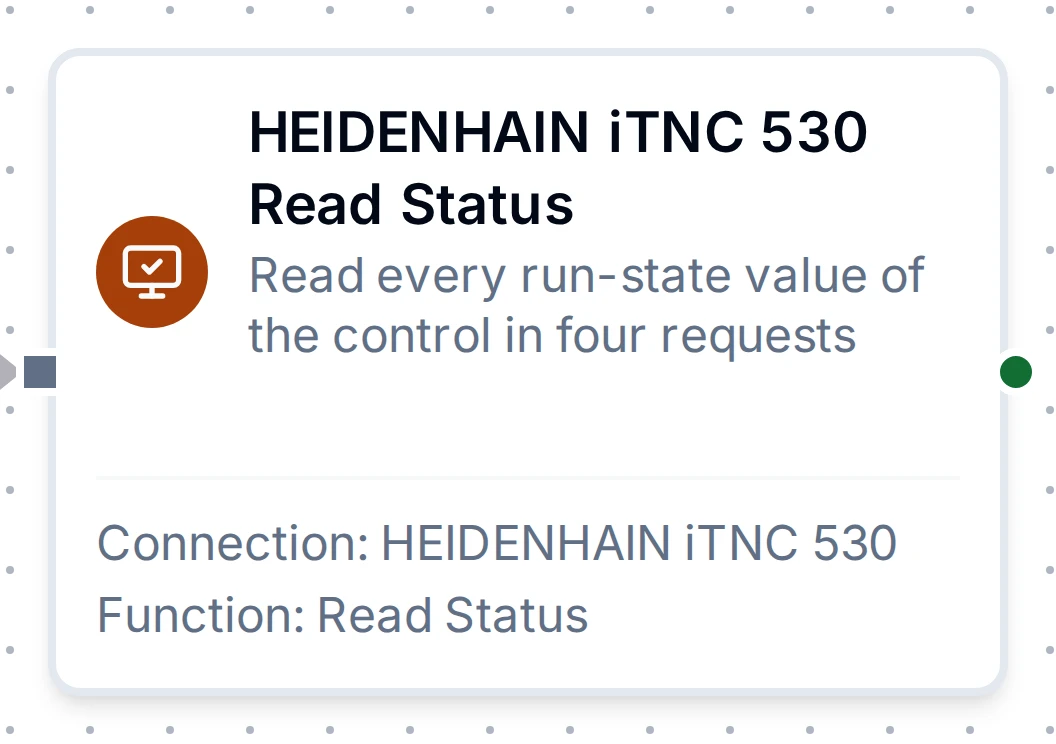
The Read Status node with its connection and function
For node-level details (output structure, execution settings), see the HEIDENHAIN iTNC 530 Nodes page.
Common Use Cases
Machine state to the UNS
A Read Status on a Schedule trigger, routed to the Unified Namespace: the mode, whether a program runs, the program and the overrides of every mill, four requests per run.
Running time
A Read Tag of running every few seconds, stored in the historian, gives the time each machine spends running a program.
Overrides held low
A Read Status compared in a Condition node to flag a machine whose feed override stays below 100 % while a program runs.
Troubleshooting
Error Reference
| What you see | Meaning | Retried? |
|---|---|---|
tag must be one of [executionMode … rapidOverride], got … | Not one of the tags, spelled as listed (letter case counts). The save is refused | No |
the control reports "TNC640"; this connector reads a HEIDENHAIN iTNC 530 | The control at that address is another model | Not by the node: connect only (a node sees not connected) |
the DNC login: … refused A_LG with T_ER, error type 1, code 23 (T_ER_NO_PRIV …) | The control did not grant DNC access: the DNC Password is wrong or missing, or DNC access is not enabled on the control. Any refusal of a login (T_ER or T_BD, on the INSPECT or the DNC login, whatever its code or without one) shows the connection as failed at once. It keeps reconnecting at a slower pace and comes back by itself once the password or the control's setting is fixed. Codes 23, 30 and 49 are named; which code a real control sends for a wrong password is not confirmed | Not by the node: connect only (a node sees not connected) |
the control's version reply has N text fields, a layout this connector does not read or the control's version reply cannot be read (…) | The control answered the version request, but not with the four or five NUL-ended text fields an iTNC 530 sends. The connection shows as failed at once and keeps reconnecting at a slower pace | Not by the node: connect only (a node sees not connected) |
the control refused R_RI with T_ER, error type N, code M | The control refused the request, with the type and code it answered. The connection is opened again | Yes |
running has no value: the control reports the program state as undefined (8) | The control has no defined program state, so whether a program runs is not known | Yes |
no answer from the control to … | The request was sent and not answered within the Response Timeout. The connection is opened again | Yes |
the control's reply does not answer the request: … | An answer of the wrong kind, an acknowledgement carrying data, or bytes after the end of an answer. The connection is opened again | Yes |
an unexpected queued telegram: …, the control closed the idle connection, the control sent on the idle connection what no request asked for or the idle connection failed: … | Before the request was sent, bytes no request asked for were waiting (more than an answer can hold ends the idle connection at once), or the control had closed or reset the idle connection. The request was not sent; the connection is opened again | Yes, after reconnect |
the control's data cannot be read: … | The answer arrived whole but not in its layout, for example an override answer that is not 12 bytes or a mode over 5 | Yes |
not connected | The connection is not up | Yes, after reconnect |
"Retried?" says whether the node's Retry on Fail setting runs it again; "connect only" rows come from connecting (Test Connection, or the connection's own reconnects), and a node run while they hold sees not connected. Every request is a read, so running it again changes nothing on the control. It is not about reconnecting: a connection whose connect fails keeps reconnecting in the background in every case, and a refused login, another control or an unreadable version answer only makes it show as failed at once.
Connection Issues
| Symptom | Possible Cause | Solution |
|---|---|---|
Test Connection fails with connect to the HEIDENHAIN iTNC 530 at … | Nothing listens at that address and port, or a firewall is in the way | Check the control's IP address, the port (19000 by default), and that the port is reachable from the MaestroHub host |
Test Connection fails with no answer from the control to A_LG | The port took the connection but answered no LSV2 telegram | Check that the port is the control's LSV2 port |
Test Connection fails at the DNC login | DNC access is refused | Set the DNC Password the control expects, or Remove the saved one when the control asks for none, and check that DNC access is allowed on the control. A saved connection refused this way shows as failed at once, keeps reconnecting at a slower pace, and comes back by itself once this is fixed |
Requests fail with no answer from the control while the control is busy | The answer takes longer than the Response Timeout | Raise Response Timeout. The health check then waits longer too: a control that answers within the Response Timeout stays connected. The check does not wait behind a read; while a read is running, its answer is the check |