IEC 61850 (MMS) Integration Guide
Read the model of protection relays and bay controllers, receive their reports with IEC quality and device time, and write their settings.
- Status
- Beta
- Transport
- MMS over ISO/TCP (port 102)
- Authentication
- None (no ACSE authentication or TLS in this version)
- Triggers
- Receive Reports (URCB and BRCB)
- Operations
- Browse Model · Read Attributes · Read Data Set · Write Attribute
IEC 61850 is the substation automation standard of protection relays, bay controllers, merging units and station gateways. Its client-server part (IEC 61850-7-2) is mapped onto MMS (ISO 9506) by IEC 61850-8-1. MaestroHub acts as an MMS client: it opens an association with the IED, browses its logical devices, logical nodes, data objects and data attributes, reads and writes them, reads data sets, and enables report control blocks to receive what the IED reports.
This connector is in beta. It is built on the go-iec61850 library (MIT) and tested against libiec61850 and iec61850bean servers and MaestroHub's own fake IED, but it has not yet been verified on a vendor IED. If an IED answers in a way the connector cannot use, the error names the reference and the IED's answer; please report it to support with the IED model.
Controls (select before operate, direct operate: FC CO), GOOSE and Sampled Values, ACSE authentication and TLS (IEC 62351), MMS file services and data sets created by the client are not in this version. Use a station gateway or another client for them.
Overview
References
Every data attribute is addressed by its reference and its functional constraint (FC). Both forms are accepted:
| Form | Example | Where you see it |
|---|---|---|
| ACSI (IEC 61850-7-2), FC in brackets | IED1LD0/MMXU1.TotW.mag.f[MX] | SCL tools, IED manuals |
| MMS (IEC 61850-8-1) | IED1LD0/MMXU1$MX$TotW$mag$f | Protocol analysers, MMS browsers |
The part before / is the logical device as the IED serves it over MMS: usually the IED name followed by the logical device instance (IED1 + LD0). Use Browse Model to find the exact names. A reference without its FC is refused before anything is sent: MMS addresses data only under an FC.
What happens on connect
- Association. MaestroHub opens the TCP connection to port 102 and sets up the ISO layers (COTP, session, presentation, ACSE) and the MMS association, within Connection Timeout. The ISO addressing defaults are the ones most IEDs expect (see the Addressing tab).
- Reports. Every Receive Reports trigger enables its report control block on the new association: see Receive Reports. A trigger whose report control block the IED refuses is logged, naming it, and set up again every 30 seconds while the connection is up.
Connection health
Ping asks the IED for its logical devices (MMS GetNameList): a real round trip through the association, bounded by Response Timeout (the check waits up to it and a quarter of a second). A Ping that runs out of time while the IED is answering other requests was waiting for a free request slot (the IED granted fewer than are in use), so it is not counted as a failure but as busy. A request slot cannot be seen from outside the association, so this is judged by whether the IED answered any other request while the Ping waited: an IED that answers others but never the Ping is treated as busy, and busy checks count against the connection as described in How a connected connection is checked. An IED that answers nothing is reported down. When the association ends (the IED closes it, the network drops), every trigger fires once with quality: bad, and the connection reconnects; the IED disables every report control block of an association that ends, and MaestroHub enables them again.
Connection Configuration
Creating an IEC 61850 Connection
Open Connect → New Connection and choose IEC 61850.
1. Profile Information
| Field | Description |
|---|---|
| Name | A name for the connection, such as feeder-7-relay |
| Description | Optional notes |
2. Connection
| Field | Default | Description |
|---|---|---|
| Address | (required) | The IED's host name or IP address |
| Port | 102 | The MMS server's TCP port; 102 is the ISO transport port IEC 61850-8-1 uses |
| Connection Timeout | 10s | Bound on the TCP connection and the ISO and MMS association |
| Response Timeout | 5s | How long one MMS request may wait for a free request slot on the association and for the IED's answer (100 ms to 1 minute). A request not answered in time fails; when the health check's request is not answered either, the connection is opened again |
3. Addressing
The IED's ISO addressing, from its SCL (ConnectedAP/Address). Most IEDs accept the defaults; change them only when the IED's SCL says otherwise.
| Field | Default | SCL P type |
|---|---|---|
| Remote T-Selector | 0001 | OSI-TSEL |
| Remote S-Selector | 0001 | OSI-SSEL |
| Remote P-Selector | 00000001 | OSI-PSEL |
| Remote AP Title | 1.1.1.999.1 | OSI-AP-Title (write the arcs with dots) |
| Remote AE Qualifier | 12 | OSI-AE-Qualifier |
An IED that refuses the association because of its addressing looks the same on the wire as one that is restarting or has no free association, so the connection keeps retrying; the error names what the IED refused.
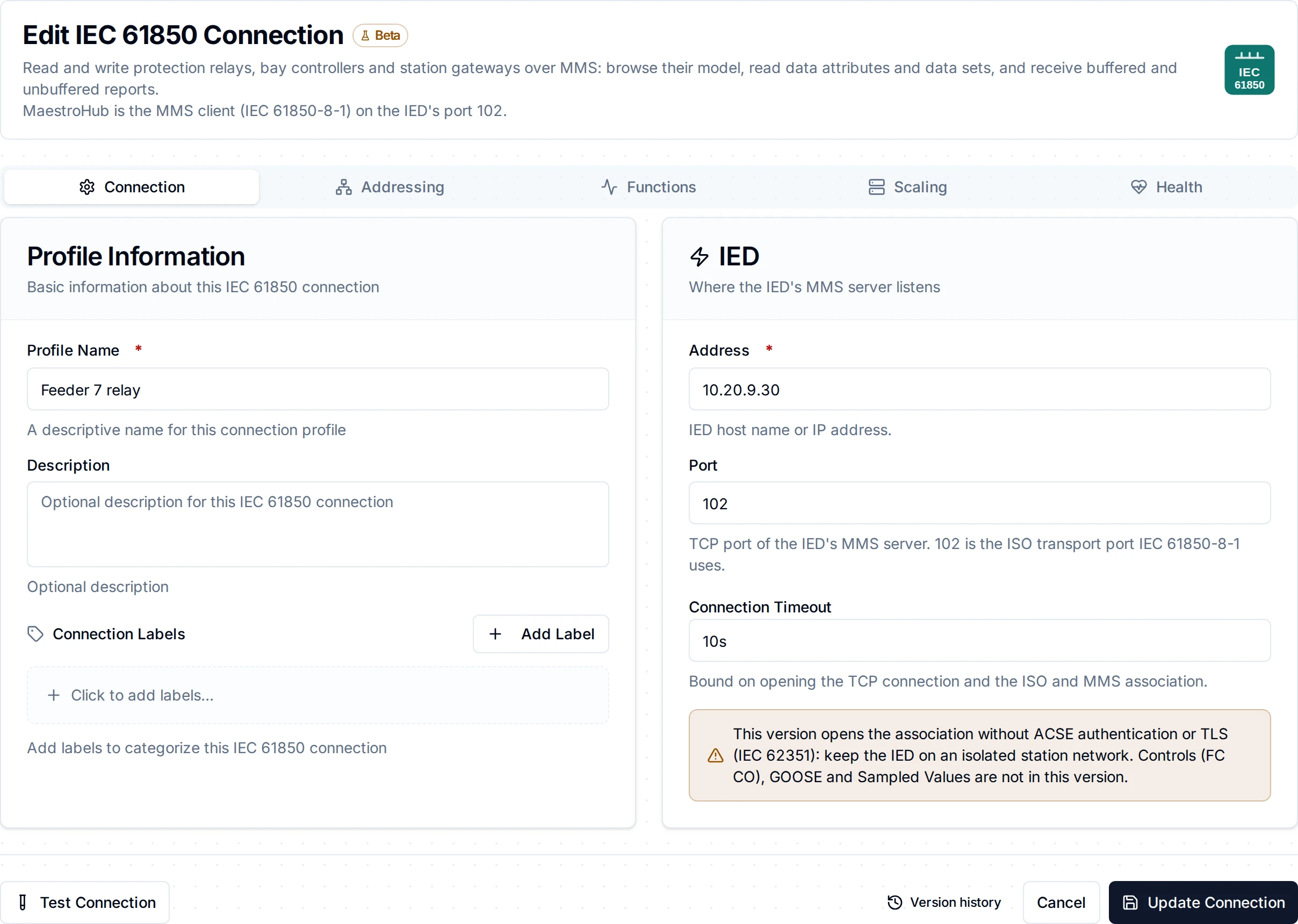
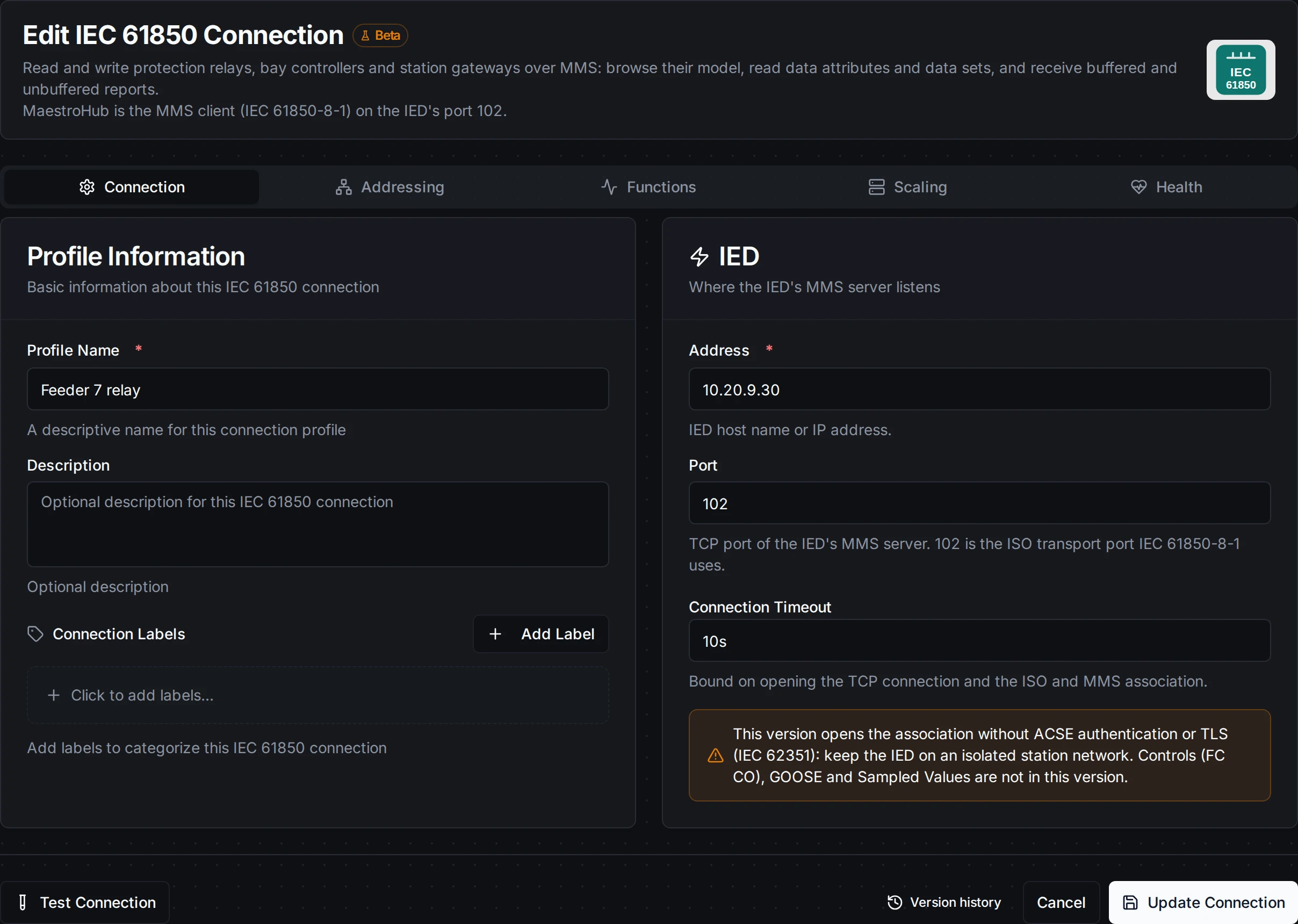
Creating an IEC 61850 connection
Testing the Connection
Test Connection opens an association and asks for the logical devices. It enables no report control block.
Function Builder
Creating IEC 61850 Functions
Open the connection's Functions tab and choose a function type.
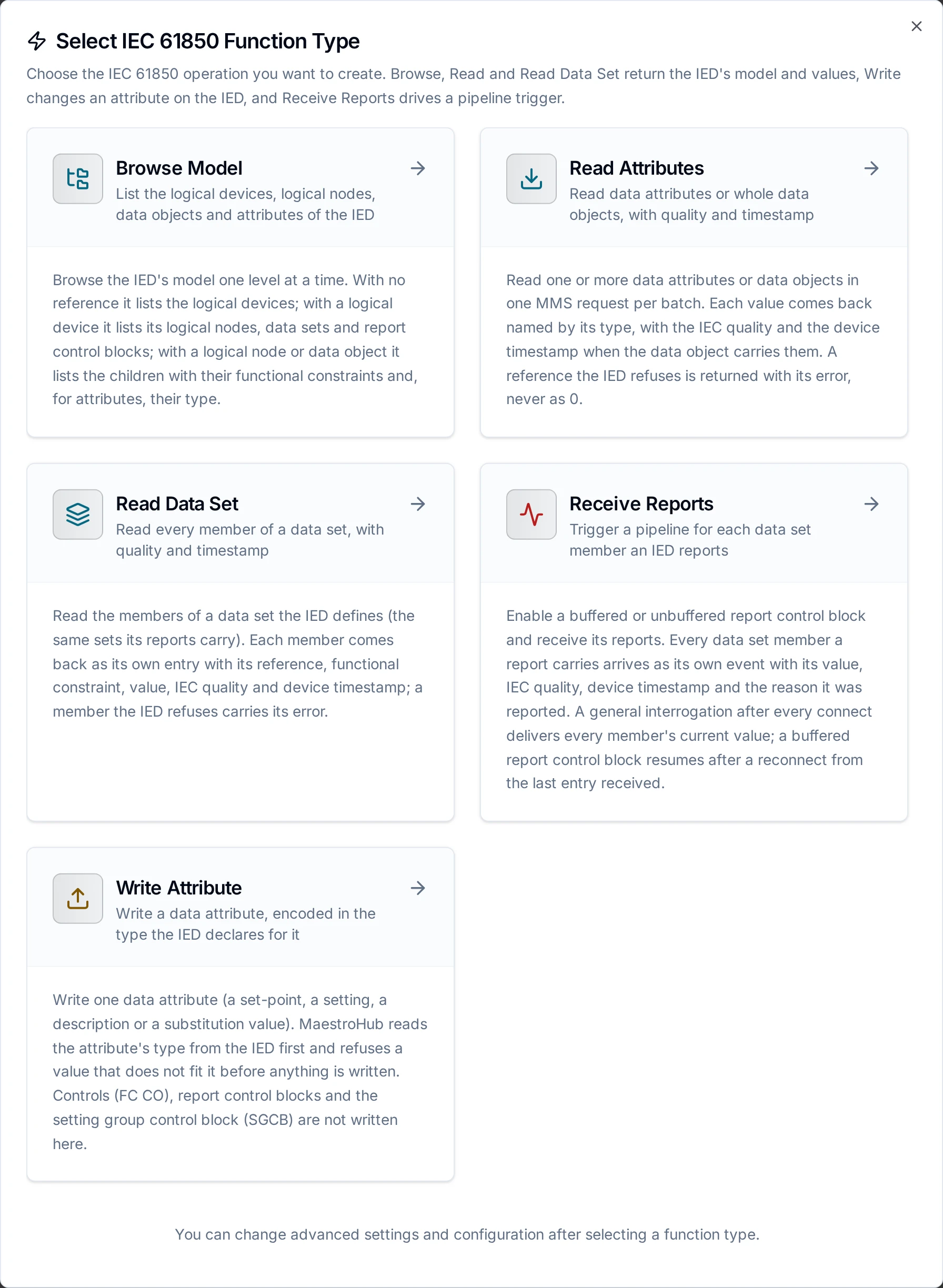
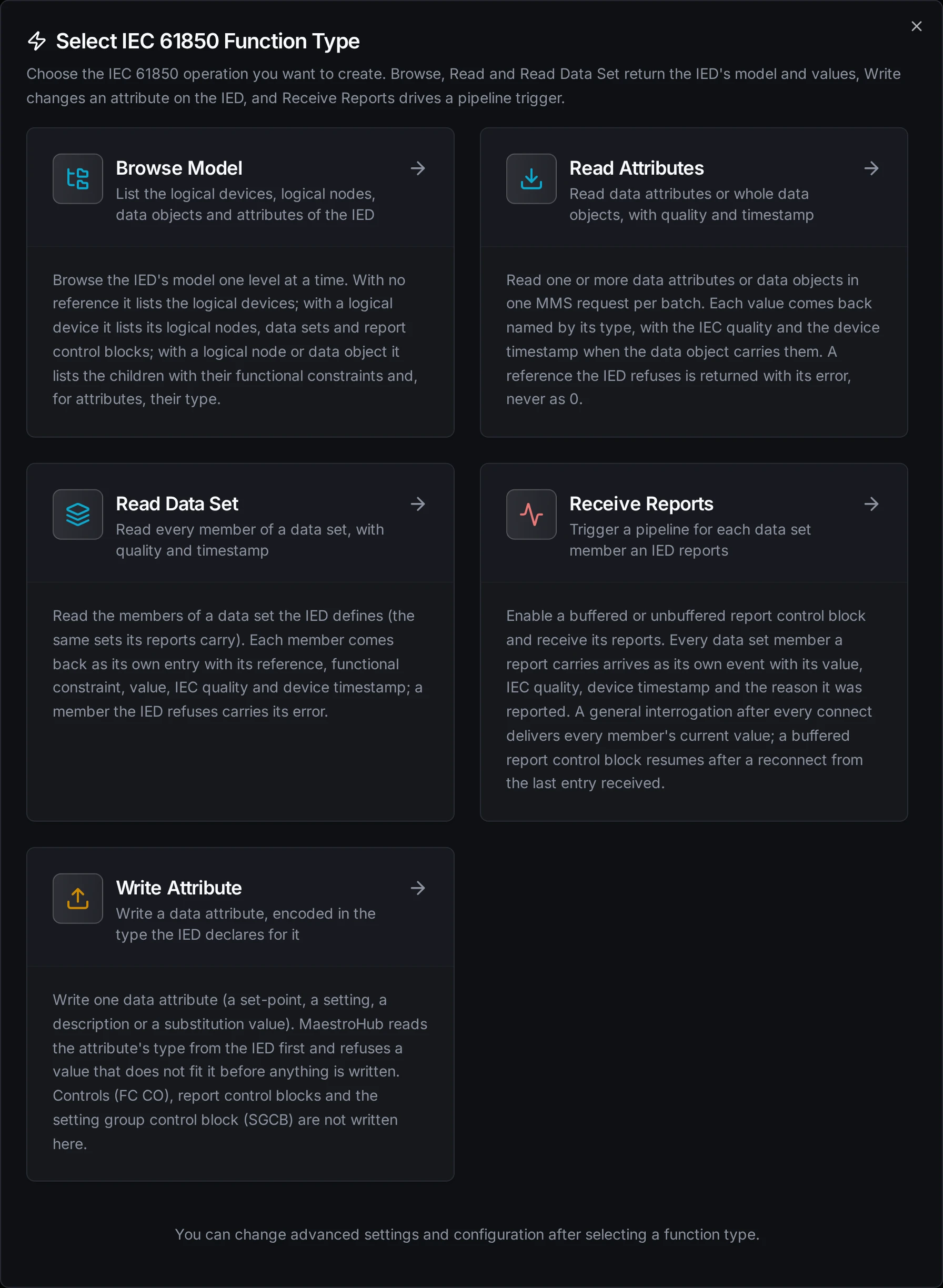
Choosing an IEC 61850 function type
Browse Model (iec61850.browse)
Lists one level of the model. Empty Reference lists the logical devices; a logical device lists its logical nodes, its data sets and its report control blocks (with whether each is buffered); a logical node lists its data objects with the functional constraints each exists under; a data object lists its attributes and, for each attribute, its type (FLOAT32, BOOLEAN, Quality, Timestamp, ...). A [FC] suffix keeps only the children under that functional constraint.
Read Attributes (iec61850.read)
Reads one or more references, one per line (or comma-separated), at most 1000, in MMS requests of 32 references each. A reference can be a single attribute (MMXU1.TotW.mag.f[MX]) or a whole data object (MMXU1.TotW[MX]).
Each value comes back as one entry:
| Key | Meaning |
|---|---|
status | ok, or error when the IED refused the reference (error and errorCode then say why, such as object-non-existent) |
value | For an attribute, its value. For a data object, its main attribute (stVal, mag.f, cVal.mag.f, setMag.f, ...) when it has one; otherwise the whole object |
valuePath | Where value sits in the data object (mag.f); empty for an attribute; null when value is the whole object |
type | The type the IED declares for value |
attributes | The whole data object, every attribute named by the type the IED declares; null for an attribute |
quality, flags | The data object's IEC quality (see Quality); null when it carries none |
sourceTimestamp | The data object's t, in UTC, when its clock has not failed |
A double point status (stVal of a DPS or DPC) is given as the number 0 to 3 with detail.state intermediate, off, on or bad. Octet strings are hex, bit strings their binary digits.
Read Data Set (iec61850.readDataSet)
Reads every member of a data set the IED defines, such as IED1LD0/LLN0.Measurements. Each member is an entry shaped like a read's. Members that are attributes of one data object (mag.f, q and t as separate members) come back separately; a report ties them together (see below).
Write Attribute (iec61850.write)
Writes one data attribute. MaestroHub reads the attribute's type from the IED first, encodes the value in that type, and refuses a value that does not fit before anything is written: true/false for a BOOLEAN, a whole number in range for an INT type, a finite number for a FLOAT, printable text within its length for a VisString, hex bytes (0x0A1B) for an Octet string, binary digits for a bit string, an RFC 3339 time for a Timestamp.
Not written here: status and measurements (FC ST and MX: write the substitution value, FC SV, and subEna instead), controls (FC CO), control blocks (FC RP, BR, LG, GO, MS, US), and the setting group control block (LLN0.SGCB: ActSG, EditSG, CnfEdit, FC SP), because setting-group services are not in this version.
| IED's answer | Result | Sent again automatically? |
|---|---|---|
| Write accepted | Success | n/a |
Data access error (object-access-denied, type-inconsistent, ...) | Refused | No |
| No answer before the timeout, the association dropped | Outcome unknown: the IED may have written the value | Only by the node's Retry on Fail, when it is on: writing the same value again is harmless |
A write is never buffered and never runs on a late (replayed) input.
Receive Reports (iec61850.reports)
A trigger: one pipeline run per data set member a report carries.
| Parameter | Description |
|---|---|
| Report Control Block | The RCB instance: IED1LD0/LLN0.BR.brcbMeas01 (buffered) or IED1LD0/LLN0.RP.urcbEvents01 (unbuffered). Browse the logical device to list them. Use an instance no other client uses |
| General Interrogation | On by default: after enabling the RCB, ask for every member's current value. Needs the RCB's GI trigger option |
| Trigger Options | Set the RCB's trigger options before enabling it: dataChange, qualityChange, dataUpdate, integrity, generalInterrogation. Empty keeps what the IED has configured |
| Integrity Period | Set the RCB's integrity period (needs the integrity option). 0s keeps what the IED has configured |
On every connect, and when the trigger is saved, MaestroHub:
- reads the RCB (its report ID, data set, options) and the data set's members, and the types of the members;
- if the RCB reads enabled, disables it first only when it is MaestroHub's own: enabled on this connection, or (on an Edition 2 IED, which says who holds it in
Owner) held by this host on the trigger's previous connection, which the IED has not let go of yet. An RCB another client holds is left alone, nothing is written to it, and the trigger says so and tries again every 30 seconds. On an Edition 1 IED, which does not say who holds it, an RCB the trigger held on its previous connection is waited for, read again but never written, for up to 10 seconds after the reconnect, because the IED frees it once it notices the old connection ended; if it is still enabled then, it counts as another client's and is tried again every 30 seconds. An enabled RCB the trigger never held counts as another client's at once. TheOwnernames a host by its IP address only, so two MaestroHub connections reaching the IED from one IP address (two installations behind one NAT, say) each take the other's RCB for their own and can take it over: give each its own RCB instance; - reserves an unbuffered RCB, writes the trigger options and integrity period when the function sets them, and, for a buffered RCB, the entry ID of the last report received, so the IED resumes after it;
- enables the RCB, then asks for a general interrogation.
Two RCBs that send one report ID. A report does not name its RCB, only its report ID, and the instances of one RCB (…01, …02) usually share it. Two Receive Reports functions on one connection can use two such RCBs only when their data sets differ and both send their data set with each report (the dataSet option): each trigger then receives only its own reports. Otherwise the second is refused, naming the first, because their reports cannot be told apart.
Each member is its own event: reference, fc, value, valuePath, type, attributes, quality, flags, sourceTimestamp as a read gives them, plus reason (why the IED included it: dataChange, qualityChange, dataUpdate, integrity, generalInterrogation, or several comma-separated; null when the RCB does not send reasons) and report (the RCB, report ID, data set, sequence number, entry ID, configuration revision, buffer overflow and the report's own time).
A data set of attributes. When a data set lists a value and its data object's q and t as separate members, the value's event takes the quality and time of those members when they are in the same report. Each q and t member is also an event of its own.
Buffered reports. A buffered RCB keeps reporting into its buffer while nobody is connected. On reconnect, MaestroHub asks it to resume after the last entry it received, so what was buffered meanwhile arrives and nothing is delivered twice (unless reports were dropped here, below). If the IED no longer holds that entry, MaestroHub enables the RCB from what it still holds, logs that reports between may be missing, and counts the gap in the loss ledger; when the IED says its buffer overflowed, report.bufferOverflow is true, and the gap is logged and counted (once: the same report replayed later is not counted again). The last entry is kept in memory, so after a MaestroHub restart the RCB resumes from what the IED still has unsent. The first time a buffered RCB is enabled, it sends its whole buffer.
When things change. A report whose configuration revision or size no longer matches the data set read at setup (the IED was reconfigured) is not mapped onto the old members: the trigger is set up again. When the pipelines fall behind by more than 1024 reports on one trigger, the newest are dropped: each dropped member is counted in the loss ledger and the connection's error count, and logged. A buffered RCB that sends EntryID still holds them: MaestroHub stops moving its resume position at the first drop, so the next time the connection is set up the RCB replays from there. The dropped reports then arrive late, and the reports after them that were delivered arrive again. The loss ledger counts a drop when it happens, so a dropped report that the RCB replays later was counted as lost all the same. If the IED no longer holds the frozen entry when the connection is next set up (it aged out of the buffer), that adds one not_recovered as well. When the link to the IED is lost, the trigger receives one Bad event; reports still queued then are dropped, never delivered after it, and counted the same way (a buffered RCB that sends EntryID replays them on the next connection). An unbuffered RCB that skips sequence numbers lost reports on the way; each gap is counted.
Quality and Timestamps
The IEC quality (7-3) maps onto the platform's quality band:
| IEC quality | quality |
|---|---|
validity good, no other flag | good |
validity questionable, or good with overflow, out of range, bad reference, oscillatory, failure, old data, inconsistent, inaccurate, substituted, test or operator blocked | uncertain |
validity invalid | bad |
flags carries every bit by name (validity, overflow, outOfRange, badReference, oscillatory, failure, oldData, inconsistent, inaccurate, substituted, test, operatorBlocked). A value without a quality attribute has quality: null; none is invented.
sourceTimestamp is the data object's t, in UTC. It is null when the time quality says the clock failed, and when t is 1970-01-01T00:00:00Z (an IED that never set it). detail.timeQuality has the time quality bits (leapSecondKnown, clockFailure, clockNotSynchronized, timeAccuracy).
Pipeline Integration
- The IEC 61850 nodes browse, read and write inside a pipeline.
- The IEC 61850 trigger starts a pipeline from reports.
A function field written as ((name)) becomes a parameter the pipeline node fills in:
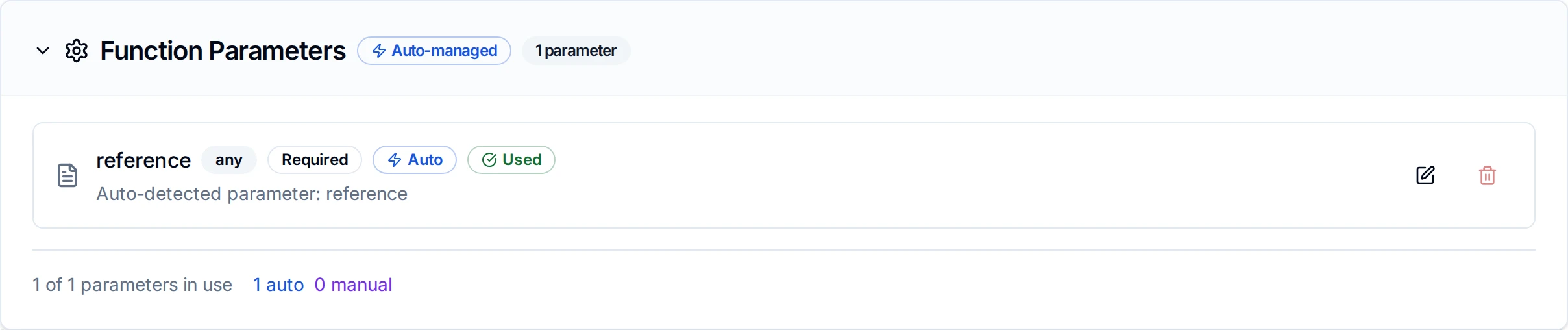
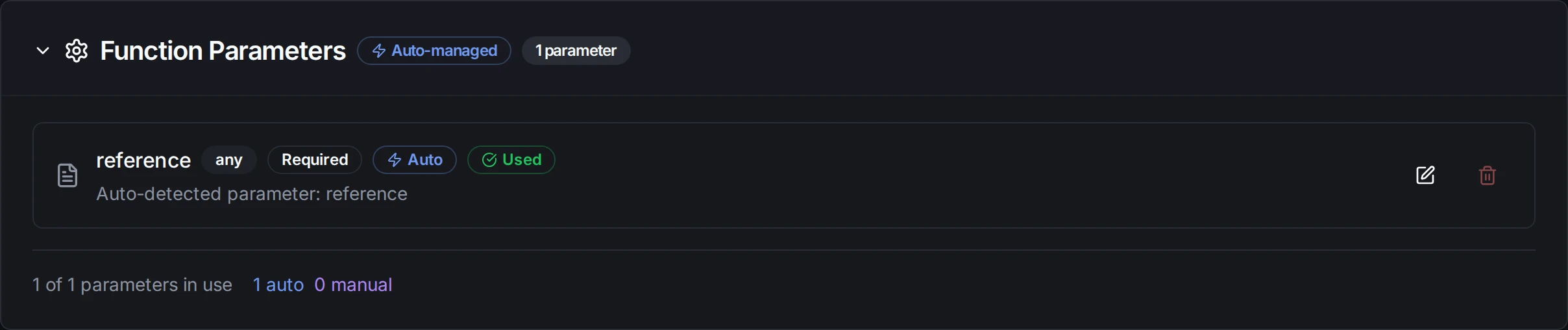
Function parameters
Common Use Cases
Feeder measurements into the UNS
Enable a buffered RCB on the feeder's measurement data set with dataChange and integrity options, and publish each member to the UNS under its reference.
Breaker positions and protection trips
Enable an unbuffered RCB on the status data set (breaker Pos, protection Op and Str) and route trips to the maintenance channel as they happen.
Settings audit
Read the setting data objects (FC SP, SG) of every relay once a day and store them, to see who changed a setting and when.
Troubleshooting
Error Reference
| Message | Meaning | What to do |
|---|---|---|
reference "…": add its functional constraint | A reference without [FC] | Add the FC, e.g. [MX] |
object-non-existent in a read entry | The IED has no such attribute under that FC | Browse the model for the exact name and FC |
object-access-denied on a write | The IED does not allow writing that attribute | Check the IED's write policy for that FC |
report control block … is enabled by another client (Owner …) | Another client holds that RCB instance; MaestroHub writes nothing to it and tries again every 30 seconds. With or still by MaestroHub's previous association: an Edition 1 IED had not freed the RCB of the trigger's previous connection 10 seconds after the reconnect | Free it on the other client, or use another instance; for the previous association, wait: the IED frees it when it notices the connection ended |
… sends report ID …; MaestroHub cannot tell their reports apart | Two Receive Reports functions on this connection use RCBs whose reports look the same | Use one function for both pipelines, give one RCB its own RptID on the IED, or, when their data sets differ, turn on the dataSet option on both |
IEC 61850 report control block has no GI trigger option (log) | The general interrogation returns nothing | Add generalInterrogation to Trigger Options |
buffered report control block does not send EntryID (log) | A reconnect cannot resume from the last entry | Turn on the EntryID option in the IED's RCB configuration |
Connection Issues
- Connection refused: nothing listens on port 102 at that address, or a firewall blocks it.
- Association refused: check the Addressing tab against the IED's SCL (
OSI-TSEL,OSI-SSEL,OSI-PSEL,OSI-AP-Title,OSI-AE-Qualifier), and that the IED has a free association. - No reports arrive: check the trigger is enabled, its RCB exists (Browse the logical device), its data set is not empty, and the RCB's trigger options include what you expect to change.