Brother Speedio Integration Guide
Read the state, program, mode and operation folder of Brother Speedio machines, and read and write their PLC devices.
- Status
- Beta
- Machines
- Speedio S300X1 · S500X1 · S700X1 · M140X1 · R450X1
- Transport
- TCP, port 10000 or above
- Operations
- Read Device · Read Block · Write Device
- Triggers
- None: poll with a Schedule trigger
Brother Speedio SX1 machining centres (S300X1, S500X1, S700X1, M140X1 and R450X1) answer the Type 2 ASCII protocol on their Ethernet port. The models speak the same protocol, so one connector serves them all. MaestroHub reads the machine's status (its execution state, running program, mode and operation folder) and reads and writes the devices of its built-in PLC by address, such as D100 or Y1F. This guide covers the connection, the addresses, the three function types, and how the matching nodes fit into the Pipeline Designer.
The Brother TC machines speak the same protocol with small differences, and have their own connector: see Brother TC.
What stands behind the connector today:
- Brother publishes no manual for the Type 2 protocol; it gives it to its customers. The frames, the PLC area table, the value encodings and the CNC records MaestroHub uses were read from a reference driver for these machines, and only the parts confirmed there are implemented.
- A public source agrees with that reading: the Maple Systems guide for Brother Speedio machines gives port 10000 and the
XandYrange 0 to 3FF. - MaestroHub's tests run against an in-process test machine that checks every request byte by byte, and against the HTTP API with that machine behind it.
What is not proven yet:
- It has not been run against a real Brother Speedio machine. No open-source implementation or simulator of the protocol exists to check MaestroHub against.
- What each completion code other than
00means: no table of them is documented, so MaestroHub reports the code the machine answered with. - The Speedio's work counters, tool life and alarm records, and which status field means the machine runs: their layout on a Speedio was not confirmed, so this version does not read them (see Not supported).
Overview
The Brother Speedio connector provides:
- Machine status: execution state, the program number, the mode and the operation folder
- Five models: S300X1, S500X1, S700X1, M140X1 and R450X1, which speak the same protocol
- PLC devices: the bits
X,Y,M,LM,BX,BYand the signed 16-bit wordsD,LD,BDX,BDY; writes toY,M,LM,DandLD - Block reads: many named devices and signals in one node, the status file read once
Terms used in this guide
| Term | Meaning |
|---|---|
| Type 2 | Brother's ASCII request and response protocol over TCP. Each request has a 19-character header; the machine answers with the header repeated, a two-digit completion code and the data. |
| Completion code | Two digits in every answer. 00 is success; what any other code means is not documented. |
| CNC file | Data the machine's control keeps as lines of records, read whole. This connector reads MEM, the status file. |
| PLC device | A bit or a word of the machine's built-in PLC, named by its area and number: D100, Y1F. |
Not supported
| What | Why |
|---|---|
| Work counters, tool life and alarm codes | The Speedio's records for these were not confirmed: the counter record's name, the tool-life columns and the alarm file's layout. An address such as COUNTER:1:COUNT, TOOLLIFE:0:1 or ALARM:1 is refused with that reason. |
RUNNING | Which status field means the machine runs was not confirmed on a Speedio. Read EXECUTIONSTATE instead. |
| Writing CNC data | Every CNC signal is read only. |
| The checksum mode | The Speedio's checksum is off by default, and the digits it sends for a sum of 10 to 15 were not confirmed. MaestroHub always sends 00 and leaves the machine's checksum switch off. |
The timer and counter areas of the PLC (LT, LC forms) | Not confirmed; not in this version. |
| A model setting | The five models change nothing on the wire, so the connection has no model field. |
| A list of values in one write | The protocol writes one device per request. Write each device with its own function. |
| A trigger | The machine does not send data on its own. Poll it with a Schedule trigger. |
What happens on connect
MaestroHub opens the TCP connection to the machine's port, then reads D0, the first data register, which every machine has. Any answer in the protocol counts, a completion code other than 00 included: it proves a Brother machine answers there. An open TCP port alone proves nothing.
A Type 2 answer carries no request number: it is matched to its request only by repeating the request's header. So the connection sends one request at a time. An answer that does not repeat the header, data after the end of an answer, a request that gets no answer within the Response Timeout, and a lost connection close the connection, and it is opened again: a late answer could otherwise be read as the answer to the next request. Before each request the connection also checks that nothing is waiting on it. Bytes no request asked for (a reply sent twice or unasked) close the connection before the request is sent: the request reports the connection as unavailable, and nothing reaches the machine. A machine that closes or resets the idle connection is noticed when it happens, not at the next request: the connection is checked at once and opened again, and a request in between is not sent and reports the connection as unavailable. A completion code other than 00 is a whole answer and leaves the connection in use.
Use one MaestroHub connection per machine.
Connection Configuration
Creating a Brother Speedio Connection
Navigate to Connections → New Connection → Brother Speedio and fill in the form. It has four tabs: Connection, Functions, Scaling and Health. The Functions, Scaling and Health tabs unlock after the connection is saved.
1. Profile Information
| Field | Default | Description |
|---|---|---|
| Profile Name | - | A descriptive name for this connection profile (required). Must be unique across all connections. |
| Description | - | Optional description for this connection |
| Labels | - | Key-value pairs to categorize and organize the connection |
2. Machine
| Field | Default | Meaning |
|---|---|---|
| Address | (required) | Machine host name or IP address, e.g. 192.168.1.20 |
| Port | 10000 | The machine's Type 2 TCP port, 10000 to 65535. 10000 is the Brother default |
| Connection Timeout | 5s | Maximum time to open the connection and read D0 (1s to 5m) |
| Response Timeout | 5s | How long one request waits for the machine's answer (500ms to 30s) |
Each function has its own Timeout (default 30m) that bounds the whole operation. Within it, each request waits at most the Response Timeout for its answer.
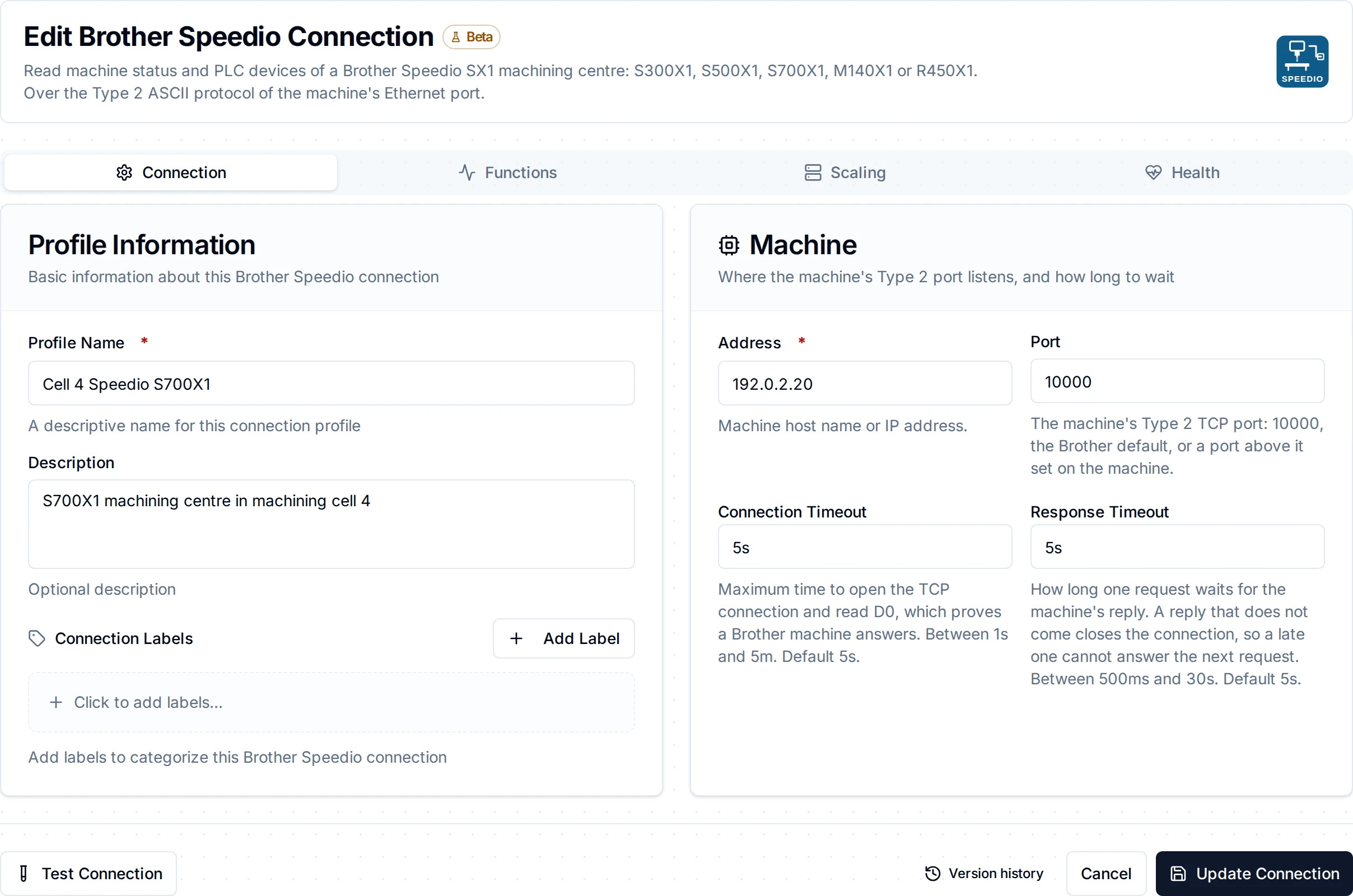
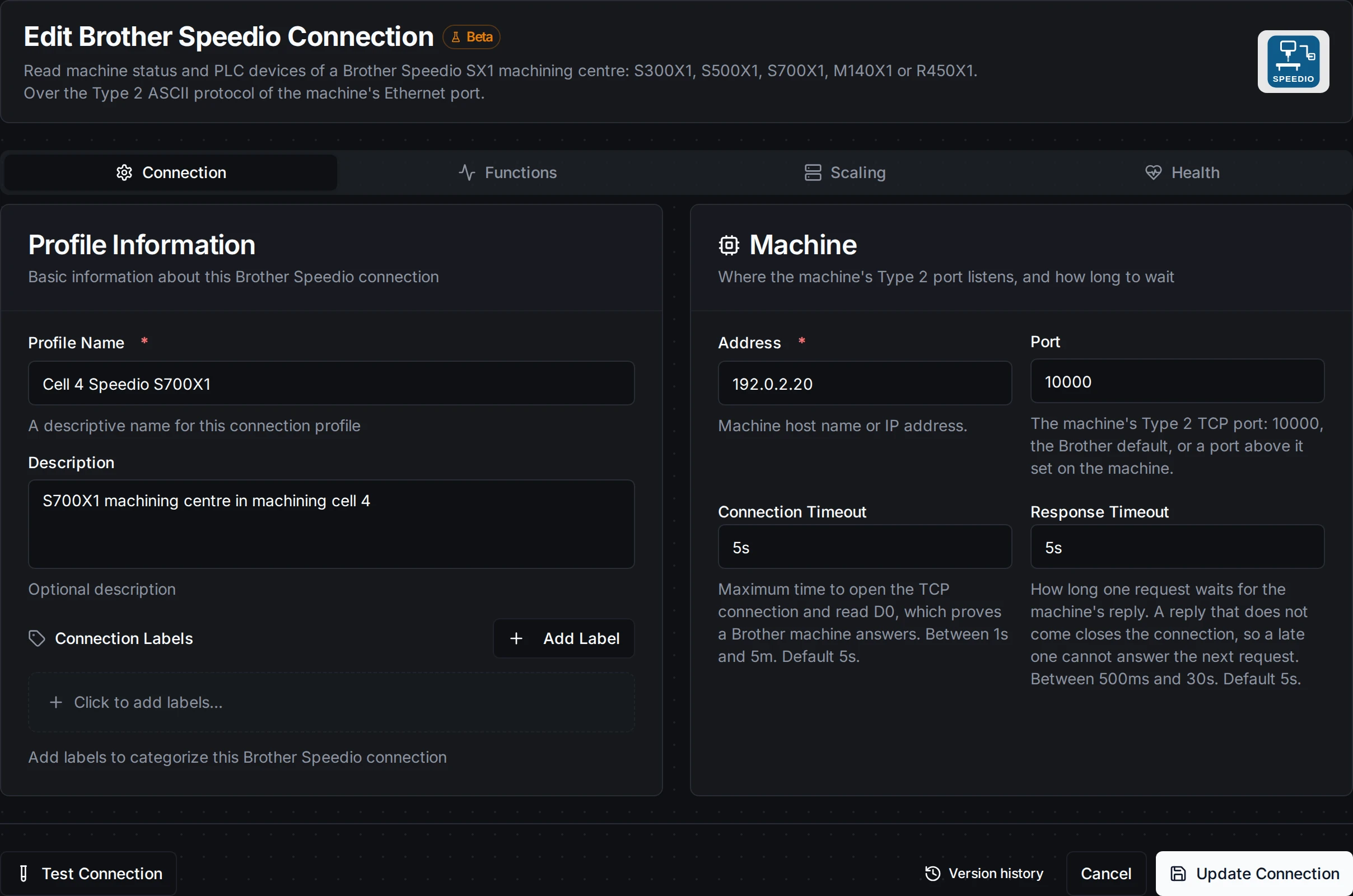
The Connection tab: the machine's address and port, and the timeouts
Testing the Connection
Click Test Connection at the bottom of the form to try the current settings before saving. It connects as described in What happens on connect. Once the connection runs, its health probe reads D0 again and reports the round trip. When the machine does not answer, the connection is closed and opened again.
Function Builder
Creating Brother Speedio Functions
After the connection is saved:
- Open the connection and navigate to the Functions tab
- Click New Function to open the function type selection dialog
- Choose Read Device, Read Block or Write Device
- Fill the Basic tab (name, description, labels) and the Configuration tab (operation-specific parameters)
- Use the Test button to run the function against the machine before saving. Testing a Write Device function writes to the machine's PLC
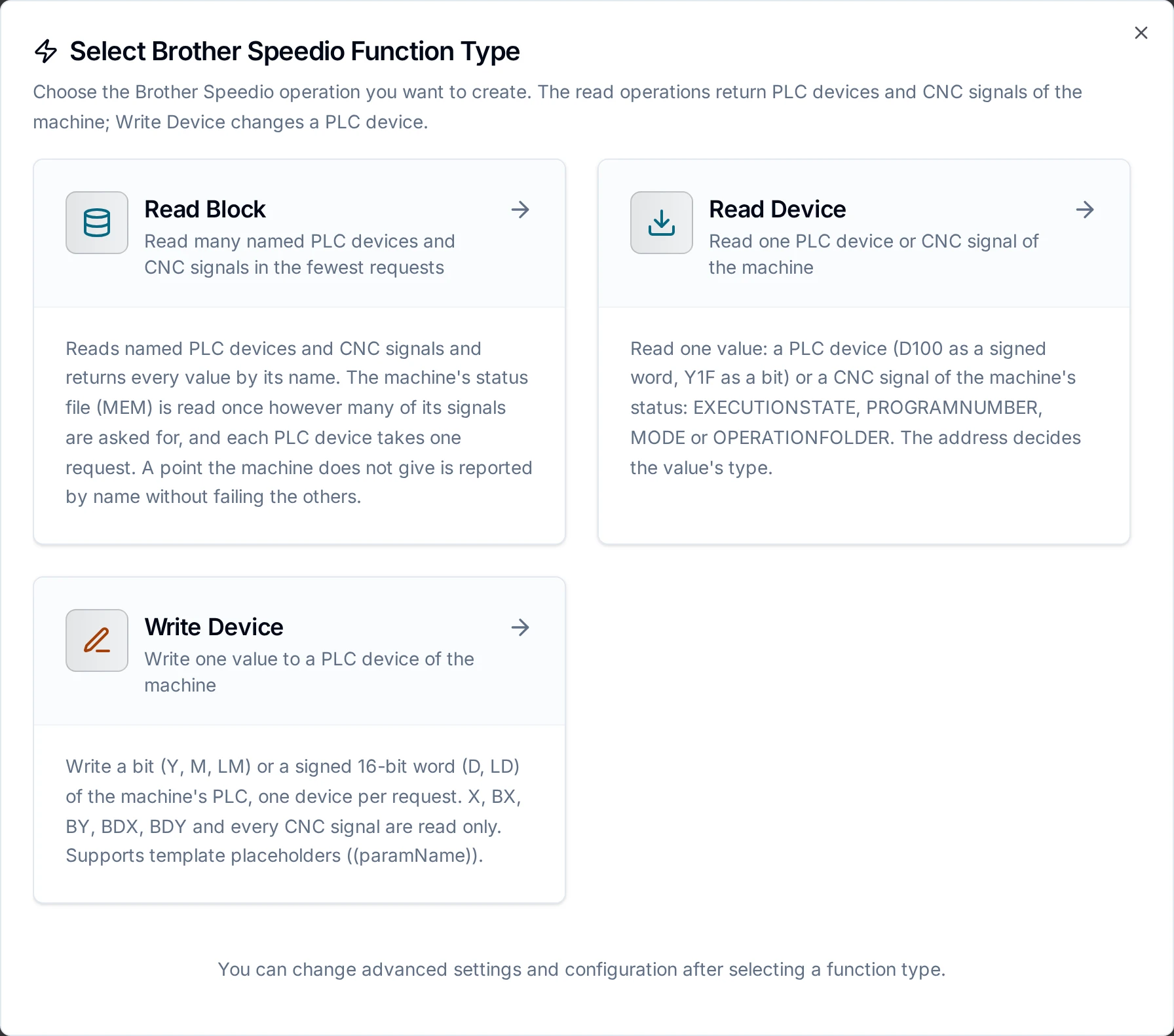
Two reads and one write
Addresses
An address is a PLC device or a CNC signal. Letter case does not matter: y1f is Y1F.
PLC devices are an area and a number, with no separator:
| Area | What it is | Numbers | Value | Writable |
|---|---|---|---|---|
X | Inputs | 0 to 3FF, hexadecimal | true/false | No |
Y | Outputs | 0 to 3FF, hexadecimal | true/false | Yes |
BX, BY | Interface bits | 0 to 3FF, hexadecimal | true/false | No |
M | Internal relays | 0 to 8191 | true/false | Yes |
LM | Latched relays | 0 to 1023 | true/false | Yes |
D | Data registers | 0 to 2047 | -32768 to 32767 | Yes |
LD | Latched data registers | 0 to 2047 | -32768 to 32767 | Yes |
BDX, BDY | Interface words | 0 to 255 | -32768 to 32767 | No |
CNC signals are read from the machine's status file, MEM, record A01, and are read only:
| Signal | Value |
|---|---|
EXECUTIONSTATE | The execution state, 0 to 3 |
PROGRAMNUMBER | The program number, 0 to 9999 |
MODE | The mode, 0 to 9 |
OPERATIONFOLDER | The operation folder, up to 8 characters, trailing spaces removed |
Read Device (brotherspeedio.read.device)
| Parameter | Required | Description |
|---|---|---|
| Device | Yes | A PLC device or a CNC signal, as in Addresses |
| Timeout | No | Bound on this single operation (default 30m) |
A CNC signal reads the status file, then takes the one field.
Read Block (brotherspeedio.read.block)
| Parameter | Required | Description |
|---|---|---|
| Data Points | Yes | The points to read. Each has a Name, the key of its value in the result, and a Device / Signal. Each name is used once |
| Timeout | No | Bound on this single operation (default 30m) |
The status file is read once however many of its signals are listed: EXECUTIONSTATE, PROGRAMNUMBER and OPERATIONFOLDER together cost one request. Each PLC device takes a request of its own. A point the machine does not give (a device it refuses) is reported by name in the result, and the other points are still read.
Write Device (brotherspeedio.write.device)
| Parameter | Required | Description |
|---|---|---|
| Device | Yes | A writable PLC device: Y, M or LM for a bit, D or LD for a word |
| Value | Yes | For a bit: true or false (also 1/0, on/off). For a word: a whole number from -32768 to 32767. Supports ((parameter)) placeholders |
| Timeout | No | Bound on this single operation (default 30m) |
A device that is read only, a CNC signal, or a value that does not fit is refused when the function is saved, and again before anything is sent when a placeholder fills in a value that does not fit.
A Write Device function whose value comes from a parameter
A write is never buffered for later delivery: a setpoint that arrives an hour late is a new decision, not the old one. A pipeline run started by a late (replayed) input does not execute the write unless the node allows late input. A write whose answer did not come (no answer within the Response Timeout, the connection closed or reset, an answer that does not repeat the request) may have reached the machine: its outcome is reported as unknown, not as refused, and the connection is opened again.
Using Parameters
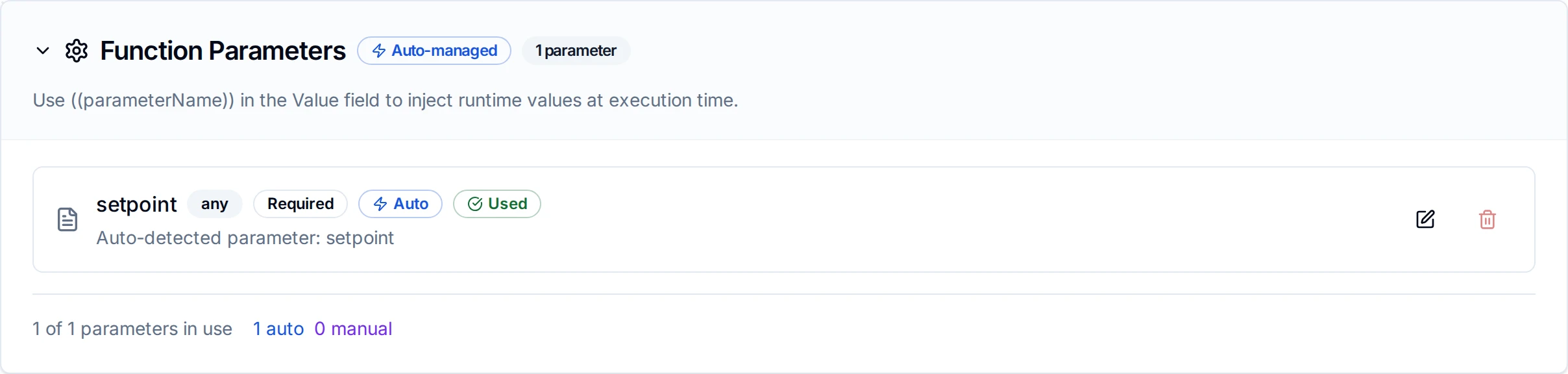
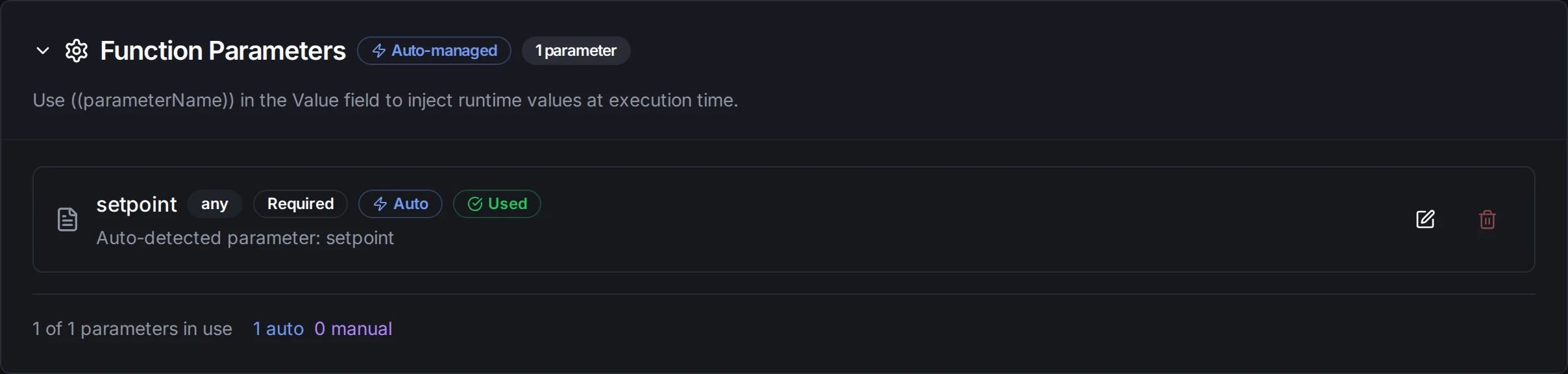
The Value field supports ((parameterName)) placeholders; they appear in the Function Parameters block, where you set each one's type, whether it is required, and a default. For example, Device D100 and Value ((setpoint)) write the node's setpoint parameter to D100.
Pipeline Integration
Use the functions you configure here as nodes inside the Pipeline Designer. Each function type has its own node:
- Brother Speedio Read Device (
connected.brotherspeedio.read.device): executes abrotherspeedio.read.devicefunction - Brother Speedio Read Block (
connected.brotherspeedio.read.block): executes abrotherspeedio.read.blockfunction - Brother Speedio Write Device (
connected.brotherspeedio.write.device): executes abrotherspeedio.write.devicefunction
A Brother machine does not send data on its own: to poll one, drive the reads from a Schedule trigger.
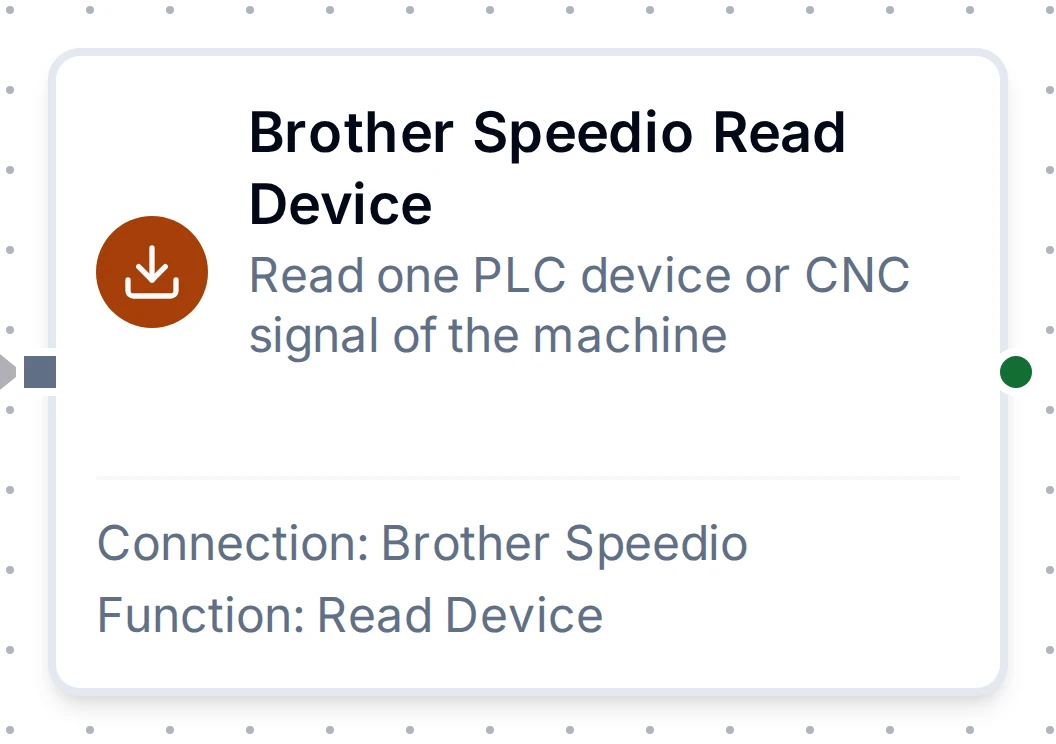
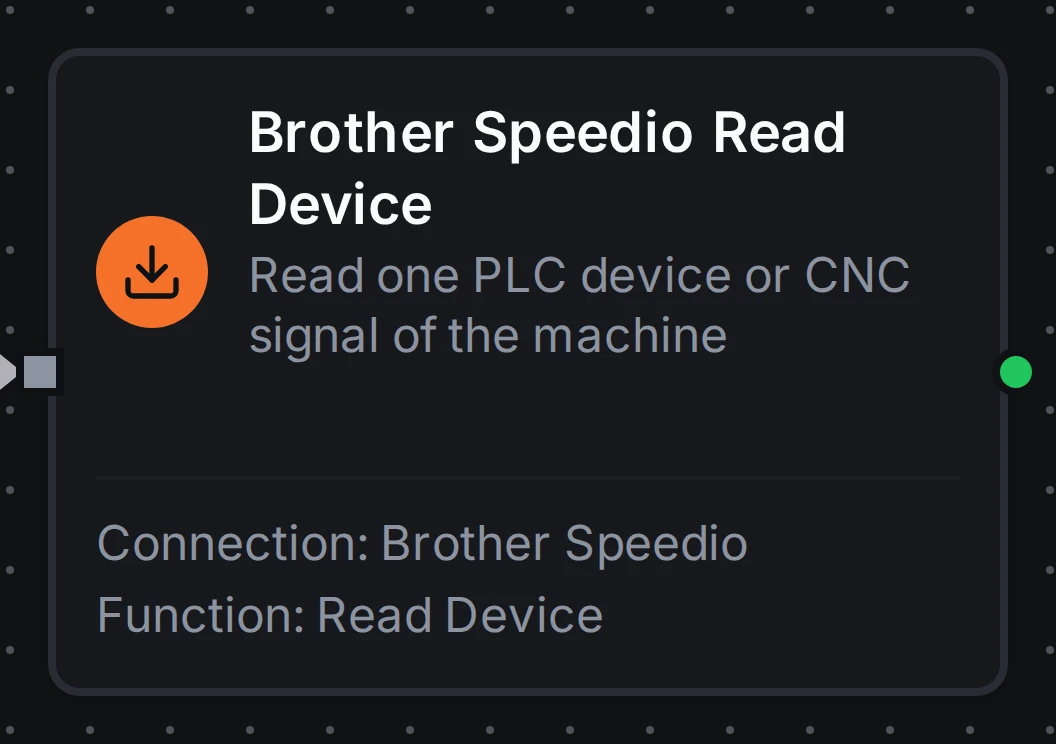
The Read Device node with its connection and function
For node-level details (output structure, execution settings), see the Brother Speedio Nodes page.
Common Use Cases
Machine state to the UNS
A Read Block of EXECUTIONSTATE, PROGRAMNUMBER, MODE and OPERATIONFOLDER on a Schedule trigger, routed to the Unified Namespace. One request per run.
Counts kept in the PLC
When the ladder program counts parts in a data register, read it with the status: a Read Block of PROGRAMNUMBER and D200 costs two requests.
Requests to the ladder program
Write true to a relay the ladder program watches (M100) to request a sequence, or a value to a register (D200) the program reads as a setpoint.
A write whose answer did not come is reported as outcome unknown, because it may have reached the machine. Writing a value again leaves the device as one write did, so the write is declared safe to repeat, and the node's Retry on Fail and Retry on Timeout send it again (see A write whose outcome is unknown is sent again only when that is safe). For a relay the ladder program sets a sequence going with and then clears, a second write can start the sequence twice: turn Retry on Fail and Retry on Timeout off on that node.
Troubleshooting
Error Reference
| What you see | Meaning | Retried? |
|---|---|---|
"Q100" is not an address: … | Not a PLC device or a signal this connector reads. The save is refused | No |
"COUNTER:1:COUNT" is not an address this connector reads. … not confirmed … | A Speedio counter, tool life or alarm signal, or RUNNING, not read in this version. The save is refused | No |
"D2048" is out of range: D is 0 to 2047 | The number is past its area. The save is refused | No |
X1 is read only; the writable areas are Y, M, LM, D and LD | A write to an input or interface area. The save is refused | No |
PROGRAMNUMBER is a CNC signal, and every CNC signal is read only | A write to a CNC signal. The save is refused | No |
D is a word area of signed 16-bit values, -32768 to 32767 | The value does not fit. Nothing was sent | No |
the machine's MEM file has no A01 record | The machine's status file has no status record | No |
the machine answered "…" with completion code NN | The machine answered with code NN; what it means is not documented. Check the device against the machine's PLC program | Yes |
no answer from the machine | The request was sent and not answered within the Response Timeout. The connection is closed and opened again. A read is reported as transient; a write's outcome as unknown, because it may have reached the machine | A read: yes. A write: yes, as outcome unknown; it is safe to repeat |
the machine's reply does not answer the request: … | An answer that does not repeat the request's header, or data after its end. The connection is closed and opened again. A write's outcome is reported as unknown | A read: yes. A write: yes, as outcome unknown; it is safe to repeat |
unexpected queued response: …, the machine closed the idle connection or the idle connection failed: … | Before the request was sent, bytes no request asked for were waiting (a reply sent twice or unasked), or the machine had closed or reset the idle connection. The request was not sent; the connection is opened again | Yes, after reconnect |
the machine's data cannot be read: … | The answer arrived whole but its data has the wrong shape, for example a record with the wrong number of fields, or a write's acknowledgement that carries data (whether the value was written is not known) | A read: yes. A write: yes, as outcome unknown; it is safe to repeat |
not connected | The connection is not up | Yes, after reconnect |
"Retried?" says whether the node's Retry on Fail setting sends the request again. A write whose outcome is unknown is sent again too: writing a value again is safe to repeat. A request MaestroHub refuses before sending gives the same answer every time, so it is not retried.
Connection Issues
| Symptom | Possible Cause | Solution |
|---|---|---|
Test Connection fails with connect to the Brother Speedio at … | Nothing listens at that address and port, or a firewall is in the way | Check the machine's IP address, the port (10000 by default), and that the port is reachable from the MaestroHub host |
Test Connection fails with did not answer a read of D0 | The port took the connection but answered no Type 2 request | Check that the port is the machine's Type 2 port |
The status signals fail with the MEM A01 record has 7 fields; a Brother Speedio's has 8 | The machine is a TC, whose status record has no operation folder | Use the Brother TC connector |
Requests fail with no answer from the machine while the machine is busy | The answer takes longer than the Response Timeout | Raise Response Timeout |