CODESYS V2 Integration Guide
Read and write the variables of a CODESYS V2 PLC by name, from the symbol file the PLC serves.
- Status
- Beta
- Runtimes
- CODESYS V2.3 (ARTI, TCP)
- Port
- 1200 by default
- Operations
- Read Symbol · Read Block · Write Symbol
- Triggers
- None: poll with a Schedule trigger
CODESYS V2.3 is the runtime inside many PLCs and controllers: WAGO 750-8xx before firmware 3, Beckhoff BC and BX, Eaton XC, Festo CPX, Berghof, Lenze and many OEM controllers. MaestroHub connects to the runtime's own TCP service, called ARTI, and reads and writes variables by the names the PLC program gives them, such as PLC_PRG.Counter or .bStart. It finds where each variable lies in the PLC's memory in the symbol file that the project downloads to the PLC with its program. This guide covers the connection, what the PLC needs, the three function types, and how the matching nodes fit into the Pipeline Designer.
What stands behind the connector today:
- It is built from a byte-level description of the ARTI services that an existing industrial driver uses: the frame, the login, the symbol file download, and the variable read and write. Every byte MaestroHub sends is one that description marks as confirmed.
- The public Digital Bond CODESYS tools (2012) agree on the frame, the port and the symbol file download services.
- MaestroHub's tests run it against its own simulated runtime, which serves a symbol file and memory and can require an encrypted login, change its project, mark a value invalid or stop answering.
What is not proven yet:
- It has not been run against a real CODESYS V2 PLC. CODESYS publishes no specification of ARTI, and no CODESYS V2 runtime can be run in a container for testing.
- The byte order of the values on a big-endian PLC: MaestroHub takes it to be the PLC's own, the same as the protocol's (the Big-Endian Target setting). Every x86 and ARM PLC is little-endian.
- The layout of the symbol file's type and variable tables on a real PLC. MaestroHub reads both layouts the description allows.
Overview
The CODESYS V2 connector provides:
- Variables by name:
PLC_PRG.Counter,.bStartfor a global variable,GVL.rTemp; case does not matter - Types from the PLC: each variable's type comes from the symbol file, so a function names only the variable
- Nine types:
BOOL,INT,UINT,WORD,DINT,UDINT,DWORD,REALandLREAL - Block reads: many named variables in one node, packed into as few requests as the PLC's buffer takes
- Program downloads picked up: every request carries the project's identity; after a download to the PLC, MaestroHub loads the new symbol file before it reads or writes again
- A symbol picker: the function form lists the PLC's variables to pick from
Terms used in this guide
| Term | Meaning |
|---|---|
| Runtime | The CODESYS software in the PLC that runs the program and answers MaestroHub. |
| ARTI | The runtime's own service on TCP port 1200 that the CODESYS V2 programming system and OPC servers use. |
| Symbol file | A file the CODESYS project creates and downloads to the PLC with the program (usually DOWNLOAD.SDB). It lists every variable the project chose to expose, with its type and its place in memory. |
| Project identity | A number that names one build of the program. The PLC reports it, the symbol file carries it, and both must match. |
Not supported
| What | Why |
|---|---|
| CODESYS V3 runtimes | V3 speaks another protocol. A V3 PLC almost always has an OPC UA server: connect it with the OPC UA connector. |
| An encrypted login | A V2 runtime can require encrypted communication. This version logs in unencrypted, and refuses such a runtime with that reason. |
| A gateway connection (ports 1217, 11740) | This version talks to the runtime directly. |
BYTE, SINT, USINT, STRING, TIME, arrays and structures | Not in this version. The symbol picker lists such variables with the reason, and a function that names one is refused before anything is sent. |
| A trigger | A V2 runtime does not send data on its own. Poll it with a Schedule trigger. |
What the PLC needs
- A symbol file. In CODESYS V2.3, open Project › Options › Symbol configuration, turn on symbol entries, choose the variables to expose with Configure symbol file, and make sure the symbol file is downloaded with the program. A variable not in the symbol file cannot be read.
- A program loaded. A runtime with no project loaded answers with project identity 0, and the connection waits for one.
- Encrypted communication off, where the runtime offers it.
What happens on connect
MaestroHub opens the TCP connection and asks whether the runtime requires encryption. Then it logs in, reads the runtime's identity and its project identity, and downloads the symbol file chunk by chunk. It checks the file's checksum and size, and that it was built for the project the PLC runs. The runtime may state its buffer size at login: from then on no request or reply is larger, whatever the Maximum Frame Size says.
ARTI carries no request number, so the connection sends one request at a time and takes the next reply as its answer. A reply that does not fit its request, a request that gets no answer within the Response Timeout, and a lost connection end the connection, and it is opened again: a late reply could otherwise be read as the answer to the next request.
A program download on the PLC changes its project identity. A read or write sent with the old identity is refused by the runtime, and the health check reads the identity again: either way the connection ends, and the next connection downloads the new symbol file. So a variable that moved in memory is never read at its old place.
Connection Configuration
Creating a CODESYS V2 Connection
Navigate to Connections → New Connection → CODESYS V2 and fill in the form. It has four tabs: Connection, Functions, Scaling and Health. The Functions, Scaling and Health tabs unlock after the connection is saved.
1. Profile Information
| Field | Default | Description |
|---|---|---|
| Profile Name | - | A descriptive name for this connection profile (required). Must be unique across all connections. |
| Description | - | Optional description for this connection |
| Labels | - | Key-value pairs to categorize and organize the connection |
2. PLC
| Field | Default | Meaning |
|---|---|---|
| Address | (required) | PLC host name or IP address, e.g. 192.168.1.10. An address that names no single PLC (0.0.0.0, a multicast address) is refused |
| Port | 1200 | The runtime's TCP port, 1 to 65535 |
| Symbol File | DOWNLOAD.SDB | The symbol file the project downloads to the PLC, 1 to 254 printable characters |
| Big-Endian Target | off | On for a PLC whose processor stores numbers big-endian (Motorola, PowerPC). Off for x86 and ARM PLCs |
| Connection Timeout | 30s | Maximum time to connect, log in and download the symbol file (1s to 5m). A large program's symbol file takes longer |
| Response Timeout | 5s | How long one request waits for the runtime's reply (500ms to 30s) |
| Maximum Frame Size | 65536 | The largest request or reply in bytes (256 to 1048576). The smaller of this and the runtime's own buffer size is used |
Each function has its own Timeout (default 30m) that bounds the whole operation. Within it, each request waits at most the Response Timeout for its reply.
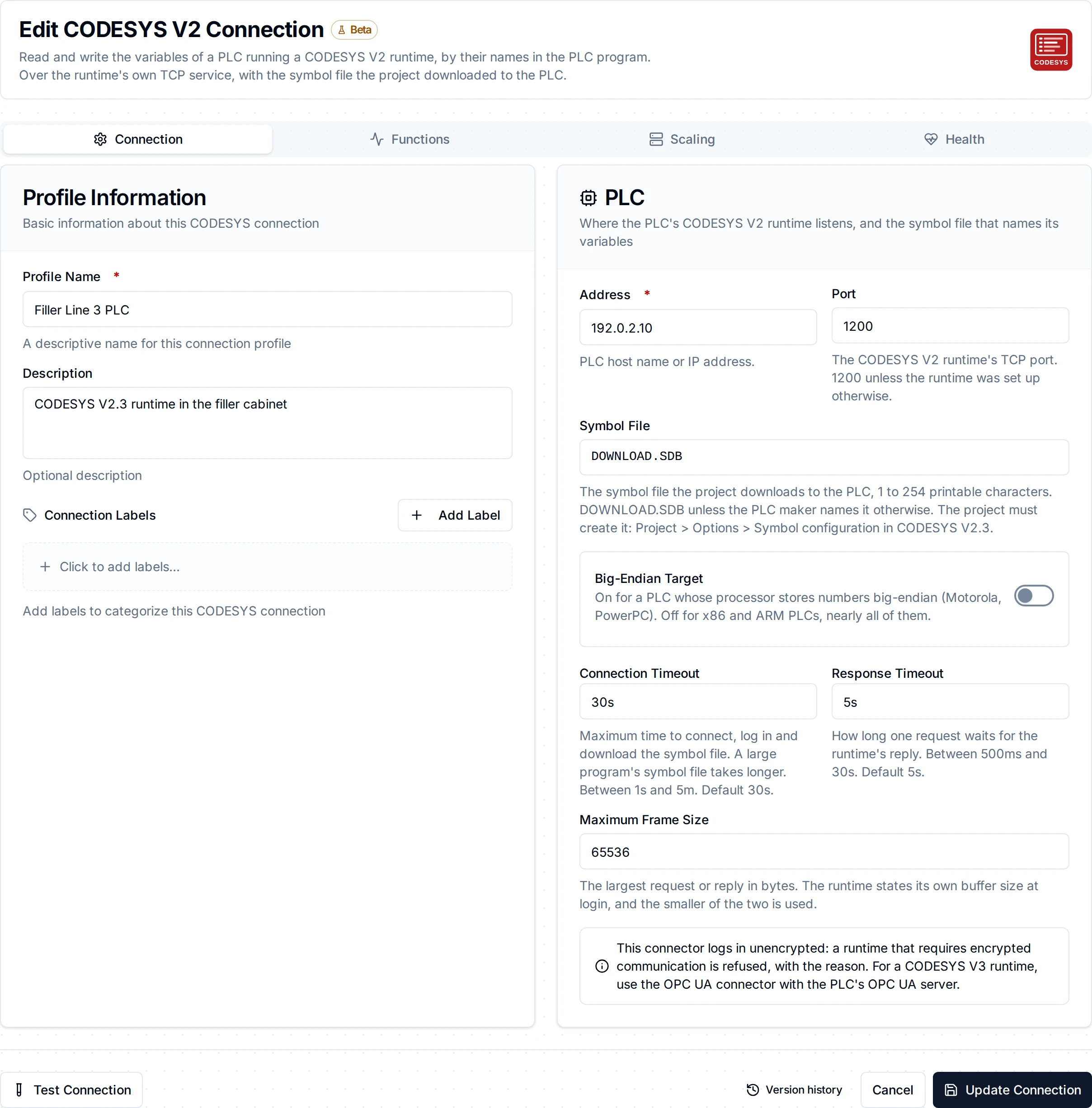
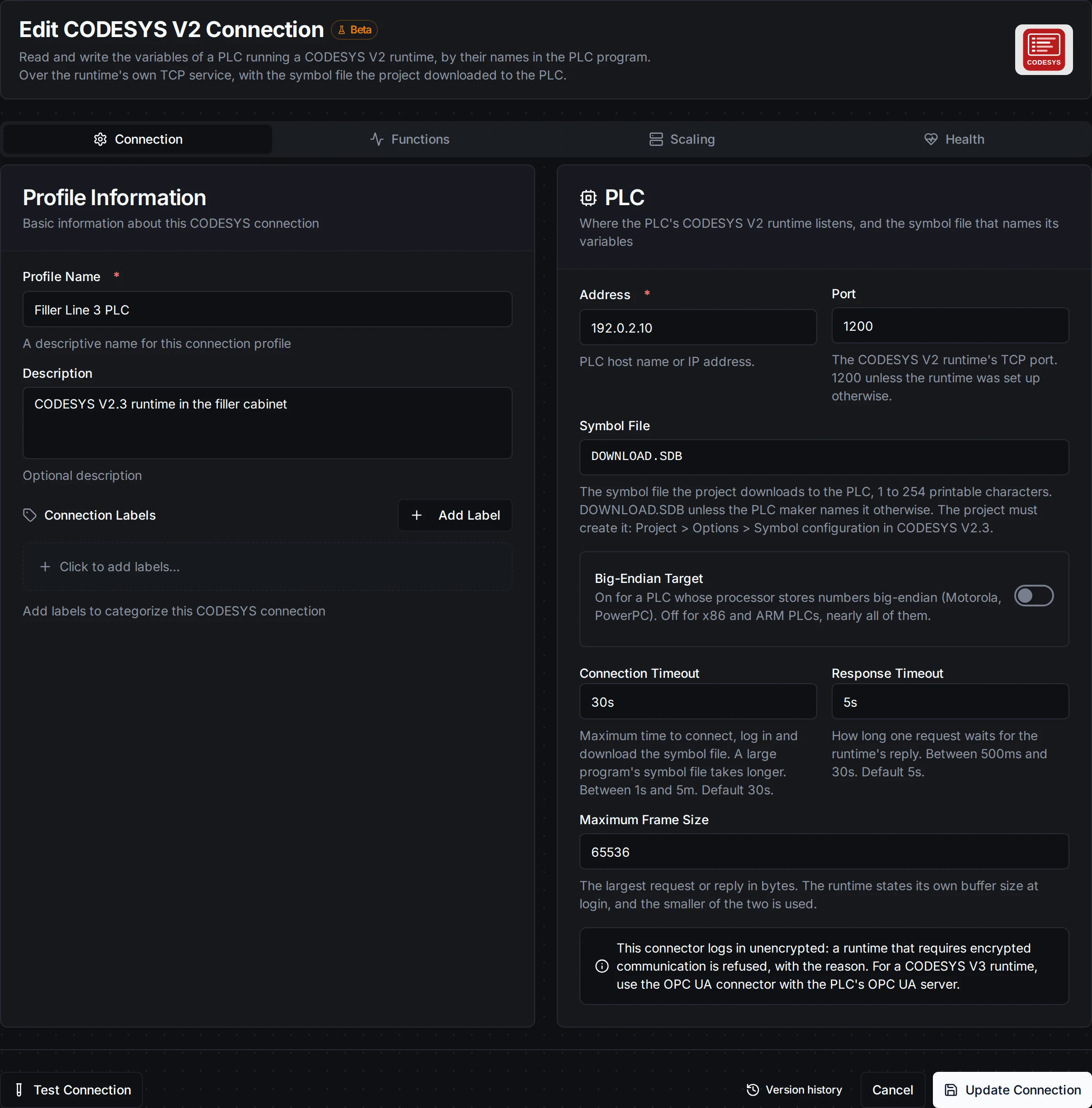
The Connection tab: the PLC address and port, the symbol file and the byte order
Testing the Connection
Test Connection runs the whole connect: it fails with the reason when the runtime requires encryption, has no project, or does not serve the symbol file.
Function Builder
Creating CODESYS V2 Functions
Open the saved connection's Functions tab and click New Function. Choose one of the three function types. On the Configuration tab, the Browse Symbols panel lists the variables of the symbol file the connection loaded: click one to use it, or, in a Read Block, to add it as a data point. A variable of a type this version does not read is listed greyed out, with the reason.
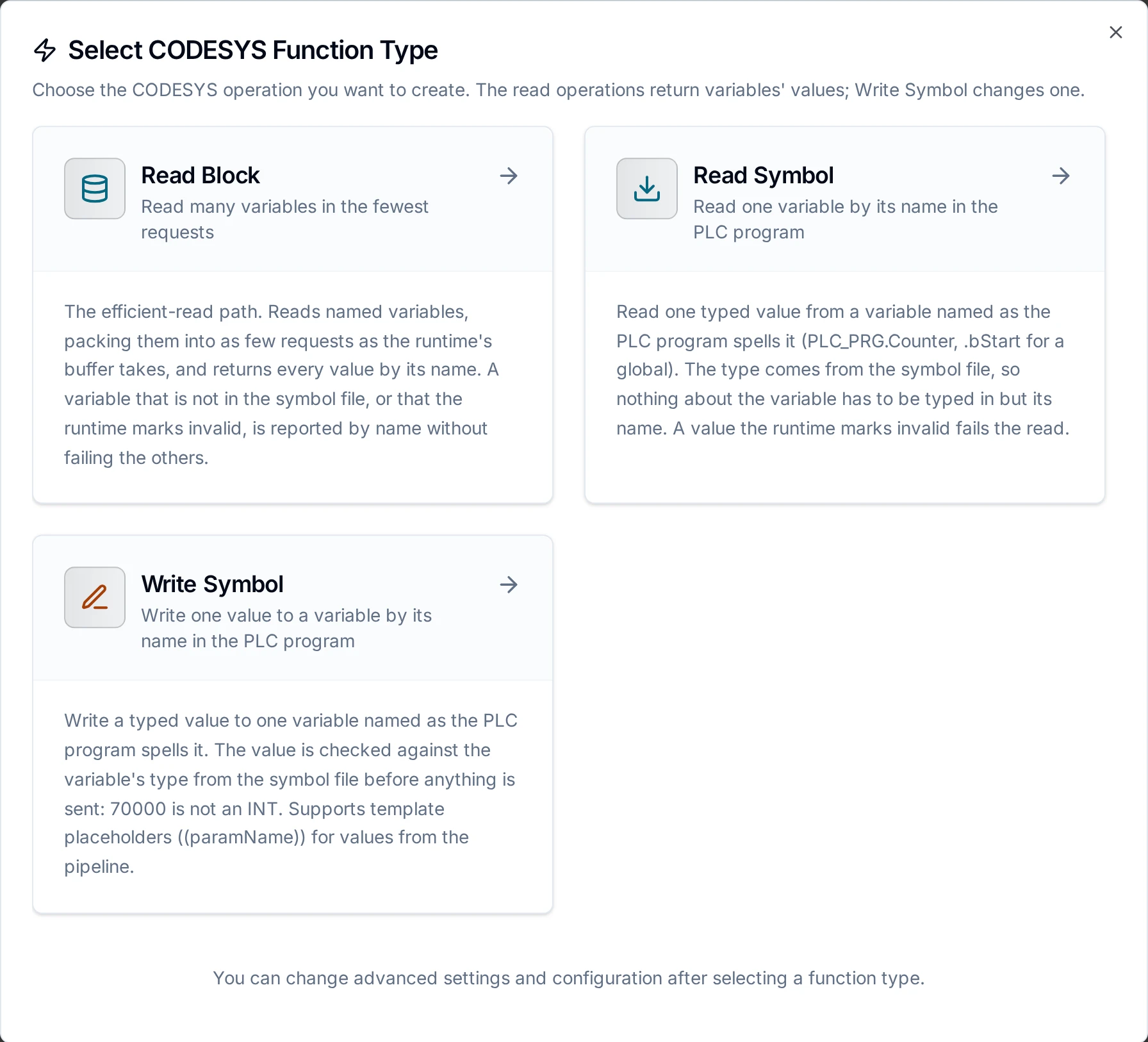
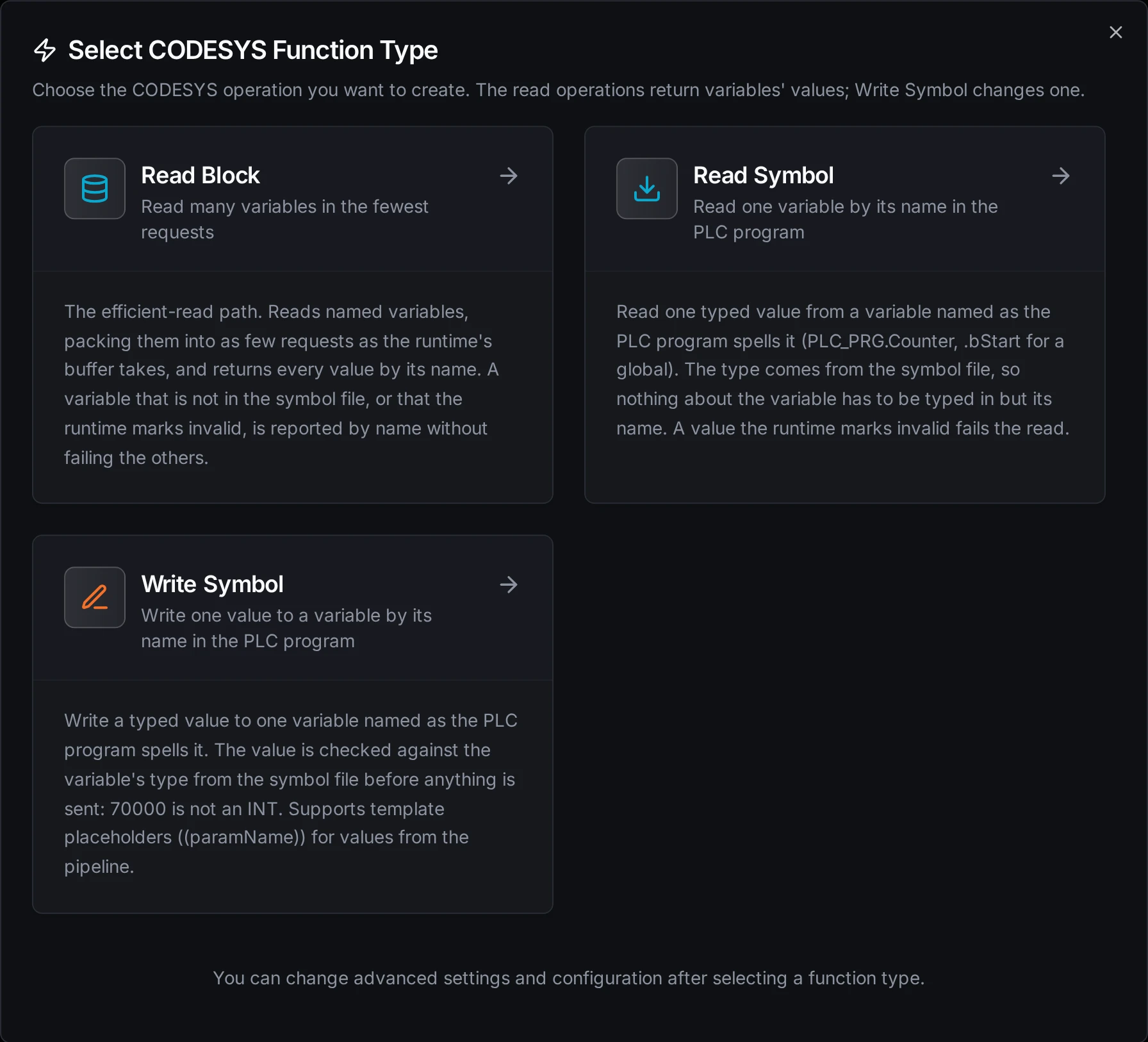
The three CODESYS V2 function types
Symbols and types
A symbol is the variable's name as the symbol file spells it: PLC_PRG.Counter for a variable of the program PLC_PRG, .bStart for a global variable, GVL.rTemp for one in a global variable list, as the project exposes it. Case does not matter.
| Type | Value in the result | Write takes |
|---|---|---|
BOOL | true / false | true / false, 1 / 0, on / off |
INT | whole number, -32768 to 32767 | a whole number in that range |
UINT, WORD | whole number, 0 to 65535 | a whole number in that range |
DINT | whole number, -2147483648 to 2147483647 | a whole number in that range |
UDINT, DWORD | whole number, 0 to 4294967295 | a whole number in that range |
REAL | number (32-bit) | a number |
LREAL | number (64-bit) | a number |
Read Symbol (codesys.read.symbol)
| Parameter | Required | Meaning |
|---|---|---|
| Symbol | yes | The variable to read |
| Timeout | no | Bound on this operation, default 30m |
A value the runtime marks invalid fails the node rather than delivering a reading.
Read Block (codesys.read.block)
| Parameter | Required | Meaning |
|---|---|---|
| Data Points | yes | A list of points, each a Name (its key in the result; the symbol when left out) and a Symbol. Each name once |
| Timeout | no | Bound on this operation, default 30m |
The variables are packed into as few requests as fit the frame size: one request names at most (frame size - 10) / 10 variables. A variable that is not in the symbol file, or whose value the runtime marks invalid, is reported by name under errors; the others are still read.
Write Symbol (codesys.write.symbol)
| Parameter | Required | Meaning |
|---|---|---|
| Symbol | yes | The variable to write |
| Value | yes | The value, read as the variable's type (see the table above). Takes ((parameter)) placeholders |
| Timeout | no | Bound on this operation, default 30m |
The value is checked against the variable's type before anything is sent: 70000 is not an INT.
A write is never buffered for later delivery: a setpoint that arrives an hour late is a new decision, not the old one. A pipeline run started by a late (replayed) input does not execute the write unless the node allows late input. A write that got no answer may be sent again by the node's Retry on Fail: writing the same value twice leaves the PLC in the same state. A write the runtime refused is not retried.
Using Parameters
The Value field supports ((parameterName)) placeholders; they appear in the Function Parameters block, where you set each one's type, whether it is required, and a default. For example, Symbol PLC_PRG.rSetpoint and Value ((setpoint)) write the node's setpoint parameter to that variable.
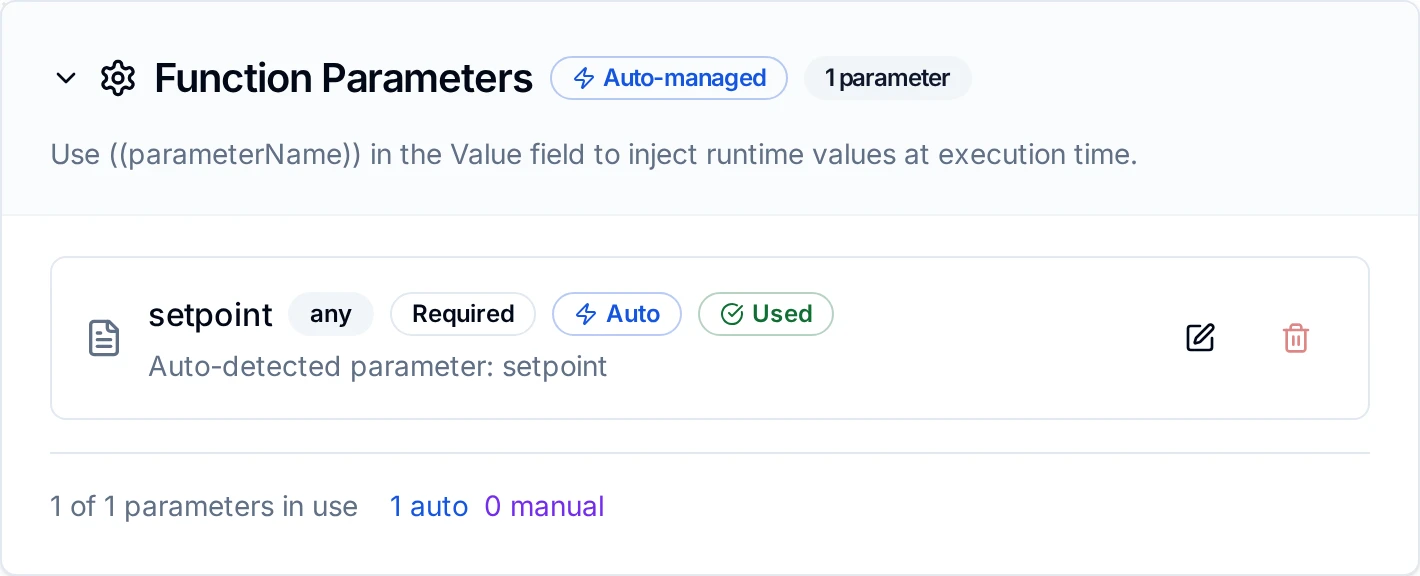
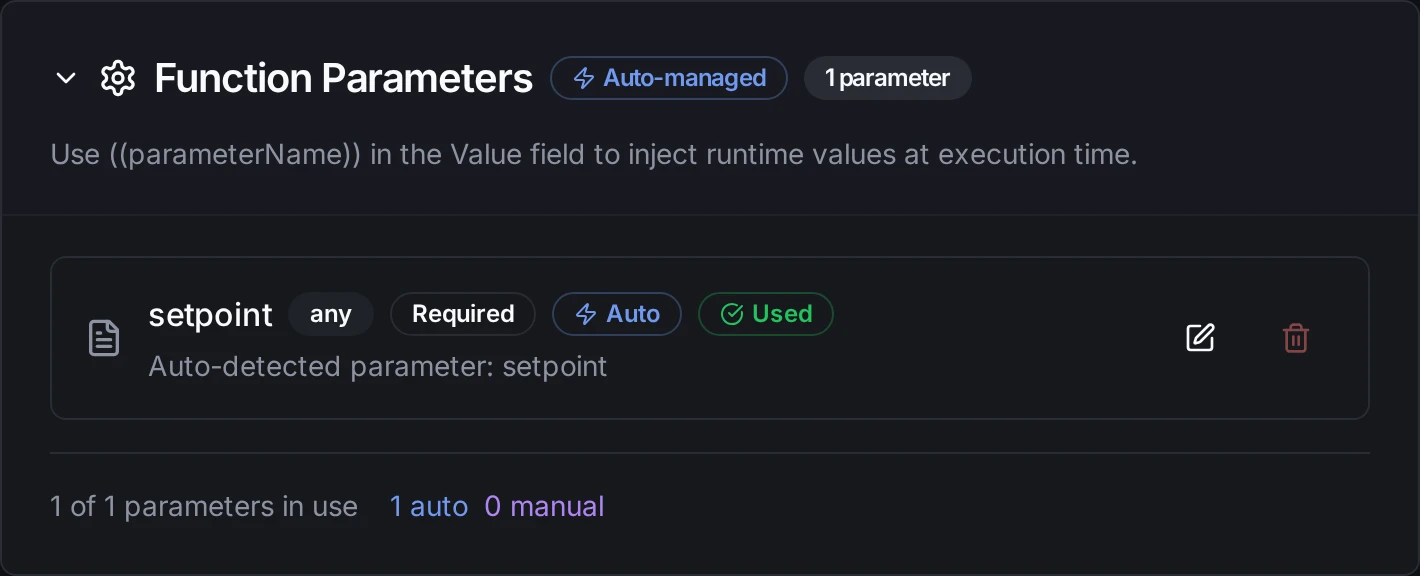
The ((setpoint)) placeholder in the Value field, declared as a function parameter
Pipeline Integration
Use the functions you configure here as nodes inside the Pipeline Designer. Each function type has its own node:
- CODESYS V2 Read Symbol (
connected.codesys.read.symbol): executes acodesys.read.symbolfunction - CODESYS V2 Read Block (
connected.codesys.read.block): executes acodesys.read.blockfunction - CODESYS V2 Write Symbol (
connected.codesys.write.symbol): executes acodesys.write.symbolfunction
A CODESYS V2 runtime does not send data on its own: to poll one, drive the reads from a Schedule trigger.
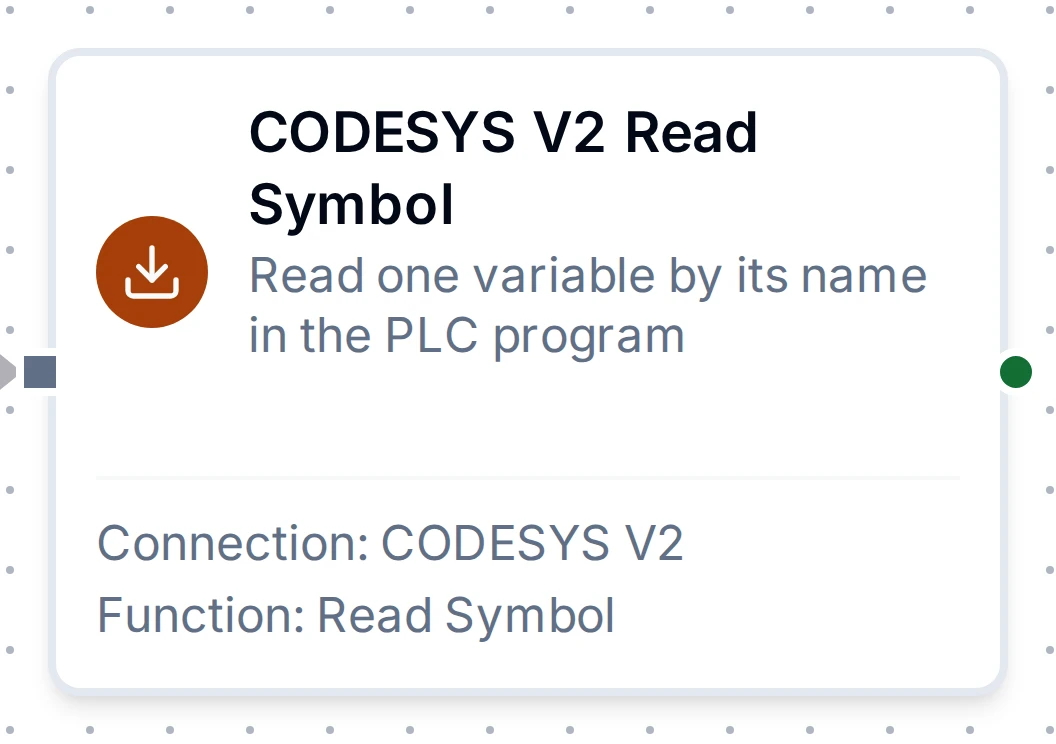
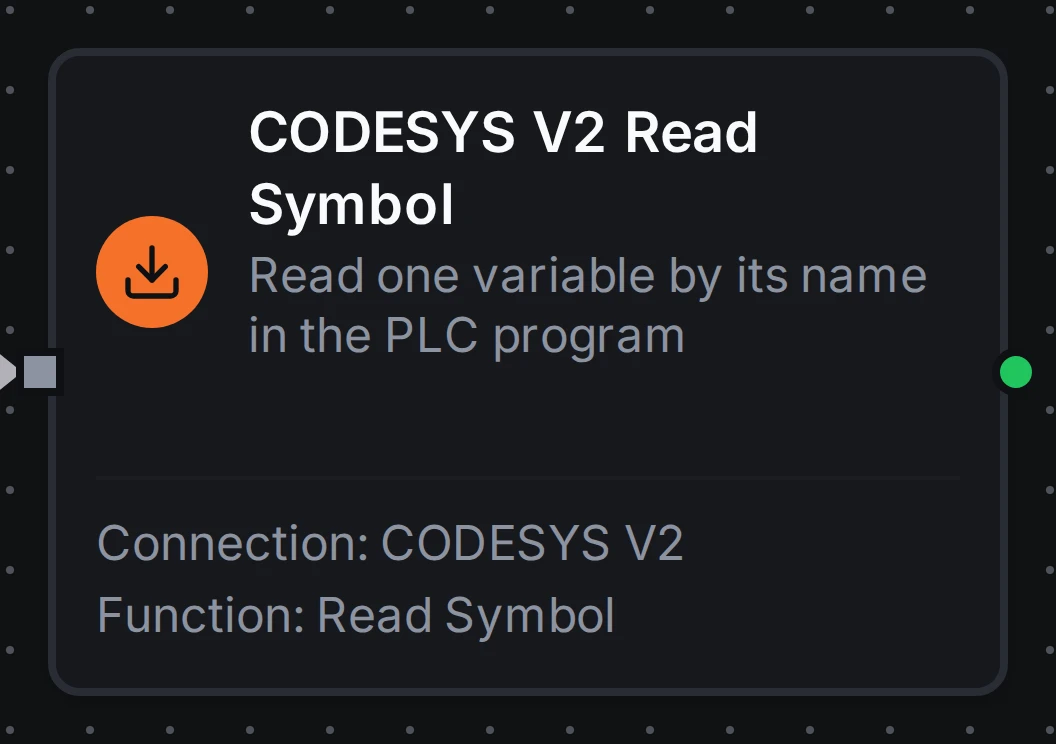
The Read Symbol node with its connection and function
For node-level details (output structure, execution settings), see the CODESYS V2 Nodes page.
Common Use Cases
Machine states and counts to a historian or the UNS
A Read Block of a machine's counters, states and temperatures on a Schedule trigger, routed to a historian or the Unified Namespace. The block costs as few round trips as the PLC's buffer allows.
Setpoints from an MES
A parameterized Write Symbol function (Value: ((setpoint))) fed from an MES or an operator form, with a Condition node checking the range first.
Troubleshooting
Error Reference
The texts below leave out the codesys: that the messages start with.
| What you see | Meaning | What to do | Retried? |
|---|---|---|---|
the device answered, but not with CODESYS V2 ARTI framing | Something answers at the address and port, but not a CODESYS V2 runtime. A CODESYS V3 runtime answers this way | Check the address and port. For a V3 PLC, use the OPC UA connector | No |
the runtime requires an encrypted login, which this connector does not support yet | The runtime only takes encrypted communication | Turn off encrypted communication in the runtime's settings, or reach the PLC through OPC UA if its runtime offers it | No |
the runtime did not serve the symbol file "DOWNLOAD.SDB" | The project downloaded no symbol file, or it has another name | Create and download the symbol file (see What the PLC needs), and check Symbol File | No |
the runtime has no project loaded | No program is loaded in the PLC | Download a program to the PLC | Yes |
the symbol file was built for another project than the one the runtime runs | The symbol file on the PLC is from another build, often during a download | Download the program and its symbol file again | Yes |
the runtime's buffer is too small for this connector's requests: the runtime states … bytes; at least 18 are needed | The runtime stated a buffer too small to carry a request | Check the runtime's communication buffer setting | No |
the runtime refused service 0x01 (login): status … | The runtime refused the login | Check the runtime's access settings | No |
no variable … in the symbol file | The variable is not in the symbol file, or is spelled otherwise. Nothing was sent | Pick it in Browse Symbols; add it to the symbol configuration if it is missing | No |
the symbol's type … is not one this connector reads | STRING, TIME, an array, a structure or another type this version does not read. Nothing was sent | Read a variable of one of the nine types | No |
… is of type INT: … is outside -32768..32767 (and the like) | The value does not fit the variable's type. Nothing was sent | Write a value the type holds | No |
the runtime reported the value as invalid | The runtime marked the variable's value invalid | Check the PLC; a later read may succeed | Yes |
the runtime refused service 0x3C (write variables): status … | The runtime refused the write | Check that the variable may be written while the program runs | No |
the runtime's project changed since the symbols were loaded | A program was downloaded to the PLC. The connection ends and loads the new symbol file | Nothing: the next run uses the new symbols | Yes |
the link failed after the request was sent; the runtime may have carried it out | The connection dropped after the request left. A write may have taken effect; the connection is opened again | Check the PLC; Retry on Fail may send the write again | Yes |
the request was not sent: its call ended while it waited for the connection: … | The call was cancelled, or ran out of time, while the request waited behind another request on the connection. Nothing reached the runtime, so a write has not taken effect. The connection stays up | If it is a timeout, raise the node's timeout, or send fewer requests to this PLC at once | Yes |
no answer from the runtime: … | The request was sent and not answered within the Response Timeout. The connection is closed and opened again | Raise Response Timeout for a busy PLC | Yes |
the runtime's reply does not fit the request: … | A reply of the wrong length. The connection is closed and opened again | If it repeats, check that the address reaches a CODESYS V2 runtime | Yes |
not connected | The connection is not up | Check the connection's Health tab | Yes, after reconnect |
Connection Issues
| Symptom | Possible Cause | Solution |
|---|---|---|
Test Connection fails with connect to the CODESYS runtime at … | Nothing listens at that address and port, or a firewall is in the way | Check the PLC's IP address, the port and that it is reachable from the MaestroHub host |
| Test Connection runs until the Connection Timeout | A large symbol file on a slow link | Raise Connection Timeout |
| Values from a big-endian PLC are wrong | Big-Endian Target is off | Turn it on for a Motorola or PowerPC PLC |
| A variable is missing from Browse Symbols | It is not in the project's symbol configuration | Add it in Configure symbol file and download the program again |