Use cases
Five things a plant asks of access control, set up on the Acme Brakes line.
- Plant
- Acme Brakes · line LINE-BC-01
- People
- Ada · Kai · Lena · Ana · Omar · Rita
Every picture in these pages comes from the same plant: the brake caliper line of the Digital Factory Simulator, in the workspace Acme Brakes. Ada is the workspace administrator. The stories below are set up on it, and the pictures show the state they leave.
1. A contractor for one week
The situation. Kai works for the machine builder and is commissioning the CNC at OP10 this week. He needs its live values and its connection, and nothing else of the plant.
The setup.
- Ada creates a custom role Contractor that holds only
workspace:read, and gives it to Kai. On its own it shows him nothing: the built-in Member role reads every topic, so it is the wrong starting point for someone from outside. - In the Data Explorer she shares the OP10-CNC branch with Kai, read and subscribe, This topic + subtree, expiring in seven days.
- On the Connect page she shares the Caliperline-OP10-CNC connection with him, read and test, with the same expiry.
What Kai sees. The OP10-CNC branch in his Data Explorer, its connection on the Connect page, and nothing else. On My Access → Expiring he sees both shares end in seven days. He cannot renew them himself; Ada can, if commissioning runs late. When they end, his access ends with them; nobody has to remember. See Time-bound access.
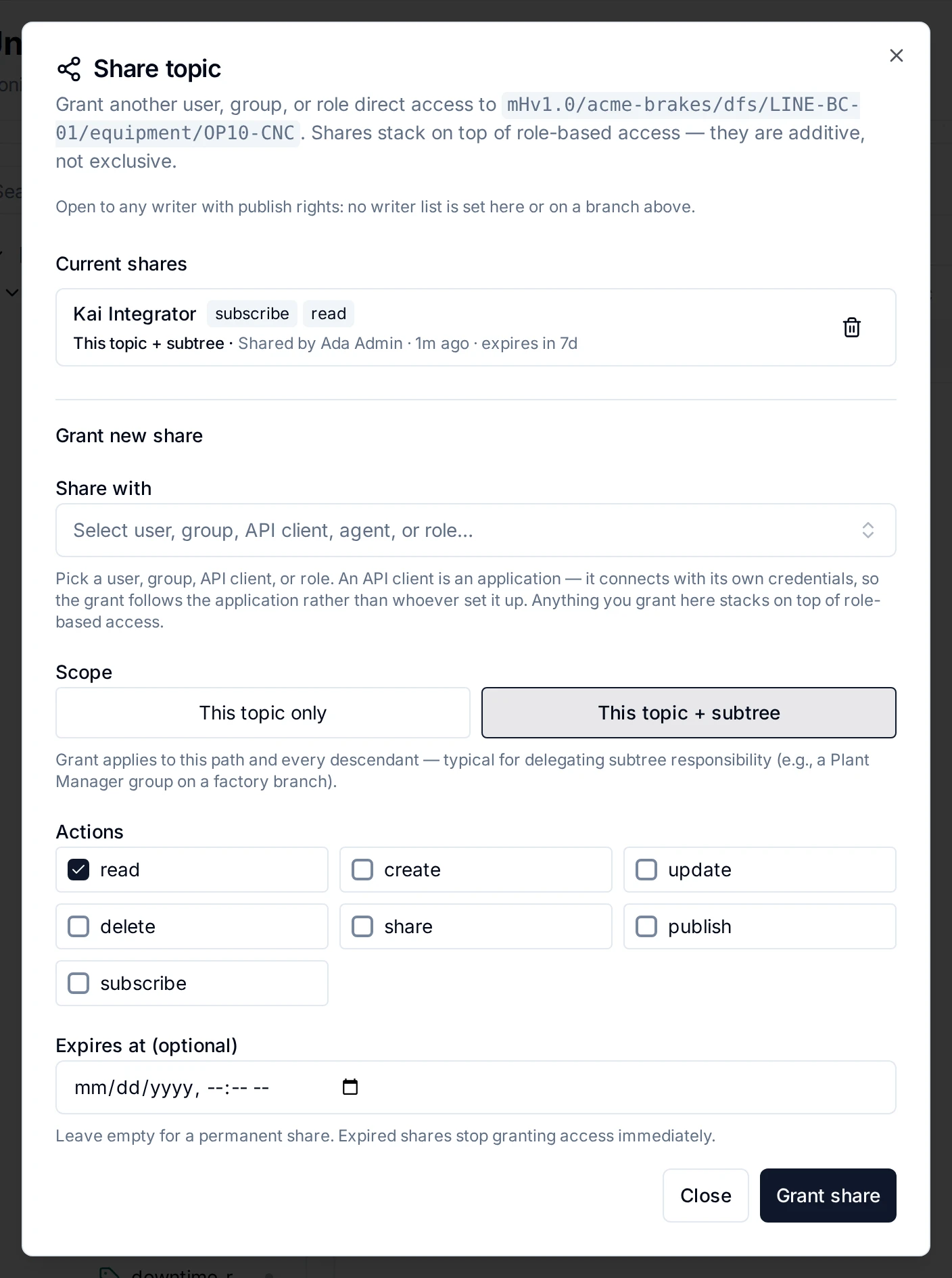
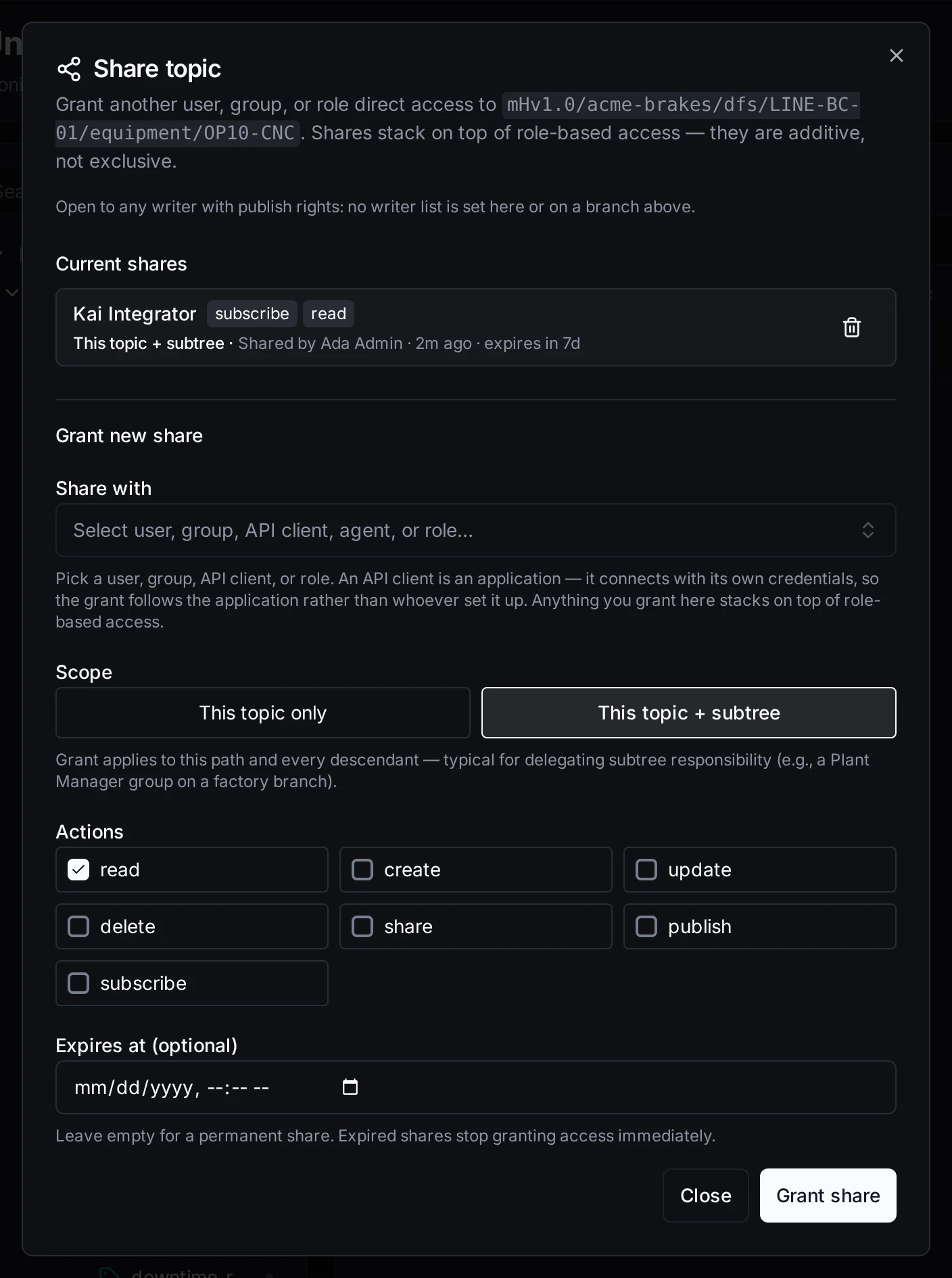
Kai's share of the OP10-CNC branch, ending in a week
2. The line lead governs their station
The situation. Lena leads the OP40 end-of-line test station. People ask her, not Ada, whether they may see the leak test results, and she should be able to say yes herself.
The setup. Ada makes Lena the steward of the OP40-TEST branch.
What happens. Kai wants to compare his cycle times with the leak test, so he requests View on …/OP40-TEST/process/leak_rate. The request goes to Lena, the nearest steward, not to Ada. Lena approves it until Friday. Kai gets a share for exactly that topic, and it shows on his Expiring tab like the others. If Lena is away, she can appoint a sub-steward for part of the branch, and when she leaves the role, her open requests move to the next person who can decide them.
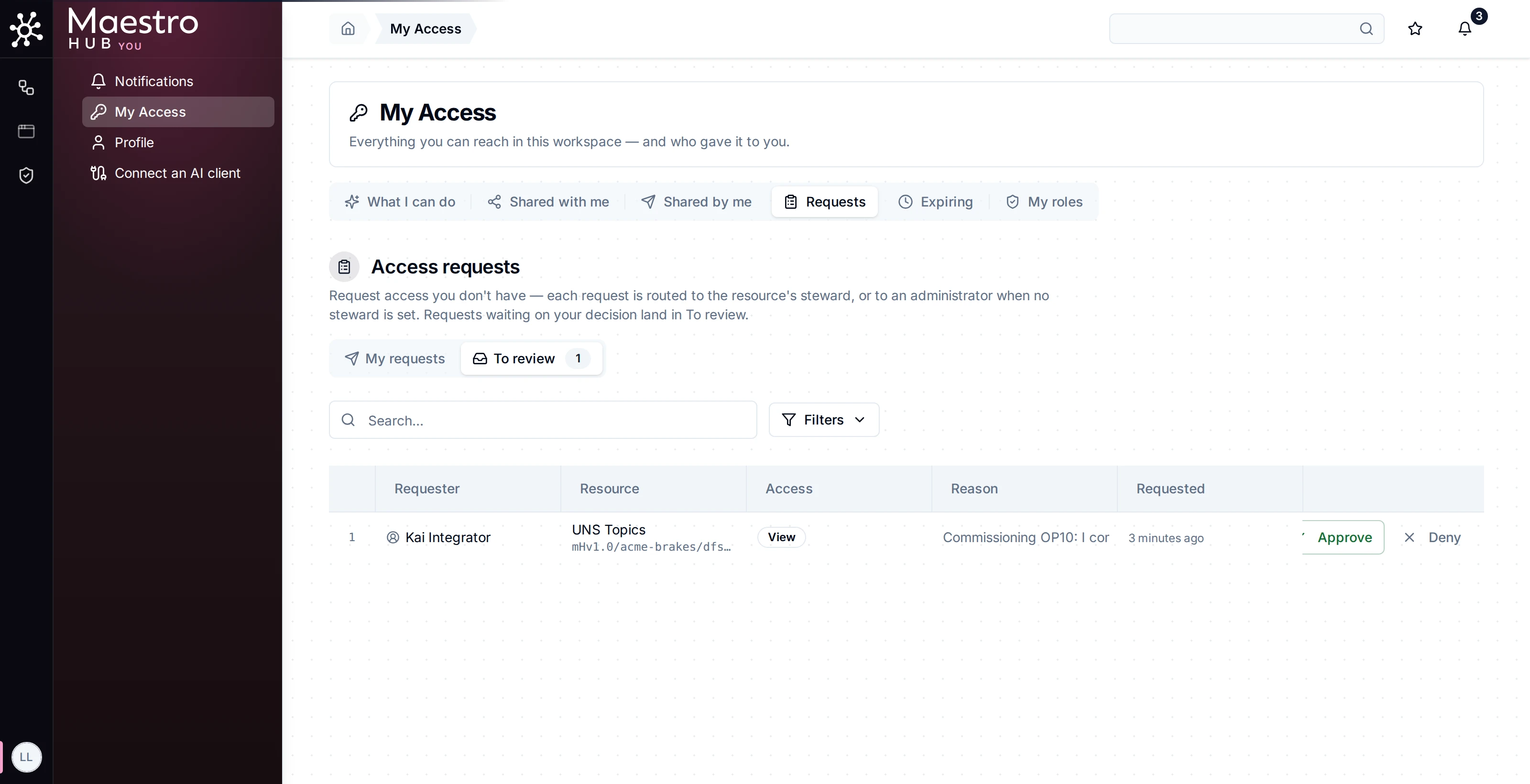
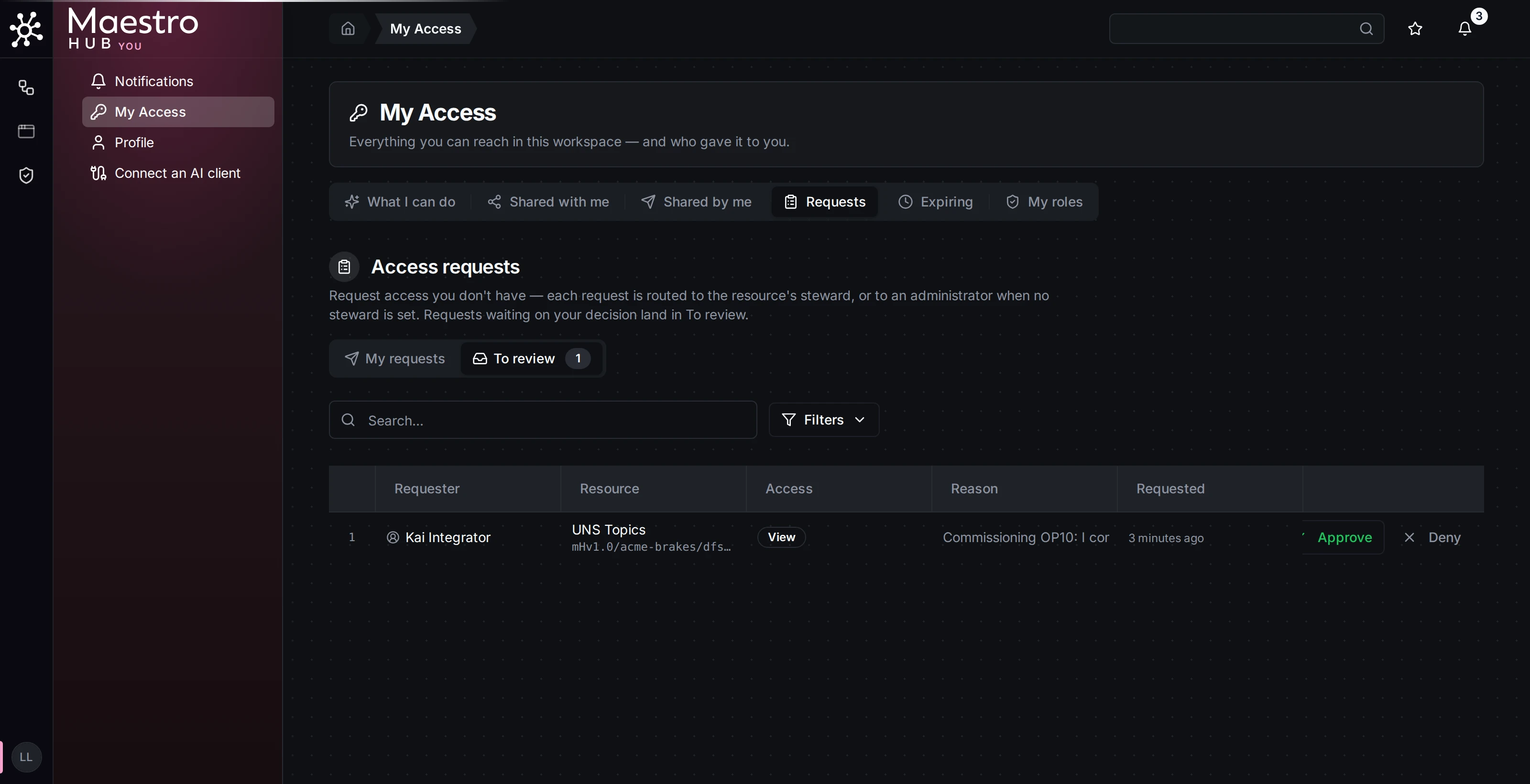
Kai's request lands with the steward of OP40-TEST
3. Data hidden from a team
The situation. The ERP connection carries prices and customer data. The quality inspectors' group holds roles that read every connection, and that is right for everything except this one.
The setup. Ada opens Access denials… on the Caliperline-ERP-API connection and denies the OP40-Quality-Inspectors group View, with the reason Commercial ERP data is for finance and purchasing, not the shop floor.
What happens. Ana and Omar, both in the group, no longer see the connection. Their Connect page says one connection is hidden by an access policy. Their roles did not change, and a new inspector added to the group is covered too. A deny wins over every grant, so sharing the connection to one of them later would not undo it; Ada lifts the deny, or narrows it, instead.
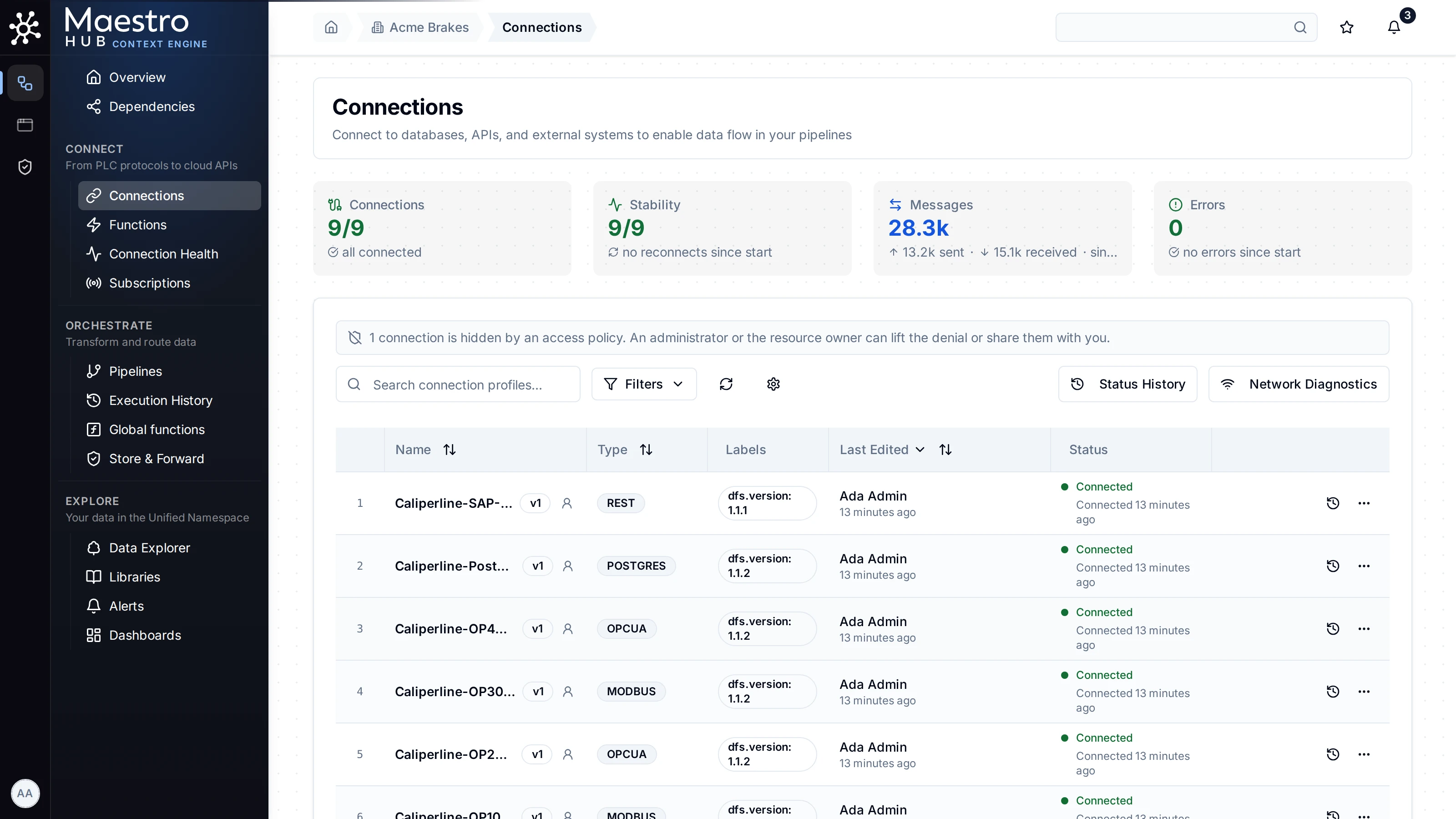
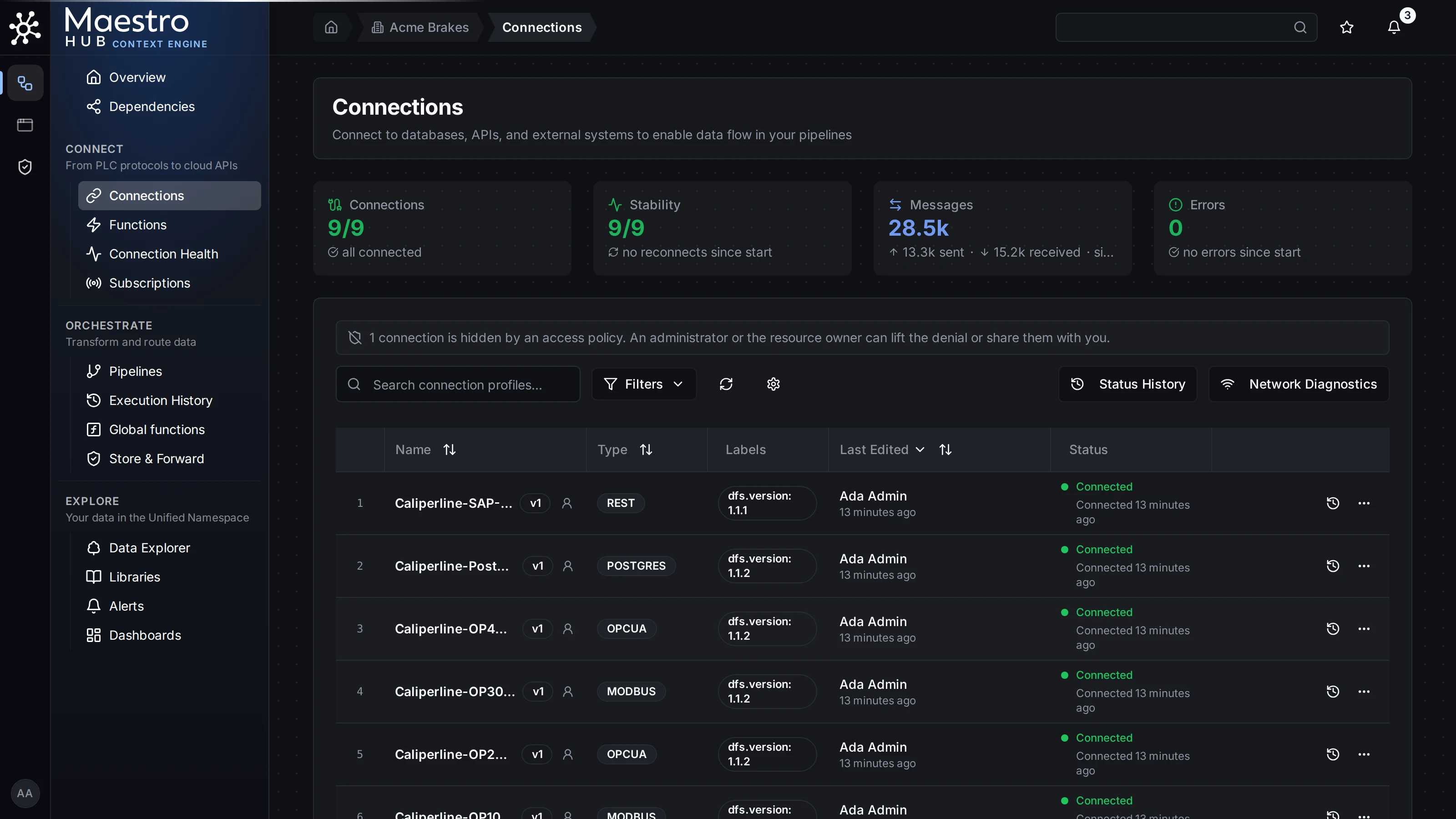
What Ana sees
4. The night shift
The situation. At 02:40 a power dip leaves the OP20-CNC connection hung. Omar, on the night shift, may read connections but not restart them, and nobody with that right is awake.
The setup. The instance allows break-glass into Connect.Editor (modules.authz.breakGlass.allowedRoles). Ada creates a custom role On call holding break_glass:elevate and gives it to the Night-Shift group, which Omar is in.
What happens. Omar opens My Access → Emergency access, elevates into Connect Editor for an hour and writes why. He restarts the connection. Everyone who reads the audit trail is alerted with his reason, every action he takes is recorded, and after the hour the role is gone. See Break-glass.
5. The auditor
The situation. Rita from quality assurance reviews, every month, who was given access to what.
The setup. Ada gives Rita the Compliance Auditor role. It holds reading and exporting the audit trail, and nothing else.
What Rita sees. In the audit trail every access change is a record: shares and unshares, stewards appointed and removed, denies written and lifted, requests filed, approved and denied, grants that expired or were renewed, break-glass elevations, role and group changes. Each record names the person who acted, and the token if one was used. She exports the month for the quality file. See Audit Trail.
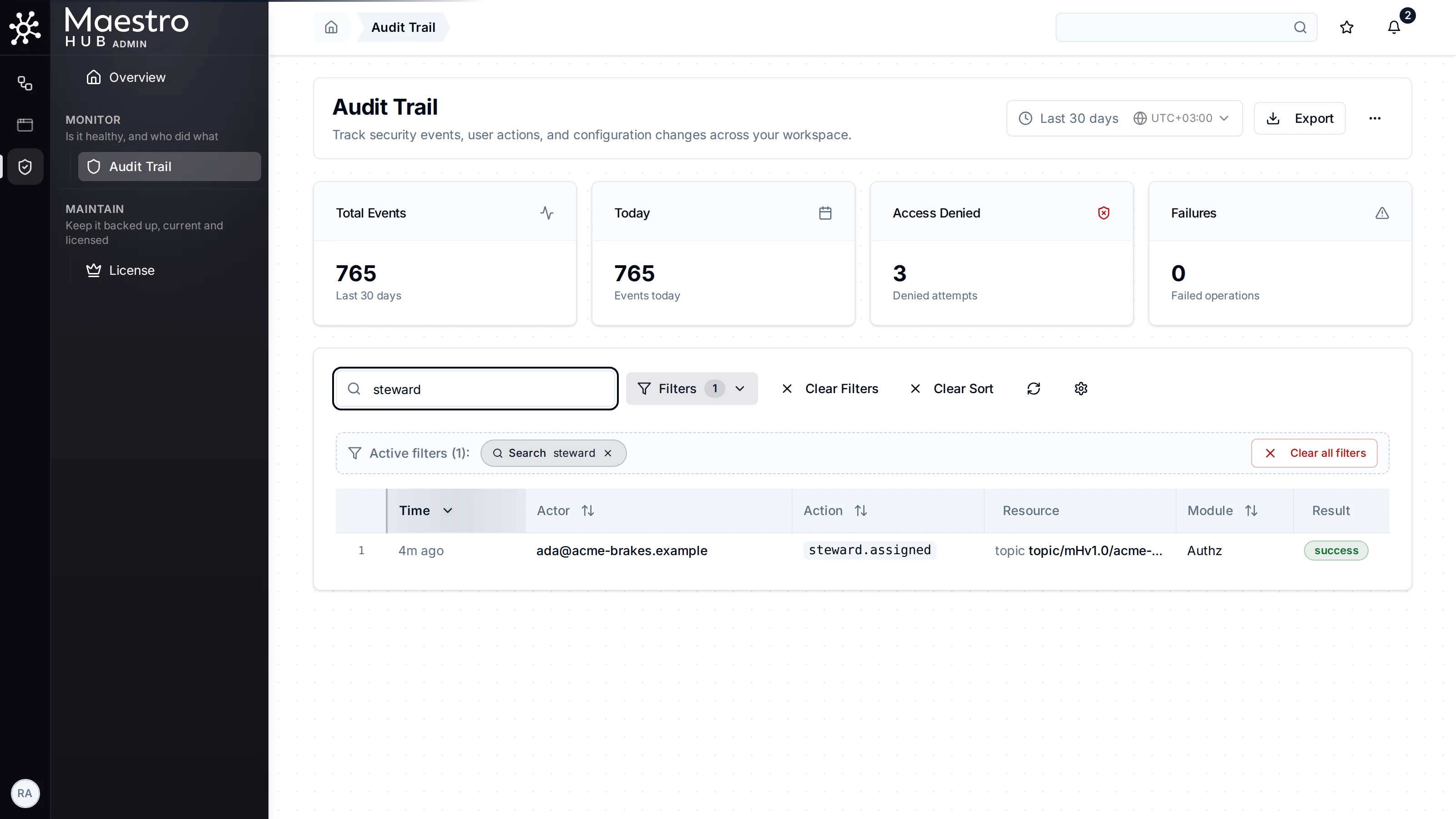
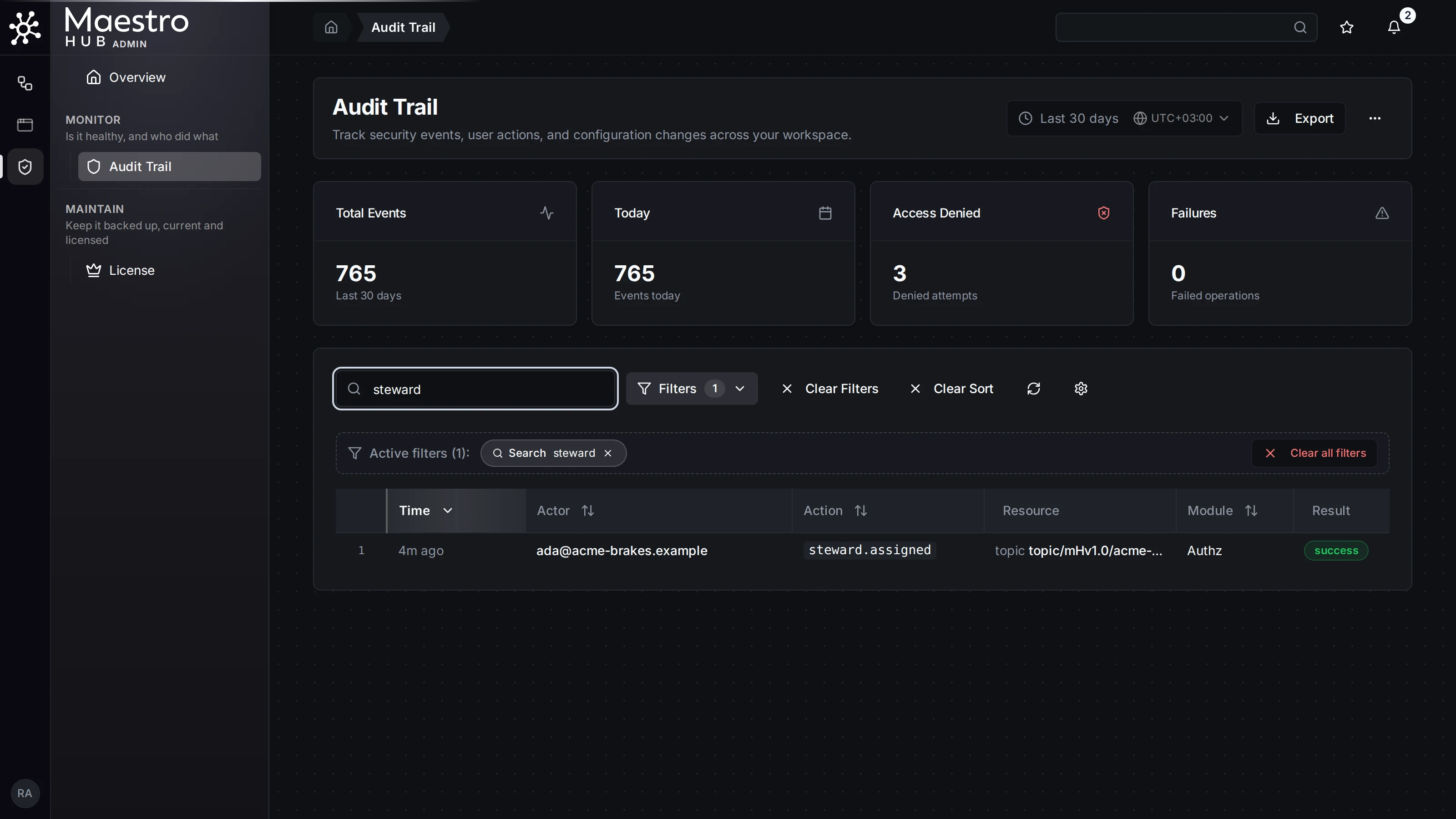
Access changes in the audit trail