Stewardship
Let the person who knows a part of the plant govern its part of the namespace.
- Applies to
- Topic branches
- Where
- Data Explorer › right-click › Assign steward…
- Appoint needs
- topic:share on the branch
- Licence feature
- Advanced Access Control
A steward has full authority over one branch of the Unified Namespace and everything under it, including topics created there later. The line lead of OP40 knows who should see the end-of-line test results; as the steward of the OP40-TEST branch they decide that themselves, without asking a workspace administrator each time.
What a steward can do
On their branch, a steward can:
- Share topics, and revoke shares.
- Write and lift deny rules, within the rules for who may deny whom.
- Decide access requests for the branch. Requests for a topic go to the nearest steward above it.
- Appoint sub-stewards for a part of the branch, and remove them.
- Close the branch to new topics, and set its writer list.
- Read, create, update, delete, publish and subscribe to every topic in it.
A steward's authority stops at the branch. A steward of …/OP40-TEST has no say over …/OP30-WASH.
Appoint a steward
You appoint a steward when you hold topic:share on the branch: a workspace administrator for any branch, a steward for a branch under their own. You don't need to hold everything a steward gets yourself.
- In the Data Explorer, right-click the branch and choose Assign steward….
- Under Add a steward, pick a user, a group or a role. A group is the better choice for a team: people join and leave it without anyone touching the stewardship.
- Click Add steward.
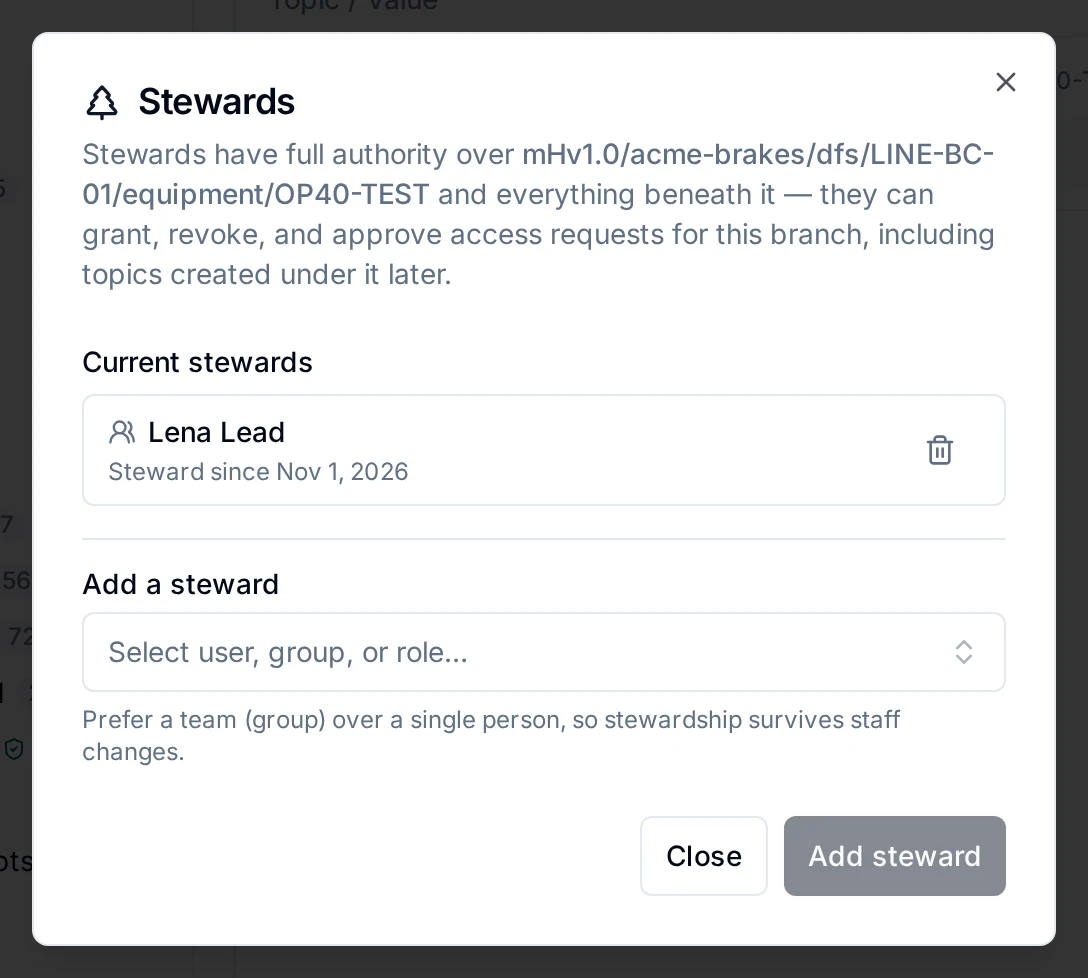
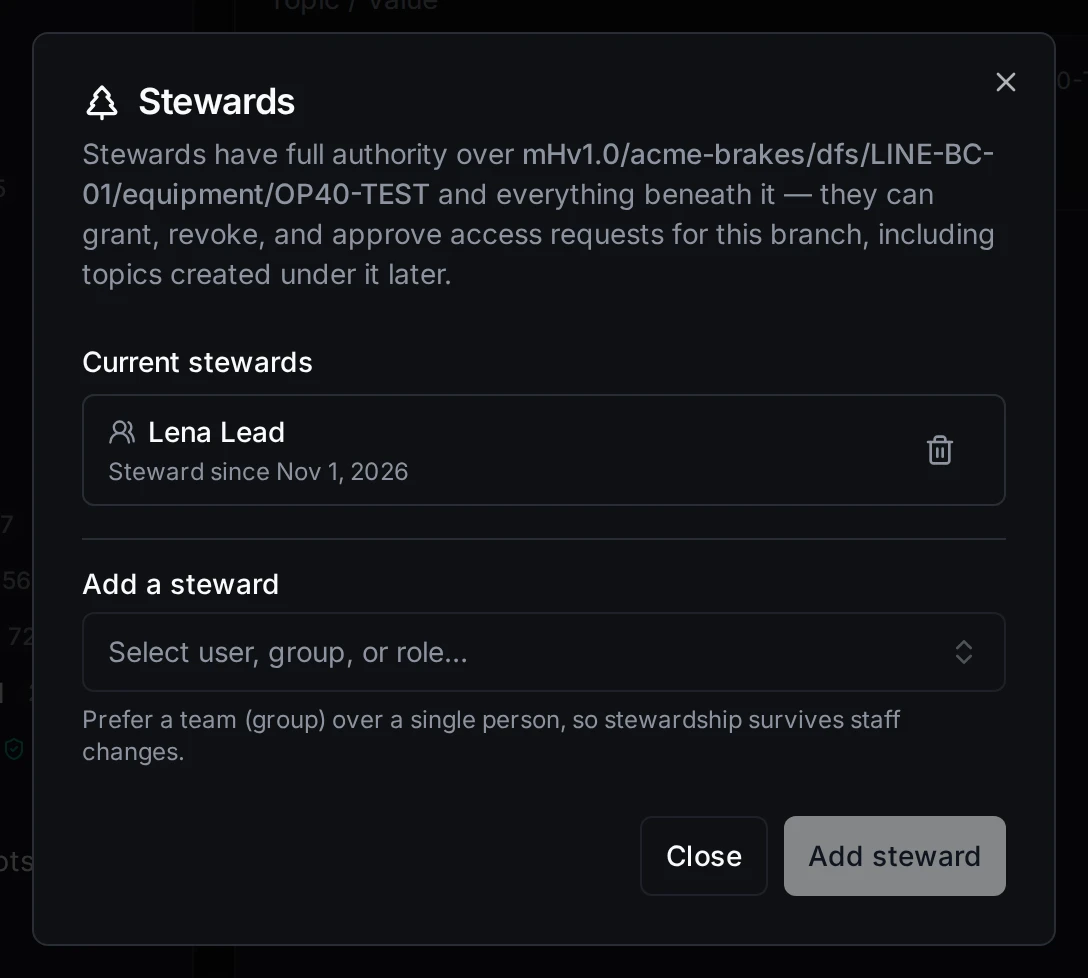
The stewards of a branch, and the form to add one
A user must be a member of the workspace. API clients and agents cannot be stewards: governing access needs a person.
To remove a steward, click the revoke icon on their row. Requests waiting for them move to the next person who can decide them. Removing a steward works on every licence.
See who stewards a branch
A stewarded branch shows a shield badge in the topic tree. Click it for the list of stewards; people who may govern the branch also get Manage stewards….
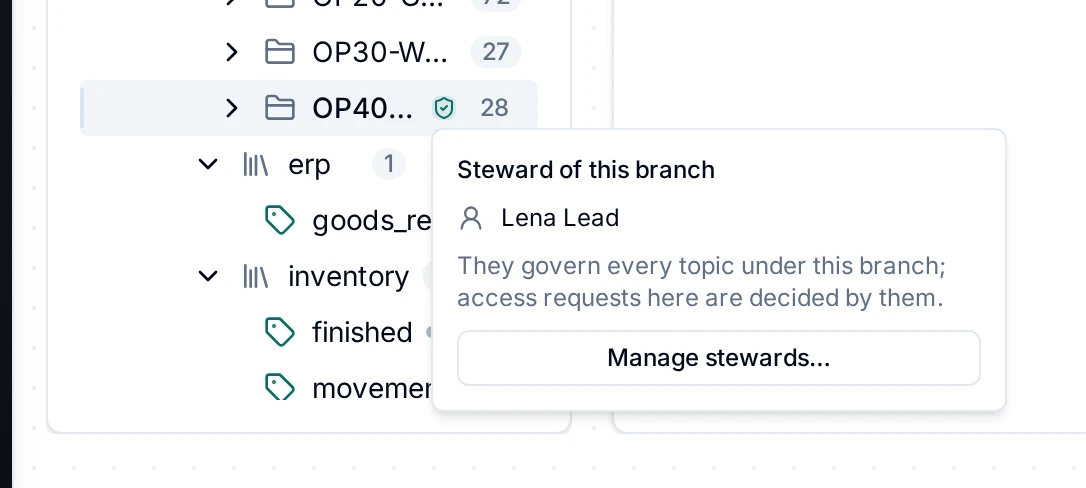
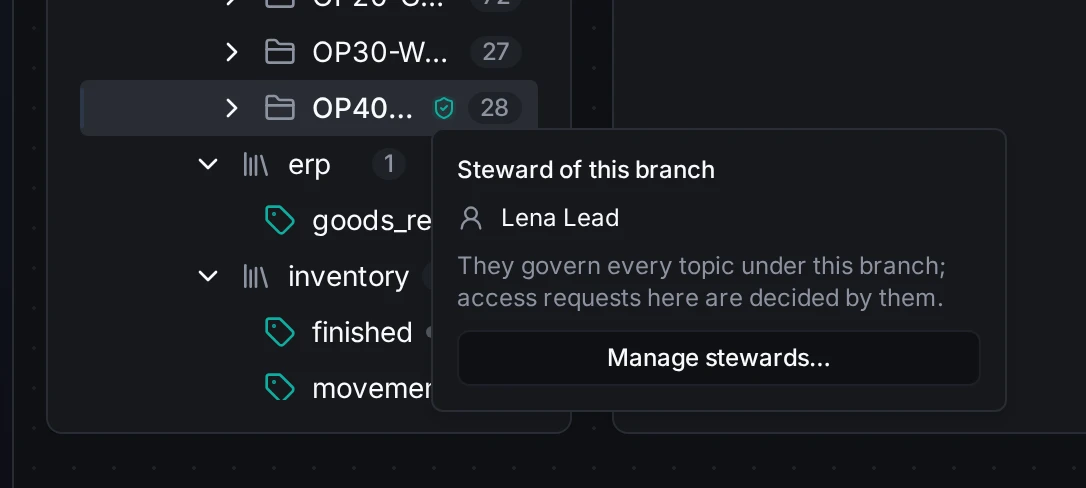
The steward badge on a branch, and who stewards it
To change the stewards of many branches at once, select them in the tree and click Stewards in the selection bar.
Closed to new topics
A steward can close a branch to new topics: right-click the branch, Close to new topics. Under a closed branch nothing new appears, neither from a publish to an unknown path nor from an explicit create, except by people who hold topic:share there (its stewards and administrators). Existing topics keep receiving data. The branch shows a lock icon; Open to new topics reopens it. A branch cannot be reopened while a branch above it is closed.
Writers
A steward can limit who publishes under a branch: right-click it, Close to other writers…. Only the subjects on the list may publish there, whatever else they hold: users, groups (their members), API clients, agents, pipelines, schedules, webhooks and apps. A role cannot be listed. An empty list admits nobody; Open to all writers removes the list.
Lists only narrow. A writer must be on every list from the topic up to the top, and a list that names someone kept out above is refused. Sharing publish to someone does not get past a writer list.
The writers dialog also shows who has been writing to the branch recently, so a list can be built from what the plant actually does.
Without the licence
Appointing a steward needs Advanced Access Control. Stewards appointed before a downgrade keep their authority, and can still be removed. Closing a branch and setting its writer list need topic:share on the branch and work on every licence.