Seeing who has access
Answer “why can't I?” and “who else can?” without reading role definitions.
- For yourself
- Explain my access · My Access
- For a resource
- Who has access
- Licence
- Every edition (Via roles needs Advanced Access Control)
Explain my access
In the Data Explorer, right-click a topic and choose Explain my access…. Pick an action, such as View or Publish, and the dialog says whether you can, and what decided it:
| Cause | Meaning |
|---|---|
| A role | One of your roles grants it. Your roles in the workspace are listed. |
| Ownership | You own the resource. |
| A share | Something was shared with you, or you steward the branch. |
| A deny | A deny rule blocks you, whatever else you hold. |
| No grant | Nothing you hold gives it. |
It names the kind of rule, not the individual share or deny. For a topic it takes the branches above into account, so a share or deny on a parent counts. For a resource you can't see at all, the answer is that it reads as not found, so the dialog does not reveal whether a hidden topic exists.
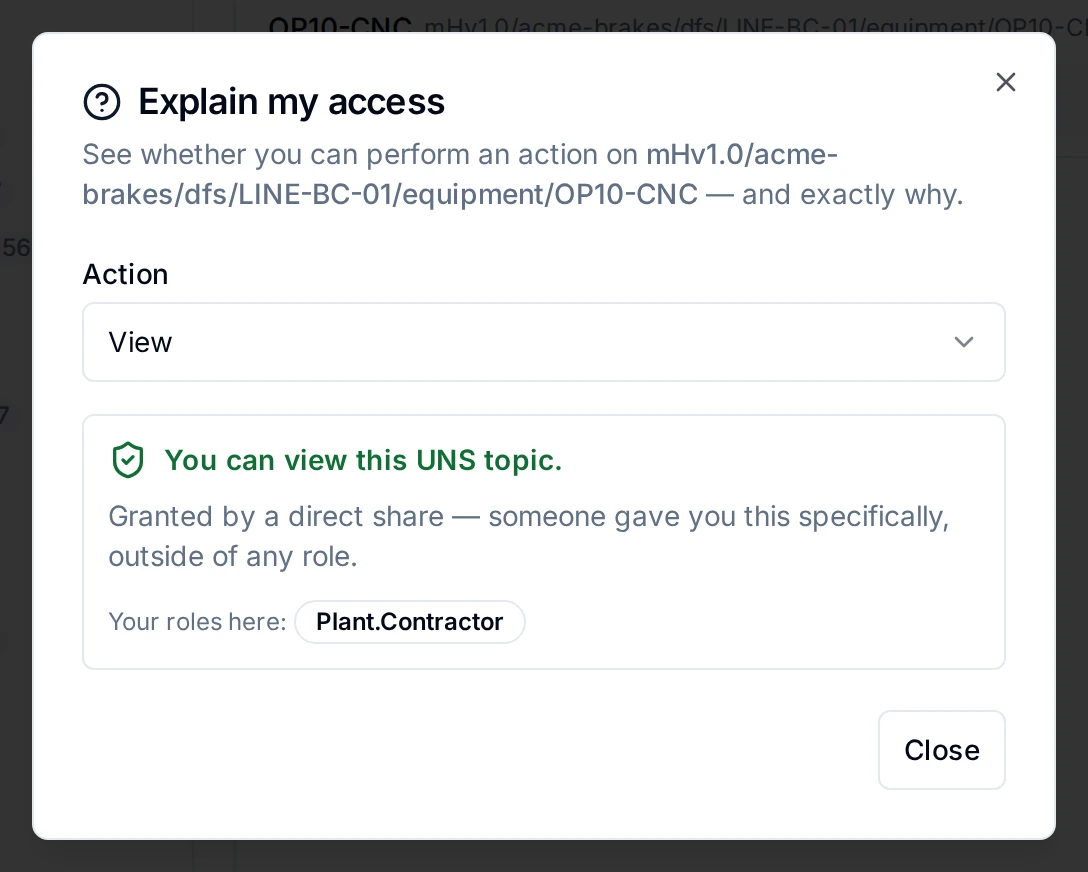
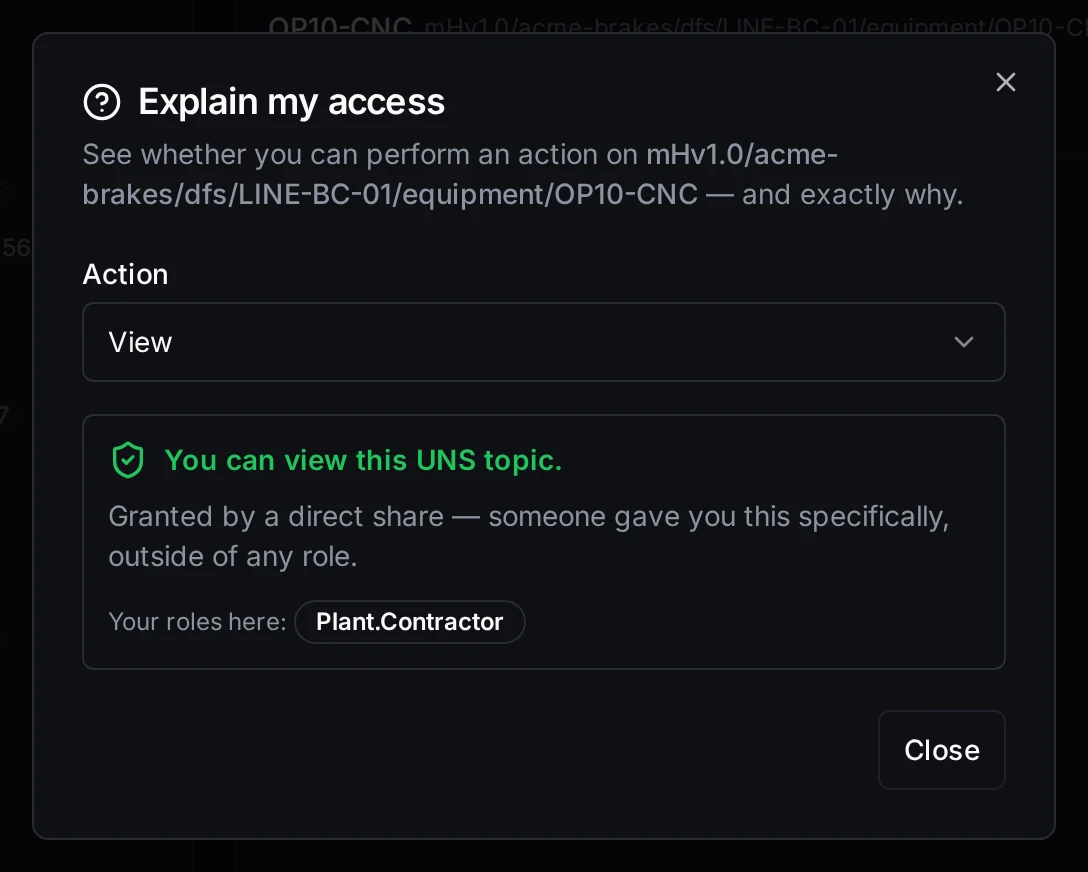
Why Kai can view the OP10-CNC branch
Explain my access works on every edition. Through the API, POST /api/v1/authz/explain answers the same question for any resource type, and a Workspace Administrator can ask it for someone else (authz:explain).
Who has access
Open Who has access… from a topic's right-click menu, or from the ⋮ menu of a connection, pipeline or dashboard. The item is there for people who may share the resource. The dialog lists, in order:
| Section | What it shows | Who sees it |
|---|---|---|
| Owner | Who owns the resource. Topics have no owner. | Anyone who may read it |
| Stewards | The branch's stewards, its own and from branches above (topics) | |
| Shares | Each share: to whom, which action, the scope, and until when | People who may share it |
| Via roles | Everyone whose roles in this workspace grant an action, which you choose; platform administrators are marked | People who may read the audit trail, with Advanced Access Control |
| Active denies | Each deny, with its reason | People who may share it |
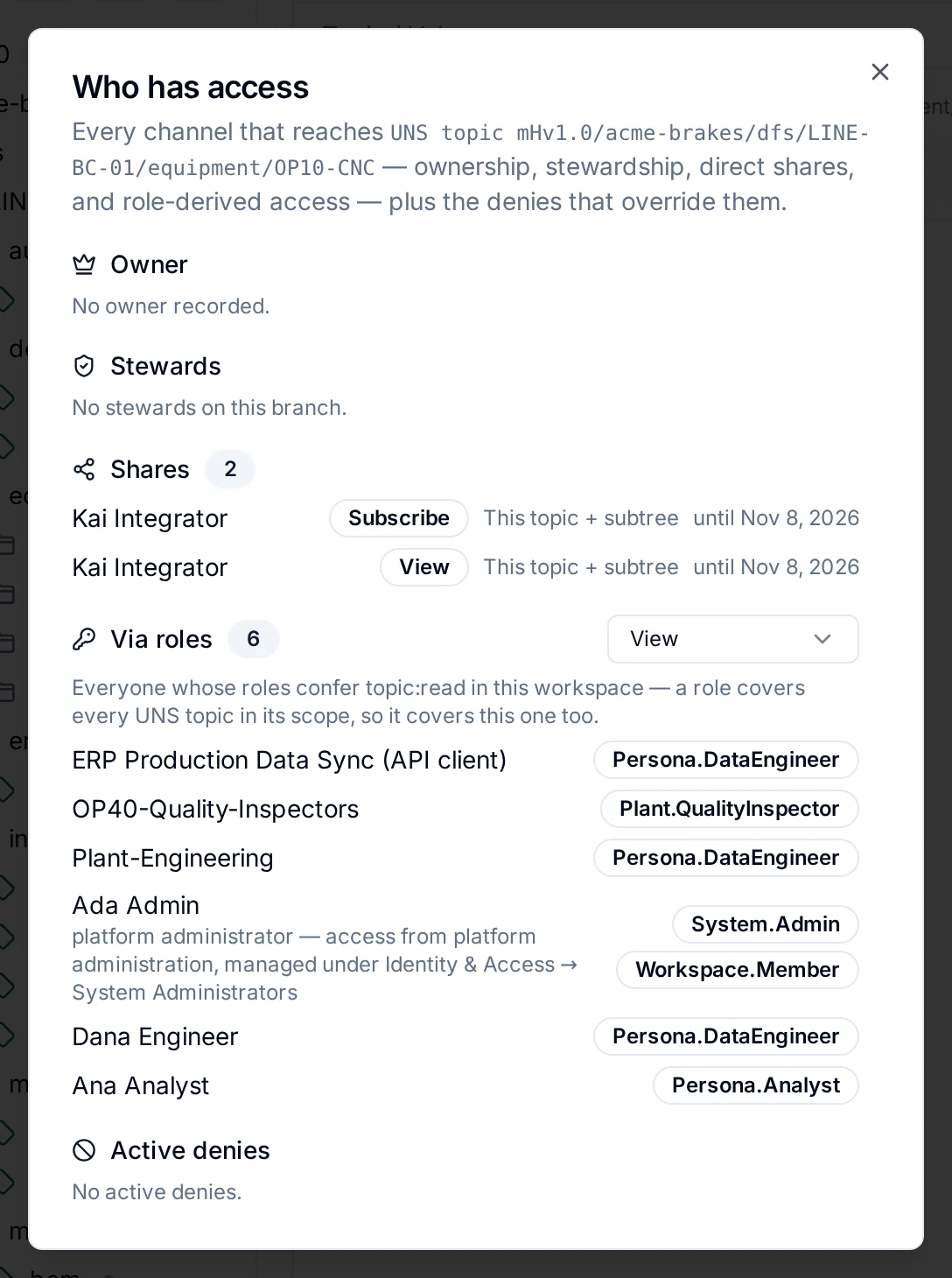
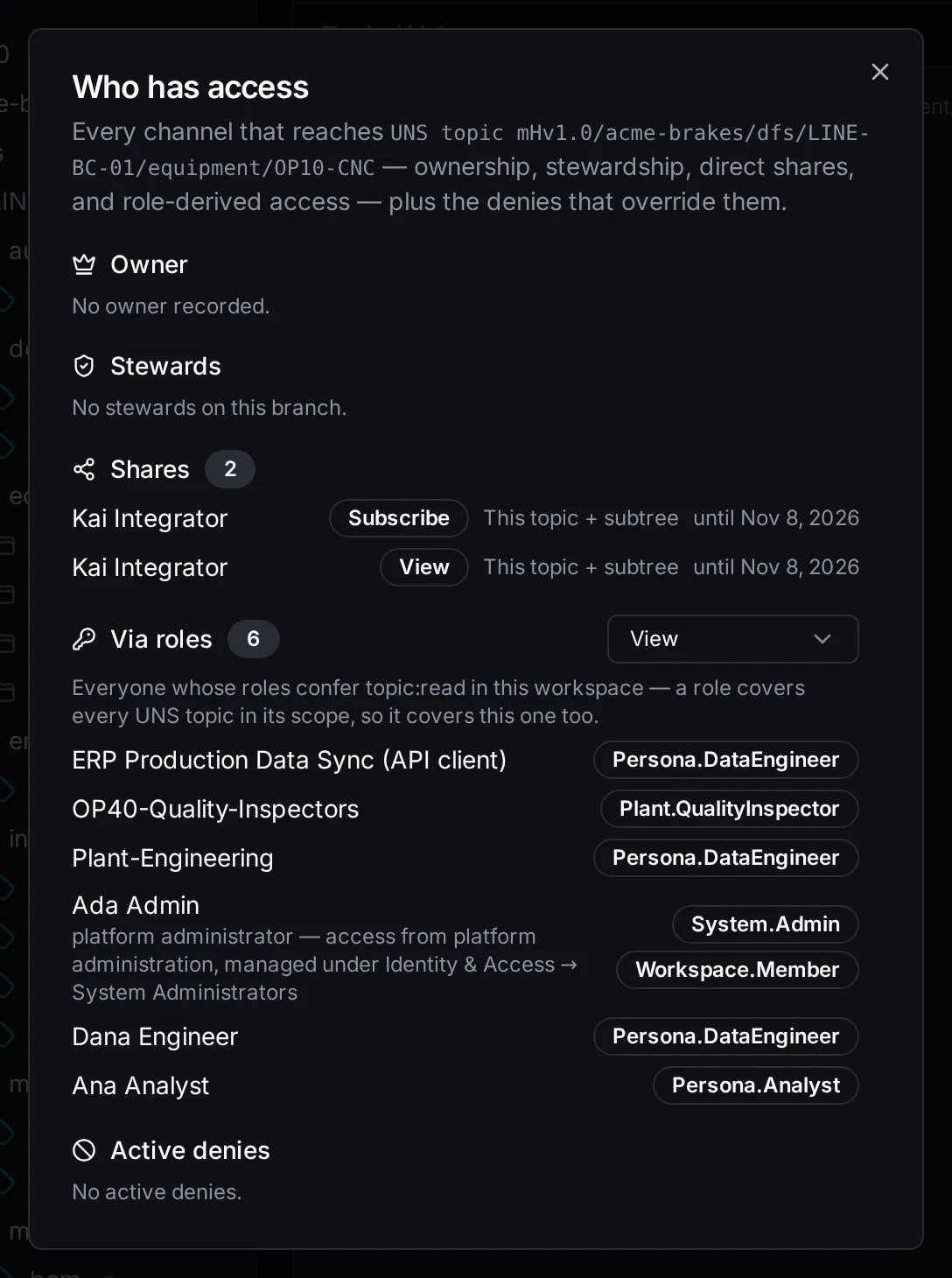
Everyone who can reach the OP10-CNC branch, and how
A section you lack the permission for says which one you would need. On Foundation, Via roles points to Identity & Access → Roles, where each role's holders are listed.
My Access
My Access (in the sidebar under You, or the profile menu) is your own access, in one place:
| Tab | What it shows |
|---|---|
| What I can do | What your roles, and your groups' roles, let you do in the workspace. Turn on Show permissions I don't have to see the rest of the catalog: a verb on a resource that can be shared gets a Request button, which fills in an access request; a verb only a role gives says to ask an administrator. Access shared with you on one resource is on Shared with me. |
| Shared with me | What was shared with you directly: who shared it, when, until when. Shares to a group you are in are not listed here. |
| Shared by me | What you shared, and with whom. |
| Requests | Your access requests, and the requests waiting for your decision. See Access requests. |
| Expiring | Grants that end, yours and those you gave, with whether you may renew them. See Time-bound access. |
| My roles | Your roles, direct and through groups, who assigned them and when they expire. A role the licence no longer includes is marked inactive. |
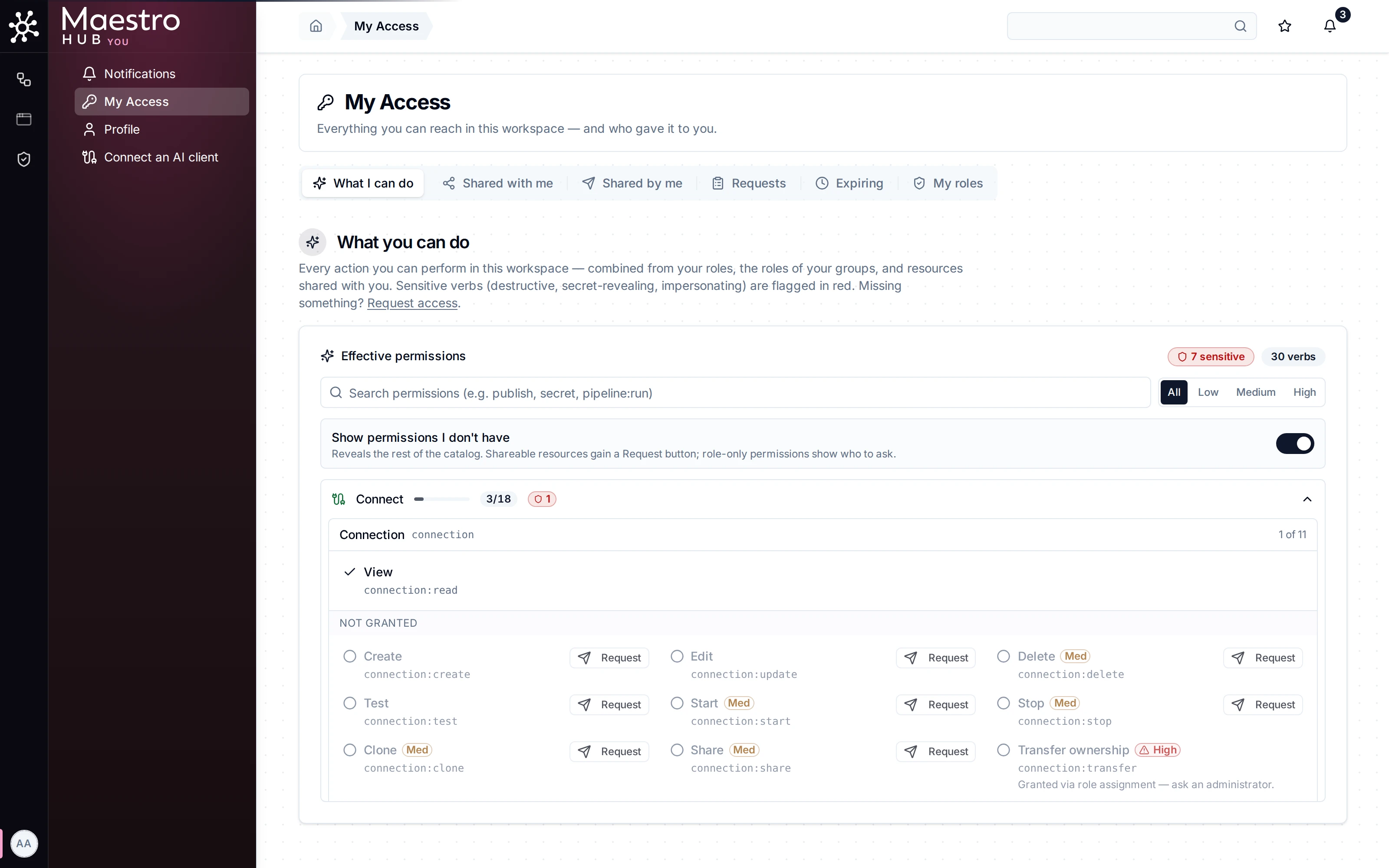
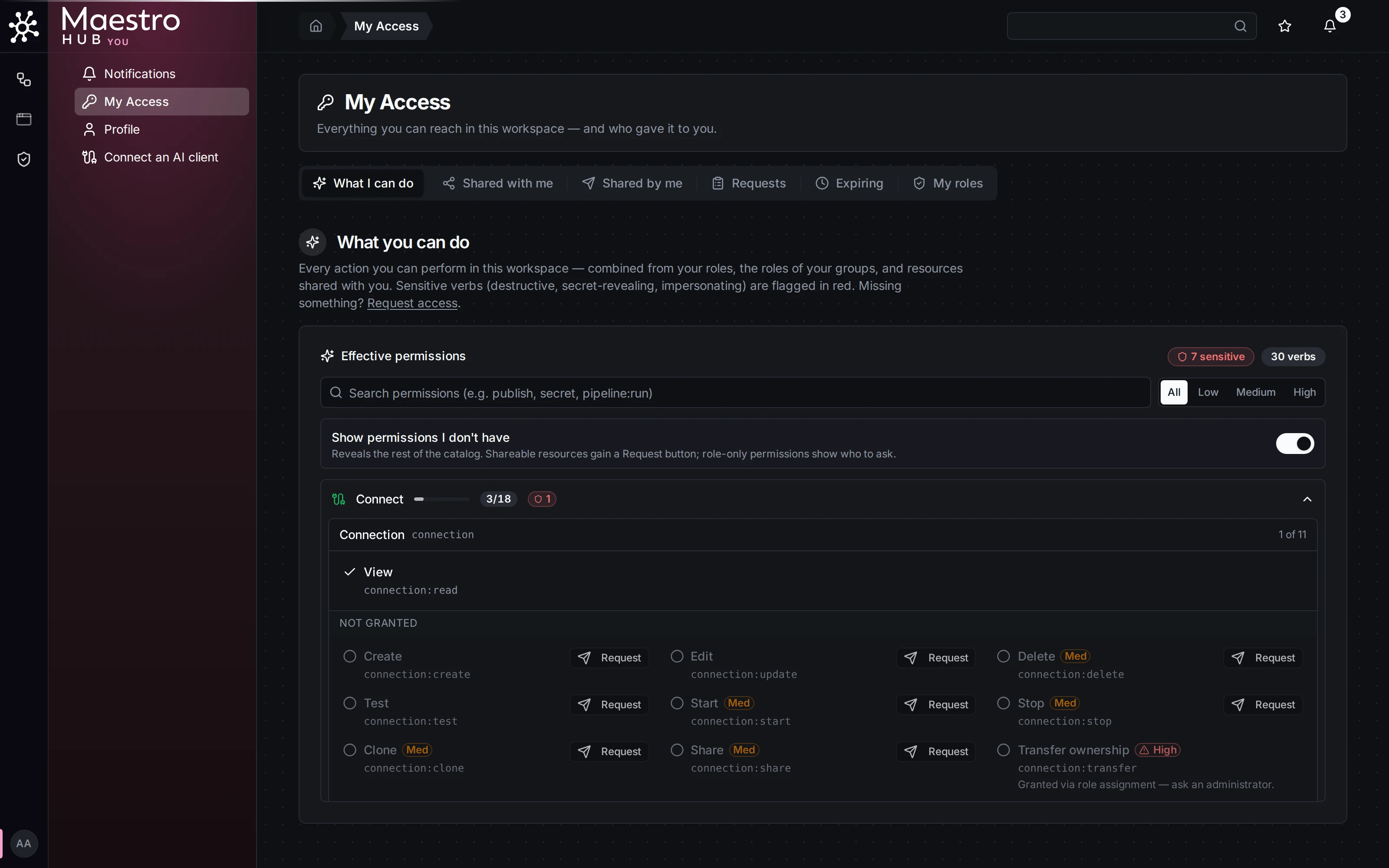
What Ana holds, and how to ask for more
Hidden by an access policy
A list that leaves out something because a deny hides it says so, with the count: 1 connection is hidden by an access policy. An administrator or the resource owner can lift the denial or share them with you. See Deny rules.