Deny rules
Stop someone from reading or changing one resource, even when their role would let them.
- Where
- The resource’s menu › Access denials…
- Needs
- share on the resource
- Wins over
- Roles · shares · ownership · System Administrator
- Licence feature
- Advanced Access Control
A deny rule blocks a person, a group or everyone holding a role from some verbs on one resource. It overrides every grant: the person's roles, any share, a stewardship, ownership of the resource and even a System Administrator's full access. Use it to hard-stop access. For a routine change, revoking a share or changing a role is usually the better tool, because a deny stays in force until someone lifts it.
Write a deny
You write a deny on a resource when you hold share on it: its owner, a steward of its branch, a workspace administrator, or someone it was shared to with share.
- Open the resource's menu and choose Access denials…: a connection or pipeline row's ⋮ menu, a dashboard's menu in the dashboards list, or a topic's right-click menu in the Data Explorer.
- Under Deny, pick a user, a group, an API client or a role. A deny on a role blocks everyone who holds it now and everyone who gets it later; a deny on a group blocks its members.
- For a topic, choose the scope: This topic + subtree (the default) refuses on the topic and every topic under it, including topics added later; This topic only refuses on that topic alone.
- Tick the Actions to block.
- Enter a Reason. It is required, shown in the list of denials and kept in the audit trail.
- Optionally enter a Condition: the deny then applies only while the condition holds, for example
request.time_of_day < 6 || request.time_of_day >= 22outside the day shifts. The hour is read in UTC. The fields are the same as for shares with a condition. - Click Add denial.
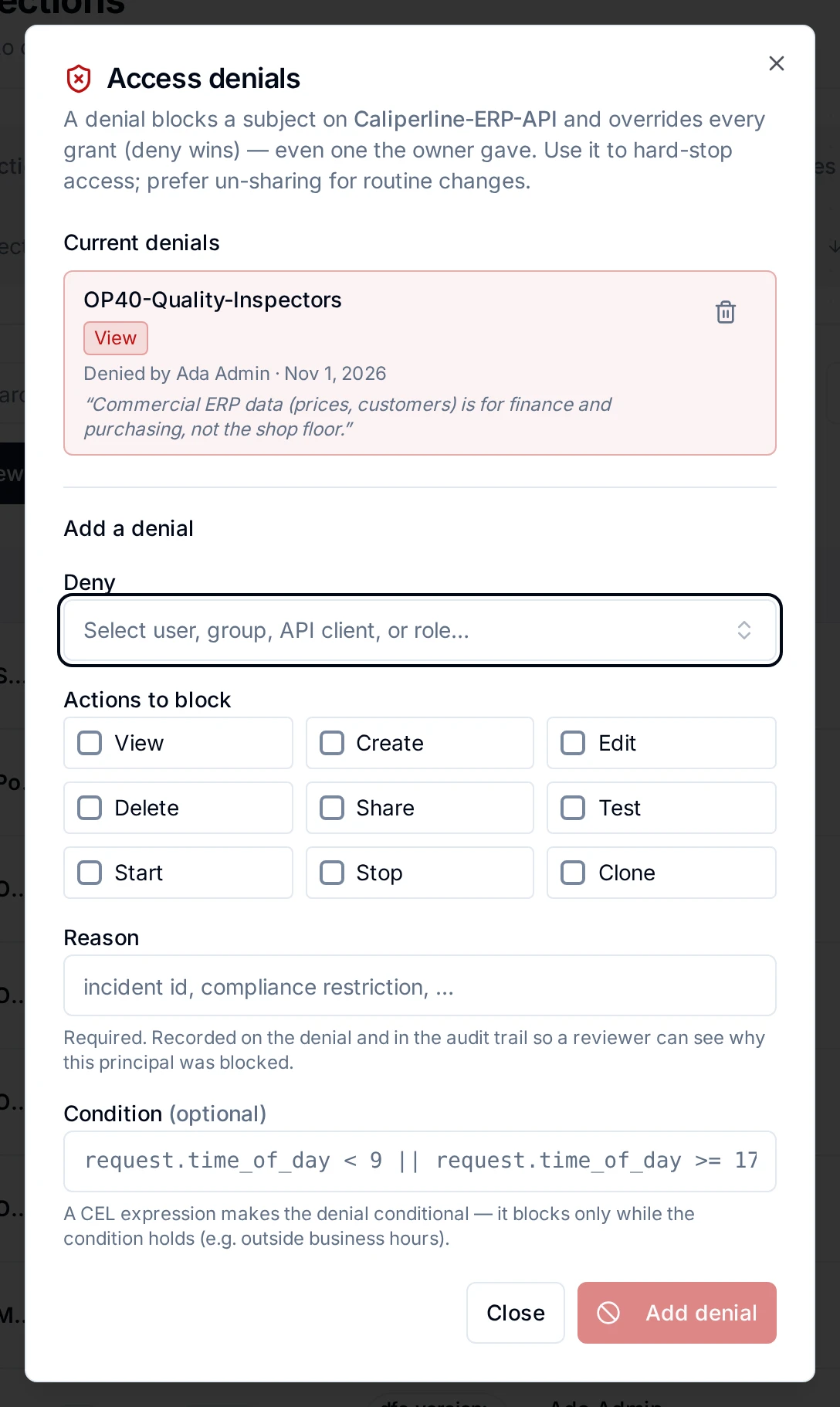
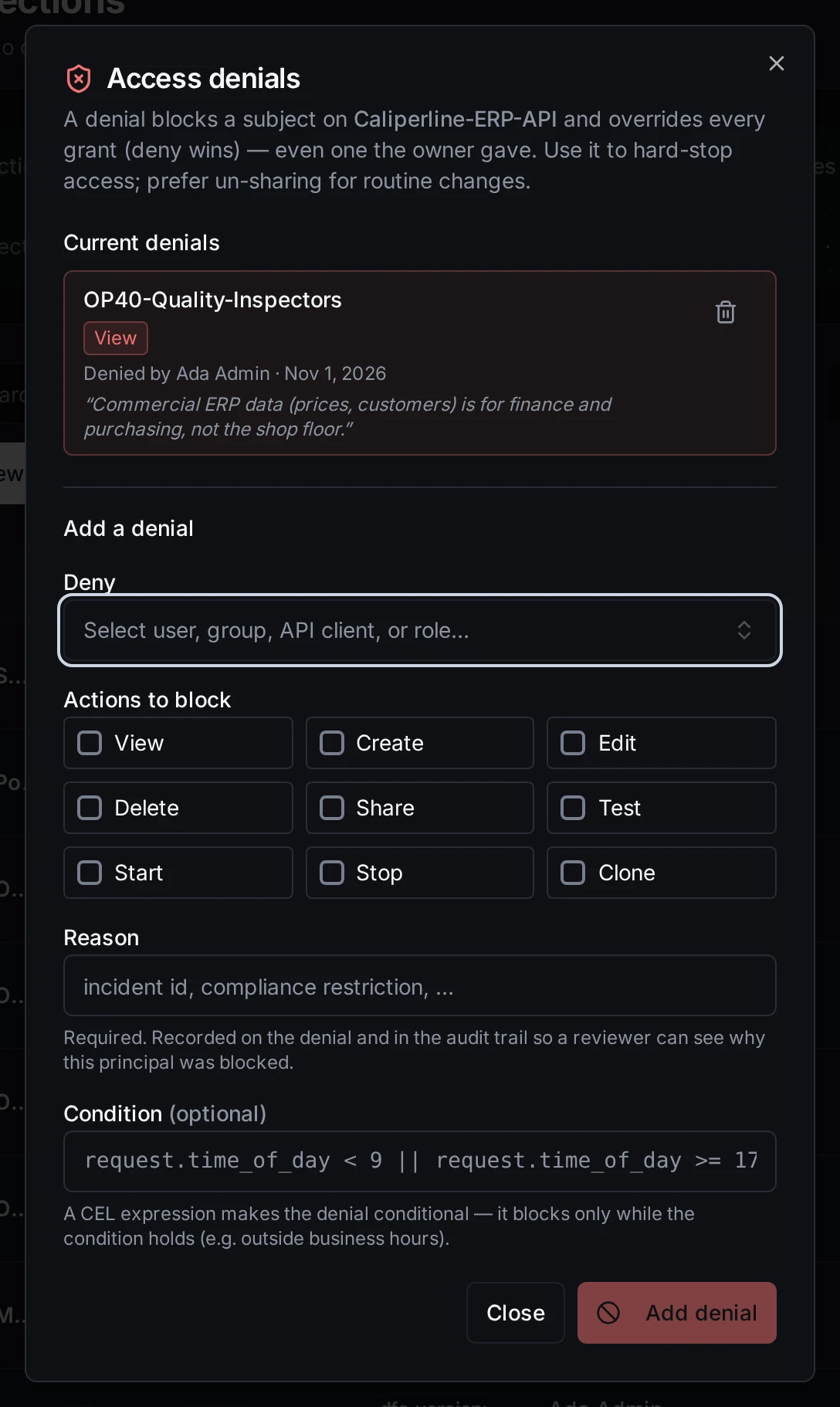
The denials on a resource, and the form to add one
Who may deny whom
Two rules keep a deny from being turned against the people who run the workspace:
- Only a workspace administrator may deny the resource's owner or an administrator. A deny on a group is checked for every member, through nested groups. Here an administrator is a Workspace Administrator of the workspace or a System Administrator.
- It holds later too. A deny on a group or a role that a non-administrator wrote cannot come to reach the owner or an administrator afterwards. Adding such a person to the group, giving them the role, letting a role they hold inherit it, making someone the deny reaches an administrator, or handing them ownership of the resource is refused with the deny named (
DENY_WOULD_REACH_PROTECTED), until a workspace administrator lifts or rewrites it. A deny an administrator wrote does not block these changes, and neither does a change the platform makes itself, such as break-glass or roles from single sign-on. - Nobody lifts a deny on themselves, or on a group they belong to, unless they are an administrator. Ask a workspace administrator.
A System Administrator can always list and lift denies on a connection, pipeline or dashboard, even one that denied them share, so a deny cannot lock the platform out of a resource for good. API clients and agents cannot write or lift denies.
Lift a deny
Open Access denials… and click the lift icon on the row. On a topic, a deny made on a branch above shows as managed on that branch; lift it there. Lifting a deny works on every licence.
What the denied person sees
- Denied read. The resource disappears from their lists. A list that hides something because of a deny says so: N connections are hidden by an access policy. An administrator or the resource owner can lift the denial or share them with you. The count includes only what a deny hid, not everything the person lacks. Opening the resource directly answers as if it did not exist.
- Denied another verb, read still allowed. They see the resource, and the denied action is refused when they try it.
- Topics. A topic denied for read disappears from their tree, and a subscription to a branch above it (
…/#) does not deliver it.
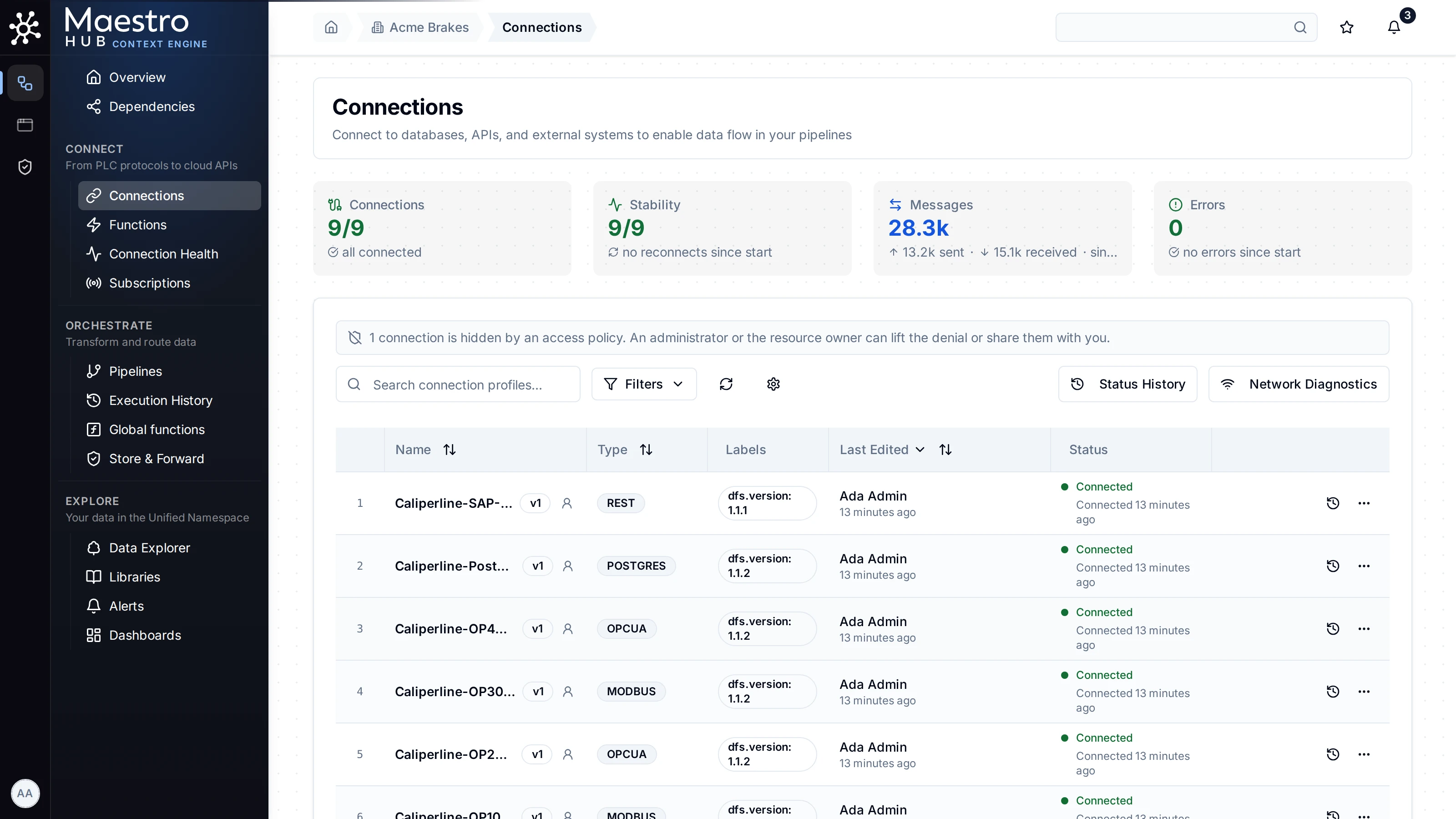
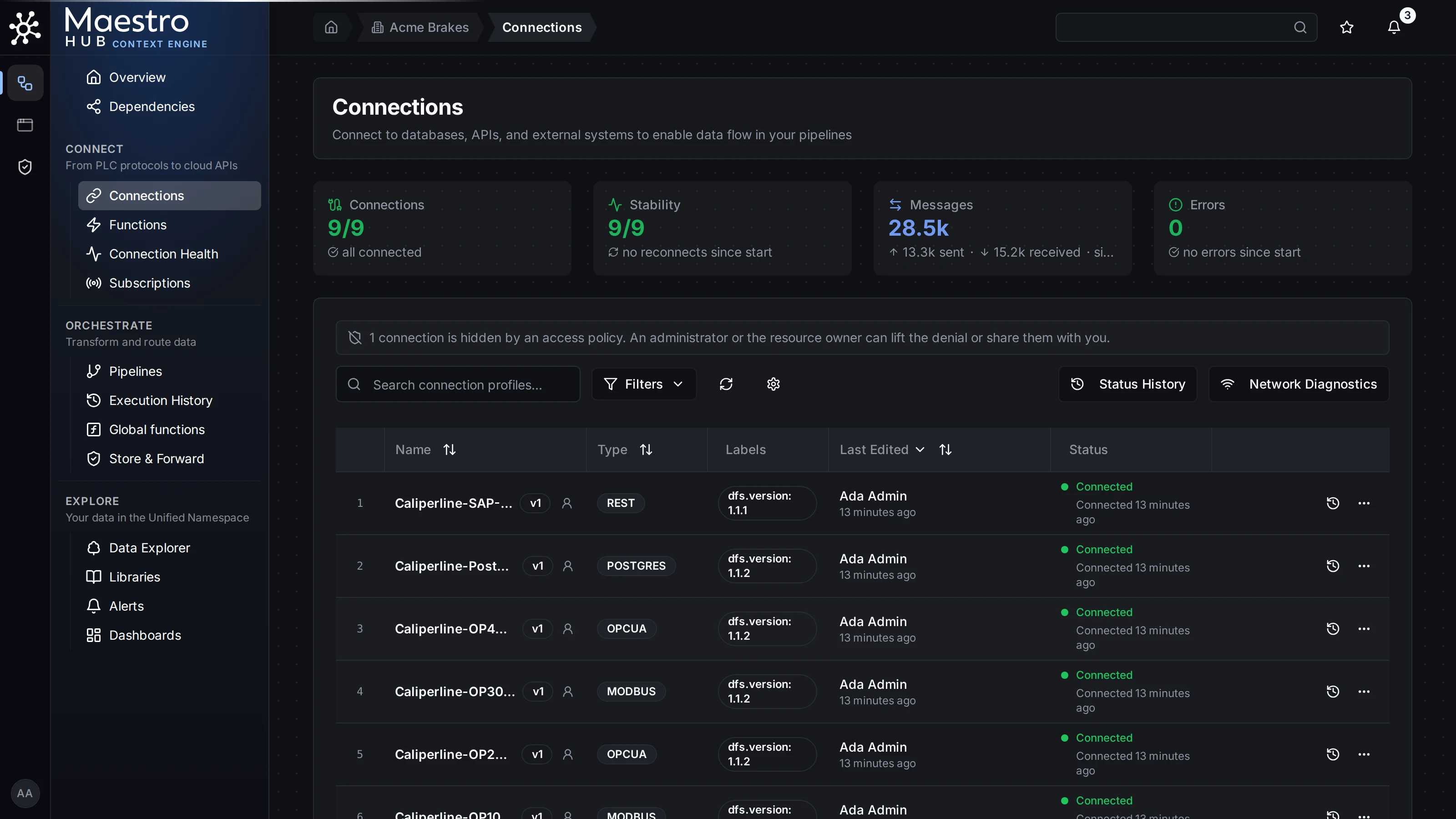
What a person denied read sees in a list
They can check why with Explain my access on a topic, which names a deny as the cause. See Seeing who has access.
Through the API
POST /api/v1/authz/resources/{type}/{id}/deny also takes an expires_at, between five minutes and one year from now, after which the deny is removed on its own. The dialog does not set one. A deny is never renewed: to extend it, write a new one.
Without the licence
Writing a deny needs Advanced Access Control. Denies written before a downgrade keep applying, including denies on pipelines, and can still be listed and lifted. The Access denials… item opens the list, captioned as remove only. See Licence changes.