Advanced Access Control
Give access to one resource, one branch of the namespace or one person for one week, and take it away from someone the roles would let in.
- Licence feature
- advanced_access_control
- Editions
- Enterprise · free trial
- Adds
- Shares · stewards · denies · requests · expiry · custom roles · groups
Every edition controls access with roles: a person holds a role in a workspace, and the role's permissions say what they may do there (see Users & Roles). Roles answer one question for a whole workspace: may a Plant Operator run pipelines? Advanced Access Control answers the narrower ones a plant asks every week:
- May the integrator from the machine builder read OP10-CNC, and nothing else, until Friday?
- Who decides access to the OP40-TEST branch when the workspace administrator is not around?
- Can the quality team stop seeing the ERP connection, whatever their role says?
- At 3 a.m., can the operator on call restart a connection their role does not let them start?
Advanced Access Control is the advanced_access_control licence feature. It comes with the Enterprise edition and the free trial. Foundation keeps role-based access control with the built-in roles.
How a decision is made
Every request, from the browser, the API, an MQTT client, a pipeline or an AI agent, is decided by the same rule:
what your roles allow, plus what was shared with you, minus what you were denied.
- Roles. The permissions of every role you hold in the workspace, directly or through a group.
- Grants on the resource. A share to you, to a group you are in or to a role you hold; a stewardship of a namespace branch; ownership of the resource. Grants only ever add access.
- Denies. A deny rule on the resource for you, a group you are in or a role you hold. A deny wins over everything above it: a role, a share, ownership, and the System Administrator's full access.
Topics are a tree. A grant or a deny on a branch reaches every topic under it, including topics created later, and it keeps applying when a topic is renamed, because it is kept on the topic's identity rather than its path.
A few rules hold whatever the grants say:
- People grant access, credentials do not. Sharing, appointing stewards, writing denies and deciding requests need a person. An API client, an agent or a pipeline is refused, even when its role holds the permission.
- You can only give what you hold. You share only verbs you hold yourself, and you assign only roles whose permissions you hold.
- Cloning needs read. A pipeline, connection, function, app or dashboard is cloned only by someone who may read it, whatever their role grants for cloning, because the copy carries the original's configuration.
How fast a change takes effect
A change to access is pushed to every part of the platform as it is made. Open browser sessions refresh their permissions within seconds, live data streams stop delivering what the person may no longer read, and a revoked token closes its open connections. A share with an expiry stops counting at its cutoff; a group membership or role with an expiry is removed within about five minutes of it (see Time-bound access).
What Advanced Access Control adds
| Part | What it does | Page |
|---|---|---|
| Feature roles | Connect, Automate, Data and Apps roles at Admin, Editor and Viewer level, Compliance Auditor, and the Fleet roles | Users & Roles |
| Custom roles | Roles you build from the permission catalog | Custom Roles |
| Groups | Grant roles to many people at once | Groups |
| Sharing | Give one person, group or role access to one resource | Sharing |
| Stewardship | Hand a namespace branch to someone who governs it | Stewardship |
| Deny rules | Take access away whatever the roles say | Deny rules |
| Access requests | Ask for access; the owner or steward decides | Access requests |
| Time-bound access | Shares and group memberships with an expiry, and renewal | Time-bound access |
Two parts work on every edition, because they never widen access by themselves:
- Seeing access: Explain my access, Who has access and My Access. See Seeing who has access.
- Break-glass: emergency elevation into a role the instance allows. See Break-glass.
How pipelines, agents and the AI assistant act under these rules is described in Pipelines, agents and tokens. What happens to each part when the licence changes is in Licence changes. Five stories from the demo plant put the parts together in Use cases.
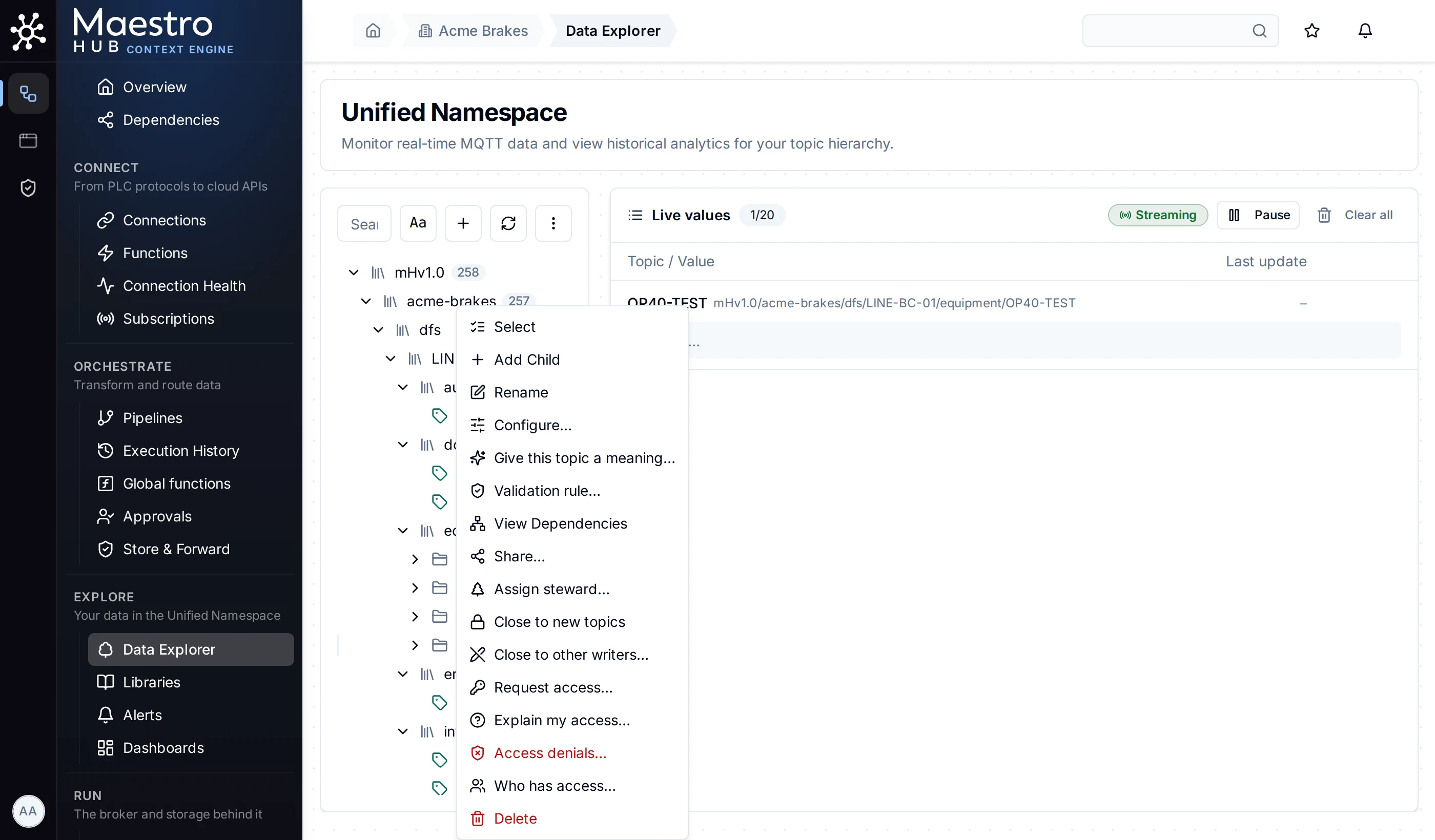
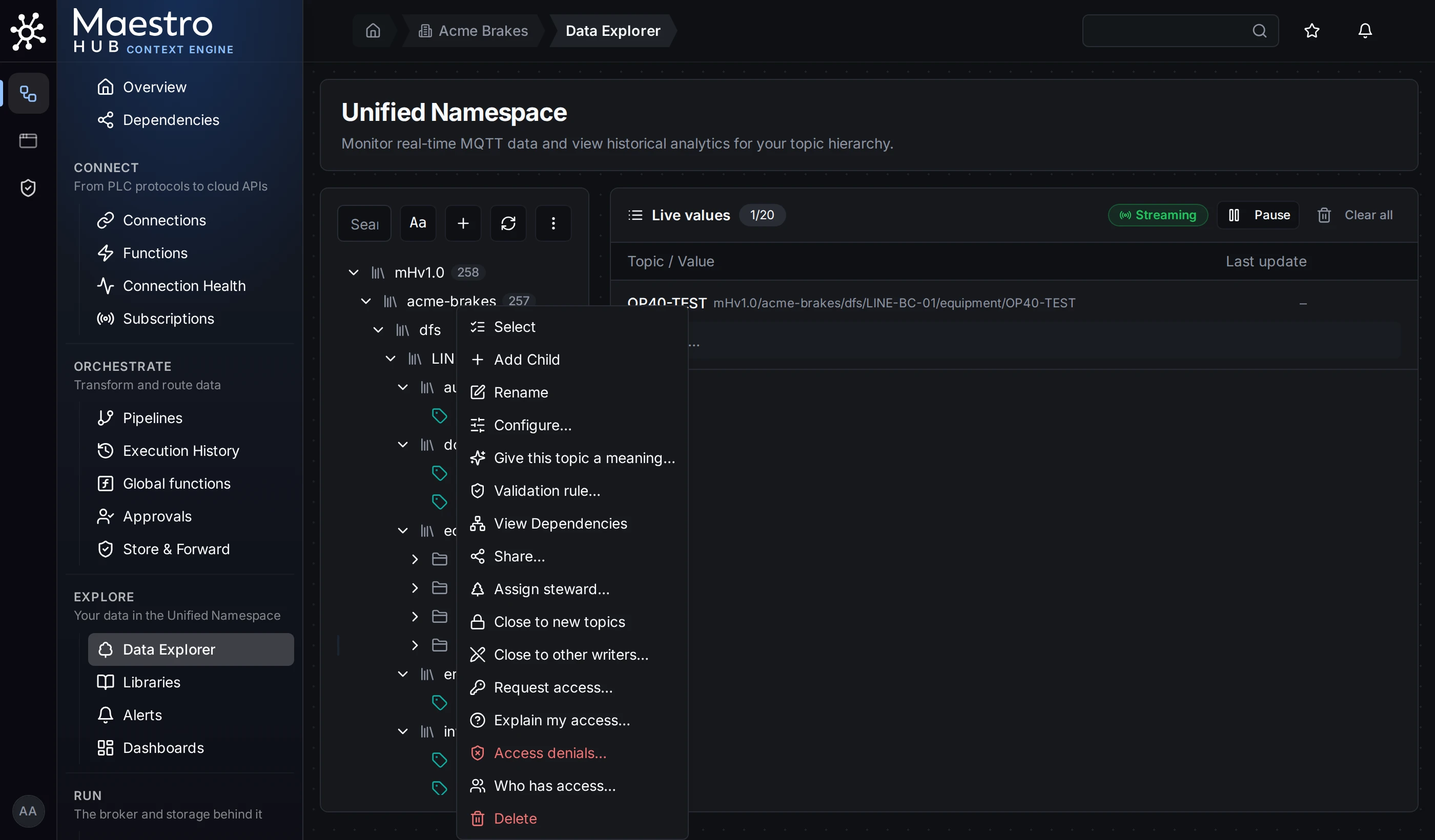
Most of Advanced Access Control is one right-click away: a topic's menu in the Data Explorer
Who manages what
| Task | Who may do it |
|---|---|
| Share a resource | Anyone holding share on it: its owner, a steward of its branch (topics), or a role that grants share |
| Appoint a steward | Anyone holding topic:share on the branch: a workspace administrator, or a steward for a sub-branch |
| Write a deny | Anyone holding share on the resource. Only a workspace administrator may deny the owner or an administrator |
| Decide an access request | The person it is routed to: the branch's steward, the resource's owner, or a holder of share on it |
| Renew a time-bound grant | Someone who could grant it again now, not the person holding it |
| Break the glass | A person holding break_glass:elevate, into a role the instance's configuration lists |
Every change is recorded in the audit trail with the person who made it.