Webhook Response Node
Send the pipeline's answer back to the system that called its webhook: a status code, headers and a body built from the pipeline's data.
- Works with
- Webhook trigger in Wait mode
- Answers
- Once per request
- After it
- The pipeline keeps running
- Limits
- Body up to 768 KiB
Overview
A Webhook trigger with Response Mode set to Wait holds the caller's HTTP request open while the pipeline runs. The Webhook Response node is where the pipeline answers it. Together they turn a pipeline into an API endpoint: an ERP asks for stock on hand, a line controller asks whether a batch is released, a portal asks for a price, and each gets the data back in the same request.
The answer goes out the moment the node runs. Nodes after it keep running, so slow follow-up work (writing an audit row, sending a notification) does not delay the caller.
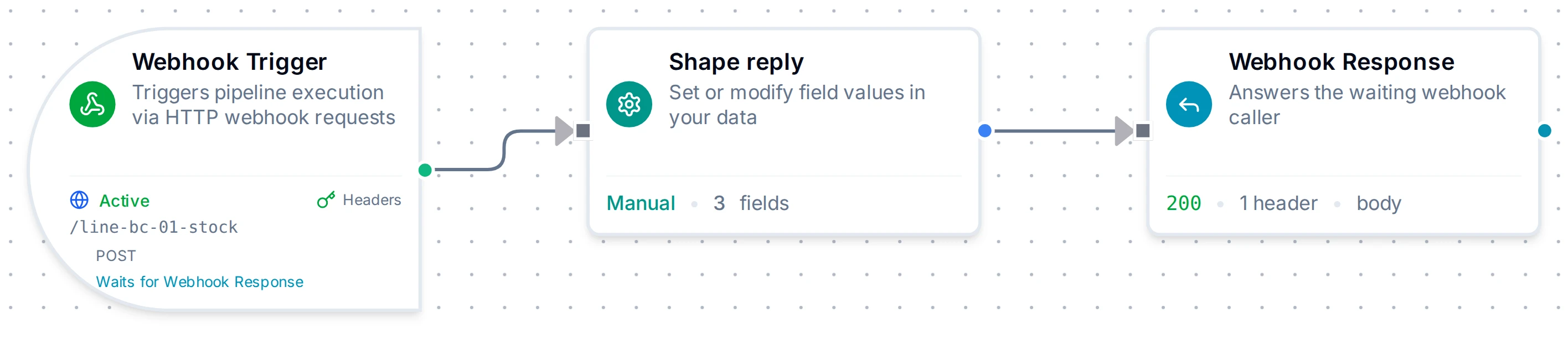
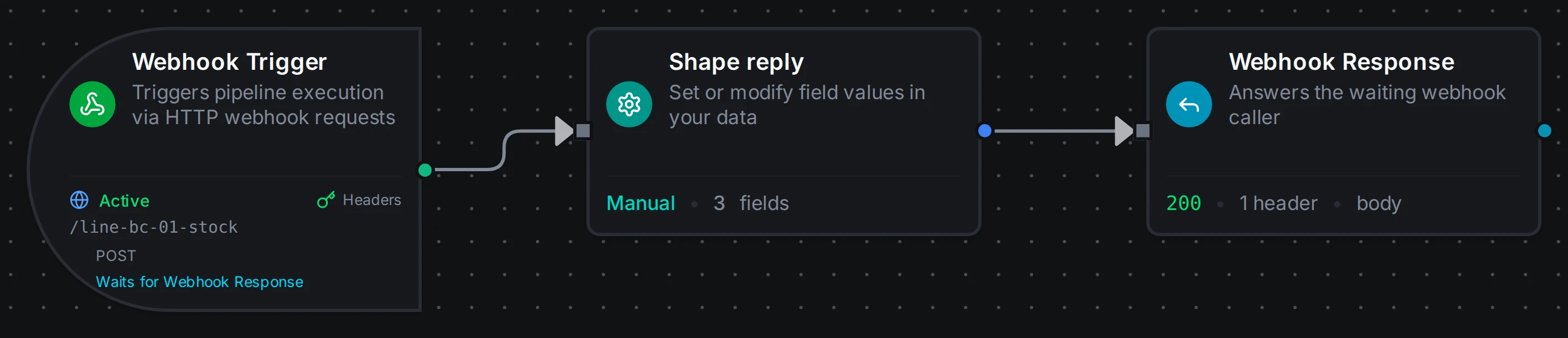
A webhook that answers with the pipeline's data: Webhook (wait), Shape reply, Webhook Response
Core Functionality
What the caller receives
- Status code: the node's Status Code (default
200). - Headers: the node's Headers, plus
X-Execution-Idnaming the run. When you do not setContent-Type, the node picks one:application/jsonfor a JSON body,text/plainfor text. - Body: the node's Body, resolved at run time:
- a single expression that yields an object, array, number or boolean, such as
{{ $node["Shape reply"].result }}, is sent as JSON; - text, with or without embedded expressions, is sent as written (text that is a JSON object or array is sent as JSON);
- an empty body sends no body, for example with status
204.
- a single expression that yields an object, array, number or boolean, such as
If the pipeline fails before any Webhook Response node runs, or finishes without reaching one, the caller gets a 500 or 502 instead; the full table is on the Webhook trigger page.
Where it can go
One request gets one answer. When you save, the editor refuses a layout that could give a request two answers, or none:
- One answer per request. Several Webhook Response nodes are fine when only one of them can run for a given request. That means each sits on a different branch of the same Condition, or of a Switch in first match mode. A Switch in all matches mode can fire several branches at once, so it does not count. Neither node may be downstream of the other.
- Not inside a For-Each. It would answer once per item. Put it after End For-Each.
- After a webhook that waits. It must be connected after a Webhook trigger set to Wait; anywhere else it could never answer anyone.
A pipeline with several webhook triggers can give each its own Webhook Response node, or share one. A node always answers the webhook that started the current run.
Runs where nobody is waiting
In a test run from the editor, or a run another trigger started (a schedule, a webhook in Immediate mode), there is no caller to answer. The node then sends nothing, completes, and shows what it would have sent, with delivered: false and the reason.
If a second Webhook Response node runs in the same run anyway, it fails with "this request was already answered…"; the caller keeps the first answer.
Configuration Reference
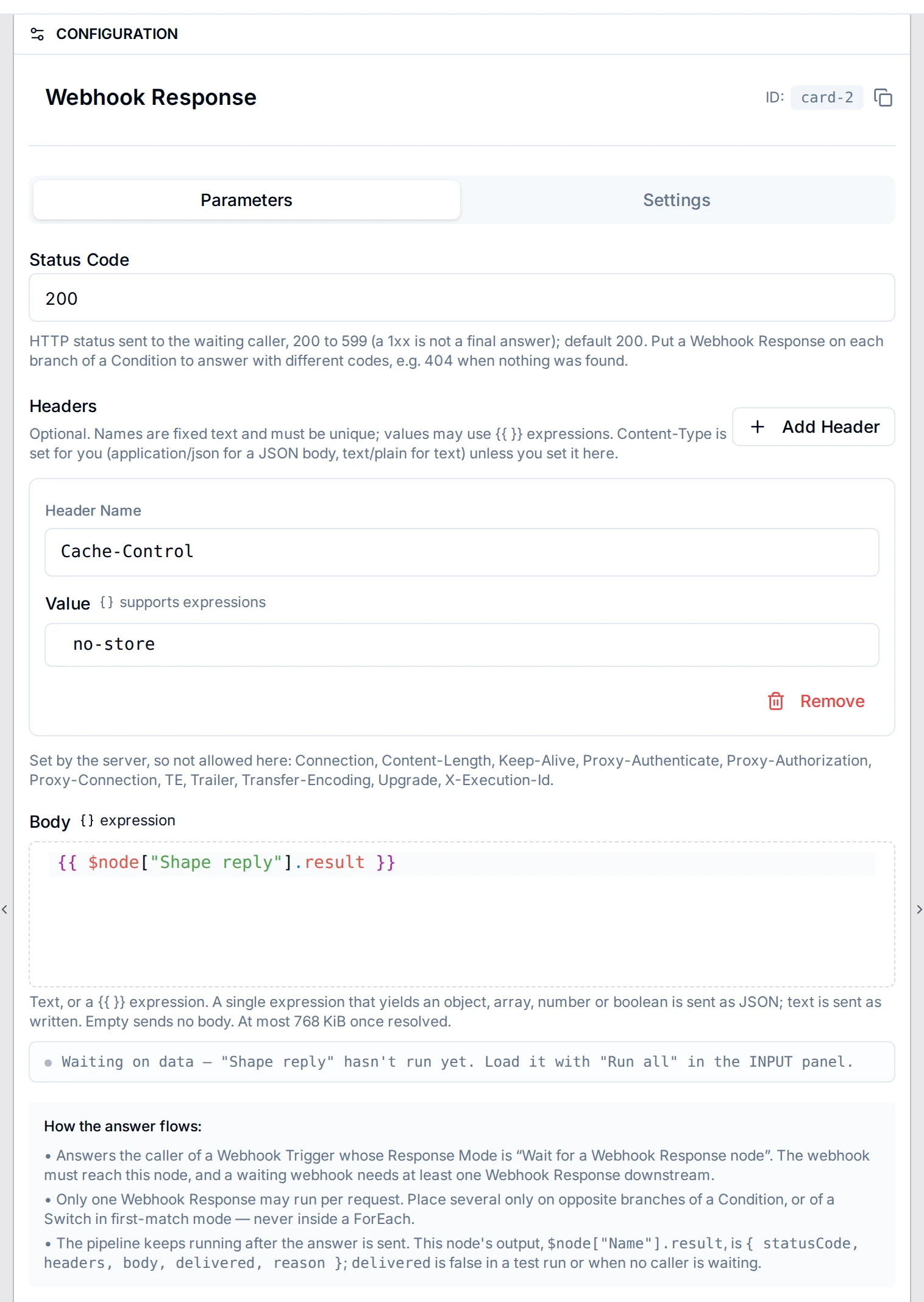
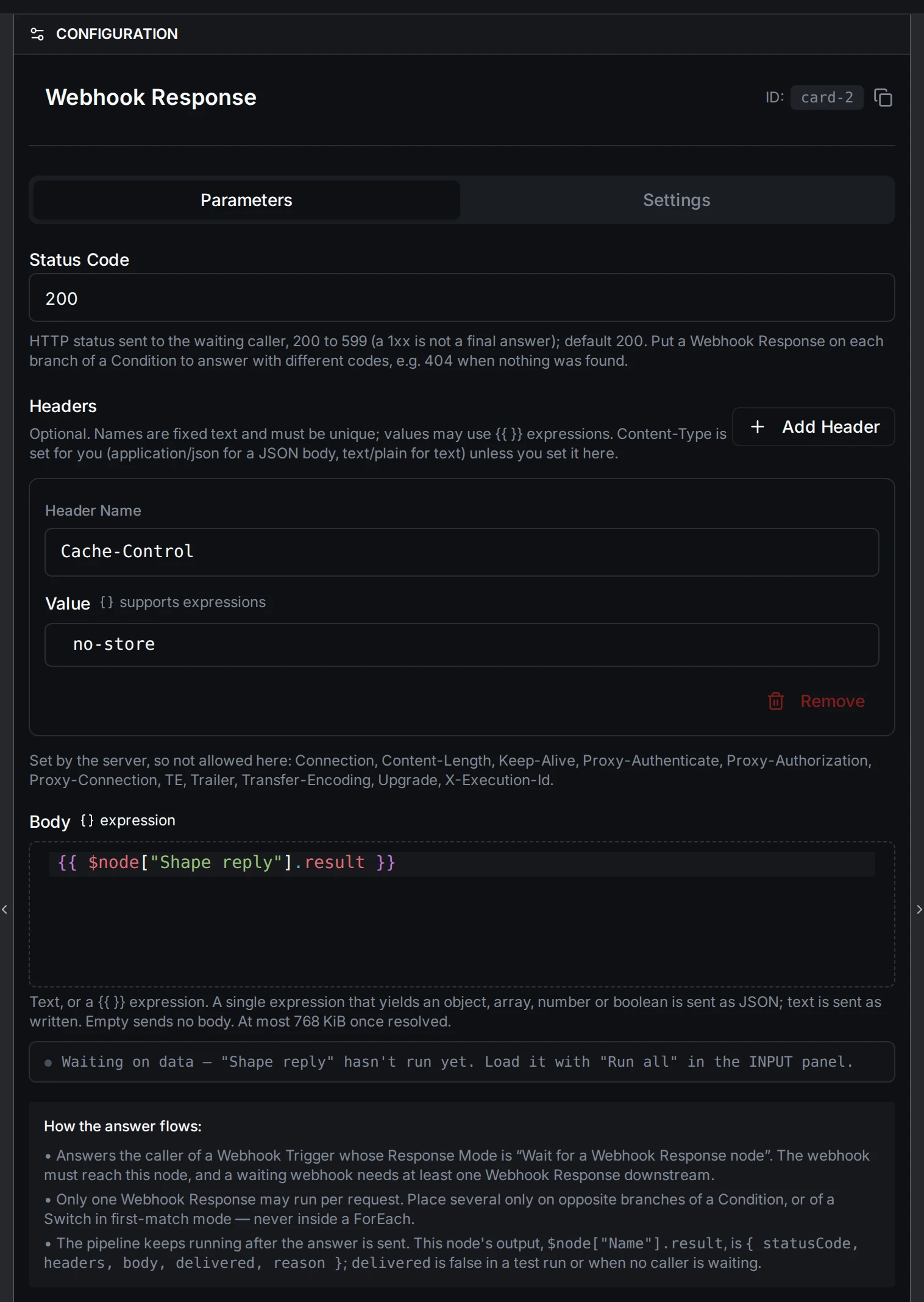
Webhook Response configuration
Parameters
| Parameter | Type | Default | Required | Description |
|---|---|---|---|---|
| Status Code | number | 200 | No | HTTP status sent to the caller, 200 to 599. Use a Condition to send different codes on different branches, such as 404 when nothing was found. |
| Headers | name/value list | none | No | Response headers. Values may use expressions. Names must be unique; headers the server sets (Content-Length, Transfer-Encoding, Connection and the other connection headers, and X-Execution-Id) cannot be set here. |
| Body | expression | empty | No | Text, or an expression such as {{ $node["Shape reply"].result }}. At most 768 KiB once resolved. |
Settings
The node has the standard Timeout, Retry and On Error settings. A Webhook Response node that fails (for example, its body expression cannot be resolved) answers nothing, so the caller gets the run's failure (500) or, if the run continues past the failure, 502.
Output Structure
Downstream nodes read what was sent through $node["<name>"].result:
{
  "statusCode": 200,
  "headers": { "Content-Type": "application/json", "Cache-Control": "no-store" },
  "body": "{\"sku\":\"A-1042\",\"onHand\":318}",
  "delivered": true
}
| Field | Type | Description |
|---|---|---|
statusCode | number | Status sent to the caller. |
headers | object | Headers sent, including the chosen Content-Type. |
body | string | Body as sent. |
delivered | boolean | true when a waiting caller was answered; false in a test run or a run nobody is waiting on. |
reason | string | Why nothing was sent, when delivered is false. |
Usage Examples
Stock lookup for an ERP
The ERP calls POST …/webhooks/stock with {"sku": "A-1042"} and an X-Api-Key header.
- Webhook
/stock, Response Mode Wait, auth headerX-Api-Key. - Query MES: reads stock for
{{ $trigger.result.sku }}. - Set named Shape reply: keeps
sku,onHandandline. - Webhook Response: status
200, body{{ $node["Shape reply"].result }}. - Audit log: runs after the answer is sent.
Different answers on different branches
- Webhook
/batch-status, Response Mode Wait. - Query batch by
{{ $trigger._metadata.query.id }}. - Condition Batch found?
- true → Webhook Response, status
200, body{{ $node["Query batch"].result }} - false → Webhook Response, status
404, body{"error": "batch not found"}
- true → Webhook Response, status
Only one branch of a Condition runs, so the two Webhook Response nodes never both answer.
When to Use Webhook Response
- The caller needs the pipeline's result in the same request: a lookup, a calculation, a validation verdict.
- You want to choose the HTTP status the caller sees, such as
404for "not found" or422for "rejected".
When the caller only needs to know the event was accepted, leave the webhook in Immediate mode and skip this node.
Configuration reference
The fields below are generated from the node's config contract, so they match what the pipeline validator enforces and what the designer's form offers.
logic.webhook.response
| Field | Type | Required | Default | Values | Description |
|---|---|---|---|---|---|
statusCode | integer | no | 200 | 200 to 599 | HTTP status sent to the waiting caller, 200 to 599; default 200. Use a Condition to send different codes on different branches, e.g. 404 when nothing was found |
headers | object[] | no | - | - | Response headers as name/value pairs, e.g. [{"name":"Cache-Control","value":"no-store"}]. Names must be unique; framing headers such as Content-Length and the X-Execution-Id the server sets are not allowed |
body | string | no | - | accepts an expression | Response body: text, or a {{ }} expression such as {{ $node["Shape reply"].result }}. An expression that yields an object, array, number or boolean is sent as JSON; text is sent as written. Empty sends no body. At most 768 KiB. |