Google Cloud Storage Nodes
Google Cloud Storage nodes let pipelines read and write objects in GCS buckets. Use them to ingest exports, archive pipeline output, share files via signed URLs, and assemble sharded uploads. All six node types connect through your configured Google Cloud Storage connections.
Configuration Quick Reference
| Field | What you choose | Details |
|---|---|---|
| Parameters | Connection, Function, Function Parameters, Timeout Override | Select the connection profile, function, configure function parameters with expression support, and optionally override timeout. |
| Settings | Description, Timeout (seconds), Retry on Timeout, Retry on Fail, On Error | Node description, maximum execution time, retry behavior on timeout or failure, and error handling strategy. All execution settings default to pipeline-level values. |
Object Operations
GCS Get Node
GCS Get Node
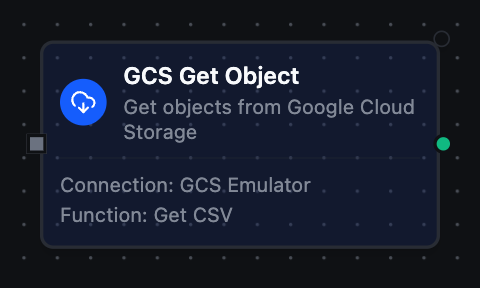
Retrieve one object from a GCS bucket: the object at an exact key, or the one a pattern selects. When a pattern matches several objects, the function's When Several Objects Match setting picks one: the most recently modified (the default) or the one whose key sorts last. If the listing under the pattern's prefix holds more objects than the discovery limit, the node fails rather than choosing among part of them. Returns the object bytes (base64‑encoded) and metadata.
Supported Function Types:
| Function Name | Purpose | Common Use Cases |
|---|---|---|
| Get Object | Download object content by key or pattern | Data imports, configuration retrieval, report processing |
Node Configuration
| Parameter | Type | Required | Description |
|---|---|---|---|
| Connection | Selection | Yes | Google Cloud Storage connection profile to use |
| Function | Selection | Yes | Get function from the selected connection |
| Function Parameters | Dynamic | Varies | Auto-populated from the function schema (e.g. objectKey). See your Google Cloud Storage connection functions for full parameter details. |
| Timeout Override | Number (seconds) | No | Override the default function timeout |
All function parameters support expression syntax ({{ expression }}) for dynamic values from the pipeline context.
Output Structure
{
  "result": {
    "data": "SGVsbG8sIHdvcmxkIQ==",
    "metadata": {
      "objectKey": "data/reports/sales.csv",
      "fileName": "sales.csv",
      "fileType": "csv",
      "sizeBytes": 4096,
      "contentType": "text/csv",
      "generation": 1710230400000000,
      "etag": "CJnh...",
      "lastModified": "2026-03-12T08:00:00Z",
      "updated": "2026-03-12T08:00:00Z",
      "storageClass": "STANDARD"
    }
  },
  "_metadata": { "success": true, "functionId": "<function-id>", "durationMs": 178, "timestamp": "2026-03-12T10:30:00Z" }
}
| Field | Type | Description |
|---|---|---|
result.data | string | Object content, base64‑encoded |
result.metadata.objectKey | string | Resolved object key (after pattern discovery) |
result.metadata.fileName | string | File name extracted from the key |
result.metadata.fileType | string | File extension without the dot |
result.metadata.sizeBytes | number | Object size in bytes |
result.metadata.contentType | string | MIME content type |
result.metadata.generation | number | Object generation |
result.metadata.etag | string | Object ETag (when present) |
result.metadata.lastModified | string | When the object's content was written, RFC 3339 UTC (when present). This is the time Most recently modified compares |
result.metadata.updated | string | When the object or its metadata last changed, RFC 3339 UTC (when present). Later than lastModified after a metadata or storage‑class change |
result.metadata.storageClass | string | Storage class (when present) |
result.metadata.kmsKeyName | string | CMEK key name (when the object is CMEK‑encrypted) |
result.metadata.discoveryPattern | string | The pattern used, when the key was resolved via wildcard/regex |
result.metadata.selectedBy | string | The rule that picked the object among the matches: lastModified or name (only when the key was a pattern) |
result.metadata.matchCount | number | How many objects the pattern matched (only when the key was a pattern) |
GCS Put Node
GCS Put Node
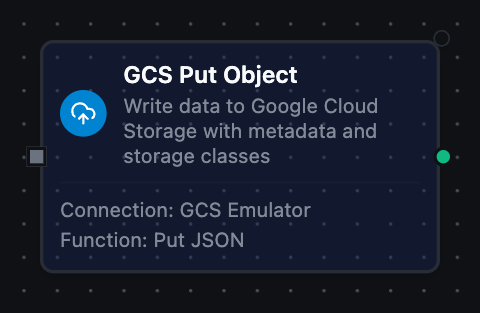
Write an object to a GCS bucket, with optional content type, storage class, CMEK, and signed‑URL generation.
Supported Function Types:
| Function Name | Purpose | Common Use Cases |
|---|---|---|
| Put Object | Upload data to an object key | Data exports, artifact storage, archival |
Node Configuration
| Parameter | Type | Required | Description |
|---|---|---|---|
| Connection | Selection | Yes | Google Cloud Storage connection profile to use |
| Function | Selection | Yes | Put function from the selected connection |
| Function Parameters | Dynamic | Varies | Auto-populated from the function schema (e.g. objectKey, data). See your Google Cloud Storage connection functions for full parameter details. |
| Timeout Override | Number (seconds) | No | Override the default function timeout |
Output Structure
{
  "result": {
    "objectKey": "output/report.csv",
    "bytesWritten": 2048,
    "contentType": "text/csv",
    "generation": 1710230400000000,
    "etag": "CJnh...",
    "storageClass": "NEARLINE",
    "signedUrl": "https://storage.googleapis.com/...",
    "signedUrlExpiry": 3600
  },
  "_metadata": { "success": true, "functionId": "<function-id>", "durationMs": 245, "timestamp": "2026-03-12T10:30:00Z" }
}
| Field | Type | Description |
|---|---|---|
result.objectKey | string | Key the object was written to (timestamped if overwrite was disabled) |
result.bytesWritten | number | Number of bytes written |
result.contentType | string | MIME content type of the written object |
result.generation | number | Object generation assigned by GCS |
result.etag | string | Object ETag (when present) |
result.storageClass | string | Storage class applied (when set) |
result.kmsKeyName | string | CMEK key name (when CMEK was applied) |
result.signedUrl | string | V4 signed GET URL (only when Generate Signed URL is enabled) |
result.signedUrlExpiry | number | Signed URL expiry in seconds (only when a signed URL was generated) |
result.signedUrlError | string | Present instead of signedUrl if signing failed |
The Put node is a durable sink with keyed idempotency — the object key is the idempotency handle, so retries converge to the same end state.
GCS List Node
GCS List Node
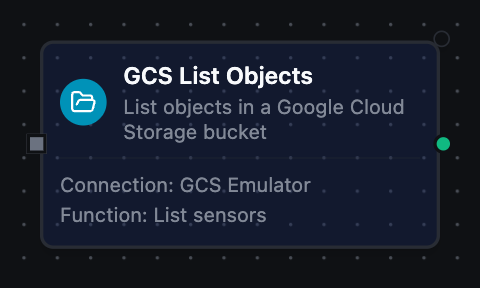
List objects under a prefix, optionally using a delimiter for folder‑style listing.
Supported Function Types:
| Function Name | Purpose | Common Use Cases |
|---|---|---|
| List Objects | Enumerate objects under a prefix | Discover files, build inventories, batch processing |
Node Configuration
| Parameter | Type | Required | Description |
|---|---|---|---|
| Connection | Selection | Yes | Google Cloud Storage connection profile to use |
| Function | Selection | Yes | List function from the selected connection |
| Function Parameters | Dynamic | Varies | Auto-populated from the function schema (e.g. prefix, delimiter). See your Google Cloud Storage connection functions for full parameter details. |
| Timeout Override | Number (seconds) | No | Override the default function timeout |
Output Structure
{
  "result": {
    "objects": [
      {
        "name": "logs/2026-03-12.json",
        "sizeBytes": 2048,
        "contentType": "application/json",
        "generation": 1710230400000000,
        "etag": "CJnh...",
        "updated": "2026-03-12T06:00:00Z",
        "storageClass": "STANDARD"
      }
    ],
    "prefixes": ["logs/2026/"],
    "count": 1,
    "truncated": false
  },
  "_metadata": { "success": true, "functionId": "<function-id>", "durationMs": 134, "timestamp": "2026-03-12T10:30:00Z" }
}
| Field | Type | Description |
|---|---|---|
result.objects | array | Object entries (see below) |
result.prefixes | array | Common prefixes returned when a delimiter is used (folder‑style listing) |
result.count | number | Number of objects returned |
_metadata.truncated | boolean | true if the discovery limit was reached and more objects exist — a fact about the call, so it rides with the execution facts |
_metadata.method, _metadata.bucket | string, string | The call's other facts, on every node: the operation, and the bucket it ran against |
Object Entry Fields — each item of result.objects:
| Field | Type | Description |
|---|---|---|
name | string | Full object name/key |
sizeBytes | number | Object size in bytes |
contentType | string | MIME content type |
generation | number | Object generation |
etag | string | Object ETag (when present) |
updated | string | Last update timestamp, ISO 8601 (when present) |
storageClass | string | Storage class (when present) |
GCS Delete Node
GCS Delete Node
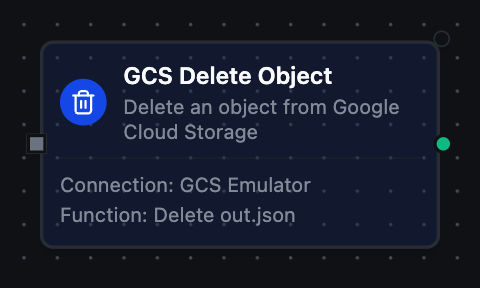
Delete an object by key, optionally guarded by a generation precondition.
Supported Function Types:
| Function Name | Purpose | Common Use Cases |
|---|---|---|
| Delete Object | Permanently delete an object | Clean up processed files, enforce retention |
Node Configuration
| Parameter | Type | Required | Description |
|---|---|---|---|
| Connection | Selection | Yes | Google Cloud Storage connection profile to use |
| Function | Selection | Yes | Delete function from the selected connection |
| Function Parameters | Dynamic | Varies | Auto-populated from the function schema (e.g. objectKey, generation). See your Google Cloud Storage connection functions for full parameter details. |
| Timeout Override | Number (seconds) | No | Override the default function timeout |
Output Structure
{
  "result": {
    "objectKey": "staging/inbound/file.csv"
  },
  "_metadata": { "success": true, "functionId": "<function-id>", "durationMs": 92, "timestamp": "2026-03-12T10:30:00Z" }
}
| Field | Type | Description |
|---|---|---|
result.objectKey | string | Key of the deleted object (normalized against the connection prefix) |
Object deletion is permanent and cannot be undone. Set the Generation parameter for optimistic concurrency, or use a Condition node to verify before deleting.
GCS Generate Signed URL Node
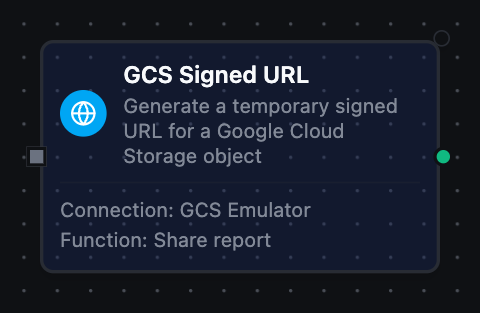
GCS Generate Signed URL Node
Generate a time‑limited V4 signed URL for GET (download) or PUT (upload) access to an object.
Supported Function Types:
| Function Name | Purpose | Common Use Cases |
|---|---|---|
| Generate Signed URL | Issue a temporary access URL | Share reports, issue one‑time upload targets |
Node Configuration
| Parameter | Type | Required | Description |
|---|---|---|---|
| Connection | Selection | Yes | Google Cloud Storage connection profile to use |
| Function | Selection | Yes | Signed URL function from the selected connection |
| Function Parameters | Dynamic | Varies | Auto-populated from the function schema (e.g. objectKey, method, expirySeconds). See your Google Cloud Storage connection functions for full parameter details. |
| Timeout Override | Number (seconds) | No | Override the default function timeout |
Output Structure
{
  "result": {
    "signedUrl": "https://storage.googleapis.com/...",
    "method": "GET",
    "objectKey": "exports/report.pdf",
    "expiresAt": "2026-03-12T11:30:00Z"
  },
  "_metadata": { "success": true, "functionId": "<function-id>", "durationMs": 12, "timestamp": "2026-03-12T10:30:00Z" }
}
| Field | Type | Description |
|---|---|---|
result.signedUrl | string | The generated V4 signed URL |
result.method | string | HTTP method the URL authorizes (GET or PUT) |
result.objectKey | string | Key the URL grants access to |
result.expiresAt | string | Expiry timestamp, ISO 8601 |
Signing needs a service account key on the connection, or iam.serviceAccounts.signBlob permission on the connection's identity. Pure‑ADC connections without signBlob return a clear error.
GCS Compose Node
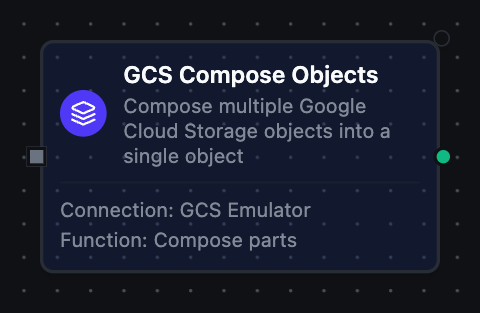
GCS Compose Node
Concatenate up to 32 source objects into a single destination object, server‑side.
Supported Function Types:
| Function Name | Purpose | Common Use Cases |
|---|---|---|
| Compose Objects | Merge objects without downloading | Stitch sharded uploads, assemble multi‑part payloads |
Node Configuration
| Parameter | Type | Required | Description |
|---|---|---|---|
| Connection | Selection | Yes | Google Cloud Storage connection profile to use |
| Function | Selection | Yes | Compose function from the selected connection |
| Function Parameters | Dynamic | Varies | Auto-populated from the function schema (e.g. sources, destination). See your Google Cloud Storage connection functions for full parameter details. |
| Timeout Override | Number (seconds) | No | Override the default function timeout |
Output Structure
{
  "result": {
    "destination": "combined/output.bin",
    "sourceCount": 3,
    "sizeBytes": 6144,
    "generation": 1710230400000000,
    "etag": "CJnh..."
  },
  "_metadata": { "success": true, "functionId": "<function-id>", "durationMs": 210, "timestamp": "2026-03-12T10:30:00Z" }
}
| Field | Type | Description |
|---|---|---|
result.destination | string | Destination object key for the composed result |
result.sourceCount | number | Number of source objects composed |
result.sizeBytes | number | Size of the composed object in bytes |
result.generation | number | Generation assigned to the composed object |
result.etag | string | ETag of the composed object (when present) |
Settings Tab
All Google Cloud Storage node types share the same Settings tab:
| Setting | Type | Default | Description |
|---|---|---|---|
| Description | Text | — | Optional description displayed on the node |
| Timeout (seconds) | Number | Pipeline default | Maximum time the node may run before timing out |
| Retry on Timeout | Toggle | Pipeline default | Automatically retry the node if it times out |
| Retry on Fail | Toggle | Pipeline default | Automatically retry the node if it fails |
| On Error | Selection | Pipeline default | Error strategy: Pipeline Default (the pipeline's Error Handling setting), Stop Pipeline or Continue Execution |
When left at their defaults, these settings inherit from the pipeline-level execution configuration.