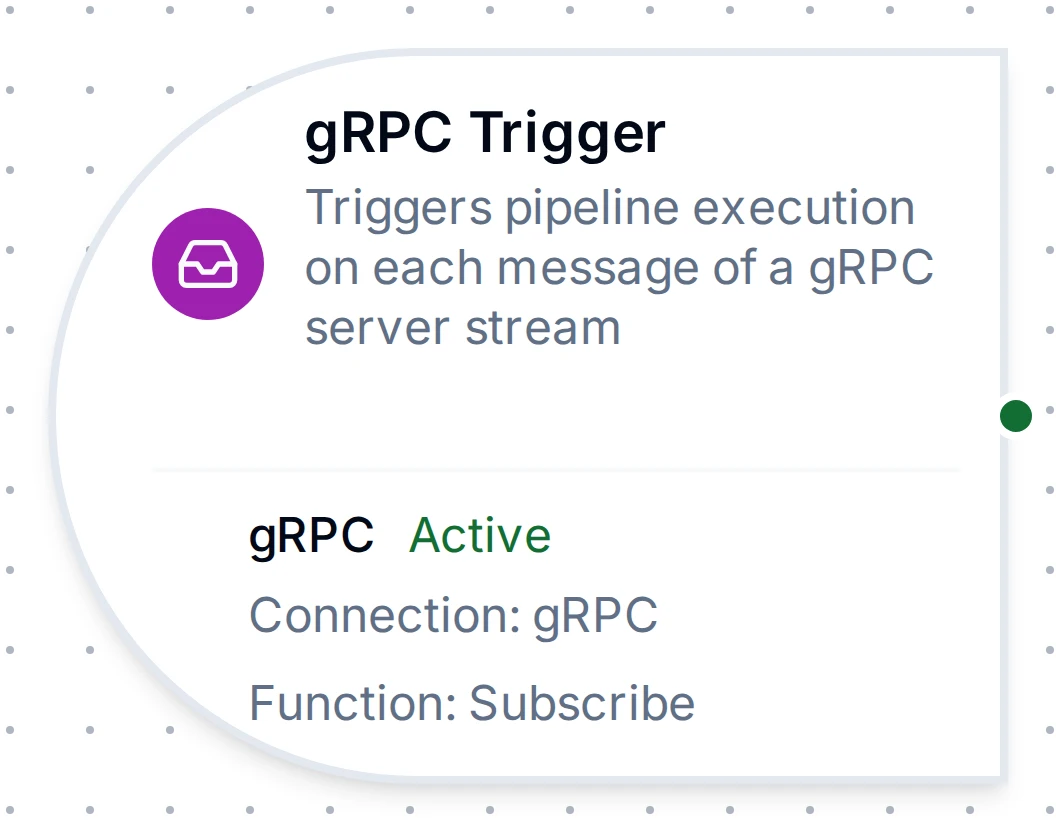
gRPC trigger node
gRPC Trigger Node
Start a pipeline for every message a gRPC service sends on a stream, such as a line's status changes or completed work orders.
- Starts on
- A message on the subscribed stream
- Source
- A server-streaming method
- Trigger mode
- always (default) · onChange
Overview
The gRPC Trigger Node starts a pipeline each time a gRPC service sends a message on a stream. It runs a Subscribe function of a gRPC connection: MaestroHub opens the function's server-streaming method once and keeps it open, and every message the server sends becomes one pipeline run. To call a method from inside a running pipeline instead, use the gRPC nodes.
How the Stream Is Kept Open
- The stream is opened with the function's one request message, as written.
- Messages are handed to the pipeline in the order the server sent them. The next message is read only after the platform took the last one, so a pipeline that falls behind makes the server wait; nothing is dropped inside MaestroHub.
- When the server ends the stream while the connection is up, MaestroHub opens it again, waiting from half a second up to 30 seconds between attempts.
- When the connection is lost, the connection shows as disconnected. MaestroHub connects again and opens the stream again.
Messages the server sent while the connection was down, or between a stream ending and opening again, are not delivered afterwards: gRPC itself keeps nothing for a client that was away. No message is made up in their place. If the service offers a way to ask for messages from a point in time or a sequence number, that is part of its own request message.
Configuration Options
Parameters
| Parameter | Type | Default | Required | Constraints | Description |
|---|---|---|---|---|---|
| Connection ID | string | "" | Yes | -- | gRPC connection profile to use. |
| Function ID | string | "" | Yes | -- | Subscribe function within the connection. Only Subscribe functions are listed. |
| Trigger Mode | select | "always" | No | always / onChange | always: trigger on every message. onChange: trigger only when the message differs from the last one received. |
| Enabled | boolean | true | No | -- | Enable or disable the trigger. When disabled, no stream is open. |
| Dedup Max Keys | number | 1000 | If onChange | 1-10,000 | Maximum number of distinct methods tracked for change detection. |
The selected function must be a gRPC Subscribe function. Call Read Method and Call Write Method functions cannot be used with gRPC Trigger nodes.
Output Data Structure
When a stream message starts a pipeline run, the following data is available to downstream nodes via the $trigger variable.
Output Format
{
  "_metadata": {
    "type": "grpc_trigger",
    "protocol": "grpc",
    "method": "plant.v1.LineService/WatchLine",
    "receivedAt": "2026-11-25T09:14:03Z",
    "connectionId": "bf29be94-fc0a-4dc4-8e5c-092f1b74eb4b",
    "functionId": "aef374c3-aa2b-454e-aabc-5657faac5950",
    "timestamp": "2026-11-25T09:14:03.120Z"
  },
  "result": {
    "lineId": "L3",
    "state": "RUNNING",
    "producedCount": "18250"
  }
}
Accessing Message Data
| Field | Expression | Description |
|---|---|---|
| Message | $trigger.result | The stream message as JSON, by the Protobuf JSON mapping: $trigger.result.<field> reads a field. 64-bit integers are text, enums their names, timestamps RFC 3339 text |
| Method | $trigger._metadata.method | The method the stream belongs to, as package.Service/Method |
| Received At | $trigger._metadata.receivedAt | When MaestroHub read the message (RFC 3339, UTC). gRPC carries no time of its own |
| Protocol | $trigger._metadata.protocol | Always grpc |
| Connection ID | $trigger._metadata.connectionId | The connection profile the trigger runs on |
| Function ID | $trigger._metadata.functionId | The Subscribe function that received the message |
| Trigger Type | $trigger._metadata.type | Always grpc_trigger |
| Timestamp | $trigger._metadata.timestamp | When the pipeline run was started (RFC 3339, UTC) |
Usage Examples
React to a line's status changes
Configuration:
- Connection: Line service
- Function: Subscribe to
plant.v1.LineService/WatchLinewith request{"lineId": "L3"} - Trigger Mode: onChange
Downstream Processing:
- A condition on
$trigger.result.state - Write the state to the Unified Namespace
- Notify the shift lead when the state is
STOPPED
Record completed work orders
Configuration:
- Connection: MES
- Function: Subscribe to the MES's stream of completed work orders
- Trigger Mode: always
Downstream Processing:
- Insert
$trigger.resultinto PostgreSQL - Report the quantity to the ERP