ServiceNow Integration Guide
Open an incident when a line stops, add a work note when it recovers, and look records up, all through ServiceNow's REST Table API.
- Authentication
- Basic or OAuth 2.0 (password grant)
- Operations
- Create · Update · Get · Query records
- API
- Table API, /api/now/table
Overview
The ServiceNow connector talks to your instance's REST Table API, so it works with any table the integration user may access: incident (the default), problem, change_request, cmdb_ci or a custom table such as u_line_event.
- Create Record: create one record from a JSON object of field values, and get back its
sys_idand number. - Update Record: change fields of a record by
sys_id: resolve it, reassign it, add a work note. - Get Record: read one record by
sys_id. - Query Records: find records with an encoded query, at most a limit that is sent to ServiceNow.
Every parameter is checked before anything is sent: a bad table name, a sys_id that is not 32 hexadecimal characters, field JSON that is not an object, or a limit out of range is refused on the spot and ServiceNow hears nothing of it.
Prerequisites
A ServiceNow instance
Use your company's instance (ask its administrator for an integration user), or get a free Personal Developer Instance to try the connector:
- Sign up at developer.servicenow.com with any email address.
- Choose Request Instance, pick the latest release, and wait a few minutes.
- Note the instance URL (
https://devNNNNN.service-now.com) and theadminpassword shown.
A Personal Developer Instance goes to sleep after a few hours without use, and then answers every request with an HTML "instance is hibernating" page. The connector reports that as a temporary failure ("the instance is asleep or returned HTML"). Wake the instance from developer.servicenow.com, then test the connection again. Unused instances are reclaimed after several days.
An integration user
Create a dedicated user rather than using admin:
- In ServiceNow, open User Administration > Users and choose New.
- Enter a User ID (for example
maestrohub.integration), set a password, and tick Web service access only so the account cannot log in to the UI. - Give it the roles the operations need:
| Role | Why |
|---|---|
itil | Create, read and update incidents, problems and changes. A custom table needs its own read and write ACLs for the user. |
snc_platform_rest_api_access | Needed when your instance enforces role-based REST access (the glide.rest.enable_role_based_access system property). Harmless otherwise. |
The connection check reads one user id (GET /api/now/table/sys_user?sysparm_limit=1&sysparm_fields=sys_id). Any answer from ServiceNow, even an empty list because ACLs hide every user, proves the instance is reachable and accepts the credentials.
OAuth 2.0 (optional)
With OAuth 2.0 the connector trades the user's credentials once for an access token and sends the token instead of the password on every request. To set it up:
- Open System OAuth > Application Registry and choose New > Create an OAuth API endpoint for external clients.
- Give it a name; ServiceNow generates the Client ID and Client Secret. Leave Access Token Lifespan at its default (1800 seconds) or longer.
- Save, and copy both values into the connection.
The connector uses the OAuth password grant: it posts the client ID and secret together with the integration user's name and password to /oauth_token.do. It works on every release with the OAuth plugin's defaults. The client-credentials grant needs a newer release and an administrator-created system property, and is not offered. Tokens are reused for five minutes, then fetched again.
Connection Configuration
Navigate to Connections → New Connection → ServiceNow.
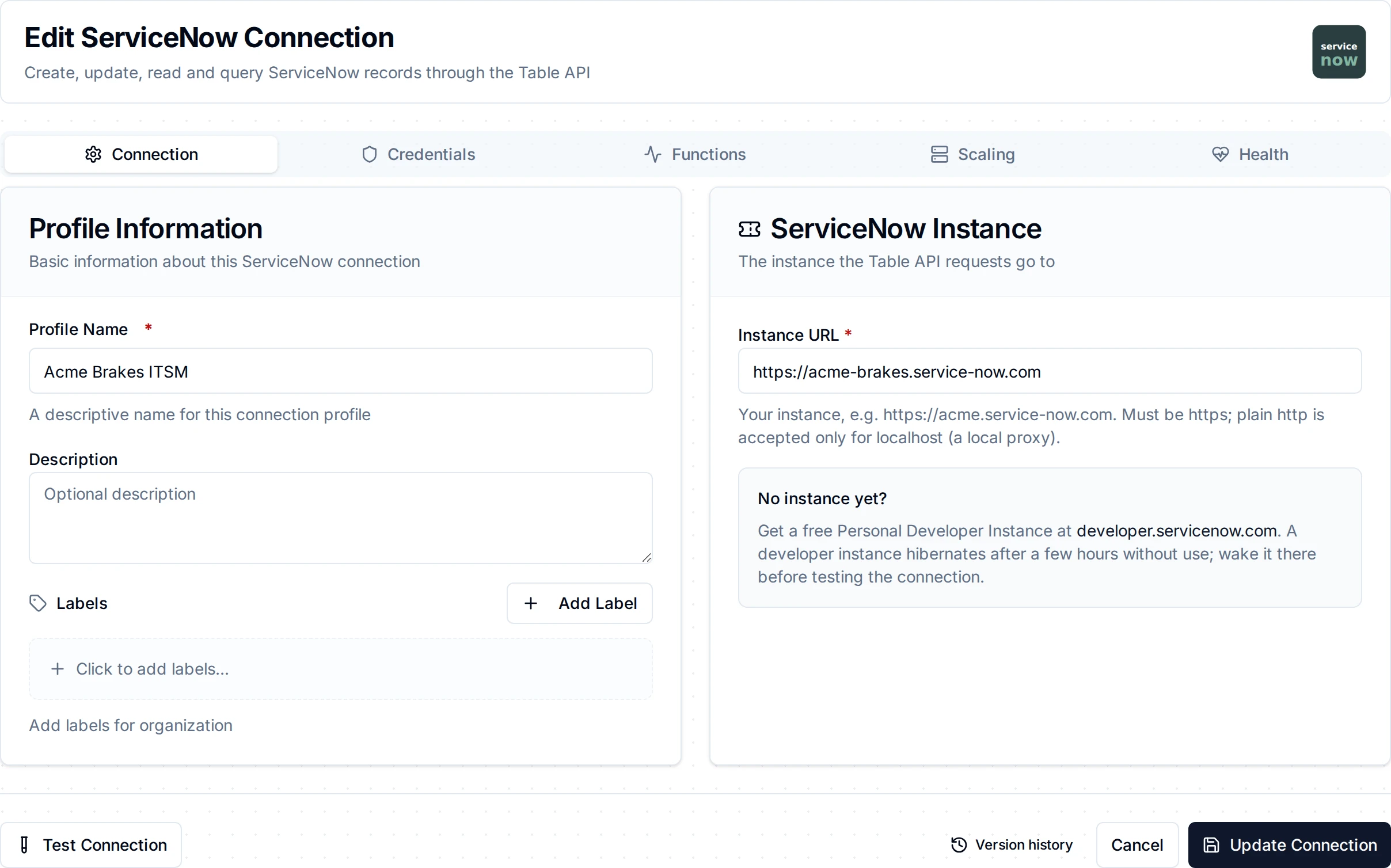
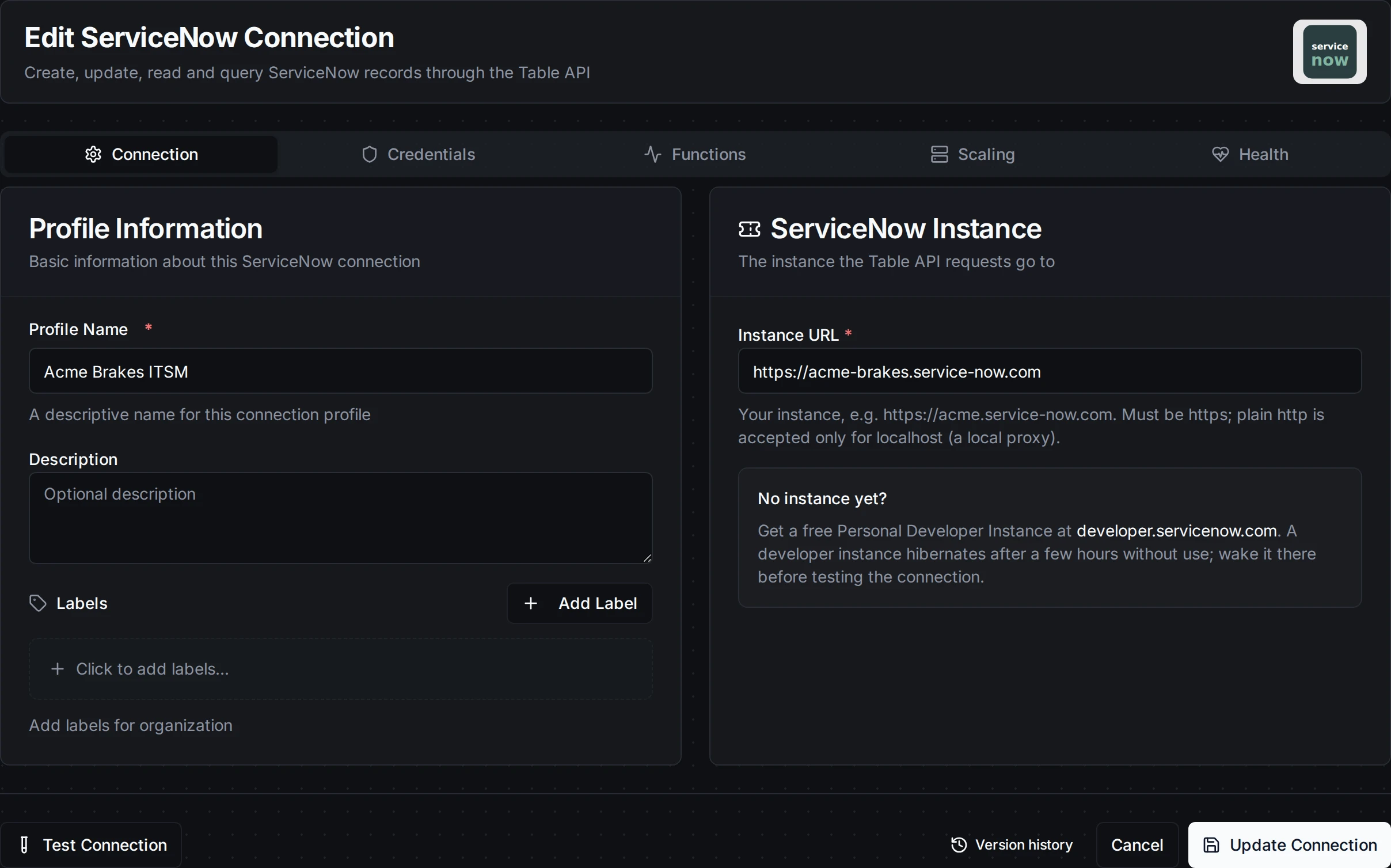
The Connection tab: the instance URL, the authentication type and the integration user
| Field | Default | Description |
|---|---|---|
| Profile Name | - | A descriptive name for this connection (required, at most 100 characters) |
| Description | - | Optional |
| Instance URL | - | Your instance, e.g. https://acme.service-now.com (required). Must be https; plain http is accepted only for localhost, such as a local proxy |
| Authentication | Basic | Basic sends the user name and password on every request; OAuth 2.0 trades them, with the client ID and secret, for an access token |
| User Name | - | The integration user's User ID (required for both types) |
| Password | - | The integration user's password (required, stored encrypted) |
| Client ID | - | OAuth application client ID. Required for OAuth 2.0; hidden for Basic |
| Client Secret | - | OAuth application client secret (stored encrypted). Required for OAuth 2.0; hidden for Basic |
- Security: the password and client secret are stored encrypted and masked when you edit the connection. Credentials never travel over plain http to another host.
- Concurrency: at most four requests run at once per connection. ServiceNow serves inbound REST from a small thread pool per node.
Function Builder
After saving the connection, open its Functions tab → New Function and choose an operation.
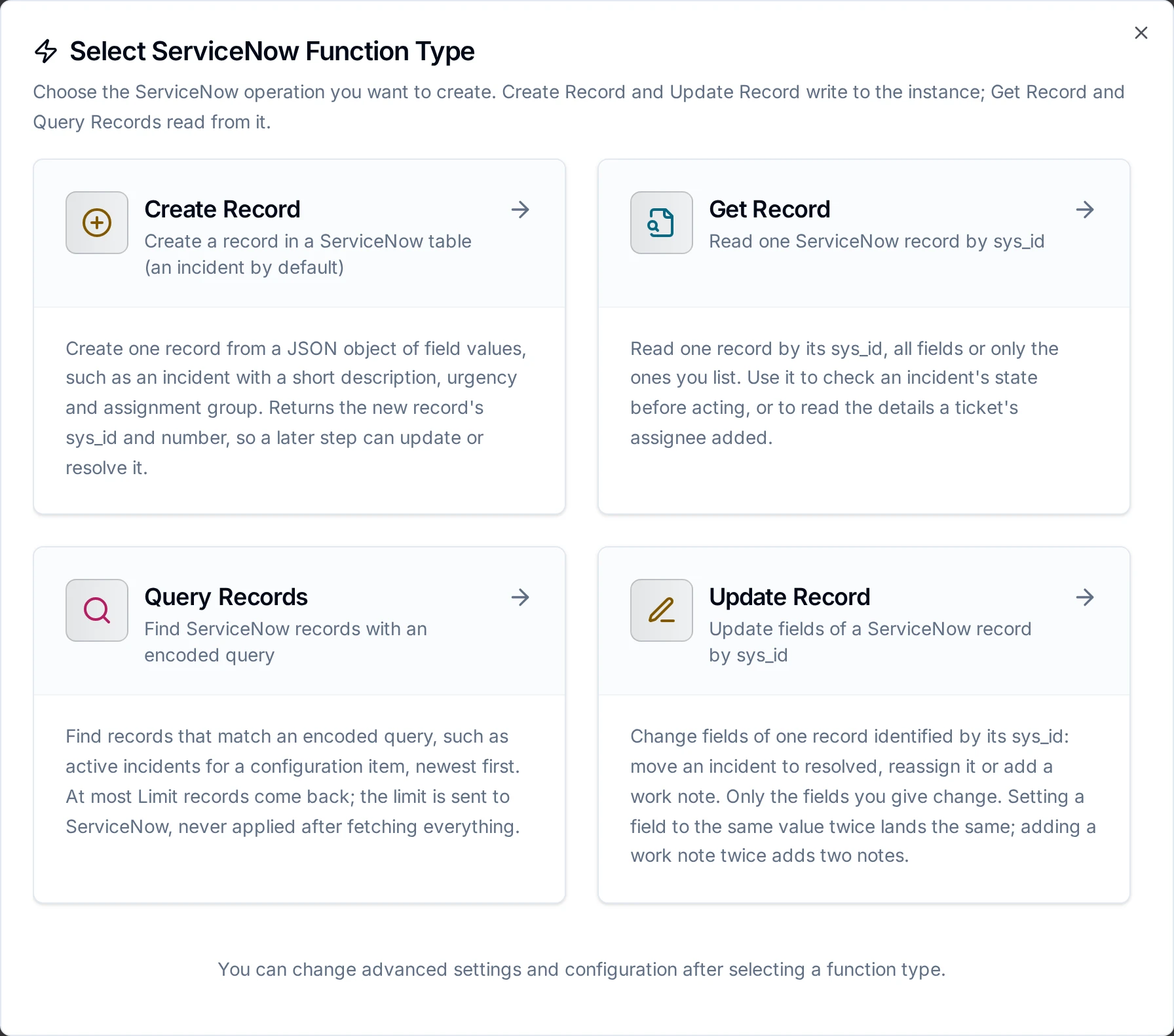
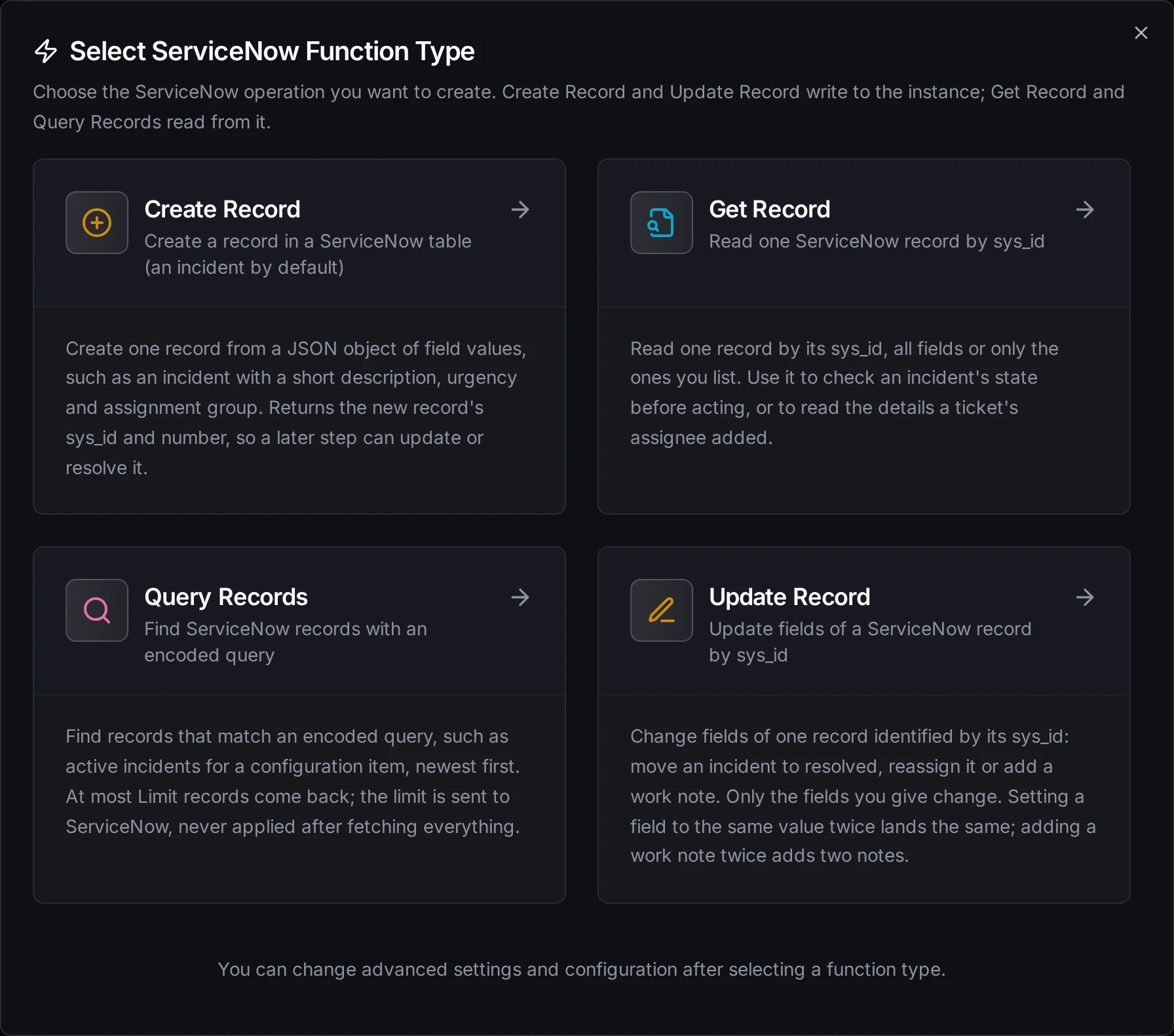
Two writes (create, update) and two reads (get, query)
Create Record
Creates one record. ServiceNow answers with the whole record, so the result carries its sys_id and number for later steps.
| Field | Required | Default | Description |
|---|---|---|---|
| Table | Yes | incident | Table name: lowercase letters, digits and underscores, e.g. incident, problem, u_line_event |
| Fields | Yes | - | A JSON object of field values, e.g. {"short_description": "Press 7 stopped", "urgency": "1"}. Values are strings, numbers or booleans; use "" to clear a field. Supports ((parameters)) |
| Display Values | No | false | How the returned record shows reference and choice fields: false stored values, true display values, all both |
| Timeout | No | 30s | Bound on this operation |
The Table API has no idempotency key: sending the same create twice opens two records. The connector never retries on its own. With store-and-forward on, a create that may or may not have landed is sent again when the link returns, and a duplicate ticket is the price of never losing one. Set a maximum age on the node so a buffered ticket is not opened days later.
A field that is not a column of the table is dropped by ServiceNow without an error. The result lists such names under ignoredFields, so a typo such as short_desc shows up instead of vanishing.
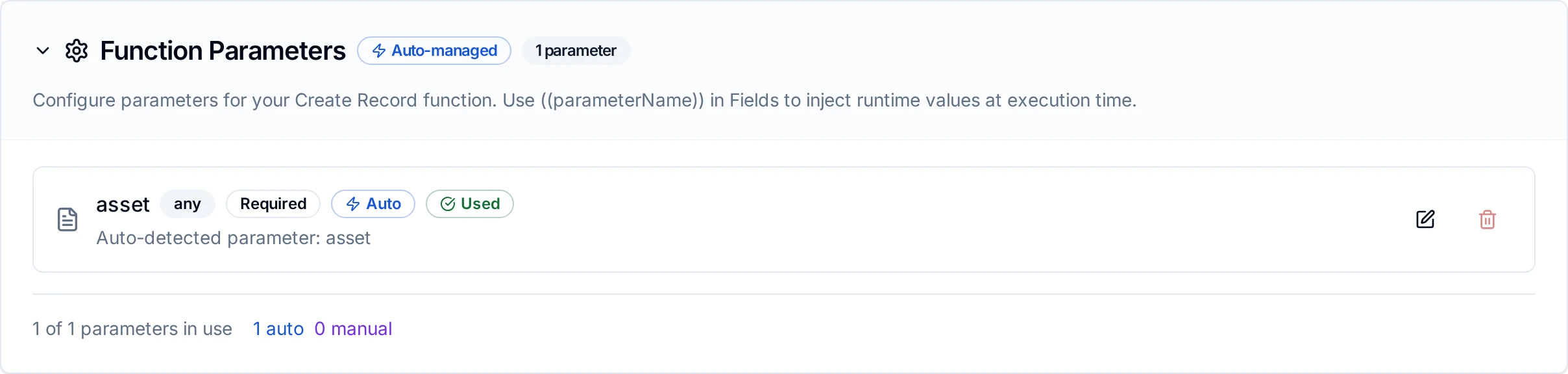
A Create Record function whose short description carries the ((asset)) parameter
Update Record
Changes fields of one record. Only the fields you give change.
| Field | Required | Default | Description |
|---|---|---|---|
| Table | Yes | incident | The table the record is in |
| sys_id | Yes | - | The record's 32-character sys_id, usually ((sysId)) from an earlier Create Record. Supports ((parameters)) |
| Fields | Yes | - | JSON object of the values to change, e.g. {"state": "6", "close_code": "Solved (Permanently)", "close_notes": "Recovered"} |
| Display Values | No | false | As for Create Record |
| Timeout | No | 30s | Bound on this operation |
Setting a field to the same value twice lands the same, so an update may be retried. A journal field is the exception: every update that sets work_notes or comments adds another note.
Get Record
| Field | Required | Default | Description |
|---|---|---|---|
| Table | Yes | incident | The table the record is in |
| sys_id | Yes | - | The record's sys_id. Supports ((parameters)) |
| Return Fields | No | all | Comma-separated field names, e.g. number,state,assigned_to.email (dot-walking a reference is allowed) |
| Display Values | No | false | false, true or all |
| Timeout | No | 30s | Bound on this operation |
A record that does not exist, or that an ACL hides from the user, is reported as ServiceNow's 404 "No Record found".
Query Records
| Field | Required | Default | Description |
|---|---|---|---|
| Table | Yes | incident | The table to query |
| Encoded Query | No | every record | A ServiceNow encoded query, e.g. active=true^cmdb_ci.name=((asset)). Copy one from a list view with Copy query. Supports ((parameters)) |
| Return Fields | No | all | Comma-separated field names |
| Order By / Newest First | No | ServiceNow's order | A field to sort by, ascending or descending |
| Limit | No | 100 | 1 to 10000 records |
| Display Values | No | false | false, true or all |
| Timeout | No | 1m | Bound on the whole query, every page included |
The limit is sent to ServiceNow (sysparm_limit), in pages of up to 1000 records, and the connector never asks past it. ServiceNow applies the limit before its ACLs, so fewer records than the limit can come back when the user may not read some of them. totalCount says how many records match in all.
Pipeline Integration
Each operation is its own node in the Pipeline Designer, under Notifications: ServiceNow Create Record, Update Record, Get Record and Query Records. The ServiceNow nodes page lists what each one returns.
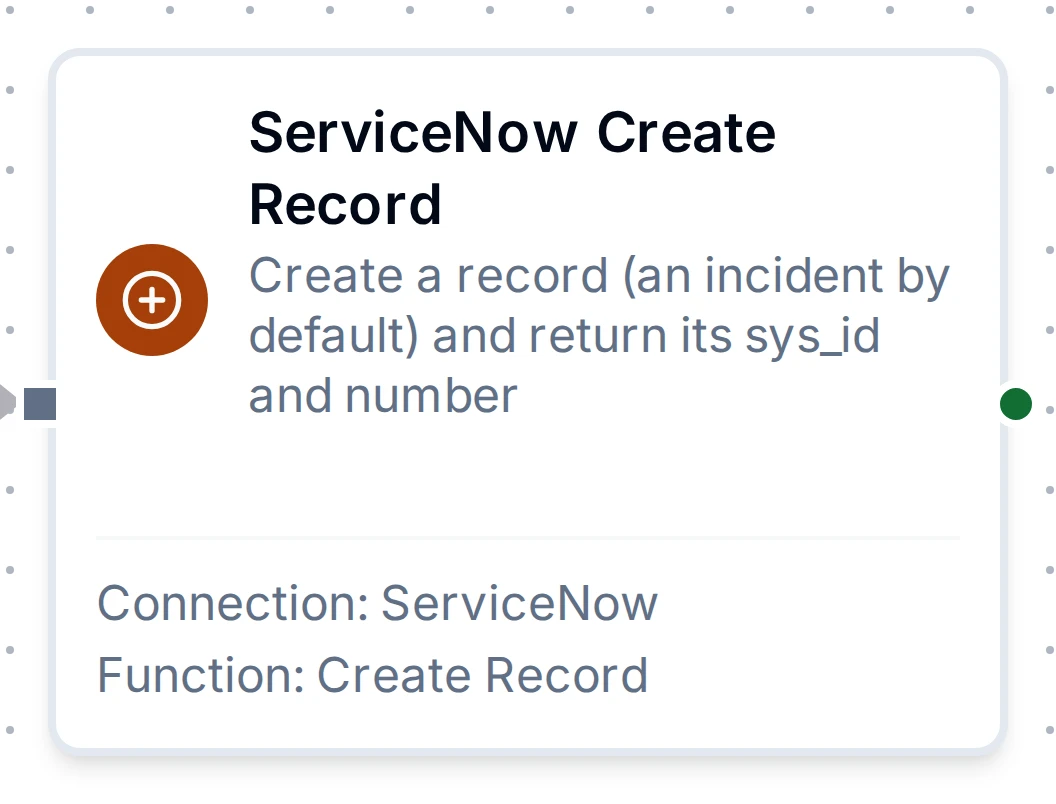
The Create Record node with its connection and function
Common Use Cases
Open an incident when a line stops, resolve it when it recovers
- A trigger watches the line's run state.
- Query Records looks for an open incident for the asset first:
active=true^cmdb_ci.name=((asset))^short_descriptionSTARTSWITHLine stop, limit 1. - If none is open, Create Record opens one:
{"short_description": "Line stop: ((asset))", "urgency": "1", "impact": "2"}. - When the line runs again, Update Record resolves it with
sysId=((sysId))and{"state": "6", "close_code": "Solved (Permanently)", "close_notes": "Line running again at ((time))"}.
Add the latest reading as a work note
Update Record with {"work_notes": "Oil temperature ((temperature)) °C at ((time))"}. Each run adds one note.
Troubleshooting
| What you see | Cause and fix |
|---|---|
| "instance is asleep or returned HTML" | A developer instance is hibernating, or a login page answered. Wake the instance, and check the instance URL is https://<instance>.service-now.com |
| 401 "User Not Authenticated" | Wrong user name or password, or the user is locked out. Check the credentials; a Web service access only user cannot log in to the UI to test them |
| OAuth token request refused (401) | Wrong client ID or secret, or the user's credentials are wrong. ServiceNow words this as server_error / access_denied; the connector reports it as a refusal, not an outage |
| 403 | The user lacks a role or an ACL denies the operation (for example writing a table it may only read). Add the role, or snc_platform_rest_api_access if REST role-based access is enforced |
| 400 "Invalid table …" | The table name is wrong, or the table does not exist on this instance |
| 404 "No Record found" | The sys_id is wrong, the record is in another table, or an ACL hides it |
| A field did not change | Its name is not a column (see ignoredFields), or an ACL makes it read-only for the user (ServiceNow keeps the old value without an error) |
| 429 | An inbound REST rate-limit rule on the instance. The request is reported as temporary; lower the pipeline's rate or ask the administrator about the rule |
| Redirected (3xx) | The instance URL points at a login page or a different host. Use the instance's own https://<instance>.service-now.com URL |