![Mattermost]() Mattermost Integration Guide
Mattermost Integration Guide
Post messages and attachments from your pipelines to your own Mattermost server, through an incoming webhook or a bot.
- Authentication
- Incoming webhook URL, or bot / personal access token
- Operations
- Send Message
- Runs on
- Your own server, no internet needed
Send alarms, shift notes and status updates to Mattermost channels directly from your pipelines. Mattermost runs on a server you host, so it works at sites whose plant network has no route to the internet: MaestroHub and Mattermost talk to each other inside the plant. This guide covers choosing between a webhook and a bot, setting either up in Mattermost, the connection and function fields, and what to do when Mattermost refuses a message.
Overview
The Mattermost connector enables you to:
- Post messages of up to 16383 characters, with Markdown, to a channel
- Attach message attachments: a colour bar, title, text, fields and footer, as Mattermost renders them
- Choose how to connect: an incoming webhook for one channel, or a bot account that can post to any channel it belongs to
- Pick channels from a list when the connection uses a bot
- Trust your own certificate authority when the server's certificate comes from a site CA
Webhook or bot?
| Incoming webhook (default) | Bot | |
|---|---|---|
| Set up in | Integrations > Incoming Webhooks, one form | Integrations > Bot Accounts, then add the bot to its team and channels |
| Posts to | The webhook's own channel | Any channel the bot belongs to, chosen per function |
| Name and icon | Per message, from the function (Username Override, Icon URL Override), when the server allows overrides | The bot's own |
| Channel picker | Not available | Lists the bot's public and private channels, across its teams |
| Result | Says the message was posted | Also gives the post's id, channel and time |
| Test Connection proves | The server answers | The server answers and the token is valid |
| Best for | One alarm channel | Several channels from one connection |
Prerequisites
For a webhook
- Incoming webhooks are enabled on the server (System Console > Integrations > Integration Management > Enable Incoming Webhooks).
- In Mattermost, open Integrations > Incoming Webhooks > Add Incoming Webhook, pick the channel, and save. Copy the URL it shows, which looks like
https://mattermost.plant.local/hooks/xxxxxxxxxxxxxxxxxxxxxxxxxx. - To let a function set the name and icon a message is posted under, an administrator enables Enable integrations to override usernames and Enable integrations to override profile picture icons on the same page. Without them, Mattermost ignores the overrides.
The webhook URL is a credential: anyone who has it can post to the channel. MaestroHub stores it encrypted and never shows it again; if it leaks, delete the webhook in Mattermost and create a new one.
For a bot
- Bot accounts are enabled (System Console > Integrations > Bot Accounts > Enable Bot Account Creation).
- In Integrations > Bot Accounts > Add Bot Account, create the bot and copy its access token. A user's personal access token (Profile > Security > Personal Access Tokens) works the same way.
- Add the bot to its team and to every channel it should post to (
/invite @bot-namein the channel). A bot that is not a channel member cannot post there. - A channel's ID is under the channel name's menu, View Info. With a bot connection you can also pick channels from a list in the function form.
Connection Configuration
Creating a Mattermost Connection
Navigate to Connections > New Connection > Mattermost and configure the following:
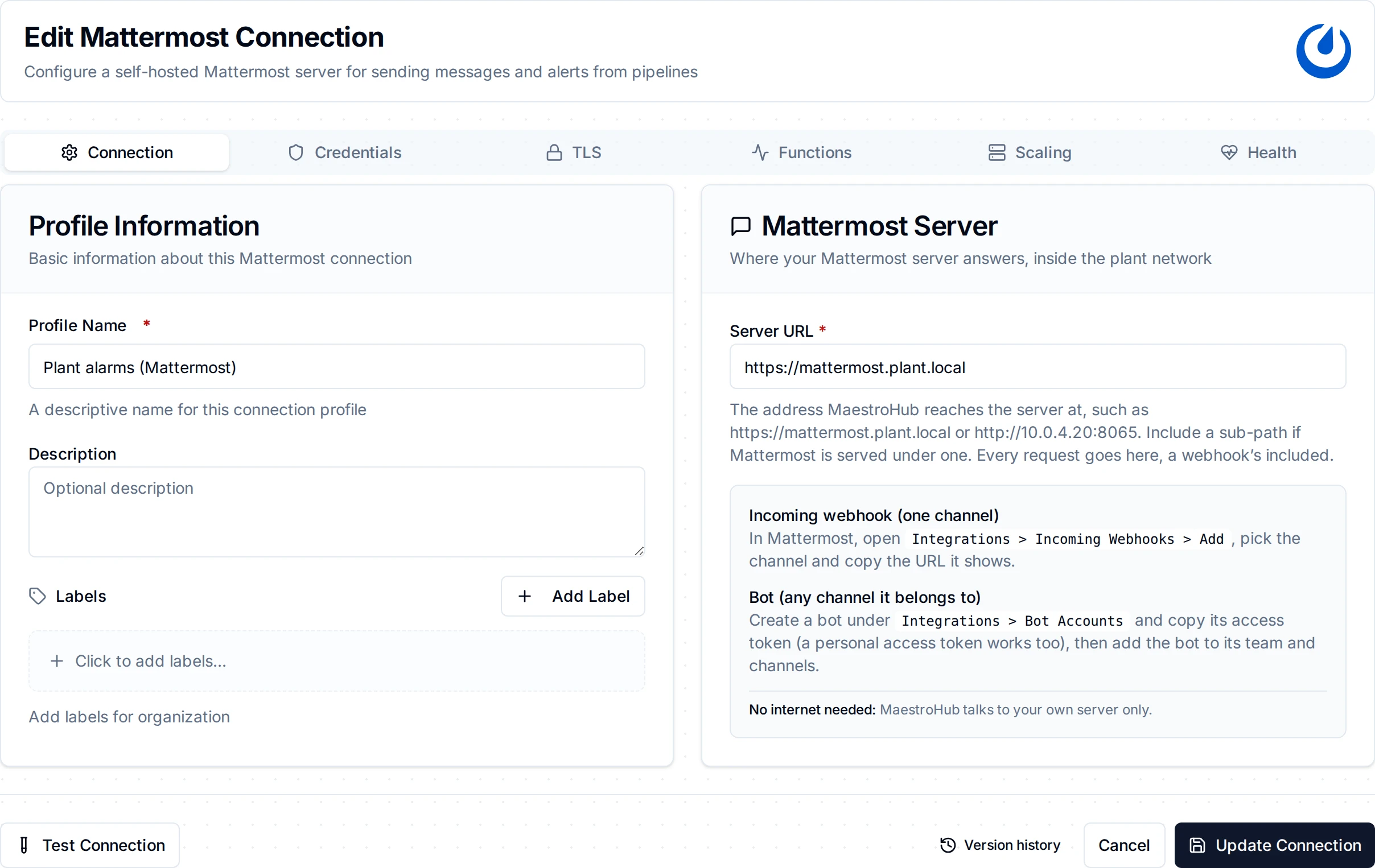
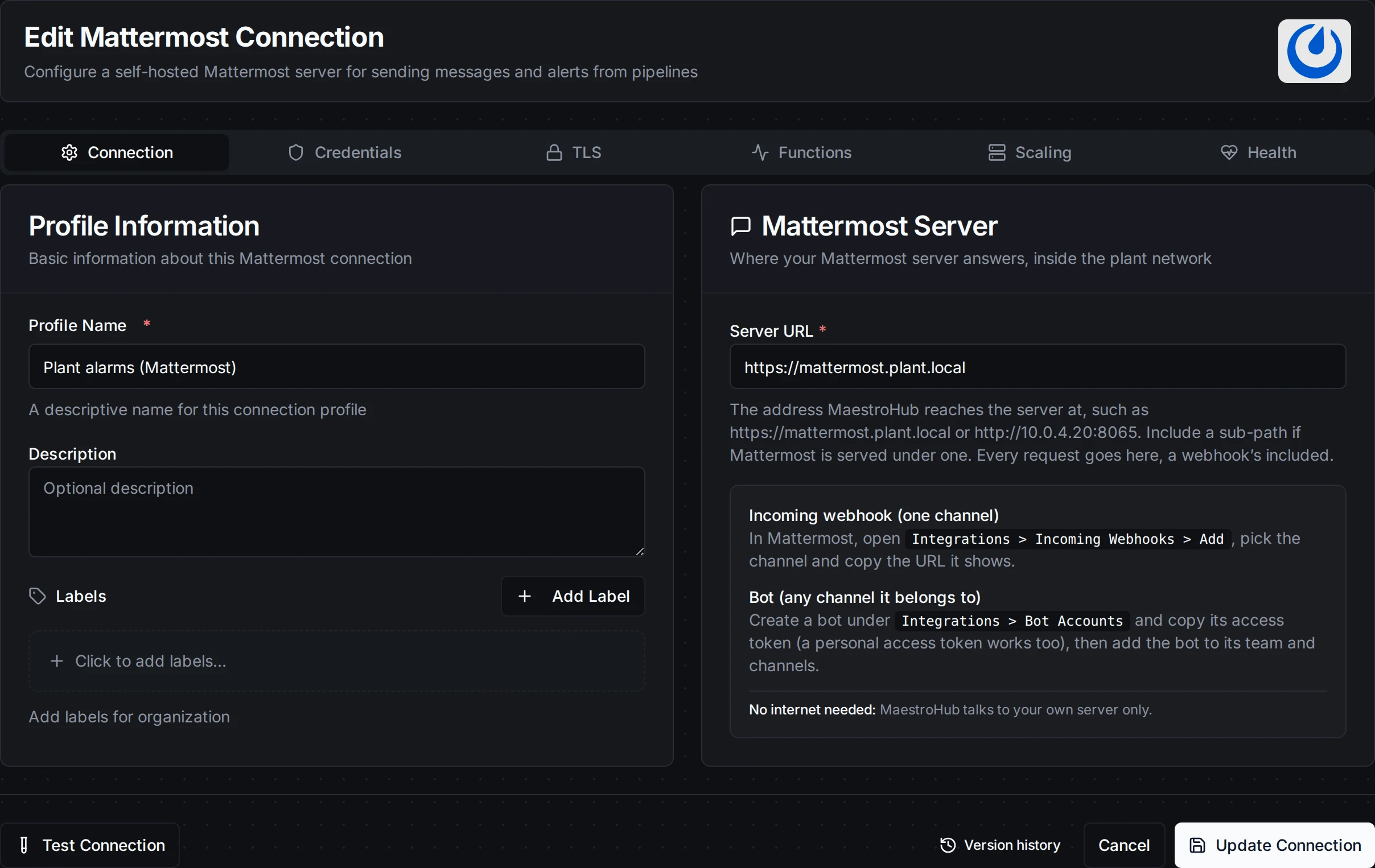
Create a Mattermost connection with a webhook or a bot
1. Profile Information
| Field | Default | Description |
|---|---|---|
| Profile Name | - | A descriptive name for this connection profile (required, max 100 characters) |
| Description | - | Optional description for this Mattermost connection |
2. Server and Authentication
| Field | Default | Description |
|---|---|---|
| Server URL | - | The address of your Mattermost server as MaestroHub reaches it, such as https://mattermost.plant.local or http://10.0.4.20:8065 (required). Include a sub-path if Mattermost is served under one. Every request goes here, a webhook's included |
| Authentication | Webhook | Webhook posts through one incoming webhook. Bot posts with a bot account's or a user's access token to any channel it belongs to |
| Webhook URL | - | Webhook mode: the incoming webhook's URL (required, stored encrypted). Only its key is used; the message goes to the Server URL |
| Access Token | - | Bot mode: the bot's access token or a personal access token, without Bearer (required, stored encrypted) |
The field of the mode you did not choose is hidden and not saved. Because only the webhook's key is taken from its URL, a server reached at another address than the one in its links (an internal IP, a different host name) still works: set that address as the Server URL.
3. Security
| Field | Default | Description |
|---|---|---|
| CA Certificate | - | The PEM certificate of the authority that signed the server's certificate, when it is your site's own CA rather than a public one. Leave empty to trust the system's authorities |
| Skip Certificate Verification | Off | Accept any certificate. Only for a test server: anyone on the network path could read the token and the messages |
- Test Connection makes a real request. In bot mode it reads the token's own user, so a revoked token fails here, not at the first alert. In webhook mode it checks that the server answers: Mattermost cannot read a webhook without an account, and posting one would put a message in the channel, so a deleted webhook shows at its first send.
- Security: The webhook URL and the access token are stored encrypted and masked on edit. Leave the field empty to keep the stored value.
Function Builder
Creating Mattermost Functions
After saving the connection:
- Open the connection and go to its Functions tab > New Function
- Select Send Message. It is the only Mattermost function type; the channel list only fills the form's picker
- Configure the message
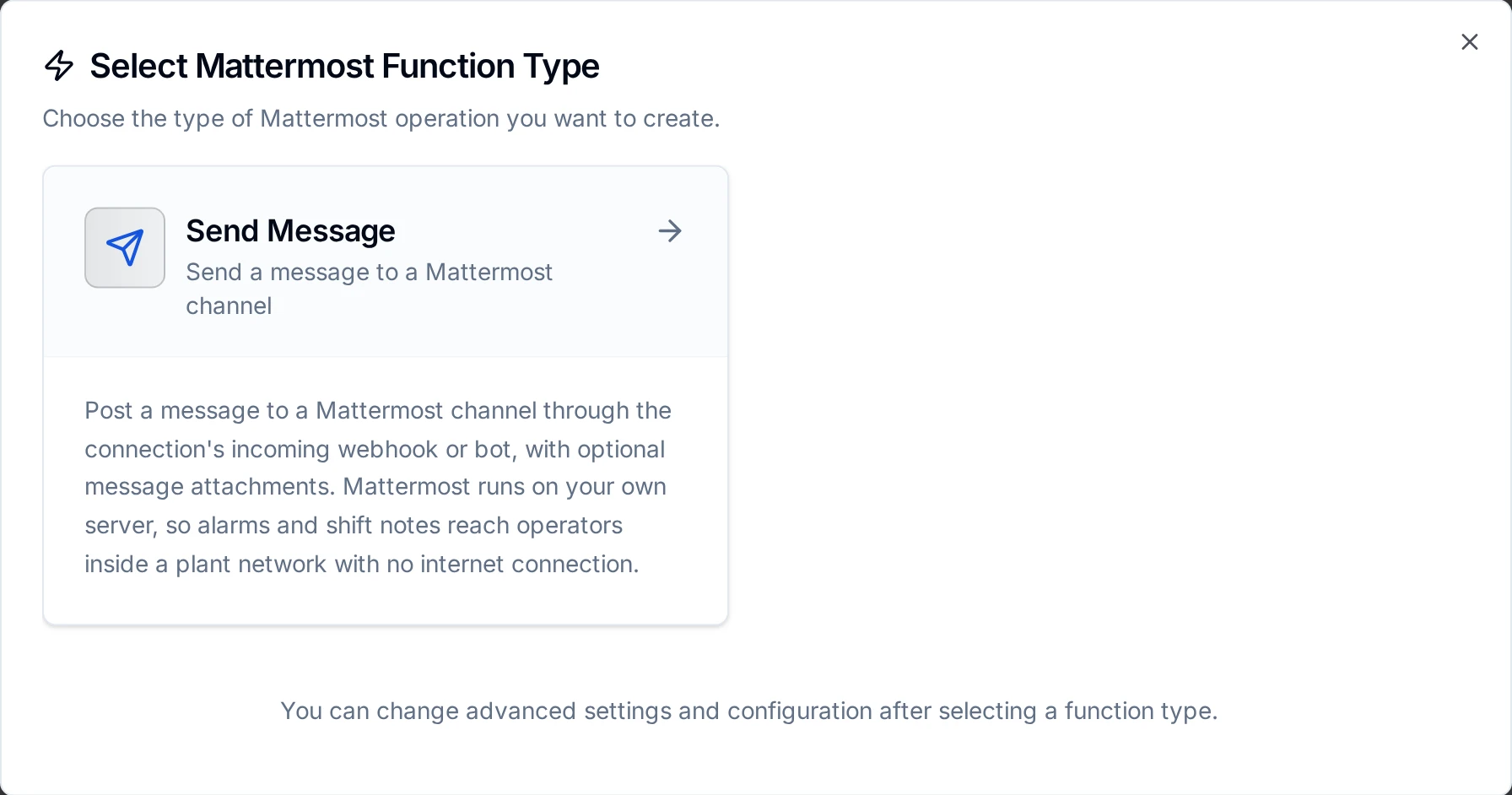
Create reusable Mattermost functions
Send Message Function
Purpose: Post a message, with optional attachments, to a Mattermost channel.
| Field | Type | Required | Default | Description |
|---|---|---|---|---|
| Function Name | String | Yes | - | A descriptive name, e.g. line-3-alarms. Max 100 characters |
| Channel | String | Bot mode | - | The channel to post to: pick it from the bot's channels, or enter its ID by hand. Disabled in webhook mode, with the reason: the webhook's own channel is used. Supports parameters |
| Message | String | Yes | - | Up to 16383 characters, Markdown allowed. Supports parameters: ((machine)), ((temperature)). If its parameters resolve to nothing at run time, the message is sent only when attachments are set |
| Attachments (JSON) | JSON text | No | - | A JSON array of Mattermost message attachments, or one object. Supports parameters |
| Username Override | String | No | - | Webhook mode only: the name the message is posted under, when the server allows it. Supports parameters. Disabled, with the reason, on a bot connection |
| Icon URL Override | String | No | - | Webhook mode only: an image URL for the message's profile picture, when the server allows it. Disabled, with the reason, on a bot connection |
| Timeout | Duration | No | 30s | Bound on this single send |
An attachment example:
[{
  "color": "#d0021b",
  "title": "Line 3 stopped",
  "text": "Bearing temperature ((temperature)) °C",
  "fields": [{ "title": "Shift", "value": "((shift))", "short": true }],
  "footer": "MaestroHub"
}]
A message is checked before it is sent, and refused with nothing sent, when the message resolves to nothing and no attachments are set, the message is over 16383 characters (Mattermost would split a longer webhook text into several posts), the attachments are not valid JSON, a bot-mode function has no channel or a channel that is not a Mattermost ID, or a field of the other mode is set (a channel on a webhook connection, a username or icon on a bot connection).
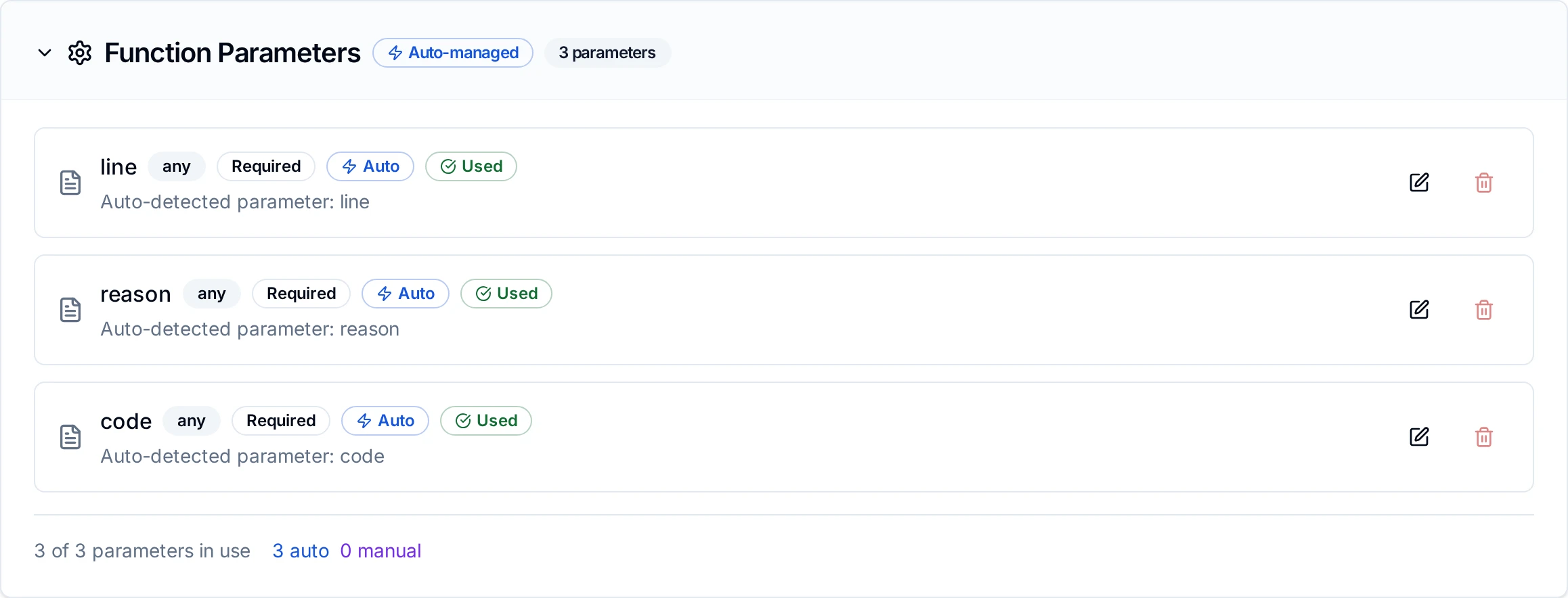
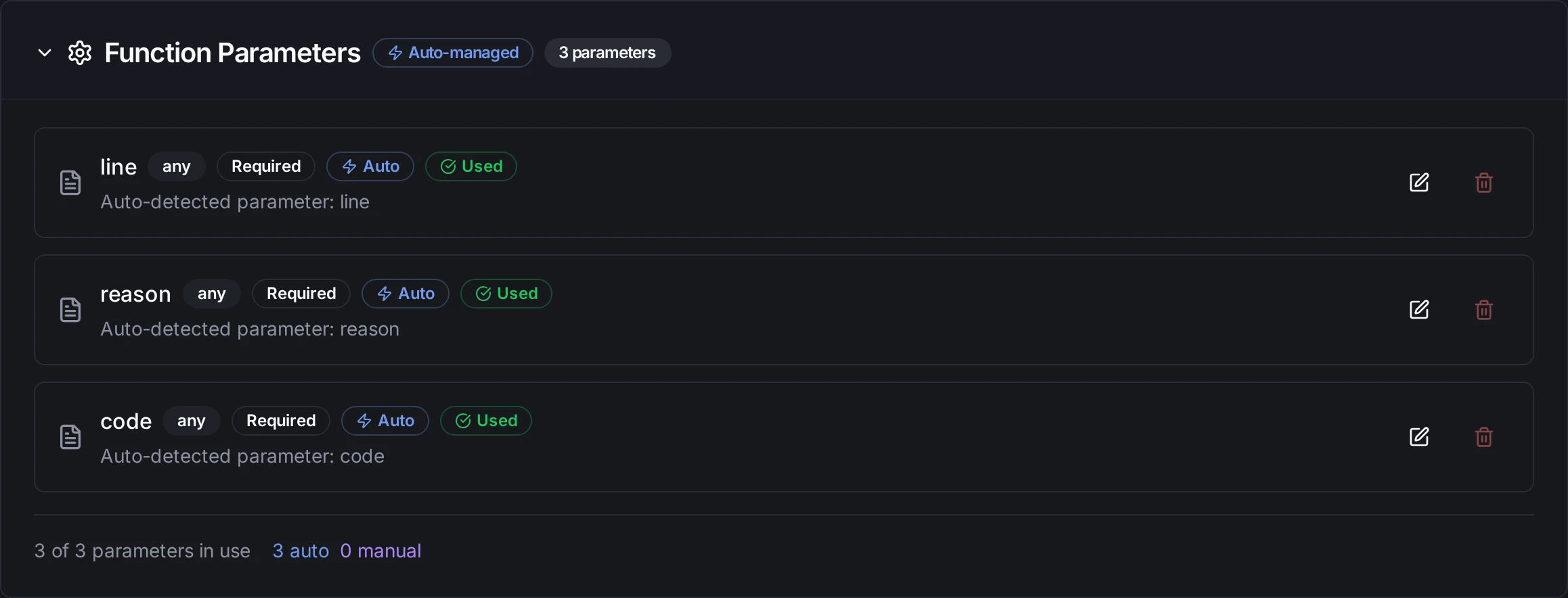
Parameters detected from the message
Using Parameters
Use ((parameterName)) in Message, Attachments, Channel (bot mode) and Username Override (webhook mode) to fill them from pipeline data at run time. A parameter inside attachments is substituted into the JSON text, so a value containing a double quote breaks the JSON and the send is refused before anything is sent; keep such values in the message text.
Pipeline Integration
Use the Send Message functions you configure here as Mattermost Send Message nodes in the Pipeline Designer. See the Mattermost node page for the node's output.
Retries. Mattermost refusing a message (a bot that is not in the channel, an archived channel, a revoked token, webhooks turned off) is a permanent error; retrying sends the same message to the same refusal. A timeout, a dropped connection, a 5xx or a rate limit leaves the outcome unknown: the message may already be posted, so Retry on Fail and store-and-forward can post it twice. Store-and-forward is available for this function, which keeps alarms waiting while the Mattermost server is down for maintenance; set a short maximum age so a buffered alarm does not arrive long after the incident.
Common Use Cases
Line-stop alarm with an attachment
Pipeline Flow: OPC UA Read > Condition (status = fault) > Mattermost Send Message to ~maintenance through a webhook.
Message:      @here Line ((line)) stopped
Attachments:  [{"color": "#d0021b", "title": "Fault ((code))", "text": "((reason))"}]
Username Override: Line ((line))
Shift summary to several channels
One bot connection, one function per channel (or one function with ((channelId)) as the channel), posting the shift's OEE and scrap counts at the end of each shift.
Troubleshooting
| Error | Cause | Fix |
|---|---|---|
Mattermost error web.incoming_webhook.general.app_error | The webhook key names no webhook on this server: deleted, mistyped, or from another server. Mattermost gives the same answer for every webhook problem | Check the Webhook URL and that the Server URL is the server the webhook was created on |
status 501 Not Implemented on a send | Incoming webhooks are turned off on the server | An administrator enables them under System Console > Integrations > Integration Management |
Mattermost error api.context.session_expired.app_error | The access token is wrong, expired or revoked | Create a new token and update the connection |
Mattermost error api.context.permissions.app_error | The bot is not a member of the channel, or the channel ID is wrong | Add the bot to the channel and its team; check the ID |
Mattermost error api.post.create_post.can_not_post_to_deleted.error | The channel is archived | Unarchive it, or pick another channel |
nothing answered at that path; check the Server URL | The Server URL points at something that is not Mattermost, or misses a sub-path | Set the address you open Mattermost at in a browser |
certificate signed by unknown authority | The server's certificate comes from a CA MaestroHub does not trust | Paste the site CA's certificate into CA Certificate |
rate limited by the server | The server's API rate limiter is on and the bot sent too fast | Send less often, or batch several events into one message |
listing channels needs a bot connection | The channel picker was used on a webhook connection | A webhook always posts to its own channel; no channel needs choosing |