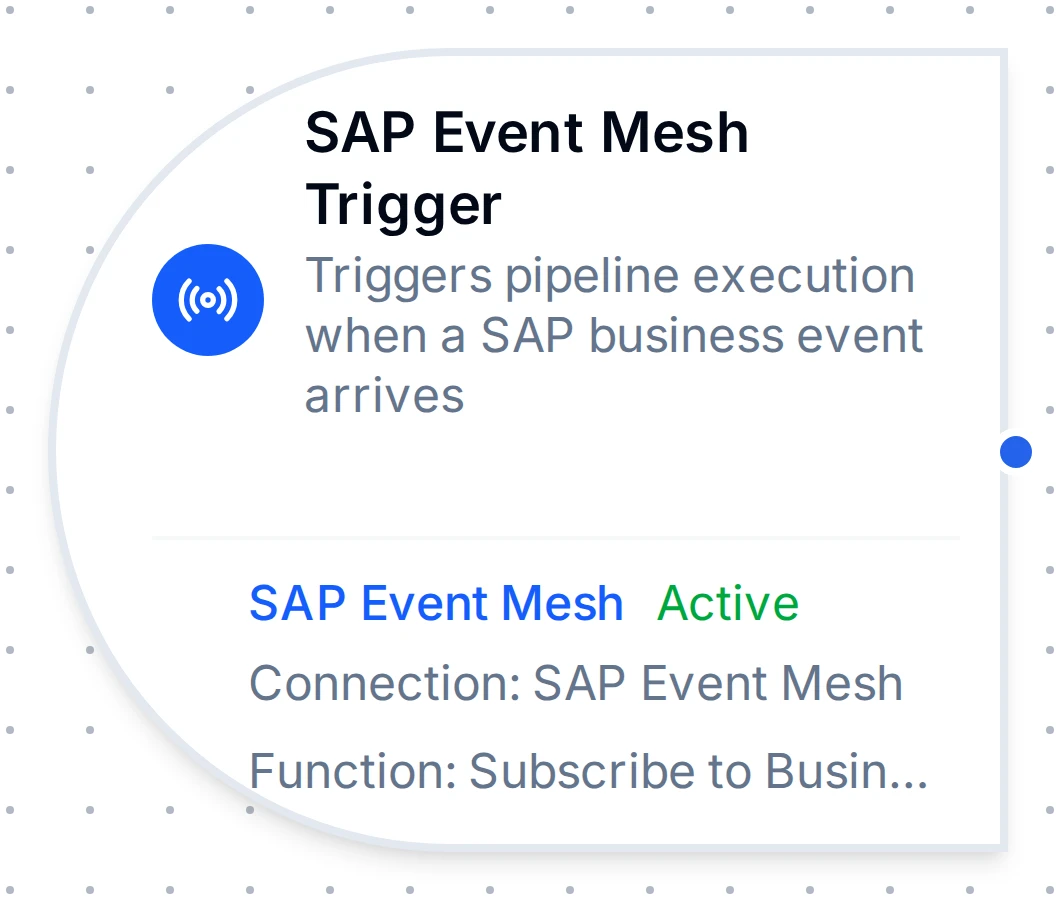
SAP Event Mesh trigger node
SAP Event Mesh Trigger Node
Start a pipeline when SAP publishes a business event, such as a new sales order, to an Event Mesh queue or topic.
- Starts on
- An SAP business event as a CloudEvent 1.0
- Transports
- AMQP queue · MQTT topic
- Delivery
- At least once on AMQP; make processing idempotent
Overview
The SAP Event Mesh Trigger Node automatically starts a MaestroHub pipeline when a SAP business event arrives on an Event Mesh queue (AMQP) or topic (MQTT). Events are delivered as CloudEvents 1.0, so the moment SAP records a change (a sales order created, an outbound delivery changed, a goods movement posted), a new pipeline execution begins, with the event payload available to every downstream node.
This node is the entry point for event-driven SAP integration. It relies on a SAP Event Mesh connection and a Subscribe function you create in Connect; configure the broker, authentication, queue, and prerequisites there first.
Core Functionality
What It Does
1. Event-Driven Pipeline Execution Starts a pipeline automatically for every business event SAP publishes to the subscribed queue or topic, with no polling and no manual invocation. Ideal for near-real-time reactions to master-data and transactional changes in S/4HANA.
2. Durable, At-Least-Once Delivery (AMQP) On the durable AMQP transport, events are retained in the broker queue while the pipeline/connector is offline and replayed on reconnect, and each event is acknowledged only after the pipeline durably captures it. Design downstream logic to be idempotent, because redelivery is possible.
3. CloudEvents Payload and Metadata Passthrough
The CloudEvents envelope is passed to the pipeline as $trigger.result, and the event's identity attributes (id, type, source, subject, time) are surfaced under _metadata, available to all downstream nodes.
Configuration Options
Basic Information
| Field | Type | Description |
|---|---|---|
| Node Label | String (Required) | Display name for the node on the pipeline canvas |
| Description | String (Optional) | Explains what this trigger initiates |
Parameters
| Parameter | Type | Default | Required | Constraints | Description |
|---|---|---|---|---|---|
| SAP Event Mesh Connection | string | "" | Yes | - | The SAP Event Mesh connection profile to consume events from. |
| Subscribe Function | string | "" | Yes | - | The Subscribe function within the connection. Only *.subscribe functions are listed. |
| Trigger Mode | select | always | No | always / onChange | always: fire on every event. onChange: fire only when the payload differs from the last received value for that key. |
| Max Tracked Keys | number | 1000 | If onChange | 1-10,000 | Distinct event keys tracked for change detection. The least-recently-used key is evicted when exceeded. |
| Enable Trigger | boolean | true | No | - | When disabled, no events are consumed from the queue/topic. |
| Test Data | JSON | - | No | - | A sample CloudEvent used to dry-run the pipeline without a live SAP event. |
The selected function must be a SAP Event Mesh Subscribe function. The picker only lists functions whose type ends in .subscribe.
Change-detection state is kept in memory and resets when MaestroHub restarts, so the first event after a restart always fires.
Settings
Description
A free-text area for documenting the node's purpose and behavior. Notes entered here are saved with the pipeline and visible to all team members.
Execution Settings
| Setting | Options | Default | Description |
|---|---|---|---|
| Timeout (seconds) | number | Pipeline default | Maximum execution time for this node (1-3600). Leave empty for pipeline default. |
| Retry on Timeout | Pipeline Default / Enabled / Disabled | Pipeline Default | Whether to retry the node if it times out. |
| Retry on Fail | Pipeline Default / Enabled / Disabled | Pipeline Default | Whether to retry on failure. When Enabled, shows Advanced Retry Configuration. |
| On Error | Pipeline Default / Stop Pipeline / Continue Execution | Pipeline Default | Behavior when the node fails after all retries. |
Advanced Retry Configuration (visible when Retry on Fail = Enabled)
| Field | Type | Default | Range | Description |
|---|---|---|---|---|
| Max Attempts | number | 3 | 1-10 | Maximum retry attempts. |
| Initial Delay (ms) | number | 1000 | 100-30,000 | Wait before first retry. |
| Max Delay (ms) | number | 120000 | 1,000-300,000 | Upper bound for backoff delay. |
| Multiplier | number | 2.0 | 1.0-5.0 | Exponential backoff multiplier. |
| Jitter Factor | number | 0.1 | 0-0.5 | Random jitter (±percentage). |
Validation Rules
The SAP Event Mesh Trigger Node enforces these validation requirements:
Node Label
- Must be provided and non-empty
- Error: "Node name is required"
SAP Event Mesh Connection
- Must be provided and non-empty
- Error: "SAP Event Mesh connection is required"
Subscribe Function
- Must be provided and non-empty
- Must be a SAP Event Mesh Subscribe function belonging to the selected connection
- Error: "Subscribe function is required"
Enable Trigger
- Must be a boolean if provided
- Error: "Enabled must be a boolean value"
The Event Payload
Each incoming business event is normalized to a CloudEvents 1.0 envelope as the trigger payload, with identity attributes surfaced as metadata.
$trigger.result: the CloudEvents envelope:
{
  "specversion": "1.0",
  "id": "b7f3a1e2-0c4d-4f8a-9b2e-1a2b3c4d5e6f",
  "type": "sap.s4.beh.salesorder.v1.SalesOrder.Created.v1",
  "source": "/default/sap.s4.beh/244572008",
  "subject": "0000012345",
  "time": "2026-07-28T09:15:42Z",
  "datacontenttype": "application/json",
  "data": {
    "SalesOrder": "0000012345"
  }
}
The business object's keys are under data; access them as $trigger.result.data.SalesOrder. SAP business events are lightweight notifications carrying the changed object's keys, not the full record; a downstream node typically fetches full details via an OData call.
_metadata: routing attributes as strings:
| Key | Example |
|---|---|
_metadata.protocol | sap_eventmesh |
_metadata.id | b7f3a1e2-… (idempotency key) |
_metadata.type | sap.s4.beh.salesorder.v1.SalesOrder.Created.v1 |
_metadata.source | /default/sap.s4.beh/244572008 |
_metadata.subject | 0000012345 |
_metadata.time | 2026-07-28T09:15:42Z |
Because delivery is at-least-once, an event can be redelivered after a crash. Use _metadata.id (the CloudEvents id) as an idempotency key so downstream processing runs exactly once per event.
Test Data
Provide a sample CloudEvent in Test Data to dry-run the pipeline without waiting for a live SAP event, for example:
{
  "specversion": "1.0",
  "type": "sap.s4.beh.outbounddelivery.v1.OutboundDelivery.Created.v1",
  "data": { "DeliveryDocument": "80000123" }
}
Usage Examples
Near-Real-Time Order Fulfillment
Scenario: Start an order-fulfillment pipeline the instant SAP records a new sales order.
Configuration:
- Label: Sales Order Created
- Connection: Production SAP Event Mesh
- Function: Subscribe from
default/myorg.com/integration/SALESORDERS - Trigger Mode: always
- Enabled: true
Downstream Processing:
- Read
$trigger.result.data.SalesOrder - Fetch full order details via an OData/REST call
- Publish to the Unified Namespace and notify the MES
Deduplicated Master-Data Sync
Scenario: Keep an external system's business-partner records in sync, but only run the pipeline when a partner's payload actually changes.
Configuration:
- Label: Business Partner Sync
- Connection: SAP Event Mesh
- Function: Subscribe from
default/myorg.com/integration/BUSINESSPARTNERS - Trigger Mode: onChange
- Max Tracked Keys: 5000
- Enabled: true
Downstream Processing:
- Fetch the partner via OData using
$trigger.result.data.BusinessPartner - Upsert into the target system
- Use
_metadata.idto dedupe any redeliveries
Event-Routed Notifications
Scenario: Route different business events to different actions.
Configuration:
- Label: Logistics Event Router
- Connection: SAP Event Mesh
- Function: Subscribe from
default/myorg.com/integration/LOGISTICS - Trigger Mode: always
- Enabled: true
Downstream Processing:
- Branch on
$trigger.result.type(or_metadata.type) OutboundDelivery.Created→ notify the carrierMaterialDocument.Created→ update the line dashboard
Related
- SAP Event Mesh Connector Guide: connection setup, prerequisites, authentication, and the Subscribe function.
- Nodes: configuring and testing nodes, error handling, and expressions.