GitLab Nodes
Open an issue when an alarm fires, comment on it as things change, and close it when the line recovers.
- Needs
- A GitLab connection
- Operations
- Create Issue, Add Comment, Update Issue, Get Issue
- Output
- The issue as GitLab holds it, or the new comment
Plant engineering teams that track their work in GitLab can have pipelines open and close the issues for them. MaestroHub's GitLab nodes open an issue or an incident, add comments, close, reopen or relabel it, and read it back.
Configuration Quick Reference
| Field | What you choose | Details |
|---|---|---|
| Parameters | Connection, Function, Function Parameters, Timeout Override | Select the connection profile, function, configure function parameters with expression support, and optionally override timeout. |
| Settings | Description, Timeout (seconds), Retry on Timeout, Retry on Fail, On Error | Node description, maximum execution time, retry behavior on timeout or failure, and error handling strategy. All execution settings default to pipeline-level values. |
Every node delivers its data under result, and execution facts (success, functionId, durationMs, timestamp) under _metadata, with the call's own facts in $node["Name"]._metadata.method (the operation), $node["Name"]._metadata.connectionId (the connection it ran over) and $node["Name"]._metadata.protocol (gitlab). A write also says what it did in $node["Name"]._metadata.message (Created issue #42), and, when GitLab stored something other than what was asked (a Guest's incident opened as an issue, its internal comment stored public), why in $node["Name"]._metadata.warning.
The issue output
GitLab Create Issue, GitLab Update Issue and GitLab Get Issue all deliver the issue as GitLab holds it after the call:
| Expression | Description |
|---|---|
$node["Name"].result.iid | The issue's number in its project (#42): pass it to Add Comment, Update Issue or Get Issue |
$node["Name"].result.id | GitLab's instance-wide id of the issue (not the number to pass on) |
$node["Name"].result.projectId | The numeric id of the issue's project |
$node["Name"].result.title | The issue's title |
$node["Name"].result.description | The issue's description, empty when it has none |
$node["Name"].result.state | opened or closed |
$node["Name"].result.labels | The issue's labels |
$node["Name"].result.issueType | issue or incident: what GitLab stored, which can differ from what was asked (a Guest's incident is opened as an issue) |
$node["Name"].result.confidential | Whether the issue is confidential |
$node["Name"].result.webUrl | The issue's page in GitLab |
$node["Name"].result.author | User name of the issue's author: the token's user, or a project or group token's bot user |
$node["Name"].result.assignees | User names of the assignees, empty when unassigned |
$node["Name"].result.createdAt | When the issue was opened, UTC RFC 3339 |
$node["Name"].result.updatedAt | When the issue last changed, UTC RFC 3339 |
$node["Name"].result.closedAt | When the issue was closed, UTC RFC 3339. Absent while it is open |
$node["Name"].result.dueDate | The due date, YYYY-MM-DD. Absent when the issue has none |
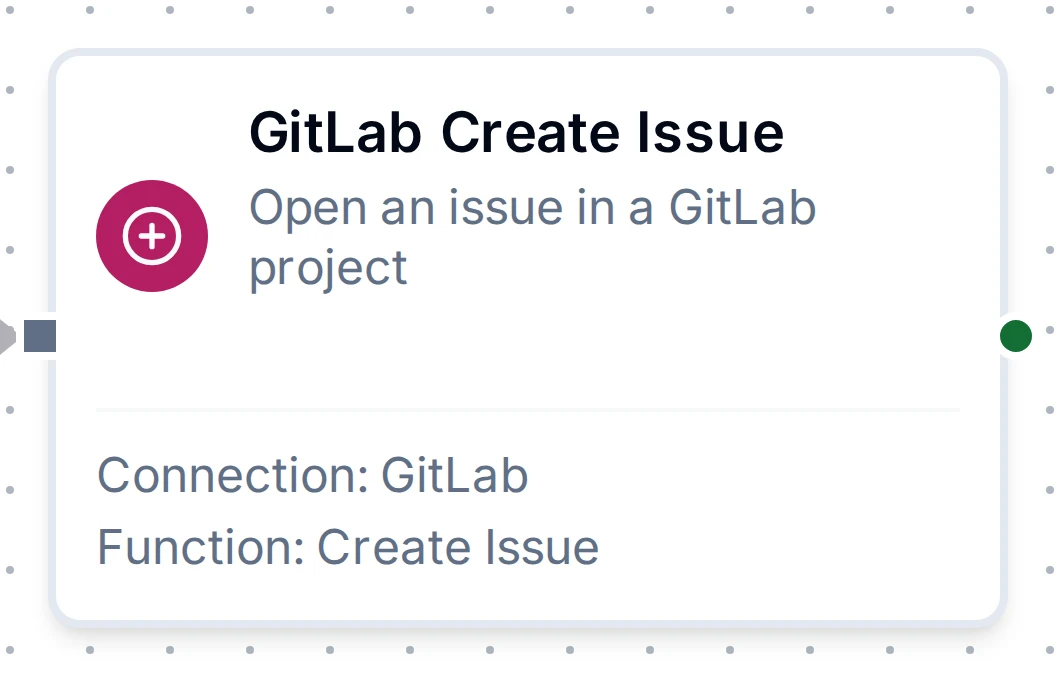
GitLab Create Issue Node
GitLab Create Issue Node
Opens one issue or incident in a project, with a title, a Markdown description, labels, a due date and a confidential flag. Its output is the issue output above.
Each run opens an issue. GitLab takes no request key, so a run whose answer was lost (a timeout) and that Retry on Fail or store-and-forward sends again can open a second one. The node itself never re-sends.
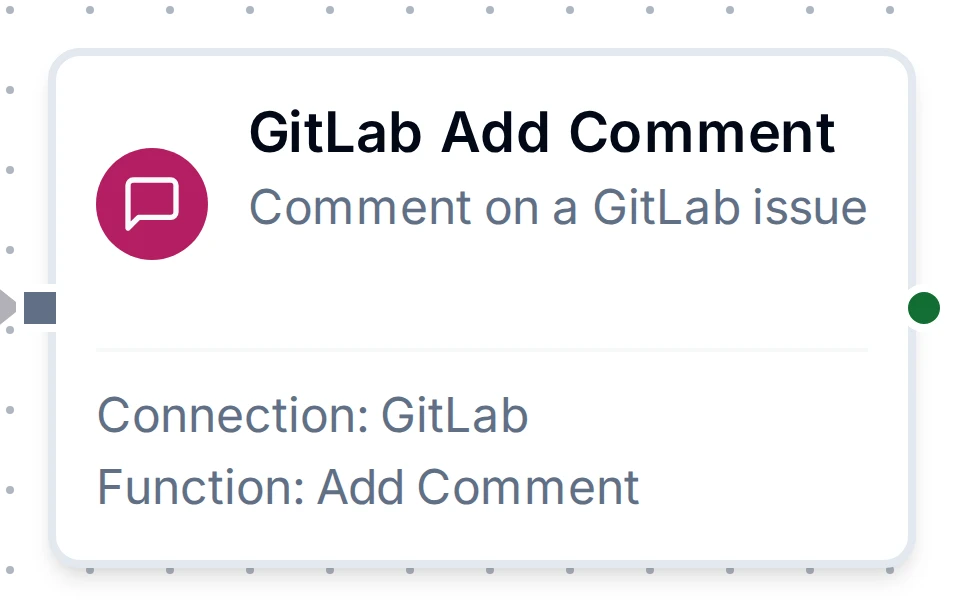
GitLab Add Comment Node
GitLab Add Comment Node
Adds one comment to an issue, in GitLab Markdown, optionally as an internal note.
Output
| Expression | Description |
|---|---|
$node["Name"].result.noteId | GitLab's id of the new comment (a note) |
$node["Name"].result.issueIid | The number of the issue commented on |
$node["Name"].result.projectId | The numeric id of the issue's project |
$node["Name"].result.internal | Whether GitLab stored the comment as internal: false for a Guest's internal comment, which GitLab makes public |
$node["Name"].result.author | User name of the comment's author |
$node["Name"].result.createdAt | When the comment was added, UTC RFC 3339 |
GitLab Update Issue Node
GitLab Update Issue Node
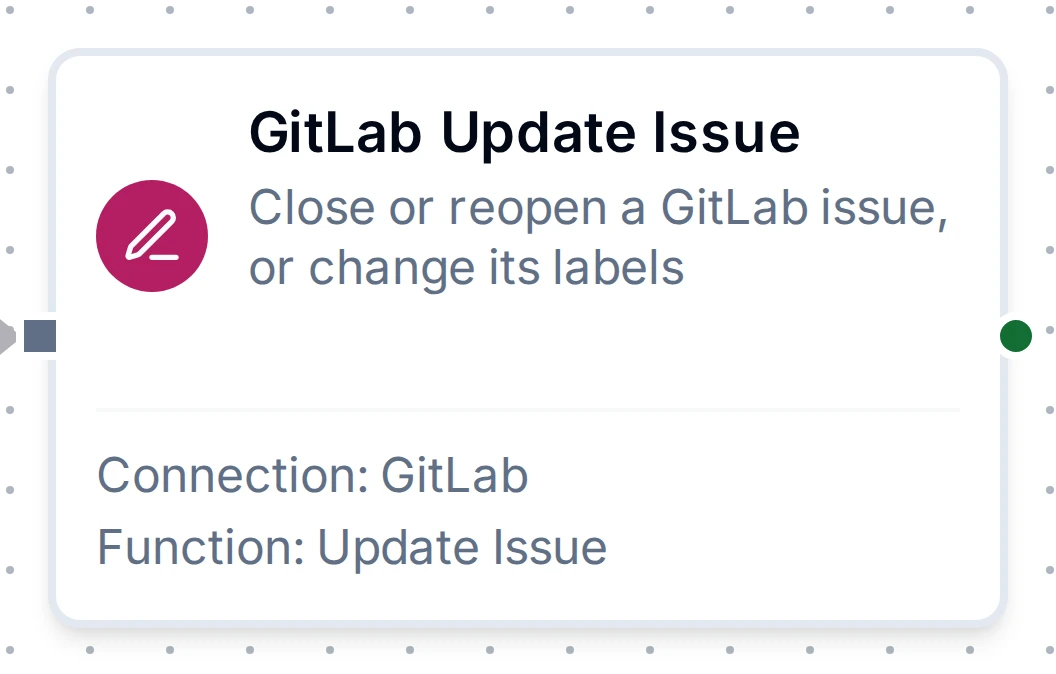
Closes or reopens an issue and adds or removes labels; only what is set changes, and closing a closed issue changes nothing. Its output is the issue output above, after the change.
GitLab Get Issue Node
GitLab Get Issue Node
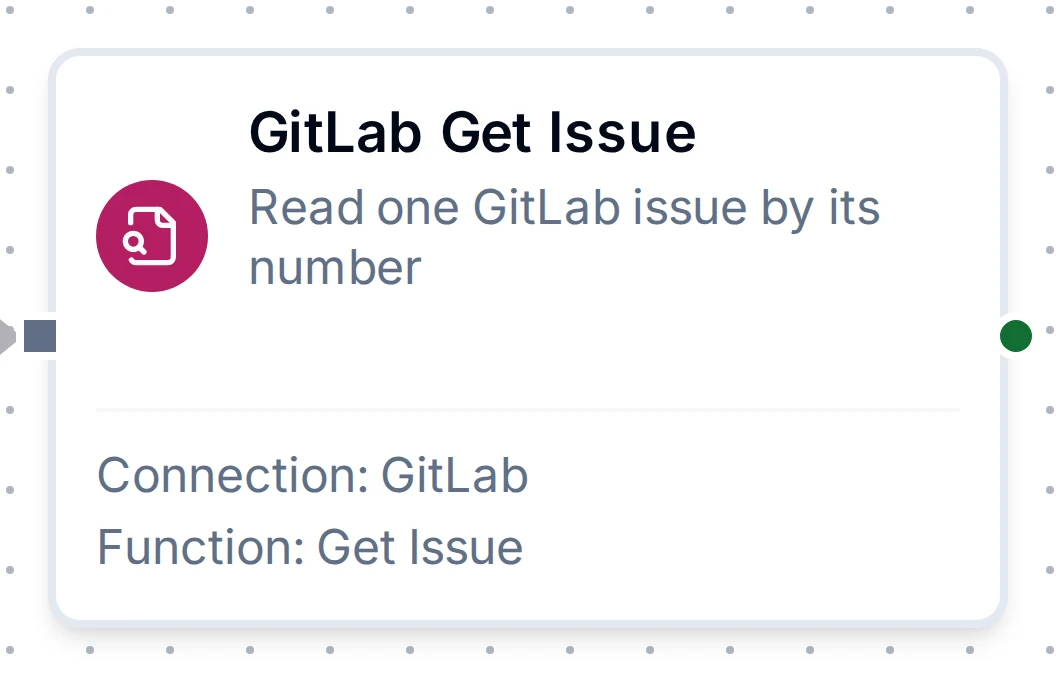
Reads one issue by its number. Its output is the issue output above.
The project list you see while building a function comes from the connection's project picker. It is not a function you can save, so no node returns it.
For every function field, see the GitLab Integration Guide.