Twilio Nodes
Text or ring an operator from a pipeline, and check that the text arrived.
- Needs
- A Twilio connection
- Operations
- Send Message, Make Call, Get Message
- Output
- One entry per recipient, or the delivery status
Twilio delivers SMS and voice calls to phones. MaestroHub's Twilio nodes send them through Twilio's REST API and read a message's delivery status back.
Configuration Quick Reference
| Field | What you choose | Details |
|---|---|---|
| Parameters | Connection, Function, Function Parameters, Timeout Override | Select the connection profile, function, configure function parameters with expression support, and optionally override timeout. |
| Settings | Description, Timeout (seconds), Retry on Timeout, Retry on Fail, On Error | Node description, maximum execution time, retry behavior on timeout or failure, and error handling strategy. All execution settings default to pipeline-level values. |
Every node delivers its data under result, and execution facts (success, functionId, durationMs, timestamp) under _metadata, with the call's own facts in $node["Name"]._metadata.method (the operation), $node["Name"]._metadata.connectionId (the connection it ran over) and $node["Name"]._metadata.protocol (twilio).
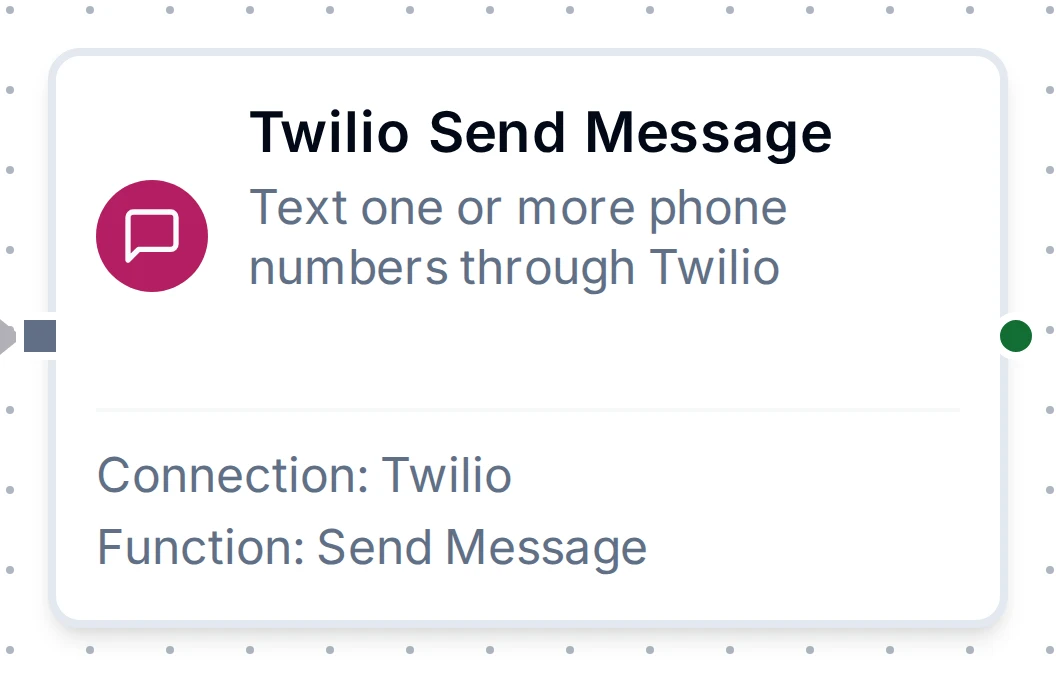
Twilio Send Message Node
Twilio Send Message Node
Texts one or more phone numbers, one request per number in the order given. Twilio answers that it queued or accepted each text; the carrier delivers it afterwards.
Each number Twilio takes is a text and a charge. The node sends each number once and never re-sends on its own. Retry on Fail, a For Each retry and store-and-forward may send the write again: the numbers that already got the text are skipped, except one whose answer was lost in a timeout, which may get it twice.
Output
| Expression | Description |
|---|---|
$node["Name"].result.messages | One object per number Twilio took, in the order sent: to, sid (keep it to read the delivery status), status (queued or accepted, never delivered yet) and segments (the billed parts) |
$node["Name"].result.queued | How many numbers Twilio took |
When some numbers were refused, the node fails with a summary naming each one and Twilio's reason, and the result also carries successCount and failureCount.
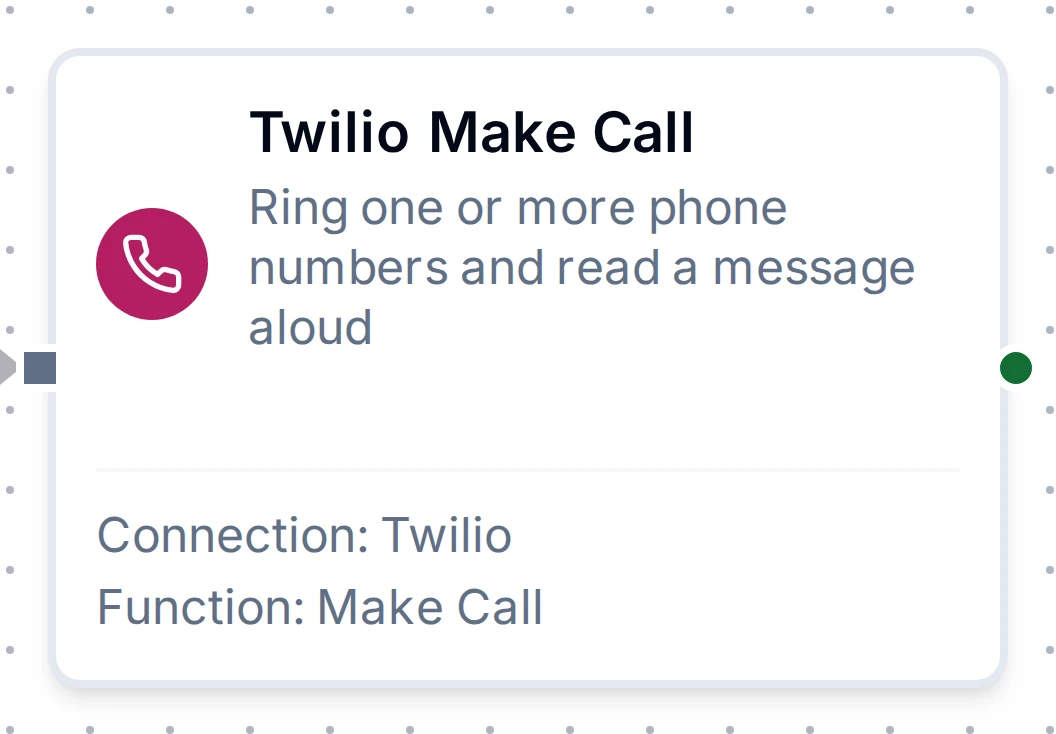
Twilio Make Call Node
Twilio Make Call Node
Rings one or more phone numbers, one call each, and has Twilio read the message aloud when the call is answered. The message is spoken as written, never interpreted as call instructions.
Output
| Expression | Description |
|---|---|
$node["Name"].result.calls | One object per number Twilio called, in the order sent: to, sid and status (queued when the call was placed; it has not rung yet) |
$node["Name"].result.queued | How many calls Twilio placed |
Twilio Get Message Node
Twilio Get Message Node
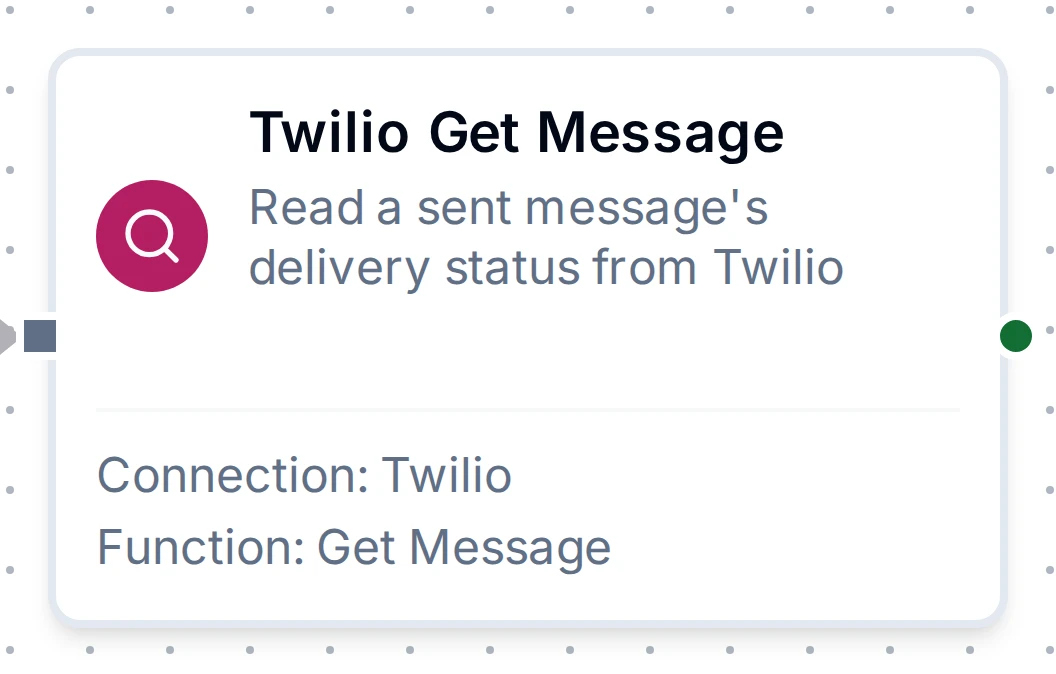
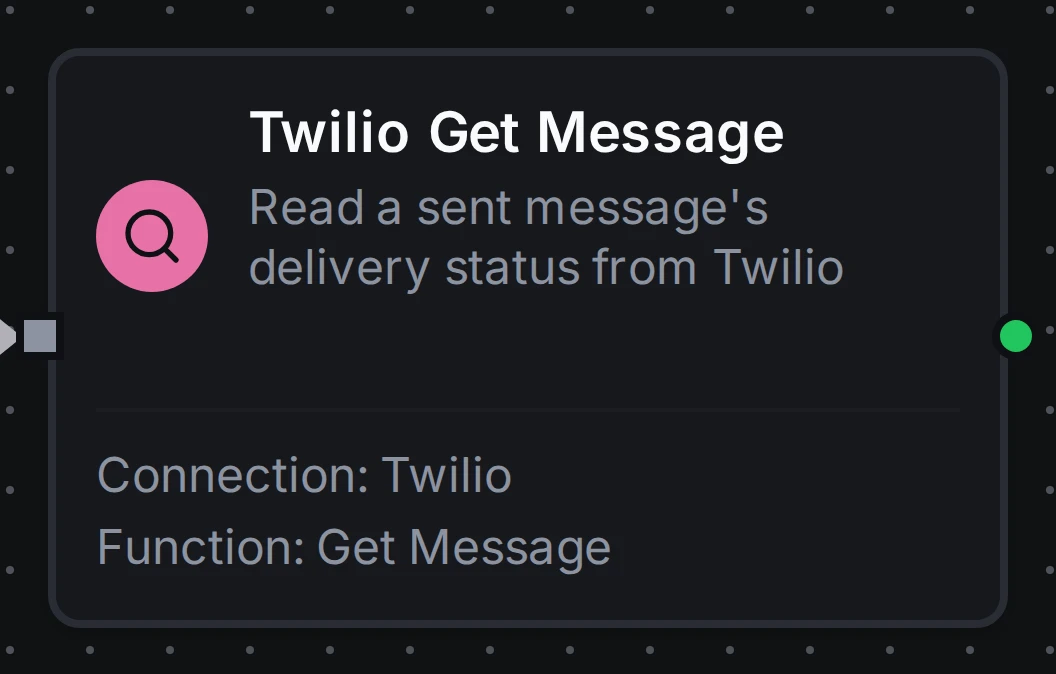
Reads one message by its SID to see what became of it. Use it after Send Message, for example after a Delay, to check that an alert reached the phone.
Output
| Expression | Description |
|---|---|
$node["Name"].result.sid | The message's SID |
$node["Name"].result.status | Twilio's status: queued, accepted, sending, sent, delivered, undelivered or failed |
$node["Name"].result.to | The number the message was sent to |
$node["Name"].result.errorCode | Twilio's error code when the message failed or was undelivered, e.g. 30003 (unreachable handset). Absent otherwise |
$node["Name"].result.errorMessage | Twilio's description of errorCode, when it gave one |
$node["Name"].result.dateSent | When Twilio sent the message to the carrier, UTC RFC 3339. Absent until it is sent |
$node["Name"].result.price | What the message cost, as Twilio gives it (a negative decimal string). Absent until Twilio bills it |
$node["Name"].result.priceUnit | The currency of price, e.g. USD |
The sender list you see while building a function comes from the connection's sender picker. It is not a function you can save, so no node returns it.
For every function field, see the Twilio Integration Guide.