Splunk Nodes
Send machine events, alarms and records into Splunk, and run SPL searches whose rows drive the rest of the pipeline.
- Operations
- Send Events · Run Search
- Send
- HTTP Event Collector, one event or an array in one request
- Search
- Oneshot SPL job, row limit and time window applied by Splunk
Splunk indexes machine data for search, dashboards and alerts. MaestroHub provides two nodes: Send Events puts events into Splunk through its HTTP Event Collector (HEC), and Run Search runs an SPL search on the search head and returns its rows. Both use a Splunk connection; Run Search needs the connection's Management URL.
Configuration Quick Reference
| Field | What you choose | Details |
|---|---|---|
| Parameters | Connection, Function, Function Parameters, Timeout Override | Select the connection profile, function, configure function parameters with expression support, and optionally override timeout. |
| Settings | Description, Timeout (seconds), Retry on Timeout, Retry on Fail, On Error | Node description, maximum execution time, retry behavior on timeout or failure, and error handling strategy. All execution settings default to pipeline-level values. |
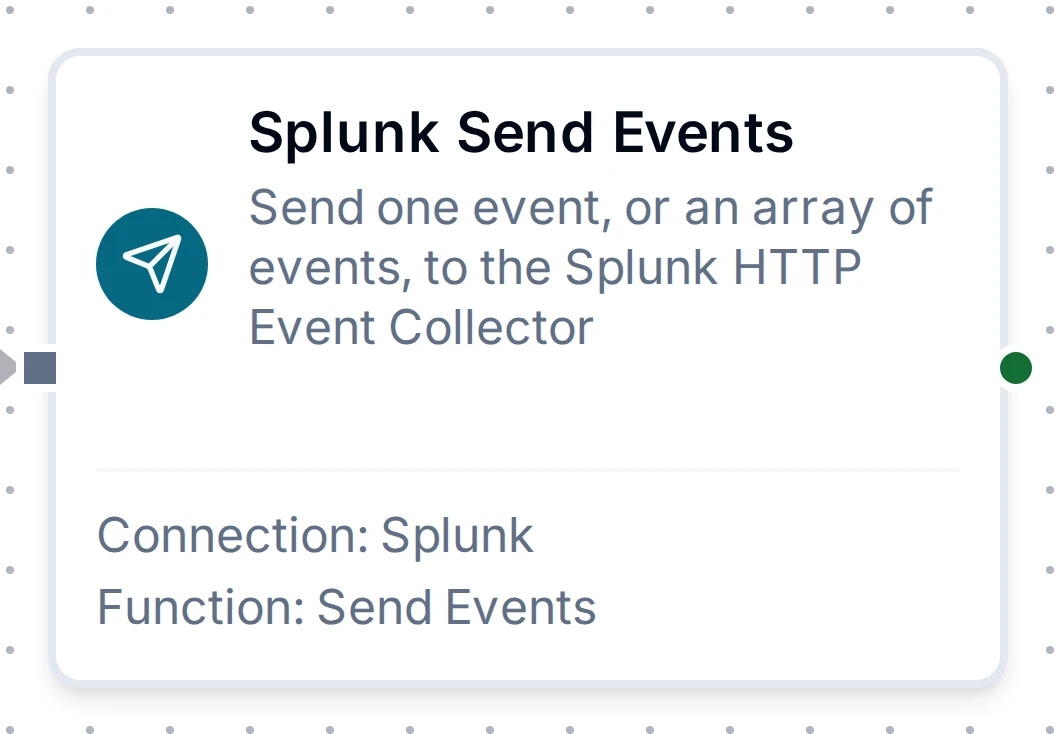
Splunk Send Events Node
Splunk Send Events Node
| Function Name | Purpose | Common Use Cases |
|---|---|---|
| Send Events | Send event to HEC with the index, sourcetype, source, host, time and indexed fields you choose. An array sends one Splunk event per element in a single request | Alarm and state-change forwarding, quality records for SOC or plant dashboards, batches of readings |
An object becomes one event with its fields, plain text is sent as text, and ((reading)) passes a pipeline value through as it is. Leave Event Time empty and Splunk stamps the time it received the event; a send replayed by store-and-forward keeps the time it was produced.
Accepted is not searchable. Splunk answers as soon as the event is queued for indexing, so a search run right after a send may not find it yet. Send Events is eligible for store-and-forward: while Splunk is unreachable, sends are buffered and delivered when it returns. A send whose answer was lost may be delivered twice; Splunk has no duplicate check without indexer acknowledgement, which this version does not use.
When an array is sent and Splunk refuses one event, Splunk stops there: the events before it are indexed, the refused event and the ones after it are not. The node reports each event, and a pipeline write resends only the events that did not land.
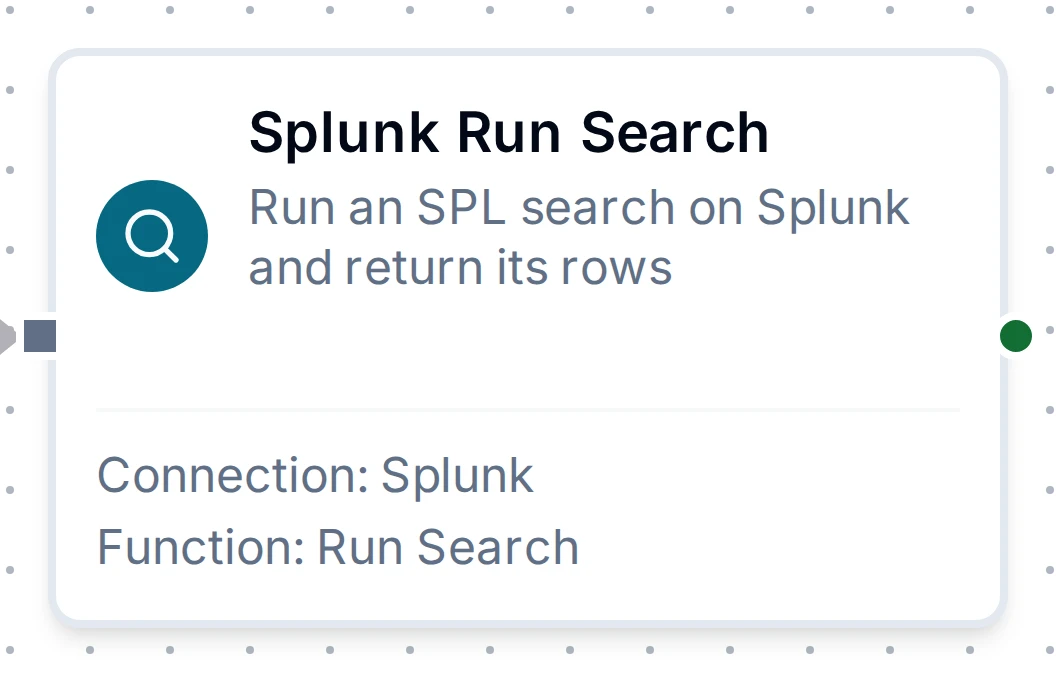
Splunk Run Search Node
Splunk Run Search Node
| Function Name | Purpose | Common Use Cases |
|---|---|---|
| Run Search | Run the SPL query over earliestTime to latestTime and return at most maxResults rows | Alarm counts before a decision, recent security events on an HMI, enriching a record with what Splunk knows |
search is added in front of the query unless it already starts with search or with a | generating command (| tstats, | makeresults), as the Splunk search bar does. The row limit and the time window go to Splunk with the search; nothing is fetched and cut afterwards. The search runs as the connection's Splunk user, so give that user a read-only role.
Output
Every Splunk node delivers its data under result, and execution facts (success, functionId, durationMs, timestamp) under _metadata:
| Node | Expression | Description |
|---|---|---|
| Send Events | $node["Name"].result.accepted | How many events Splunk accepted for indexing. For an array, the events that landed, including any that landed on an earlier attempt of the same write |
$node["Name"].result.successCount, $node["Name"].result.failureCount | Only when an array was sent: how many of its events landed and how many did not, the platform's per-item report for every batch write. successCount equals accepted | |
| Run Search | $node["Name"].result.results | The rows, one object per row keyed by field name, as Splunk returned them. $node["Name"].result.results[0].count reads a field |
$node["Name"].result.count | How many rows were returned | |
$node["Name"].result.truncated | true when Splunk had more rows than Max Results, so the rows are not the whole answer |
Splunk sends every value as text, a multivalue field as a list of text: "3", not 3. Convert before comparing numbers, for example Number($node["Name"].result.results[0].count) > 3.
The call's own facts ride along under _metadata next to the four every connected node carries: _metadata.method (the operation), _metadata.connectionId and _metadata.protocol (splunk) on both nodes; after Send Events, _metadata.index when an index was chosen, _metadata.requests (HEC requests sent for an array) and _metadata.refused (how many events of an array did not land); after Run Search, _metadata.messages when Splunk attached warnings or notes to the search.