Couchbase Nodes
Read and write Couchbase documents by key, with optimistic locking through CAS, and query them with read-only SQL++.
- Operations
- Get · Upsert · Replace · Remove Document · Run Query
- Locking
- CAS, delivered and taken as text
- Query
- Read-only, parameters as values, Max Rows applied by Couchbase
Couchbase keeps JSON documents in collections of a bucket. MaestroHub provides five nodes: four that work on one document by its key, and Run Query for SQL++. All use a Couchbase connection, which names the bucket; each function names its scope and collection.
Configuration Quick Reference
| Field | What you choose | Details |
|---|---|---|
| Parameters | Connection, Function, Function Parameters, Timeout Override | Select the connection profile, function, configure function parameters with expression support, and optionally override timeout. |
| Settings | Description, Timeout (seconds), Retry on Timeout, Retry on Fail, On Error | Node description, maximum execution time, retry behavior on timeout or failure, and error handling strategy. All execution settings default to pipeline-level values. |
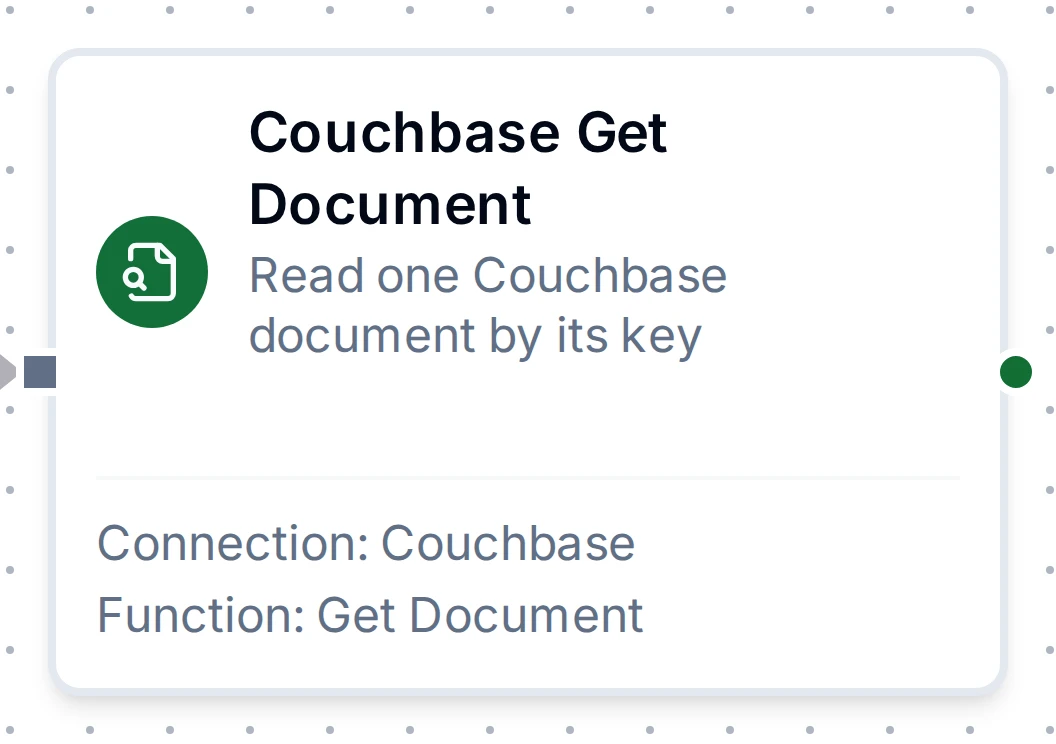
Couchbase Get Document Node
Couchbase Get Document Node
| Function Name | Purpose | Common Use Cases |
|---|---|---|
| Get Document | Read the document at key in scope.collection, with its CAS | The latest state of a machine, a recipe or a work order by its ID; the read before a conditional Replace |
A key with no document is a normal result with found false: branch on it rather than catching an error.
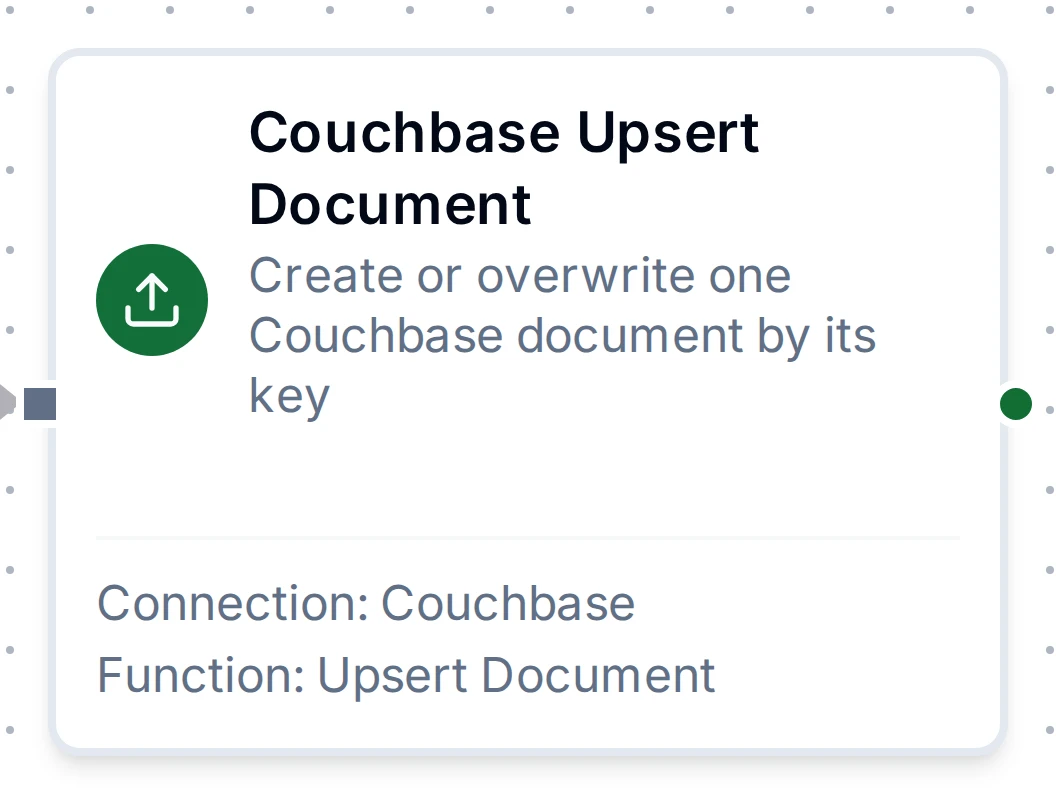
Couchbase Upsert Document Node
Couchbase Upsert Document Node
| Function Name | Purpose | Common Use Cases |
|---|---|---|
| Upsert Document | Write document to key, creating or overwriting it, with an optional expiry and durability level | One document per machine with its latest state, shift logs, configuration snapshots |
Writing the same document to the same key again leaves the same state, so the node is eligible for store-and-forward: writes made while Couchbase is unreachable are applied in order per key when it returns.
Couchbase Replace Document Node
Couchbase Replace Document Node
| Function Name | Purpose | Common Use Cases |
|---|---|---|
| Replace Document | Overwrite the document at key only if it exists, and only at cas when one is given | Read-modify-write without overwriting a concurrent change: work orders, counters kept in a document |
A CAS mismatch or a missing document fails the node and writes nothing. The node is never buffered by store-and-forward, because a CAS read before an outage would be stale by the time a replay ran.
Couchbase Remove Document Node
Couchbase Remove Document Node
| Function Name | Purpose | Common Use Cases |
|---|---|---|
| Remove Document | Remove the document at key, optionally only at cas | Closing a finished work order, clearing a buffer entry once it was forwarded |
Removing a key with no document succeeds with removed false, so a repeated remove changes nothing.
Couchbase Run Query Node
Couchbase Run Query Node
| Function Name | Purpose | Common Use Cases |
|---|---|---|
| Run Query | Run the SQL++ statement in scope with its args, and return at most maxRows rows | Machines in alarm on a line, alarm counts before a decision, documents changed since a time |
Every statement is sent read-only: Couchbase refuses one that writes. Values go as query parameters ($1 or $name), never spliced into the statement. At Max Rows the read stops and Couchbase ends the query; with Scan Consistency requestPlus the query sees every write made before it.
Output
Every Couchbase node delivers its data under result, and execution facts (success, functionId, durationMs, timestamp) under _metadata:
| Node | Expression | Description |
|---|---|---|
| Get Document | $node["Name"].result.key | The key that was read |
$node["Name"].result.found | Whether a document exists at that key | |
$node["Name"].result.document | The document as stored, or null when found is false. $node["Name"].result.document.state reads a field | |
$node["Name"].result.cas | Only when found: the document's CAS as decimal text, for a later Replace or Remove | |
| Upsert Document, Replace Document | $node["Name"].result.key | The key that was written |
$node["Name"].result.cas | The document's new CAS as decimal text | |
| Remove Document | $node["Name"].result.key | The key that was removed |
$node["Name"].result.removed | Whether a document was removed: false when none existed at the key | |
$node["Name"].result.cas | Only when removed: the CAS of the removal as decimal text | |
| Run Query | $node["Name"].result.rows | The rows as the query returned them: an object per row, or a bare value for SELECT RAW. $node["Name"].result.rows[0].machine reads a field |
$node["Name"].result.rowCount | How many rows were delivered | |
$node["Name"].result.truncated | true when the query had more rows than Max Rows and the read stopped there |
A CAS is a 64-bit number, larger than a JSON number holds exactly, so it is always text: pass it on as it is, never through arithmetic.
The call's own facts ride along under _metadata next to the four every connected node carries: _metadata.method (the operation), _metadata.connectionId, _metadata.protocol (couchbase) and _metadata.bucket on every node; _metadata.scope on every node, and _metadata.collection on the four document nodes; after Run Query, _metadata.maxRows, the row limit it ran with.