SAP HANA Nodes
Read from SAP HANA, change data with any statement, and bulk-load pipeline rows into HANA column tables.
- Operations
- Query · Execute · Write
- Limits
- 50,000 rows or 40 MB per query
The SAP HANA nodes run the functions of an SAP HANA connection. Each node runs one function type.
Configuration Quick Reference
| Field | What you choose | Details |
|---|---|---|
| Parameters | Connection, Function, Function Parameters, Timeout Override | Select the connection profile, function, configure function parameters with expression support, and optionally override timeout. |
| Settings | Description, Timeout (seconds), Retry on Timeout, Retry on Fail, On Error | Node description, maximum execution time, retry behavior on timeout or failure, and error handling strategy. All execution settings default to pipeline-level values. |
Node Types
| Node | Purpose | Common Use Cases |
|---|---|---|
| Query | Run a SELECT and return rows | Production orders, master data lookups, KPIs from HANA views |
| Execute | Run DML, DDL, UPSERT or CALL, return rows affected | Keeping a state table current, archiving, calling procedures |
| Write | Load pipeline rows into a table | Machine events, quality results, sensor history |
SAP HANA Query Node
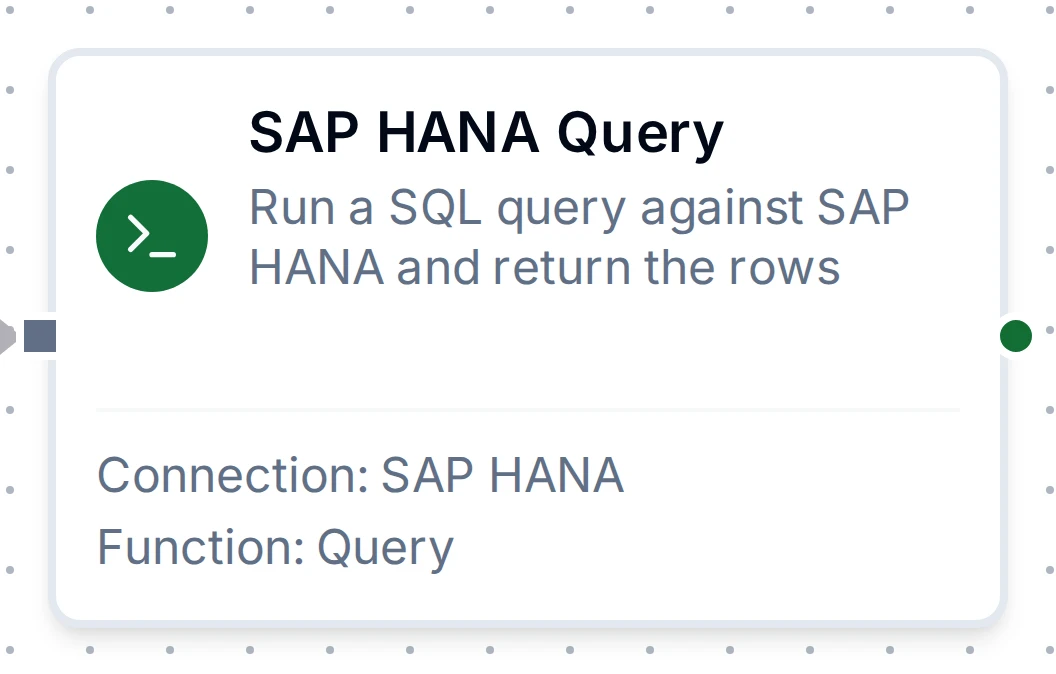
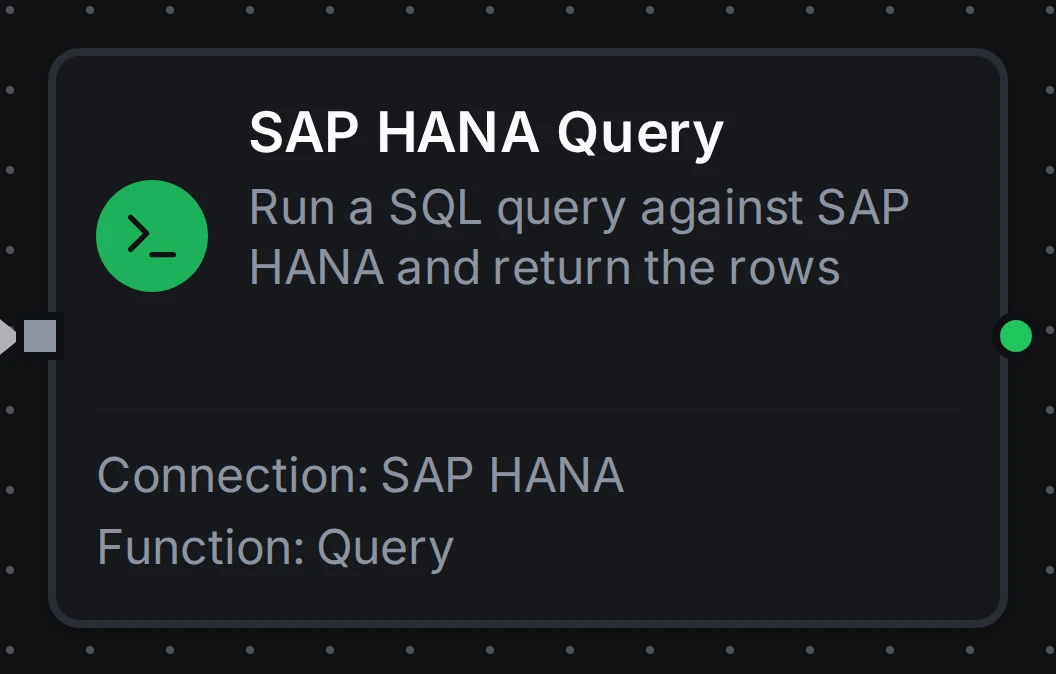
SAP HANA Query Node
Run a SELECT and return its rows as structured data. Rows stream in up to the result limits; HANA decimals keep every digit, and SAP keys keep their leading zeros.
Supported Function Types:
| Function Name | Purpose | Common Use Cases |
|---|---|---|
| Query | Run parameterized SELECT queries against SAP HANA | Order and material lookups, reporting, KPIs |
SAP HANA Execute Node
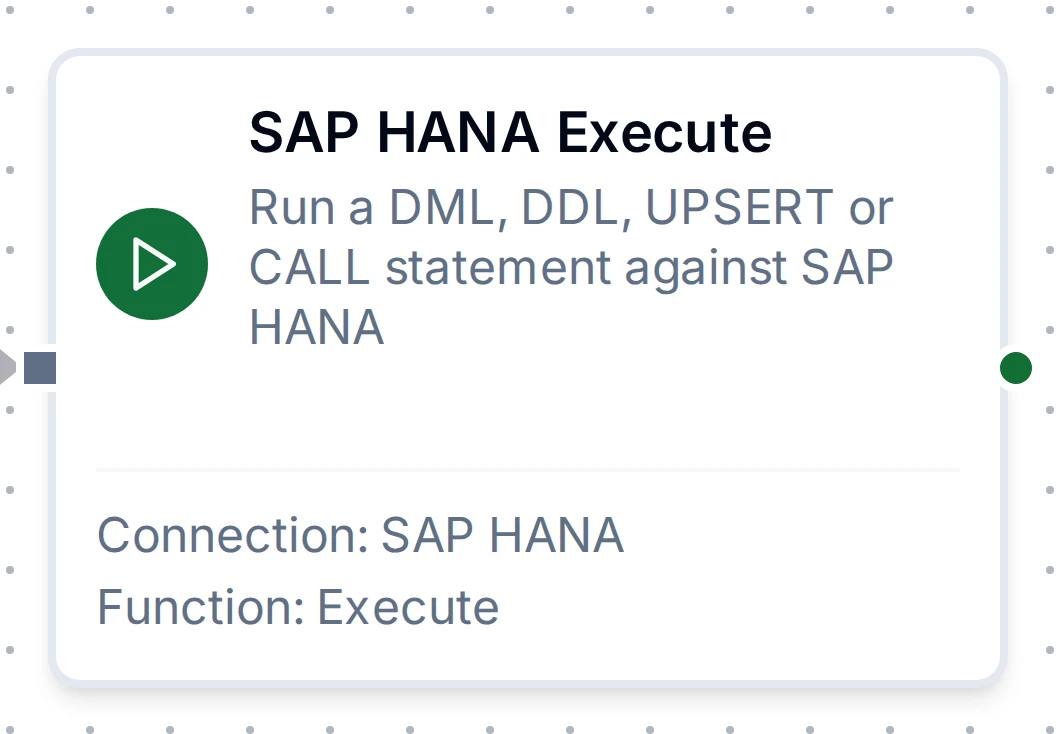
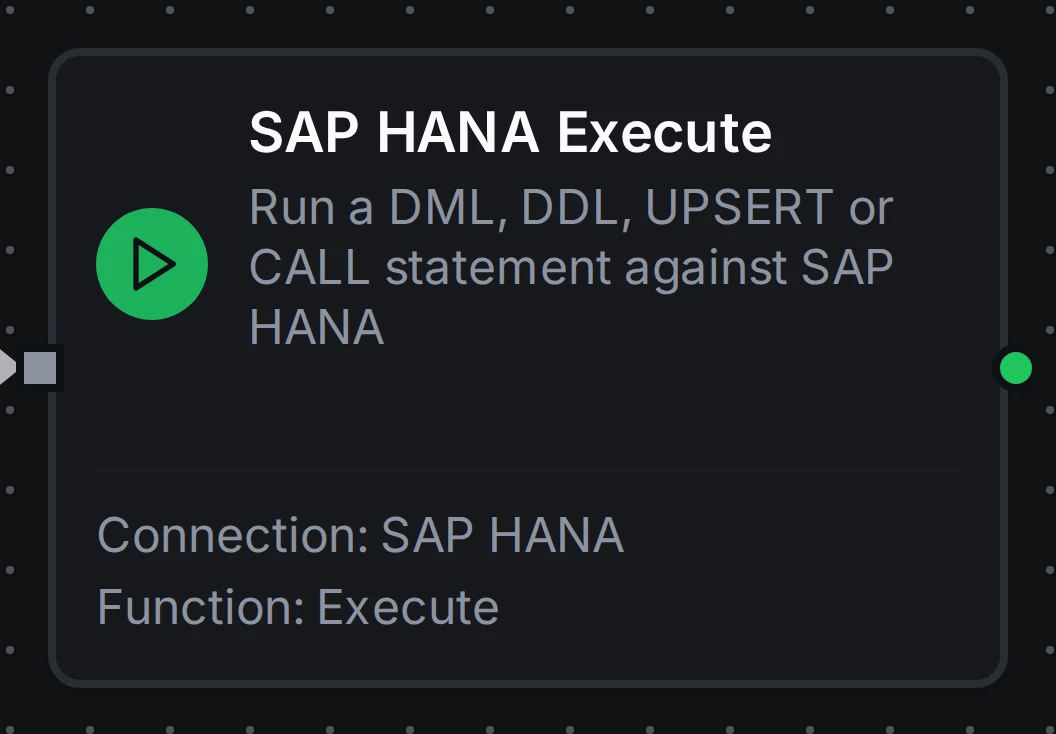
SAP HANA Execute Node
Run a statement that changes data or schema (INSERT, UPDATE, DELETE, UPSERT, MERGE, CREATE, ALTER, DROP or a procedure CALL) and return rowsAffected.
Supported Function Types:
| Function Name | Purpose | Common Use Cases |
|---|---|---|
| Execute | Run any statement or procedure call | UPSERT … WITH PRIMARY KEY for exactly-once rows, cleanup, schema changes |
SAP HANA Write Node
SAP HANA Write Node
Load pipeline rows into a HANA table, matching fields to columns, in batches of Batch Size rows: one round trip and one transaction per batch, so a batch HANA refuses leaves none of its rows. With Create Table If Not Exists on, it creates a missing column table first; with Allow Schema Evolution on, it adds a column for a field the table lacks. See the Write Function for its fields.
Supported Function Types:
| Function Name | Purpose | Common Use Cases |
|---|---|---|
| Write | Load structured data into an SAP HANA table | Event and sensor ingestion, auto-created tables |
Output
Every SAP HANA node delivers its data under result, and execution facts (success, functionId, durationMs, timestamp) under _metadata:
| Node | Expression | Description |
|---|---|---|
| Query | $node["Name"].result.rows | The result rows, one object per row keyed by column name as HANA reports it (unquoted names are upper case), up to the result limits: the 50,000-row cap and the 40 MB size budget by default. $node["Name"].result.rows[0].<column> reads a value |
$node["Name"]._metadata.truncated | true when the query hit a result limit and rows holds only what fit | |
$node["Name"]._metadata.truncatedBy | Which limit cut the result: rows or bytes. Present only when truncated is true | |
$node["Name"].result.rowCount | How many rows were delivered, the same as result.rows.length | |
| Execute | $node["Name"].result.rowsAffected | Rows the statement affected, as HANA reports it |
| Write | $node["Name"].result.rowsInserted | Rows inserted across every batch of this execution |
A Query also delivers $node["Name"]._metadata.driver (hdb), $node["Name"]._metadata.query (the SQL that ran), _metadata.truncated and, when a limit tripped, _metadata.truncatedBy. An Execute delivers _metadata.driver and _metadata.query. A Write delivers _metadata.driver, _metadata.table, _metadata.batchSize, _metadata.totalRows and _metadata.matchedColumns, plus _metadata.skippedFields or _metadata.schemaEvolution when they apply; when it created the table it delivers _metadata.tableCreated and _metadata.columns instead of matchedColumns.
truncated before you aggregateA query stopped at the row limit returns a shorter rows array that looks exactly like a complete result. Branch on _metadata.truncated, or narrow the query with WHERE and LIMIT, rather than assuming the read was complete.