Splunk Integration Guide
Send machine events, alarms and quality records into Splunk, and run Splunk searches whose rows drive decisions or land in the UNS.
- Send
- HTTP Event Collector (HEC token)
- Search
- Management API (authentication token or user)
- Operations
- Send Events · Run Search
- Transport
- HTTPS, ports 8088 and 8089 by default
Overview
The Splunk connector talks to two Splunk endpoints over HTTPS:
- Send Events posts events to the HTTP Event Collector (HEC), by default on port 8088, with a HEC token. One event, or an array of events in a single request.
- Run Search runs an SPL search as a oneshot job on the management API, by default on port 8089, as a Splunk user, and returns its rows.
One connection covers both. HEC is required; the management API is optional, so a connection that only sends never needs a Splunk user.
Accepted is not searchable. HEC answers "Success" as soon as an event is queued for indexing. The event is searchable moments later, once Splunk has indexed it. The Send Events result says accepted for that reason. Indexer acknowledgement, which waits until Splunk confirms the event is indexed, is not used in this version: turn it off on the token.
Reacting to Splunk. To start a pipeline when Splunk finds something, let a Splunk alert call a MaestroHub Webhook trigger; there is no polling trigger.
Prerequisites
- For sending: network access from MaestroHub to HEC (port 8088 by default; Splunk Cloud:
https://http-inputs-<stack>.splunkcloud.com), and a HEC token. Create one in Splunk under Settings → Data inputs → HTTP Event Collector → New Token, with Enable indexer acknowledgement off. Under Global Settings, HEC must be enabled. - Give the token an allowed-index list. With a list, Splunk refuses an event for any other index with "Incorrect index", and the node fails with that message. Without a list, Splunk answers "Success" for an index that does not exist and drops the event: nothing tells you it was lost.
- For searching: network access to the management port (8089 by default), and either a Splunk authentication token (Settings → Tokens; token authentication must be enabled) or a user name and password. Give that user a read-only role: a search runs with the user's rights, and MaestroHub does not inspect the SPL it runs.
Connection Configuration
Navigate to Connections → New Connection → Splunk.
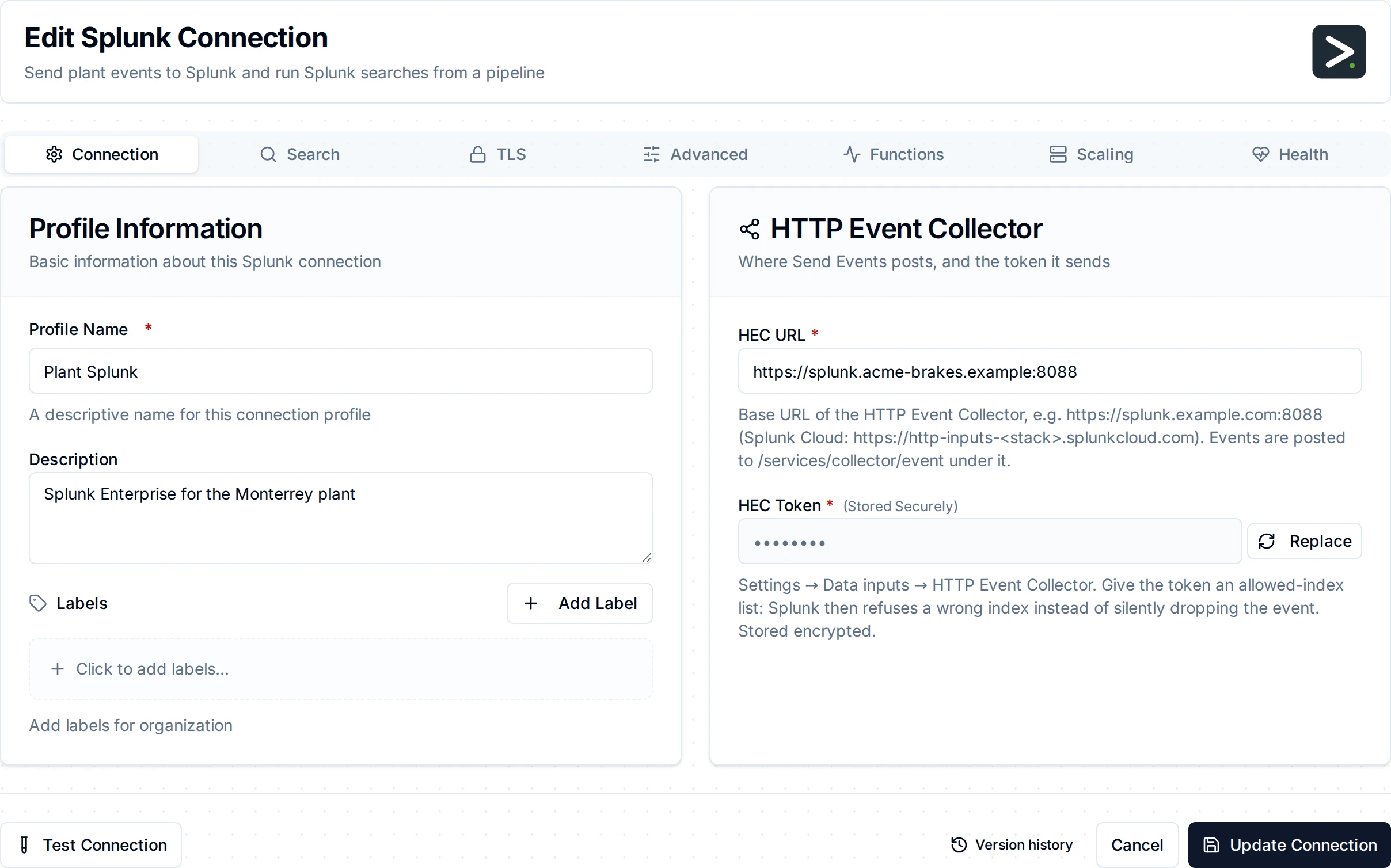
The Connection tab: the HTTP Event Collector URL and token
Connection
| Field | Required | Description |
|---|---|---|
| HEC URL | Yes | The collector's base URL, e.g. https://splunk.example.com:8088. Events go to /services/collector/event under it; a URL pasted with that path is cut back to the base. http:// is accepted for HEC behind a TLS-terminating load balancer. |
| HEC Token | Yes | The HTTP Event Collector token, sent as Authorization: Splunk <token>. Stored encrypted. |
Search
Leave this tab empty for a send-only connection; Run Search then fails with a message saying what to fill in.
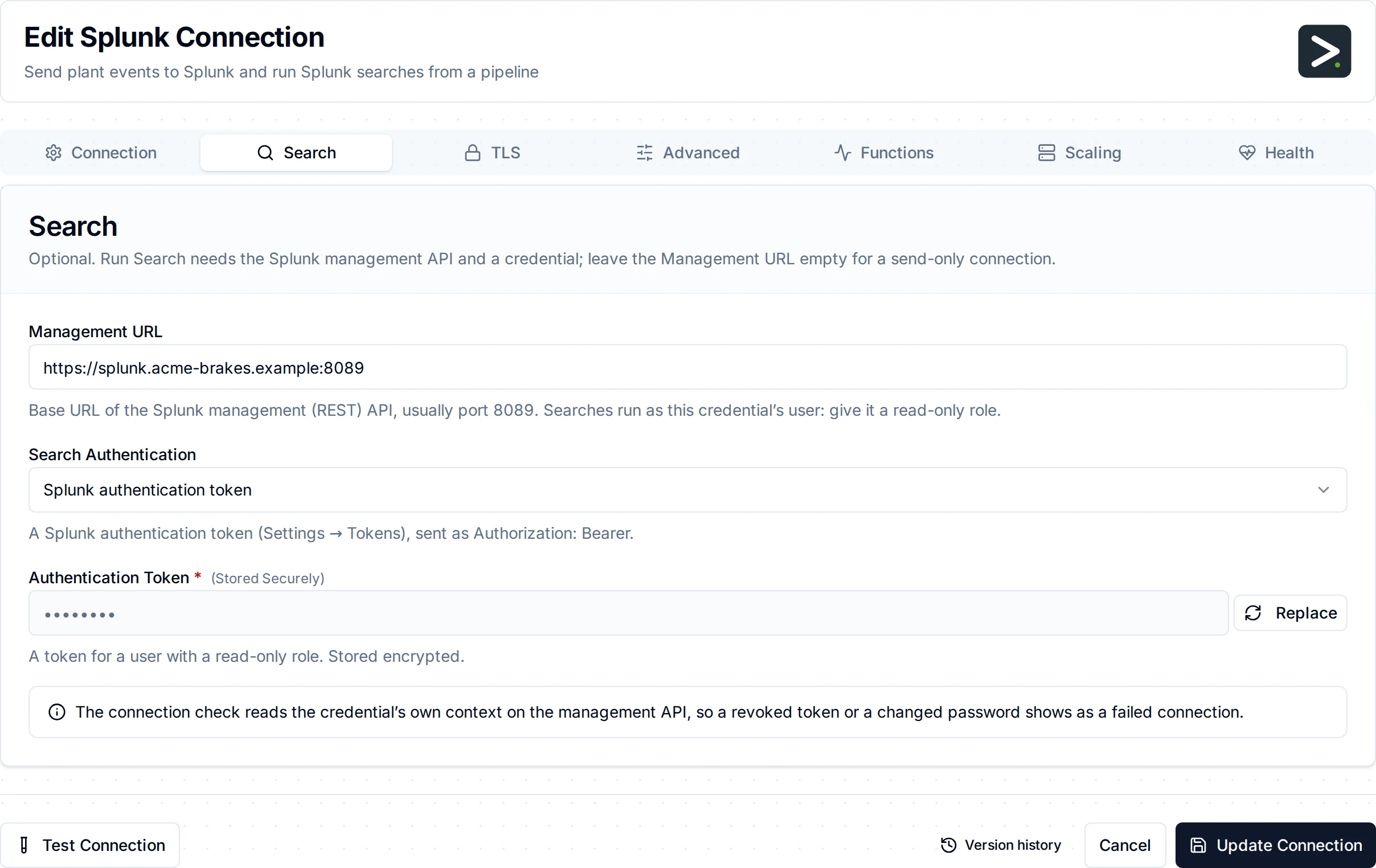
The Search tab: the management API and its credential
| Field | Required | Description |
|---|---|---|
| Management URL | For search | The management API's base URL, e.g. https://splunk.example.com:8089. |
| Search Authentication | With a Management URL | bearer sends an authentication token as Authorization: Bearer; basic a user name and password. |
| Authentication Token | bearer | A Splunk authentication token. Stored encrypted. |
| Username, Password | basic | A Splunk user. The password is stored encrypted. |
TLS
| Field | Description |
|---|---|
| CA Certificate (PEM) | The CA that signed Splunk's certificate, when it is not publicly trusted. |
| Server Name | The name to check Splunk's certificate against, when it differs from the host in the URLs (connecting by IP address, for example). |
| Verify CA Only | Verify Splunk's certificate against the CA Certificate, without checking the host name in it. For Splunk's default certificate. Needs the CA Certificate, and is off while Skip Certificate Verification is on. The Server Name is then not verified. |
| Skip Certificate Verification | Accept any certificate. For testing only. |
Splunk Enterprise ships with a self-signed default certificate (SplunkServerDefaultCert). It names its host only in the legacy Common Name, with no subject alternative name, and MaestroHub verifies names against subject alternative names only, as every current TLS client does: even with Splunk's own CA pasted in, that certificate is refused by name. You have two ways to connect with verification on:
- Verify CA Only. Paste Splunk's CA (
$SPLUNK_HOME/etc/auth/cacert.pemon the Splunk server) under CA Certificate and turn on Verify CA Only. MaestroHub then checks that Splunk's certificate was signed by that CA, on both the HTTP Event Collector and the management API, but not which host it names. A server with a certificate from another CA is still refused. Anyone holding a certificate from the same CA could pose as this Splunk, so use it with a CA that signs only your Splunk servers, as Splunk's own default CA does. - A certificate with a subject alternative name. Install one whose subject alternative name is the host MaestroHub connects to (Splunk recommends replacing the default certificate in production), and paste its CA here. This also verifies the host name.
Turn verification off only against a test Splunk.
Advanced
| Field | Default | Description |
|---|---|---|
| Connect Timeout | 10s | How long the connection check may take against each endpoint. |
How the connection is checked
Test Connection, and the health check while the connection runs, send HEC an empty request with the token. Splunk checks the token and answers "No data" without indexing anything, so a disabled or revoked token shows as a failed connection instead of a quiet one. When a Management URL is set, the check also reads the credential's own context on the management API.
Function Builder
After saving the connection, open its Functions tab → New Function and choose Send Events or Run Search.
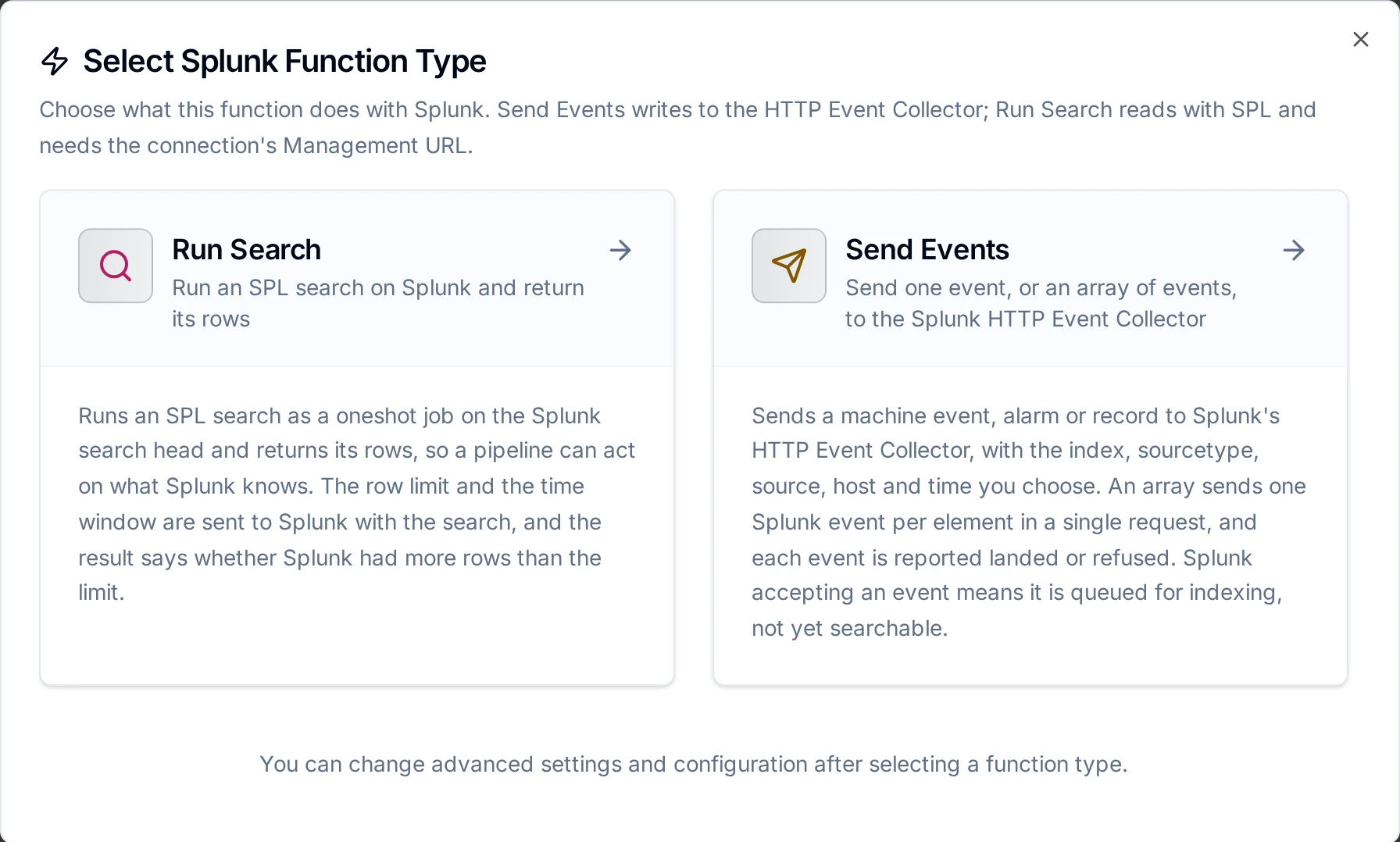
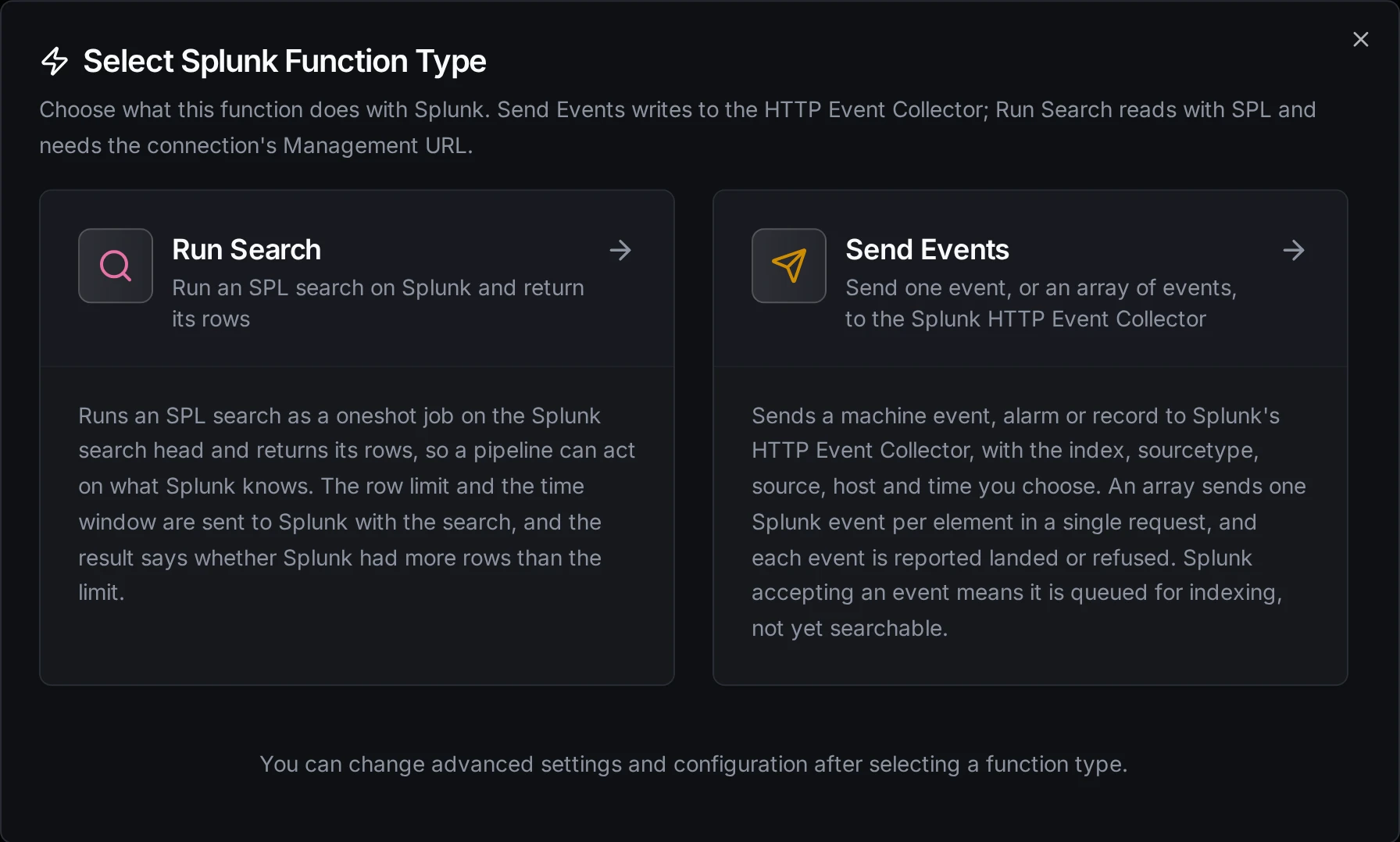
Send Events writes to HEC; Run Search reads with SPL
Send Events
Sends one event, or an array of events, to HEC.
| Parameter | Required | Description |
|---|---|---|
| Event | Yes | What to send. An object becomes one event with its fields; an array sends one event per element in one request; plain text is sent as text. JSON typed here is sent as JSON, and ((reading)) passes a pipeline value through as it is. |
| Index | No | The index to write to. Empty: the token's default index. |
| Sourcetype, Source, Host | No | The event's sourcetype, source and host. Empty: the token's defaults. |
| Event Time | No | When the event happened: an RFC 3339 timestamp (2026-11-02T09:00:00.250Z) or Unix epoch seconds (1793610000.25). A number too large to be seconds is refused rather than read as milliseconds. Empty: Splunk stamps the time it received the event, and a send replayed by store-and-forward keeps the time it was produced. |
| Indexed Fields | No | A JSON object of fields Splunk indexes, added to every event, e.g. {"line": "BC-41"}. Values are text, numbers, true/false or lists of them; Splunk refuses an object, and so does the form. Search them with line::BC-41. |
| Timeout | No | Bound on this call, 30s by default. |
The result is {"accepted": <n>}: how many events Splunk accepted.
A ((parameter)) in any field becomes a function parameter, filled from the pipeline at run time:
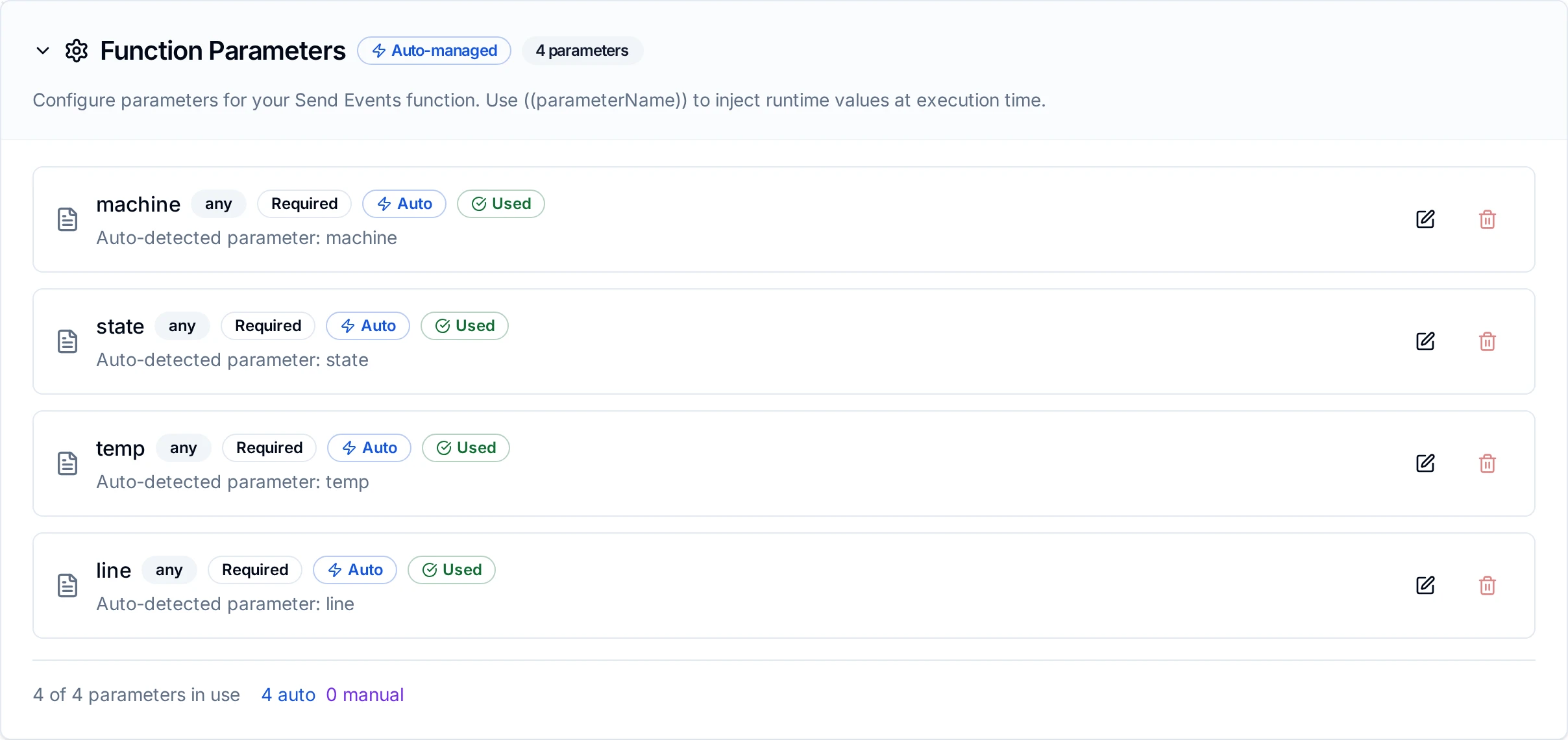
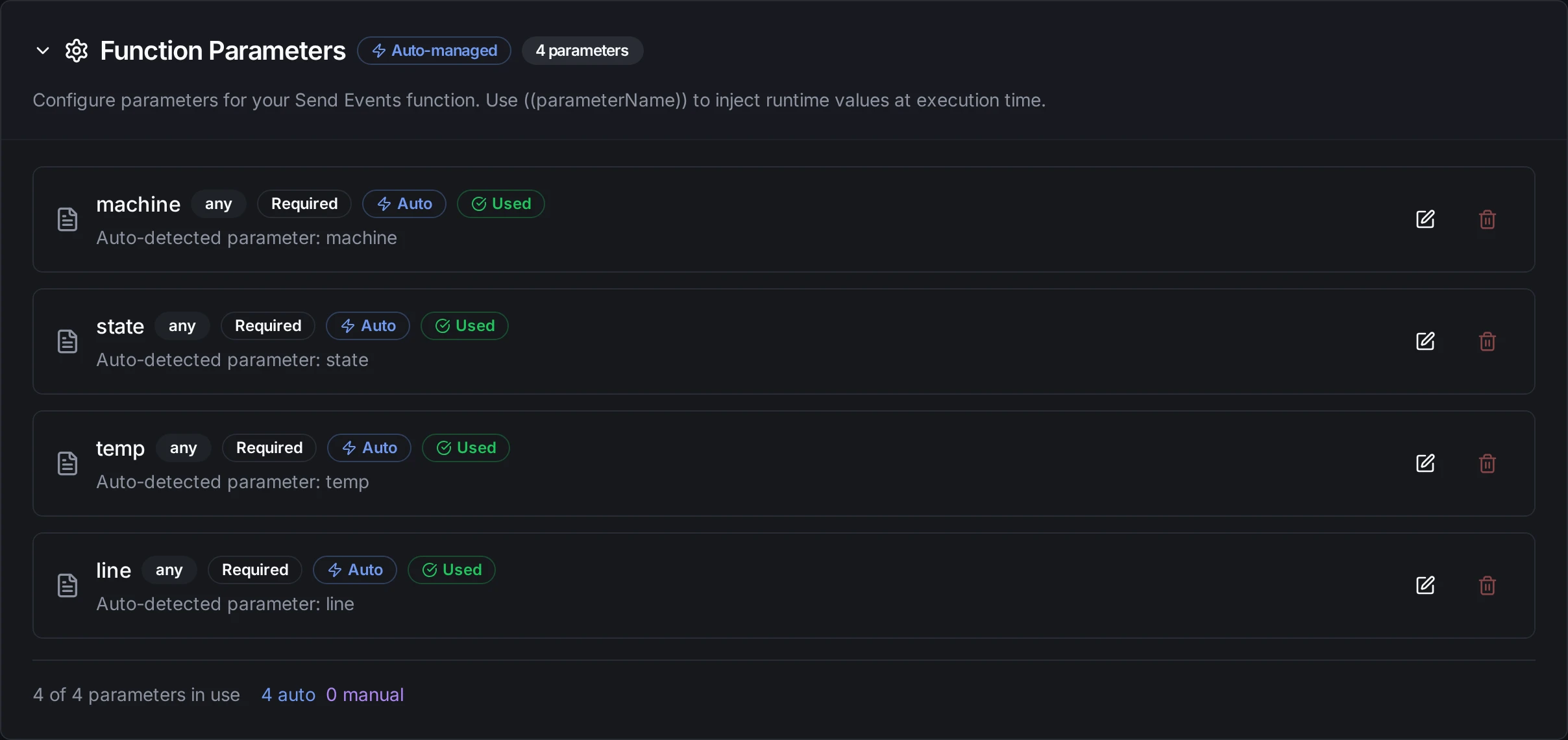
A Send Events function whose event and host carry ((machine)), ((state)), ((temp)) and ((line))
What happens when Splunk refuses. A bad token, a disabled token, an index the token may not use, or an event Splunk cannot read fail the node, and trying again does not help. A busy collector (HTTP 503), a server error or a timeout fail it as retryable: with store-and-forward the send is buffered and delivered when Splunk recovers, and a send whose answer was lost may be delivered twice. When Splunk refuses one event of an array, it stops there: the events before it are indexed, the refused event and the ones after it are not. The node reports each event, and a pipeline write resends only the ones that did not land.
Run Search
Runs an SPL search as a oneshot job and returns its rows.
| Parameter | Required | Description |
|---|---|---|
| Search | Yes | The SPL, e.g. index=plant_ops state=Alarm | stats count by machine. search is added in front unless it starts with search or with a | generating command, as the Splunk search bar does. |
| Earliest Time, Latest Time | Yes | The time window, as Splunk time modifiers (-24h, -15m@m, now) or RFC 3339 timestamps. Defaults -24h and now. |
| Max Results | No | The most rows to return, 1 to 10,000, 100 by default. |
| Timeout | No | Bound on this call, 1m by default. A search still running at the timeout fails the node. |
The window and the row limit are sent to Splunk with the search, so Splunk does the work near the data: MaestroHub never fetches more rows than it returns. The result is {"results": [...], "count": <n>, "truncated": <true|false>}; truncated is true when Splunk had more rows than Max Results. Splunk returns every value as text. SPL errors fail the node with Splunk's own message.
Pipeline Integration
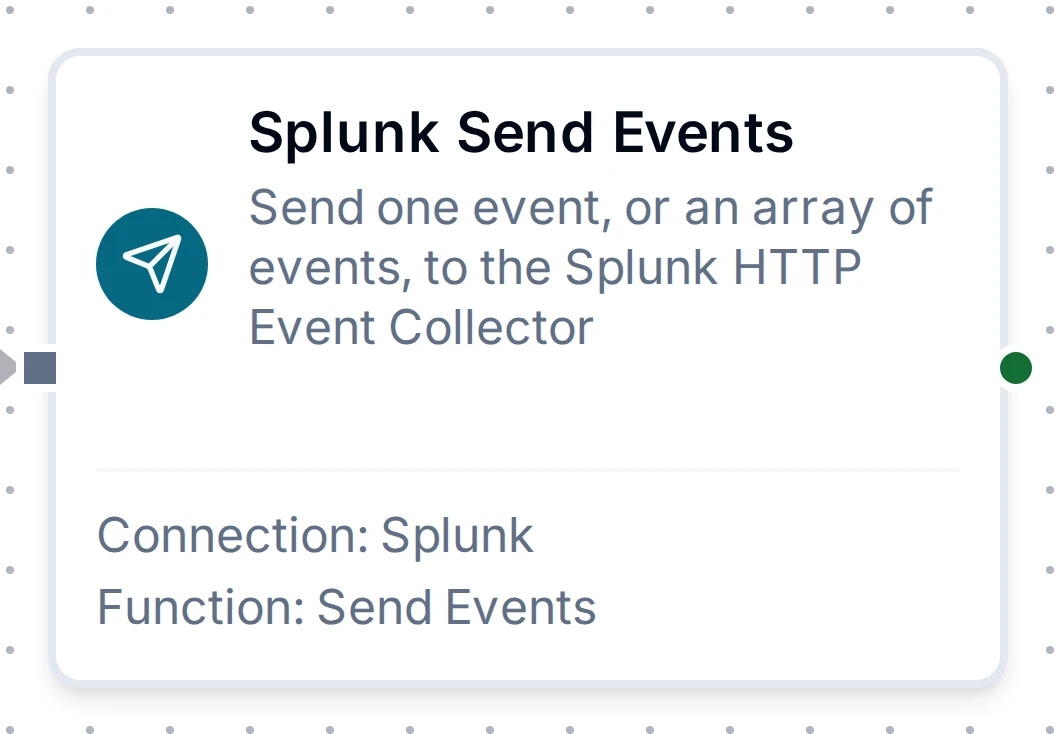
The Splunk Send Events node with its connection and function
Both functions become pipeline nodes, Splunk Send Events and Splunk Run Search, under the database group of the node library. Their outputs are described on the Splunk nodes page.
Common Use Cases
Forward machine alarms to Splunk
A pipeline triggered by an alarm tag change sends {"machine": "((machine))", "alarm": "((code))", "state": "((state))"} to the plant_ops index with sourcetype maestrohub:alarm and the line in Indexed Fields. With store-and-forward on, alarms raised while the link to Splunk is down arrive when it returns, with the time they happened.
Ask Splunk before acting
Before a pipeline opens a maintenance order, Run Search counts the machine's alarms in the last hour (index=plant_ops machine="((machine))" | stats count). A Condition node compares Number($node["Splunk Run Search"].result.results[0].count) with a threshold.
Start a pipeline from a Splunk alert
Splunk's own alerting watches the data; MaestroHub reacts:
- In the pipeline, add a Webhook trigger. Note its URL,
<MaestroHub API URL>/scheduler/webhooks/<path>. - Splunk's built-in Webhook alert action posts the alert as JSON (
search_name,sid,app,owner,results_link, and the first result row underresult) and cannot add headers. Either turn on Public Webhook on the trigger, give it a long random path and restrict IP Whitelist to your Splunk search heads; or use a Splunk alert action that can send a header, and set that header under Auth Headers. - In Splunk, save the search as an alert, and under Trigger Actions → Add Actions → Webhook enter the trigger's URL. Splunk Cloud only calls webhook URLs on its allow list: add MaestroHub's there.
- The pipeline receives the alert as
$trigger.result, e.g.$trigger.result.result.machinefor a field of the first row.
Troubleshooting
| Message | Cause | What to do |
|---|---|---|
Invalid token (code 4), Token is required (code 2) | The HEC token is wrong or empty. | Copy the token value from Settings → Data inputs → HTTP Event Collector. |
Token disabled (code 1) | The token is disabled. | Enable it on the HEC token list. |
Incorrect index (code 7) | The token may not write to that index. | Add the index to the token's allowed indexes, or leave Index empty. |
Data channel is missing (code 10) | Indexer acknowledgement is on for the token. | Turn indexer acknowledgement off on the token. |
| Sent events never show up in a search | Searched too early, the wrong index or time window, or a token without an allowed-index list sent them to an index that does not exist. | Search index=* sourcetype=<yours> over a wider window; give the token an allowed-index list. |
Run Search needs the Splunk management API | The connection has no Management URL. | Fill in the Search tab. |
Unauthorized, call not properly authenticated (401) | The search credential is wrong, or token authentication is off. | Check the user or token; enable token authentication under Settings → Tokens. |
Unknown search command | The SPL is wrong. | Run the same search in Splunk Search to see the error in context. |
x509: certificate signed by unknown authority | Splunk's certificate is not trusted. | Paste its CA under CA Certificate. |
certificate relies on legacy Common Name field | Splunk still uses its shipped default certificate, which has no subject alternative name. | Paste Splunk's CA and turn on Verify CA Only, or install a certificate with a subject alternative name for the host; skip verification only against a test Splunk. |
tlsVerifyCaOnly needs tlsCaCert | Verify CA Only is on with no CA Certificate. | Paste the CA that signed Splunk's certificate (etc/auth/cacert.pem for the default one). |
x509: certificate is not authorized to sign other certificates | With Verify CA Only, the CA pasted did not sign Splunk's certificate. | Paste the CA from the Splunk server you connect to. |
the HEC URL answered … with something that is not an HTTP Event Collector answer | The HEC URL points at Splunk Web (8000), the management port, or a proxy page. | Use the collector's URL, port 8088 by default. |