Apache Iceberg Integration Guide
Append pipeline rows to Apache Iceberg tables as atomic snapshots, committed through an Iceberg REST catalog or AWS Glue, so Spark, Trino, Athena, Snowflake and DuckDB read them as soon as the call returns.
- Catalogs
- Iceberg REST (Polaris, Nessie, Lakekeeper, Unity, Gravitino) · AWS Glue
- Storage
- Amazon S3 · S3-compatible stores · Google Cloud Storage
- Operations
- Append to Table
- Triggers
- None
Connect to an Apache Iceberg catalog to land OT and pipeline data in lakehouse tables that every major query engine reads. This guide covers connection setup, the Append to Table function, and pipeline integration.
Overview
Apache Iceberg is an open table format: a table is a set of Parquet data files plus metadata (manifests, a manifest list and a metadata file) that a catalog points at. Every change is a new snapshot, committed atomically by the catalog. This connector:
- Appends rows from a pipeline to an Iceberg table, one snapshot per call: the rows of a call land together or not at all
- Creates the table on the first write, optionally partitioned by the hour, day or month of a timestamp column
- Never adds a replayed write twice: a store-and-forward drain, a Retry on Fail or a dead-letter replay of a write the table already holds is answered
alreadyCommitted - Commits through an Iceberg REST catalog (no sign-in, a bearer token, or OAuth2 client credentials) or AWS Glue
- Writes the files to Amazon S3, an S3-compatible store, or Google Cloud Storage, with the connection's credentials or with storage credentials the catalog vends per table
It appends; it does not read or query tables, update or delete rows, add columns, or expire snapshots and compact files. Query the tables from your engine (Spark, Trino, Athena, Snowflake, BigQuery, DuckDB), and run table maintenance there. A file-system ("Hadoop") catalog is not offered: it commits by renaming a file, which object storage cannot do atomically.
Connection Configuration
Creating an Apache Iceberg Connection
From Connections → New Connection → Apache Iceberg, configure the fields below.
1. Profile Information
| Field | Default | Description |
|---|---|---|
| Profile Name | - | A descriptive name for this connection profile (required, max 100 characters) |
| Description | - | Optional description for this connection |
2. Catalog
| Field | Default | Description |
|---|---|---|
| Catalog | rest | Where the tables are registered: rest, an Iceberg REST catalog, or glue, the AWS Glue Data Catalog |
| Catalog URL | - | REST: the catalog's base URL, without /v1, for example https://polaris.example.com/api/catalog (required for REST) |
| Warehouse | - | REST: the warehouse (catalog name) to use when the catalog hosts several. Leave empty for the catalog's default |
| Catalog Authentication | none | REST: none, token (a bearer token) or oauth2 (client credentials) |
| Bearer Token | - | REST, token: the token. Masked on edit |
| Client ID / Client Secret | - | REST, oauth2: the OAuth2 client. The secret is masked on edit |
| OAuth2 Scope | - | REST, oauth2: the scope requested (Polaris uses PRINCIPAL_ROLE:ALL). Empty for the catalog's default, catalog |
| Token URL | - | REST, oauth2: the token endpoint. Empty for the catalog's own, <Catalog URL>/v1/oauth/tokens |
| CA Certificate (PEM) / TLS Server Name / Skip Certificate Verification | - | REST: TLS to a catalog with a private or self-signed certificate. Skipping verification is insecure; use it only to test |
| AWS Region | - | Glue: the region of the Glue Data Catalog (required). Also the region of the S3 bucket; for S3 it defaults to us-east-1 |
| Glue Catalog ID | - | Glue: the AWS account ID owning the Data Catalog. Empty for the account the credentials belong to |
| Glue Endpoint | - | Glue: a custom endpoint (a VPC endpoint, LocalStack, moto). Setting it requires Storage Endpoint too |
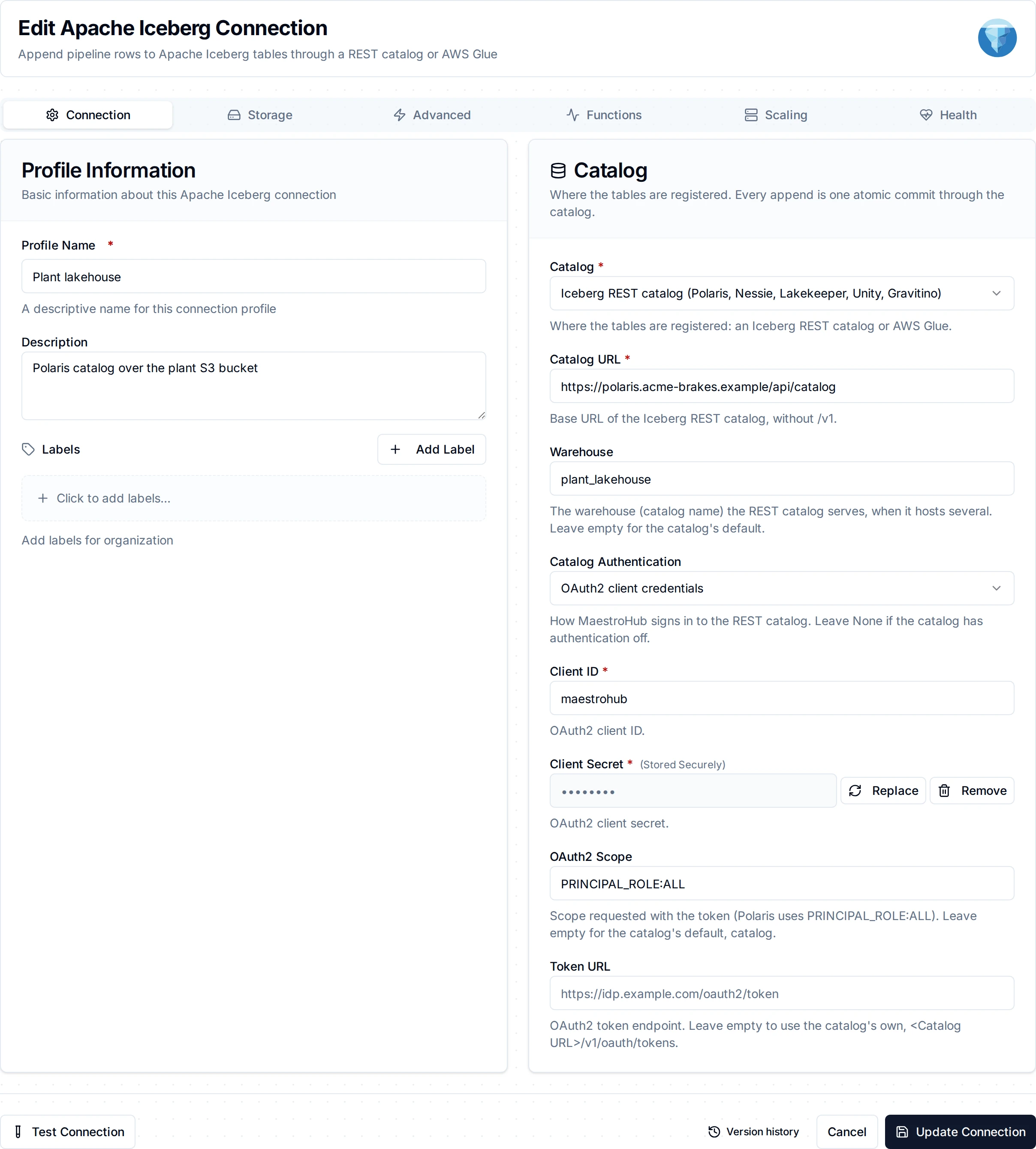
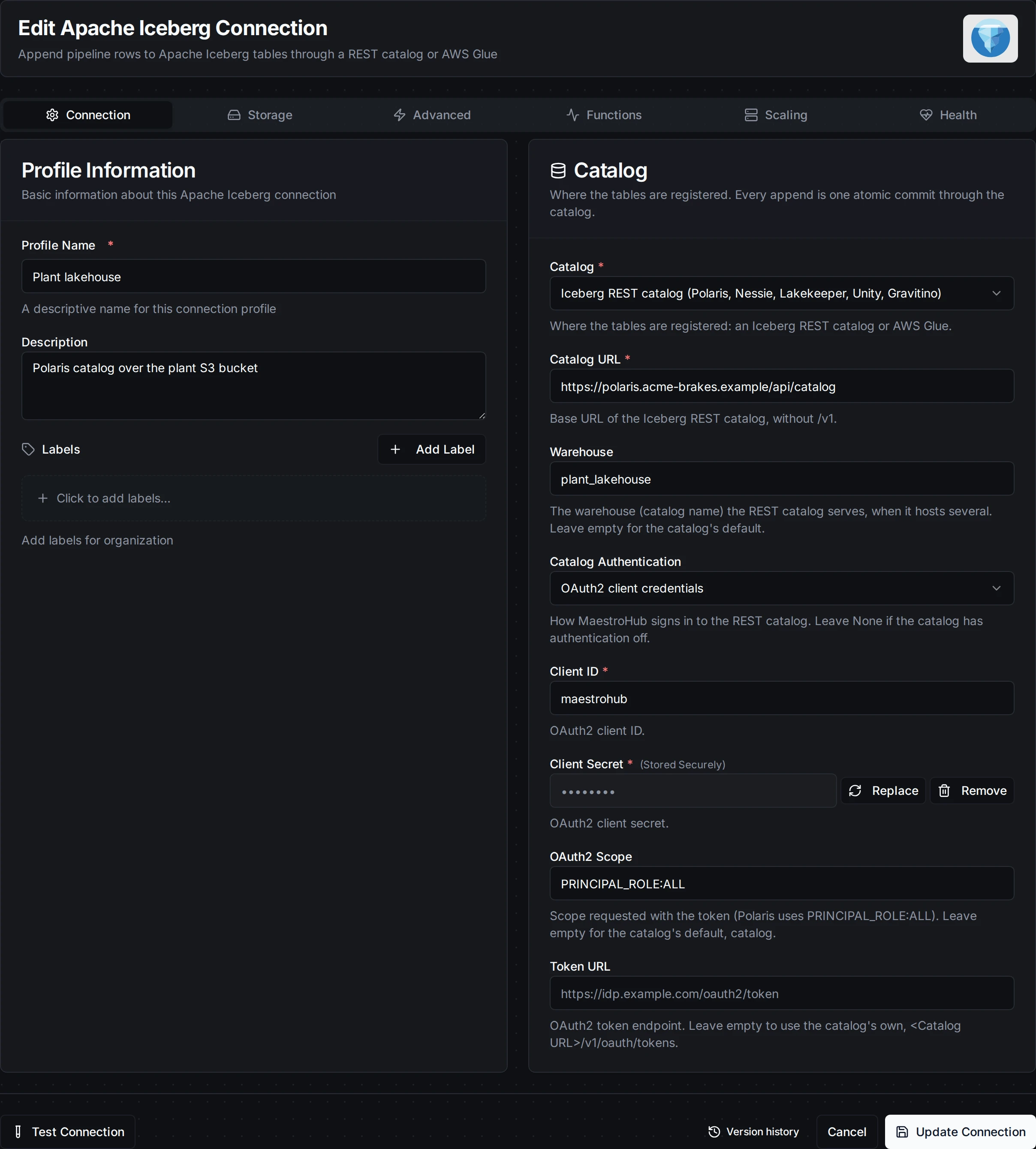
A REST catalog signed in with OAuth2 client credentials
3. Storage
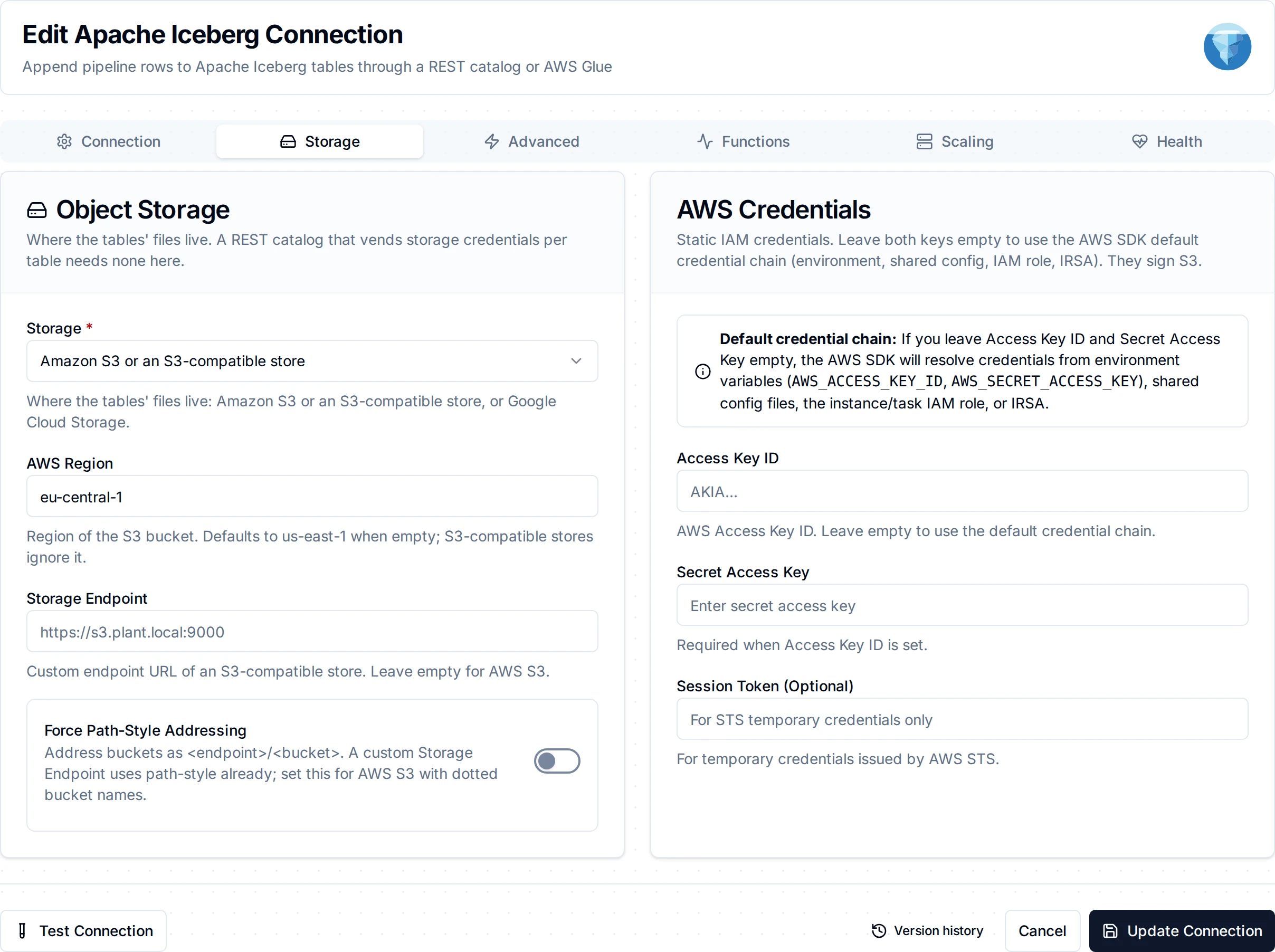
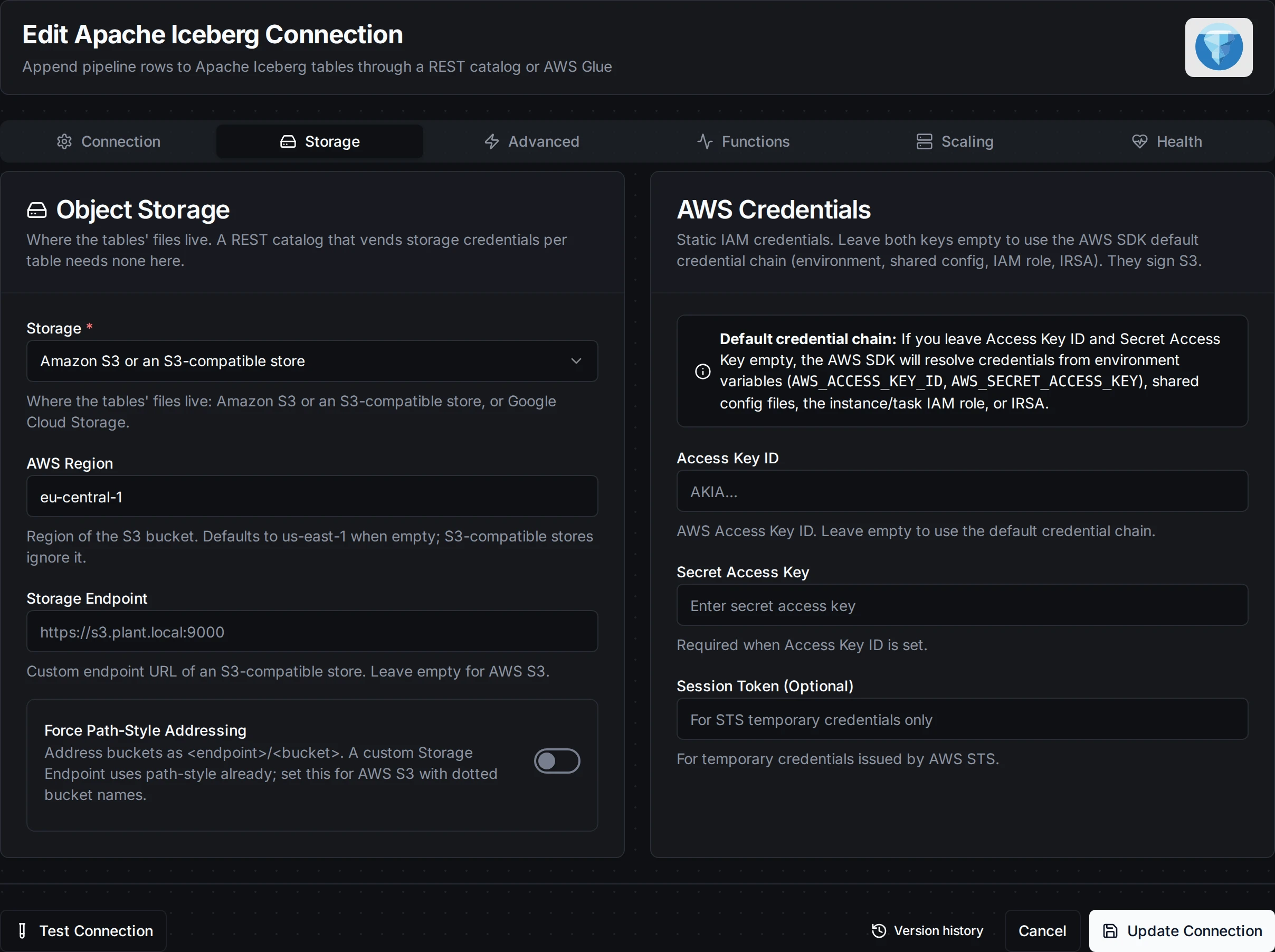
The Storage tab: Amazon S3, an S3-compatible store or Google Cloud Storage
| Field | Default | Description |
|---|---|---|
| Storage | s3 | Where the tables' files live: s3 (Amazon S3 or an S3-compatible store) or gcs (Google Cloud Storage) |
| Access Key ID / Secret Access Key / Session Token | - | S3 (and Glue): AWS keys. Leave empty to use the AWS default credential chain (an IAM role, IRSA), or credentials the catalog vends. All masked on edit |
| Storage Endpoint | - | A custom endpoint for an S3-compatible store (for example https://s3.plant.local:9000) or a GCS emulator. Empty for AWS S3 or Google Cloud Storage |
| Force Path-Style Addressing | false | S3: address buckets as <endpoint>/<bucket>. A custom endpoint uses path style already; set this for AWS S3 with dotted bucket names |
| Service Account JSON Key | - | GCS: a service account key. Leave empty to use Application Default Credentials (GKE Workload Identity, GOOGLE_APPLICATION_CREDENTIALS), or credentials the catalog vends. Masked on edit |
4. Advanced
| Field | Default | Description |
|---|---|---|
| Connect Timeout | 30s | Bound on reaching the catalog when the connection starts (1s-5m) |
Starting the connection reads the REST catalog's configuration and asks it about one namespace, with the configured sign-in; for Glue it lists one database. A refused credential stops the connection at once, with the reason. The check does not touch object storage: there is no bucket to ask about until a table is named, and a catalog that vends credentials hands them out per table. The Test button of the Append to Table function does write, which proves storage access too.
Polaris, Unity Catalog, Lakekeeper and other REST catalogs can hand out short-lived storage credentials for each table they load. The connector always asks for them; when the catalog vends them they are used instead of the connection's own storage settings, so the access keys can stay empty.
Function Builder
Creating Apache Iceberg Functions
After saving the connection:
- Open the connection and go to its Functions tab → New Function
- Choose Append to Table
- Configure the namespace, table and rows
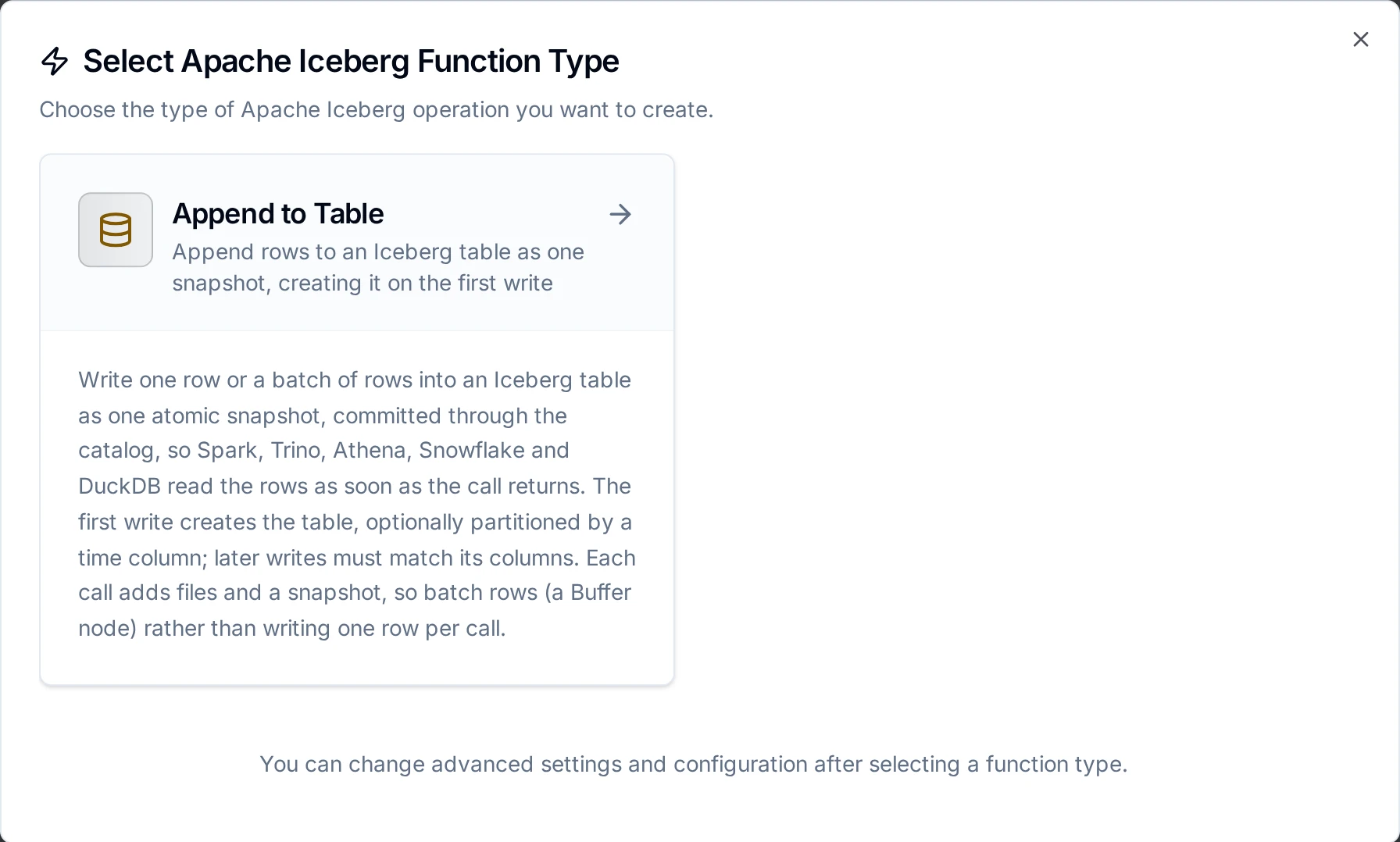
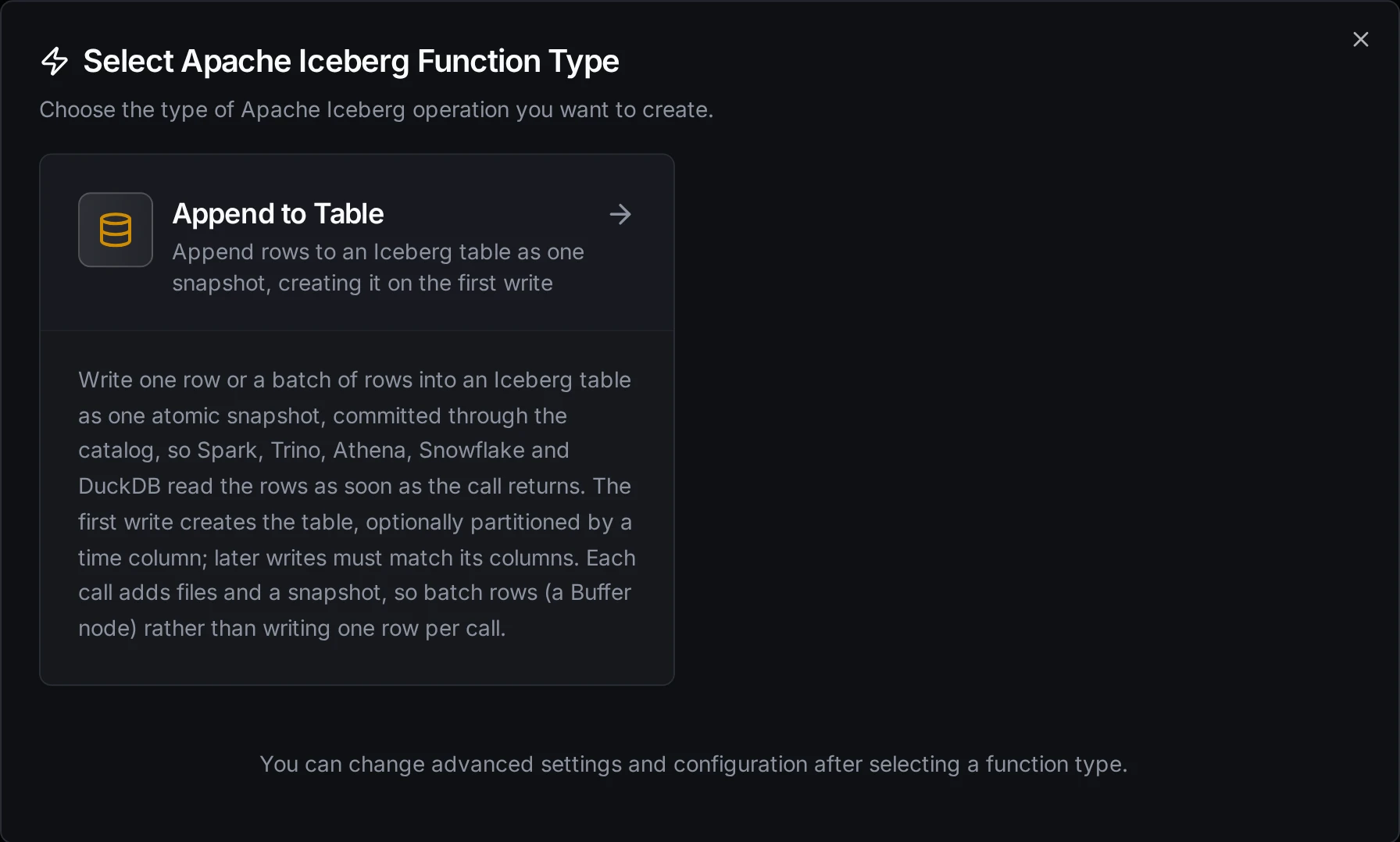
The Append to Table function type
Append to Table Function
Purpose: Append one row or a batch of rows to an Iceberg table as one snapshot, committed through the catalog. The rows are queryable from every engine that reads the catalog as soon as the call returns. The first write creates the table.
Configuration Fields
| Field | Type | Required | Default | Description |
|---|---|---|---|---|
| Namespace | String | Yes | - | The namespace (database) holding the table; a nested namespace is written with dots (plant.ops). It must exist in the catalog. Supports ((param)) templating |
| Table | String | Yes | - | Table name: letters, digits and underscores. Supports ((param)) templating |
| Rows | JSON | Yes | ((data)) | One row (a JSON object) or a batch (an array of objects) |
| Columns | Column list | No | - | Column names and types: string, long, double, boolean, timestamp. See Columns |
| Partition Column | String | No | - | A timestamp column to partition a new table by. Leave empty for an unpartitioned table |
| Partition By | Selection | No | day | hour, day or month: how the partition column splits a new table |
| Timeout | Duration | No | 30m | Bound on this single operation (1s to 1h) |
Example Configuration
{
  "namespace": "plant_ops",
  "table": "sensor_readings",
  "data": "((data))",
  "columns": {
    "columns": [
      { "name": "ts", "type": "timestamp" },
      { "name": "asset", "type": "string" },
      { "name": "tag", "type": "string" },
      { "name": "value", "type": "double" }
    ]
  },
  "partitionColumn": "ts",
  "partitionBy": "day"
}
Response Format
{
  "table": "plant_ops.sensor_readings",
  "committed": true,
  "created": false,
  "snapshotId": "4417203518092265113",
  "sequenceNumber": 43,
  "rowsWritten": 500,
  "dataFiles": 1,
  "bytesWritten": 18432,
  "parseFailures": 0,
  "snapshots": 43
}
snapshotId is text: Iceberg snapshot IDs are larger than a JSON number keeps exactly. Use it to time-travel to the rows of this call (FOR VERSION AS OF in Spark and Trino). snapshots is how many snapshots the table holds after the call. ignoredFields lists row fields that matched no column, alreadyCommitted is true on a replay of a write the table already holds (see Retries and replays), and warning appears once the table holds more than 10,000 snapshots; each appears only when it applies. committed is false, with nothing written, when the call carried no rows.
Columns
The columns come from the first of these that applies, the same rule as OneLake's Append to Table:
- Columns, when set. For a new table these become its columns; for an existing table each must exist in it with the same type.
- The existing table's columns, for the fields the rows carry.
- The first batch, for a new table with no Columns set: numbers become
double,true/falseboolean, ISO-8601 text with a zone (2026-11-02T08:00:00Z)timestamp, and everything elsestring. A field whose values disagree across rows becomesstring.
In the table, timestamp is Iceberg's timestamptz (microseconds, UTC) and long, double, boolean and string are the Iceberg types of the same name. Columns the connector creates are optional (nullable).
Field names match column names ignoring case. A value that does not parse as its column's type is written as null and counted in parseFailures; the first such value in each column of a table, and the first time each field is left out, is also logged as a warning. A number in a timestamp column is read as Unix epoch milliseconds.
These are refused before anything is uploaded, and the error names the reason. They are permanent: retrying writes the same thing and fails the same way.
- A namespace that does not exist in the catalog. Create it first (
CREATE NAMESPACE, or a Glue database). - A row field naming a table column of a type this connector cannot write:
int,float,date,decimal, a timestamp without a zone, or a nested type. Leave the field out of the rows, or change the column. - Declared columns that disagree with the existing table, a required column that the rows do not carry or that some row leaves empty, null or holding a value that does not parse, and a table with two columns whose names differ only by case.
- A column name containing a dot, or two names differing only by case, for a new table.
- On AWS Glue, creating a table in a database that has no location. Set the Glue database's Location URI to an S3 path, or create the table in Athena or Spark first.
Every call writes at least four files (a data file, a manifest, a manifest list and a new metadata file) and adds a snapshot, and the metadata file lists every snapshot, so each commit costs more as history grows. A sensor stream written one row per call makes hundreds of thousands of files a day. Put a Buffer node in front so each call carries hundreds of rows, and expire old snapshots and compact files in your catalog or engine (Spark's expire_snapshots and rewrite_data_files, Trino's ALTER TABLE ... EXECUTE expire_snapshots; S3 Tables and some managed catalogs do this for you). Past 10,000 snapshots the result carries a warning and the connector logs one, once per table.
A pipeline write that is sent again lands once. That covers a store-and-forward drain after the first attempt's answer was lost, a Retry on Fail, and a replay from the dead-letter queue. Each commit records the write's key in its snapshot summary as maestrohub.write-key. Before committing, the connector looks for the key in the table's snapshots; a resend that finds it returns "alreadyCommitted": true with the snapshotId that holds its rows, and writes nothing. The record lasts as long as that snapshot: once your engine expires it, a replay of that write appends its rows again, so keep snapshots for at least as long as the engine may resend a write (31 days with the default dead-letter retention). The Test button has no key, so every test call appends.
When the catalog does not answer a commit (a timeout, or a 500, 502, 503 or 504), the snapshot may exist: the call fails as retryable, and the retry finds the key if the commit had landed. When another writer commits to the table first, the catalog refuses this commit; the connector reloads the table, checks the key again and commits again, up to four times within the call.
Using Parameters
Use ((parameterName)) in the namespace, table and rows to expose parameters for validation and runtime binding.
| Configuration | Description | Example |
|---|---|---|
| Type | Validate incoming values | string, number, boolean, datetime, json |
| Required | Enforce presence | Required / Optional |
| Default Value | Provide fallbacks | 'plant_ops', '[]' |
| Description | Document intent | "Target table", "Rows from the buffer" |
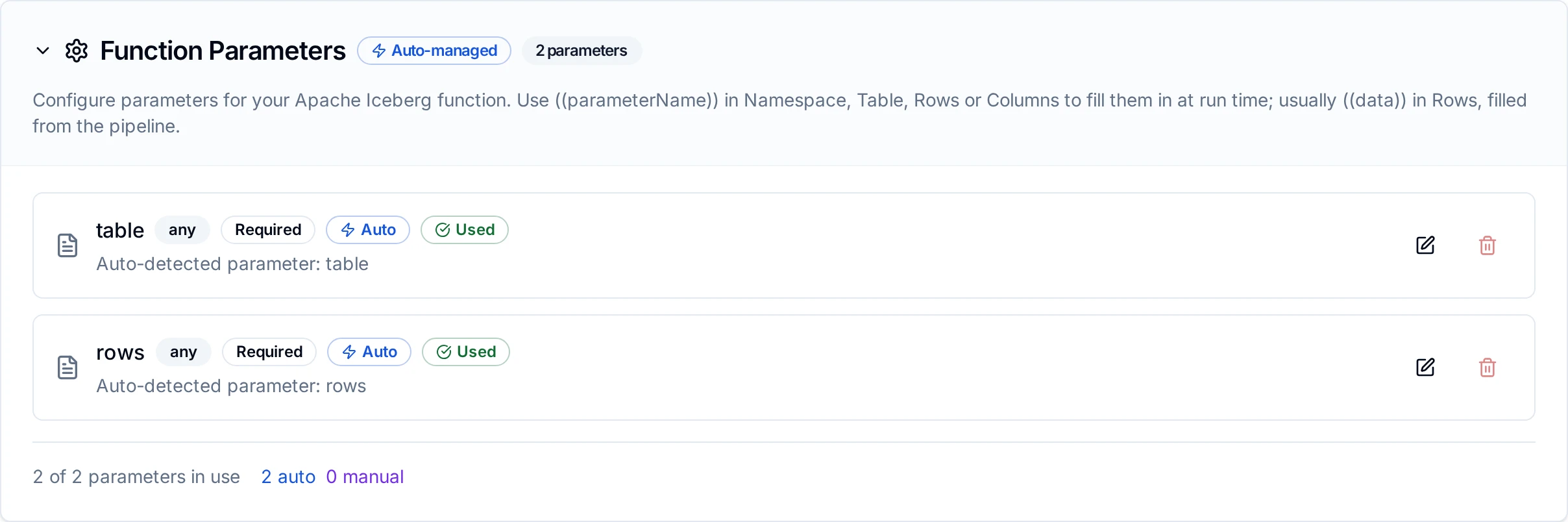
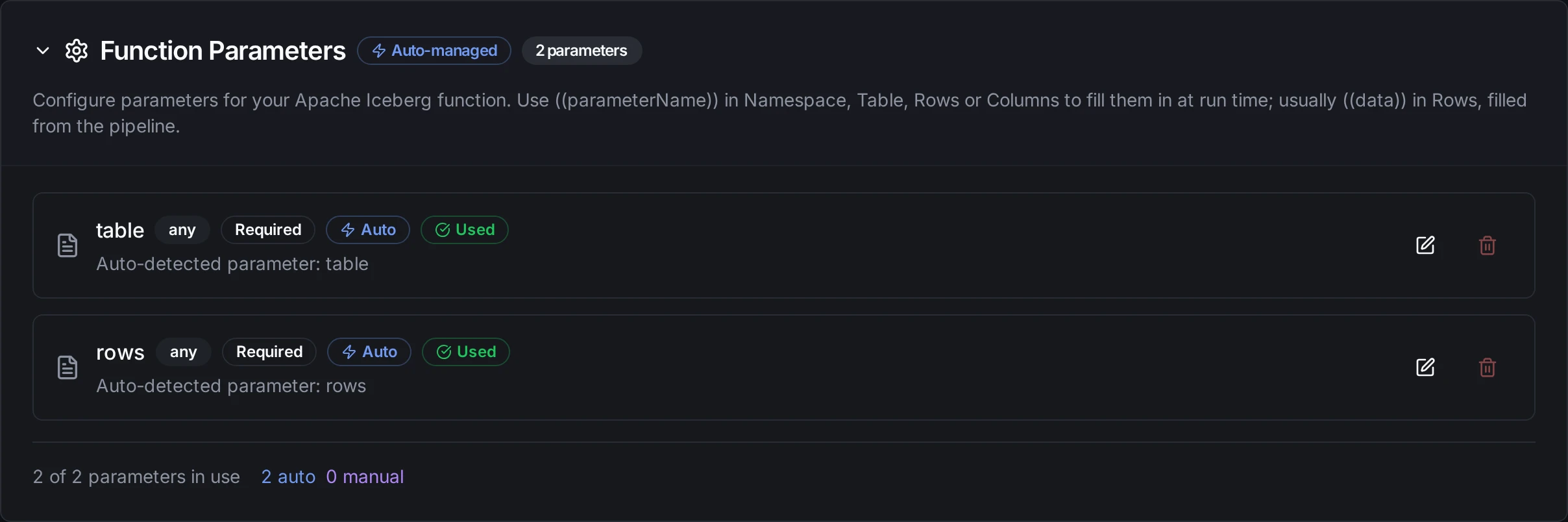
Parameters detected from the namespace, table and rows are configured with type, requiredness and defaults
Pipeline Integration
Use the Append to Table function as the Apache Iceberg Append to Table node in the Pipeline Designer, usually after a Buffer node. Bind Rows to the buffer's output; the node's result carries the snapshot it committed.
For the node's settings and output, see the Apache Iceberg node reference.
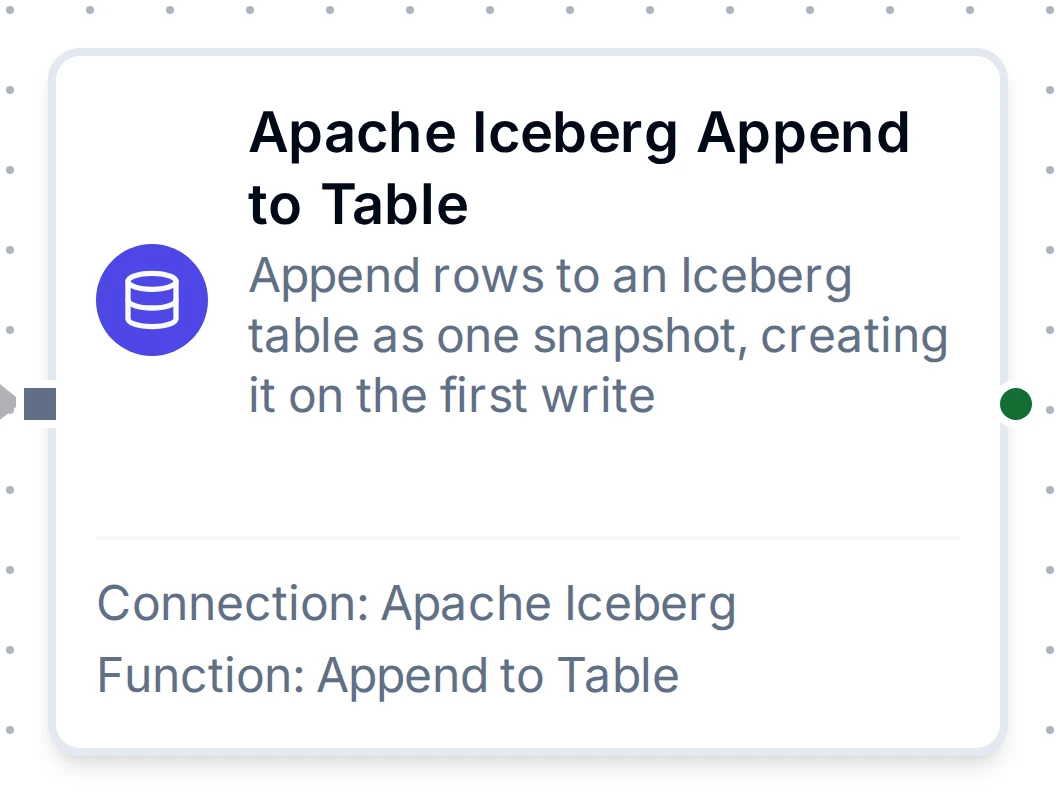
Apache Iceberg Append to Table node
Common Use Cases
Landing OT Data in the Lakehouse
- A trigger or read node produces readings, for example a UNS subscription.
- A Buffer node collects them, say 1,000 per flush or one flush a minute.
- An Apache Iceberg Append to Table node writes each flush to
plant_ops.sensor_readings, created on the first write and partitioned by day onts.
Spark, Trino, Athena, Snowflake and DuckDB query the table through the same catalog as soon as each flush returns.
Hourly Production Counts for Athena
Write hourly aggregates to a Glue table: the Glue Data Catalog registers it, and Athena queries it with no crawler.
Troubleshooting
| Symptom | Cause and fix |
|---|---|
| The connection fails with "the catalog refused the credential" | The token or OAuth2 client is wrong, or lacks rights on the catalog. Check it and its grants on the namespace and table |
| "the OAuth2 token request failed" | The client ID, secret, scope or token URL is wrong, or the token endpoint is unreachable |
| "namespace ... does not exist in the catalog" | Create the namespace (or Glue database) first; the connector does not create namespaces |
| "namespace ... has no location" (Glue) | Set the Glue database's Location URI to an S3 path, or create the table in Athena or Spark first |
| An append fails with an S3 or GCS access error | The connection's storage credentials (or the vended ones) cannot write the table's location. Check the bucket policy, or the catalog's credential vending |
| Queries slow down over time | Too many small files and snapshots. Batch rows with a Buffer node, and expire snapshots and compact files in your engine |