Apache Iceberg Nodes
Append rows to Apache Iceberg tables on S3 or Google Cloud Storage, one atomic snapshot per execution, committed through an Iceberg REST catalog or AWS Glue.
- Needs
- An Apache Iceberg connection
- Operations
- Append to Table
- Limits
- Appends only; batch rows with a Buffer node
Apache Iceberg nodes write pipeline rows into Iceberg tables that Spark, Trino, Athena, Snowflake, BigQuery and DuckDB read through the same catalog. They connect through your configured Apache Iceberg connections.
Configuration Quick Reference
| Field | What you choose | Details |
|---|---|---|
| Parameters | Connection, Function, Function Parameters, Timeout Override | Select the connection profile, function, configure function parameters with expression support, and optionally override timeout. |
| Settings | Description, Timeout (seconds), Retry on Timeout, Retry on Fail, On Error | Node description, maximum execution time, retry behavior on timeout or failure, and error handling strategy. All execution settings default to pipeline-level values. |
Table Operations
Apache Iceberg Append to Table Node
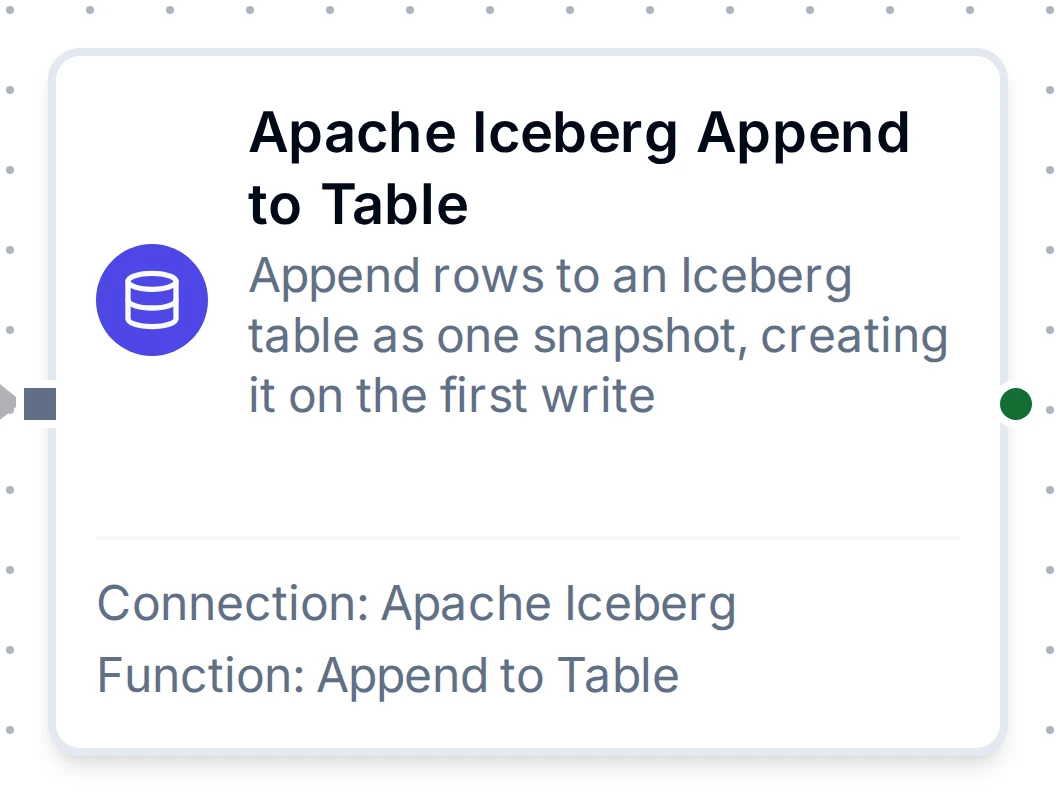
Apache Iceberg Append to Table Node
Write pipeline rows into an Iceberg table as one snapshot, committed through the catalog. The rows of an execution land together or not at all, and are queryable from every engine as soon as the node finishes. The first write creates the table.
Supported Function Types:
| Function Name | Purpose | Common Use Cases |
|---|---|---|
| Append to Table | Append rows to an Iceberg table | Streaming UNS readings into a lakehouse table queried from Trino or Athena |
Node Configuration
| Parameter | Type | Required | Description |
|---|---|---|---|
| Connection | Selection | Yes | Apache Iceberg connection profile to use |
| Function | Selection | Yes | Append to Table function from the selected connection |
| Function Parameters | Dynamic | Varies | Auto-populated from the function schema (namespace, table, data, columns, partitionColumn, partitionBy). See your Apache Iceberg connection functions for full parameter details. |
| Timeout Override | Number (seconds) | No | Override the default function timeout |
data takes one row (an object) or a batch (an array of objects). Bind it to the rows an upstream node produces, for example {{ $node["Buffer"].result }}.
Every execution writes a data file, a manifest, a manifest list and a new metadata file, and adds a snapshot. Put a Buffer node in front so each write carries hundreds of rows, not one, and expire old snapshots in your catalog or engine.
Output Structure
{
  "result": {
    "table": "plant_ops.sensor_readings",
    "committed": true,
    "created": false,
    "snapshotId": "4417203518092265113",
    "sequenceNumber": 43,
    "rowsWritten": 500,
    "dataFiles": 1,
    "bytesWritten": 18432,
    "parseFailures": 0,
    "snapshots": 43
  },
  "_metadata": { "success": true, "functionId": "<function-id>", "durationMs": 820, "timestamp": "2026-11-02T08:00:00Z" }
}
| Field | Type | Description |
|---|---|---|
result.table | string | The table's namespace and name |
result.committed | boolean | Whether rows were committed; false only when the input carried no rows |
result.created | boolean | Whether this execution created the table (when committed) |
result.snapshotId | string | The snapshot this execution committed, as text (Iceberg snapshot IDs are larger than a JSON number keeps exactly); on a replay, the snapshot that already holds its rows (when committed) |
result.sequenceNumber | number | The sequence number of snapshotId (when committed) |
result.rowsWritten | number | Rows written; 0 on a replay |
result.dataFiles | number | Data files this execution added (when committed, and not on a replay) |
result.bytesWritten | number | Size of the data files this execution added (when committed, and not on a replay) |
result.parseFailures | number | Values that did not parse as their column's type and were written as null. The first failure in each column of a table is also logged as a warning |
result.snapshots | number | Snapshots the table holds after this execution (when committed). Each execution adds one; expire old snapshots in your catalog or engine |
result.alreadyCommitted | boolean | Present and true when this execution is a replay of a write the table already holds: nothing was written |
result.ignoredFields | array | Row fields left out because no column matches them; present only when there are some. The first time each field is left out is also logged as a warning |
result.warning | string | Present once the table holds more than 10,000 snapshots, saying to expire them and batch rows |
When store-and-forward, Retry on Fail or a dead-letter replay sends a write again, the table may already hold its rows. The connector recognises that from the write's key, recorded in the snapshot summary as maestrohub.write-key, and answers with alreadyCommitted: true instead of appending a second copy, for as long as that snapshot is kept. An execution whose commit got no answer fails as retryable; its retry finds the key if the commit had landed.
Settings Tab
All Apache Iceberg node types share the same Settings tab:
| Setting | Type | Default | Description |
|---|---|---|---|
| Description | Text | - | Optional description displayed on the node |
| Timeout (seconds) | Number | Pipeline default | Maximum time the node may run before timing out |
| Retry on Timeout | Toggle | Pipeline default | Automatically retry the node if it times out |
| Retry on Fail | Toggle | Pipeline default | Automatically retry the node if it fails |
| On Error | Selection | Pipeline default | Error strategy: Pipeline Default (the pipeline's Error Handling setting), Stop Pipeline or Continue Execution |
When left at their defaults, these settings inherit from the pipeline-level execution configuration.