Who may change meanings
A meaning now converts values and raises alarms on four lines. Who may change it, what can still change once it is published, and where every change is recorded.
- Meanings live in
- Libraries, with versions
- Publish
- Fixes definitions for good
- Refusals
- Disabled, with the reason
- Record
- The workspace audit trail
The problem
A unit changed by mistake converts every value of four lines the wrong way. A limit raised quietly hides a real alarm. Someone must decide who may change meanings, and when something does change, you need to find who, what and when.
What you will get
- Meanings live in libraries with versions. Your workspace's own library is a draft until it is published.
- Publishing fixes a version's definitions for good: keys, value types, units and quantities, value rules, formulas, which properties exist. Names and descriptions, alarm limits and alarm behaviour, and sampling stay editable.
- A person without the permission sees the control disabled, with the reason and whom to ask.
- Every change is recorded in the audit trail.
Before you start
- Edition. Foundation, Enterprise, and the free trial.
- Every member of the workspace can read its libraries and the meanings of the topics they can read.
Who may do what
- Read libraries and meanings: every member of the workspace. A deny rule on a library or a topic still wins.
- Give topics a meaning, change or remove it: a Data Admin or a Workspace Admin, or someone who looks after that part of the topic tree. Someone who may give meanings but not approve them sends them for approval.
- Change a library (add properties, set alarms and sampling): a Data Admin, a Workspace Admin, or the library's owner.
- Publish a version, or import a library file: a Data Admin or a Workspace Admin. People only: an agent or a token never publishes.
- Agents may read meanings but never set them: a person gives a topic its meaning.
The full tables are in Libraries: Who can do what and Giving a topic a meaning: Who can do what.
Steps
1. Look at your library
Open Explore › Libraries and select your workspace's library. It shows its version and status, where it was copied from, and its properties with their unit, alarm, sampling and how many topics use each.
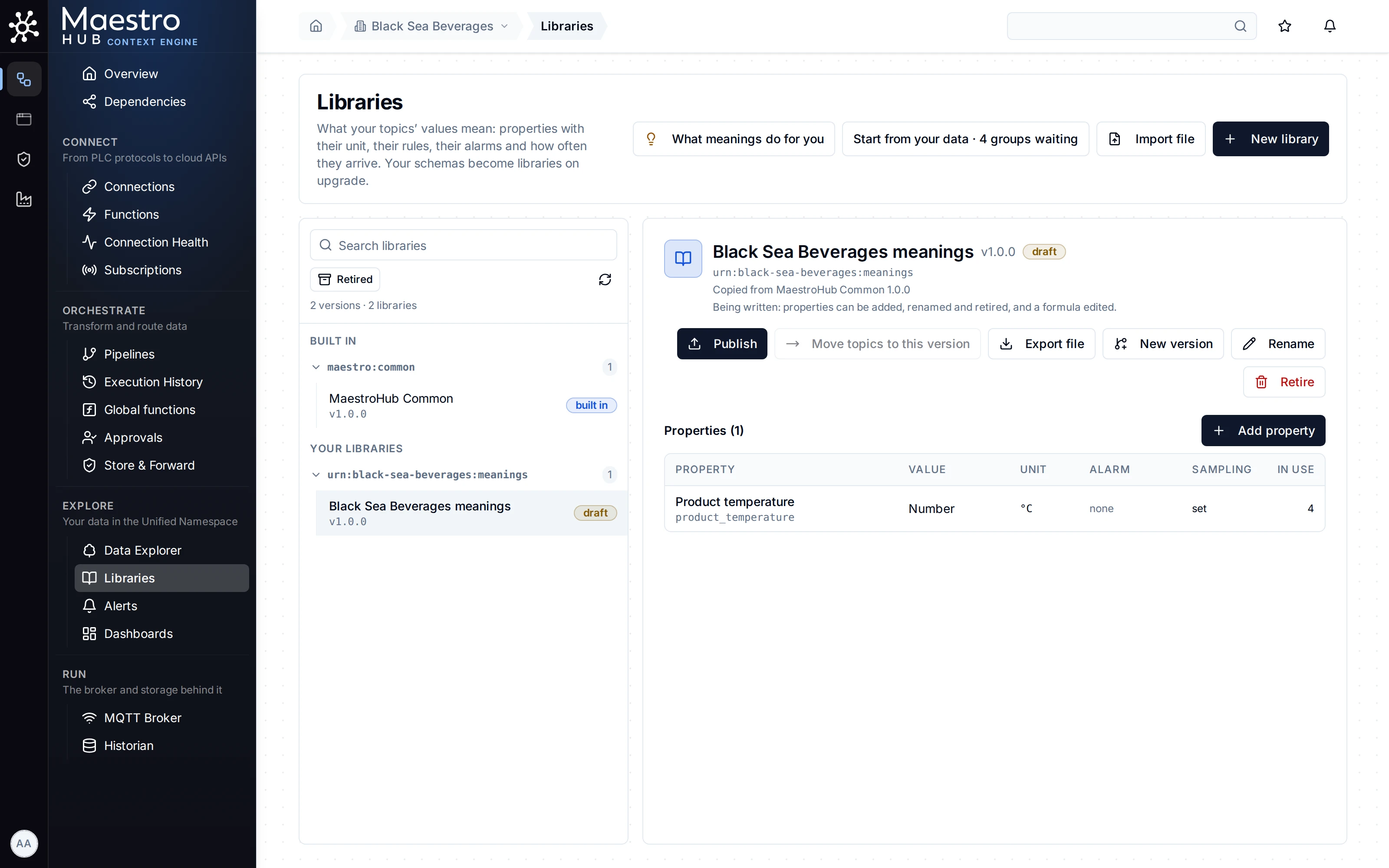
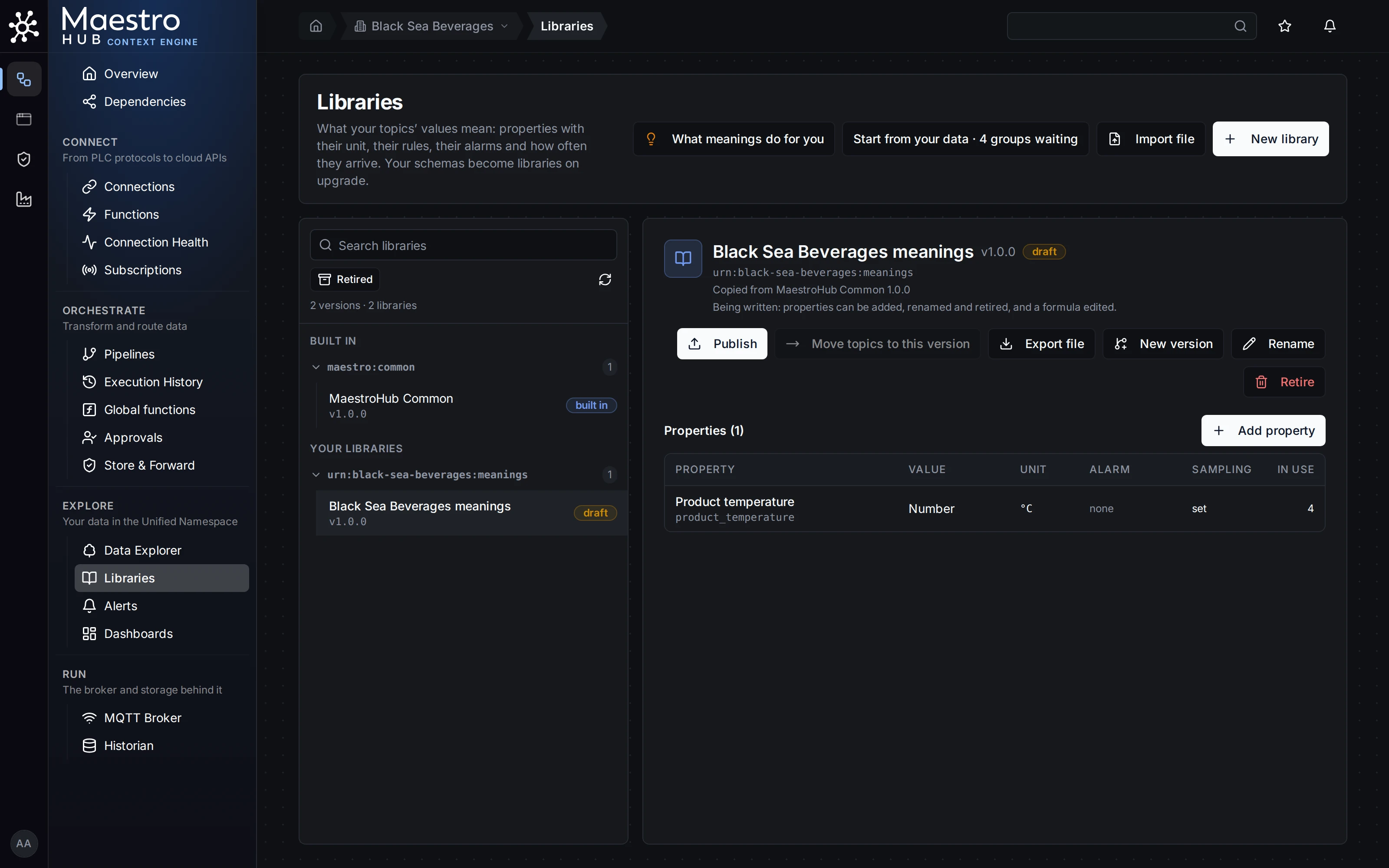
The workspace's own library, a draft, with the meaning given to four topics.
2. Publish a version
Click Publish. Before anything changes, the dialog lists what the version adds and changes against the version before it, and what publishing fixes.
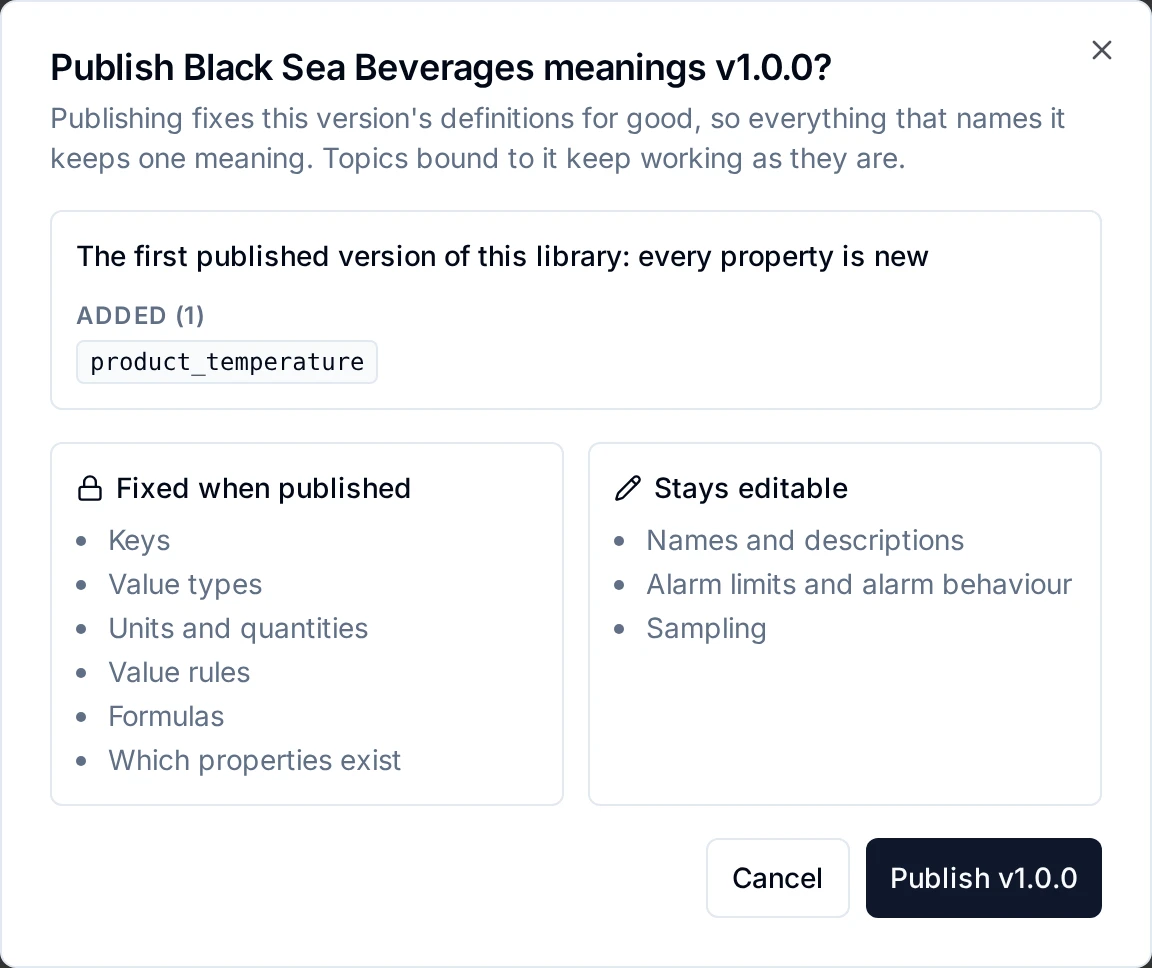
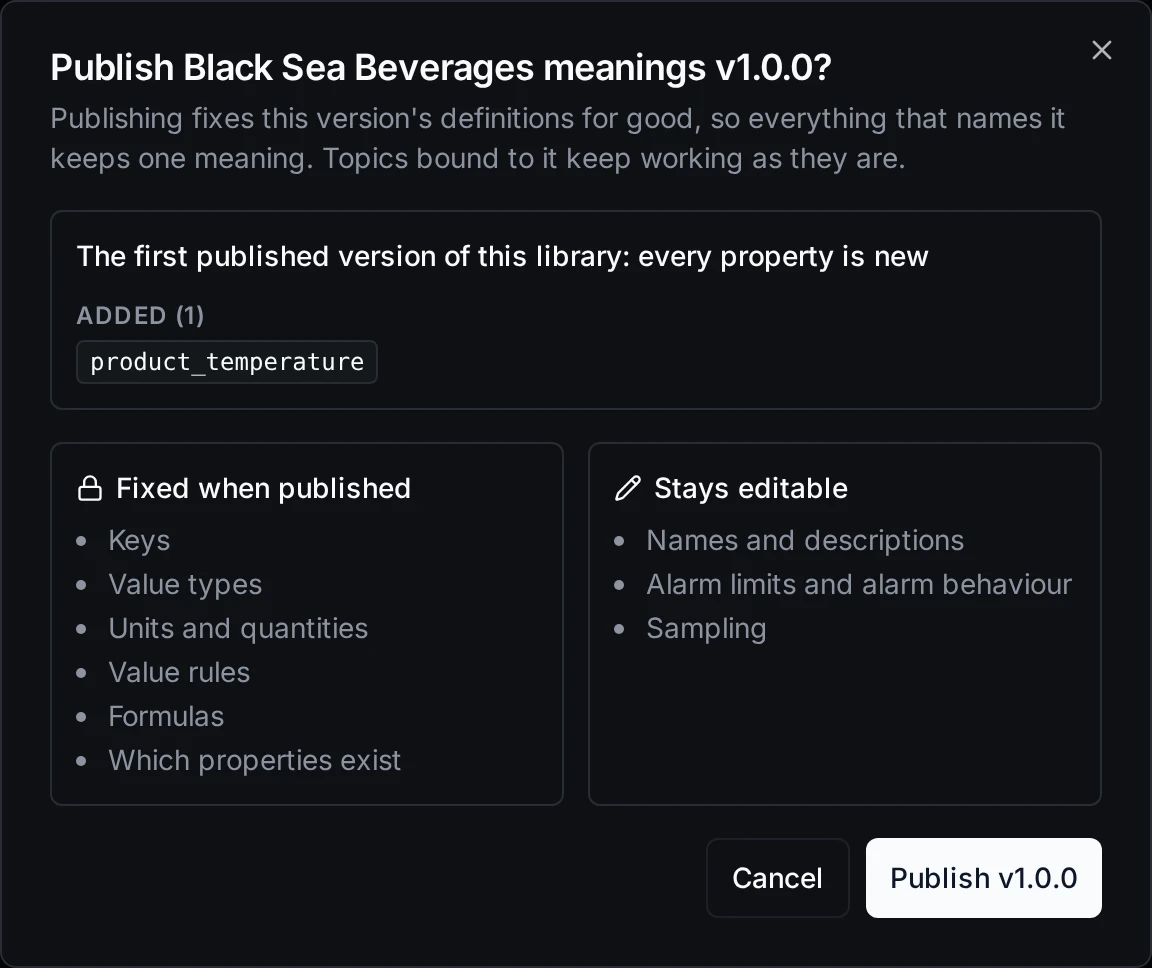
What publishing fixes, and what stays editable afterwards.
Confirm to publish. Topics already given its meanings keep working exactly as they are. To change a fixed definition later, start a New version from it and move topics to it when you are ready (Libraries: Starting a new version).
3. Find a change in the audit trail
Open the workspace's Audit Trail and filter on the person who made the change. Changes to meanings and properties appear as rows of module Semantics, with the result, for example binding.created, binding.applied and binding.retired (one topic's meaning), bindings.bound and bindings.retired (many topics in one change, one row naming every binding), property.created, property.narrowed (Give these their own meaning), library.created, binding.operations_changed (a topic's own limits) and property.operations_changed (a property's alarm or sampling). A change that was refused is a row too, with result failure (or denied when the person may not make it) and the reason.
Check the result
Sign in as a workspace member with no data roles and open a topic with a meaning. Change meaning and Remove are disabled, and say why: "You do not have permission to change this topic. Ask a Data Admin or a Workspace Admin, or the people who look after this part of the topic tree."
Good to know
- No per-library history page. Changes are found in the workspace audit trail.
- The library page does not show its owner. A library created by an agent, an API client or someone who left is listed under Resources that need an owner (Ownership).
- The built-in library is read-only. To change a built-in meaning, copy it into your own library.
- If the licence stops including the semantic layer, meanings already given keep converting values and raising alarms, and nothing in the semantic layer can be changed until a licence with it is applied again.